Open the AI face swap app
Go to Framia Pro's home page and open "Apps" from the left side panel. Look for "AI Face Swap Video" under the "Video" tab and open it.

Use AI to switch faces in images and clips with smooth blending. Create clear results for portraits, group photos, and short videos.
Drag & drop files here
Go through these three quick steps to swap faces in your videos:
Start creating realistic face swaps using simple inputs and get smooth results that stay consistent from start to end.
Upload a single photo, and Framia's AI face swap video engine maps your facial geometry onto a moving clip. The AI detects facial structure, aligns proportions, and merges your face into the target video in no time.
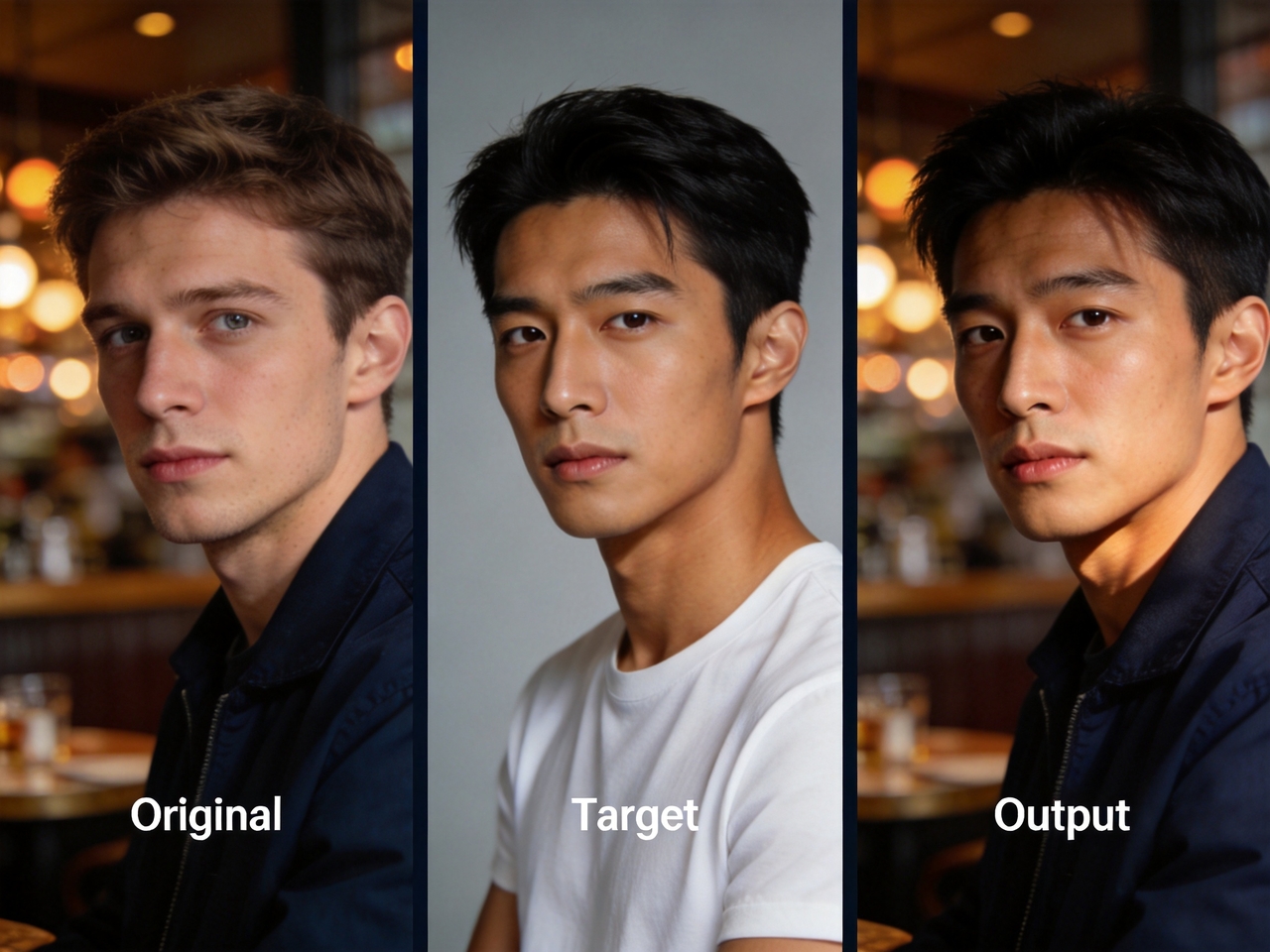
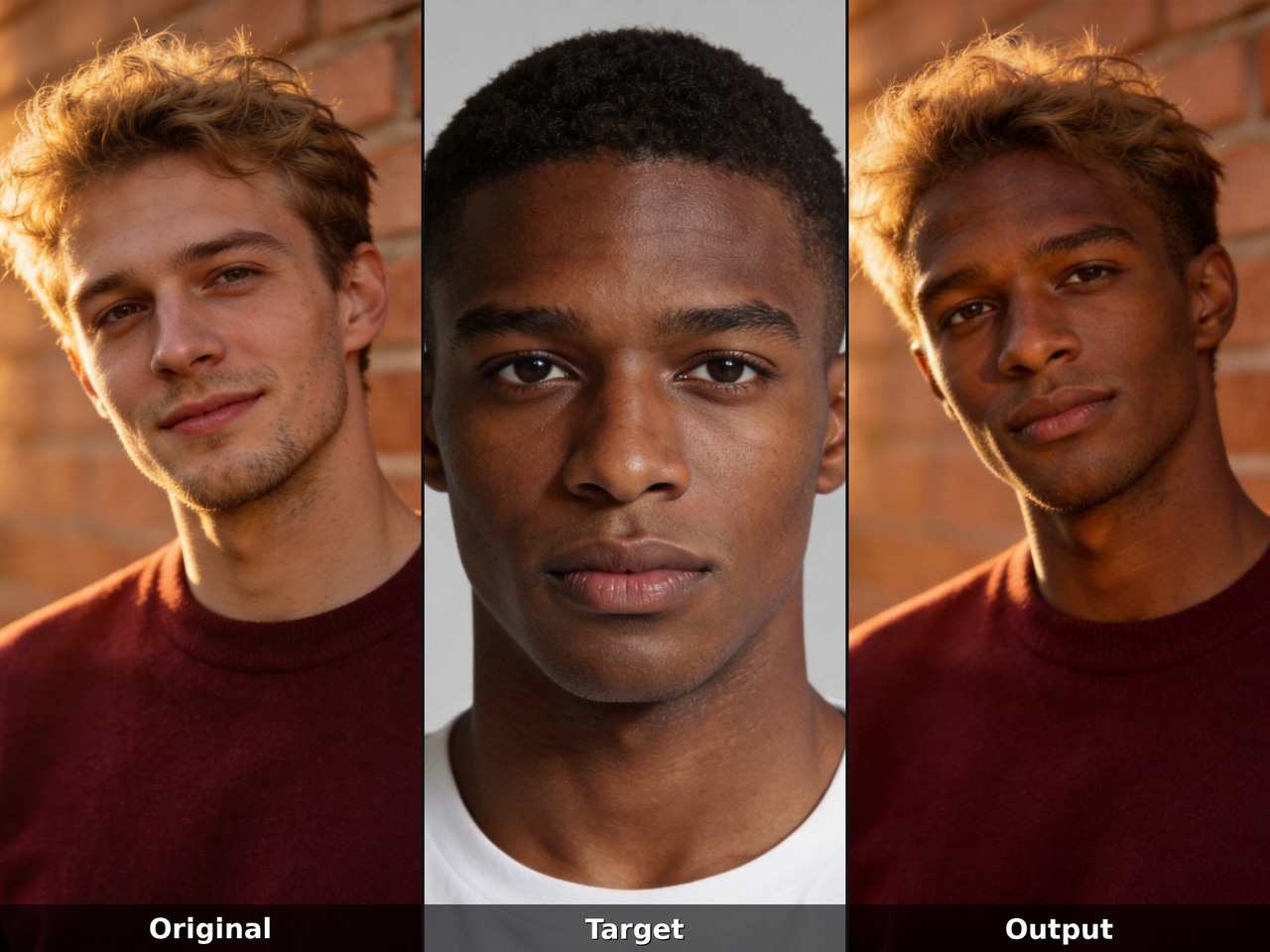
Use Seedream 5.0, Nano Banana 2, Flux Max, and Midjourney v7 on Framia Pro's AI photo face swap tool to swap your face with anyone. Generate clear outputs with accurate alignment, natural tones, and clean edges.
Track facial position from the first frame to the last and adjust alignment as motion changes with Framia's face swap video AI. Reduce flicker and mismatched edges so the final video shows a steady and believable face replacement
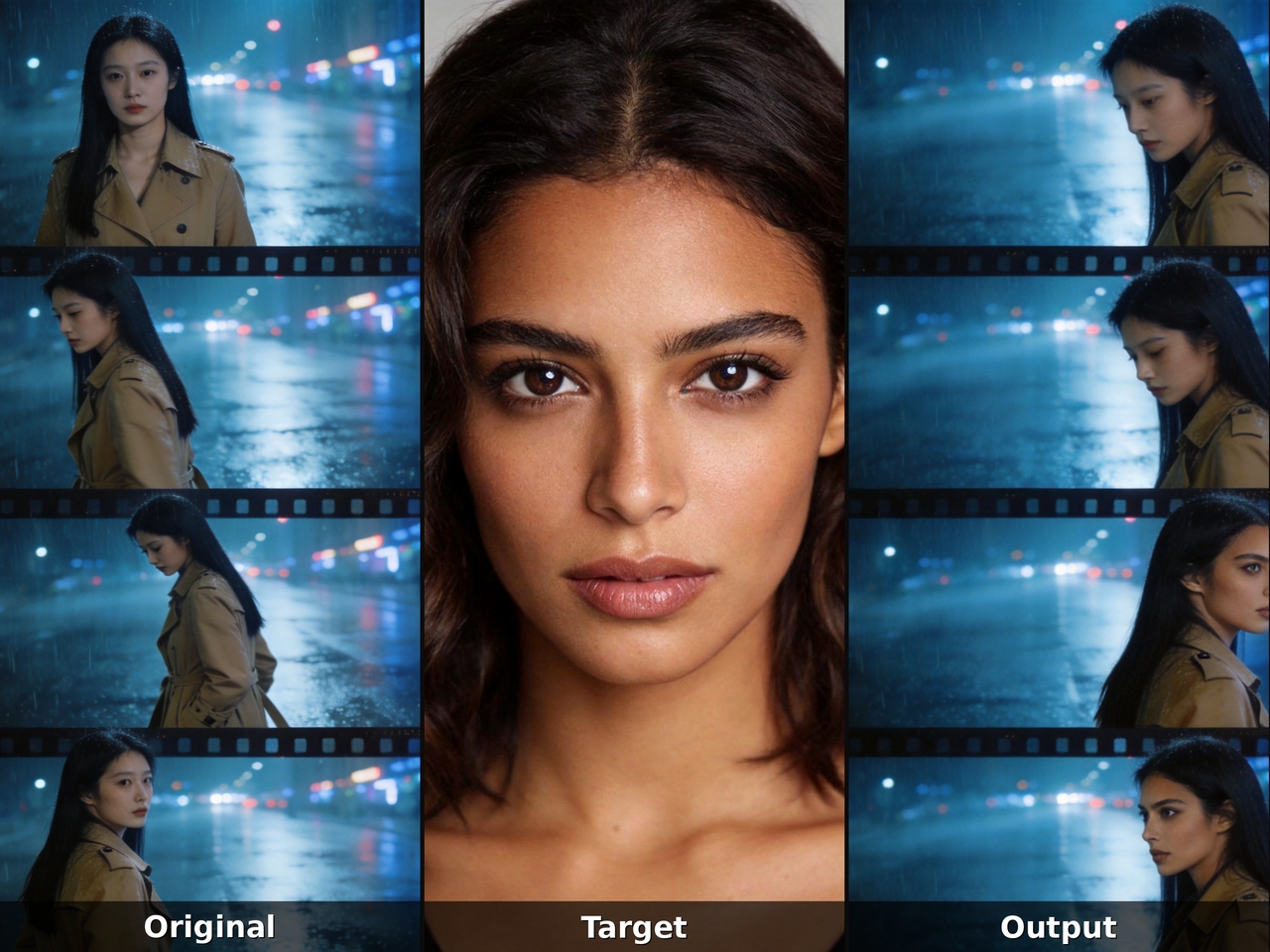
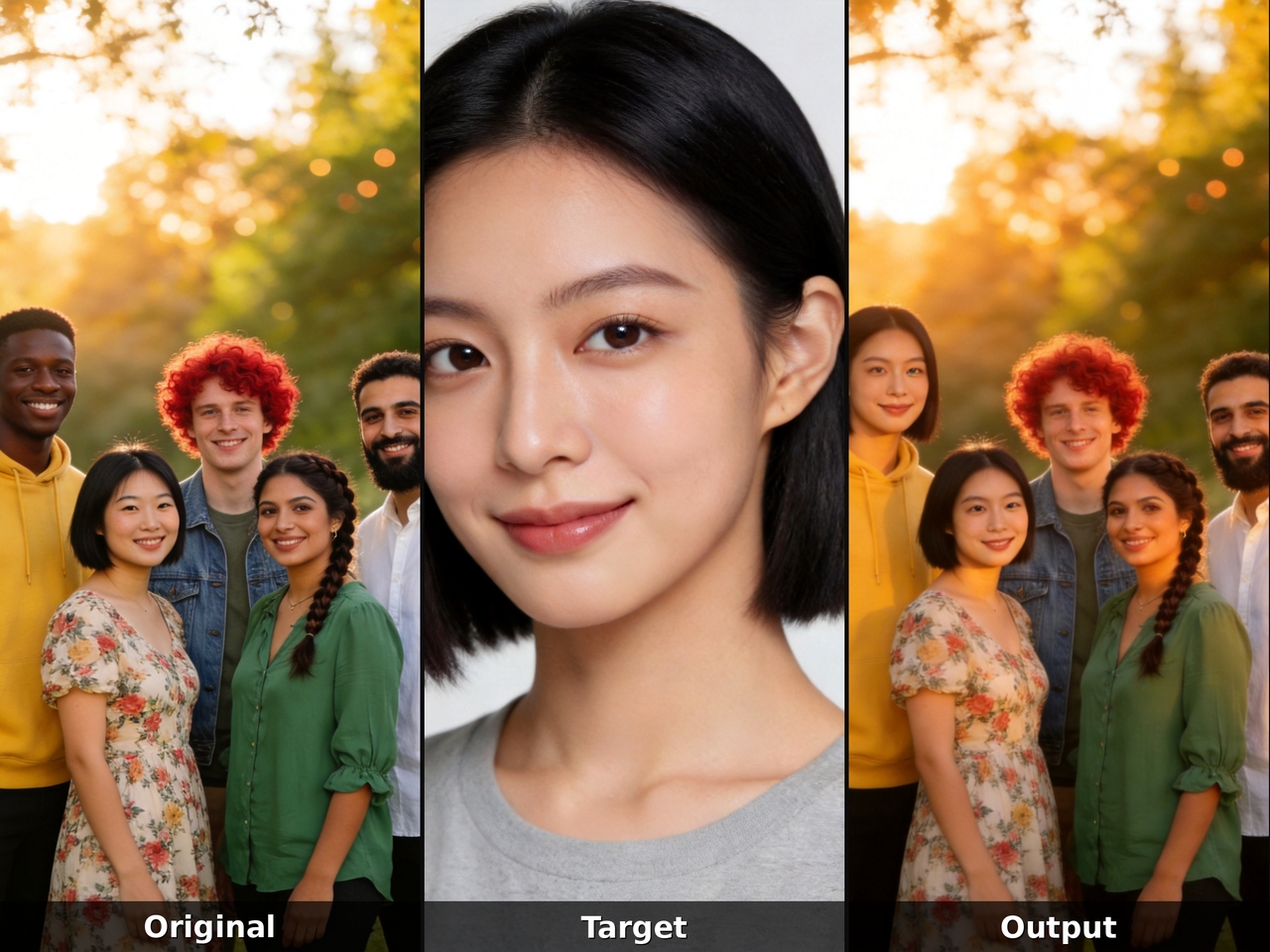
Target each individual face in a photo, portrait, or group scene with the Framia Pro AI multiple face swapper online. The AI face swapper processes every person independently, so one swap never distorts or bleeds into another.
Match skin tone, shadows, and light direction between source and target. Framia Pro's AI face swapper blends edges carefully so the swapped face fits naturally into the scene and avoids sharp or uneven transitions.
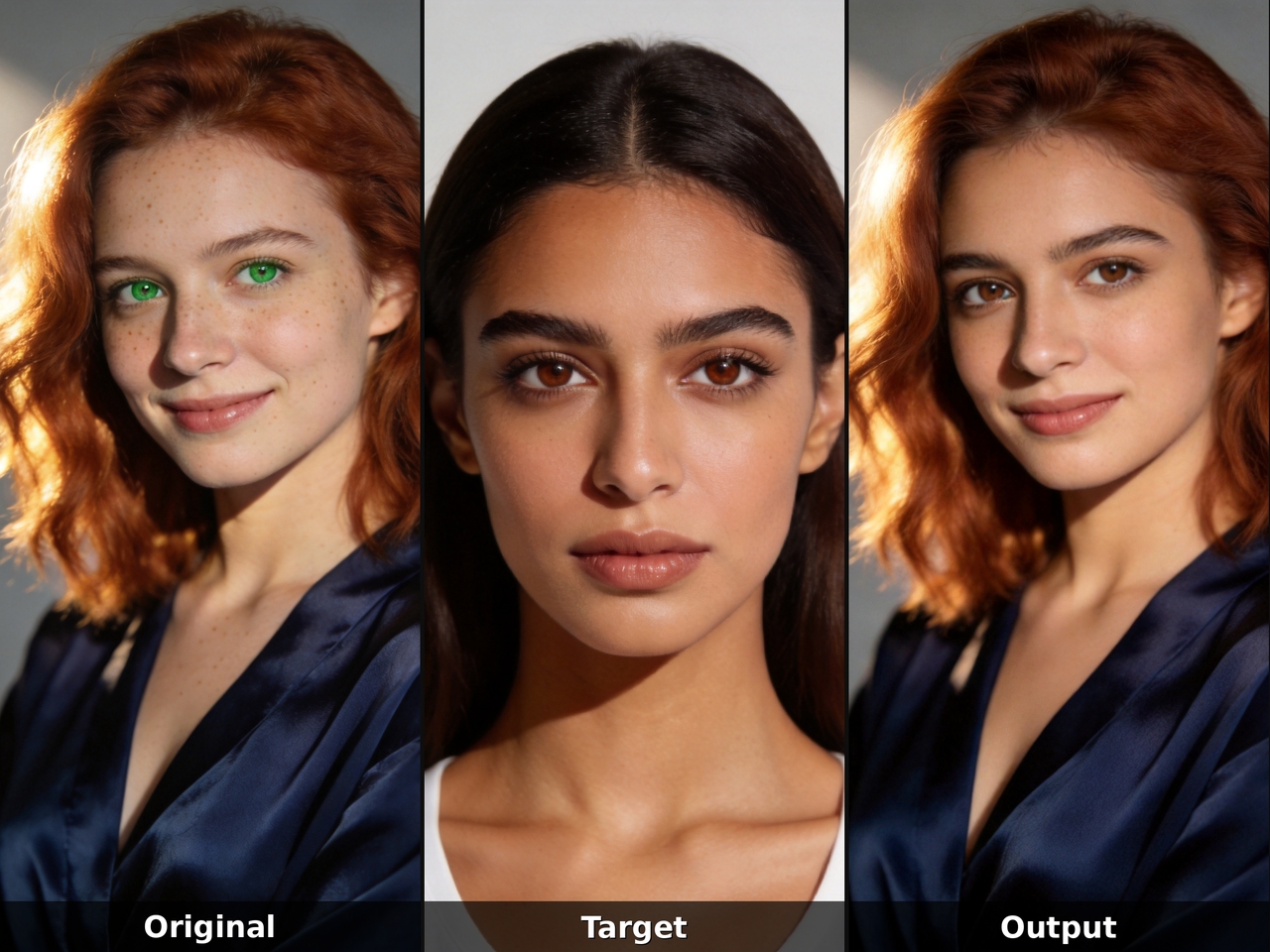
Create different video and image edits using our AI face swapper for fun clips, stories, and social content.
Get cinematic face swaps in photos and videos using one platform, one photo, and zero technical experience.
Hear real feedback from creators sharing how AI face swap fits into their daily photo and video editing work.
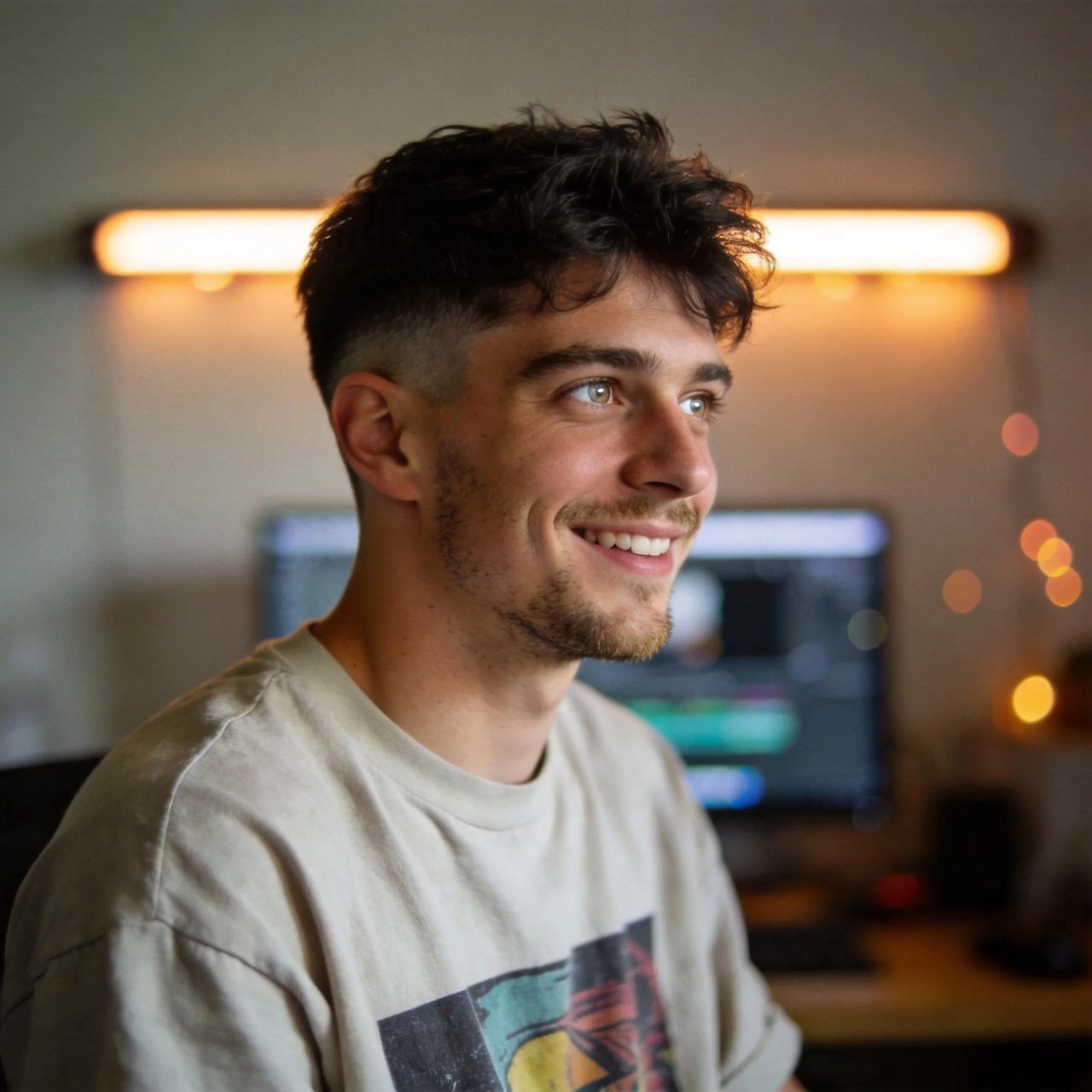
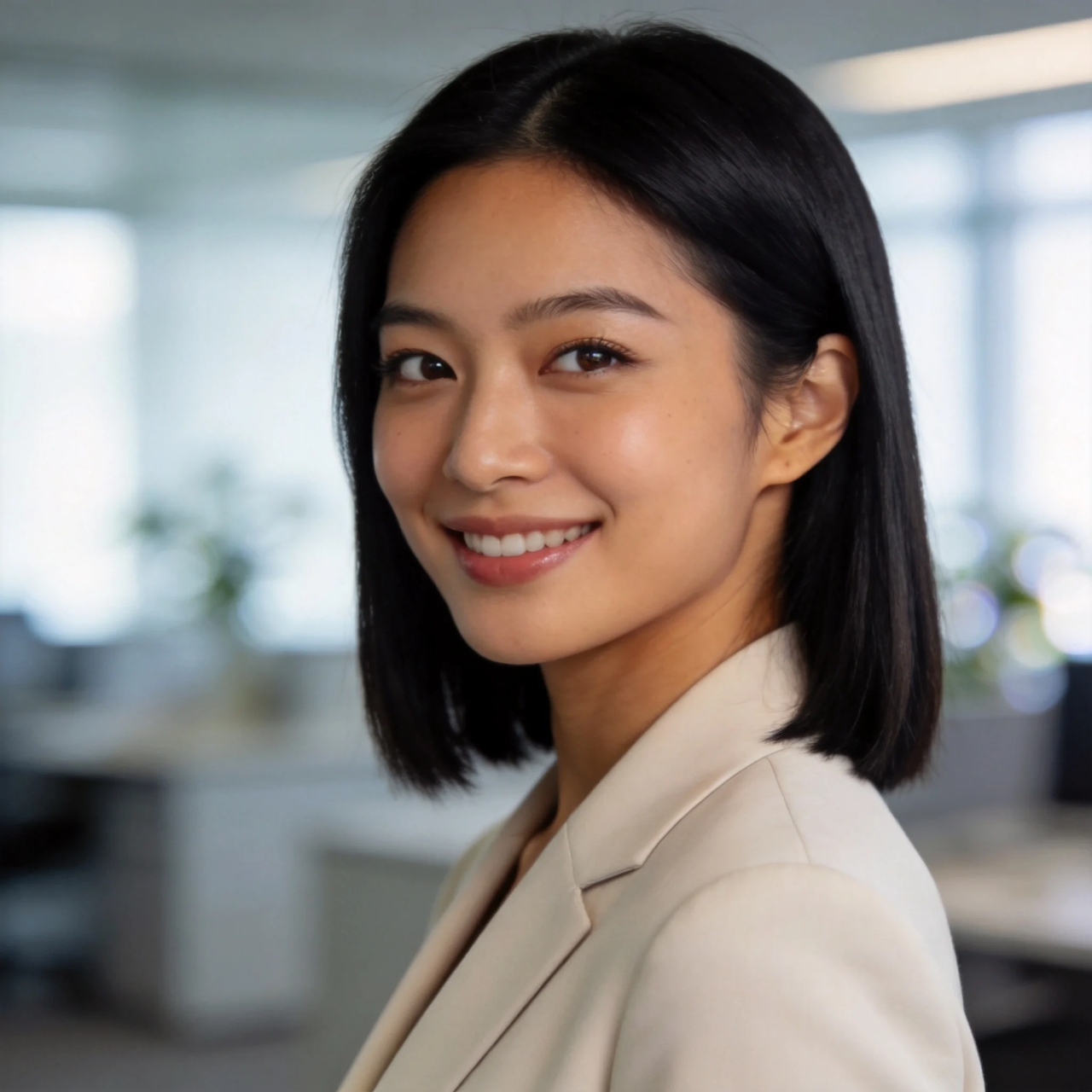
Create sharp face swap results in photos and videos using simple AI tools that deliver clear edits, smooth blending, and natural motion output.