AI video generation models are moving fast, and new tools keep showing up with better results, longer clips, and more control. Picking the right one is not simple when each model claims something different and the options keep growing.This guide walks you through the top AI video models you should know right now. You will see what each one does well, where it falls short, and which one fits your content needs. Read through to find a model that matches your workflow and saves you time on video creation.
What are AI video generation models?
AI video generation models are artificial intelligence systems that create video content automatically from a given input (most commonly a text description, an image, or an existing video clip). These models synthesize entirely new visual content from scratch through computation alone. They achieve this by training on huge datasets of millions of video clips and their descriptions, so they can later generate new scenes that follow those same rules.
The actual generation process works through a technique called diffusion. The model starts with pure random noise, and refines it over dozens of steps and gradually sculpts that chaos into a video. This works because during training the model learned to reverse a destruction process: it was shown real videos being progressively corrupted into noise, and it learned to undo each step. At generation time, your text prompt acts as a guide throughout this process, steering each refinement step so the final result reflects what you described.
The hardest part, however, is not generating a single frame. It keeps hundreds of frames consistent with each other across time. Video generation models handle this by processing entire frame sequences at the same time which allow each frame to reference the others during generation. This is what makes video generation far more computationally demanding than image generation.
What are the different types of AI video models?
AI video tools don’t all work the same way. Each type follows a different path to turn your idea into a video, and knowing the difference saves you from picking the wrong tool.
Text-to-video AI models
You start with words, and the model turns them into a moving scene. You write a short description of what you want, and the system builds the visuals from scratch.
This type works well when you have an idea in your head but no visuals ready. You can describe a product, a short story, or even a scene for an ad, and get a video in return. It feels close to writing a script and seeing it come to life in minutes.
Image-to-video models
Here, you already have an image, and you want to bring it to life. The model adds motion, camera movement, or small changes that turn a static picture into a short clip.
This approach fits product demos and social posts where you want quick movement without creating everything from zero.
Multimodal video models
These models work with more than one type of input at the same time. You can mix text, images, audio, and even existing video clips to guide the final result.
This gives you more control over how the video turns out. You are not just describing a scene, you are shaping it with multiple inputs. That control helps when you want specific details, smoother storytelling, or a video that follows a clear direction.
Top 5 closed source AI video generation models in 2026
AI text to video models have reached a point where you can create ads, short films, and product clips in minutes instead of days. The gap between models is real though. Some focus on cinematic quality, others on speed or editing control, and a few try to balance everything.
Below are the top closed-source models you should know right now.
- Veo 3.1
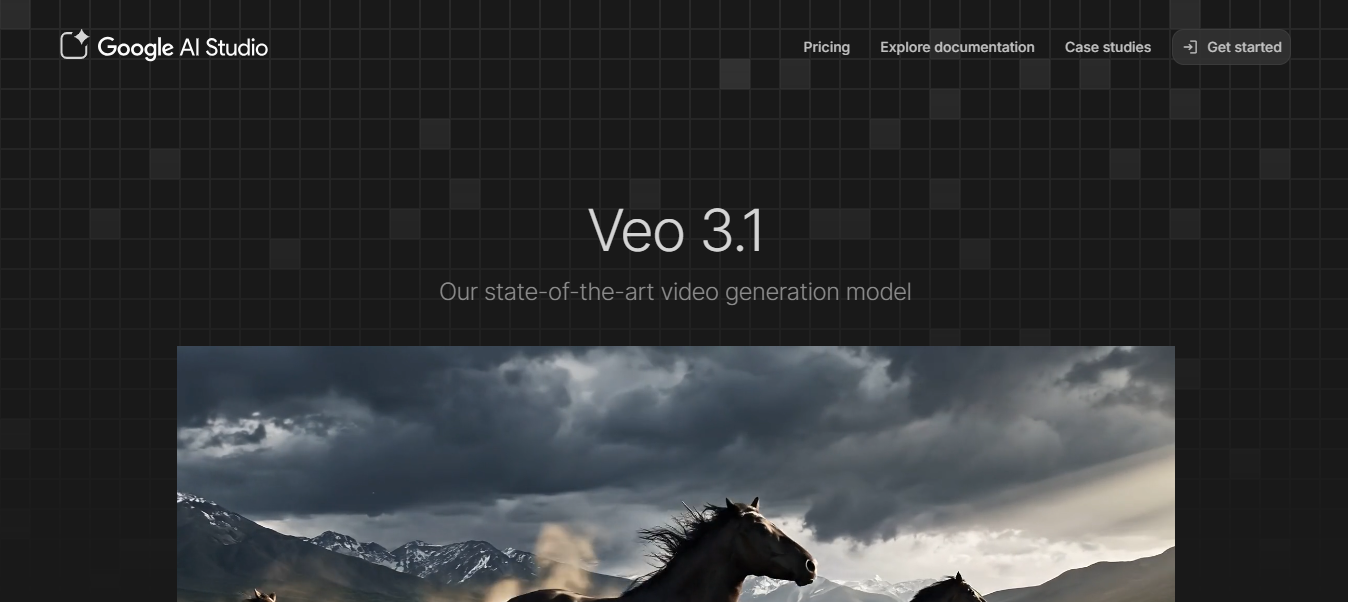
Veo 3.1 is Google's flagship video generation model and one of the most technically advanced tools available right now. It creates videos with perfectly synced audio that includes character dialogue, sound effects, and ambient audio, all generated from a single prompt. It became widely known as the engine behind viral videos across social platforms after its launch in October 2025. Its integration with Google's broader ecosystem makes it a natural fit for teams already working within Google Workspace.
Features
- Native audio: dialogue, SFX, and ambient sound in one pass.
- 4K resolution: up to ultra-high definition output.
- Multi-reference: supports up to 3 reference images.
- Long duration: produce output up to one full minute.
- Prompt dialogue: write character speech directly in your prompt.
Pros
- Unmatched native audio quality.
- Excellent realism and lighting accuracy.
- Deep Google ecosystem integration.
- Strong prompt accuracy.
Cons
- Watermarked videos on lower plans.
- Less flexible for stylized or non-realistic content.
- Runway Gen-4.5
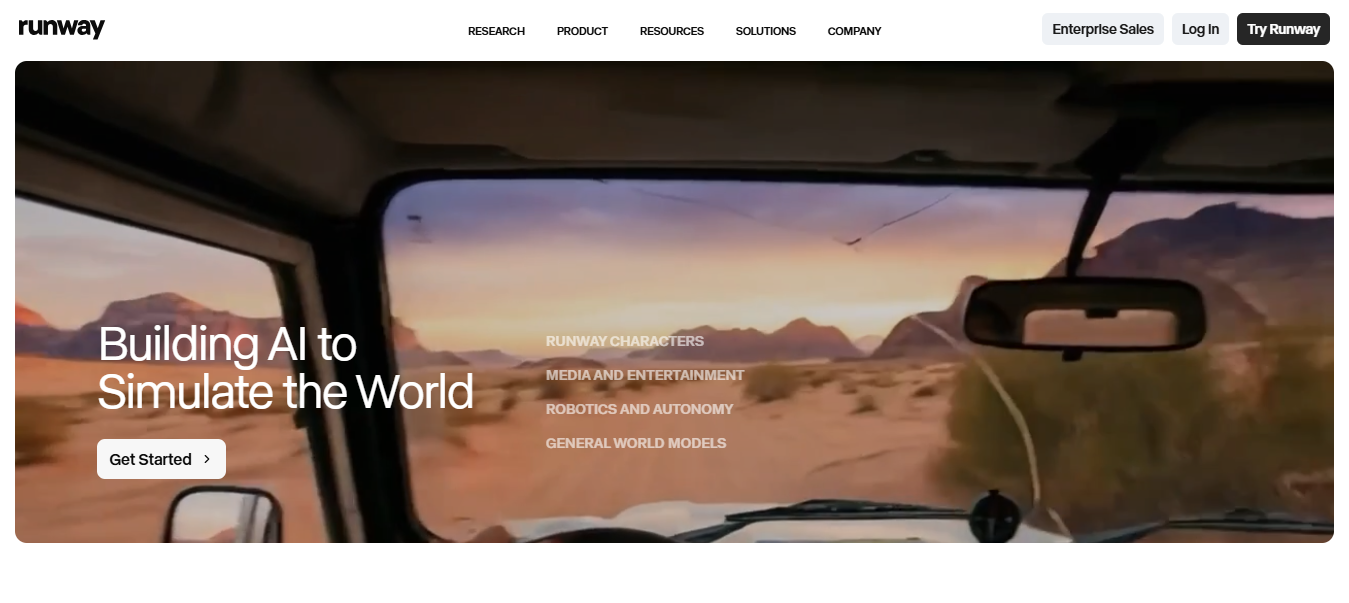
Runway is one of the most established names in generative AI video models. It launched Gen-4.5 in late 2025 with major upgrades in video quality and multi-shot sequencing. The platform now includes a chat interface where you can refine your videos through conversation instead of rewriting prompts repeatedly. It is widely regarded as the benchmark tool for cinematic consistency and creative control.
Features
- Motion brushes: paint exactly which parts of a scene should move.
- Multi-shot: string multiple clips into one cohesive sequence.
- Act-one: facial expression and motion capture.
- Chat editing: refine outputs through natural conversation.
- 4K output: ultra-high resolution export.
Pros
- Best-in-class scene and character consistency.
- Powerful creative controls for professionals.
- Strong community and ecosystem.
Cons
- Expensive at higher tiers.
- Slower than some competitors for quick social content.
- Steeper learning curve for beginners.
- Seedance 2.0
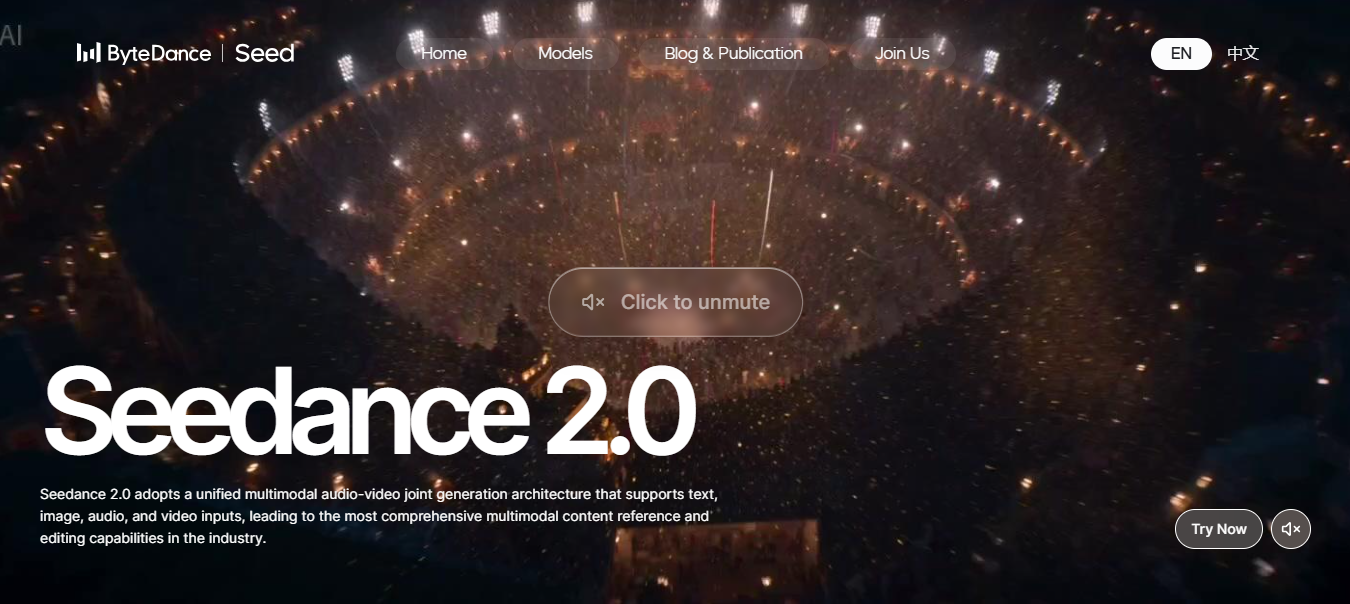
Seedance 2.0 is ByteDance’s latest AI video model, released in early 2026, and it quickly caught attention for its realistic, film-like videos. Many people in the film industry even started discussing how close it gets to real production quality. It works with text, images, audio, and video at the same time, so you get more control over what the final video looks and sounds like. You can access it through Framia Pro, CapCut, Dreamina, and Pippit, though it is still not available in every region.
Features
- Multimodal input: combine text, images, video, and audio in one pass.
- Native audio: dialogue, SFX, and ambient sound generated simultaneously.
- @ reference system: tag specific characters, styles, or sounds to uploaded assets.
- Multi-shot: multiple shots with natural cuts and transitions within a single generation.
- Physics engine: realistic collisions, fabric movement, and high-action sequences.
- 2K output: native resolution up to 2048x1080.
Pros
- Most capable multimodal input system available.
- A 10-second clip at 2K renders in roughly 30 seconds on paid tiers.
- Exceptional character and scene consistency across frames.
- Strong free tier via Dreamina for evaluation.
Cons
- Rollout is still limited to select markets.
- Longer setup time.
- Kling 3.0
Kling 3.0 launched on February 4, 2026, and within days was being called the most important leap in AI video generation of the year. It is built on the Omni One architecture, which uses 3D Spacetime Joint Attention and Chain-of-Thought reasoning to generate physics-accurate, cinema-grade video where characters and objects move with real gravity, balance, deformation, and inertia. The model supports full multimodal input spanning text, images, audio, and video, and can generate native audio across multiple languages including English, Chinese, Japanese, Korean, and Spanish, with precise control over character dialogue and speaking order.
Features
- Omni one physics: true gravity, collision, and inertia simulation.
- Native audio: voiceovers, lip-sync, SFX, and music.
- Multi-shot storyboard: up to 6 shots with director-level camera control.
- Draft mode: generate up to 20x faster for rapid prototyping.
- 4K/60fps output: with 16-bit HDR and EXR export.
- 7-in-1 editor: object addition, background swap, style transfer in one tool.
Pros
- Most realistic human physics and movement available.
- Native multilingual audio with dialect and accent control.
- Affordable entry at $7.99/month with a solid free tier.
- Exports directly into professional VFX pipelines (Nuke, After Effects, DaVinci).
Cons
- A 15-second multi-shot render can take over 5 minutes.
- 4K output currently limited to higher-tier plans.
- High-demand periods extend render queues.
- Hailuo 02
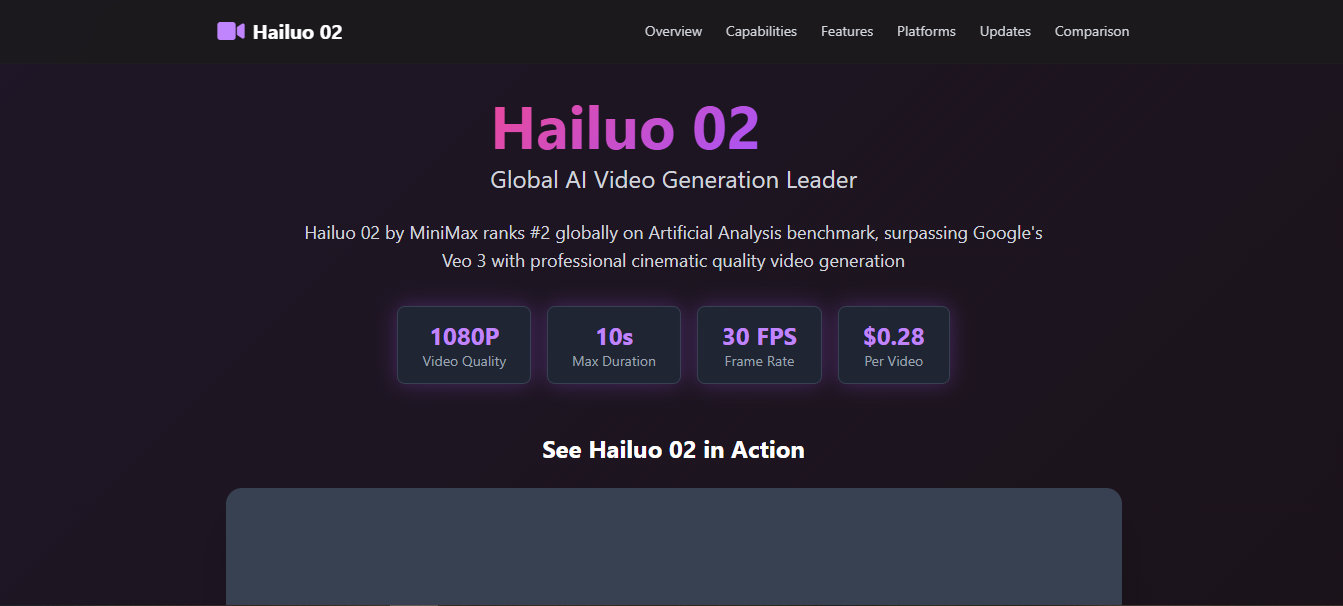
Hailuo 02 is MiniMax's flagship video model and one of the biggest surprises in the AI video space since its release. It ranks #2 globally on the Artificial Analysis benchmark with a score of 92.1 and beats Google Veo 3's 87.3 while costing 30% less at $0.28 per 10-second HD clip. It is built on a new architecture called Noise-aware Compute Redistribution (NCR), which boosts training and inference efficiency by 2.5. This allows MiniMax to expand the model to three times as many parameters and train on a dataset four times larger than its predecessor.
Features
- NCR architecture: 2.5x faster training and inference with 22% less energy use.
- Physics engine: handles complex physics like flying debris, bouncing objects, and camera shakes smoothly.
- Native 1080p: full HD output with no upscaling.
- Director camera tags: natural language commands for dolly-zoom, orbit, and handheld shake.
- T2V and I2V: text-to-video and image-to-video in one platform.
- Prompt optimizer: rewrites rough prompts into structured cinematic instructions.
Pros
- Generates a 1080p clip in under 62 seconds, faster than most competitors at comparable quality.
- Best-in-category physics simulation, including gymnastics and fluid dynamics.
- Most affordable pro-grade model at $0.28 per clip.
- Consistent output across repeated prompts.
Cons
- No long-form or multi-shot sequencing built in.
- Watermarks applied on free tier exports.
Top 3 open source AI video generators in 2026
Open-source video generators are getting serious attention now. You get more control, more freedom to run models locally, and no strict limits like closed tools. The trade-off is clear though. You often need strong hardware and a bit of setup before things run smoothly.
Here are three open-source models that stand out:
- Wan 2.2
Wan 2.2 is one of the most talked-about open-source video generators right now. It comes from Alibaba and focuses on cinematic quality with smooth motion and strong prompt accuracy. You can use it for both text-to-video and image-to-video tasks, which makes it flexible for different workflows. It also runs on consumer GPUs, which makes it more accessible than many high-end models.
Features
- MoE architecture: specialized experts for different noise stages.
- Hybrid T2V/I2V: text and image input in one unified model.
- GGUF quantization: runs on consumer GPUs with 4GB VRAM.
- Cinematic controls: lighting, contrast, and color tone labels.
- Bilingual support: English and Chinese prompt handling.
- Apache 2.0 license: full commercial use permitted.
Pros
- The most accessible high-quality open-source model available.
- Strong stylization control and on-screen text rendering.
- The 1.3B variant enables genuine video generation on 8GB VRAM.
- Best quality-to-resource ratio for most users.
Cons
- Fine-texture detail still trails HunyuanVideo in complex scenes.
- Multi-GPU scale-out less documented than competing models.
- Mochi (Genmo)
Mochi 1 is a 10-billion-parameter model built on a novel AsymmDiT architecture, released under the Apache 2.0 license. It excels at photorealistic 30fps motion for realistic subjects, which makes it particularly strong for documentary-style content, natural environments, and believable human movement. It was one of the first open-source models that made people take local video generation seriously.
Features
- AsymmDiT backbone: purpose-built architecture for video synthesis.
- 30fps output: smooth motion at native frame rate.
- LoRA fine-tuning: customize on your own video datasets.
- Apache 2.0 license: open for research and commercial use.
- ComfyUI integration: node-based workflow support.
- T5-XXL encoding: strong text comprehension and prompt adherence.
Pros
- Most permissive licensing of any high-quality open model.
- Excellent photorealistic motion and natural movement.
- Strong community with active fine-tune sharing.
Cons
- Capped at 480p resolution; requires upscaling for HD output.
- Needs 20GB+ VRAM at full precision.
- HunyuanVideo (Tencent)
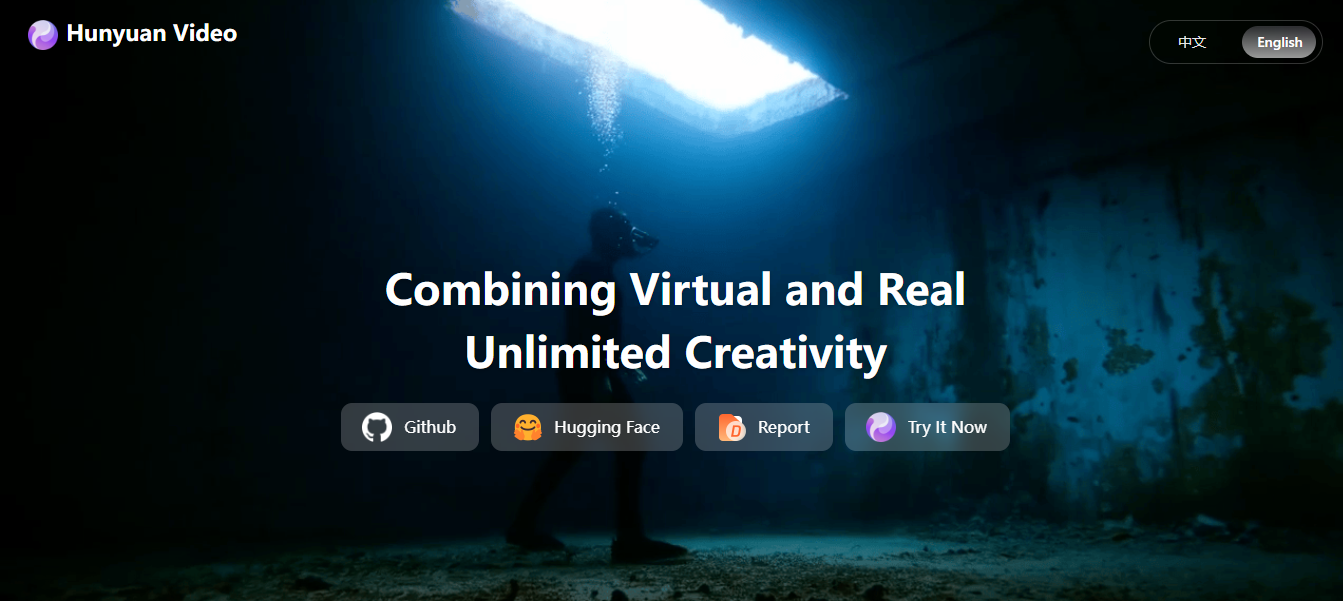
HunyuanVideo is Tencent’s flagship open-source video model and one of the most advanced options available right now. It focuses on high-quality video generation with strong motion consistency and better scene structure compared to many other open models. The model is built using a transformer-based approach designed for handling both visual and temporal data. It is often used by developers and research teams who want more control over video generation workflows.
Features
- Dual-stream fusion: separate text and video processing before merging.
- xDiT parallelism: multi-GPU sequence parallelism for faster inference.
- FP8 quantization: reduced memory footprint without major quality loss.
- Diffusers + comfyUI: plug-and-play ecosystem integration.
- Causal 3D VAE: spatial-temporal compression for coherent motion.
Pros
- Best cinematic quality and face realism in open-source.
- Massive LoRA ecosystem for style and character customization.
- Strong multi-person and complex scene handling.
Cons
- A 5-second clip can take over 15 minutes depending on settings.
- Steep setup complexity; not suitable for beginners
Key features to compare in video models
Before you commit to any platform, these are the six things worth paying attention to.
- Video quality (resolution, realism)
This is simply how good the footage looks when you watch it back. Does it look crisp and believable, or does it look like something is clearly "off"? The best tools produce videos that could fool you at first glance. The worst ones give themselves away immediately through flat lighting or weird-looking faces.
- Motion accuracy
Motion accuracy checks how well objects and characters move in the video. Good models keep movement smooth without strange jumps or distortions. This matters most in scenes with walking, gestures, or fast action.
- Prompt understanding
You should choose a model that follows your prompt closely. A strong model understands details in your text and turns them into matching visuals. If a model misses instructions, you will need more attempts to get the result you want.
- Clip length limits
Always check how long a model can generate video in one run. Some models only support short clips, while others allow longer sequences. Longer clip support helps when you work on storytelling or complete scenes without splitting them into parts.
- Audio support
You should work with a model that can generate audio if your project needs sound. This can include voice, background noise, or basic effects that match the visuals. Models with audio support reduce the need for separate sound editing tools.
Access the top AI video models on Framia Pro
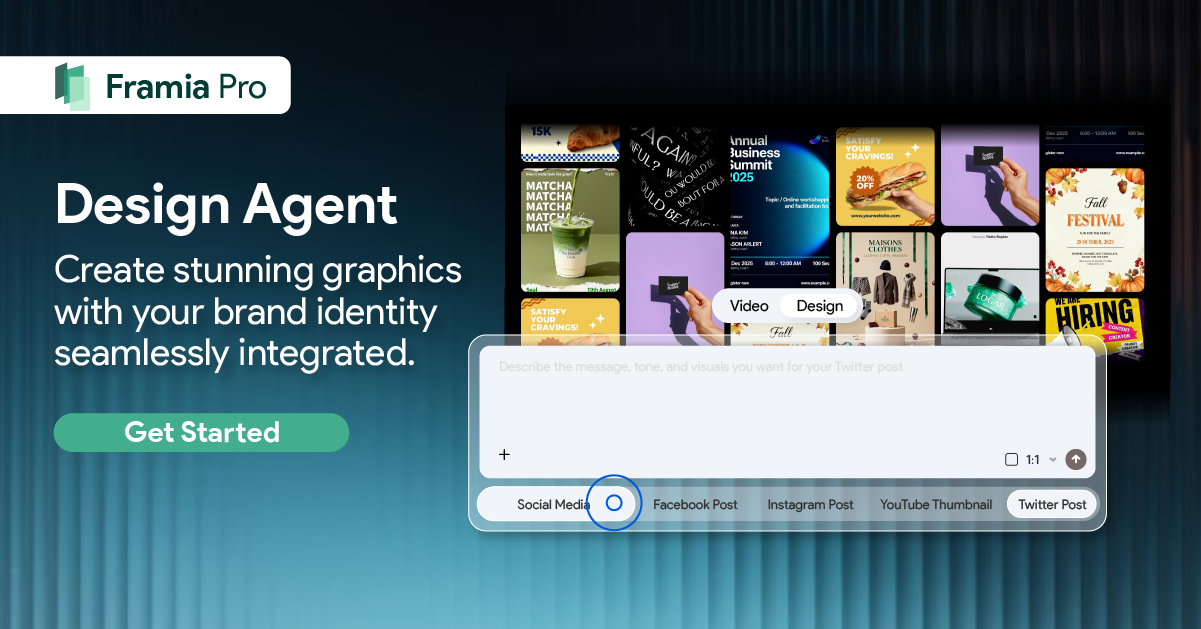
Framia Pro brings together powerful video and image generation models in one place. On Framia, you can access multiple advanced video engines such as Veo 3.1, Seedance 2.0, Kling 3.0, and more from a single dashboard. The platform lets you start with an idea and quickly turn it into video content using text, images, audio, or combinations of inputs. Framia also supports different creative agents for specific use cases like music videos, ads, or storytelling, which makes it a flexible choice for creators of all levels.
What does Framia Pro bring to the table?
- Edit videos using chat
You can describe the changes you want in plain text, and the system applies them to your video. Rather than using timelines or manual tools, you guide edits by typing instructions. This makes it easier to adjust scenes, cut parts, or refine visuals without deep editing experience.
- Work with different durations and aspect ratios
You can create videos of different lengths based on your needs, from short clips to longer scenes. The platform also supports multiple aspect ratios such as vertical, square, and widescreen. This lets you prepare content for platforms like TikTok, Instagram, or YouTube without extra resizing steps.
- Sync audio with your clips
Framia Pro syncs sound with visuals, so dialogue, music, or effects match the timing of the video. It matches lip movement with speech and keeps audio in sync with scene changes. This reduces the need for manual audio adjustments during editing.
- Support storyboard editing
You can organize your video into scenes before final generation. Each part of the storyboard represents a segment of your video, which you can adjust, reorder, or refine. This gives you more control over the structure of your video and plans the flow of scenes before rendering.
How to use AI video models on Framia Pro?
You can follow these three quick steps to use different AI models on Framia Pro to create videos:
Step 1: Sign up and set your idea
- Create your Framia Pro account and open the video workspace.
- Write a clear scene description in the prompt box so the model understands what you want.
- Add a reference image if you want better control over style or characters, which works well with models like Kling 3.0 and Seedance 2.0.
Step 2: Choose the right AI model and generate
- Click "Select Models" and open the "Video" tab to pick the model that fits your goal.
- Set your video duration and aspect ratio based on where you plan to post.
- Then, click "Generate" to create your clip.
Step 3: Review, refine, and export
- Watch the generated video and check if the motion, details, and scene match your idea.
- Add follow-up prompts to adjust parts of the video, such as movement, lighting, or style, depending on the model you used.
- Once everything looks right, click "Download" to save the final video to your device.
Conclusion
In this article, we've explored what AI video generation models are and reviewed 5 closed-source and 3 open-source tools that you can use for your project. You should focus on your goal before picking a model. Some tools work well for quick social clips, while others suit storytelling or high-quality scenes with sound and detail. When you use a model that fits your task, your results become more accurate and easier to manage. If you want access to multiple top AI video models in one place, you can explore Framia Pro and switch between tools based on your project needs.
FAQs
Which are the best AI models for video generation right now?
Some of the top AI models for video generation include Veo, Runway, Seedance, Kling, and Pika. Each one focuses on different strengths such as realism, motion, or ease of use. On Framia Pro, you can access several of these models and switch based on your project.
What is happening with Sora video model?
The Sora video model news revealed that it has recently been discontinued as a consumer app and API in 2026. OpenAI decided to shut it down to focus on other areas such as robotics and advanced research.
Are there open source AI video generators available?
Yes, open source AI video generators such as Wan, Mochi, and HunyuanVideo are available. You can run them locally and adjust them based on your needs, though setup requires technical knowledge. Framia Pro offers an easier option if you prefer ready-to-use models without local setup.
Can AI video models create long videos?
Most AI video models still focus on short clips instead of full-length videos. Some tools allow longer scenes, but they often require combining multiple clips. Framia Pro supports different durations, so you can create and manage clips based on your needs.
Which AI video model should you use?
You should choose a model based on your goal and content style. Veo works well for realistic scenes, Kling handles motion, and Seedance gives more control with multiple inputs. Framia Pro lets you test these models in one place and pick what fits your workflow.