
Why opt for the best AI image upscalers?
In today's highly visual digital landscape, pixelated or blurry pictures are a massive liability. The importance of using the best AI to upscale images cannot be overstated, as these revolutionary tools utilize deep learning to inject missing details and restore stunning clarity to low-resolution files.
Whether you are a professional photographer reviving vintage shoots, an e-commerce business owner polishing product catalogs, a graphic designer preparing billboard-ready print assets, or a digital marketer optimizing social media graphics, AI upscalers are essential.
By transforming unusable assets into crisp, high-definition masterpieces, they empower diverse target audiences to maintain peak visual professionalism effortlessly.
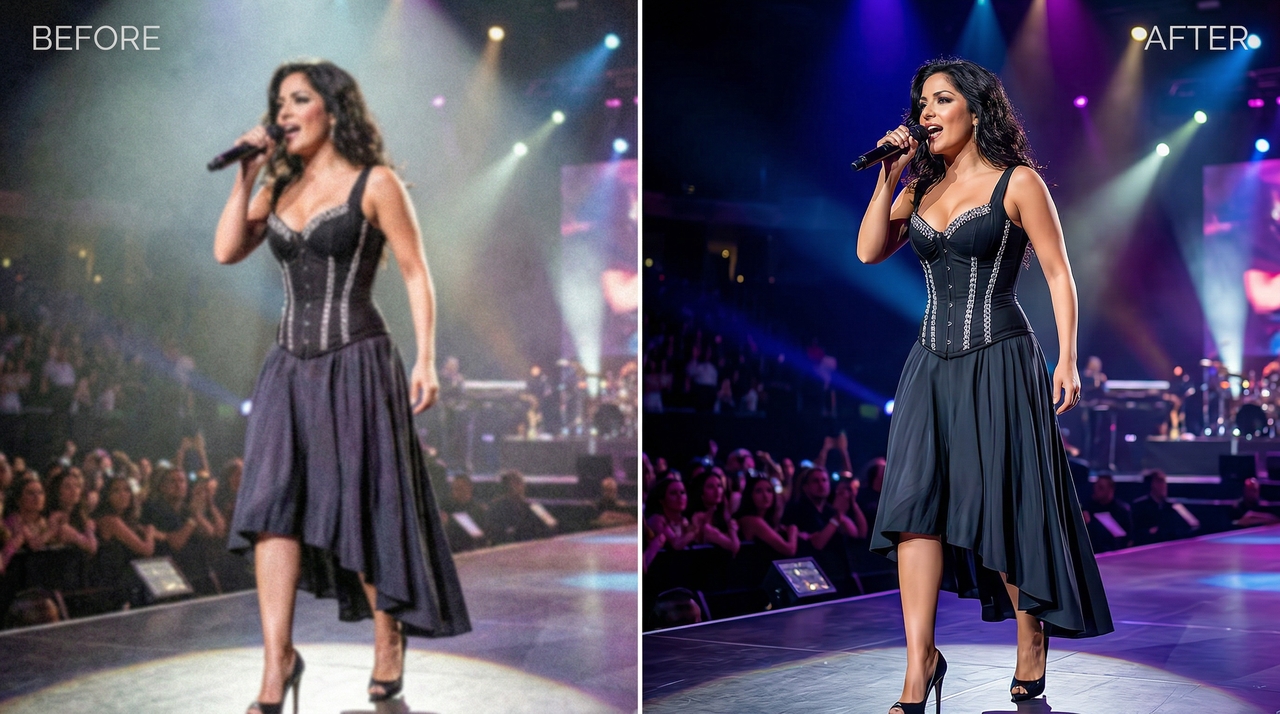
Key features to look for in the best free image upscaler
Before committing to an enhancement tool, you must evaluate several vital functionalities. Here are the most crucial capabilities to prioritize when selecting your ideal artificial intelligence resolution enhancement platform.
- Advanced detail preservation: The software should not just stretch pixels but actively reconstruct intricate textures, fine lines, and realistic colors. Top-tier tools utilize advanced generative models to ensure upscaled portraits and landscapes look entirely natural without any artificial, plastic-like smoothing blur filter effects.
- Batch processing capabilities: Time is money, especially for busy creatives and business owners. The ability to upload and upscale dozens of images simultaneously drastically reduces manual workload, ensuring your entire product catalog or photography portfolio is enhanced rapidly and with perfect visual consistency.
- Multiple output resolutions: Flexibility is vital for varied project requirements. A premier upscaler must offer diverse sizing options, allowing you to seamlessly enhance images from standard high-definition all the way to 4K, 8K, or even massive 16K resolutions for large-format billboard marketing printing.
- Integrated editing functionality: Modern upscalers should transcend basic resolution improvements. Look for platforms integrating robust editing suites, including background removal, color correction, and generative fill. This comprehensive ecosystem allows you to upscale and completely refine your artwork within a single, highly streamlined interface.
Top 9 best image upscaler AI tools in 2026
Finding the perfect resolution enhancement software can feel overwhelming given the incredibly crowded market. We have carefully curated this ultimate list of the top nine AI image upscalers available today.
How did we choose the best AI image upscalers?
Choosing the absolute best AI image upscalers required rigorous testing and careful evaluation of numerous market-leading software solutions.
We analyzed these powerful tools based on critical factors like overall output quality, processing speed, detail accuracy, and ease of use. Additionally, we weighed the flexibility of pricing structures, the availability of batch processing, and whether they included advanced features like integrated photo generation or deep layer editing.
By comparing how effectively each platform reconstructed complex textures without adding strange visual artifacts, we narrowed down the ultimate list to help you find the perfect upscaler for your specific creative workflow.
| Tool | AI Image Generation | AI Image Editing | Batch Processing | Best For |
| Framia Pro | Yes (Seedream, Nano Banana) | Yes (Split Layers, Chat-to-Edit) | Yes (Multi-Format Resize) | Professionals & Marketers |
| ImgUpscaler | No | Yes (Detail repair, face restore) | Yes (Fast online processing) | Photographers & Print |
| iLoveIMG | No | Yes (Basic crop, BG removal) | No (Cloud integration only) | Everyday simple usage |
| Picsart | Yes (Text-to-image engine) | Yes (E-commerce isolation) | No | Social Media Managers |
| Cloudinary | No | Yes (Generative fill via API) | Yes (Programmatic API) | Developers & Enterprise |
| Canva | Yes (Magic Studio integrations) | Yes (Magic Expand, templates) | Yes (Smart Resize tool) | Beginners & Remote Teams |
| Figma | Yes (Via third-party plugins) | Yes (Vector-driven precision) | Yes (Automated Export) | UI/UX Designers |
| Adobe Firefly | Yes (Ethically trained models) | Yes (In/Outpainting, Photoshop) | No | Creative Professionals |
| Leonardo AI | Yes (Highly stylized models) | Yes (Real-time canvas editing) | No | Digital & Concept Artists |
- Framia Pro
Framia Pro sets a new benchmark when it comes to the best way to upscale an image, as it seamlessly blends elite AI image generation with powerful editing. Utilizing top-tier models like Seedream and Nano Banana, it generates stunning visuals while its automatic resizing upscales for multi-format exports. Its chat-to-edit precision dramatically outshines basic upscalers, allowing you to manipulate editable layers rather than simply stretching pixels, securing true professional design flexibility.
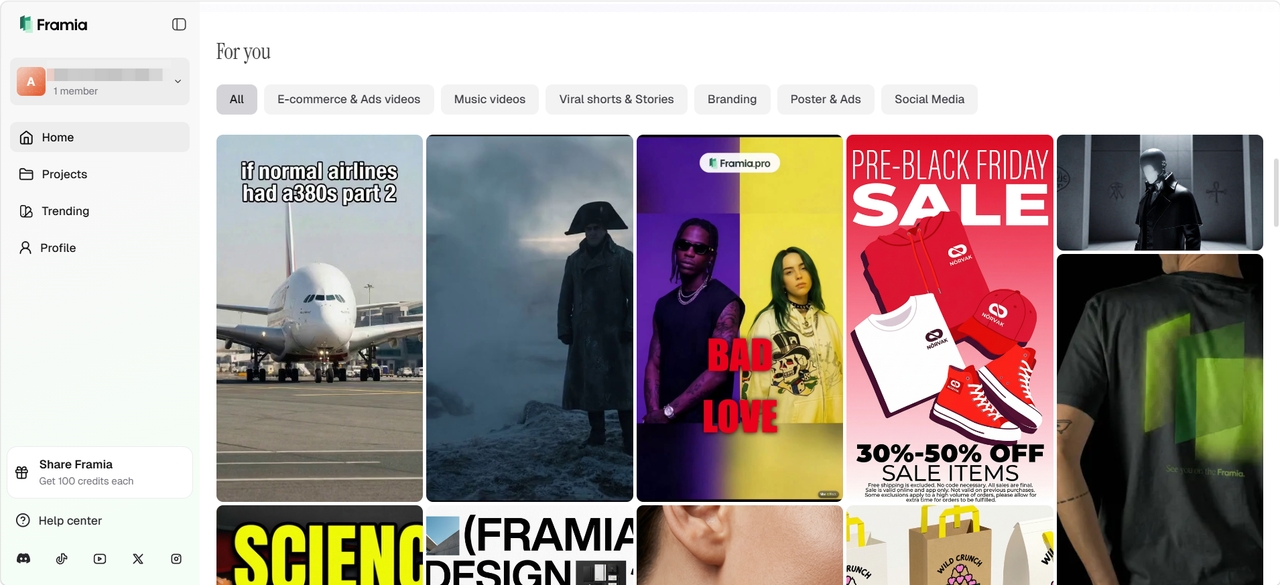
Key features:
- Multi-format automatic resizing: Intelligently resizes and enhances your visual assets for Instagram, YouTube, and LinkedIn platforms without losing quality or layout composition.
- Advanced split layers: Transforms generated designs into fully editable individual layers, allowing you to adjust backgrounds and text without regenerating the image.
- Conversational chat-to-edit: Describe exactly what needs fixing, like making elements larger, and the AI precisely targets corrections without altering overall resolution.
- Premium model integration: Leverages industry-leading generative models like Nano Banana and Flux Max to ensure upscaled exports maintain exceptional, lifelike pixel clarity.
Pros
- Saves massive amounts of time with incredible full-standard operating procedure automation.
- Enables true design flexibility using independent, adjustable split layer controls.
- Maintains strict brand consistency across all generated upscaled visual outputs.
- Provides an intuitive brush tool for perfect pixel level editing.
Cons
- Advanced capabilities might feel overwhelming for absolute beginner graphic designers.
- ImgUpscaler
ImgUpscaler, being one of the best AI image upscaler free tools, focuses purely on image resolution enhancement rather than text-to-image generation. While lacking the creative generative capabilities of broader art platforms, its dedicated artificial intelligence editing suite shines brightly when rebuilding lost textures. It effortlessly pushes file limits up to an astonishing 16K resolution, making it a highly reliable, specialized choice for pristine, completely distortion-free photographic upscaling tasks and restoration.
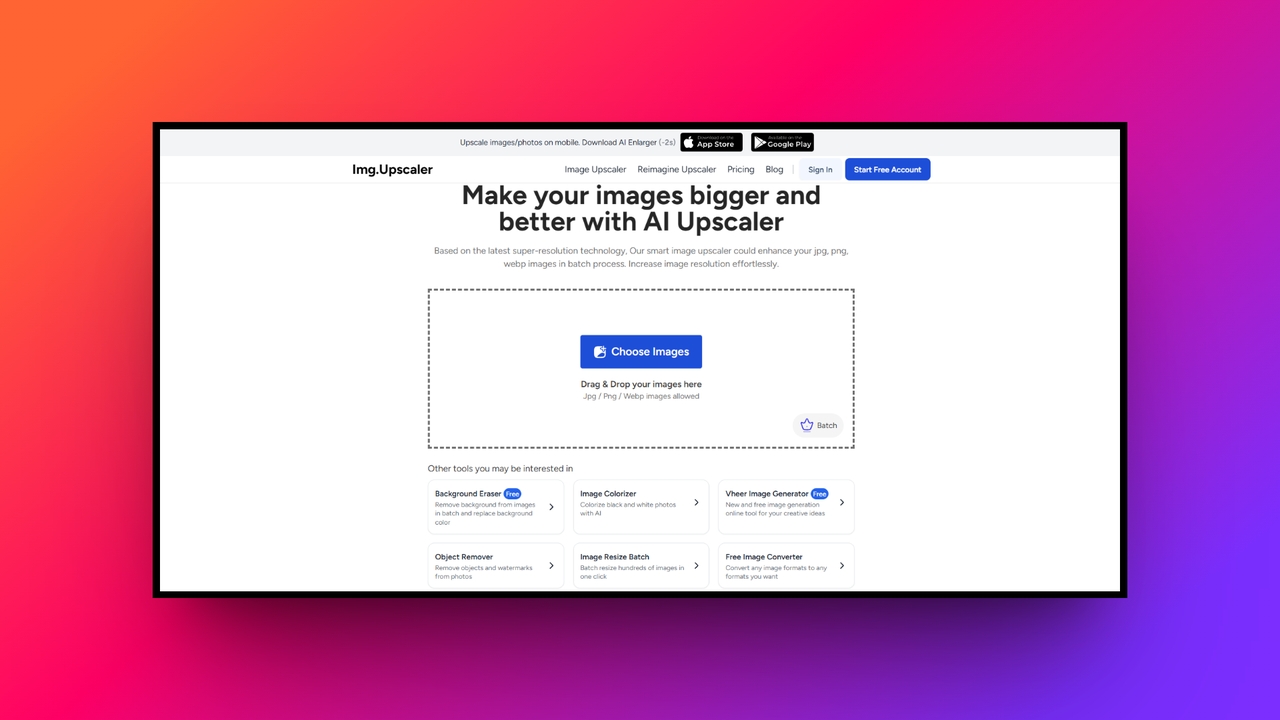
Key features:
- Flawless 16K resolution: Pushes beyond standard 4K limits by enlarging pictures up to sixteen thousand pixels for massive billboard or gallery prints.
- Smart detail repair: Intelligently recognizes human faces and complex eyes, smoothly fixing blur while successfully restoring entirely natural skin textures and tones.
- Fast batch processing: Processes multiple uploaded files simultaneously directly within your web browser, drastically saving precious time without requiring heavy software installations.
- Natural unprocessed results: Utilizes deep learning trained on millions of samples to avoid fake, over-smoothed appearances while enhancing overall image edge clarity.
Pros
- Delivers extremely high resolution outputs perfectly suited for professional printing.
- Features a clean interface making batch processing remarkably fast online.
- Effectively sharpens blurry text and vintage images without introducing artifacts.
- Operates entirely online without requiring frustrating downloads or complicated installations.
Cons
- Lacks advanced text based generative tools found in premium platforms.
- iLoveIMG
iLoveIMG, one of the best free AI image upscalers, is a versatile web application offering a straightforward upscale image feature alongside essential photo modifications. It does not natively generate artificial intelligence imagery, but its lightweight editing suite provides simple background removal and cropping. This platform prioritizes ultimate accessibility and speed, making it an excellent resource for everyday users needing rapid, uncomplicated image enlargements without intricate generative art capabilities.
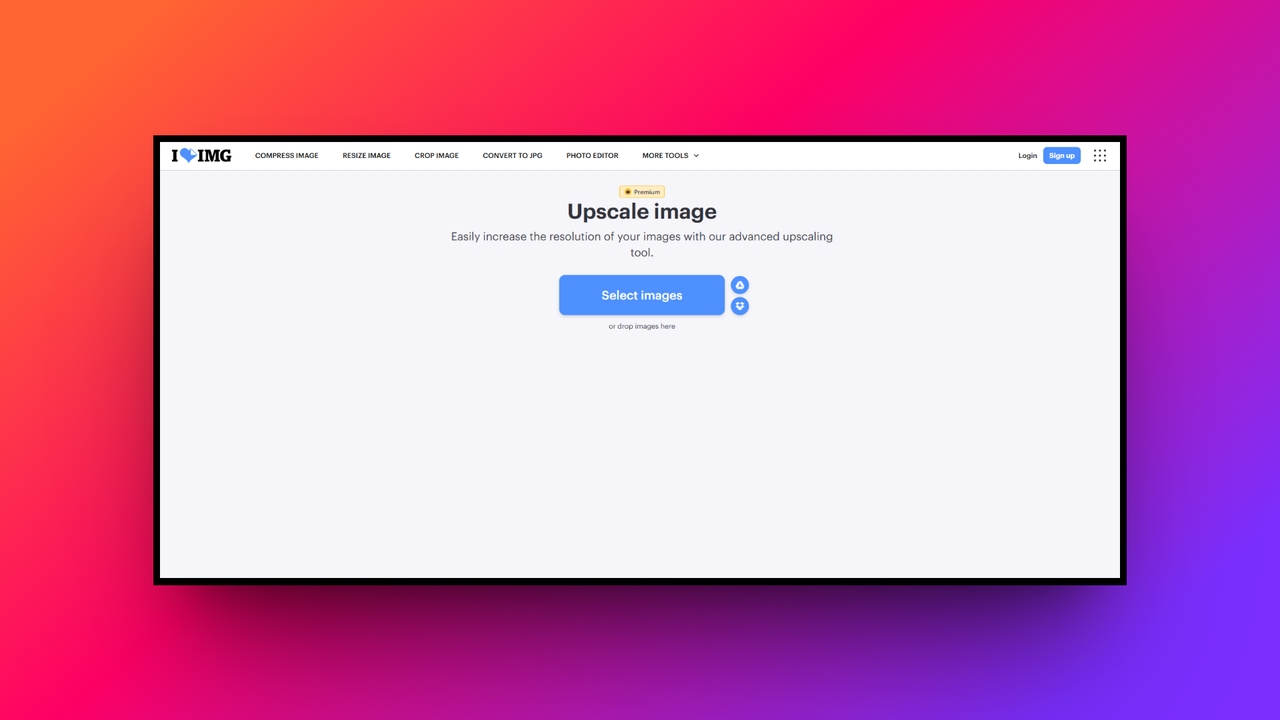
Key features:
- Quick size multipliers: Allows users to rapidly select simple size multipliers like double or quadruple to instantly boost their overall picture dimensions.
- Integrated background removal: Quickly detects primary subjects to instantly cut out backgrounds with high accuracy right after you finish upscaling your photo.
- Cloud storage integration: Seamlessly fetches files directly from Google Drive or Dropbox, ensuring smooth uploading processes without crowding your local hard drive.
- Comprehensive format conversion: Easily converts upscaled results into optimal formats like JPG, PNG, or GIF for immediate, lightweight sharing across social media.
Pros
- Extremely easy navigation suitable for users with zero technical skills.
- Connects directly to popular cloud storage platforms for immediate access.
- Includes a massive suite of simple compression and modification tools.
- Processes simple enlargements rapidly within any standard modern web browser.
Cons
- Upscaling quality struggles when compared against dedicated deep learning software.
- Picsart
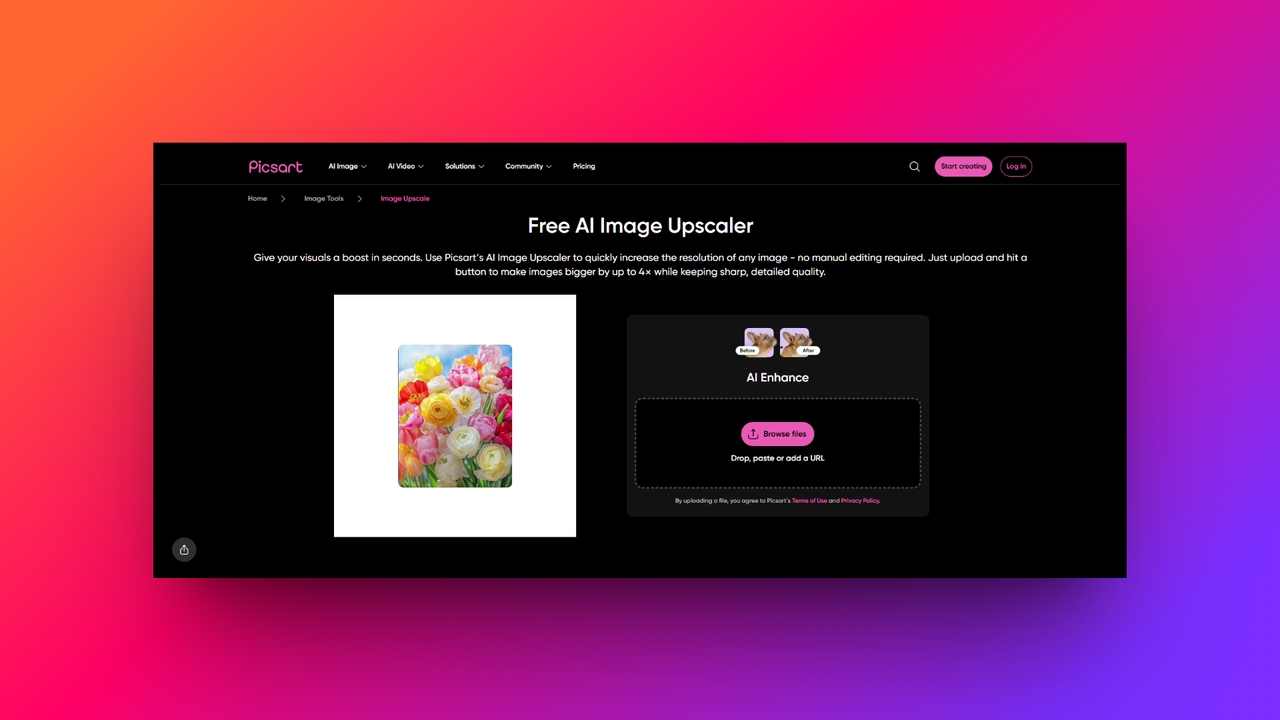
Picsart provides a massive ecosystem combining robust artificial intelligence generation with spectacular photo editing. Users can instantly generate images from text prompts and immediately upscale them within the same digital workspace. Its upscaler seamlessly integrates into daily graphic workflows, ensuring generated marketing assets or heavily edited social media posts maintain stunning, high-definition visual fidelity across all major publishing software platforms.
Key features:
- Figma plugin integration: Connects directly into Figma workspaces to automatically remove backgrounds and upscale project assets without ever switching between software applications.
- AI image generation: Features a powerful text-to-image engine that creates custom graphics which can be instantly enlarged for immediate commercial marketing usage.
- Product photo enhancement: Specifically tailored tools allow e-commerce owners to effortlessly isolate items and scale them beautifully for high-quality online store listings.
- Comprehensive design studio: Combines resolution improvements with an extensive library containing aesthetic filters, stickers, text typography, and dynamic templates for complete customization.
Pros
- Offers an incredibly versatile and comprehensive digital mobile editing suite.
- Fantastic third-party plugin integration directly into professional Figma design workflows.
- Effortlessly generates brand new imagery from simple conversational text prompts.
- Creates exceptionally polished graphics perfectly suited for social media marketing.
Cons
- Constant premium feature popups can heavily disrupt the user experience.
- Cloudinary
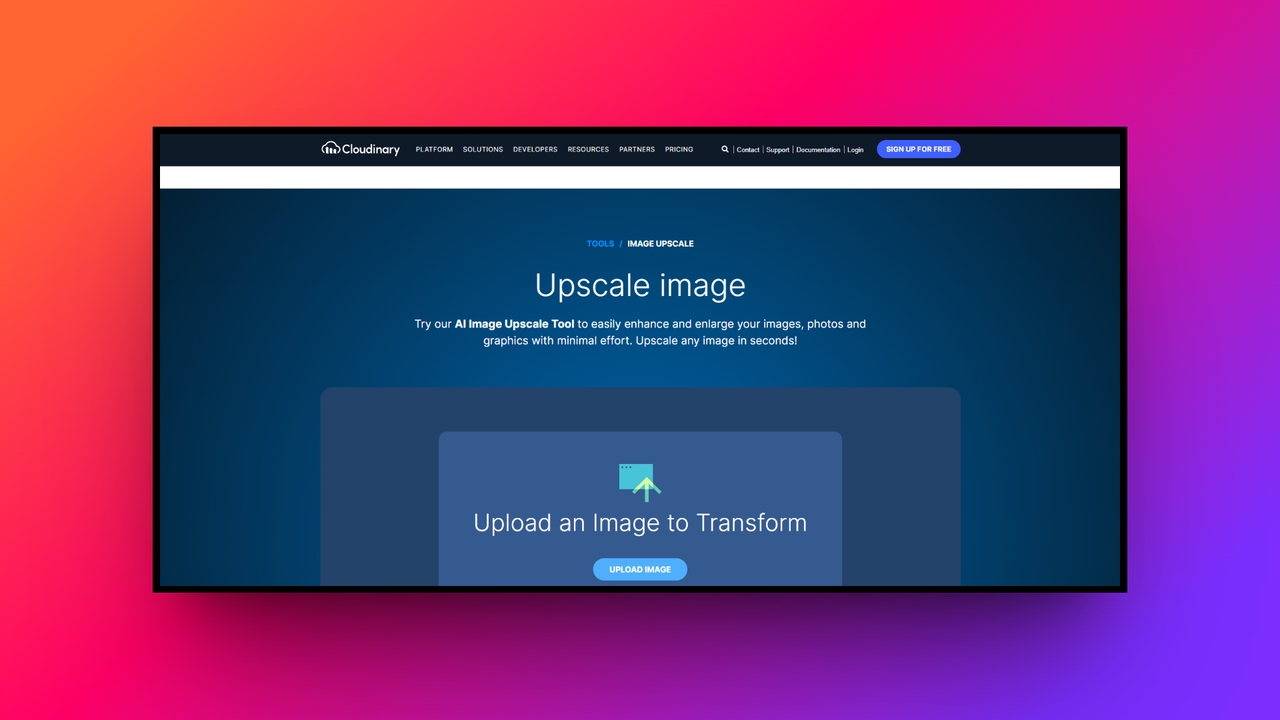
Cloudinary targets developers by offering automated artificial intelligence upscaling and unparalleled programmatic image editing capabilities. Unlike standard consumer-focused generative platforms, it does not specialize in creating art from scratch. Instead, it provides a highly advanced media management API that perfectly enhances, optimizes, and delivers superior visual content dynamically, ensuring flawless resolution performance across enterprise websites and complex digital software applications.
Key features:
- Programmatic API automation: Empowers developers to build custom workflows that automatically upscale thousands of uploaded media files without any manual human intervention.
- Dynamic quality controls: Intelligently adjusts format and quality output based on user bandwidth conditions, ensuring websites remain incredibly fast and highly responsive.
- Advanced generative fill: Utilizes state-of-the-art models to intelligently replace objects or expand photographic backgrounds seamlessly after the initial upscaling process is complete.
- Next-gen format support: Automatically serves your beautifully enhanced graphics in cutting-edge, lightweight formats like AVIF or WebP to maximize overall web performance.
Pros
- Unmatched scalability perfect for massive enterprise level digital asset management.
- Powerful programmatic controls allow seamless integration into custom web applications.
- Dramatically improves website loading speeds through highly intelligent format selection.
- Processes thousands of high-definition images rapidly through robust automated workflows.
Cons
- Requires coding knowledge to fully unlock its advanced platform capabilities.
- Canva
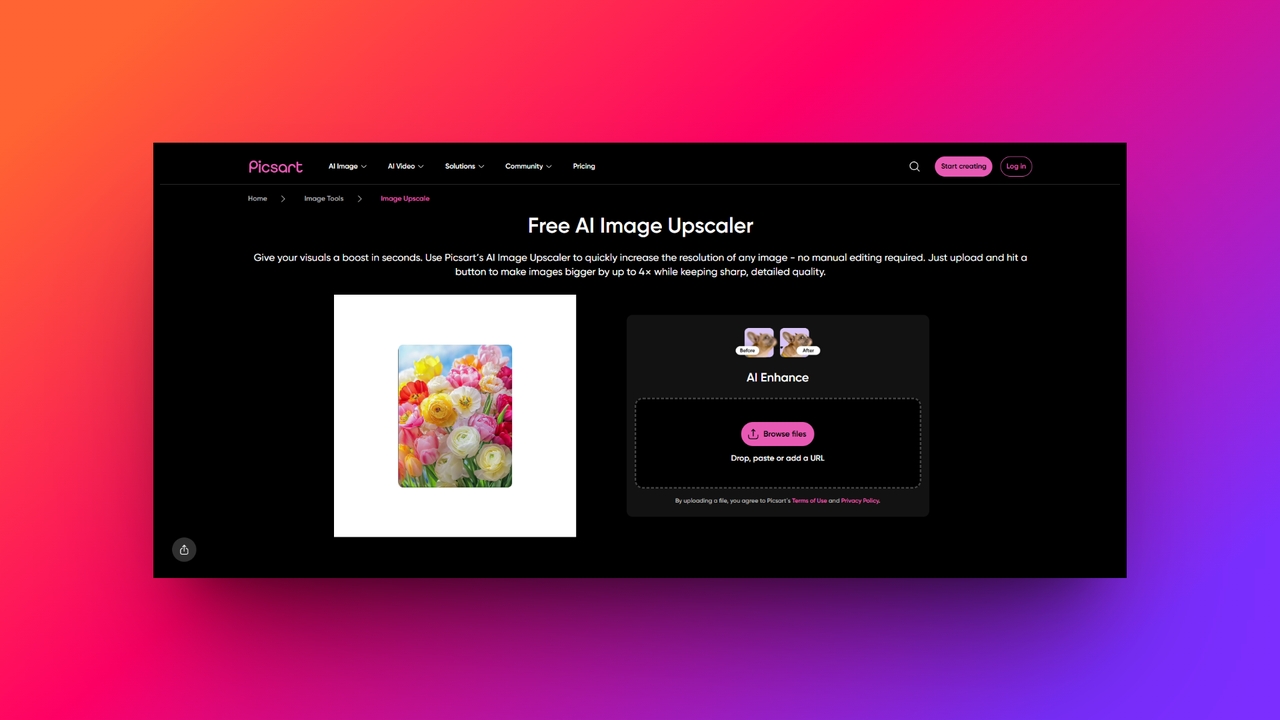
Canva is one of the best image upscaler free tools, excelling as a universally beloved design tool merging straightforward generative artificial intelligence with intuitive drag-and-drop editing. Its "Magic Studio" allows users to generate images via text and gracefully scale them within beautiful project templates. While it emphasizes broad creative editing over deeply specialized photographic upscaling, its accessible interface makes resizing and enhancing daily social graphics effortless for absolute beginners.
Key features:
- Magic expansion capability: Seamlessly extends the borders of any picture using generative technology to naturally fill missing space without distorting original elements.
- Text to image generation: Integrated directly into the editor, allowing users to type concepts and instantly produce art that can be scaled upwards.
- One-click smart resize: Magically adapts your beautifully upscaled images into perfect dimensions for varied platforms like Instagram Stories, Facebook Covers, and flyers.
- Collaborative cloud workspace: Enables entire marketing teams to securely upscale, edit, and review visual marketing assets simultaneously within one synchronized online environment.
Pros
- Pro: Phenomenally user-friendly interface requiring zero previous graphic design software experience.
- Pro: Magic Studio provides excellent built-in artificial intelligence content generation features.
- Pro: Contains millions of gorgeous templates perfect for quick social posting.
- Pro: Allows seamless real-time collaboration for remote digital marketing content teams.
Cons
- Con: Specialized raw photographic upscaling quality lags behind dedicated enhancement platforms.
- Figma
Figma is primarily a collaborative interface design application, but it transforms into a powerhouse through third-party plugins. It lacks native image generation, but plugins like Lummi or Upscale Media introduce spectacular generative and resolution-enhancing editing capabilities. This makes Figma perfect for professional UI/UX designers needing to upscale beautiful interface assets and digital mockups directly within their structural vector design environment.
Key features:
- Extensive plugin ecosystem: Access dozens of dedicated upscaling tools directly from the community marketplace without ever leaving your primary web design workspace.
- Vector-driven precision: Ensures that while raster photos are enhanced via plugins, your core typography and structural interface components remain mathematically flawless.
- Lummi AI integration: Connects seamlessly with generative plugins to instantly create breathtaking stock photos and upscale them directly onto your website canvas.
- Automated asset export: Automatically delivers upscaled images in multiple resolutions simultaneously, perfectly preparing your graphical assets for complex mobile application development handoffs.
Pros
- Industry standard application for professional user interface and web design.
- Third-party plugins provide incredible flexibility for enhancing various digital assets.
- Real-time multiplayer collaboration drastically improves remote team communication and efficiency.
- Streamlines the transition between upscaling graphics and final code implementation.
Cons
- Relies completely on external third-party plugins for any artificial upscaling.
- Adobe Firefly
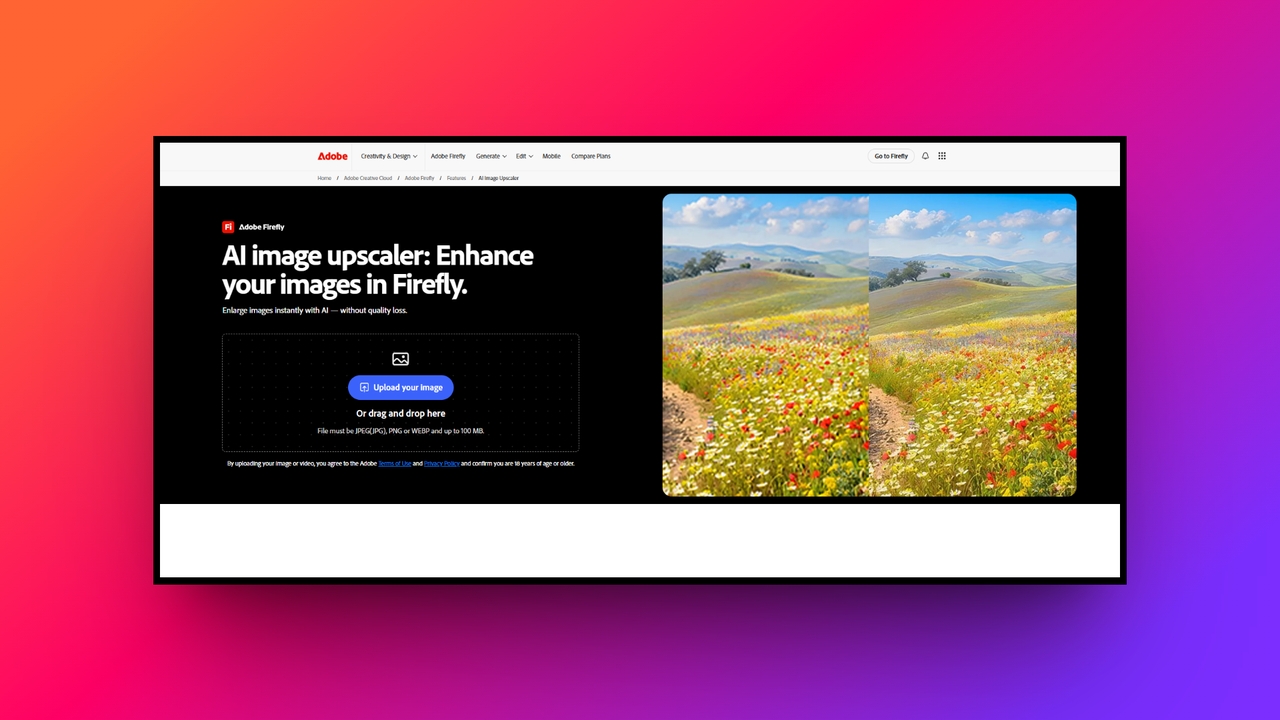
Adobe Firefly represents the pinnacle of ethical generative artificial intelligence tightly woven into elite editing software. Available inside Photoshop, its Generative Upscaler not only enlarges images but seamlessly harmonizes them with your creative edits. It perfectly balances text-to-image creation with surgical resolution enhancement, offering unparalleled control for digital professionals demanding pristine visual quality over simplistic, one-click automated web based solutions.
Key features:
- Deep Photoshop integration: Works directly within your native layer panel, allowing for non-destructive upscaling while maintaining access to advanced color grading tools.
- Ethical generative models: Trained strictly on licensed stock imagery and public domain content, ensuring your upscaled commercial artwork remains completely copyright safe.
- Inpainting and outpainting: Effortlessly expands the canvas boundaries of an upscaled image, utilizing smart context awareness to invent breathtaking, realistic background details.
- Exceptional original preservation: Prioritizes maintaining the exact lighting and mood of the source file, avoiding the aggressive over-smoothing found in cheaper upscalers.
Pros
- Integrates perfectly with the industry standard Adobe Creative Cloud ecosystem.
- Provides incredibly natural upscaling results without introducing bizarre visual artifacts.
- Ethically trained models protect professional designers from dangerous copyright infringement.
- Offers unmatched surgical precision for blending generated art with photography.
Cons
- Requires an expensive ongoing monthly subscription to the Adobe suite.
- Leonardo AI
Leonardo AI is an intensely creative platform dominating text-to-image generation and offering uniquely stylized editing capabilities. Known for breathtaking artistic models, its Universal Upscaler takes generated concepts and dramatically enhances their intricate textures. It is less focused on traditional photographic restoration and entirely dedicated to pushing the boundaries of high-resolution digital art, stunning gaming assets, and surreal conceptual digital illustrations.
Key features:
- Universal AI upscaler: Significantly amplifies the finest details in generated artwork, making stylized illustrations pop with incredible depth and striking visual clarity.
- Real-time canvas editing: A phenomenal interactive workspace allowing users to sketch, prompt, and upscale modifications simultaneously for an incredibly fluid design experience.
- Custom fine-tuned models: Enables advanced users to train specific artistic styles, ensuring all upscaled outputs strictly match their unique visual brand identity.
- Prompt adherence precision: The upscaler intimately understands your original text prompts, ensuring enhanced details actively support the intended narrative of the composition.
Pros
- Dominates the market for generating breathtaking, highly stylized digital artwork.
- Real-time canvas editing provides an astonishingly fluid and rapid workflow.
- Universal upscaler extracts stunning textures from previously low resolution generations.
- Allows creators to fine-tune unique models for specific project aesthetics.
Cons
- Not the ideal choice for restoring standard vintage family photographs.
Tips for selecting the best AI image upscaler
Navigating the complex marketplace of resolution enhancement software can feel incredibly overwhelming. To ensure you make the smartest digital investment, carefully consider these four essential tips before selecting your upscaler.
- Assess workflow requirements: Always carefully define your primary use case before purchasing. Photographers need realistic texture restoration, while digital marketers might prioritize batch processing and social media resizing. Matching your specific workflow requirements ensures you never overpay for unnecessary, complex generative software features.
- Evaluate generative models: Investigate which generative models the platform utilizes. Elite upscalers leverage premium engines to ensure absolute clarity. Cheaper alternatives often rely on outdated technology, which unfortunately results in blurry edges, strange plastic textures, and noticeably artificial visual artifacts ruining your artwork.
- Utilize free trials: Never commit to expensive annual subscriptions without extensively testing the software firsthand. Utilize free trials to upload your most challenging, poorly lit files. This hands-on evaluation immediately reveals if its in-built AI genuinely preserves delicate details or simply applies smoothing.
- Prioritize built-in tools: Prioritize upscalers offering seamless integrations or robust internal graphic design suites. Having instant access to background removal, split layer adjustments, and automatic format resizing directly alongside resolution enhancement tools massively accelerates your professional visual content creation and daily marketing tasks.
Wrapping up
AI image upscalers have fundamentally transformed how we restore, resize, and optimize visual content. By leveraging advanced deep learning models, these innovative platforms effortlessly rescue blurry photos, empowering businesses and creators to maintain pristine professionalism across all digital formats.
While many specialized tools exist, Framia Pro clearly dominates the market. By seamlessly blending elite resolution enhancement with highly advanced generative design agents, it offers unparalleled creative flexibility.
Additionally, its unique ability to extract fully editable split layers, combined with intuitive chat-to-edit capabilities and automatic multi-format resizing, makes it the absolute best investment. For creators demanding pixel-perfect precision, Framia Pro continually delivers.
FAQs
What is an AI image upscaler?
An AI image upscaler is a tool utilizing deep learning to intelligently enlarge low-resolution pictures. It predicts and generates missing pixels, preserving intricate textures without causing any blurry visual distortion.
Can AI upscalers fix blurry photos?
Yes, AI upscalers can effectively fix blurry photos. By analyzing existing image content, the artificial intelligence reconstructs lost details, restores natural edge sharpness, and completely eliminates frustrating digital pixelation noise.
Do AI image upscalers ruin the original quality?
No, advanced AI upscalers actually improve the original quality. Unlike traditional resizing methods that stretch pixels, these sophisticated models intelligently restore realistic textures and clarify details without looking artificially processed.
Can I upscale AI-generated images?
Absolutely! Many upscalers are frequently used to dramatically enhance artificially generated artwork. Specialized generative models refine complex digital illustrations, fixing subtle anatomical distortions and massively increasing resolution for commercial printing.
Are there free AI image upscalers available?
Yes, several platforms offer free AI image upscalers online. For example, Framia Pro, being one of the best image upscaler online, offers both free and paid-tiers for users who are looking to first try out the platform, and then become a subscriber later on.