
What is AI image prompting?
AI image prompting is the process of translating human imagination into natural language instructions that artificial intelligence can understand and render visually.
Think of it as communicating with a highly skilled, yet painfully literal, digital artist. When you use tools like Midjourney, DALL-E 3, or Stable Diffusion, the text you type, the "prompt", serves as the blueprint for your final image.
A well-crafted prompt bridges the gap between a vague idea and a stunning visual masterpiece. It involves carefully selecting words that define the subject, style, lighting, and mood, guiding the underlying neural networks to generate precisely what you envision.
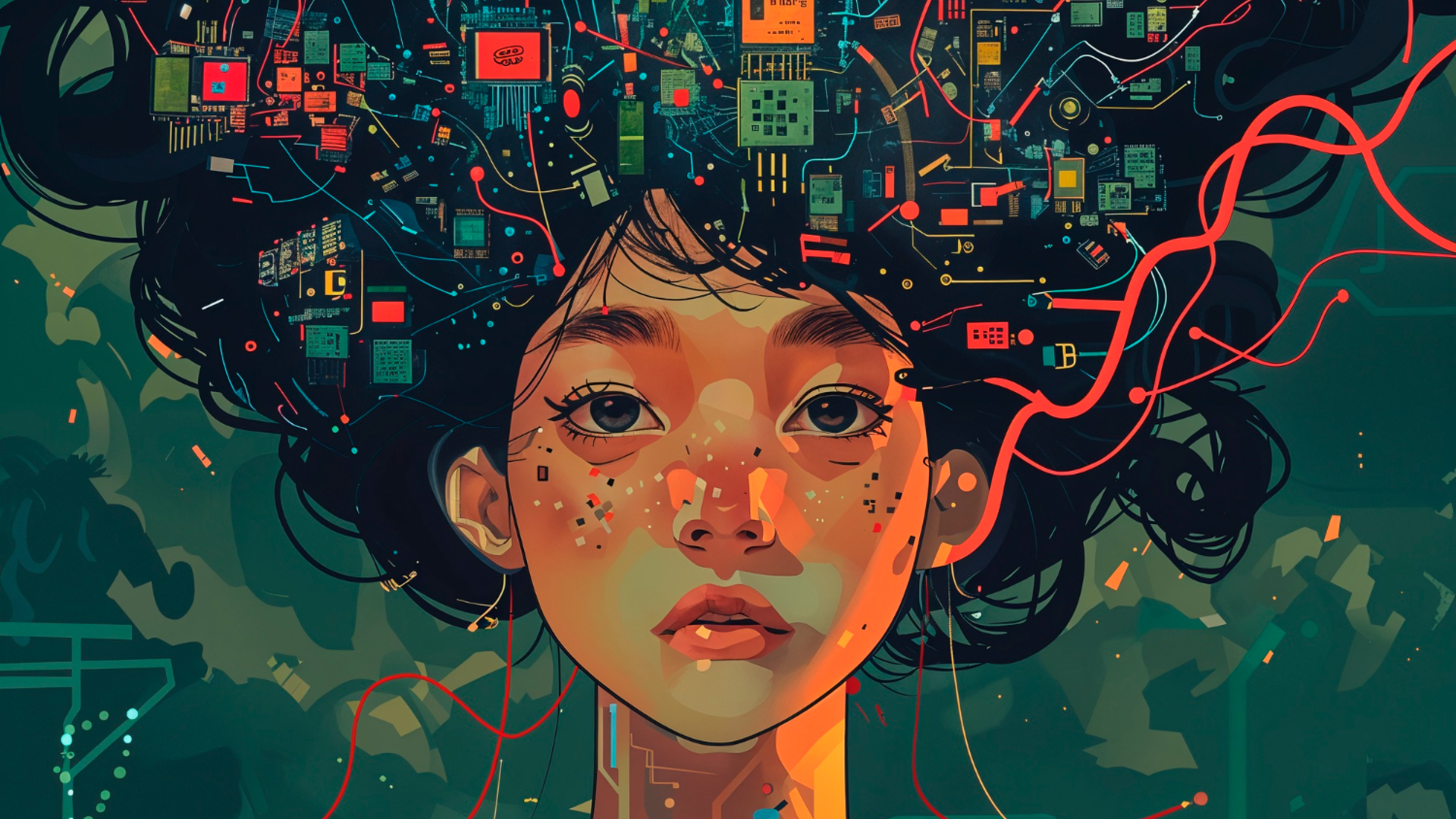
How to write good prompts for AI image generation: core principles
Crafting the perfect prompt isn't just about throwing words together; it requires structure. The most successful AI creators use a systematic approach to ensure consistent, high-quality results. Here is a reliable formula to get you started:
| [Subject] + [Context] + [Visual Style] + [Composition] + [Lighting] + [Technical Details] |
Let's break down why each of these components matters:
- The subject and context (The "what" and "where")
If you simply prompt "an armchair," the AI is forced to guess the rest. You must provide specific details.
- Weak: A man walking.
- Strong: A tired hiker in a red waterproof jacket walking through a misty pine forest.
- Visual style (the aesthetic)
If you don't specify a style, the AI will default to the most common representation in its training data. Take control by naming your aesthetic. Is it a watercolor illustration, a 3D isometric render, a charcoal sketch, or a 1970s vintage photograph? Style directives dramatically influence the mood of the final piece.
- Composition and framing (the camera angle)
Borrow terminology from photography to tell the AI exactly how to frame the subject.
- Wide shot: Shows the entire subject and environment (great for landscapes).
- Medium shot: Frames the subject from the waist up.
- Extreme close-up: Isolates a specific feature, like a subject's eyes.
- Camera Angles: Use terms like low-angle shot (to make a subject look powerful) or bird's-eye view (for an overhead perspective).
- Lighting (the secret sauce)
Lighting is the most underutilized component that separates amateur AI art from professional results. Describe lighting as a photographer would: soft natural window light, golden hour backlight, cinematic neon lighting, or moody dramatic shadows.
- Technical specifications
Add quality descriptors to signal that you expect polished outputs. Terms like high resolution, sharp focus, shallow depth of field, or detailed textures help push the model toward higher fidelity.
Putting it all together:
"A modern armchair made of light oak and cream-colored fabric [Subject], in a bright minimalist living room [Context], photorealistic architectural photography [Style], wide angle shot [Composition], soft natural window lighting [Lighting], sharp focus, 8k resolution [Technical]."
Best way to write image prompts: advanced techniques
Once you have mastered the basic formula on how to prompt image generators, it is time to elevate your creations using more sophisticated strategies. Let's explore how to refine your prompts for maximum impact.
- Utilize negative prompting: Negative prompts tell the AI exactly what not to include in the final image. By specifying terms like "blurry", "deformed", "extra fingers", or "text", you actively filter out unwanted elements. This technique is crucial for cleaning up artifacts and achieving highly polished, professional-looking generations.
- Leverage aspect ratios and parameters: Advanced prompting goes beyond just words. Learn to use tool-specific parameters, mentioning the aspect ratio to change the canvas shape, or a specific style to adjust the artistic flair. These technical commands give you precise control over the structural and aesthetic boundaries of your image.
- Reference artists and eras: One of the most powerful shortcuts in AI prompting is invoking the names of famous artists, cultural movements, or historical eras. Adding "in the style of Vincent van Gogh", "1920s Art Deco", or "Studio Ghibli" instantly applies complex, nuanced visual rules without needing lengthy descriptions.
- Practice iterative refinement: Don't expect perfection on the first try. The best prompters use an iterative process. Start with a foundational prompt, analyze the generated result, and then tweak your text. Add details to enhance missing elements, or remove words that are confusing the AI, refining until it's perfect.
Ideal examples of AI image generation prompts
Ready to see the aforementioned principles or techniques in action? Here are practical, real-world prompt examples to help you generate stunning humans, flawless text, and imaginative AI art.
- How to create effective prompts for AI image generation with humans?
Generating humans with AI requires special attention to anatomy, expressions, and framing to avoid the uncanny valley. To write good prompts for AI image generation with humans, you must detail their physical appearance, emotion, and clothing, while also acting as a virtual photographer.
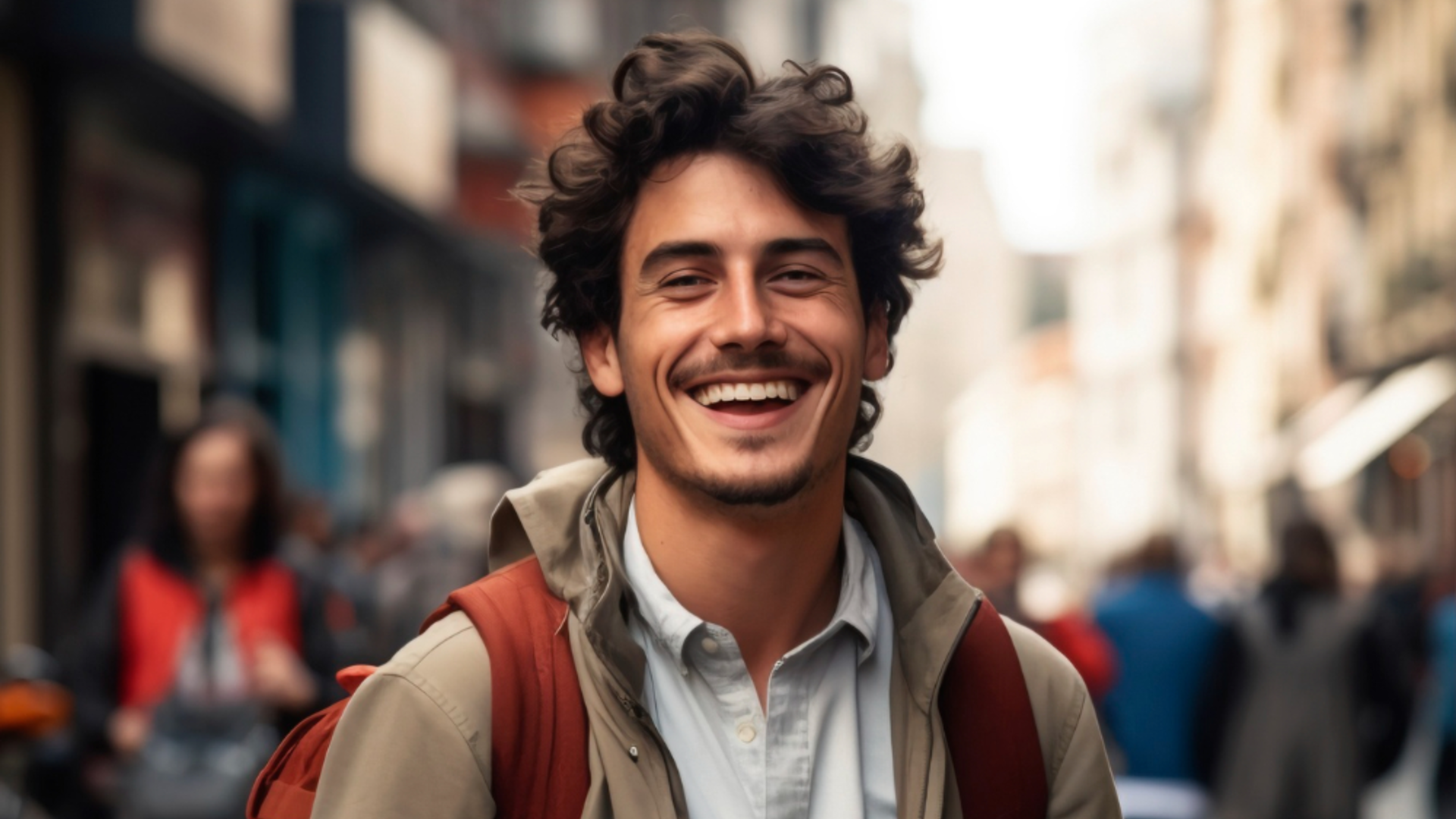
- Hyper-realistic portraiture: For lifelike faces, specify camera lenses and lighting.
- Prompt: "A close-up portrait photograph of an elderly fisherman with deep wrinkles and a weathered face, piercing blue eyes, wearing a yellow raincoat. Shot on 85mm lens, f/1.8, soft natural overcast lighting, highly detailed, 8k resolution, photorealistic."
- Cinematic action shots: To capture movement, focus on dynamic poses and environmental interaction.
- Prompt: "A female cyberpunk rogue leaping across a neon-lit futuristic alleyway, holding glowing dual katanas. Rain splashing off her metallic leather jacket, dynamic low-angle shot, motion blur, cinematic lighting, vivid magenta and cyan color palette, Unreal Engine 5 render style."
- Stylized/editorial fashion: When blending humans with high art, emphasize wardrobe and mood.
- Prompt: "An avant-garde fashion editorial of a diverse male model wearing a suit made entirely of mirrored glass shards, reflecting a vibrant sunset. High fashion magazine cover style, sharp focus, dramatic studio lighting, minimalist desert background."
- How to create effective prompts for AI image generation with text?
Modern AI generators like Nano Banana 2 and Midjourney v7 have finally cracked the code on generating legible text. To create effective prompts for AI image generation with text, the golden rule is to enclose your desired words in strict quotation marks and clearly describe the typography style.
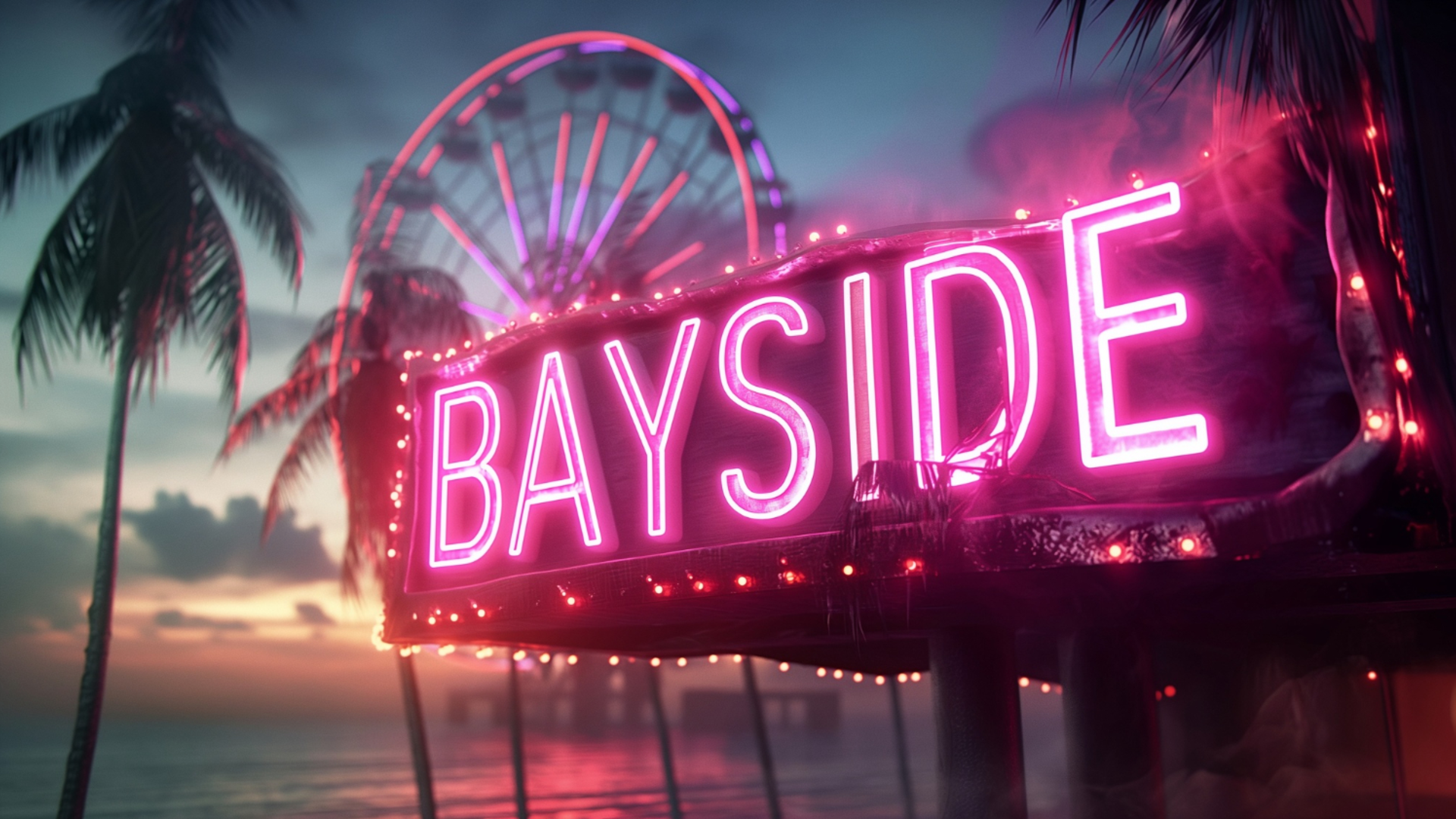
- Neon signage and urban text: Perfect for creating glowing, atmospheric typography.
- Prompt: "A moody cyberpunk street scene at night. A glowing neon sign attached to a brick wall clearly spells out 'FUTURE' in bold, retro-futuristic pink lettering. Rain-slicked streets reflecting the neon light, cinematic atmosphere, 8k."
- Logo and graphic design: AI can conceptualize distinct brand identities when given clear text instructions.
- Prompt: "A minimalist vector logo for a coffee shop. A clean, elegant illustration of a steaming coffee cup merged with a crescent moon. The text 'LUNA CAFE' is written elegantly underneath in a modern serif font, monochrome color scheme, flat design, white background."
- Product packaging & editorial: Integrate text seamlessly into real-world objects.
- Prompt: "A premium glass skincare bottle resting on a marble podium, surrounded by subtle tropical leaves. The label on the bottle clearly reads 'GLOW' in an elegant, minimalist gold foil font. High-end commercial product photography, soft natural lighting."
- How to create effective prompts for AI image generation for AI art?
When you step away from photorealism, AI truly shines as a limitless digital canvas. To use an AI image generator with a text prompt for AI art, you should experiment with abstract concepts, unconventional mediums, and surreal juxtapositions that defy real-world physics.
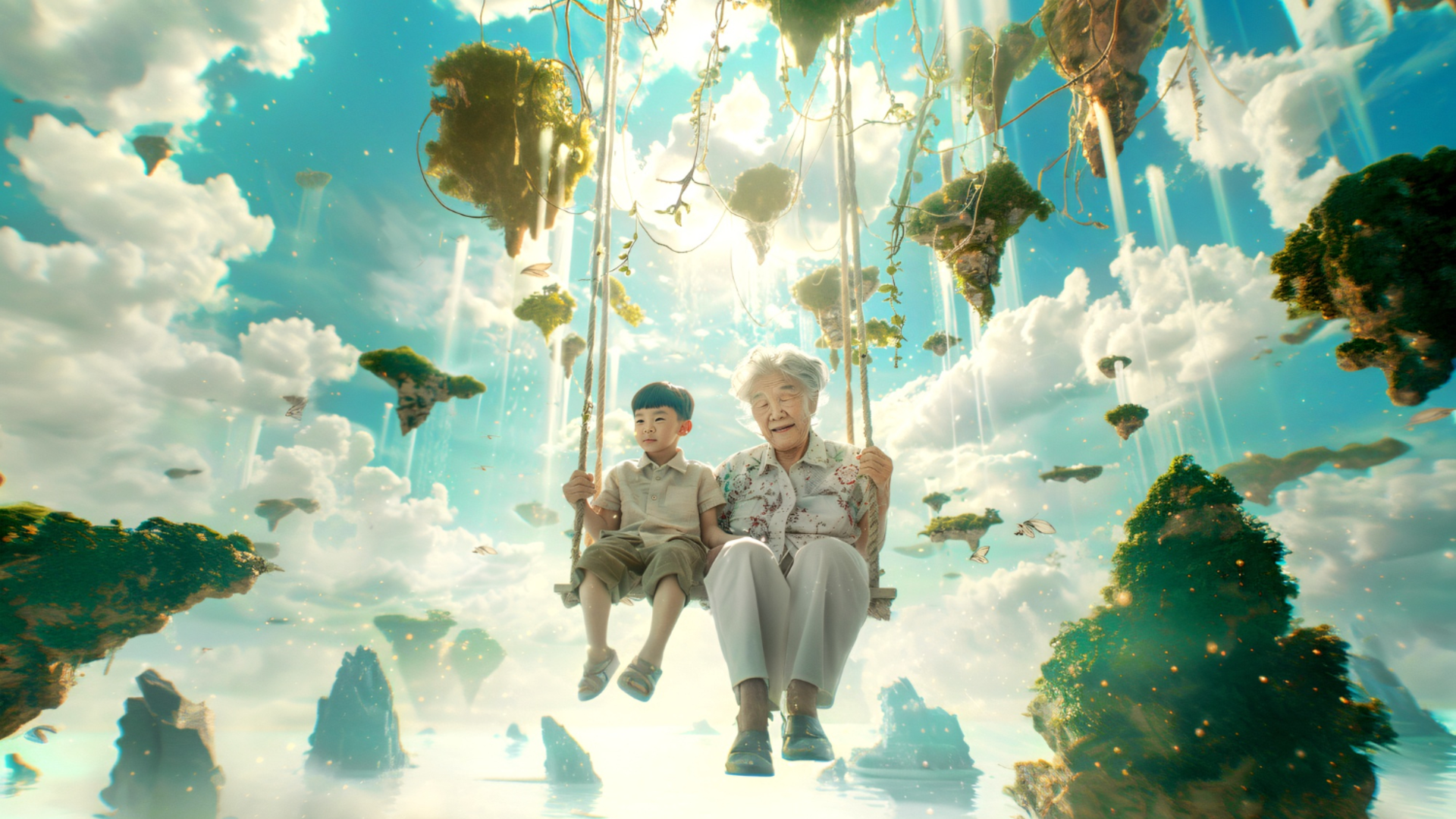
- Surrealism and dreamscapes: Blend unrelated concepts to create thought-provoking imagery.
- Prompt: "A surrealist painting of a giant vintage pocket watch melting into a tranquil ocean, giant glowing jellyfish floating in the sky above. In the style of Salvador Dali, dreamlike atmosphere, vivid blues and gold colors, intricate brushstrokes, oil on canvas."
- Abstract fluid and texture art: Focus on colors, materials, and movement rather than concrete subjects.
- Prompt: "An abstract macro photography shot of swirling acrylic paint and metallic gold ink mixing together. Vibrant emerald green, deep indigo, and shimmering gold colors colliding, fluid dynamics, high contrast, glossy texture, 8k resolution, visually mesmerizing."
- Sci-fi/fantasy concept art: Build entirely new worlds using specific digital art techniques.
- Prompt: "Epic concept art of a massive highly advanced alien megacity built on the side of a colossal glowing crystal canyon. Flying ships passing through the misty air. Matte painting style, cinematic composition, epic scale, created by ArtStation legends, breathtaking atmosphere."
Top 3 platforms you can use for AI image generation
Now that you understand the principles and techniques of crafting the perfect prompt, you need a powerful platform to bring your ideas to life. While there are countless tools available today, some clearly stand out. Here are the top three platforms to consider for generating stunning AI visuals.
| Platform | Best For | Key Models Supported | Top Advantage |
| Framia Pro | Overall Professional Use | Nano Banana, Midjourney, Flux Max, Seedream | Intuitive UI with advanced post-processing tools |
| Leonardo AI | Photorealistic Humans & Text | Leonardo Vision XL, SDXL | Highly accurate anatomy & clear text generation |
| Night Cafe | AI Art & Community Engagement | SD, DALL-E 3, VQGAN+CLIP | Beginner-friendly with engaging daily challenges |
Framia Pro - the best overall
Framia Pro stands out as the ultimate all-in-one workspace for AI image generation. It effortlessly balances an intuitive user interface with deep, advanced controls suitable for professionals. Whether you are generating marketing assets or surreal landscapes, its robust toolset ensures exceptional quality and consistent reliability across all your creative projects.
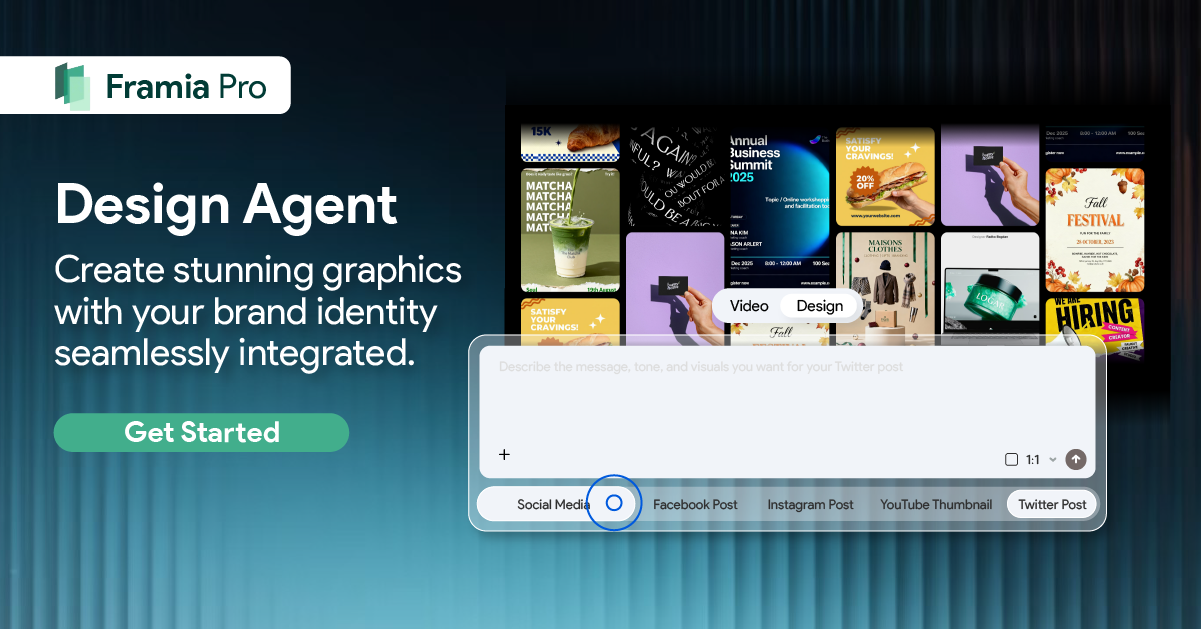
AI image generation models supported: It seamlessly integrates industry-leading models, including Nano Banana 2, Midjourney v7, and Seedream 4.5, for maximum creative flexibility.
Pros:
- Offers a highly intuitive, incredibly easy-to-navigate modern user interface.
- Provides comprehensive, advanced parameter controls for professional-grade creative fine-tuning.
- Delivers consistently rapid generation speeds without ever sacrificing image quality.
- Includes excellent built-in post-processing tools like upscaling and outpainting features.
Con:
- Premium subscription plans can be relatively expensive for casual users.
Leonardo AI - best for images of humans and text
Leonardo AI has rapidly gained popularity for its breathtaking ability to render photorealistic humans and flawless, legible text. It provides a highly specialized environment geared towards game asset creation and commercial design, offering unparalleled control over fine details and complex anatomical structures that other generators often struggle to render accurately.
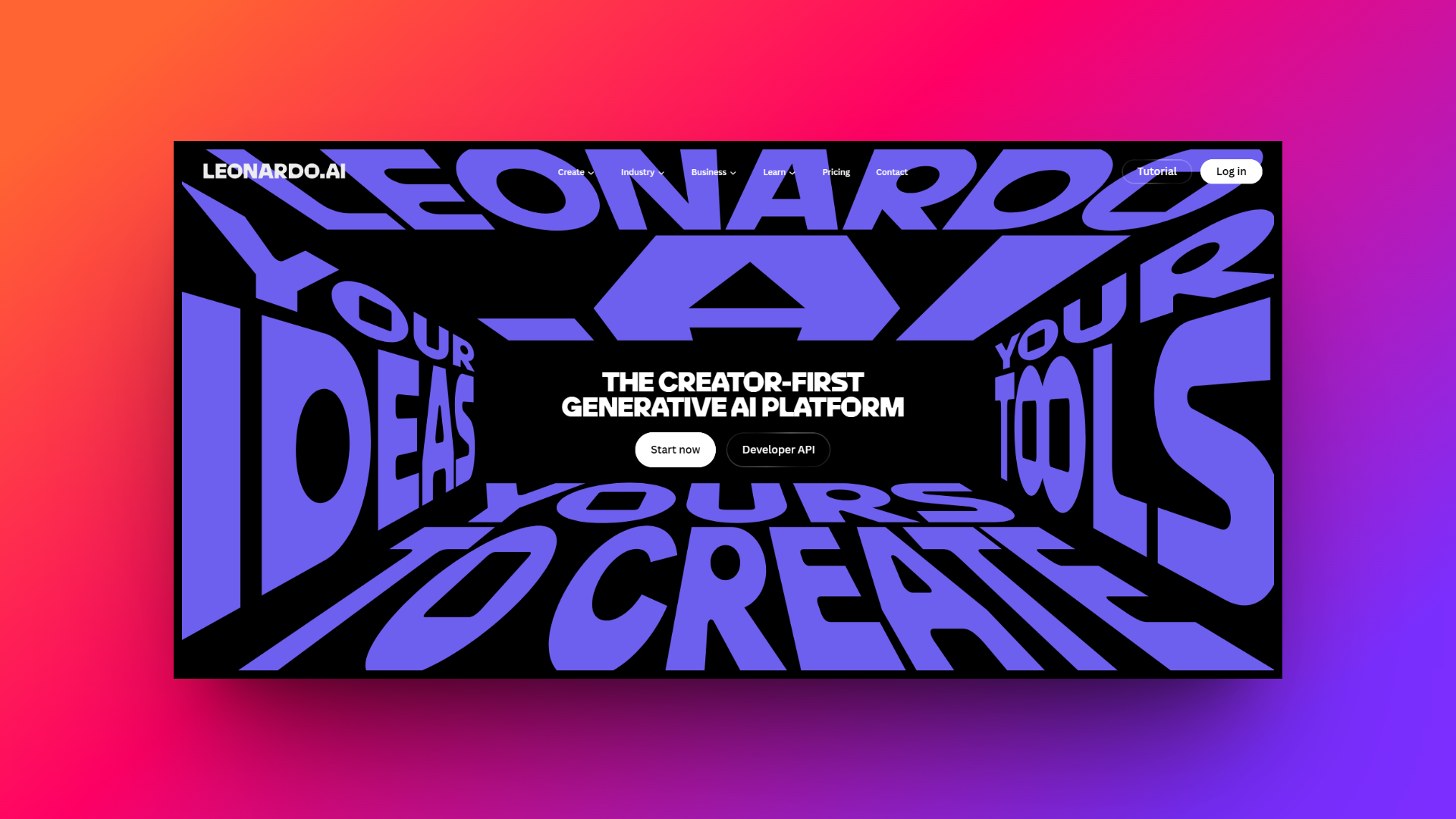
AI image generation models supported: Features proprietary models like Leonardo Vision XL alongside community-trained fine-tuned versions of Stable Diffusion 1.5 and SDXL for distinct aesthetics.
Pros:
- Produces exceptionally realistic human portraits with highly accurate facial anatomy.
- Handles text generation with remarkable precision and beautifully clear legibility.
- Offers robust custom model training capabilities directly on the web platform.
- Provides a generous daily allowance of free generation tokens for users.
Con:
- The sheer number of complex settings can initially overwhelm new beginners.
Night Cafe - best for AI art
Night Cafe is an incredible community-driven platform that truly excels in generating stunning, stylized, and abstract AI art. It fosters a highly engaging, gamified environment where users can participate in daily challenges, share prompts, and experiment wildly across various artistic mediums without needing any advanced technical or coding knowledge whatsoever.
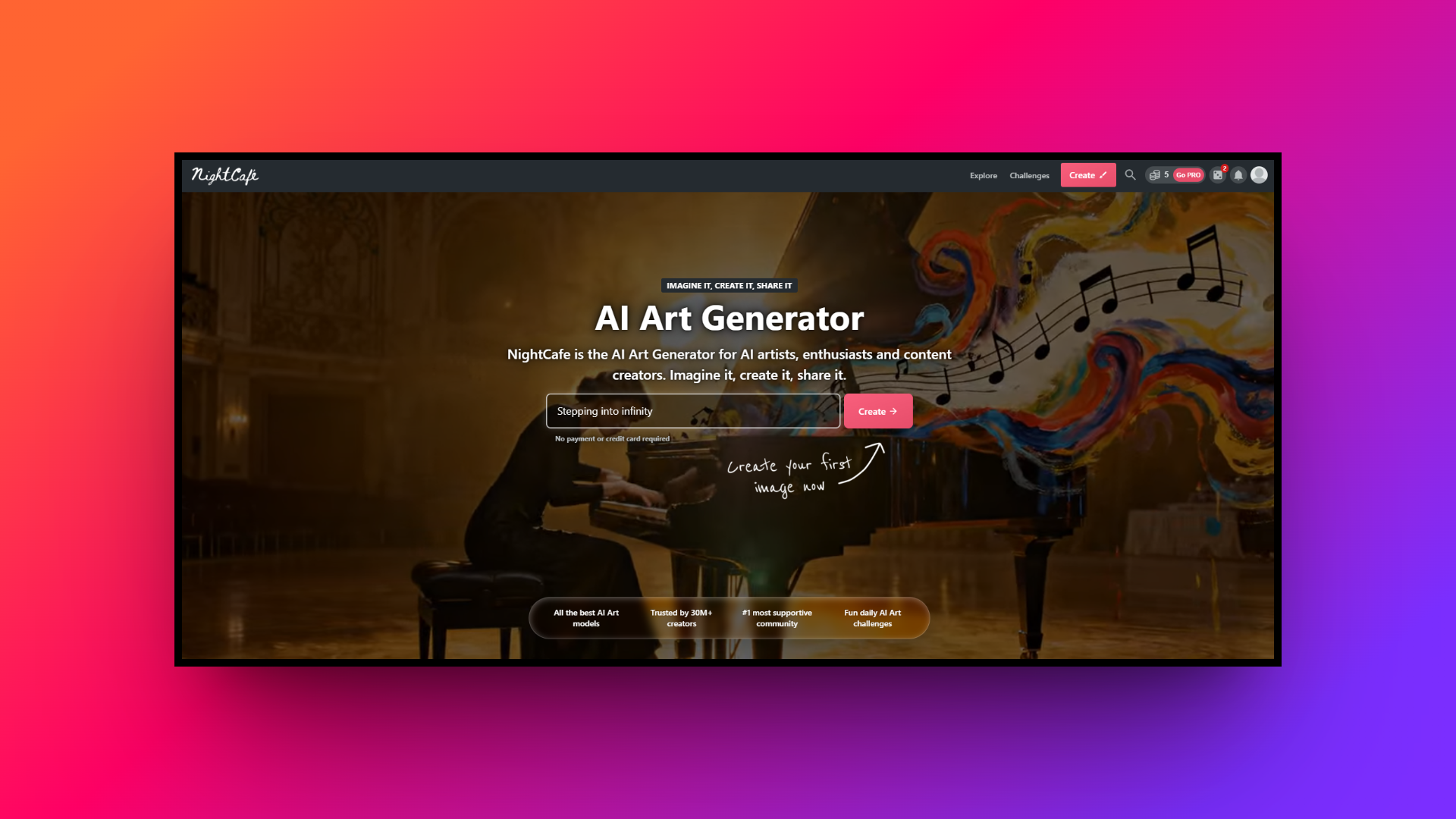
AI image generation models supported: Supports a massive variety of algorithms including multiple Stable Diffusion iterations, DALL-E 3, VQGAN+CLIP, and classic Neural Style Transfer models.
Pros:
- Fosters a vibrant, highly active community for sharing creative prompt ideas.
- Excels at producing deeply artistic, surreal, and incredibly highly stylized imagery.
- Features an incredibly simple, beginner-friendly interface built for immediate artistic creation.
- Hosts fun daily art challenges that consistently reward users with free credits.
Con:
- Lacks granular, advanced parameter controls typically found in professional tools.
Tips & mistakes to avoid on how to generate images from text prompts
Mastering AI image generation is a learning curve. To help you get the best results faster, here are some essential tips to embrace and common pitfalls to avoid when crafting your text prompts.
| Tips To Follow | Mistakes To Avoid |
| Start simple, then build: Begin with a basic prompt to see how the AI interprets your core concept. Gradually add details, styles, and lighting parameters one by one to maintain control. Collect an inspiration library: Save prompts that produce great results, even from other creators. Analyze their structure and vocabulary to build your own personal dictionary of effective keywords. Experiment with aspect ratios: Don't stick to default square images. Adjusting the aspect ratio to portrait or landscape dramatically changes the composition and framing of your generated subject. Use prompt weights: Learn your specific tool's syntax. Using weights allows you to emphasize crucial elements and downplay others, giving you precise artistic direction over the final output. | Overloading the prompt: Cramming too many conflicting styles or subjects confuses AI. Keep your focus tight; a massive paragraph often leads to messy, incoherent, and cluttered visual outputs. Using contradictory terms: Asking for "bright daylight" and "dark moody shadows" simultaneously will confuse the generator. Ensure your lighting, style, and setting keywords logically align together. Being too vague: Using subjective words like "beautiful" or "awesome" forces the AI to guess your intent. Always replace them with concrete, descriptive terms that define exactly what you want. Ignoring negative prompts: Failing to use negative prompts means leaving artifacts up to chance. Always specify what you don't want, like "deformed, blurry, text," to ensure a clean result. |
Wrapping up
Mastering AI image generation is an ongoing journey of balancing structure with creativity. By applying the core principles, utilizing advanced techniques, and avoiding common pitfalls, you can transform simple text into breathtaking visual art.
While many platforms exist to help you on this journey, Framia Pro clearly emerges as the ultimate companion. Its perfect blend of an intuitive interface and powerful, professional-grade controls makes it the ideal choice for both beginners and experts alike. If you want to take your AI image prompting to the next level and consistently produce exceptional, high-quality visuals, Framia Pro is the unparalleled tool you need to bring your wildest imaginations to life.
FAQs
What is the first step in learning how to prompt image generators?
Begin by mastering a structured formula: define your subject, setting, lighting, and art style. Platforms like Framia Pro make this easier with advanced parameter controls for predictable visual outputs.
What is the best way to write image prompts for realistic portraits?
The most effective method is to act like a photographer. Specify camera lenses, precise lighting conditions, and granular facial details to achieve hyper-realistic, professional-grade human anatomy.
Are there specific rules on how to write AI art prompts for abstract styles?
For abstract visuals, focus less on concrete subjects and more on descriptive adjectives, textures, and fluid dynamics. Using professional tools like Framia Pro allows you to perfectly fine-tune these complex artistic variables.
What are the most crucial AI art prompt tips for beginners?
Start simple and iterate slowly. Build a personal library of successful keywords, experiment with aspect ratios, and always utilize negative prompting to systematically remove unwanted visual artifacts.
Does the order of words matter when learning how to prompt image generators?
Yes, sequence is critical. AI models prioritize keywords at the very beginning of your text. Always place your main subject first, followed by supporting environmental and stylistic details.