
PixVerse has made a name for itself as a fast, accessible AI video generator — popular with creators who want stylized clips for TikTok, Instagram Reels, and YouTube Shorts. But as content demands grow, many creators are hitting its limits: short 5–8 second clips, no 4K output, limited negative prompt controls, and occasional unrealistic scene generation.
Whether you need longer videos, cinematic quality, brand-safe workflows, or a fully integrated creative suite, there are strong PixVerse alternatives worth exploring. This guide ranks the top 10 Pixverse AI alternatives based on motion quality, realism, ease of use, features, and value.
What is PixVerse AI?
PixVerse AI is a popular web-based AI video generator that turns text prompts or images into short, stylized video clips within seconds. Launched as an accessible tool for creators, it specializes in fast text-to-video and image-to-video generation, supporting various artistic styles like realistic, anime, cinematic, and surreal effects.
With features such as motion control, camera movements, lip-sync, templates, and creative effects, PixVerse is widely used for producing quick social media content for TikTok, Instagram Reels, and YouTube Shorts. While recent updates like V6 have improved motion quality and added multi-shot capabilities with up to 15-second 1080p clips, it remains best known for its speed and ease of use in creating engaging short-form videos.
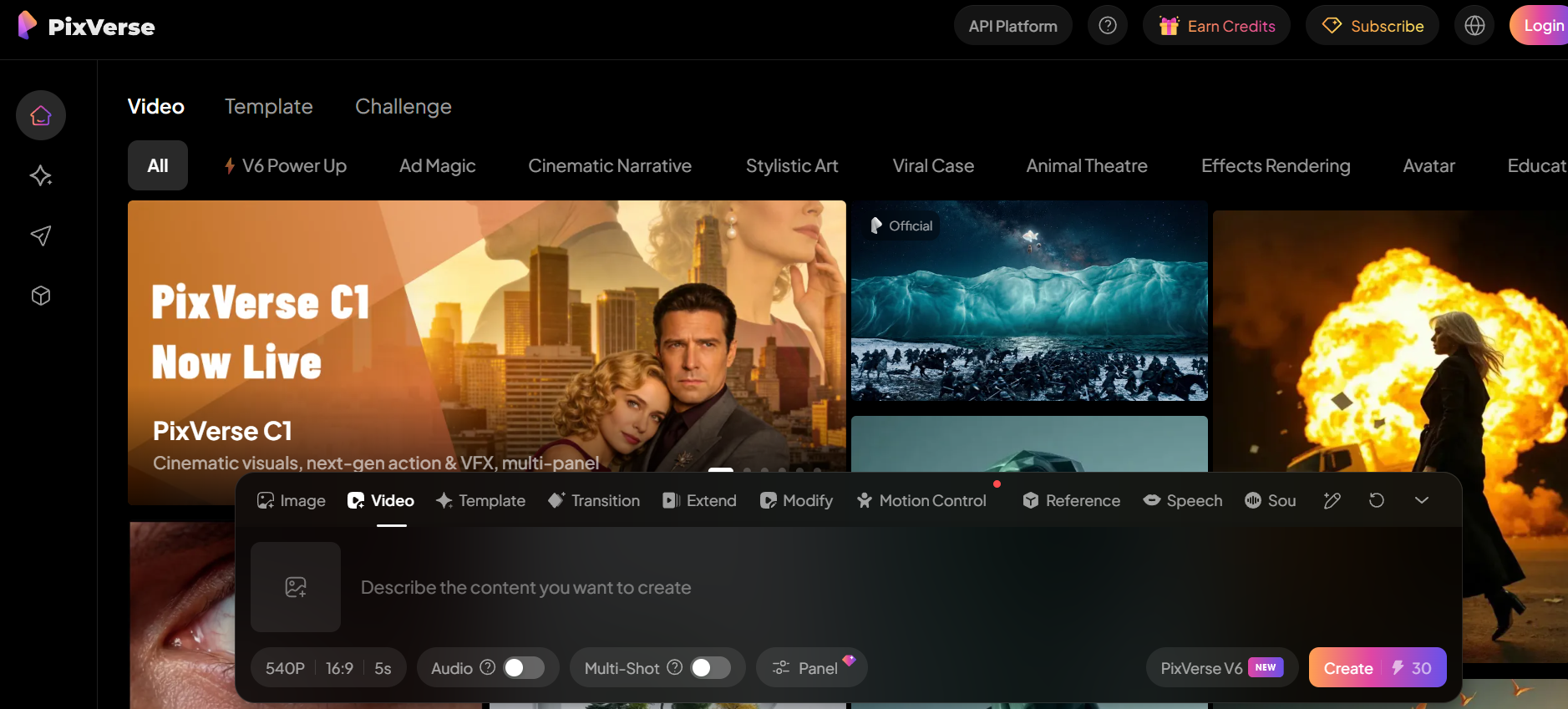
Key features of PixVerse AI
- Pixverse text-to-video: Turn simple prompts into short, stylized videos with automatic motion, lighting, and camera effects. PixVerse quickly generates engaging clips ideal for social media, ads, and creative storytelling.
- Pixverse image-to-video: Animate static images into dynamic video clips with smooth motion, transitions, and camera movement. PixVerse adds depth and visual effects, making still visuals more engaging and shareable.
- Precise motion brushes: One of its standout features is the ability to paint over specific areas of an image to dictate exactly where movement should occur, providing localized control over static elements.
- Comprehensive camera controls: Users can fine-tune cinematic horizontal, vertical, and zoom movements, or use "Director Mode" to orchestrate complex pans and tilts.
- Integrated lip-sync: PixVerse includes a native lip-sync tool that allows creators to upload audio or record a voiceover to animate character faces with reasonable phonetic accuracy.
- V6 large model support: The latest architecture supports higher prompt adherence and "Multi-Shot" capabilities, allowing for longer, more coherent sequences than earlier iterations.
Pixverse pricing: Is it worth the cost?
PixVerse operates on a credit-based subscription model, offering a balance between a functional free tier and professional-grade paid plans. Here is how the pricing structures generally look in 2026:
| Plan | Price (Monthly) | Credits / Benefits | Best For |
| Free Tier | $0 | ~70–100 Daily Credits (Non-stackable) | Casual hobbyists and testing |
| Basic Plan | ~$10 - $15 | 1,000+ Credits, No Watermark, HD Quality | Social media creators |
| Standard Plan | ~$25 - $35 | 3,000+ Credits, Priority Queue, Longer Clips | Frequent content producers |
| Pro Plan | ~$60+ | Unlimited (or High-Cap) Credits, Commercial License | Small agencies & power users |
Pixverse AI review: Why are creators looking for alternatives to Pixverse?
Before diving into the alternatives, it helps to understand the specific pain points that push creators to look elsewhere:
- Clip length limits: PixVerse caps output at 5–8 seconds, which blocks multi-scene storytelling, longer social formats, and any video that needs proper pacing or audio sync.
- No 4K output: Without native 4K support, creators lose framing flexibility and professional polish — a dealbreaker for brand work, large-screen playback, and post-production cropping.
- Inconsistent scene quality: Complex prompts can produce odd results — unnatural motion, cross-eyed faces, and impossible physics — making it unreliable for client-facing or high-stakes content.
- Removed negative prompt controls: Earlier versions allowed users to exclude unwanted elements. Losing that control forces longer trial-and-error cycles and slows down professional iteration workflows.
- Weak 3D animation support: Rigged characters, accurate lip sync, and complex camera moves expose PixVerse's 3D limitations — pushing serious animators and filmmakers toward more capable platforms.
How did we pick the best PixVerse alternative
We evaluated dozens of AI video tools based on real-world testing and user feedback in 2026. Key criteria included:
- Clip length & format flexibility: Tools that support longer durations, multiple aspect ratios, and diverse output formats scored higher — especially for creators working across platforms.
- Prompt adherence & realism: Ability to follow detailed prompts accurately while producing cinematic lighting, physics, and character consistency.
- Speed, accessibility & value: Generation speed, free tier limits, pricing, and ease of use for solo creators and professionals.
- Features & usability: Advanced controls like camera movements, lip-sync, native audio, editing tools, image-to-video, and multi-shot capabilities.
- Ease of use: We factored in interface clarity, learning curve, and how quickly a new user can go from idea to finished video without needing technical expertise.
Top 10 PixVerse alternatives to try in 2026
Searching for the best PixVerse alternative in 2026? Here are 10 platforms that go further than PixVerse in quality, control, and creative flexibility.
| Tool | Best For | Resolution Support | Key Strength | Pricing | Best User Type |
| Framia Pro | All-in-one creative AI agent | Up to 4K | Agent workflow + multi-model integration | Free tier available; paid plans vary | Solo creators & marketers |
| Kling AI | Cinematic motion and realistic physics | 1080p | Natural movement & scene continuity | Free tier; paid from ~$8/month | Storytellers & filmmakers |
| Google Veo 3 | Photorealistic scene generation | Up to 4K | Native audio + ultra-realism | From $249/month | Professional & brand work |
| Hailuo AI | Expressive facial realism & emotional scenes | Native 1080p | Character emotion & lip-sync | Token-based; free tier available | Dialogue & character content |
| Luma AI | 3D depth & product visualization | Up to 4K | Spatial awareness & depth | Free tier; paid from ~$29.99/month | Product & architectural videos |
| DomoAI | Animation and style transfer | Up to 4K upscaling | Avatar animation & restyling | Free tier; paid from $9.99/month | Animators & stylists |
| Runway | Professional AI filmmaking | High | Advanced editing & motion control | Free tier; paid from $15/month | Filmmakers & agencies |
| Pika | Stylized and experimental social video | 1080p | Creative effects & fun styles | Free tier; paid from $8/month | Social media & viral creators |
| Vidu AI | Versatile multi-style video creation | 1080p | Smooth transitions & speed | Free tier; paid from $12.99/month | Beginners & fast content |
| Canva | Fast, accessible social video production | Standard | Beginner-friendly + templates | Free tier; paid from $15/month | Non-designers & small teams |
1. Framia Pro — Best all-in-one creative AI agent
Framia Pro is an all-in-one creative AI agent that acts as a comprehensive free alternative to PixVerse for solo creators who want a single intelligent platform rather than juggling multiple tools. It functions as a creative AI agent that connects world-class models — including Google Gemini 3.1, Sora 2, Veo 3.1, Seedance 2.0, and Kling 3.0 — all within one interactive canvas.
What sets Framia Pro apart is its agent-first approach: instead of manually switching between tools, you describe your creative vision and the platform orchestrates the right models and skills automatically. It supports a wide range of creative formats including music videos, short-form ads, social content, movies, e-commerce visuals, branding, and photography.
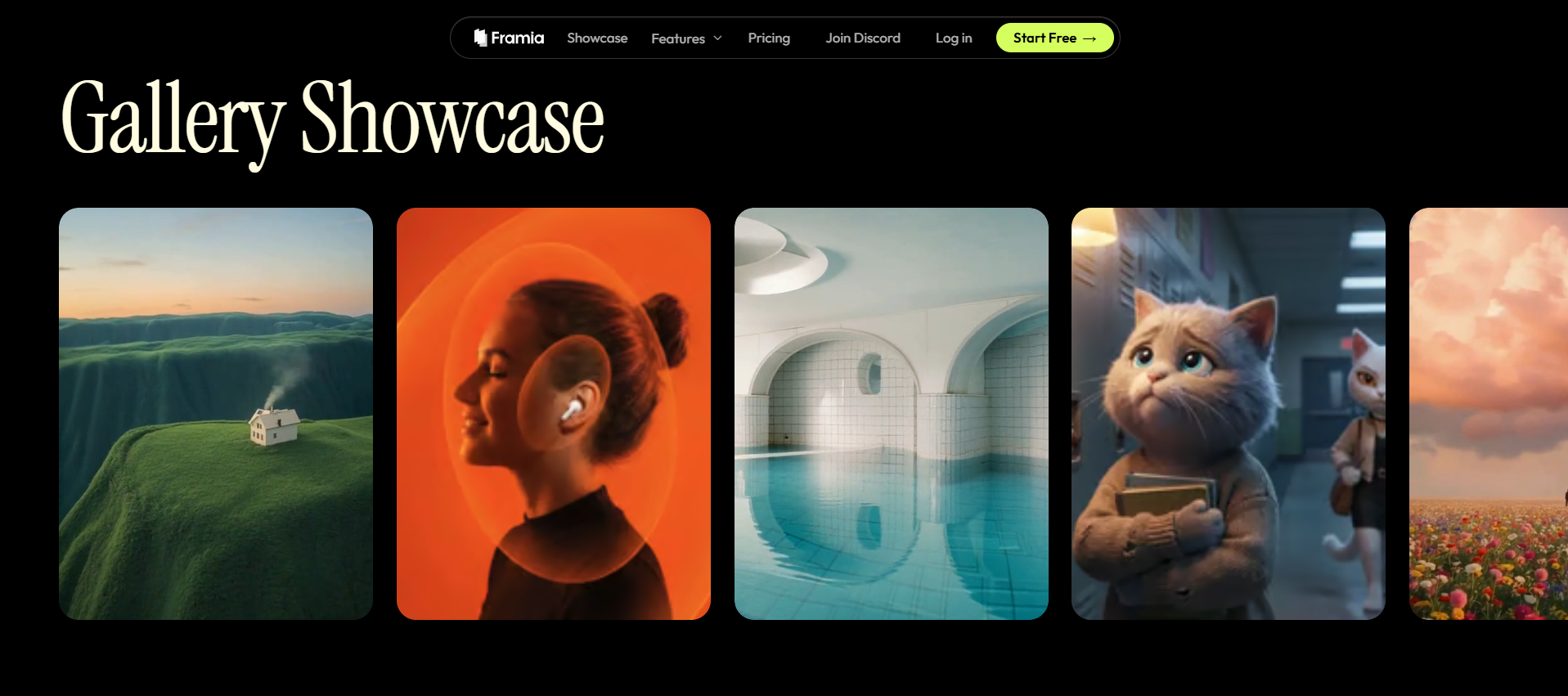
Features
- AI agent workflow that connects Gemini 3.0, Sora 2, Veo 3.1, and more in one canvas.
- Character-consistent video generation for narrative and branded content.
- Specialized skill agents for music videos, ads, shorts, movies, and e-commerce.
- Interactive canvas for planning, prompting, and refining creative projects.
Pros
- Eliminates tool-switching by bringing frontier AI models into a single workflow.
- Covers every creative format from social shorts to cinematic movie-style sequences.
- Built specifically for solo creators who need studio-grade output without a team.
- Regularly updated with the latest models as soon as they are available.
Cons
- Newer platform with a smaller community and fewer third-party tutorials compared to established tools.
- May have a steeper learning curve for advanced agent features.
2. Kling AI — Best for cinematic motion
Kling AI is a video generation platform developed by Kuaishou, one of China's largest short-video companies. It is built around a deep understanding of motion physics, camera behavior, and scene continuity — producing clips that feel grounded and cinematically composed. Creators working on narrative content, mood-driven visuals, or brand storytelling will find its output quality notably ahead of most consumer tools. The platform continues to evolve rapidly, with each model update bringing stronger prompt comprehension and more refined visual results.
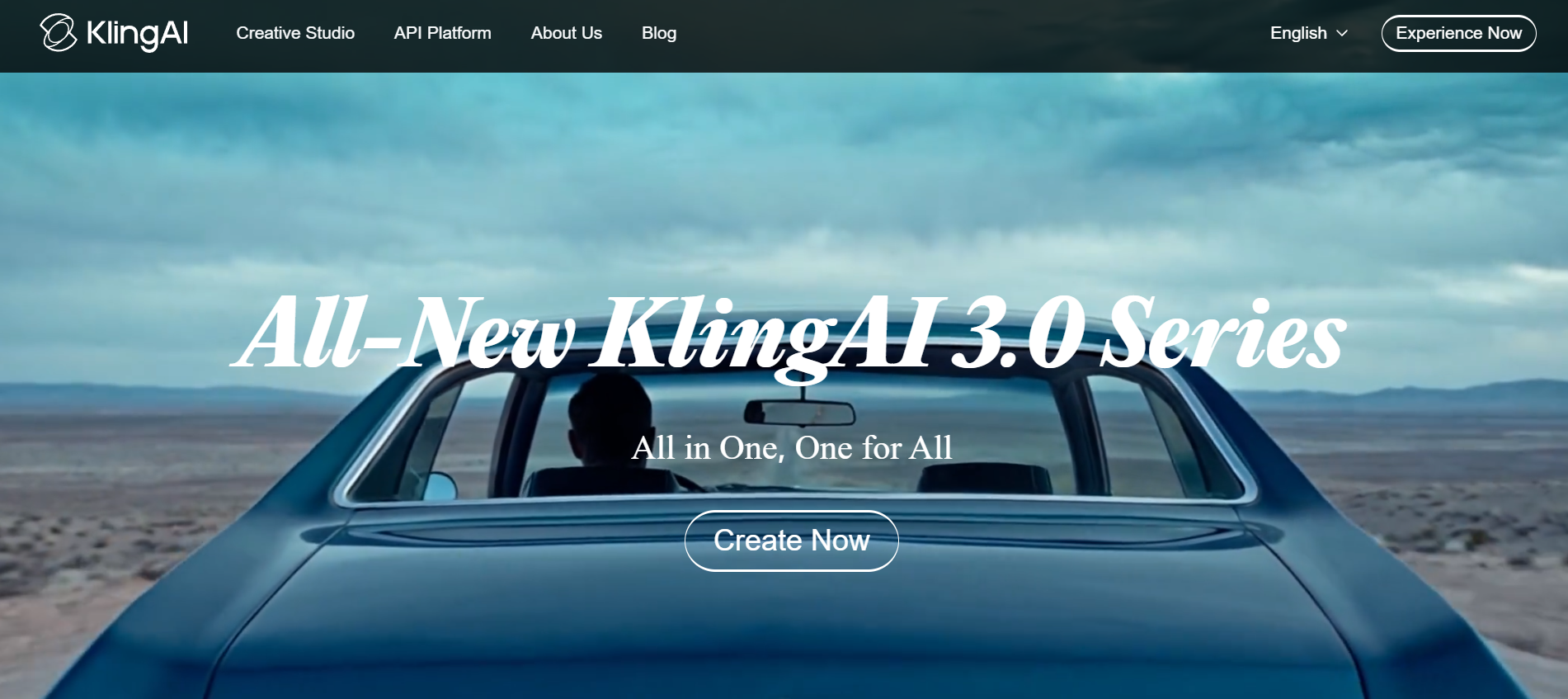
Features
- Text-to-video and image-to-video with cinematic camera motion and depth.
- Natural lighting simulation with real-world physics adherence.
- Smooth object tracking, scene continuity, and intelligent transitions.
- High-resolution output up to 1080P optimized for storytelling.
Pros
- Best-in-class for long-duration AI video sequences.
- Handles complex human-object interactions very well.
- Maintains consistent character identity over time.
- Versatile for both cinematic and social media formats.
Cons
- Generation times can run 4–6 minutes per clip, which slows iterative workflows.
- Native platform pricing is steep for casual or part-time creators.
3. Google Veo 3 — Best for photorealistic scene generation
Google Veo 3 is the latest video generation model from Google DeepMind, representing one of the most technically advanced systems currently available to creators. It was built with a focus on physical accuracy, environmental coherence, and native audiovisual integration — meaning sound, dialogue, and visuals are generated together rather than added separately. For creators who need output that looks and sounds indistinguishable from real footage, it sets a benchmark that few other tools come close to matching.
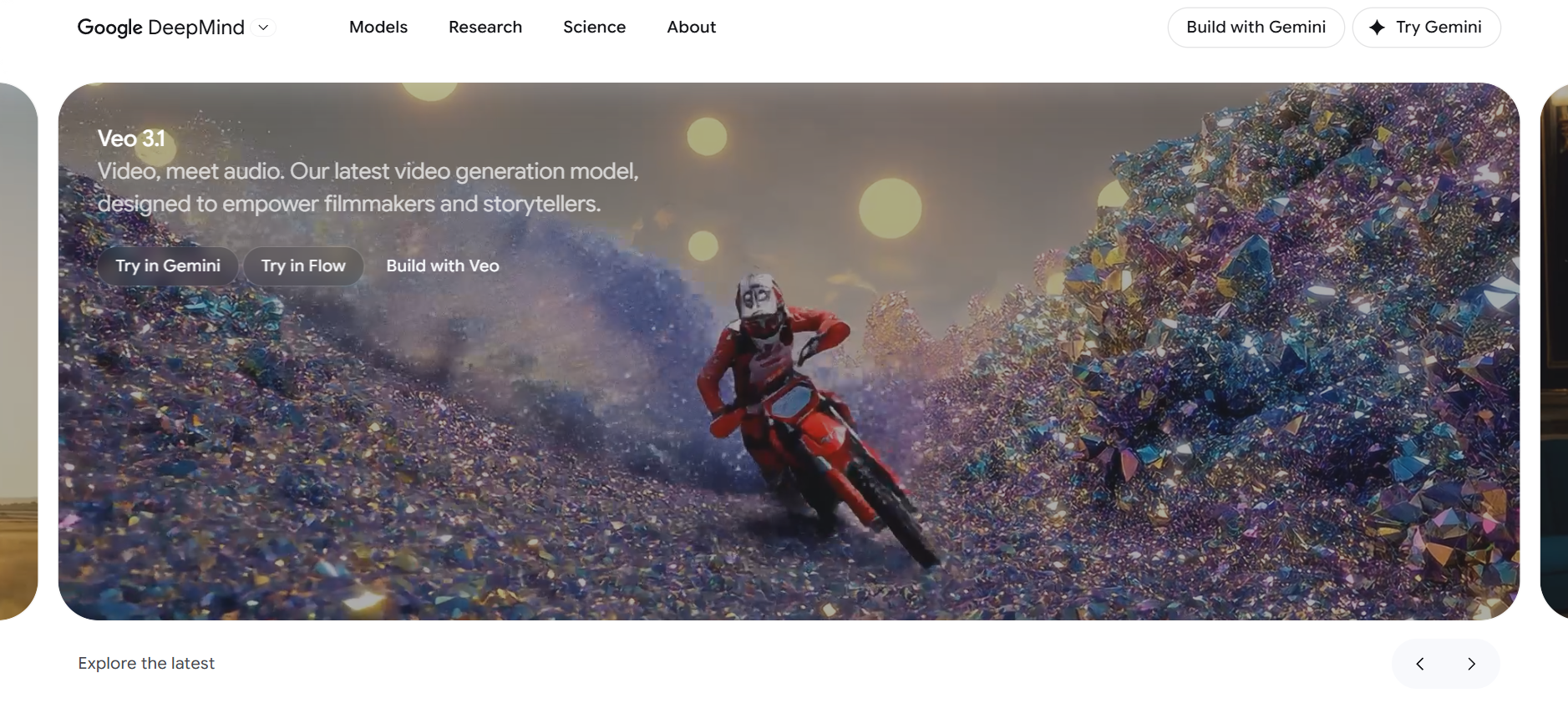
Features
- Text-to-video with cinematic motion, camera physics, and environmental accuracy.
- Native audiovisual integration including sound effects and synchronized dialogue.
- 4K resolution output with frame-by-frame visual consistency.
- SynthID watermarking for AI content provenance and authenticity.
Pros
- Produces the most realistic and coherent video output currently available.
- Native audio-video sync removes the need for separate sound design tools.
- Strong safety and authenticity features make it suitable for compliant brand work.
- Backed by Google's infrastructure for reliability and consistent performance.
Cons
- Native access starts at $249 per month, making it inaccessible for most individual creators.
- Limited creative stylization options for creators who want anime, cartoon, or artistic looks.
4. Hailuo AI — Best for expressive facial realism and emotional scenes
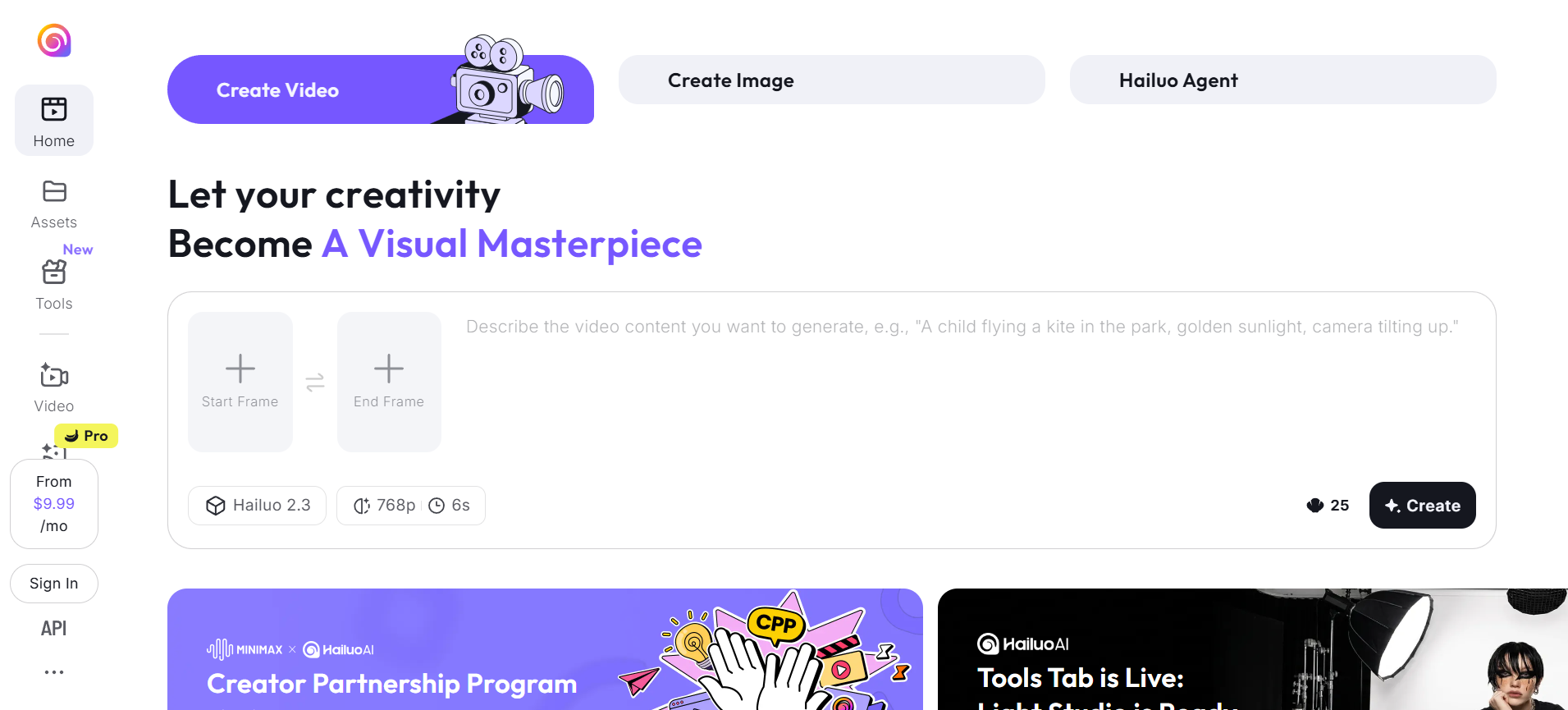
Hailuo AI is developed by MiniMax, a Chinese AI research company with a strong focus on multimodal generation. The platform has earned recognition for producing some of the most emotionally convincing and facially realistic AI videos available today. Its latest model generates native high-definition output rather than relying on post-generation upscaling, resulting in cleaner and more detailed footage. Creators working on content that involves human characters, dialogue-driven scenes, or culturally specific storytelling will find it particularly well-suited to their needs.
Features
- Native 1080P output without upscaling for true high-definition results.
- Storyboard tools for organized multi-scene video planning.
- Intelligent scene transitions with automatic animation injection.
- Multilingual support with culturally nuanced character responses.
Pros
- Facial realism and emotional clarity in character-driven scenes.
- Storyboard feature makes it easier to plan and structure longer video narratives.
- Supports multiple clip durations including 6-second and 10-second formats.
- Strong fit for educational, explainer, and dialogue-heavy content formats.
Cons
- Token-based pricing model can become expensive for high-volume content creators.
- Less versatile for heavily stylized or non-realistic visual formats.
5. Luma AI — Best for 3D depth & product visualization
Luma AI is a company originally known for its 3D capture and neural rendering research. That foundation is evident in how the platform generates video — with a depth-aware engine that understands spatial relationships, object placement, and realistic camera behavior. The result is footage that feels grounded in physical space rather than artificially composed. It is especially strong for product-focused content, architectural walkthroughs, and any scenario where environmental realism and clean visual structure are the priority.

Features
- 3D depth-aware rendering with accurate camera motion and object tracking.
- Photorealistic scene generation with structured and logical transitions.
- 4K resolution output with strong spatial clarity.
- Prompt-to-video generation with realistic environment and lighting behavior.
Pros
- Best-in-class for spatial storytelling, product visualization, and scene walkthroughs.
- 3D-aware camera engine creates a sense of real depth that most tools cannot match.
- Clean and modern aesthetic suits professional and commercial content styles.
- 4K output makes it viable for large-screen and broadcast delivery.
Cons
- Short clip durations limit use for longer narrative formats.
- Less suitable for stylized, animated, or character-driven creative content.
6. DomoAI — Best for animation and style transfer
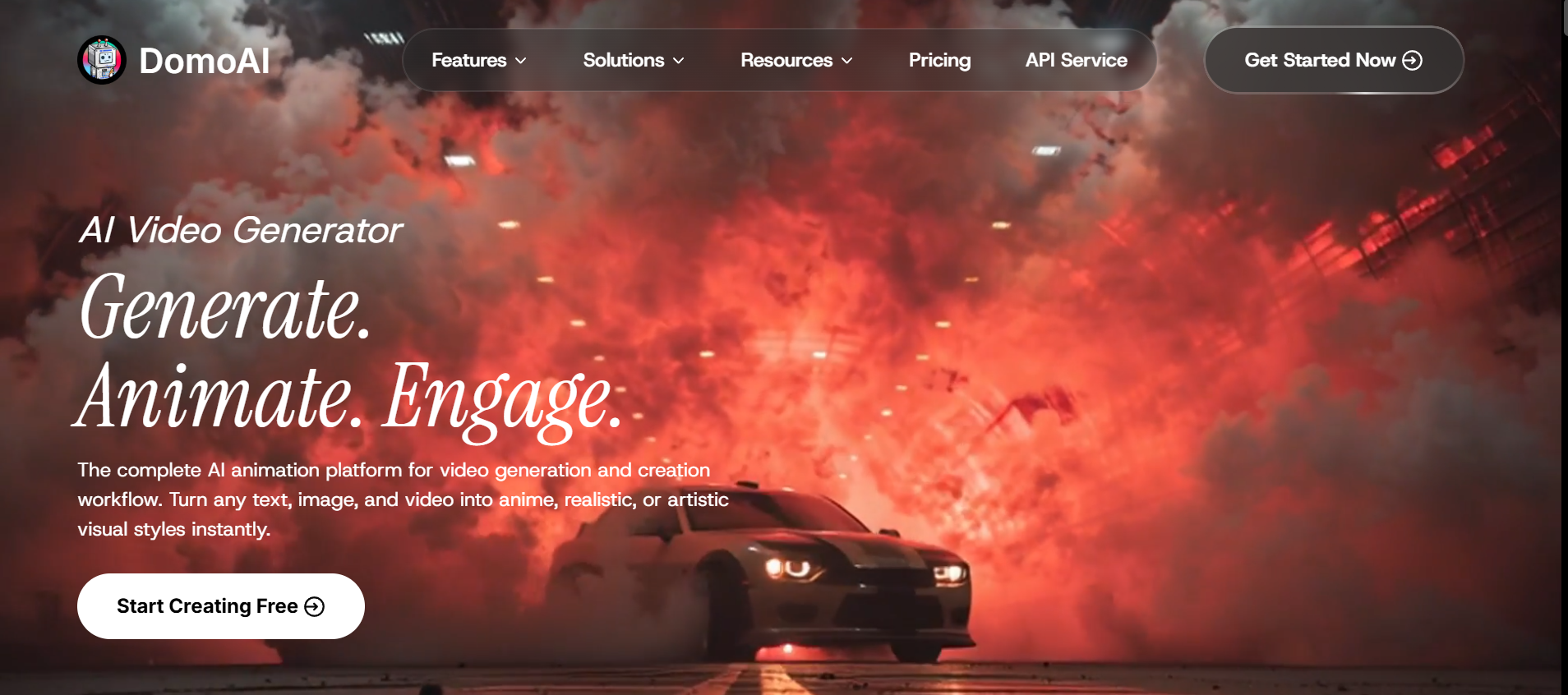
DomoAI started as a Discord-based creative tool before growing into a full web platform used by millions of creators worldwide. It built its reputation on style transfer and animation — giving users the ability to rework existing footage into anime, cartoon, or cinematic styles with minimal effort. Over time it expanded into avatar creation, lip sync, background removal, and upscaling, making it one of the more complete creative toolsets available at its price point. Its active community remains one of its strongest assets for new users.
Features
- Multiple generation modes: text to video, image to video, and video-to-video restyle.
- Talking avatars and character animation with AI-driven lip sync.
- Background removal, video upscaling to 4K, and motion-based style transfer.
- Community templates and remixable projects for fast ideation.
Pros
- One of the most versatile tools for animation, style transfer, and avatar creation.
- 4K upscaling gives older or lower-resolution footage a professional refresh.
- Large and active creator community with abundant tutorials and inspiration.
- Creative style engines including anime, cartoonization, and reference-based effects
Cons
- Video durations top out at 30 seconds, limiting use for long-form content.
- Discord-centric workflow can be messy for some users.
7. Runway — Best for professional AI filmmaking
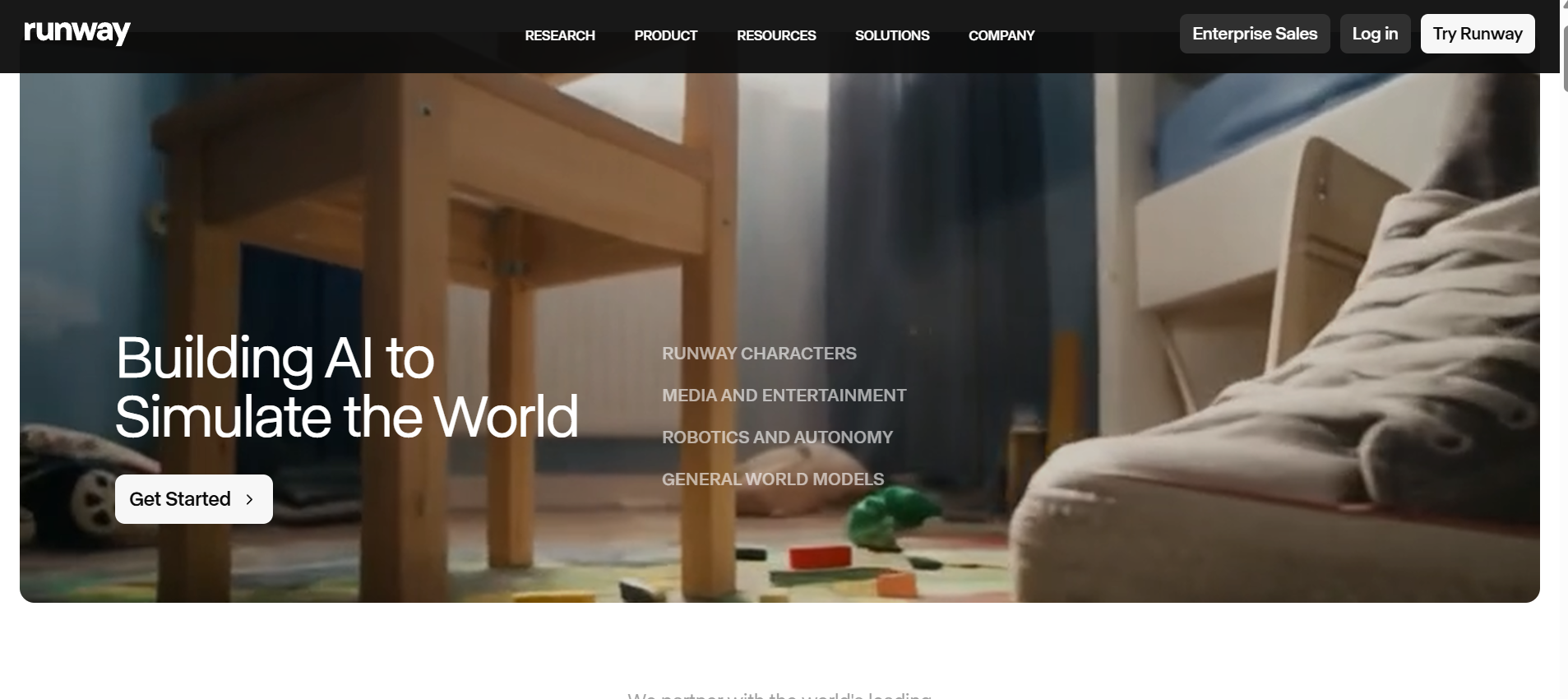
Runway ML is the go-to professional PixVerse alternative for filmmakers and editors who need advanced control. It combines powerful generation with robust post-production tools, allowing precise editing, motion tracking, and 3D integration. Known for its Gen-4 model, it offers precise camera control, motion brush, and multi-scene consistency features that appeal to professional video production workflows. It is widely used by independent filmmakers, creative agencies, and major production studios alike.
Features
- Gen-4 model with precise camera movement controls and subject consistency.
- Motion brush for targeted, localized animation within specific scene areas.
- Video-to-video style transfer and advanced inpainting tools.
- Multi-scene project support for building longer video sequences.
Pros
- Industry-leading control over camera movement and subject tracking.
- Trusted by professional filmmakers, studios, and creative agencies worldwide.
- Frequent model updates keep it at the cutting edge of AI video generation.
- Strong community, documentation, and tutorial resources for new users.
Cons
- Pricing can escalate quickly for creators who generate high volumes of content.
- Steeper learning curve compared to more consumer-friendly alternatives.
8. Pika — Best for stylized and experimental social video
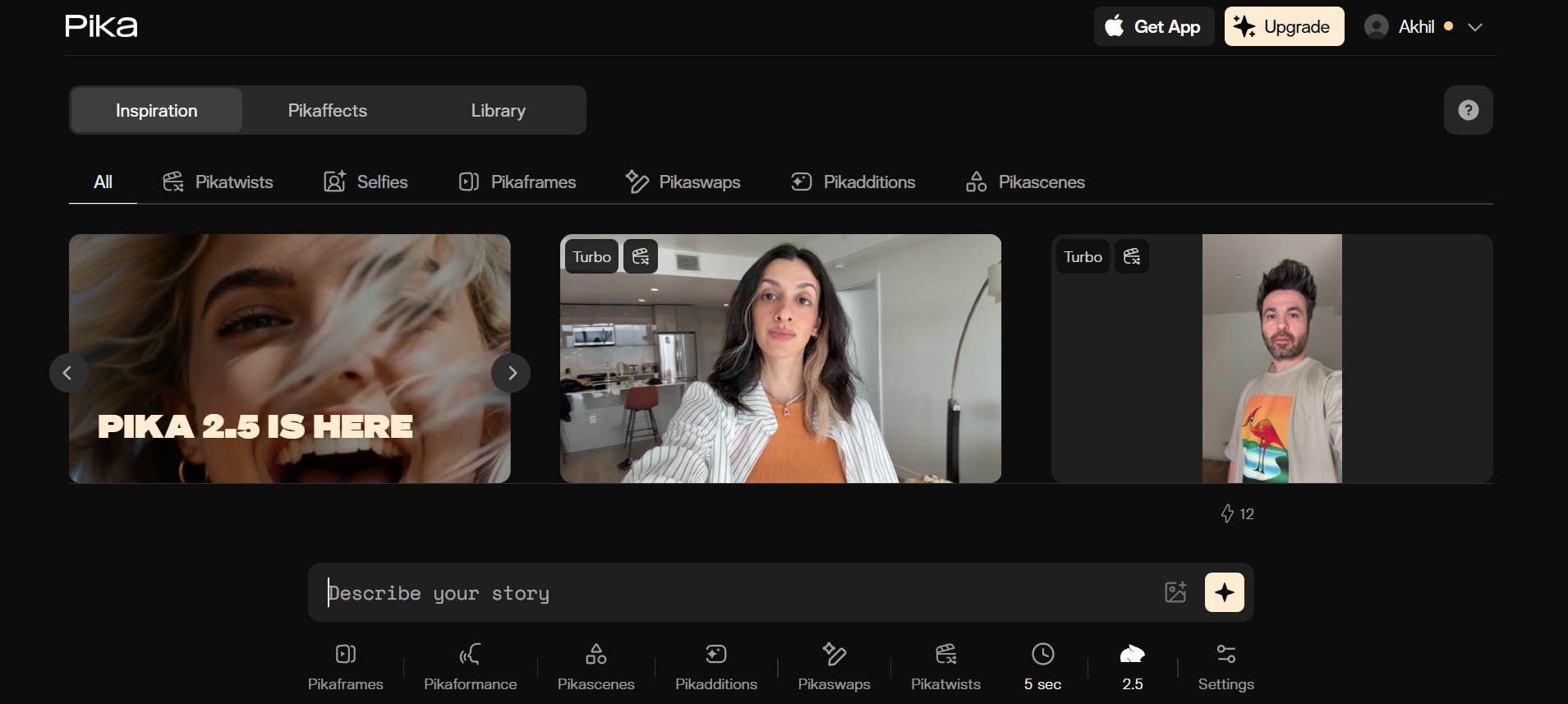
Pika is the ultimate sandbox for creative experimentation, transforming text and image prompts into expressive, scroll-stopping videos. While other platforms prioritize photorealism, Pika leans into distinct aesthetics like anime, cyberpunk, and watercolor. With its 1.5 update, it introduced playful "Pika Effects" that allow objects to melt, crush, or inflate, offering creative physics PixVerse lacks. It’s perfect for creators who need fast, stylized content for social media and want to push the boundaries of traditional AI video generation.
Features
- "Pika Effects" for unique, non-traditional physical animations.
- Wide creative style range including anime, cyberpunk, watercolor, and 3D.
- Sound Effects (SFX) auto-generation based on video content.
- Area-specific "Modify Region" tool for selective editing.
Pros
- Most creative and "fun" feature set in the industry.
- Excellent for social media trends and viral content.
- Strong character-consistent lip-syncing capabilities.
- Integrated audio generation saves time in post-production.
Cons
- Clip length of approximately 5 seconds is among the shortest on this list.
- Not suitable for professional, cinematic, or brand-safe content requirements.
9. Vidu AI — Best for versatile multi-style video creation
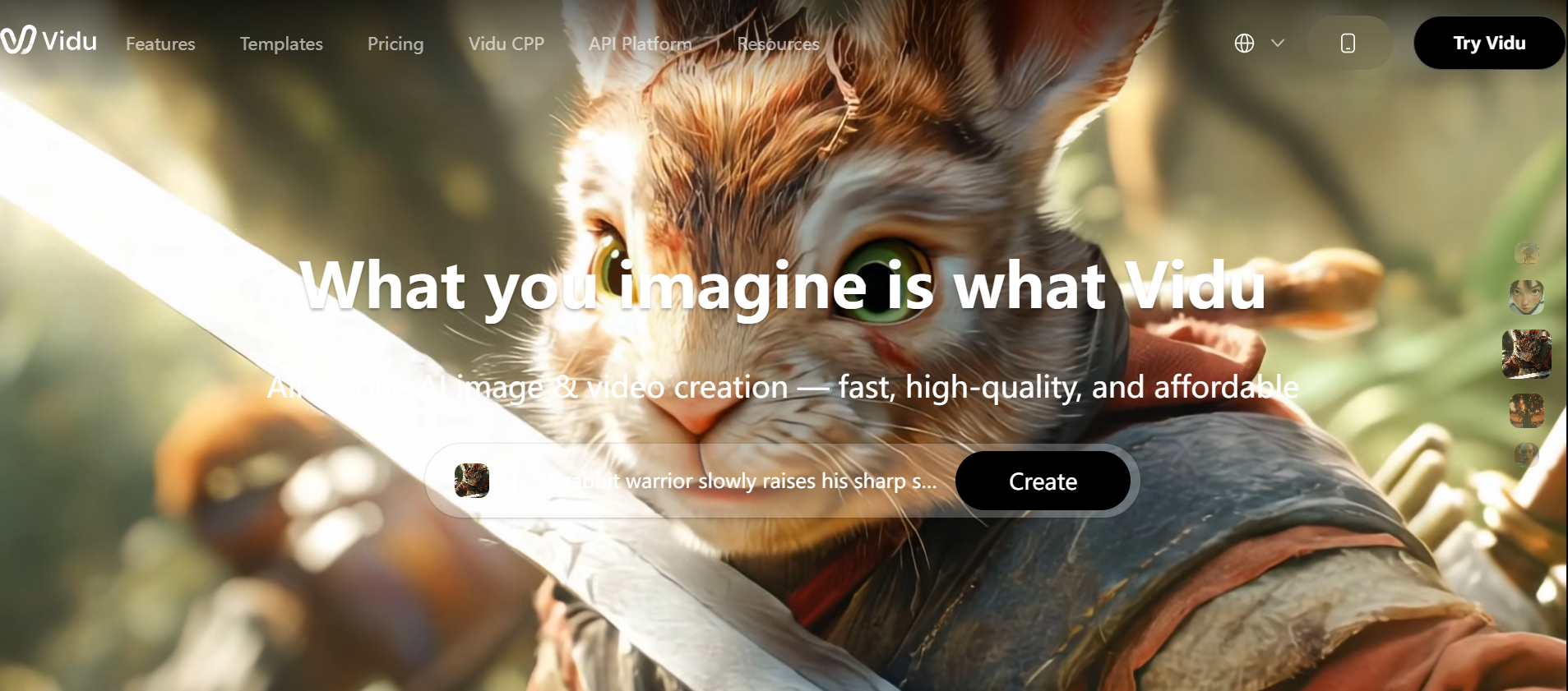
Vidu AI is a fast and reliable PixVerse alternative focused on smooth storytelling, scene transitions, and narrative coherence. It converts text and image prompts into high-quality 1080p videos with good motion flow and camera controls, making it suitable for short stories, tutorials, and social content. Vidu stands out for its speed, beginner-friendly interface, and balance of quality with affordability.
Features
- Generates continuous 16-second clips in high definition.
- One-click generation for rapid content creation.
- Deep understanding of complex physical world simulations.
- Highly consistent character and environmental rendering.
- Advanced text-to-video and image-to-video capabilities.
Pros
- Significantly longer native clip duration than PixVerse.
- Exceptional realism in lighting and shadow details.
- Minimalist interface perfect for fast-paced workflows.
- Strong performance in rendering traditional Chinese aesthetics.
Cons
- Currently offers fewer manual "Director Mode" controls.
- High-quality renders can involve longer wait times during peak usage.
10. Canva — Best for fast, accessible social video production
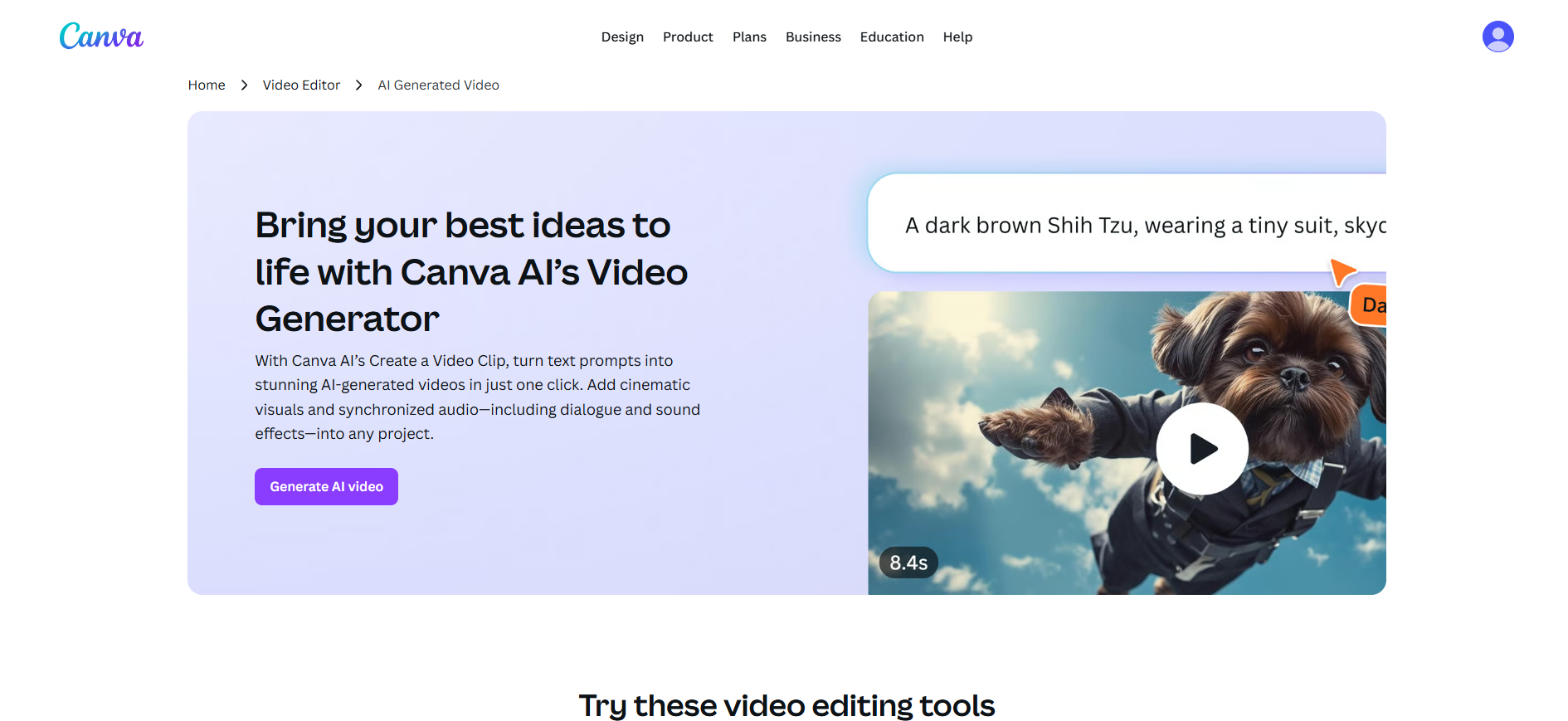
Canva has grown from a simple graphic design tool into one of the most widely used creative platforms in the world, with over 170 million users across every industry and skill level. Its approach to video is consistent with everything else it does — removing complexity so that anyone can produce polished, publish-ready content without design experience. The Magic Design system handles layout, animation, and formatting automatically, while a vast library of templates and assets ensures there is always a strong starting point regardless of the content type.
Features
- Magic Design for Video auto-generates layouts, animations, and motion from prompts.
- Access to millions of stock videos, images, music tracks, and graphic elements.
- Browser-based editor with real-time preview and one-click social media exports.
- Brand kit integration for consistent fonts, colors, and logo placement
Pros
- The most beginner-friendly tool on this list with virtually no learning curve.
- All-in-one platform handles design, video, and publishing in a single workflow.
- Extensive template library covers every social format and content category.
- Free tier is genuinely useful and accessible without a paid subscription.
Cons
- AI video generation capabilities are limited compared to dedicated video platforms.
- Less suitable for cinematic, narrative, or high-complexity video production needs.
How to choose the right Pixverse AI alternative for your needs
Choosing the best PixVerse alternative depends less on "which tool is best" and more on how well a tool fits your specific workflow, content type, and creative goals. Here are four key factors to guide your decision:
- Use case: Start by defining what you're creating. Social media clips, cinematic storytelling, product videos, and ads all require different strengths. Some tools prioritize speed for short-form content, while others focus on realism, longer scenes, or professional production workflows.
- Control vs. speed: There's always a trade-off between creative control and generation speed. Tools like PixVerse are known for fast outputs, often generating clips in seconds, while more advanced platforms take longer but offer precise camera control, editing, and higher-quality results.
- Consistency and realism: If your content involves characters, storytelling, or brand visuals, consistency is critical. Look for tools that maintain character identity, stable lighting, and realistic motion across scenes—especially for multi-shot or narrative videos where continuity matters.
- Specialization and features: Different tools excel in specific areas. Some focus on cinematic realism, others on animation, avatars, or editing workflows. Choose a platform that aligns with your primary need—whether that’s storytelling, product visualization, stylized content, or an all-in-one creative suite.
Conclusion
In 2026, PixVerse remains a quick and accessible option for short stylized clips, but its limitations in video length, resolution, consistency, and advanced controls have pushed many creators to explore better PixVerse alternatives. Whether you need cinematic realism, expressive characters, professional editing tools, or an all-in-one creative workflow, the tools highlighted in this guide — especially Framia Pro, Kling AI, Google Veo 3, and Runway — deliver significantly more power and flexibility.
The best PixVerse alternative ultimately depends on your specific needs: speed and creativity, photorealism, or seamless solo workflows. Test a few with your own prompts, compare the results, and choose the one that removes your biggest frustrations with PixVerse.
Ready to take your AI video creation to the next level? Start exploring these powerful alternatives today and elevate your content beyond short-form limitations.
FAQs
- What is the best PixVerse alternative in 2026?
Framia Pro is the best overall PixVerse alternative for most creators due to its all-in-one AI agent workflow and multi-model integration. Kling AI and Google Veo 3 are top choices for cinematic quality.
- Which AI video tool is best for beginners?
Canva is the best AI video tool for beginners due to its simple interface, drag-and-drop editor, and vast template library. For those wanting more AI power with easy controls, Framia Pro is an excellent choice with its intuitive AI agent workflow.
- Which PixVerse alternative supports 4K output?
Framia Pro, Google Veo 3, Luma AI, DomoAI, Runway, and Canva all support 4K resolution output. These tools are better suited for professional delivery, large-screen playback, and content that requires post-production cropping flexibility.
- Are these PixVerse alternatives free to use?
Most offer free tiers or daily credits. Canva, Pika, and Vidu AI have generous free plans, while premium tools like Kling and Runway require paid credits for heavy use.
- Can I use these tools for commercial projects?
Yes, most paid plans of Kling, Runway, Framia Pro, and Hailuo AI allow commercial use. Always check the specific tool's licensing terms before using videos commercially.