
What is an AI headshot generator?
An AI headshot generator is an innovative digital tool that uses artificial intelligence to transform your ordinary selfies or casual photos into professional-grade portraits.
Instead of spending hundreds of dollars on a studio session, hiring a photographer, and waiting days for edits, you can simply upload a few pictures of yourself. The AI analyzes your facial features, lighting, and expressions to generate highly realistic, customized headshots.
Whether you need a polished image for your LinkedIn profile, a corporate website, or a resume, these platforms deliver studio-quality results in minutes, making personal branding accessible, cost-effective, and incredibly efficient for everyone.
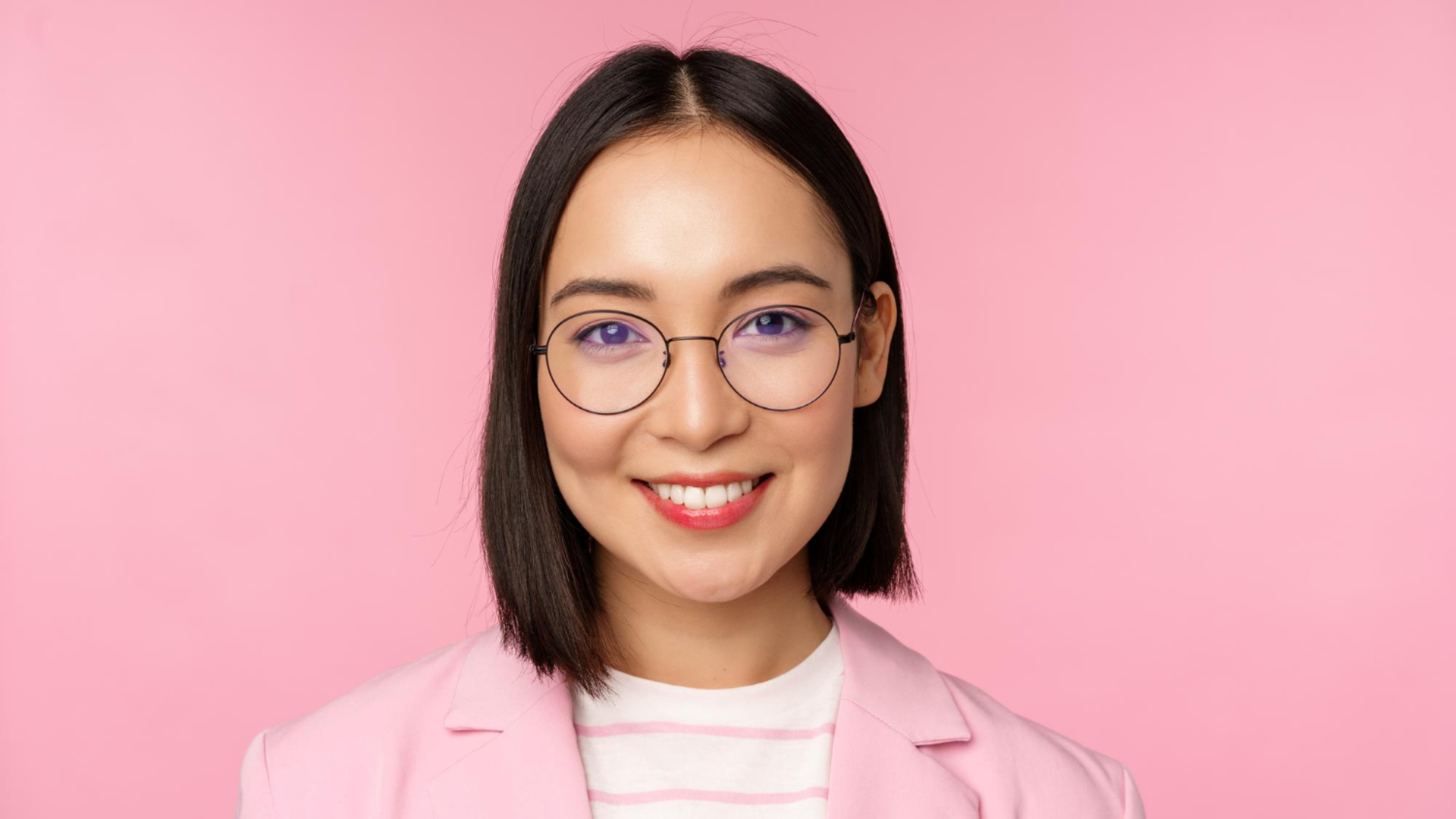
Key features to look for in an AI professional headshot maker
When choosing the perfect AI portrait tool for your professional needs, it is crucial to evaluate several key functionalities. Here are the top five features you should always look for.
- High photorealism and accuracy
The most critical aspect of any generator is its ability to produce highly realistic images. The AI should accurately replicate your facial structure, skin tone, and eye color without making you look cartoonish, over-smoothed, or artificial, ensuring the final output looks exactly like a real studio photograph.
- Customization options
A top-tier tool offers extensive customization features. You should be able to effortlessly modify backgrounds, select different professional outfits, and adjust lighting styles. This flexibility ensures that your headshot perfectly aligns with your specific industry, personal brand aesthetics, or corporate team requirements with just a few clicks.
- Fast processing speed
Time is money, so processing speed matters significantly. The best platforms can deliver your high-quality headshots in under an hour, with some even generating results in mere minutes. Avoid tools that take days to render, as modern AI capabilities should provide near-instant gratification and immediate usability.
- Data privacy and security
Since you are uploading personal photos, stringent data privacy policies are non-negotiable. Look for platforms that guarantee your images will be deleted after the generation process and explicitly state they will not use your face to train external AI models without your clear and direct consent.
- Advanced editing capabilities
Sometimes, an AI-generated image needs minor tweaks. The ideal generator includes built-in editing features, such as split-layer adjustments or chat-based editing commands, allowing you to fine-tune specific details like fixing a stray hair, altering a tie color, or enhancing background elements without regenerating the entire image.
How do the best AI headshot generators work?
AI headshot generators operate using advanced machine learning models trained on millions of professional photographs.
When you upload a batch of selfies, the system builds a unique biometric model of your face, learning your specific features and expressions. It then applies this model to pre-designed professional templates or creates completely new images based on your instructions.
To get the best results, writing proper prompts or following upload guidelines is essential. Always provide clear, well-lit selfies from different angles. If the tool allows text prompts, be incredibly specific about the desired outcome. For example, instead of typing "make me look professional", write: "A corporate headshot of a 30-year-old woman, wearing a tailored navy blue blazer, standing against a blurred modern office background with soft natural lighting."
Mentioning the exact attire, background setting, mood, and lighting conditions guides the AI to generate a precise, high-quality image that fits your exact needs.
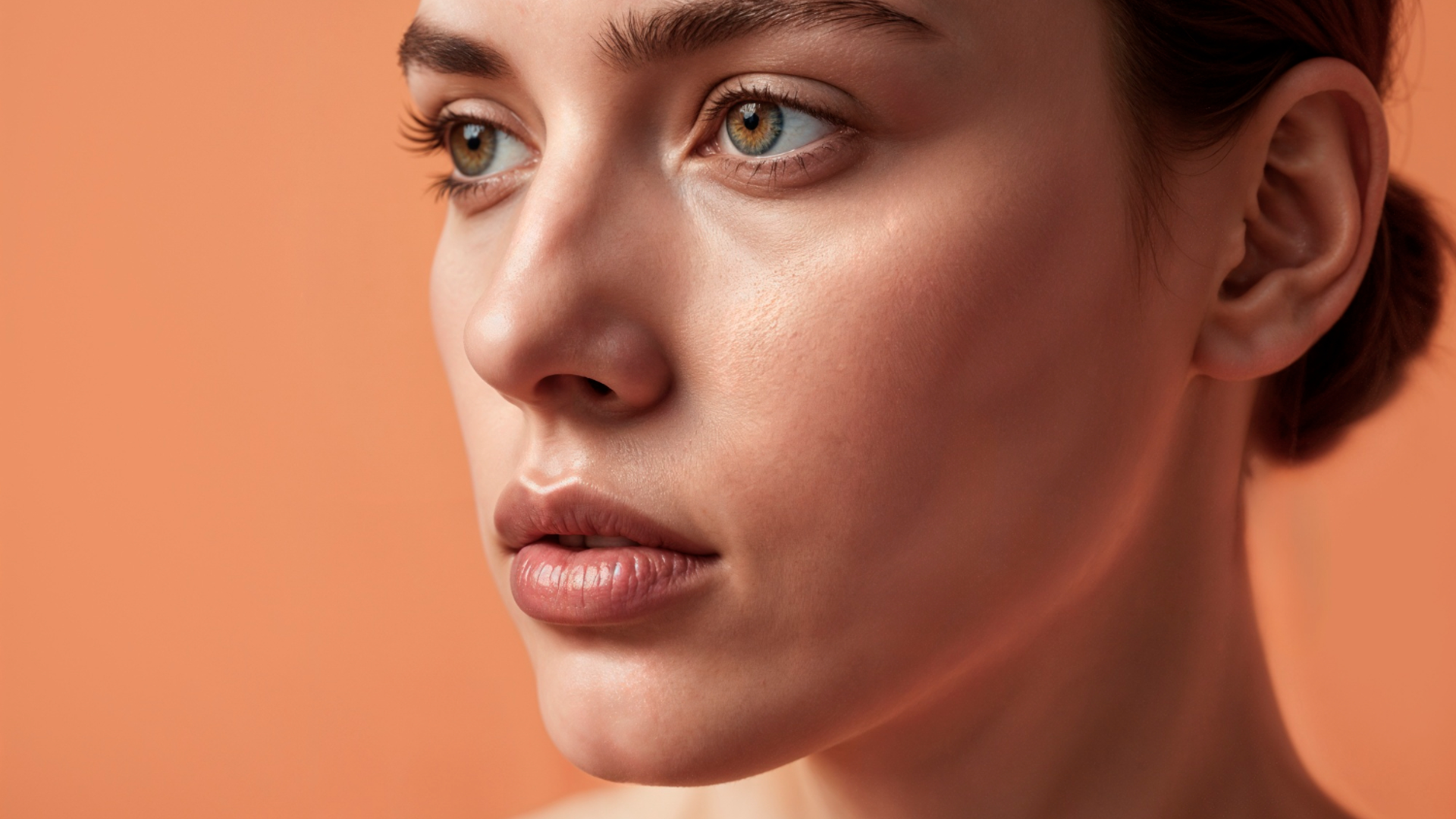
Top 5 best free AI headshot generators that you can try today
With countless AI photo tools flooding the market, finding one that perfectly balances realism, customization, and ease of use can be overwhelming. That's why, to save you time and help you make an informed decision, we have rigorously evaluated the most popular platforms available today.
Based on the essential criteria outlined above, from photorealistic accuracy to advanced editing controls, here is our curated list of the top five AI headshot generators that consistently deliver outstanding professional results.
| Tool | Best For | Standout Feature | Top Benefit |
| Framia Pro | Advanced editing & brand control | Chat-to-Edit & Split Layers | Pixel-level precision & character consistency |
| Canva | Easy, seamless design integration | Magic Edit & Magic Eraser | Extremely user-friendly with free credits |
| Fotor | Affordable, high-speed rendering | Beauty Enhancement & Retouching | Lightning-fast with 1-time purchase options |
| Headshotmaster.io | Crisp, 8K business portraits | 8K Output & Strict Privacy | Ultra-realistic with money-back guarantee |
| Aragon.ai | Hyper-realistic team directories | Custom Model & Enterprise Tools | Needs only 6 selfies & AES-256 security |
Framia Pro
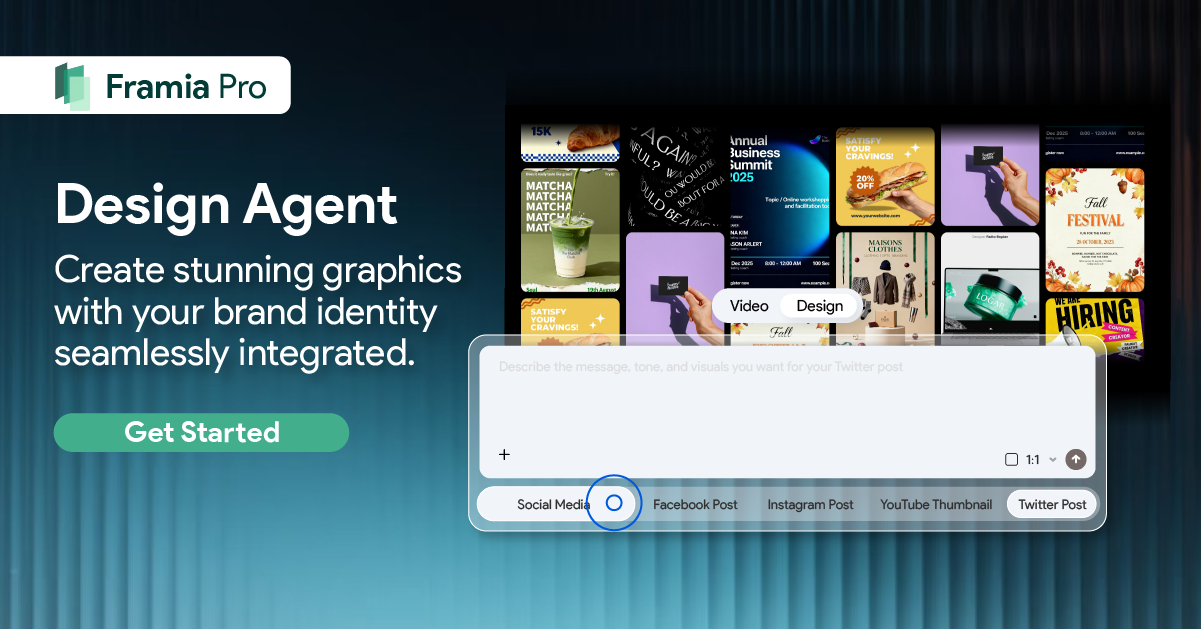
Framia Pro is an advanced AI platform that brings true design software flexibility to headshot generation. Utilizing top-tier image models like Seedream, Nano Banana, and Flux Max, it offers unmatched precision. With automated workflows and specialized design agents, it is the ultimate tool for highly tailored, brand-consistent professional imagery.
Key features:
- Character consistency: This crucial feature ensures your facial identity remains perfectly intact and consistent across various outfits, poses, and custom backgrounds.
- Chat-to-edit functionality: You can simply type commands like "Change the background to a sunset gradient" to modify specific details without full regeneration.
- Split layer adjustments: Framia Pro transforms AI designs into fully editable layers, allowing you to easily separate, move, and tweak individual background elements.
- Precision brush tool: Experience pixel-level precision editing with a brush tool that lets you modify specific minor details without affecting your entire headshot.
Pros:
- Uses industry-leading AI image models for stunningly realistic rendering.
- Chat-to-edit feature saves significant time during the refinement process.
- Split layers offer true professional-grade control over the final image.
- Seamless brand color and logo integration for corporate team photos.
Con:
- The sheer volume of advanced tools might overwhelm absolute beginners.
Canva
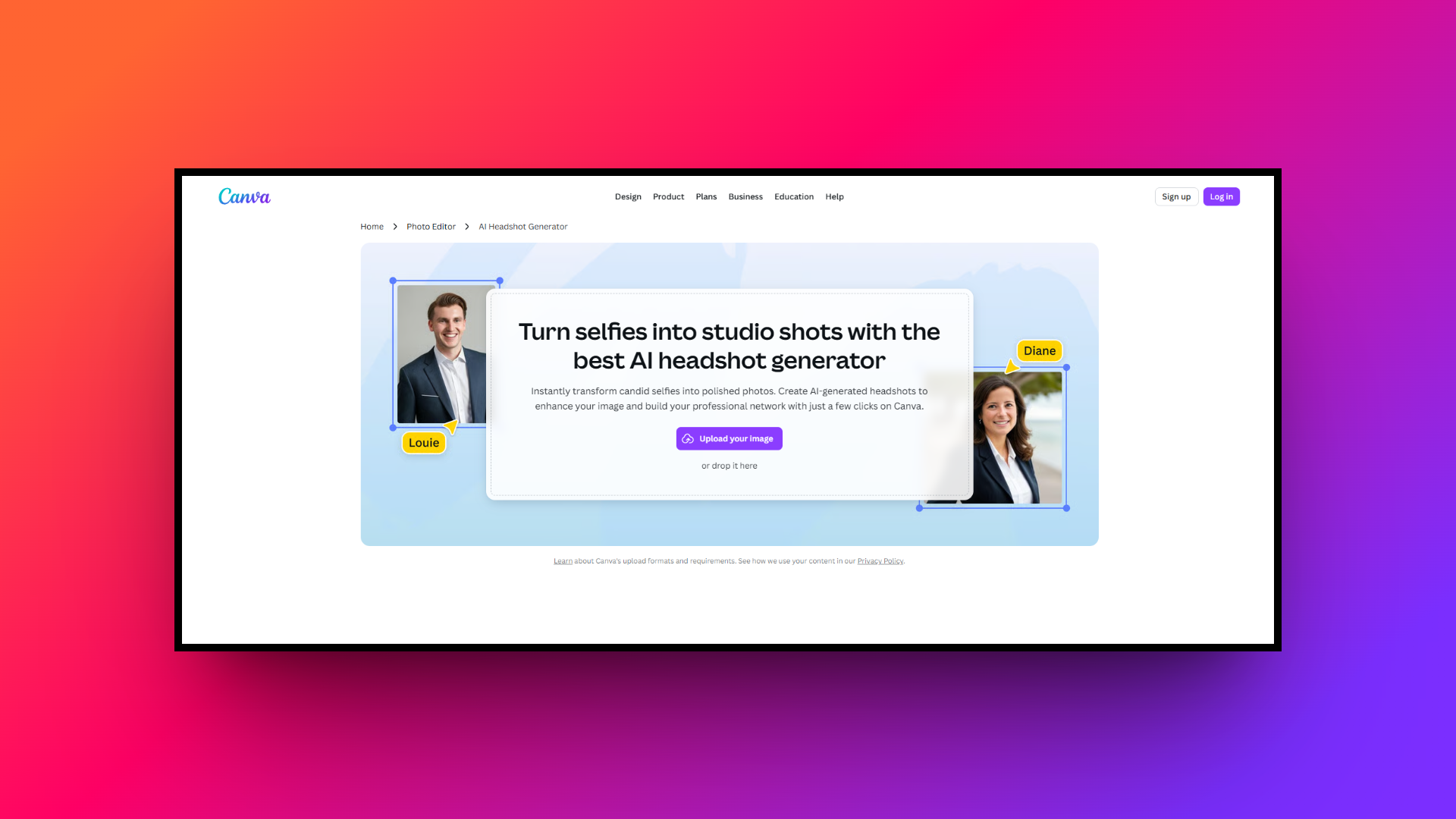
Canva's AI Headshot Generator brings the power of artificial intelligence to its widely popular design ecosystem. It allows users to quickly transform everyday selfies into polished professional photos. Integrated seamlessly within Canva's extensive suite, it is perfect for users who already rely on the platform for their digital creation needs.
Key features:
- Magic edit capabilities: Easily add, replace, or alter specific elements of your portrait, like changing a shirt color, using simple text-based prompts.
- Built-in photo editor: Adjust focus, fix lighting, and apply professional color filters directly to your generated headshot using Canva's intuitive slider tools.
- Magic eraser tool: Instantly clean up your AI-generated portrait by effortlessly removing unwanted background distractions or minor visual imperfections with one click.
- Seamless design integration: Immediately drop your newly generated headshot into pre-made Canva templates for resumes, business cards, or LinkedIn banner backgrounds.
Pros:
- Incredibly user-friendly interface that requires zero prior design experience.
- Integrates flawlessly with thousands of existing resumes and portfolio templates.
- Offers basic AI generation credits on the free subscription plan.
- Allows quick background removal and replacement for a cleaner look.
Con:
- Generated results can occasionally look slightly flat compared to competitors.
Fotor
Fotor offers a robust, all-in-one photo editing suite equipped with a fast and efficient AI headshot generator. Known for its accessibility and broad range of styles, it caters to both casual users and professionals looking to rapidly upgrade their online presence with studio-quality portraits without breaking the bank.
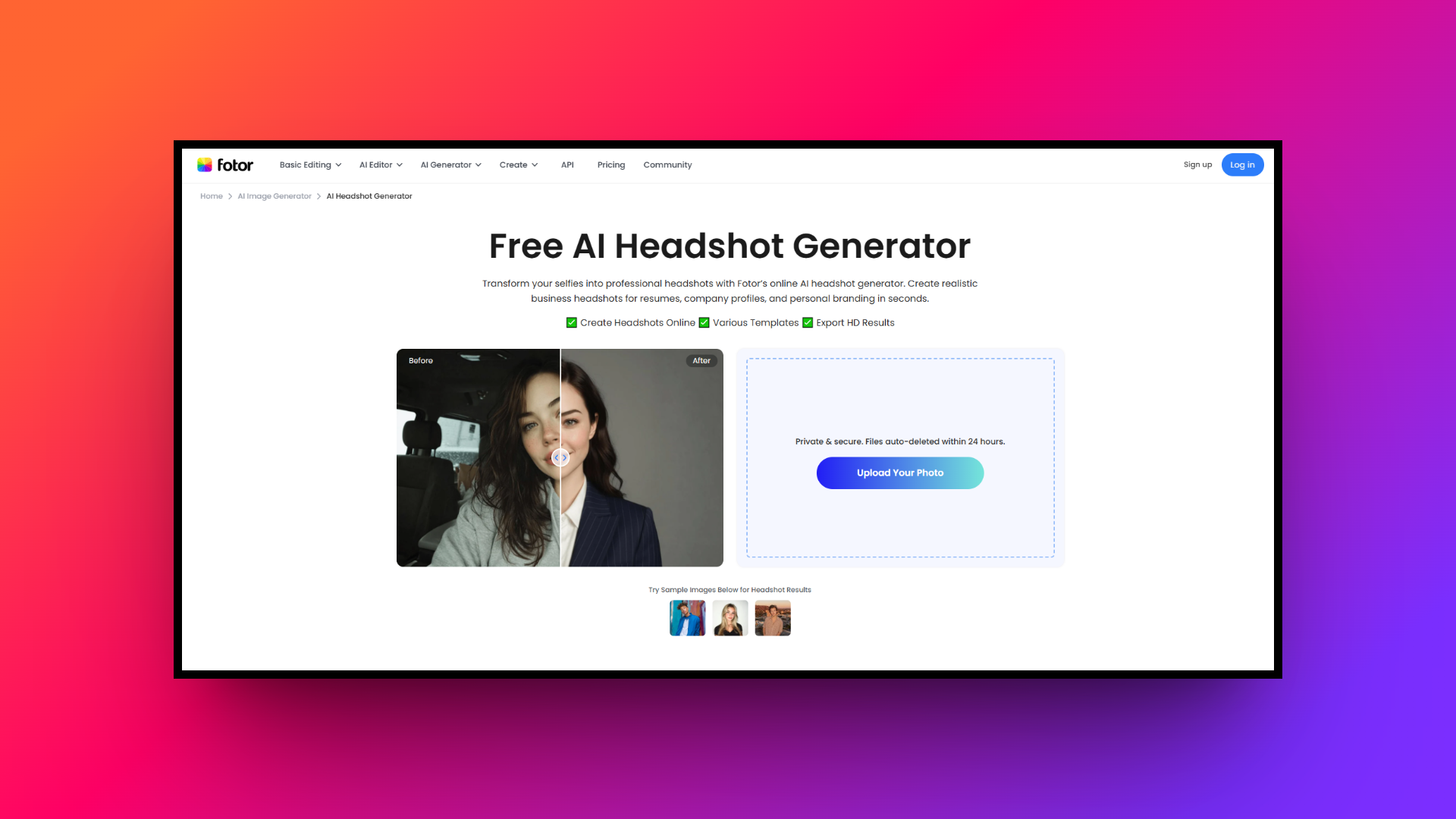
Key features:
- Diverse style presets: Choose from an extensive library of styles, including corporate, casual, and creative looks, to perfectly match your personal brand.
- High-speed generation: Fotor processes your uploaded selfies incredibly fast, delivering a batch of polished, professional portraits in just a few minutes.
- AI beauty enhancement: Achieve flawless results with automated beauty tools that subtly smooth skin, refine facial features, and fix uneven lighting issues.
- Comprehensive retouching: Fine-tune your generated images post-creation using Fotor’s built-in retouching suite to adjust contrast, saturation, and overall color temperature easily.
Pros:
- Affordable pricing structure with convenient one-time purchase options available.
- Lightning-fast processing time compared to many other AI portrait tools.
- A wide variety of artistic, corporate, and casual styling presets are included.
- Excellent user interface that smoothly transitions from generation to editing.
Con:
- Occasionally over-smooths skin texture, making it look slightly less realistic.
Headshotmaster.io
Headshotmaster.io is a specialized, top-rated AI platform built explicitly for professionals. Engineered by experts, it focuses purely on delivering ultra-realistic, business-ready headshots. It is designed to save users from the high costs and logistical hassles of traditional photoshoots while maintaining the highest standard of studio-grade portrait photography.
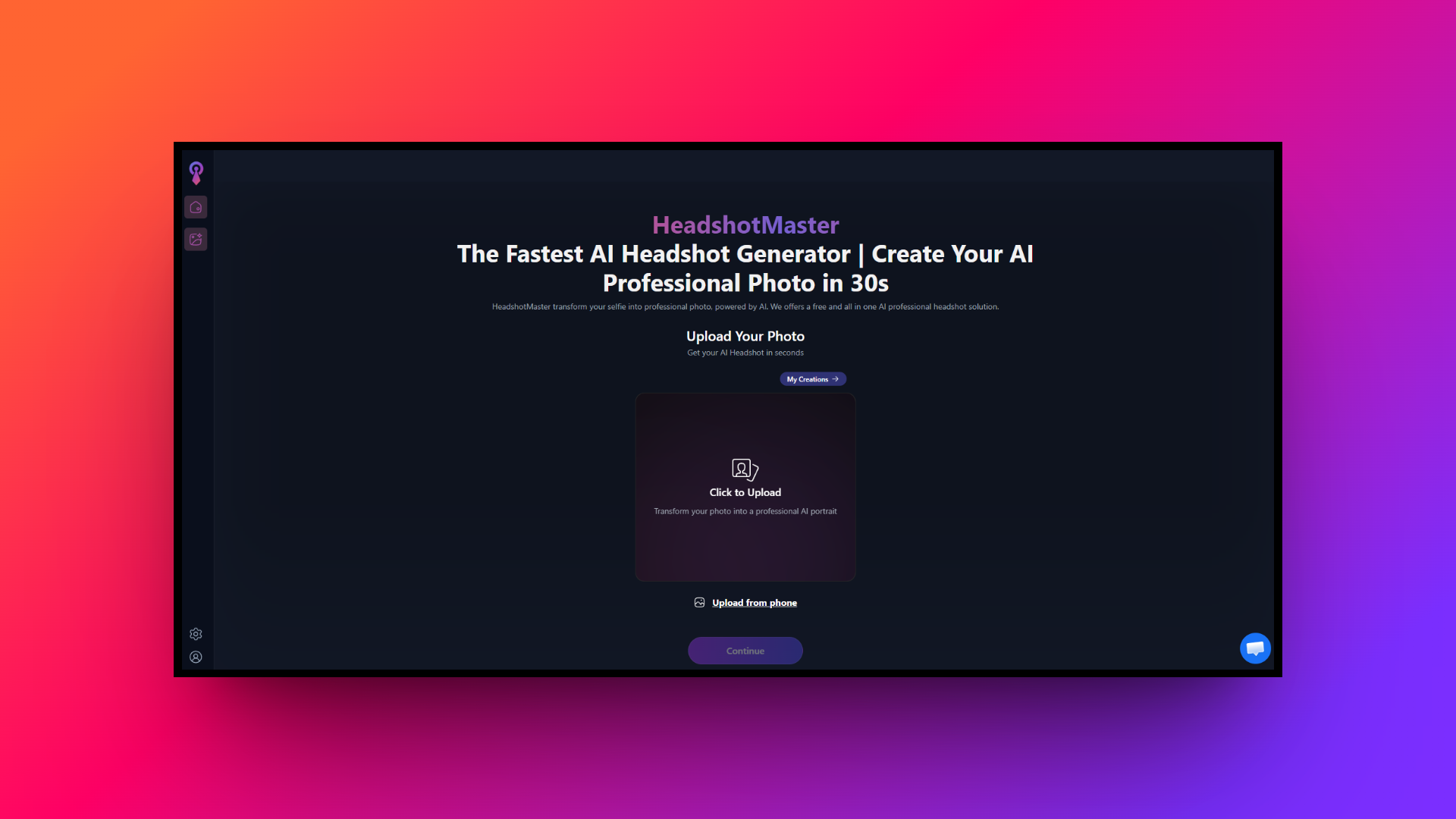
Key features:
- 8K high-resolution output: Delivers incredibly sharp, professional headshots rendered in stunning 8K resolution, ensuring every facial detail looks crisp across all platforms.
- Diverse background selection: Offers over a dozen unique, professional studio backgrounds, allowing you to tailor your photo’s environment to your specific industry.
- Advanced AI modeling: Learns your unique facial features from uploaded photos to construct a highly accurate, personalized biometric model for maximum realism.
- Strict privacy protection: Ensures total data security by permanently deleting all your uploaded images and generated photos from their servers within days.
Pros:
- Produces exceptionally photorealistic results that easily rival actual studio photography.
- Generates a massive batch of high-quality options in one session.
- Strict data privacy policies guarantee your photos are swiftly deleted.
- Offers a solid money-back guarantee if the model fails training.
Con:
- Requires a larger upfront payment with no ongoing subscription options.
Aragon.ai
Aragon.ai is widely recognized as an industry leader in the AI headshot space. Trusted by millions of professionals and top corporations, it excels at producing hyper-realistic, studio-quality portraits. By focusing heavily on precise facial mapping and authentic lighting, it creates headshots that are virtually indistinguishable from real photography.
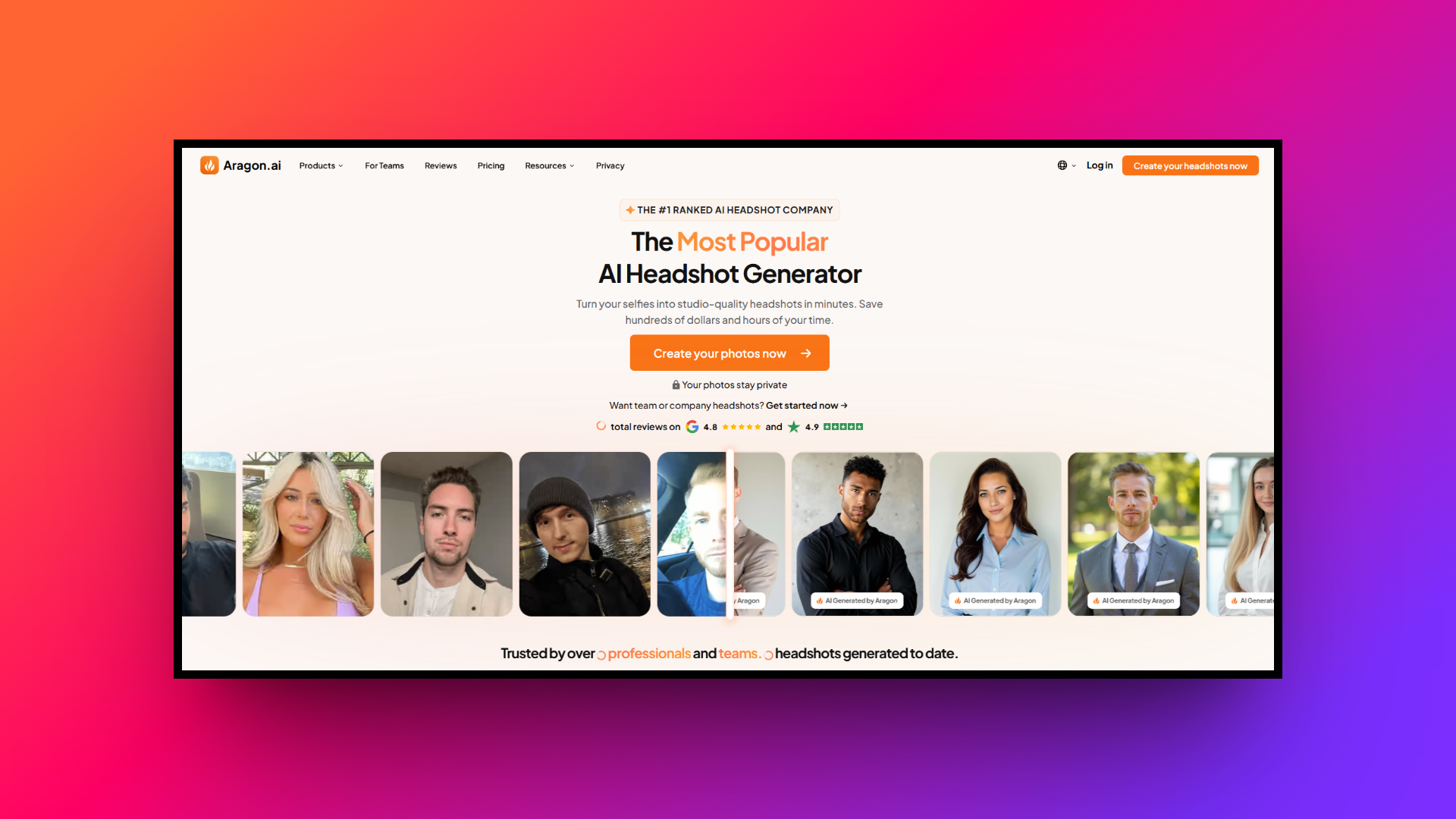
Key features:
- Custom AI model creation: Aragon builds a bespoke AI model from just six casual selfies, ensuring the final output intimately captures your likeness.
- Professional wardrobe selection: Easily swap outfits within the platform, choosing from a curated selection of high-end corporate attire to elevate your look.
- Enterprise team features: Provides specialized tools for companies to generate cohesive, on-brand headshots for entire teams, maintaining uniformity across company directories.
- AES-256 encryption security: Protects your sensitive biometric data using bank-level AES-256 encryption, ensuring your personal photos are safe from unauthorized third-party access.
Pros:
- Consistently ranked highest for hyper-realistic facial likeness and natural lighting.
- Requires only six casual selfies to generate an accurate model.
- Enterprise solutions make it perfect for unifying corporate team directories.
- Never uses user data to train external AI models.
Con:
- It can be relatively expensive compared to some basic entry-level alternatives.
Essential tips & tricks for creating the best AI headshots
To guarantee your generated images look absolutely authentic and professional, it is essential to follow a few best practices. Here are five crucial tips for creating the perfect AI headshot.
- Upload high-quality selfies: Always upload high-resolution photos taken in good lighting. Avoid blurry or heavily filtered images, as the AI needs clear details to accurately capture your unique facial features and skin texture.
- Include a variety of angles: Provide a diverse mix of front-facing, slightly angled, and profile shots. This variety helps the AI construct a comprehensive 3D biometric model, ensuring better realism across different generated poses.
- Keep expressions consistent: Maintain a natural, consistent expression in your uploads. Whether you prefer a subtle smile or a serious look, consistency prevents the AI from blending conflicting emotions into awkward, unnatural faces.
- Write highly specific prompts: Be incredibly specific with your text descriptions. Clearly define your desired background, lighting, and wardrobe to ensure the AI generates an image that perfectly matches your professional industry standards.
- Utilize refinement tools: Don't settle for the first draft. Utilize built-in editing tools, like Framia Pro's chat-to-edit or precision brush, to tweak minor details and perfect the final look before downloading.
Wrapping up
AI headshot generators have revolutionized personal branding by making studio-quality portraits accessible, affordable, and incredibly fast.
Whether you are updating a LinkedIn profile or unifying a corporate team directory, these tools provide unparalleled convenience. While platforms like Canva and Aragon.ai offer fantastic features, Framia Pro stands out as the ultimate choice for true professionals.
By combining industry-leading image models like Seedream and Flux Max with revolutionary design agents, Framia Pro offers unprecedented control. With its unique split layers, precise brush tools, and intuitive chat-to-edit functionality, Framia Pro guarantees your headshots are not just generated, but flawlessly crafted to perfection.
FAQs
What is the best AI professional headshot generator?
The ideal choice depends entirely on your needs. Tools like Framia Pro and Aragon.ai are top contenders, offering high photorealism, advanced editing capabilities, and robust privacy features for enterprise users.
How do I choose the best AI for headshots?
Look for platforms that prioritize realistic facial mapping over heavily filtered or cartoonish looks. The best tools let you customize lighting and attire while maintaining your natural, authentic appearance.
Is there a best app for AI headshots on mobile?
Most platforms operate optimally via web browsers for maximum processing power. However, Canva offers a highly functional mobile app interface if you need to generate images directly on your phone.
Can a professional headshot maker replace a real photographer?
While digital generators are cost-effective for standard corporate profiles, traditional photographers remain invaluable for highly personalized branding, complex outdoor shoots, and nuanced, heavily directed editorial photography.
What is the best AI headshot generator for LinkedIn?
For LinkedIn, you need a crisp, business-appropriate image. Framia Pro and Headshotmaster.io excel here by providing tailored corporate wardrobe options and neutral office backgrounds designed specifically for networking platforms.