
What is HeyGen?
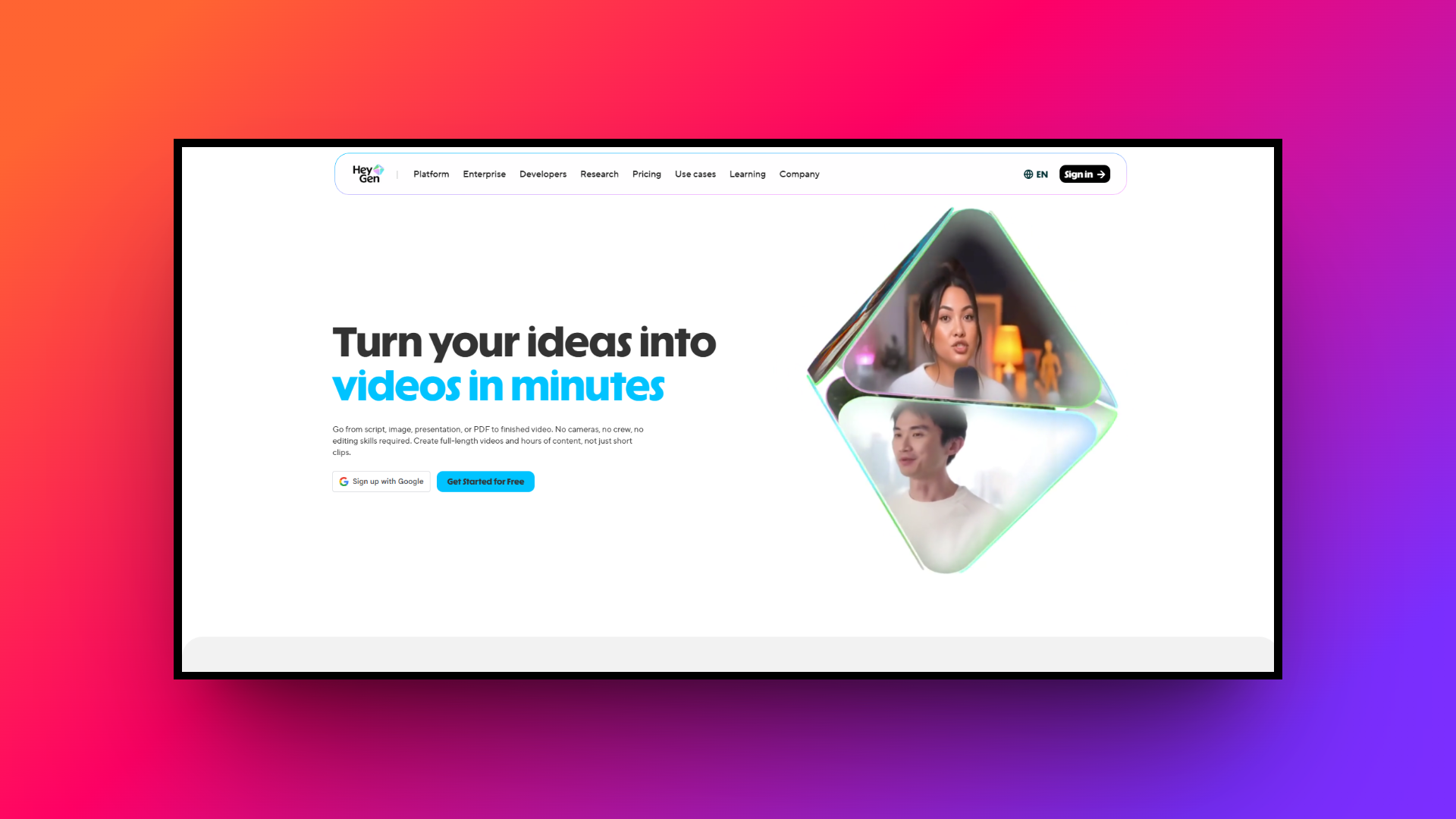
HeyGen is an innovative artificial intelligence video generation platform designed to transform text into professional, high-quality videos in minutes. By utilizing state-of-the-art generative AI technology, it eliminates the need for expensive recording equipment, professional studios, or human actors.
Users can simply type their scripts, select from a vast library of photorealistic digital avatars, and generate incredibly lifelike video content. It is widely utilized by businesses, educators, and content creators for producing marketing materials, corporate training modules, and personalized sales pitches.
Ultimately, HeyGen democratizes video production, making scalable, studio-grade content creation accessible to anyone with a computer and an internet connection.
What makes HeyGen so different: key features
HeyGen stands out in the crowded AI video market due to its robust suite of tools. Here are four essential features that make this platform incredibly powerful and highly versatile.
- Photorealistic AI avatars
HeyGen boasts an extensive library of over 100 highly realistic, studio-quality AI avatars representing diverse ethnicities, ages, and professional attires. These digital presenters exhibit remarkably natural facial expressions, subtle micro-movements, and flawless lip-syncing to consistently captivate your target audiences.
- Multilingual voice cloning
The platform supports generating voiceovers in over 40 languages and 100+ accents. Additionally, its advanced voice cloning feature allows users to record a short audio sample and seamlessly replicate their own natural voice for highly personalized, branded video content.
- Text-to-video editing
With a highly intuitive, user-friendly interface, HeyGen simplifies the video creation process down to typing a script. Its built-in editor allows seamless integration of background music, custom branding, dynamic text overlays, and smooth transitions without requiring prior video editing experience.
- Personalized video outreach
HeyGen offers specialized API integrations to automate and scale personalized video campaigns. Sales and marketing teams can instantly generate 1,000s of unique videos addressing individual prospects by name, drastically increasing email open rates, engagement metrics, and overall campaign conversion rates.
HeyGen pricing and subscription models
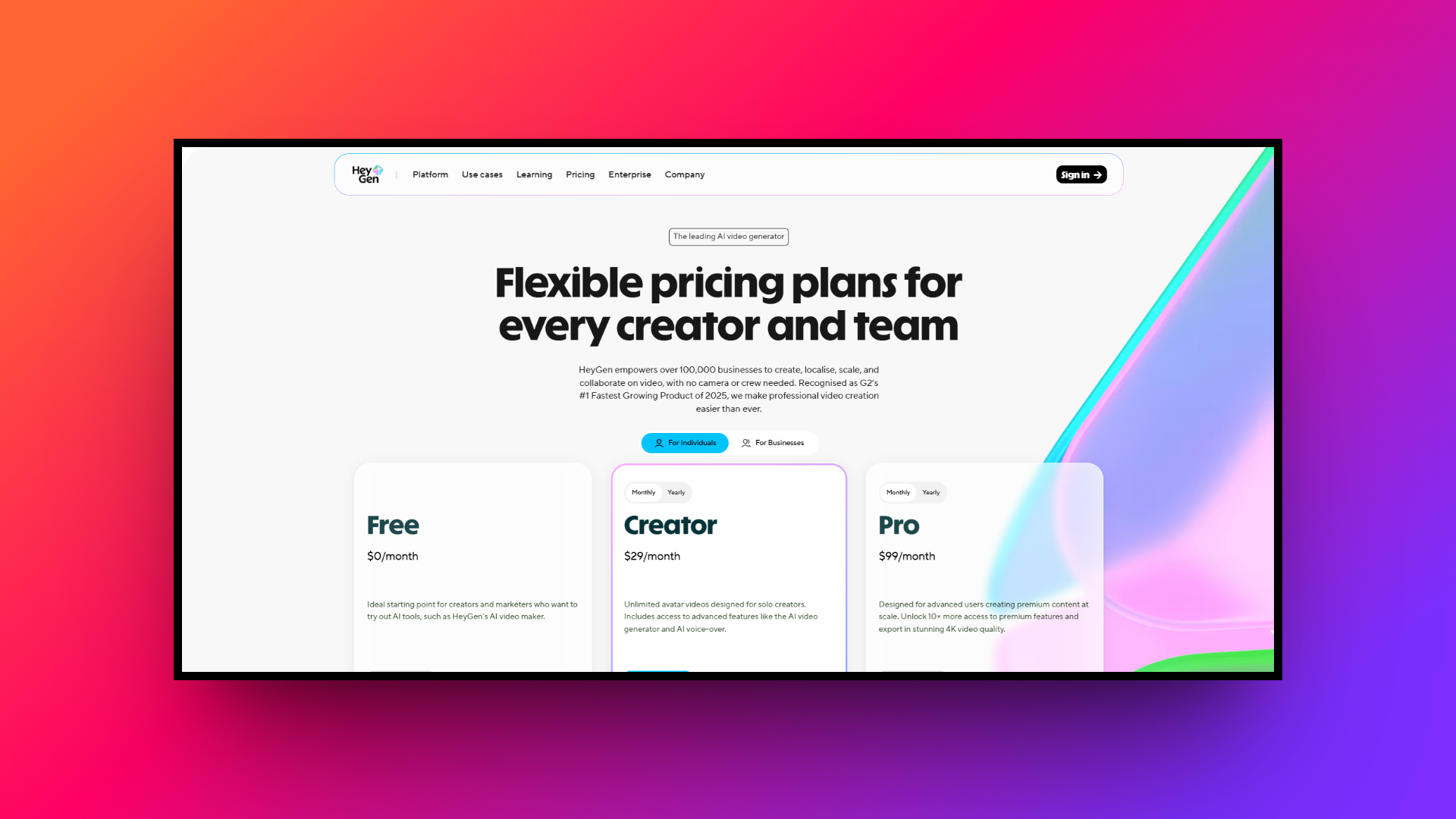
HeyGen offers a tiered pricing model designed to accommodate varying production needs and budgets.
It begins with a limited "Free" plan, allowing users to test basic features and generate a few short videos. The "Creator" plan, starting around $29 monthly, provides a modest credit allowance ideal for individuals and small marketers, while the "Pro" plan starts at $99.
For growing businesses, the "Business" plan offers higher usage limits, advanced API access, and premium features starting at $149.
Finally, the HeyGen "Enterprise" pricing tier delivers custom pricing with unlimited potential, dedicated support, and strict security compliance, ensuring large organizations can scale their digital video production effortlessly.
HeyGen reviews: essential pros and cons
While HeyGen is a phenomenal tool, it is essential to weigh its strengths and weaknesses. Below is a quick breakdown of its primary advantages and notable drawbacks for digital creators.
| Pros | Cons |
| Lifelike Realism: The incredibly lifelike avatars and flawless lip-syncing capabilities ensure your final videos look exceptionally professional, polished, and consistently highly engaging. Ease of Use: Its highly intuitive text-to-video interface drastically reduces production time, making high-quality video creation accessible to users lacking complex editing skills. Voice Technology: The impressive voice cloning technology accurately captures emotional nuances, allowing you to maintain a uniquely personal touch in automated communications. API Integration: Robust API capabilities allow businesses to effortlessly scale personalized marketing campaigns and seamlessly integrate video generation into existing software workflows. | High Cost: The credit-based subscription model can become quite expensive very quickly, particularly for prolific creators producing a high volume of content. Stiff Gestures: While highly realistic, some complex avatar gestures and bodily movements can occasionally feel slightly stiff or unnatural to discerning viewers. |
The rise of Heygen alternatives
While HeyGen is a powerhouse for AI video generation, it isn't a one-size-fits-all solution. High subscription costs, specific API needs, or a desire for different avatar styles often lead creators to seek other options.
Whether you need more budget-friendly pricing, specialized e-learning tools, or advanced cinematic automation like Framia Pro, exploring alternatives can help you find the perfect fit for your specific video production workflow and budget constraints.
Ideal features to look for in a HeyGen alternative
Finding the right AI video generator means looking beyond basic text-to-speech. Here are five crucial features you should evaluate when choosing the perfect alternative to enhance your video production workflow.
- Realistic AI avatars: High-quality, lifelike avatars are essential for maintaining viewer engagement. Look for platforms offering a diverse library of human-like presenters with natural facial expressions, lip-syncing capabilities, and customizable clothing options.
- Diverse voice options: The platform should provide an extensive selection of natural-sounding AI voices across multiple languages and accents. Emotion-control features and voice cloning capabilities are excellent additions for highly personalized brand messaging.
- Custom avatar creation: To build a recognizable brand identity, the ability to create custom avatars based on real team members is vital. Ensure the tool offers easy studio-quality custom avatar generation and integration.
- Advanced video editing: A robust built-in editor allows you to add text, animations, background music, and screen recordings. Look for timeline-based editing and chat-to-edit features that streamline the entire post-production creative process.
- API and integration: For seamless workflow automation, choose an alternative that integrates effortlessly with your existing marketing software, learning management systems, and offers a robust API for generating personalized videos at scale.
How did we pick the best HeyGen competitors?
To guarantee we are recommending truly top-tier video platforms, we rigorously tested each HeyGen alternative against a strict set of evaluation standards. We prioritized tools that offer a seamless production experience without sacrificing end-result quality. Here are the primary factors that guided our final selection:
- Avatar and voice realism: We looked for lifelike micro-expressions, fluid movements, and highly natural, expressive voiceovers.
- Advanced capabilities: We prioritized platforms featuring timeline editors, custom avatar creation, and specialized AI agents.
- User experience: The software must have an intuitive interface that accommodates both beginners and seasoned creators.
- Cost-effectiveness: We weighed the subscription costs against the rendering minutes and features unlocked.
- Workflow integration: Fast processing speeds, robust APIs, and easy exporting options were essential.
Top 9 HeyGen alternatives to look out for in 2026
Exploring the rapidly growing AI video landscape can be overwhelming. We have compiled a comprehensive list of the top HeyGen alternatives that deliver exceptional video creation capabilities and unmatched value.
| HeyGen Alternative | Best For | Key Differentiator | Starting Price | Free Plan / Trial |
| Framia Pro | Cinematic Storytelling & Branding | Full-SOP Automation & Chat-to-Edit | Custom / Flat-Rate | Yes (Free Credits) |
| Synthesia | Corporate Training & Global Marketing | 130+ Languages & High Realism | $18 / month | Yes (Free Plan) |
| Colossyan | E-Learning & Scenario Training | Multi-Actor Conversations | $19 / month | Yes (Free Plan) |
| AKOOL | Marketing & Creative Agencies | 4K Output & Face Swapping | $21 / month | No (Pro starts at $21) |
| D-ID | Interactive Digital Assistants | Still Photo to Video Animation | $4.70 / month | Yes (14-Day Trial) |
| Elai.io | Content Repurposing | Automated URL-to-Video | $23 / month | Yes (Free Plan) |
| Crreo AI | Long-Form YouTube & Education | Up to 15-Minute Video Automation | $6 / month | Yes (Free Plan) |
| Remaker AI | Beginners & Casual Creators | Budget-Friendly Face Swaps | $5.99 (Credits) | Yes (Free Credits) |
| Deepbrain AI | News Broadcasts & Presentations | Broadcast-Quality Real Avatars | $24 / month | No |
1. Synthesia
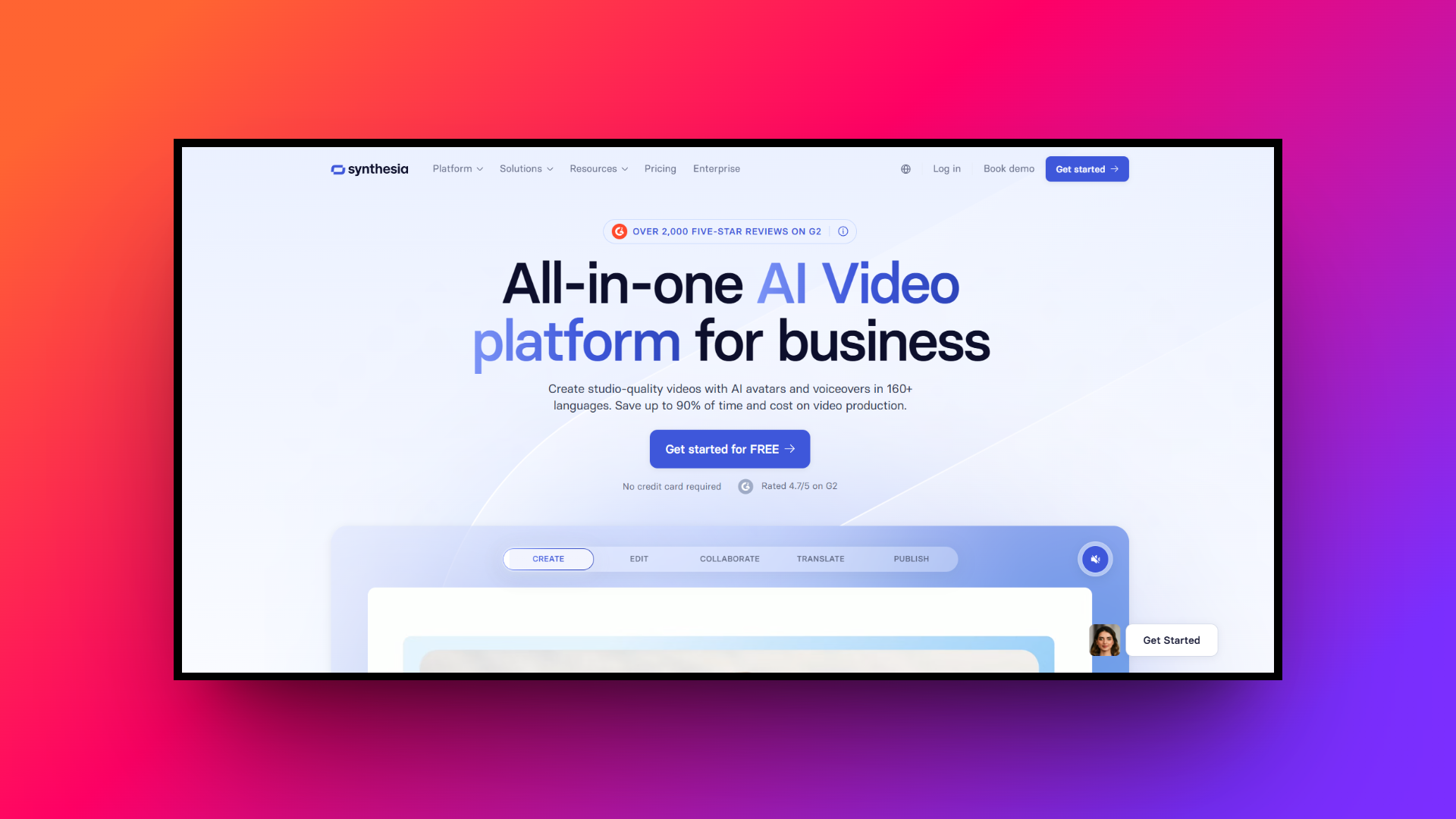
When it comes to Heygen vs Synthesia, Synthesia is a widely recognized AI video generator that allows users to create professional videos using human-like avatars. It eliminates the need for cameras and actors, focusing heavily on corporate training and marketing. With its extensive language support and highly realistic presenters, Synthesia is ideal for global teams needing quick, scalable video content for internal and external communication.
Key features:
- Custom AI avatars: Create a digital twin of yourself or a team member, ensuring a consistent and personalized face for your brand.
- Multilingual dubbing: Generate natural-sounding voiceovers in over 130 languages and accents, making localization effortless and highly accessible for global marketing strategies.
- Built-in video editor: A user-friendly editing interface allows easy addition of brand assets, text overlays, and background music to your video presentations.
- AI script assistant: Integrated AI tools help you draft, refine, and optimize your video scripts directly within the platform before generating visuals.
Pros:
- Exceptionally realistic avatars with incredibly accurate facial expressions and movements.
- Intuitive user interface makes video creation accessible to absolute beginners.
- A vast library of pre-built templates speeds up the production process.
- Supports a massive variety of languages with natural voice synthesis.
Cons:
- Premium pricing plans can be expensive for individual content creators.
2. Colossyan
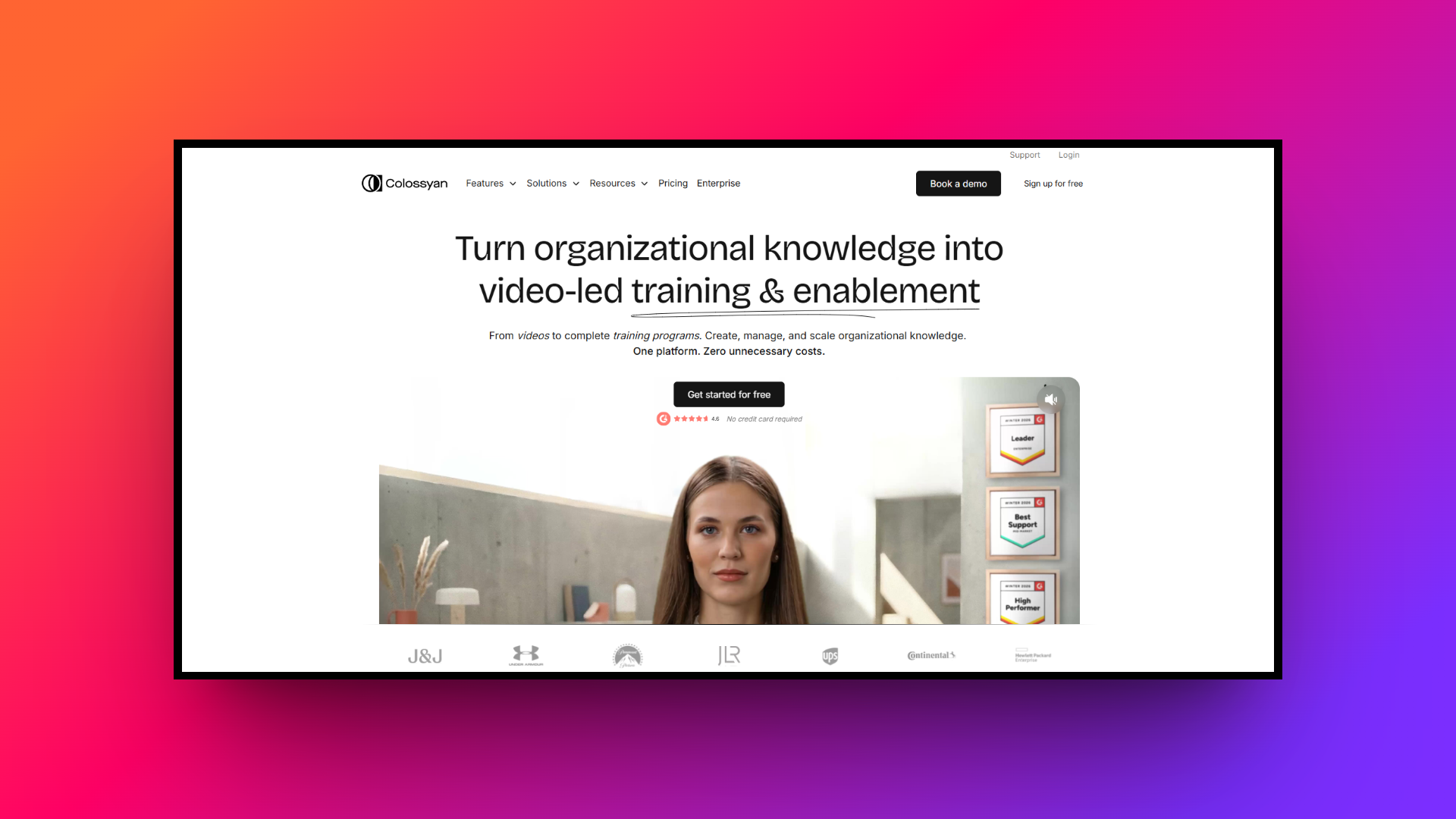
Colossyan is a powerful AI video platform tailored specifically for workplace learning and corporate communications. It enables instructional designers to transform mundane text into highly engaging training modules. Known for its scenario-based learning capabilities and multi-actor conversations, Colossyan helps organizations increase knowledge retention by producing dynamic, interactive educational content without the high costs of traditional video production.
Key features:
- Scenario-based learning: Easily craft interactive training scenarios featuring branching narratives to improve learner engagement and real-world application of corporate training materials.
- Multi-actor conversations: Include multiple AI avatars in a single scene to simulate real-life dialogues, perfect for role-playing and complex instructional videos.
- Automated translation: Instantly translate your entire video project, including text and voiceovers, into dozens of languages with just a single click.
- In-app screen recording: Seamlessly capture your screen directly within the platform to create software tutorials or comprehensive product demonstrations alongside your avatar.
Pros:
- Specialized focus on corporate training and interactive learning module creation.
- Ability to feature multiple avatars conversing in the same dynamic scene.
- Quick and accurate auto-translation features for global corporate team deployments.
- Integrated screen recording simplifies the creation of detailed software tutorials.
Cons:
- Avatar movements can sometimes feel slightly stiff during complex gestures.
3. AKOOL
AKOOL is a versatile AI platform providing Hollywood-grade video generation, face swapping, and avatar creation. Designed for marketing teams and creative agencies, it excels in producing hyper-realistic digital content. By combining 4K video outputs, real-time streaming avatars, and advanced image-to-video tools, AKOOL offers a comprehensive suite for brands seeking to scale personalized, high-quality visual media across global markets.
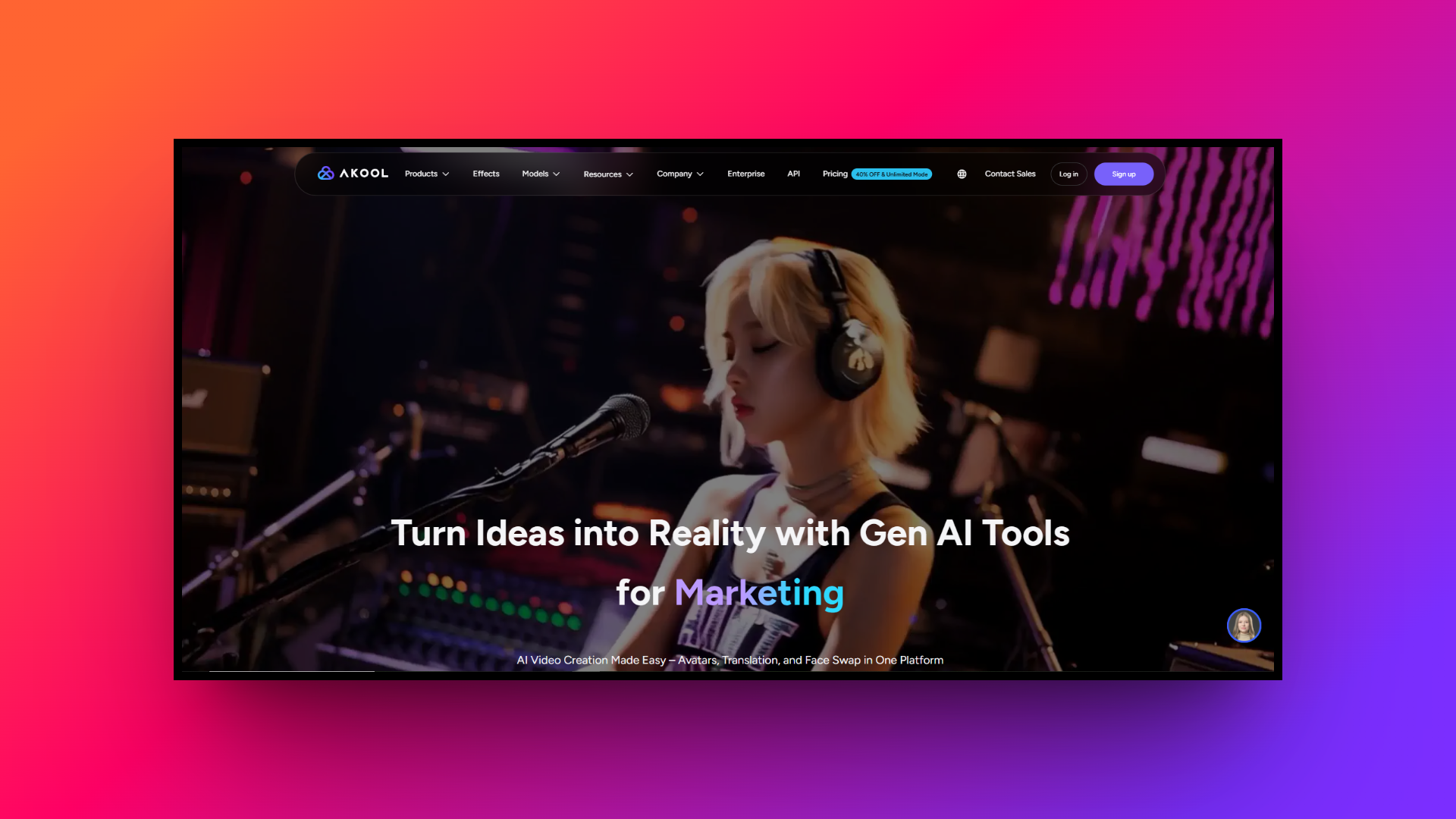
Key features:
- Advanced face swapping: Execute seamless, high-resolution face swaps in photos and videos with cinematic realism, perfect for personalized marketing and entertainment content.
- Streaming avatars: Deploy live, interactive digital humans for virtual events, website integrations, or live broadcasts to engage your audience in real-time.
- Video translation: Break language barriers by translating spoken audio into over 150 languages with flawless lip-syncing that perfectly matches the new language.
- High-resolution outputs: Generate stunning visual assets with support for up to 8K image resolutions and incredibly crisp 4K video rendering capabilities.
Pros:
- Delivers cinematic, Hollywood-quality face swapping and realistic media generation.
- Flawless lip-syncing technology enhances the authenticity of translated video content.
- Real-time streaming avatars offer unique interactive capabilities for digital marketing.
- Robust API access allows for seamless enterprise-level custom software integrations.
Cons:
- Platform complexity might overwhelm users seeking basic, simple video tools.
4. Framia Pro
Framia Pro is a revolutionary AI-powered platform tailored for seamless video and design creation. Operating through specialized agents like the Shorts and Movie Agents, it integrates advanced models like Veo, Seedance, and Claude 4.5. With full-SOP automation and split layers, Framia Pro dramatically accelerates production, making it an unmatched solution for scalable, broadcast-quality storytelling and brand-consistent visual design.
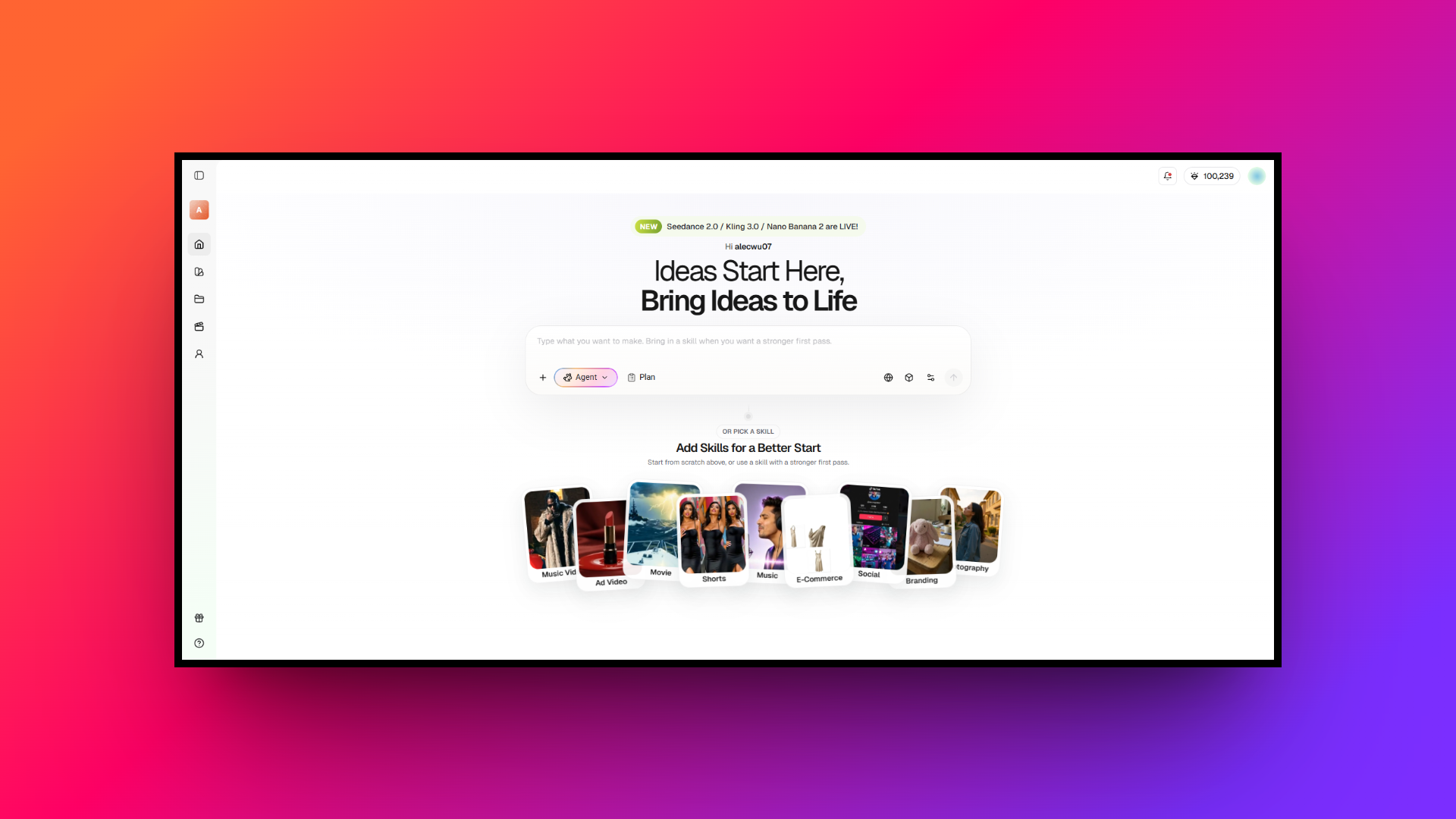
Key features:
- Full-SOP automation: Automates the entire workflow from script refinement and storyboarding to B-roll generation and sound sync, saving ninety percent of production time.
- Storyboard timeline editor: Features a visual timeline where users can regenerate individual shots without restarting the entire project, complemented by audio-visual sync tools.
- Chat-to-edit functionality: Allows creators to select specific segments and use natural language commands to make precise corrections without regenerating full video designs.
- Character consistency: Maintains the exact same character appearance across multiple generated shots, which is crucial for emotional storytelling and branded marketing campaigns.
Pros:
- Huge time savings with full end-to-end video production automation workflow systems.
- Maintains perfect character consistency across all generated cinematic video scenes.
- Specialized Shorts and Movie agents cater directly to diverse content formats.
- Chat-to-edit feature enables precise, isolated modifications without full video regenerations.
Cons:
- Abundance of advanced professional tools may require a slight learning curve.
5. D-ID
D-ID is a pioneering platform known for animating still portraits into dynamic, talking videos. Utilizing advanced generative AI, it specializes in conversational avatars and real-time interaction capabilities. D-ID is widely used by developers and creators to build interactive digital assistants, personalized marketing campaigns, and engaging educational tools, offering a unique approach to bringing static images to life.
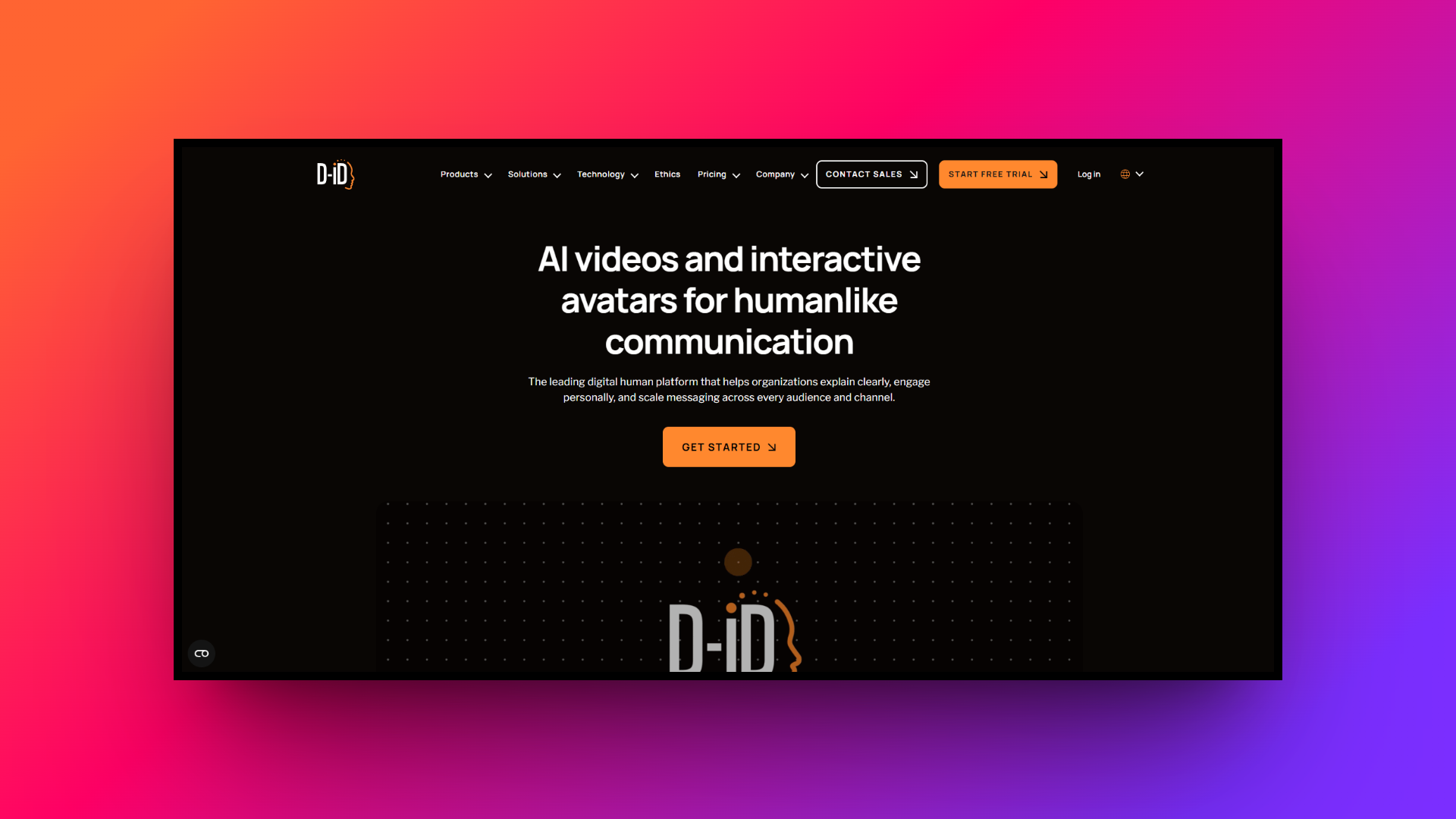
Key features:
- Live portrait animation: Transform any single still image into a fully animated, speaking avatar with highly realistic facial movements and natural lip-syncing.
- Conversational AI integration: Connect avatars to large language models to create interactive digital agents capable of holding real-time, responsive conversations with your users.
- Robust developer API: Easily integrate D-ID's powerful video generation and animation capabilities into your own applications, websites, or customized enterprise software solutions.
- Text-to-video generation: Quickly produce engaging video content simply by typing a script and selecting an avatar, streamlining the digital content creation process.
Pros:
- Incredible ability to animate static photos into highly realistic videos.
- Powerful API makes it a top choice for software engineering developers.
- Real-time conversational capabilities enable the creation of interactive digital assistants.
- Fast processing speeds ensure rapid generation of artificial intelligence video content.
Cons:
- Built-in video editing features are somewhat limited compared to competitors.
6. Elai.io
Elai.io is a robust text-to-video platform that emphasizes ease of use and scalability for corporate content creation. It is particularly adept at converting existing text assets—such as blog posts and articles—into engaging video summaries. With strong collaboration features and custom avatar options, Elai.io serves as an excellent tool for marketing teams looking to repurpose written content visually.
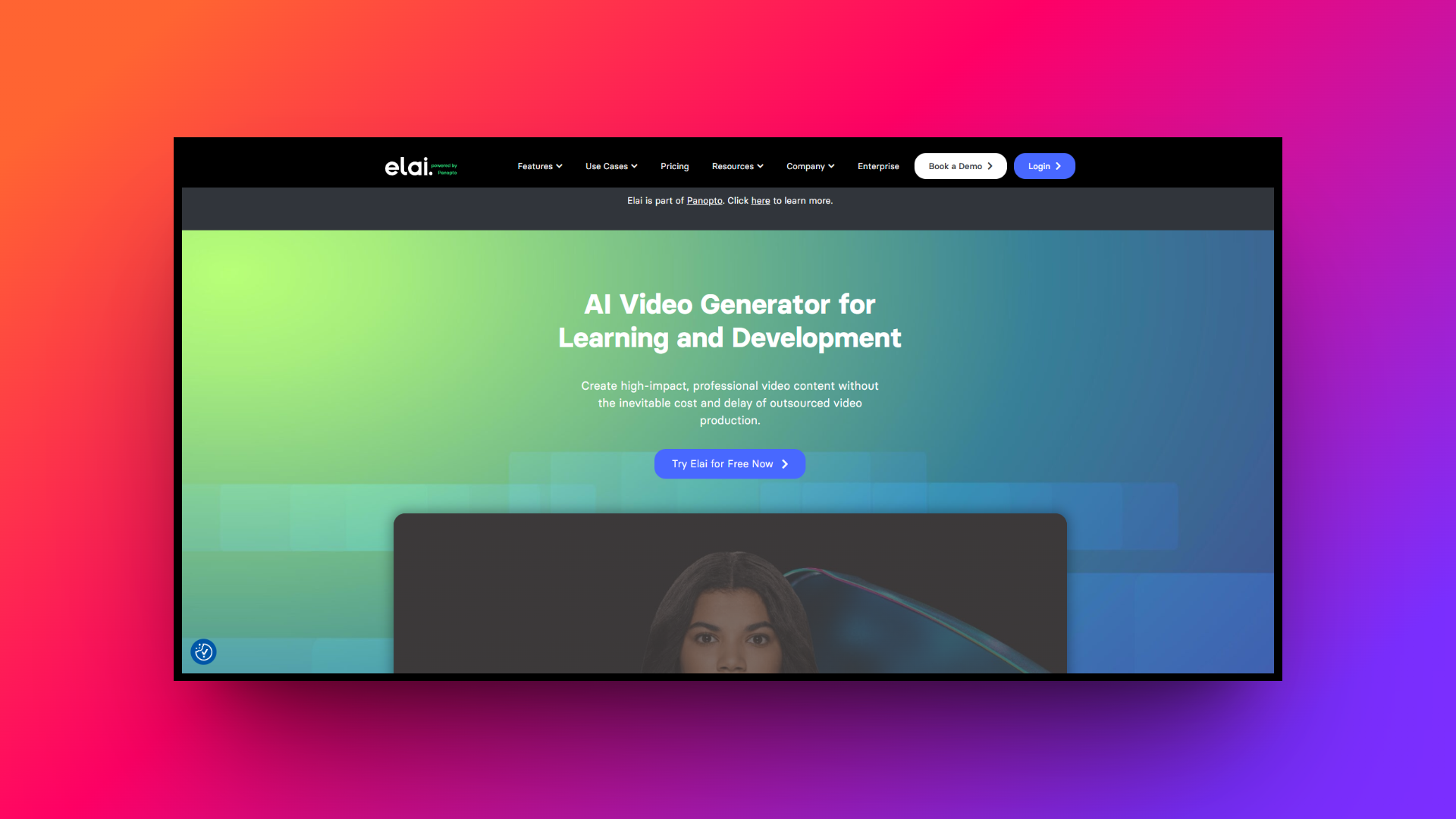
Key features:
- URL-to-video conversion: Automatically transform published blog posts or web articles into complete videos by simply pasting the URL into the platform.
- Custom avatar creation: Order bespoke studio-quality avatars or create animated mascots to represent your specific brand identity consistently across all video content.
- Team collaboration tools: Streamline your production workflow with shared workspaces, multi-user access, and collaborative editing features designed for remote and distributed teams.
- Advanced customization: Enjoy extensive control over visual elements, allowing you to tweak layouts, animations, and branding to meet strict corporate guidelines.
Pros:
- URL-to-video feature drastically cuts down content repurposing and production time.
- Excellent collaborative workspaces tailored specifically for large corporate marketing teams.
- A wide variety of pre-designed templates suitable for different corporate business needs.
- Reliable custom avatar creation ensures strong brand consistency in videos.
Cons:
- Voiceover emotion control could be more nuanced and naturally expressive.
7. Crreo AI
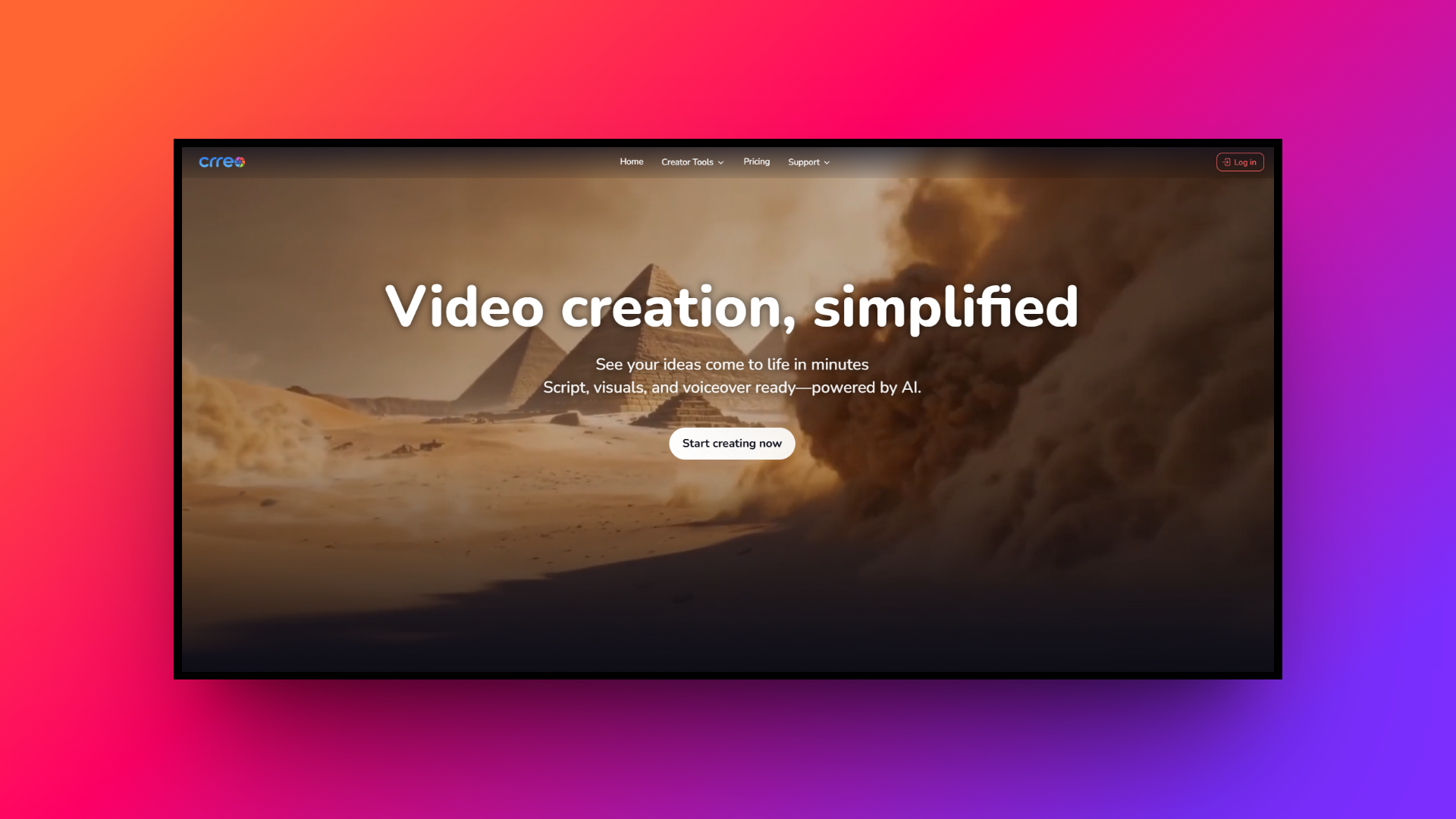
Crreo AI is an all-in-one platform designed to simplify long-form video production. By consolidating scriptwriting, visual generation, voiceovers, and background music into a single interface, it removes the need for multiple editing tools. Crreo AI appeals to educators and social media managers by offering transparent, flat-rate pricing instead of complex credit systems, making high-quality video creation highly accessible.
Key features:
- End-to-end automation: Input a simple text prompt and let the AI automatically generate your script, visuals, voiceovers, subtitles, and background music simultaneously.
- Long-form video support: Create comprehensive videos up to fifteen minutes in length, perfect for detailed educational content, storytelling, and in-depth YouTube videos.
- Consistent character generation: Develop and maintain up to four distinct, visually consistent characters within a single video for complex narratives and natural dialogue.
- Transparent flat-rate pricing: Enjoy unlimited video generation capabilities on higher-tier plans without the anxiety of tracking complicated, usage-based credit consumption models.
Pros:
- Seamless integration of all required video production steps into one interface.
- Flat-rate pricing models eliminate the stress of credit-based subscription systems.
- Capable of generating cohesive, engaging long-form videos up to fifteen minutes.
- Maintains character consistency perfectly throughout extended and complex video narratives.
Cons:
- Generating highly specific, intricate visuals may require multiple prompting attempts.
8. Remaker AI
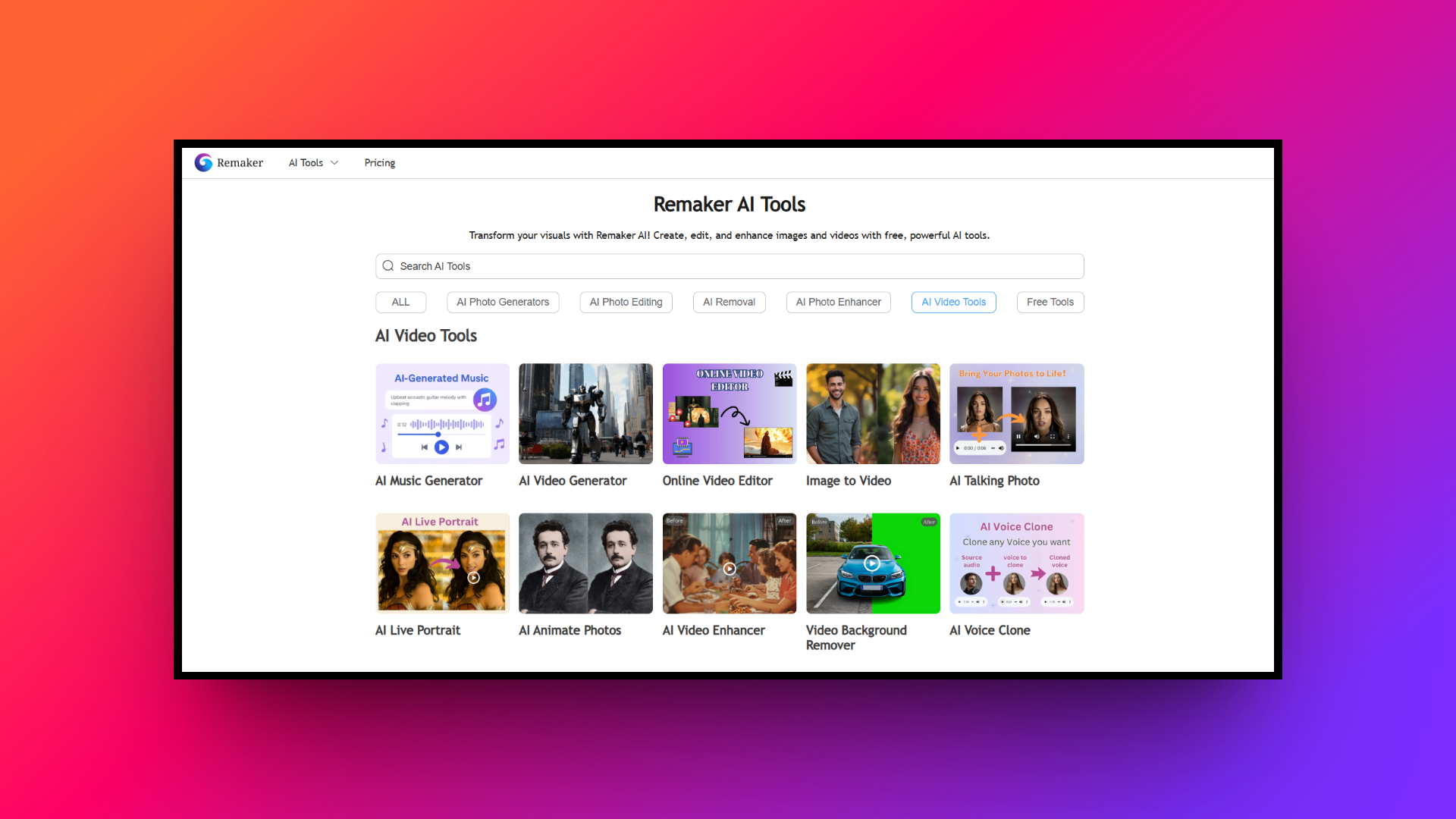
Remaker AI is an accessible content generation platform heavily focused on deepfake technology and face-swapping capabilities. While it provides an intuitive interface for rapid image and video manipulations, it caters primarily to beginners seeking budget-friendly, entertaining creative modifications. It is an excellent starting point for casual creators, though it may lack the advanced features required for enterprise-level production.
Key features:
- Intuitive face swapping: Effortlessly swap faces in single images, group photos, and short video clips using a highly straightforward and beginner-friendly interface.
- Image-to-video animation: Breathe life into static photographs by transforming them into dynamic video clips with subtle motion effects and creative animations.
- Advanced image editing: Utilize powerful AI tools to uncrop images, remove unwanted watermarks, and enhance overall photo quality directly within the browser.
- Cost-effective credit system: Start experimenting immediately with generous free credits upon registration, making it highly accessible for users on a tight budget.
Pros:
- Incredibly simple and intuitive user interface designed for absolute digital beginners.
- Offers an affordable entry point with generous free trial creation credits.
- Fast processing times for basic image and video face-swapping modification tasks.
- Includes handy utility tools like image uncropping and watermark logo removal.
Cons:
- Struggles with maintaining high quality in complex video rendering scenes.
9. Deepbrain AI
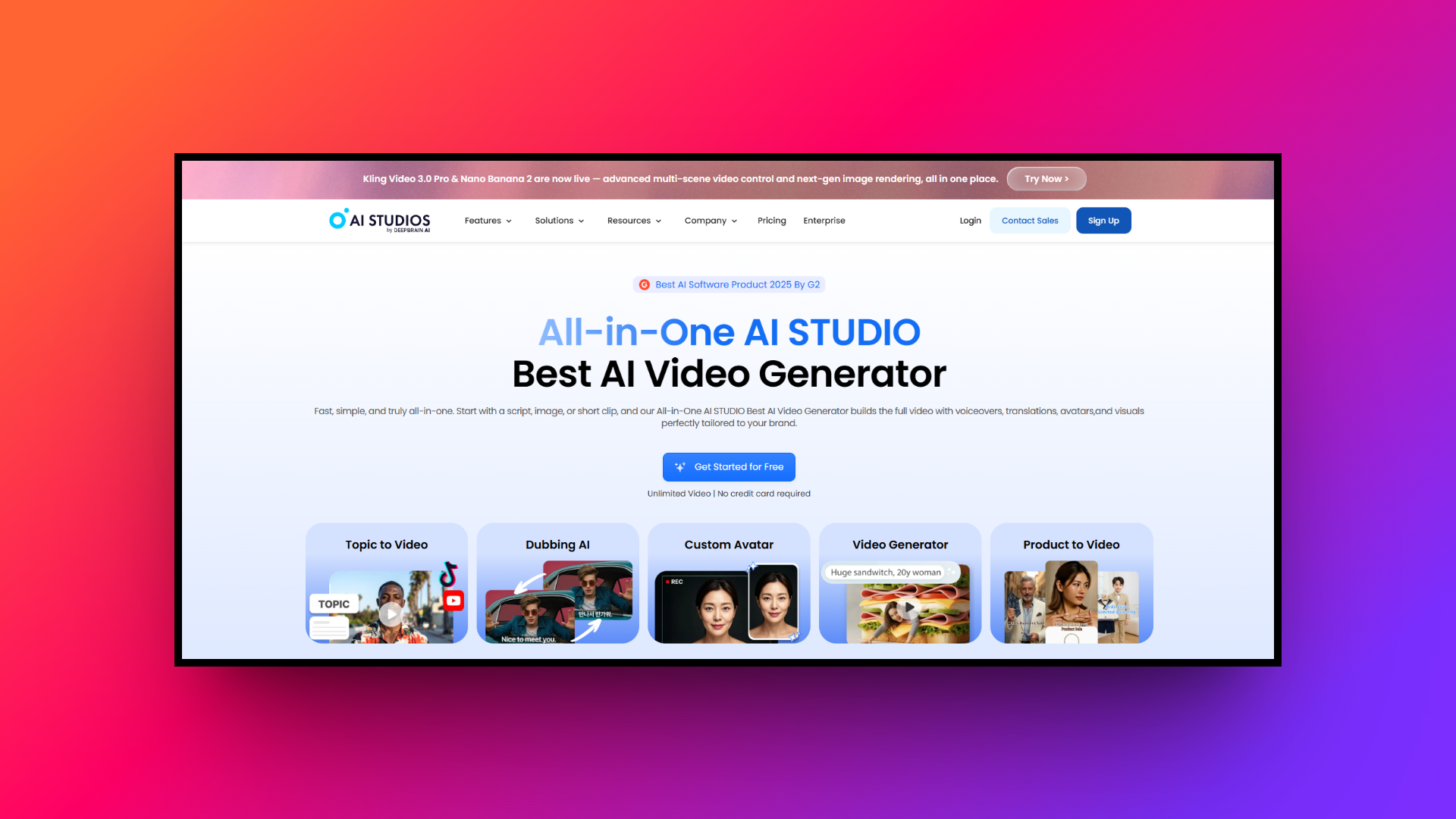
Deepbrain AI is a sophisticated video generator renowned for its ultra-realistic, broadcast-quality AI avatars. It leverages powerful text-to-speech technology to create engaging presentations, news broadcasts, and corporate training videos. With its seamless ChatGPT integration, Deepbrain AI empowers users to instantly generate video scripts and produce professional-grade content quickly, making it a favorite among media professionals and educators.
Key features:
- ChatGPT integration: Instantly generate comprehensive video scripts, brainstorm content ideas, and structure your presentations directly within the platform using advanced AI.
- Broadcast-quality avatars: Utilize highly realistic 2D and 3D avatars modeled after real news anchors, educators, and professionals for authoritative video presentations.
- Pre-built video templates: Accelerate your workflow with a vast library of professionally designed templates tailored for news, corporate training, and social media.
- Multi-language support: Reach a global audience by generating high-quality voiceovers in over eighty languages with natural-sounding pronunciation and accurate local accents.
Pros:
- Avatars offer exceptional broadcast-level realism suitable for professional news presentations.
- Direct ChatGPT integration significantly speeds up the entire scriptwriting production phase.
- Its user-friendly editor makes template customization fast, intuitive, and highly efficient.
- Quick cloud-based rendering ensures speedy delivery of finalized video projects.
Cons:
- Custom avatar creation process can be lengthy and quite financially expensive.
Tips to select the best HeyGen alternative
Selecting the perfect AI video tool requires careful consideration of your specific production needs. Here are five essential tips to guide you in choosing the best HeyGen alternative for your business.
- Assess avatar realism: Evaluate the visual quality and lip-sync accuracy of the avatars. If your content demands a highly professional corporate look, prioritize platforms that offer studio-grade, hyper-realistic human models.
- Check language support: If you target a global audience, ensure the platform supports the specific languages and regional accents you need. Test the voice output to guarantee it sounds natural and emotionally engaging.
- Evaluate editing capabilities: Consider how much control you need over the final video. Look for tools offering robust timeline editors, custom branding options, and the ability to easily add your own media assets.
- Analyze pricing models: AI video tools often use credit-based systems that can become expensive. Carefully compare pricing plans against your expected video volume to ensure you choose a cost-effective, sustainable solution.
- Review API and integrations: For enterprise users aiming to automate personalized video outreach, robust API access and seamless integration with existing CRM or marketing software are crucial factors to verify before committing.
Wrapping up
The landscape of AI video generation is evolving rapidly, offering a multitude of powerful alternatives to HeyGen.
Whether you prioritize Hollywood-grade face swapping with AKOOL, corporate training with Colossyan, long-form automation with Crreo AI, or the unparalleled full-SOP cinematic workflows of Framia Pro, there is a tool perfectly suited to your creative demands.
By carefully evaluating key features like avatar realism, language support, and editing flexibility, you can select a platform that not only streamlines your production process but also elevates your content. Embrace these innovative technologies to scale your video strategy efficiently and captivate your global audience.
FAQs
Are there free alternatives to HeyGen?
Yes, platforms like Remaker AI or Framia Pro offer free tiers or trial credits, similar to HeyGen pricing for free trial. However, professional features and watermark removal usually require a paid subscription or credit plan.
Which HeyGen alternative is best for corporate training?
Colossyan and Synthesia are top choices for corporate training. They offer scenario-based learning, multi-actor conversations, LMS integrations, and SCORM exports tailored specifically for educational content.
Can I create my own custom AI avatar?
Absolutely. Most alternatives, including Synthesia, Elai.io, and AKOOL, allow you to create high-quality custom avatars by simply uploading a short video of yourself in a studio setting.
What is the best alternative for short-form social media?
Framia Pro and Creatify are excellent for social media. They feature specialized Shorts agents, viral caption presets, and automated editing tools perfect for TikTok and Instagram Reels.
Do these alternatives support multiple languages and auto-translation?
Yes, leading platforms offer extensive multilingual support. They can generate natural-sounding voiceovers, clone your voice, and perfectly lip-sync your videos in over 100 different languages and accents.