
Runway has long been a titan in the AI video space, offering everything from Gen-1 to Gen-3 Alpha. However, as the industry evolves, creators are looking for a Runway alternative that offers more specific control, better pricing, or specialized features for architecture and cinematic design. Whether you are a professional editor or a hobbyist, finding the right tool can significantly impact your workflow. In this guide, we review the top 6 contenders challenging the status quo.
What is Runway AI?
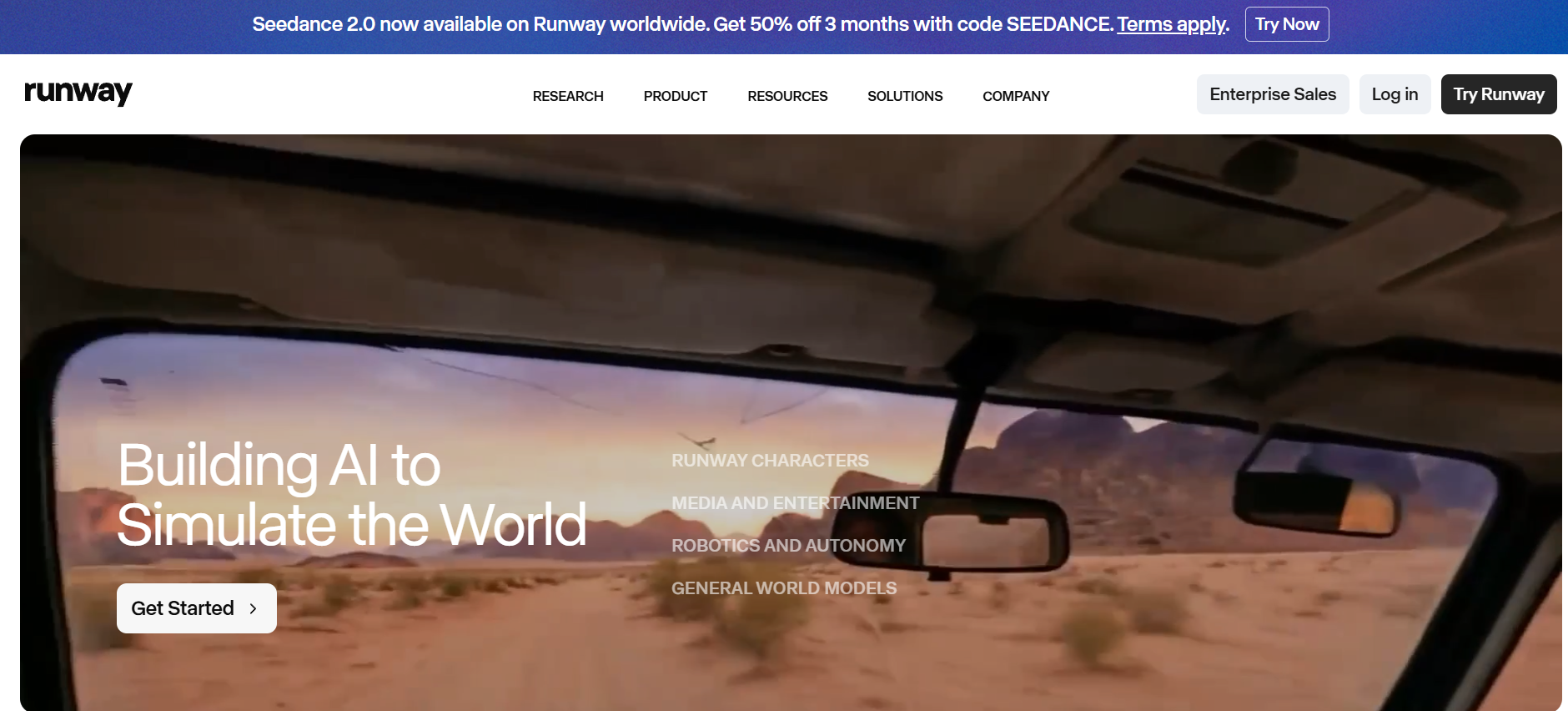
Runway AI is a pioneering creative suite that utilizes generative artificial intelligence to transform video editing and content creation. Known for its groundbreaking models like Gen-2 and Gen-3 Alpha, it allows users to generate high-quality video from simple text prompts, images, or existing video clips. Beyond just generation, Runway provides a comprehensive set of "AI Magic Tools" for tasks like background removal, motion tracking, and inpainting. It has become an industry standard for filmmakers and designers seeking to push the boundaries of digital storytelling.
Key features of Runway AI
Runway has built its reputation on a comprehensive suite of AI-powered creative tools that go well beyond simple video generation. Here is a breakdown of its standout capabilities:
- Gen-4 & Gen-3 alpha models: These industry-leading engines produce high-fidelity video with superior prompt adherence. They excel at simulating real-world physics and lighting, delivering cinematic 4K results for professional filmmakers.
- Advanced director mode: This tool provides granular camera control, allowing users to script precise pans, tilts, and dolly zooms. It bridges the gap between AI generation and traditional cinematography for intentional storytelling.
- Motion brush & multi-motion: A unique feature that lets creators "paint" motion onto specific areas of a still image. It provides independent control over different subjects, enabling precise movement without affecting the entire frame.
- Character & Style Consistency: Runway offers robust tools to maintain consistent character identities and visual styles across multiple scenes. This is critical for narrative projects where a subject must remain recognizable in varied shots.
- AI magic tools suite: A comprehensive toolkit for professional post-production, including instant background removal, inpainting to erase unwanted objects, and automated rotoscoping, which drastically reduces manual editing time.
Runway AI pricing (2026)
Runway AI uses a credit-based subscription model across four main tiers: a Free plan, Standard, Pro, and Unlimited. Here is a clear breakdown:
| Plan | Monthly Price (Annual) | Monthly Price (Monthly) | Credits Included |
| Free | $0 | $0 | 125 one-time credits |
| Standard | $12/mo | $15/mo | 625 credits/month |
| Pro | $28/mo | $35/mo | 2,250 credits/month |
| Unlimited | $76/mo | $95/mo | 2,250 credits + Explore Mode |
| Enterprise | Custom | Custom | Custom |
Runway review: Pros and cons
Before exploring alternatives, it helps to have an honest picture of where Runway excels and where it falls short.
| Pros | Cons |
| Character consistency: Gen-4 maintains character appearance, clothing, and facial features across different shots, angles, and lighting conditions. Browser-based access: No installation needed; the interface works for beginners and professionals alike without any local setup. Strong integrations: Connects with Adobe Creative Suite, Canva, and Figma, plus API access for developers building custom workflows. Real-time collaboration: Team workspaces let multiple users work simultaneously — ideal for agencies and production studios. | Short clip duration: At 16 seconds max, Runway lags behind Sora 2 (20s), Veo 3.1 (60s), and Kling AI (2 min), requiring clip stitching. Learning curve: While accessible, mastering advanced, high-quality output requires significant practice. No native audio: Videos export silent, forcing separate audio post-production — unlike Sora 2 and Veo 3.1, which include integrated sound. Credit complexity: Credits expire monthly, and different models drain them at varying rates, making usage costs hard to predict upfront. |
These limitations are precisely why so many creators are actively searching for a Runway alternative. Whether it's the short clip durations frustrating long-form storytellers, the silent video output adding extra steps to every project, or the credit system burning through budgets faster than expected — the gaps in Runway's offering have opened the door for a new generation of specialized tools. Below, we break down the top six platforms stepping in to fill those gaps.
Essential features to look for in Runway AI alternatives
When searching for the perfect Runway ML alternative, it's essential to look beyond basic video generation. The right tool should streamline your creative process while offering high-end technical capabilities. Here are the core features to prioritize:
- Video quality & realism
Look for high-resolution output (1080p or true 4K), realistic physics, lighting, reflections, and textures. Strong temporal consistency ensures smooth motion without flickering or artifacts. Tools that excel here deliver cinematic results suitable for professional marketing, films, or architectural visualizations.
- Longer clip duration & seamless extension
Unlike Runway’s short clip limits, the best alternatives support longer videos (1–2+ minutes) or easy extension features, reducing the hassle of stitching multiple short clips.
- Advanced motion & camera control
Precise camera movements (orbit, drone pans, keyframing) and reliable motion direction are critical. For architects and designers, geometry preservation is a must to avoid warping of buildings and structures.
- Ease of use & integration
User-friendly interfaces, minimal prompt engineering (especially architectural presets), fast generation times, and workflow integration (with rendering, upscaling, or editing suites) make a tool far more practical for daily use.
- End-to-end AI agents & automation
Modern alternatives go beyond simple generation. AI agents that handle scripting, voiceover, music, editing, and full video production from a single prompt save hours of manual work.
- Pricing and value for money
Avoid unpredictable credit systems. Favor transparent subscription plans, pay-as-you-go options, or generous free tiers with clear costs per minute/second. Calculate real value based on output quality and speed.
How did we pick the best Runway alternatives?
To provide a fair and practical comparison, we evaluated each platform based on some critical benchmarks that impact professional workflows:
- Video quality & coherence: We looked for tools that produce stable, high-definition visuals without the "glitchy" artifacts common in lower-tier AI.
- Ease of use: We prioritized interfaces that are intuitive for both beginners and pro editors, minimizing the need for complex prompt engineering.
- Unique feature sets: We sought out standout capabilities like advanced lip-sync, specific cinematic camera controls, and high-fidelity motion simulation.
- Pricing transparency: We analyzed the value proposition of each tool, from free-to-play models to professional subscription tiers.
- Specific use cases: We identified which tools excel for social media, which for indie filmmaking, and which for architectural visualization.
Top 6 Runway AI alternatives in 2026
The demand for AI video tools is growing fast, and creators are exploring better Runway alternatives that offer improved quality, pricing, and flexibility. Here are the top tools to consider in 2026.
| Tool | Best For | Key Feature | Pricing Model |
| Framia Pro | All-in-one video creation | AI Agents + multi-model access + end-to-end workflow | Free (Daily creditd) + Pro |
| Sora (OpenAI) | Cinematic Realism | Hyper-detailed physics & long scenes | Subscription-based |
| Luma Dream Machine | Smooth Camera Motion | Cinematic pans, tilts, and sweeps | Freemium (Credits) |
| Kling AI | Long-form Action | High-fidelity motion up to 2 mins | Freemium (Credits) |
| Pika (Pika Art) | Social Media & Animation | Integrated Lip Sync & Sound FX | Freemium (Credits) |
| Veed.io | Marketing & Editing | All-in-one AI gen + Video Editor | Subscription-based |
1. Framia Pro
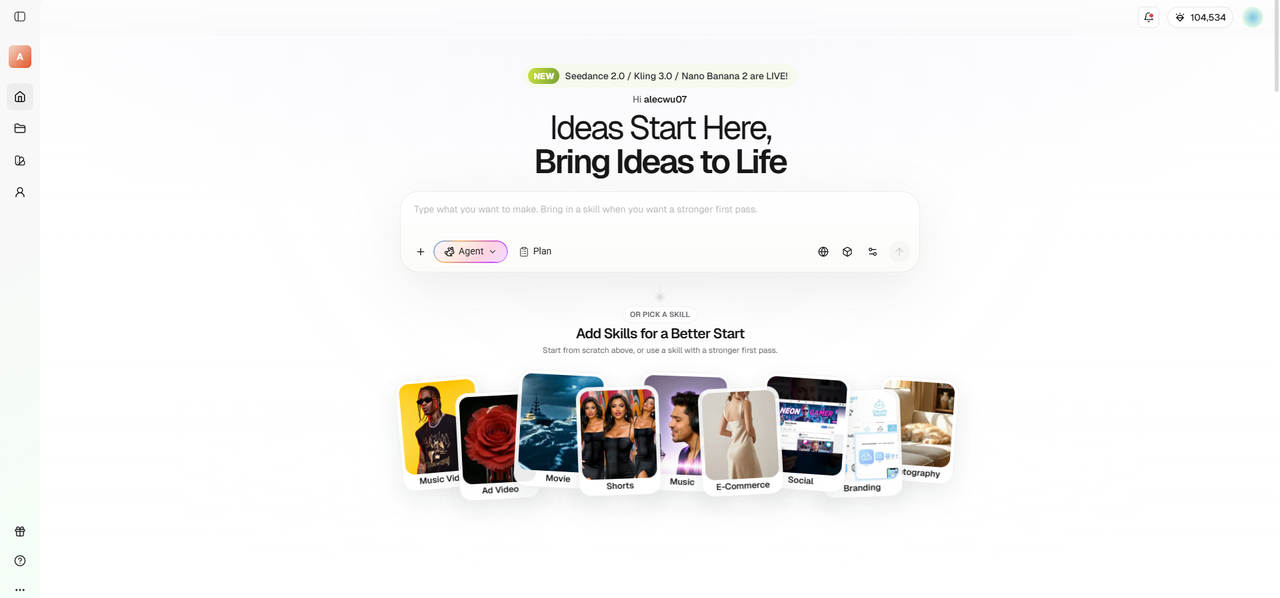
Framia Pro is an all-in-one AI creative agent platform that serves as a powerful free Runway alternative in 2026. It integrates multiple frontier video models (Sora 2, Veo 3.1, Kling 3.0, and more) with specialized AI agents on an interactive canvas. Users can go from a simple idea to fully produced videos — complete with script, visuals, voiceover, music, and editing — using intelligent agents for ads, shorts, movies, and e-commerce. Its conversational workflow and character consistency make it ideal for solo creators and teams seeking end-to-end automation beyond Runway's limitations.
Key features
- Multi-model integration: Access to Sora 2, Veo 3.1, Kling 3.0 and other frontier models in one platform.
- AI Agents for automation: Specialized agents for ads, shorts, movies, and e-commerce campaigns.
- Interactive canvas workflow: Node-based canvas with chat-based editing and storyboard control.
- Character & style consistency: Excellent consistency across multiple scenes and characters.
Pros
- Truly all-in-one workflow (no need for external editors or audio tools).
- Excellent character and visual style persistence across long projects.
- Highly accessible for beginners through its conversational interface.
- Model flexibility, utilizing top engines like Gemini 3.0 and Sora 2.
Cons
- The "Agent" system may have a slight learning curve for users used to traditional timelines.
- Newer platform, so the community is still growing.
2. Sora (OpenAI)
Sora set the world on fire by demonstrating that AI can understand complex physical interactions. Developed by OpenAI, it excels at creating long-form sequences—up to 60 seconds—that maintain a deep sense of 3D space and character persistence. It is less of a "filter" and more of a world simulator. While it is currently released in a limited capacity, its ability to render intricate scenes with multiple characters and specific lighting conditions makes it the gold standard for hyper-realistic AI video.
Key features
- Hyper-realistic physics: Exceptional simulation of lighting, reflections, and natural movement.
- Scene coherence: Strong understanding of complex multi-character scenes.
- Longer clip support: Generates up to 60 seconds in higher tiers.
- Advanced prompt understanding: Highly accurate interpretation of detailed prompts.
Pros
- Unmatched realism and detail.
- Ability to generate full narrative scenes.
- Strong understanding of real-world physics.
- Seamless integration for existing ChatGPT Plus users.
Cons
- Extremely limited public access.
- Very high computational demand resulting in longer wait times.
3. Luma Dream Machine
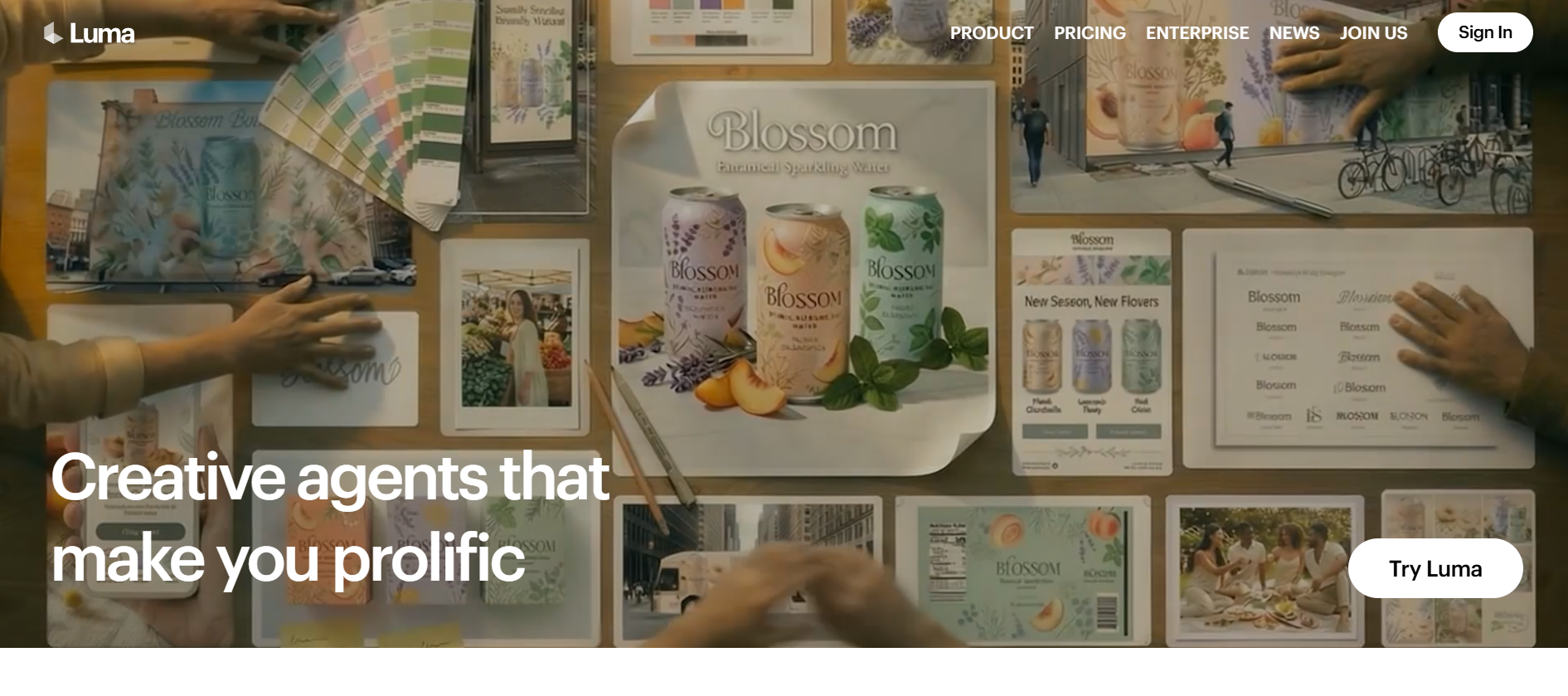
Luma AI's Dream Machine is built for the "cinematic" look. It is highly regarded for its "Camera Control" features, allowing users to direct the AI to perform specific cinematic moves like orbiting, panning, or tracking. It handles light and texture with a painterly, high-quality finish that appeals to filmmakers and photographers. It’s a versatile tool that bridges the gap between high-end professional software and accessible web-based generation, making it a favorite for high-quality b-roll and atmosphere.
Key features
- Cinematic lighting: Advanced simulation of realistic lighting and reflections.
- Smooth camera control: Precise keyframing and natural camera movements.
- Physics accuracy: Strong material and environmental physics.
- Rapid generation: One of the fastest high-quality generators available.
Pros
- Beautiful, film-like aesthetic.
- Very easy to direct specific movements.
- Fast rendering times for 5-second clips.
- Strong mobile app experience.
Cons
- Free tier often has long server queues.
- Occasional physics "warping" in complex action shots.
4. Kling AI
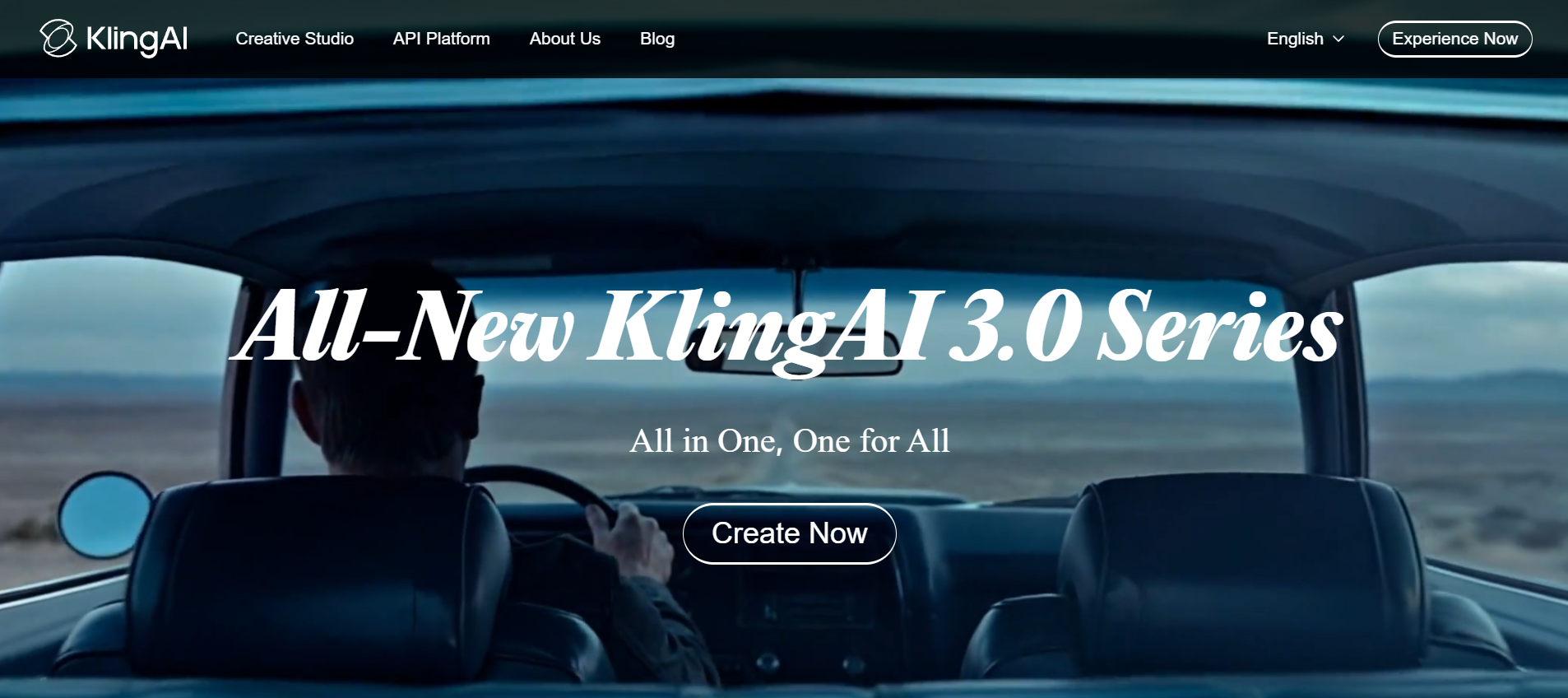
Kling AI has emerged as a powerhouse for creators who need high-definition action. Originally, gaining fame for its realistic human eating and walking movements—areas where other AI models often fail—Kling supports 1080p resolution at 30fps. It allows for videos up to two minutes long, making it a direct competitor to Sora. Its ability to simulate complex, large-scale movements makes it ideal for creators working on short films or dynamic social media advertisements that require more than a simple loop.
Key features
- Extended duration: Supports video generation up to 120 seconds.
- 1080p/30fps Output: High-definition, smooth motion sequences.
- Large-scale motion: Excels at complex human actions (running, eating).
- Multiple aspect ratios: Optimized for TikTok, YouTube, or Cinema.
Pros
- Best-in-class for realistic human movement.
- Capability to produce much longer videos than competitors.
- High-definition output that requires less upscaling.
- Great for dynamic, high-action content.
Cons
- Currently operates on a waitlist/regional rollout.
- Interface can be less intuitive for Western users.
5. Pika
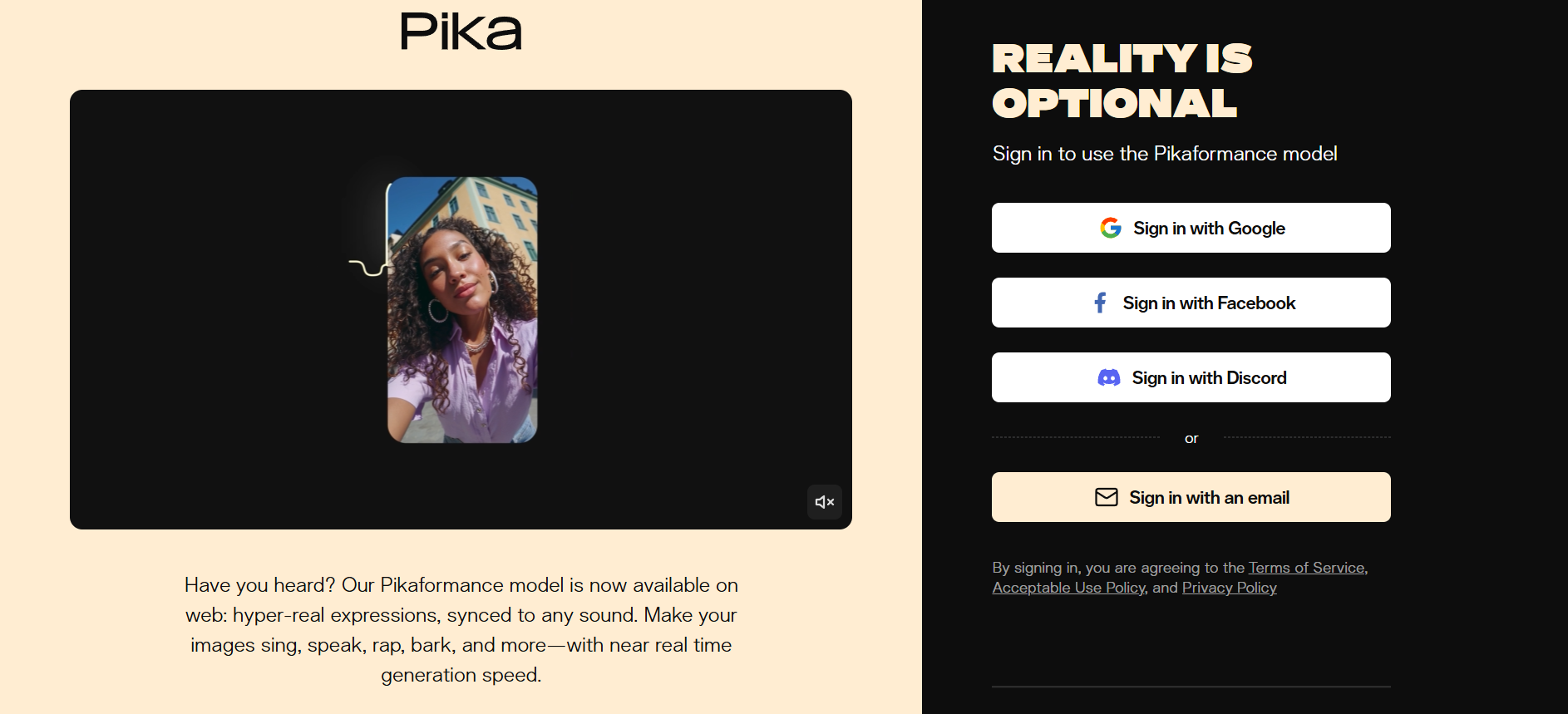
Pika is the ultimate creative playground for social media managers and animators. It focuses on "creative flexibility," offering tools like "Modify Region," which lets you change a specific part of a video (like changing a shirt color) without regenerating the whole clip. It also includes integrated audio tools, such as Lip Sync and AI-generated sound effects, allowing you to create a complete multimedia experience in one platform. It’s fast, trendy, and built for the modern digital creator.
Key features
- Modify region (Inpainting): Select and change specific areas of your video.
- Integrated lip sync: Match character mouth movements to audio files.
- Sound effects (SFX) generation: Automatically generates audio for your video.
- Expand canvas: Grow your video dimensions beyond the original frame.
Pros
- Extremely user-friendly and fast workflow.
- Great for social media and creative experiments.
- Active community and Discord integration.
- Generous free tier for testing.
Cons
- Base clips are quite short (3 seconds).
- More stylized than photorealistic results.
6. Veed.io
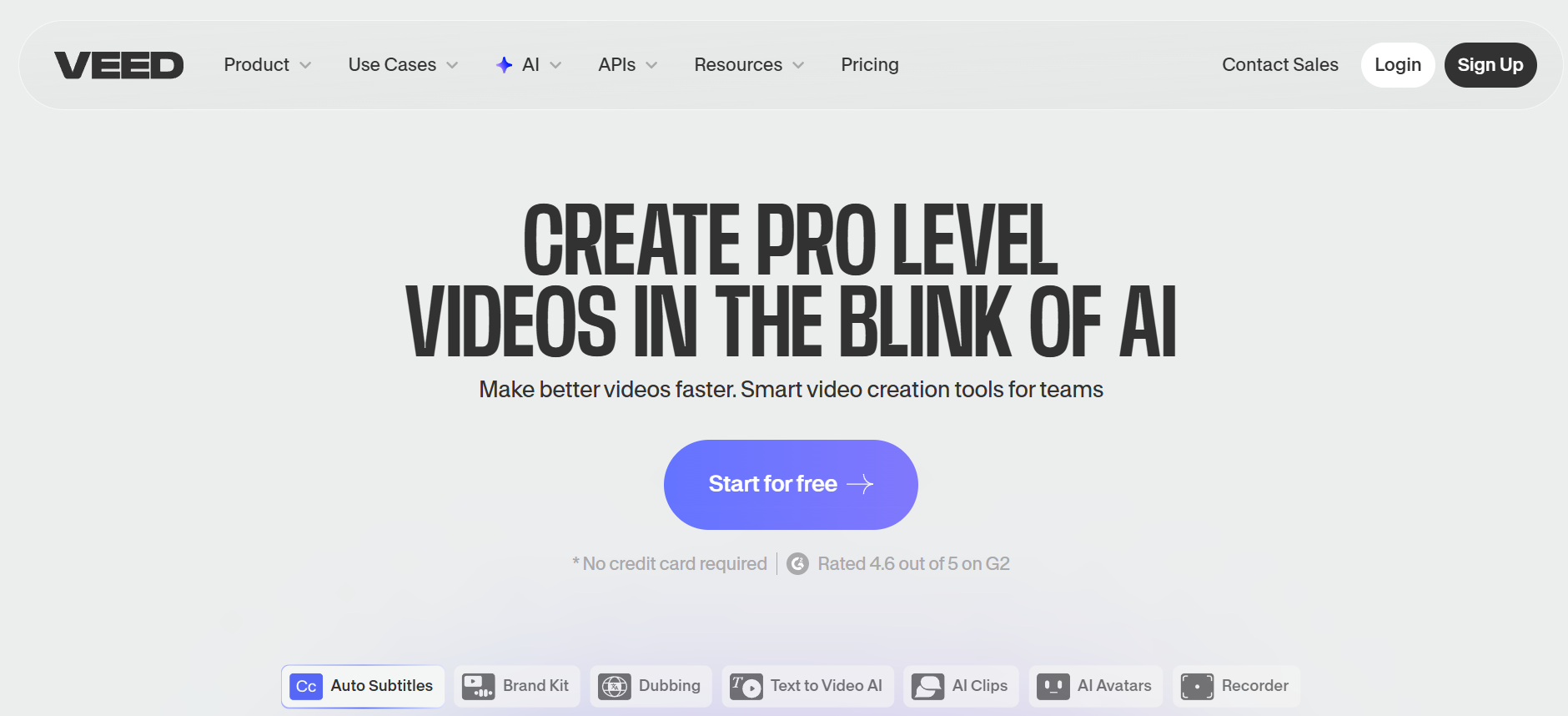
Veed.io is a complete AI video creation and editing platform that combines text-to-video generation with powerful post-production tools. It offers access to multiple models (Veo 3.1, Kling, Sora 2, etc.) inside one editor, along with AI avatars, auto-subtitles in 100+ languages, voiceovers, and dubbing. It's especially strong for marketers and teams who need quick, professional videos with subtitles, translations, and easy editing — all in a single workflow.
Key features
- Multi-model access: Toggle between leading engines like Veo 3.1, Kling, and Sora 2.
- AI avatars & dubbing: Create realistic talking-head videos and translate them into 100+ languages.
- Auto-subtitles: Instant, highly accurate captioning with customizable styles for social media.
- Full timeline editor: Professional-grade trimming, transitions, and overlays in a web browser.
Pros
- Extremely efficient for social media marketing and localized content.
- No need to switch between generation and editing software.
- Massive library of stock assets, music, and sound effects.
- Industry-leading subtitle and translation accuracy.
Cons
- Higher subscription cost compared to standalone generators.
- Video generation might feel secondary to the extensive editing suite.
Which tool actually fits your needs?
Every creator has a different workflow, budget, and skill level — and the best AI video tool is simply the one that removes your biggest obstacle. Before committing to any platform, ask yourself what is actually slowing you down:
- Speed vs. quality: If you need a quick draft or social media clip, Pika or Framia Pro's fast modes are ideal. If you are rendering a final cinematic or 4K showroom video, Luma Dream Machine or Sora is the better call.
- Team size: Solo creators benefit most from all-in-one platforms like Framia Pro or Veed.io to avoid juggling five separate subscriptions. Larger studios may prefer dedicating specialist tools like Kling for generation and a separate editor for post-production.
- Technical comfort: Tools such as Kling or Runway often require prompt engineering skills to achieve consistent, high-quality results. In contrast, platforms like Framia Pro and Pika simplify the process with guided workflows and conversational interfaces.
- Budget reality: Always consider the hidden cost of iteration. Credit-based systems can become expensive when multiple re-generations are needed to get the desired output. Tools with generous free tiers or flat-rate pricing are better suited for experimentation-heavy workflows.
Why an end-to-end platform beats stitching tools
While tools like Luma Dream Machine and Kling are exceptional at pure video generation, they often exist as isolated steps in your workflow. You generate a clip, download it, import it into an editor, source audio separately, and then stitch everything together manually — a process that costs time on every single project.
Framia Pro is built differently. Rather than being a single-purpose generator, it integrates scripting, multi-model video generation, voiceover, music, and editing into one connected canvas. You can move from a written brief to a fully produced video — complete with character consistency, scene transitions, and audio — without ever switching tabs or tools.
Because Framia Pro routes your prompt through the best available frontier model (whether that is Sora 2, Veo 3.1, or Kling 3.0 depending on the task), you are not locked into one engine's limitations. It is not just about making a video faster; it is about keeping creative control intact throughout the entire production process, from first idea to final export.
Conclusion
In 2026, Runway AI remains a solid choice for creative experimentation, but many users are actively seeking a better Runway alternative after completing their Runway review. Whether you need end-to-end automation, longer clips, superior consistency, or professional editing tools, the top platforms like Framia Pro, Kling AI, Luma Dream Machine, Veed.io, Pika, and Stable Video Diffusion deliver impressive upgrades in quality, pricing, and workflow efficiency.
Framia Pro stands out as the most complete Runway alternative, combining multiple frontier models with intelligent AI agents for faster, smarter video creation. Ready to move beyond Runway’s limitations? Explore these powerful tools and transform your AI video production today.
FAQs
- What is the best Runway alternative in 2026?
The best Runway alternative depends on your needs. Framia Pro stands out for end-to-end automation, while Sora offers unmatched realism. Kling AI is ideal for longer videos, and Pika works well for quick, creative social media content.
- Why are creators looking for Runway alternatives?
Many users seek alternatives due to Runway’s credit-based pricing, short clip limits, and complexity. New tools offer longer video generation, better pricing transparency, and more specialized features like AI agents or advanced camera controls.
- Which alternative is best for long-form video generation?
For long-form video generation, Framia Pro stands out by supporting videos up to 6 minutes, making it ideal for complete projects without stitching clips. While Kling AI supports up to 2–3 minutes, Framia Pro offers significantly longer, more scalable video creation in a single workflow.
- Which Runway alternative is best for beginners?
Framia Pro and Pika are great for beginners. They offer intuitive interfaces, minimal prompt engineering, and guided workflows, making it easy to create videos without advanced technical skills or prior editing experience.
- Do I need a powerful computer to run these?
No. All the platforms mentioned—Framia Pro, Luma, Kling, etc.—are cloud-based. All the heavy computational processing happens on their servers, meaning you only need a standard web browser and an internet connection.