
What is Synthesia?
Synthesia is a pioneering artificial intelligence video generation platform that transforms basic text scripts into highly professional, studio-quality videos featuring incredibly lifelike human avatars.
Designed for enterprise businesses and individual creators alike, it eliminates the need for expensive filming equipment, physical studios, or professional actors. Users simply type their script, select a digital presenter, and the platform automatically generates a polished video with accurate lip-syncing and natural voiceovers.
It is widely used across various industries for creating engaging corporate training modules, compelling marketing campaigns, scalable sales outreach, and internal communications, making video production faster and more accessible.
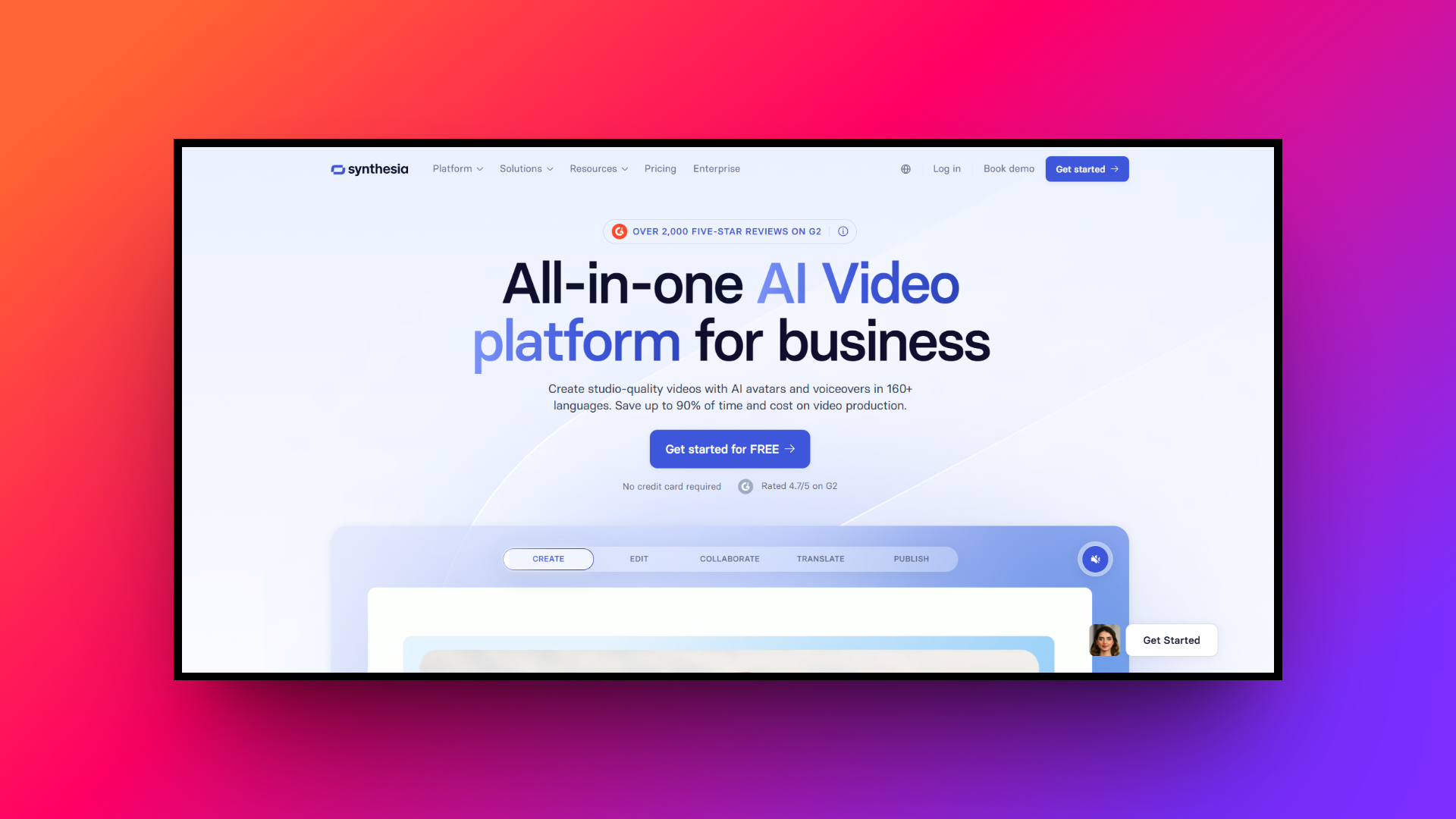
What makes Synthesia so unique: key features
Synthesia leads the AI video market by offering robust tools designed to streamline production. Here are the top core features that make this software platform incredibly powerful and widely popular.
- Realistic AI avatars
The platform boasts an extensive library of over 150 diverse, photorealistic AI avatars. Users can choose actors representing various ethnicities, ages, and professional attire, or even create a custom digital twin of themselves for highly personalized messaging.
- Extensive language support
Synthesia enables seamless global reach by supporting over 130 languages and distinct regional accents. It automatically translates your written text and generates natural-sounding voiceovers with precise lip-syncing, ensuring your content resonates flawlessly with international target audiences entirely.
- Built-in screen recorder
Beyond just avatar generation, the platform includes a highly convenient integrated screen recording tool. This feature allows users to effortlessly capture their software interfaces or web browsers, making it an exceptional choice for producing detailed technical tutorials and product walkthroughs.
- Customizable video templates
To drastically accelerate the video creation process, Synthesia provides dozens of professionally designed, fully customizable templates. Whether you are building an onboarding presentation, a sales pitch, or an educational module, these layouts ensure a high-quality visual foundation instantly without effort.
Synthesia pricing: how much are you actually paying?
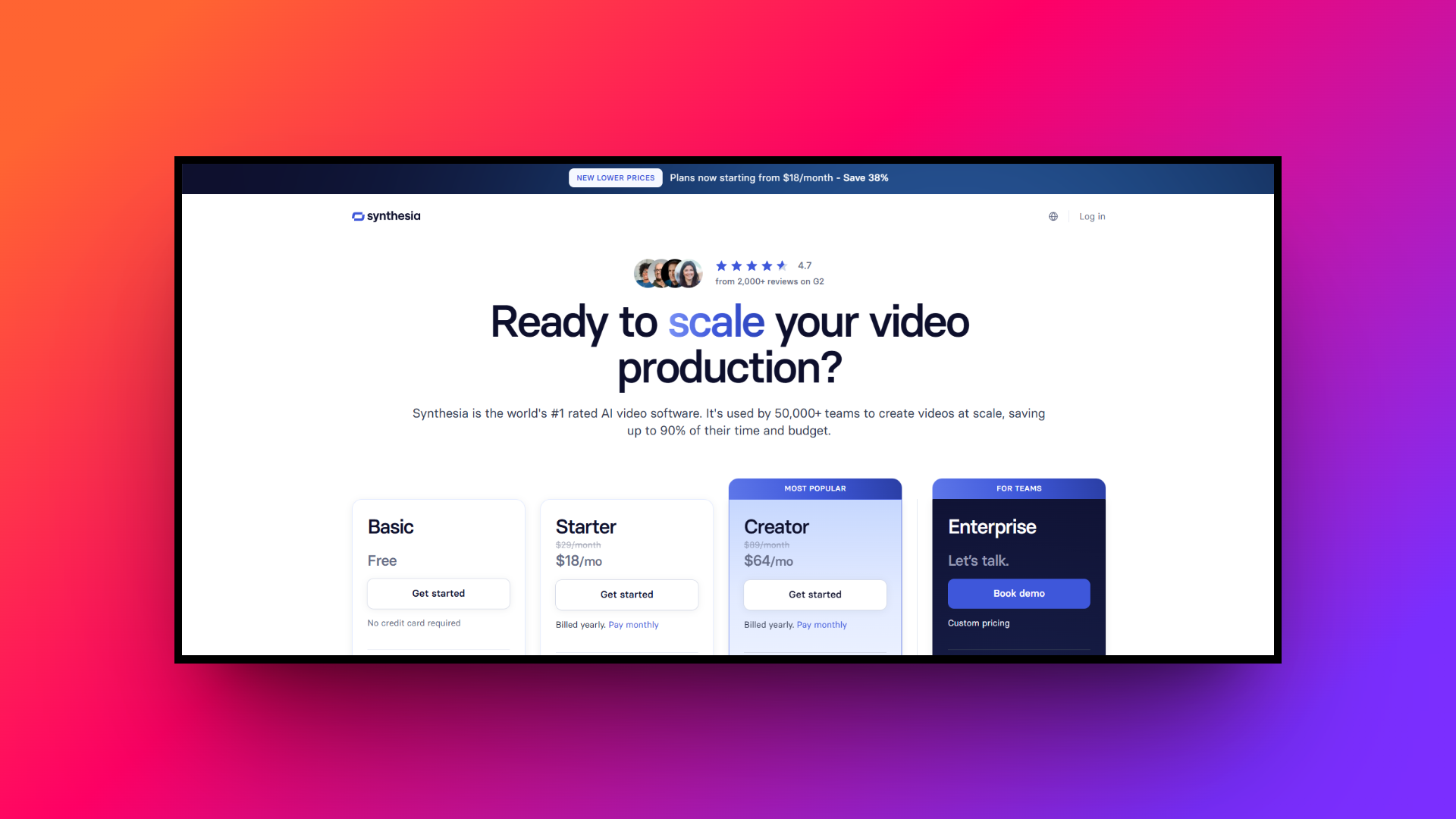
Synthesia offers a tiered pricing structure designed to accommodate everyone, from solo creators to massive global enterprises.
The "Starter" plan begins at $18 USD per month when billed annually, providing access to basic avatars and 120 minutes of video per year, making it ideal for beginners. The "Creator" plan costs $64 USD monthly, offering expanded minutes, custom fonts, and premium features for growing businesses.
Lastly, for large organizations requiring unlimited video generation, custom avatar creation, and advanced team collaboration tools, Synthesia provides custom-priced Enterprise plans tailored specifically to meet complex corporate security and scaling needs exactly today.
Synthesia reviews: crucial advantages and disadvantages
While Synthesia is undeniably a market leader in AI video generation, it is essential to weigh its specific advantages and limitations before fully committing to a paid monthly software platform.
| Pros | Cons |
| It consistently delivers incredibly high-quality, photorealistic AI avatars with remarkably smooth, natural facial expressions and accurate lip-syncing capabilities seamlessly always. The highly intuitive, user-friendly timeline editor allows absolutely anyone to create professional videos rapidly without prior technical editing experience whatsoever. It provides massive global reach through its robust support for over one hundred thirty diverse languages and regional vocal accents. The platform features excellent built-in team collaboration tools, making it exceptionally easy for corporate departments to review marketing content efficiently. | The rigid subscription pricing plans can become quite expensive for individual creators requiring extremely high monthly video generation output volumes. Users cannot deeply manipulate the avatars' body movements or physical gestures, as they remain mostly restricted to standard stationary poses. |
The AI video revolution: moving beyond Synthesia
While Synthesia pioneered AI video generation by eliminating cameras and actors, its rigid pricing and limited avatar mobility might not suit everyone. Fortunately, the rapid evolution of artificial intelligence has sparked a massive wave of innovative competitors.
Today, there are numerous robust alternatives offering diverse pricing models, highly specialized tools, and unique features tailored to specific video creation needs. Let's explore what you should look for when choosing the perfect AI platform to supplement or replace Synthesia.
Ideal features to look for in a Synthesia alternative
When evaluating alternatives to Synthesia, it is crucial to consider specific functionalities that align with your unique video production requirements. Here are the top features to prioritize during your search.
- High-quality AI avatars: The platform should offer a diverse library of hyper-realistic AI avatars representing various ethnicities, ages, and professional styles. Customizable avatars or the ability to create a digital twin of yourself can significantly enhance the authenticity of your corporate communications.
- Natural-sounding voiceovers: High-quality text-to-speech technology is essential for professional videos. Look for tools that provide a wide range of natural-sounding AI voices with adjustable tones, pacing, and emotional inflections to ensure your message resonates perfectly with your intended target audience.
- Multi-language support: To reach a truly global audience, your chosen video software must include robust multi-language capabilities. The ability to automatically translate scripts and generate accurately lip-synced voiceovers in dozens of different languages is critical for international marketing and global corporate training.
- Intuitive editing interface: A user-friendly, drag-and-drop video timeline editor is vital for streamlining your workflow. Features like auto-subtitling, easy asset management, built-in stock media libraries, and seamless brand kit integrations help users create polished content rapidly without needing advanced video editing skills.
How did we pick the best Synthesia competitors?
We rigorously evaluated numerous AI video creation tools to bring you this definitive list. Our selection process was guided by several critical factors to ensure comprehensive and reliable recommendations.
- Platform Versatility: We checked for mobile apps, desktop software, and web accessibility.
- Core Capabilities: We assessed key features like AI avatars, screen recording, and text-to-speech.
- User Experience: We prioritized intuitive interfaces requiring absolutely minimal technical skills.
- Customization Options: We looked for robust editing suites and brand integration tools.
- Output Quality: We thoroughly evaluated the visual realism of avatars and video resolution.
- Overall Value: We analyzed the balance between premium tool features and overall cost-effectiveness.
Top 10 Synthesia alternatives that you should try in 2026
Exploring the diverse landscape of AI video creation tools can be overwhelming. To help you navigate this rapidly growing space, we have curated a comprehensive list of the best Synthesia alternatives available today.
| Tool | Primary Use Case | Key Feature | Platform Support | Starting Price (Approx.) |
| HeyGen | Marketing & Sales Outreach | Instant Voice Cloning | Web | ~$29/month |
| Framia Pro | Social Media Storytelling | Specialized Video Agents | Web | Custom / Premium |
| Vidyard | Async Comm & Sales Enablement | Screen & Webcam Recording | Web, Desktop, Mobile | Free tier available |
| D-ID | Creative Storytelling | Live Portrait Animation | Web, Mobile | ~$5.99/month |
| DeepBrain A | Corporate & News Broadcasts | Photorealistic Avatars | Web | ~$30/month |
| Colossyan | Corporate Learning & HR | Document-to-Video | Web | ~$19/month |
| Clueso | Product Tutorials & SOPs | Auto Script & Zoom FX | Web | Custom / Enterprise |
| Veed.io | Social Media Content Editing | Auto Subtitles & Avatars | Web, Mobile | ~$18/month |
| Camtasia | In-depth Screen Recording | Multi-Track Timeline | Mac, Windows | ~$299 lifetime license |
| Animaker | 2D Animated Video Creation | Custom Character Builder | Web, iOS | ~$12.50/month |
1. HeyGen
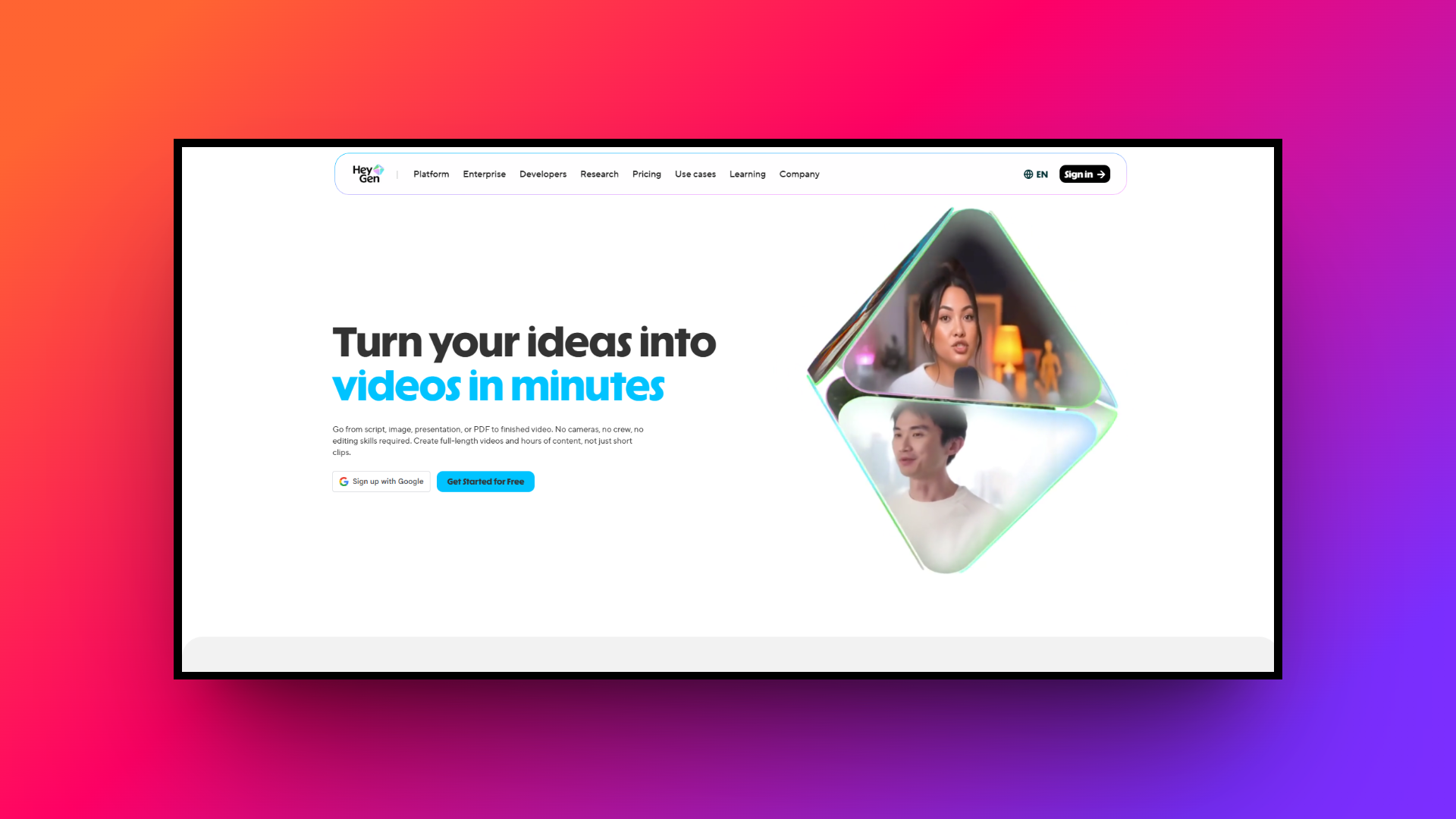
HeyGen is a powerful, web-based AI video generation platform that directly competes with Synthesia by offering incredibly lifelike avatars and advanced voice cloning capabilities. Designed specifically for marketing and sales professionals, it continuously excels at creating highly personalized, engaging video content at scale without requiring any traditional camera equipment or prior complex video editing experience whatsoever.
Key features:
- Instant voice cloning: Create a hyper-realistic replica of your own voice using just a short audio sample for personalized marketing outreach campaigns.
- Extensive avatar library: Access over one hundred diverse, high-quality AI avatars spanning various ethnicities, ages, outfits, and professional corporate clothing styles seamlessly.
- Seamless CRM integration: Connect directly with popular customer relationship management tools to automate personalized video messages sent across your active sales pipelines.
- One-click translation: Instantly translate your entire spoken video into multiple different languages with perfect lip-syncing to effortlessly reach a broader global audience.
Pros:
- It offers incredibly realistic and smooth AI avatar facial movements.
- Provides a highly intuitive and accessible web-based video editing interface.
- Delivers exceptionally fast processing and rendering speeds for video exports.
- Features excellent, high-fidelity custom voice cloning technology for personalized audio.
Con:
- Accessing the best premium features requires an expensive monthly subscription.
2. Framia Pro
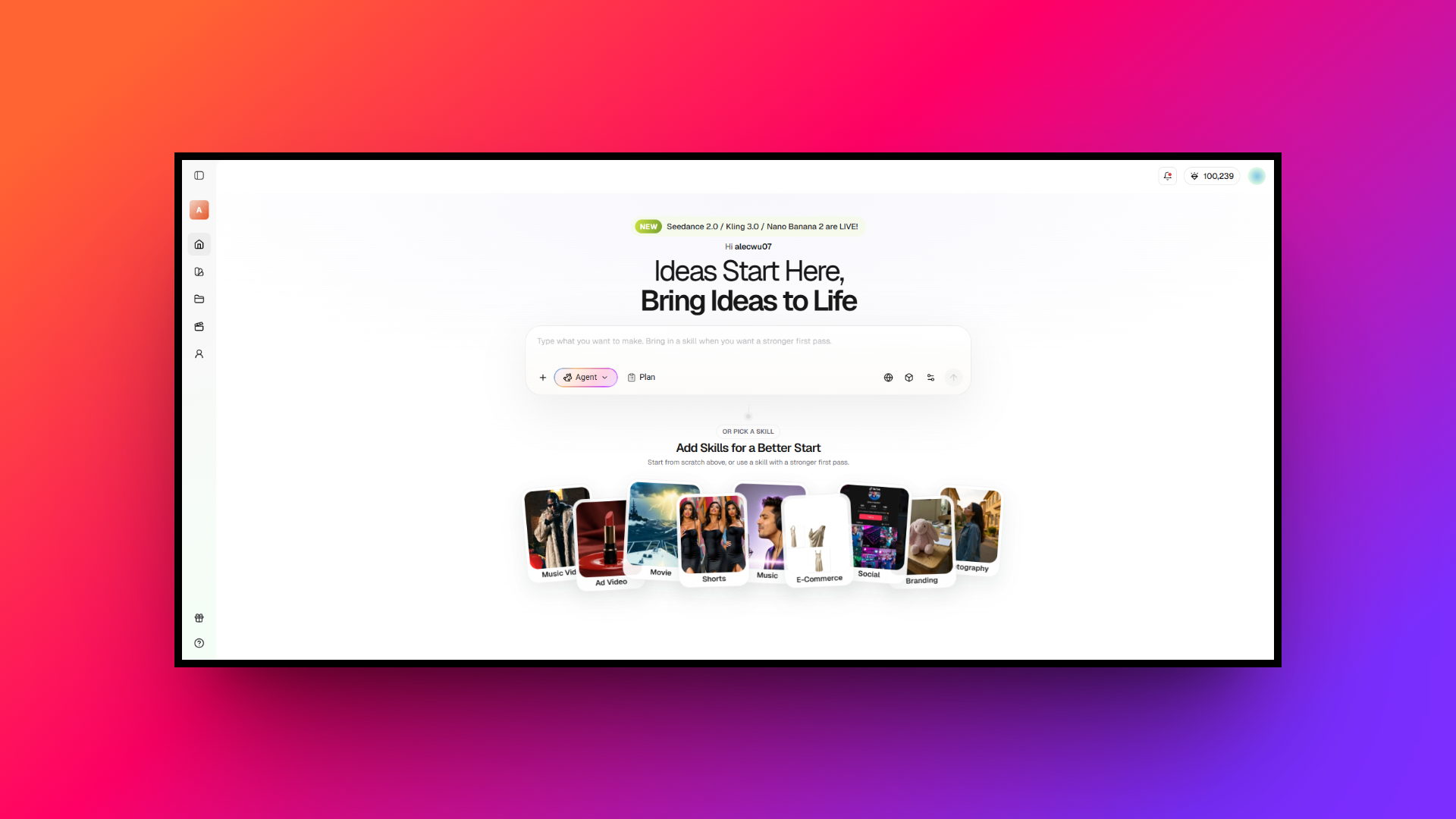
Framia Pro is a revolutionary web-based platform utilizing specialized AI Video and Design Agents. Leveraging top models like Veo, Kling, and Claude, it uniquely automates script generation, storyboarding, and video composition. Framia Pro perfectly integrates complex design layer editing, making it an ultimate, comprehensive powerhouse for executing modern, highly engaging social media storytelling campaigns seamlessly.
Key features:
- Specialized video agents: Utilize dedicated Shorts and Movie agents for quick social explainers or deeply cinematic videos featuring emotional dialogue and advanced storytelling.
- Chat-to-edit functionality: Select any specific video segment or design layer and simply type a prompt to execute targeted, precise layout corrections effortlessly.
- Full-SOP automation: Automate the entire workflow from script generation and smart B-roll context awareness to background music selection and upload-ready exports.
- Character consistency: Maintain exact character appearances seamlessly across multiple diverse generated shots, which is absolutely perfect for cohesive branded content and storytelling.
Pros:
- Delivers massive automation resulting in ninety percent workflow time savings.
- Supports multiple top-tier AI models, including Veo, Seedance, Kling, etc.
- Offers true design software layer flexibility for pixel-level visual fine-tuning.
- Features incredible multi-format automated exporting for diverse social media platforms.
Con:
- Mastering the advanced multi-agent workflow possesses a slight learning curve.
3. Vidyard
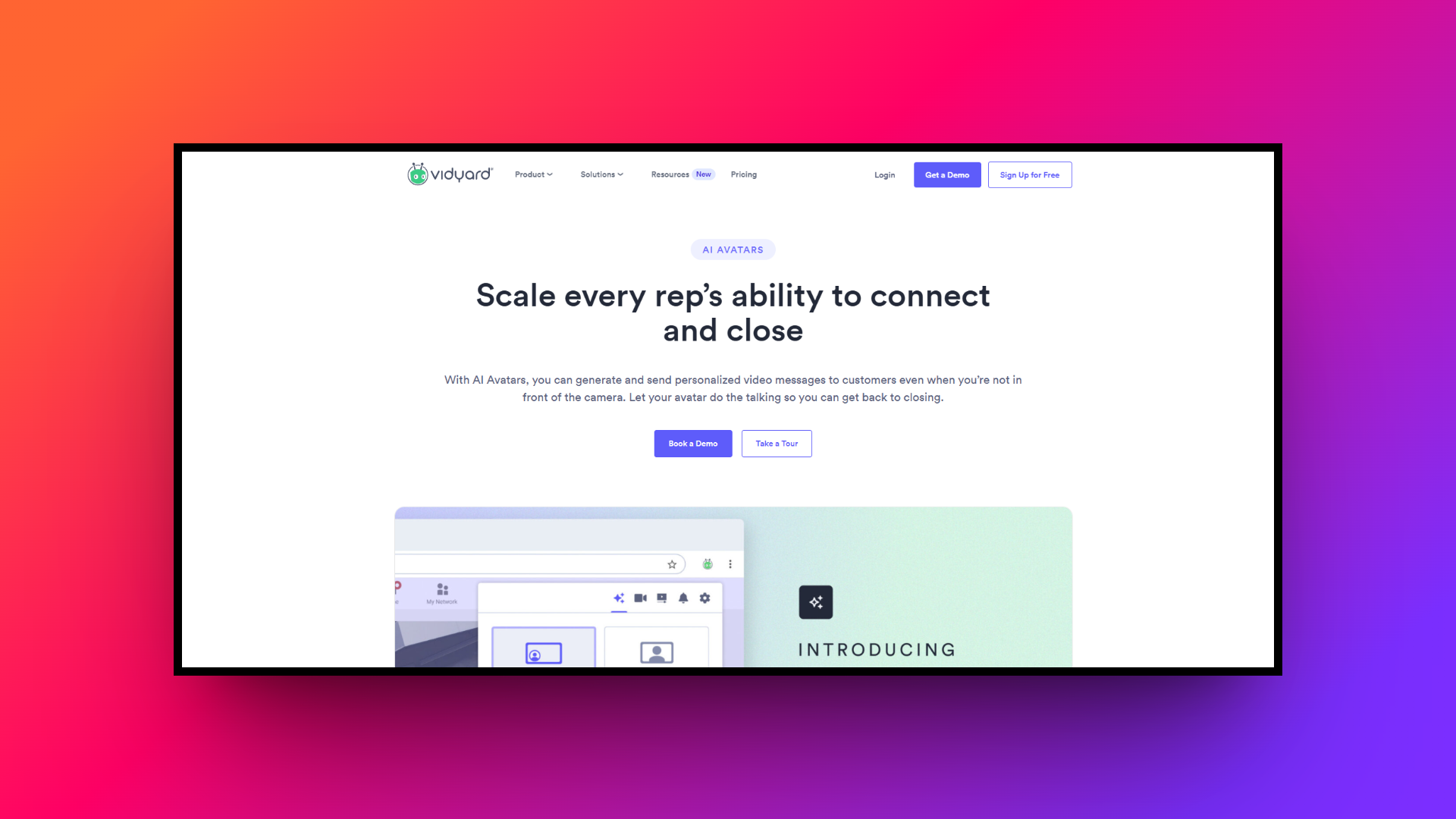
Vidyard is a versatile video platform available on web, desktop, and mobile devices, focusing heavily on async communication and sales enablement. Unlike traditional avatar generators, it empowers professionals to easily record their screens and webcams, track detailed viewer analytics, and embed highly interactive calls-to-action directly within the customizable video player interface.
Key features:
- Screen and webcam recording: Capture your screen, webcam, or both simultaneously with incredibly simple, one-click recording tools conveniently accessible across all your devices.
- Advanced viewer analytics: Track exactly who is watching your videos, how long they stay engaged, and which specific sections they choose to re-watch.
- Interactive in-video elements: Embed clickable buttons, strategic lead capture forms, and dynamic calendar scheduling links directly inside your videos to drive immediate conversions.
- AI script generator: Overcome writer's block instantly by using the built-in artificial intelligence to draft customized, persuasive video scripts based on brief prompts.
Pros:
- Easily accessible via dedicated mobile apps and desktop software clients.
- Features excellent CRM integrations for tracking deep viewer engagement metrics.
- Allows embedding interactive buttons and lead forms within the video.
- Offers a generous free tier suitable for basic video recording.
Con:
- It lacks native text-to-video AI avatar generation tools entirely.
4. D-ID
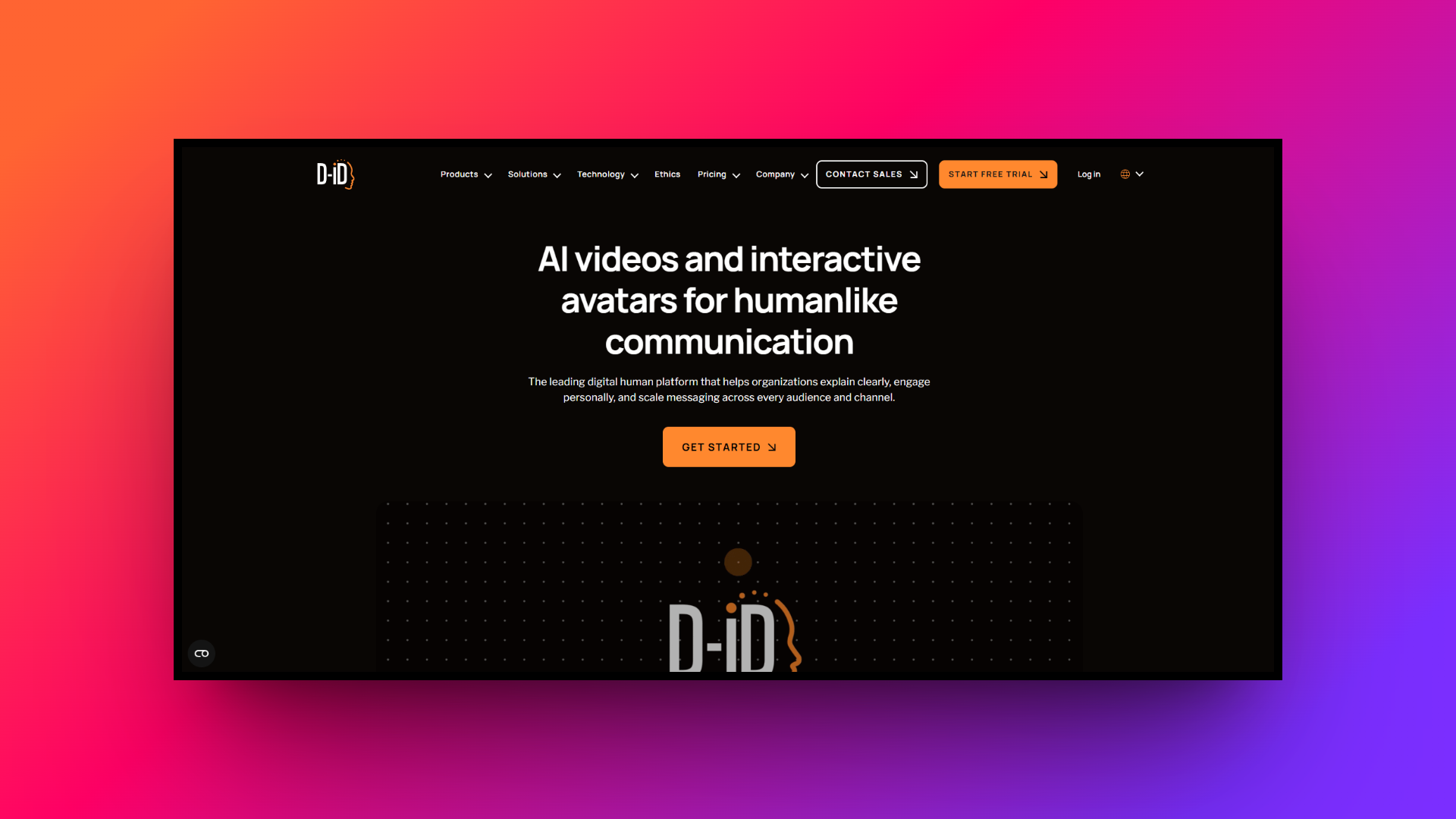
D-ID is an innovative AI video creation platform accessible via web and mobile apps, specializing in animating still photos into talking heads. Using advanced generative AI technology, it brings portraits to life with incredibly realistic facial expressions and lip-syncing, making it uniquely ideal for creative storytelling, historical education, and eye-catching digital marketing campaigns.
Key features:
- Live portrait animation: Transform any standard static portrait photograph into a highly realistic, dynamically speaking digital human with just a few simple clicks.
- Real-time streaming API: Integrate D-ID's powerful generative AI technology directly into your own applications to enable dynamic, real-time interactive user avatar experiences.
- AI prompt-to-image creation: Generate entirely new, custom avatar faces from scratch using simple text prompts before animating them instantly with your provided scripts.
- Extensive voice library: Choose from a massive collection of high-quality synthetic voices in numerous languages to perfectly match your animated portrait's distinct personality.
Pros:
- Magically transforms single static images into realistic speaking video clips.
- Offers a highly robust developer API for custom software integrations.
- Delivers very fast video processing and rendering speeds for users.
- Provides a highly unique and creative visual storytelling output style.
Con:
- AI avatar body movements are highly restricted and mostly stationary.
5. DeepBrain AI
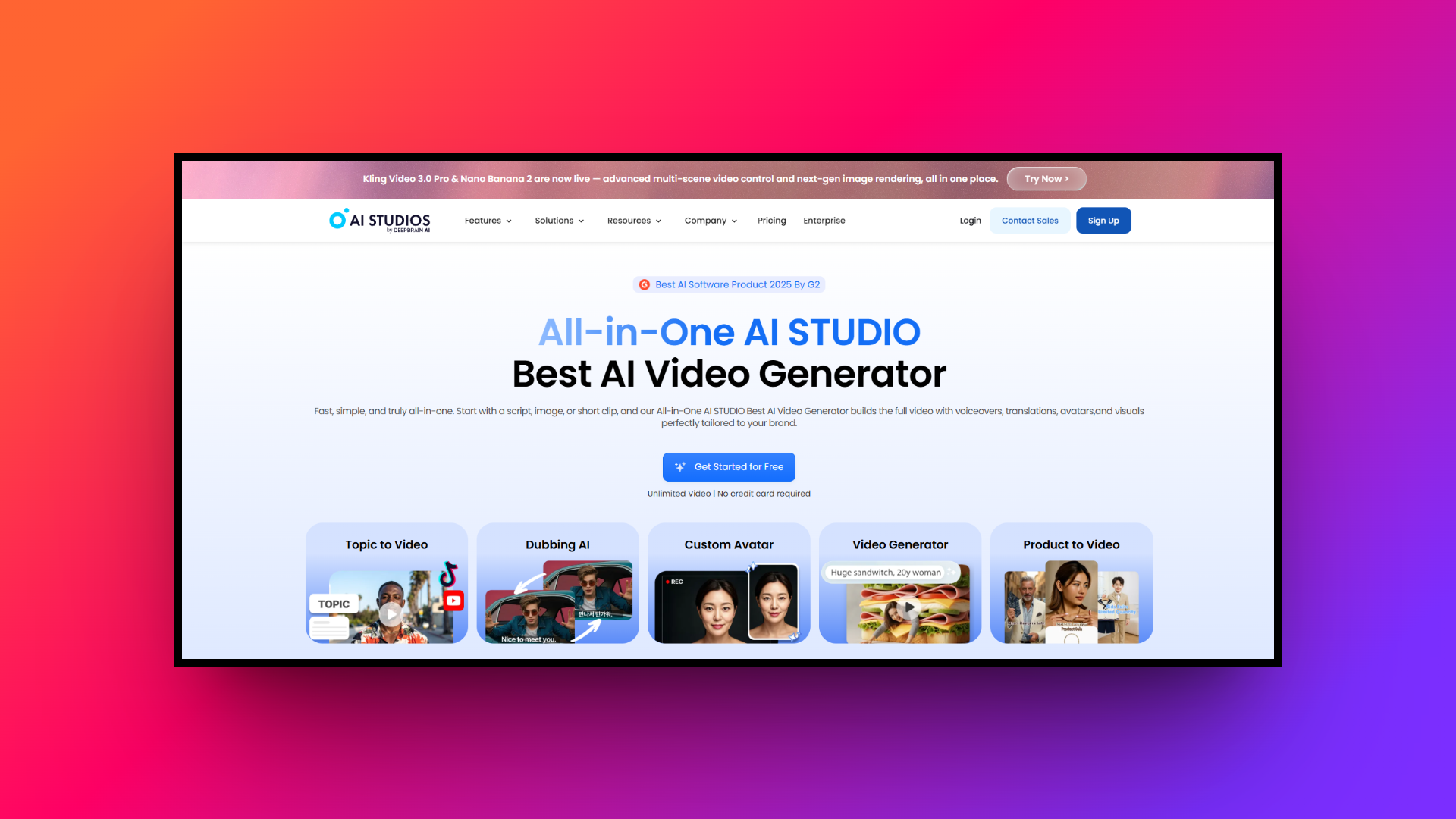
DeepBrain AI is a highly sophisticated, web-based video generator specializing in deploying ultra-realistic AI human avatars. Designed specifically to quickly convert text scripts into professional training modules, engaging news broadcasts, and comprehensive corporate presentations, it consistently provides some of the most incredibly lifelike digital actors and natural-sounding voiceovers currently available on the enterprise software market today.
Key features:
- Photorealistic AI avatars: Access a massive library of incredibly realistic, broadcast-ready digital humans specifically designed for formal corporate and newsroom-style video presentations.
- ChatGPT script integration: Seamlessly generate and effortlessly refine your entire video script using built-in conversational AI tools to overcome writer's block instantly.
- Custom avatar creation: Develop highly accurate 2D or 3D digital twins of actual company executives to deliver personalized, branded corporate communications perfectly.
- Pre-built video templates: Accelerate your video production dramatically using hundreds of professionally designed templates tailored specifically for training, marketing, and corporate announcements.
Pros:
- Provides arguably the most photorealistic AI avatars on the market.
- Features extremely fast cloud text-to-video rendering and overall processing speeds.
- Offers highly professional, broadcast-quality newsroom and studio virtual background templates.
- Integrates flawlessly with ChatGPT for instant, high-quality video script generation.
Con:
- The platform lacks complex timeline editing tools for advanced users.
6. Colossyan
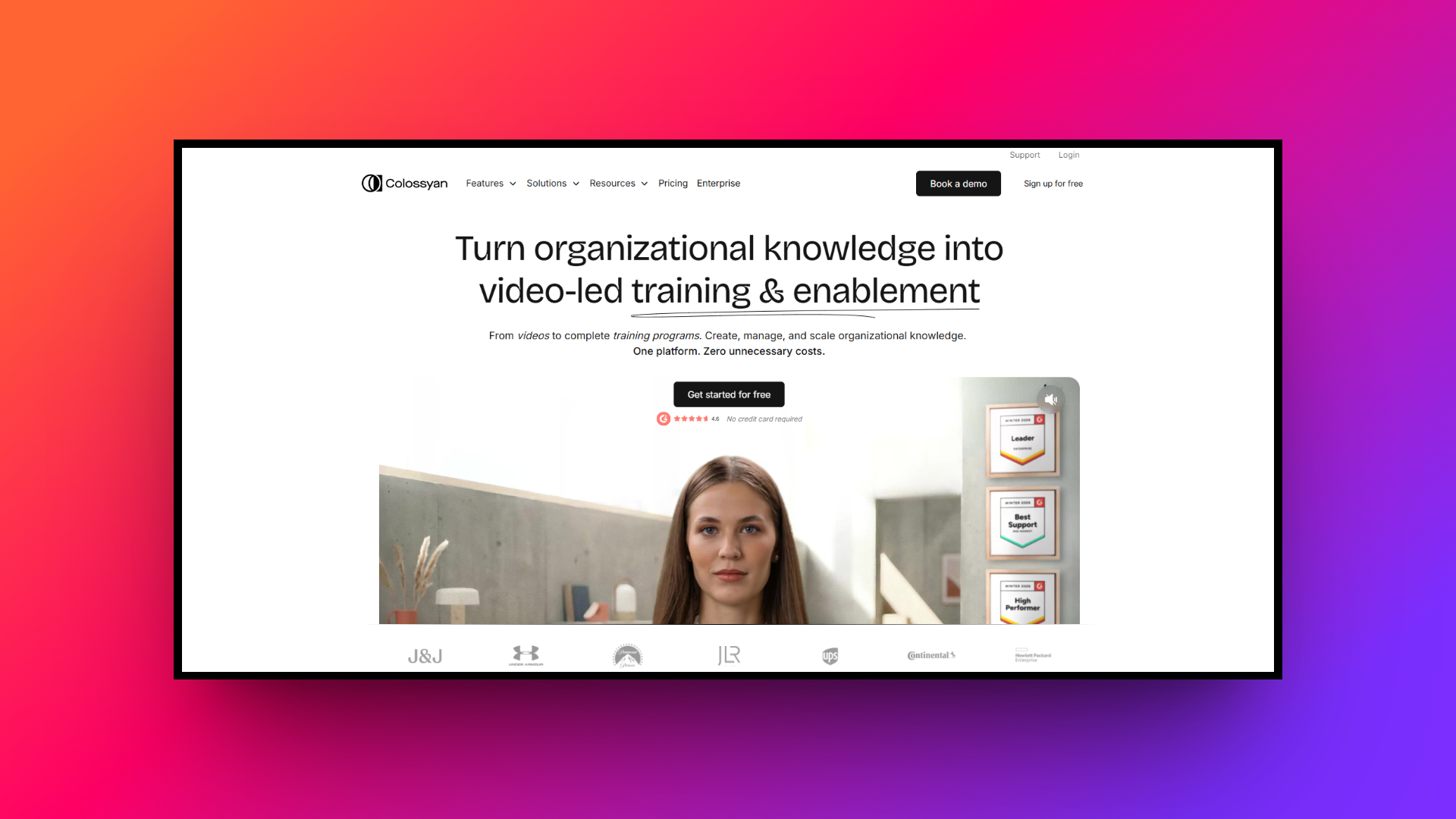
Colossyan is an innovative, web-based AI video creation platform specifically tailored for corporate learning, development, and human resources teams. It transforms static documents, PDFs, and text into highly engaging training videos using diverse AI avatars. With its strong emphasis on interactive elements and extensive localized language support, it is the perfect tool for scaling enterprise onboarding and employee education.
Key features:
- Interactive video scenarios: Embed branching paths, multiple-choice quizzes, and dynamic knowledge checks directly within your videos to actively boost enterprise learner engagement.
- Document-to-video conversion: Instantly transform your existing PowerPoint presentations, complex PDFs, and standard text documents into fully structured, avatar-led video courses seamlessly.
- Auto-translation capabilities: Effortlessly translate your entire video project into over seventy languages with a single click, maintaining perfect avatar lip-syncing accuracy.
- Multi-avatar conversations: Place multiple distinct AI avatars within the exact same scene to simulate highly realistic dialogue and interactive roleplay training.
Pros:
- Exceptionally intuitive interface designed specifically for corporate training professionals.
- Features excellent interactive elements that dramatically increase overall viewer retention.
- Provides highly accurate lip-syncing and very natural-sounding AI voiceovers consistently.
- Allows multiple avatars to converse directly within a single scene.
Con:
- Fewer creative customization options compared to standard timeline video editors.
7. Clueso
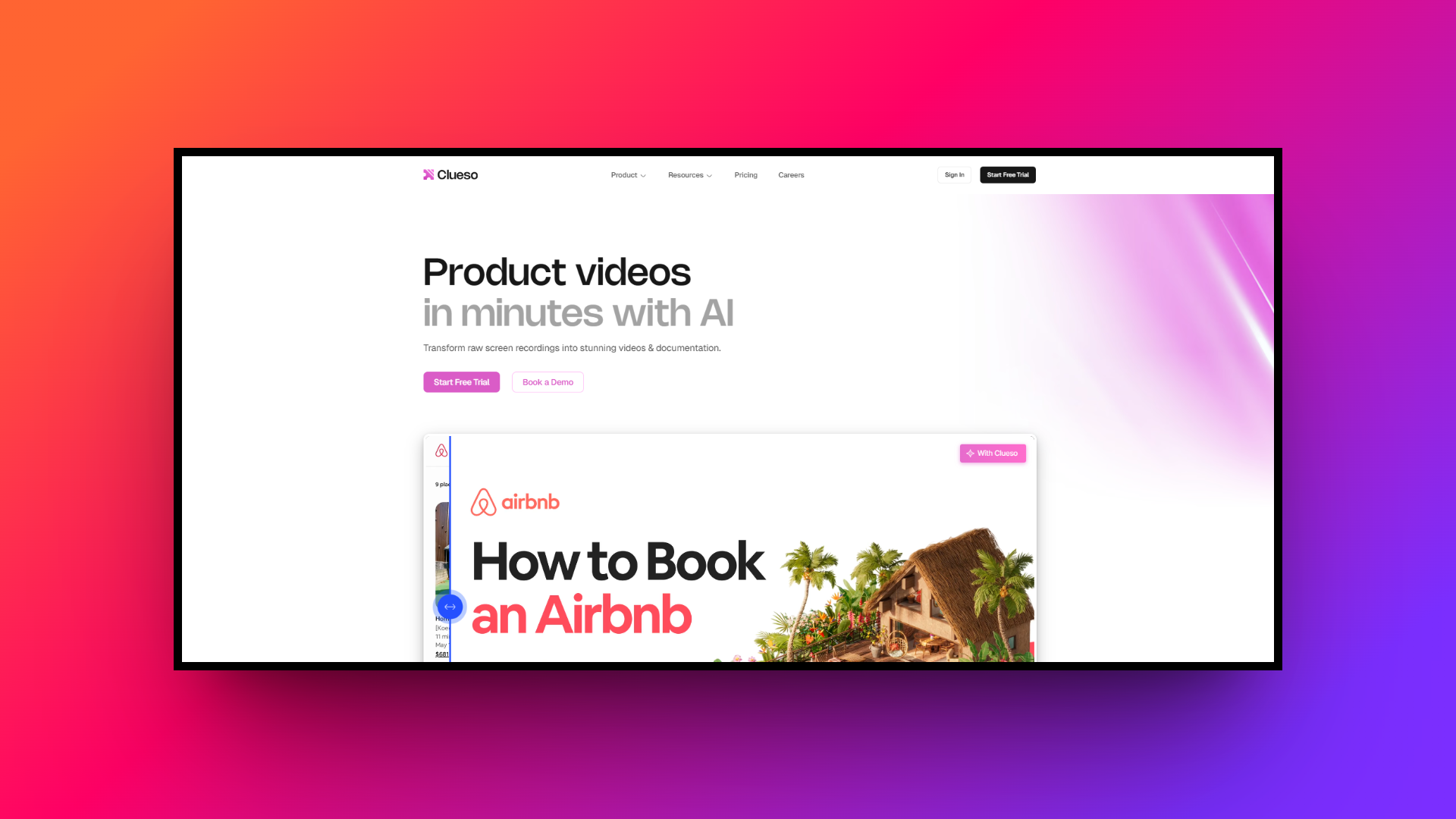
Clueso is a specialized, web-based AI platform designed explicitly for product teams, customer success, and corporate training. It uniquely transforms basic screen recordings into highly polished, professional product videos and comprehensive step-by-step documentation simultaneously. This drastically reduces the time required to create high-quality software tutorials and engaging instructional product walkthroughs for enterprise users.
Key features:
- Automated script enhancement: The AI automatically cleans up your raw audio, removes annoying filler words, and generates a perfectly polished, professional video script.
- Smart auto-zooms: The platform intelligently detects key cursor actions on your screen and automatically applies smooth visual zoom effects to highlight important details.
- Lifelike audio dubbing: Swap out your original, rough microphone audio recording with incredibly natural-sounding AI voiceovers available in dozens of diverse international languages.
- Automatic SOP generation: Instantly generate detailed, step-by-step written documentation and help center articles directly from the recorded software actions in your video tutorial.
Pros:
- Simultaneously generates both professional videos and comprehensive written help documentation.
- Features excellent automated zoom editing to highlight crucial screen actions.
- Serves as the perfect software platform for creating engaging product tutorials.
- Successfully saves content creators countless hours of tedious manual editing.
Con:
- The platform is exclusively focused on processing screen recording content.
8. Veed.io
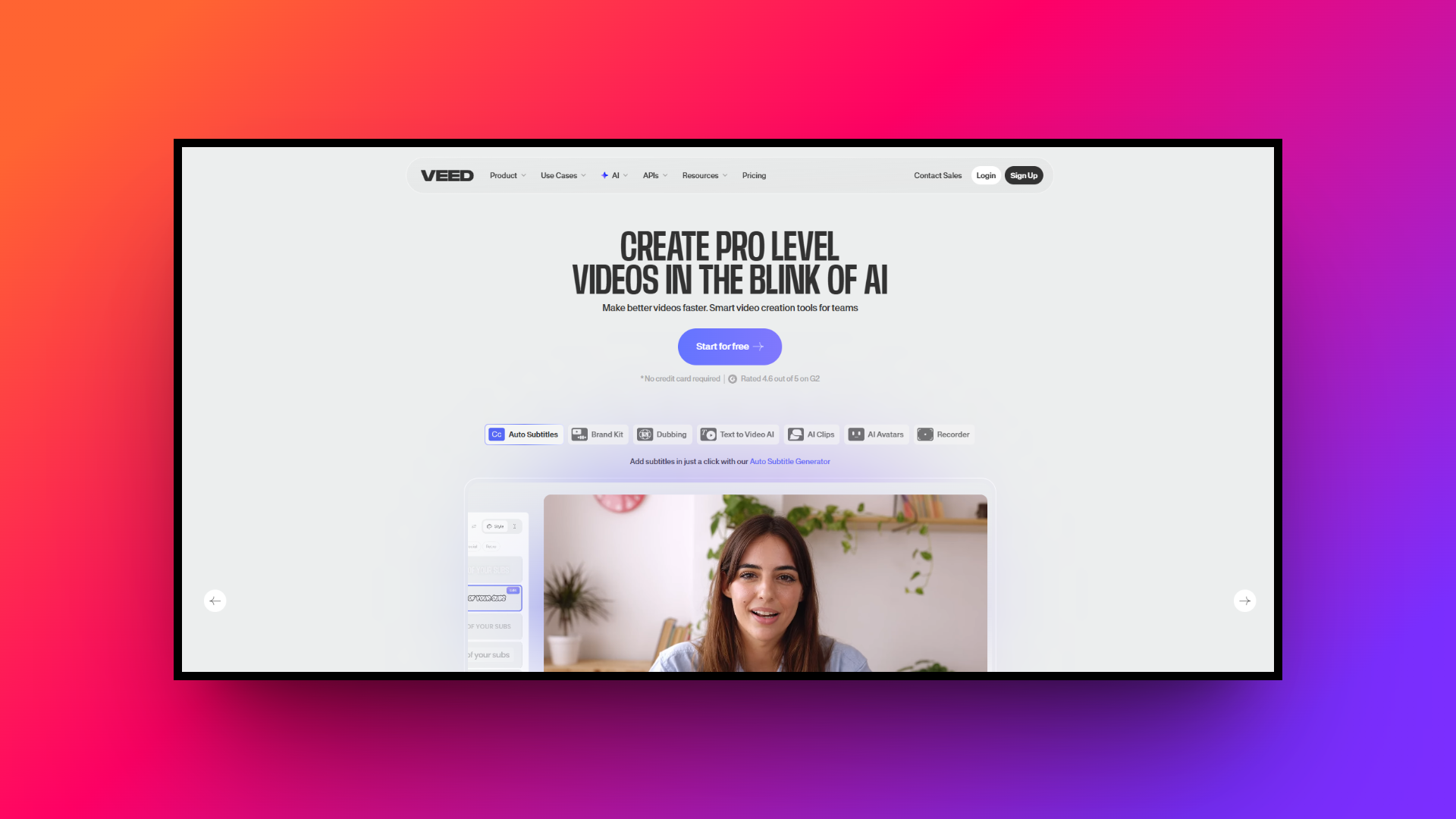
Veed.io is an exceptionally versatile, accessible video editing platform available on both the web and mobile devices. It democratizes professional video editing by offering intuitive AI-powered tools like automatic subtitling, background noise removal, and newly integrated text-to-video AI avatars, making it the perfect comprehensive choice for busy social media content creators and marketers alike.
Key features:
- Auto subtitle generator: Automatically generate highly accurate video captions with a single click and translate them seamlessly into over fifty different global languages.
- AI avatar integration: Create engaging talking-head videos from scratch without a camera by utilizing a growing library of realistic, customizable AI human actors.
- One-click audio cleaning: Instantly remove distracting background noise and enhance human speech clarity to give your videos crisp, professional studio sound quality.
- Social media resizing: Automatically reformat your video canvas dimensions to perfectly fit various social media platforms like TikTok, Instagram Reels, and YouTube Shorts.
Pros:
- Features an incredibly easy-to-use interface suitable for absolute editing beginners.
- Offers a highly functional mobile application tailored for social creators.
- Delivers exceptional automatic captioning accuracy with diverse subtitle styling options.
- Seamlessly packs numerous advanced editing tools together in one platform.
Con:
- High-resolution video export rendering processes can occasionally be quite slow.
9. Camtasia
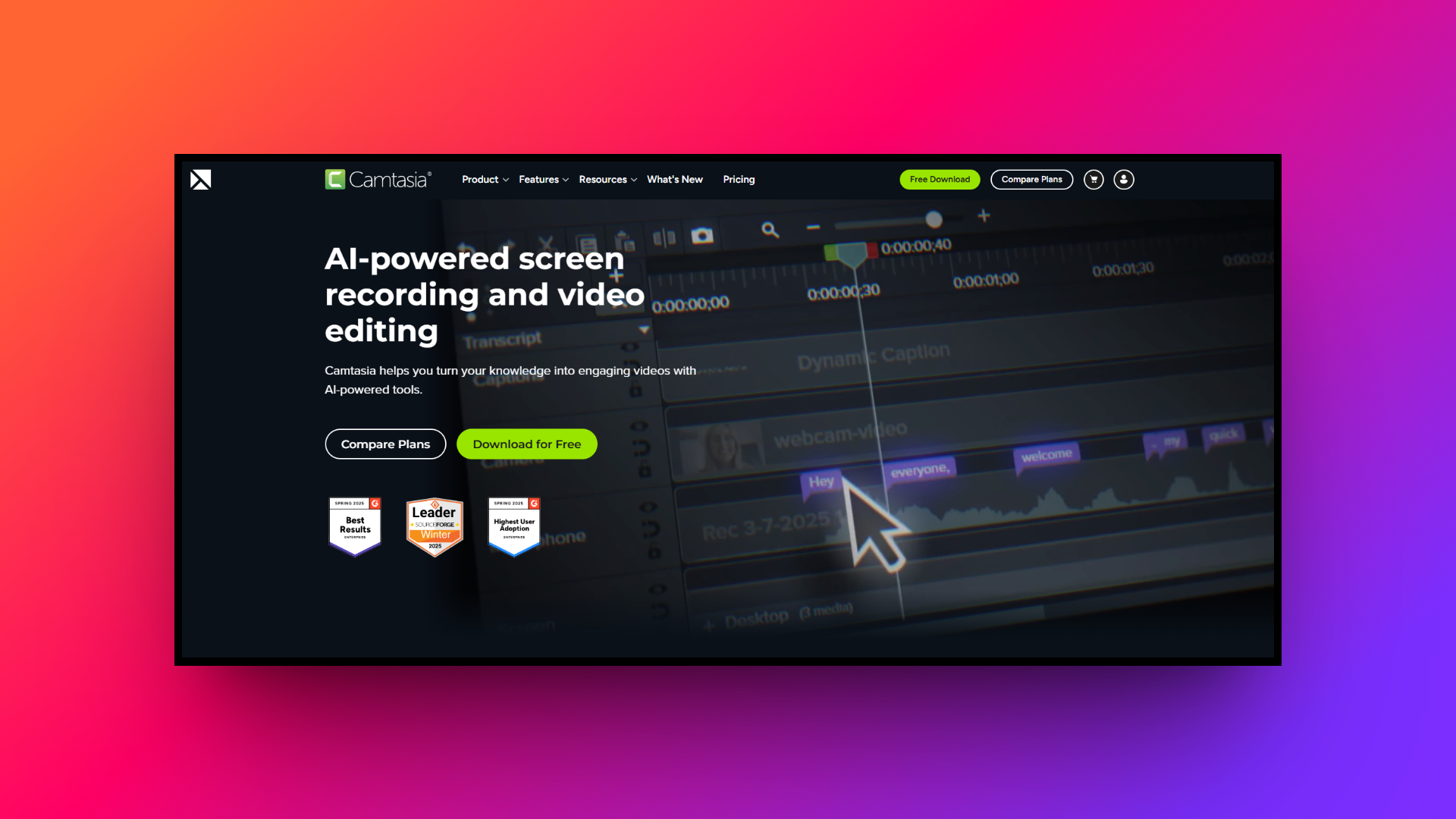
Camtasia is industry-standard, desktop-based software available for Windows and Mac, renowned for its incredibly powerful screen recording and comprehensive timeline video editing capabilities. It is heavily favored by educators and corporate trainers who require absolute pixel-perfect control over their video content, detailed screen annotations, and complex visual transition effects without relying on cloud processing.
Key features:
- Advanced screen recording: Capture crisp, high-resolution screen activity, specific application windows, and webcam footage simultaneously with incredibly reliable, high-performance offline video capture technology.
- Rich annotation library: Highlight important on-screen information easily using a vast built-in library of customizable callouts, animated arrows, cursor highlights, and sketch motions.
- Interactive video quizzes: Embed multiple-choice quizzes and interactive knowledge checks directly into your training videos to accurately measure viewer comprehension and overall engagement.
- Multi-track timeline editing: Enjoy complete creative control with a traditional, highly robust multi-track editor allowing precise audio and visual layer manipulation and syncing.
Pros:
- Consistently produces unmatched, pristine screen recording quality for professional outputs.
- Provides highly detailed, granular multi-track timeline control for advanced editing.
- Functions perfectly as dedicated desktop software without requiring internet connections.
- Includes an excellent built-in library of customizable visual media assets.
Con:
- Requires a remarkably high upfront software license purchase cost initially.
10. Animaker
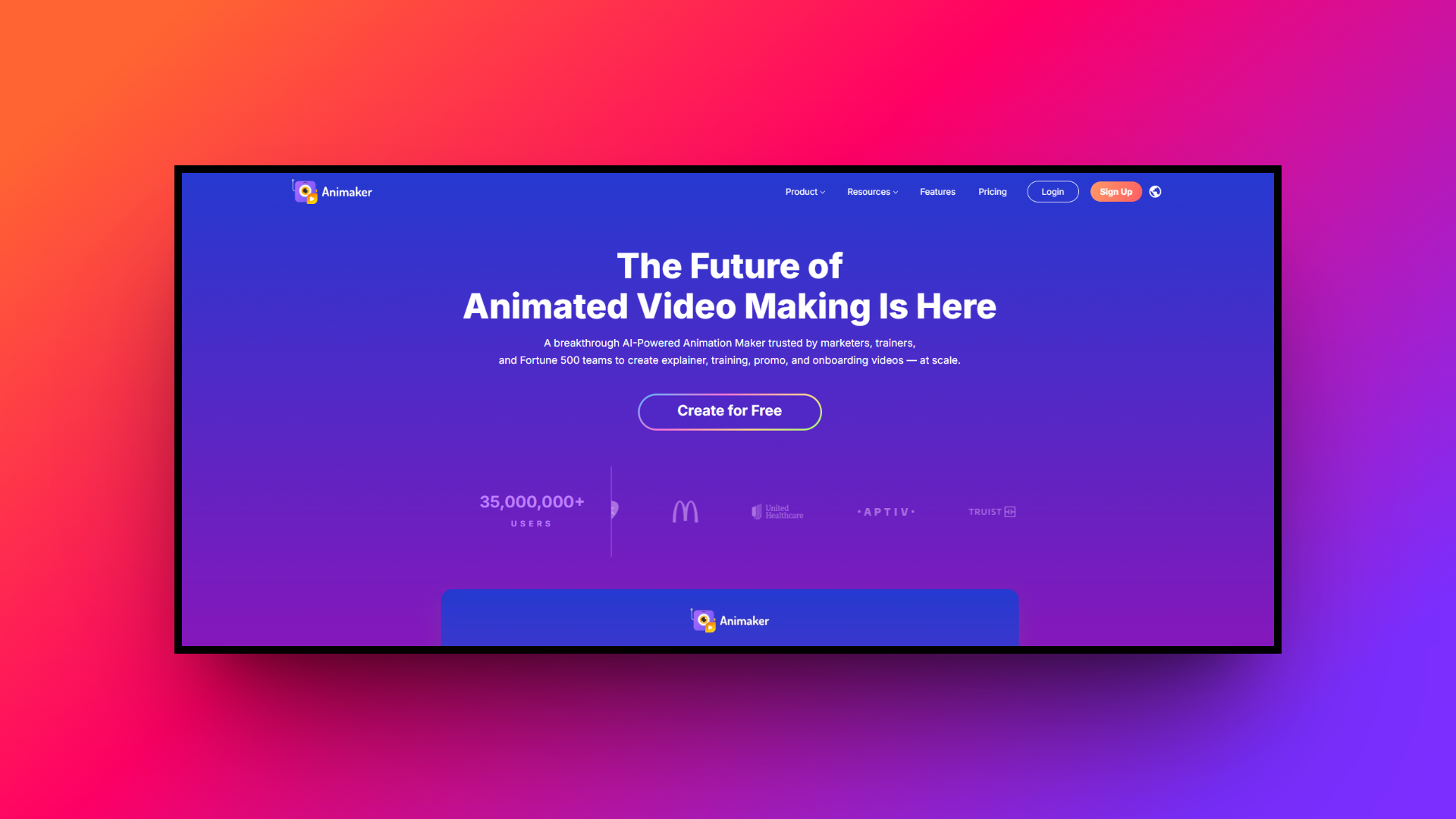
Animaker is a vibrant, cloud-based animation platform available on web and mobile, designed to make studio-quality 2D animated videos accessible to absolutely everyone. Instead of realistic human avatars, it focuses on highly customizable animated characters, making it uniquely suited for engaging HR presentations, educational classroom videos, and playful digital brand marketing campaigns.
Key features:
- Custom character builder: Design completely unique, customized 2D animated characters by easily adjusting specific facial features, modern hairstyles, clothing, and intricate prop accessories.
- Massive animation Library: Access billions of unique visual assets, including extensive character animations, dynamic visual properties, diverse backgrounds, and royalty-free stock media elements.
- Automated Lip-Syncing: Upload your own audio voiceover track or use text-to-speech to have your animated characters automatically move their lips in perfect synchronization.
- Ready-Made Templates: Kickstart your creative workflow rapidly with thousands of professionally designed video templates tailored specifically for almost every conceivable industry use-case.
Pros:
- Serves as the perfect platform for creating vibrant 2D animations.
- Contains a massive, diverse library of royalty-free visual media assets.
- Features a very intuitive drag-and-drop builder for fast video creation.
- Provides a highly engaging, playful alternative to realistic human avatars.
Con:
- The editing interface often feels significantly cluttered on smaller screens.
Essential tips to select the best Synthesia alternative
Choosing the right Synthesia free alternative tool requires careful consideration of your specific goals and resources. Here are several essential tips to help you make the best possible software selection.
- Assess your core use case: Determine whether you primarily need realistic human avatars for corporate communications, reliable screen recording for software tutorials, or vibrant 2D animations for marketing. Your primary content style will instantly narrow down your choices and point you toward specialized software platforms tailored exactly to your vision.
- Evaluate budget constraints carefully: Pricing structures vary wildly in the AI video space. Some platforms charge based on exact minutes generated, while others require expensive monthly subscriptions. Accurately estimate your expected monthly video volume to avoid unexpectedly high overage costs and confidently select a highly sustainable long-term financial pricing model.
- Check software integration capabilities: The ideal video platform should seamlessly integrate with your existing daily workflow. Verify if the tool connects effortlessly with your customer relationship management software, learning management systems, or preferred social media channels to dramatically streamline your video distribution processes and improve your backend analytics tracking.
- Thoroughly test the user interface: Take full advantage of free software trials to evaluate the platform's initial learning curve. A complicated, clunky user interface will undoubtedly slow down your content production. Ensure the timeline editor, asset management tools, and general navigation feel highly intuitive and accessible for your entire marketing team.
Wrapping up
In conclusion, while Synthesia remains a formidable pioneer in the AI video generation space, the market is overflowing with incredibly capable alternatives. Whether you need the hyper-realistic voice cloning of HeyGen, the advanced video agents and chat-to-edit features of Framia Pro, or the robust screen recording of Camtasia, there is a specialized tool tailored exactly to your needs.
By carefully evaluating your specific use cases, budget constraints, and desired features, you can confidently select the perfect video platform to elevate your content strategy, streamline your workflow, and effectively engage your target audience.
FAQs
What is the main advantage of using an AI video generator?
AI video generators save significant time and money by eliminating the need for expensive cameras, studio setups, and professional human actors while speeding up the content creation process.
Are videos created with AI avatars commercially safe?
Yes, most reputable platforms provide full commercial rights to the generated videos. However, always check the specific licensing agreements of your chosen software regarding custom avatars and voices.
Can I use my own voice in AI video creators?
Yes, many leading alternatives like HeyGen and Colossyan offer advanced voice cloning technology, allowing you to upload audio samples to create highly accurate digital replicas of your voice.
Do AI video tools support multiple languages?
Absolutely. Top AI video platforms support auto-translation and voiceovers in dozens of languages, ensuring precise lip-syncing to help brands seamlessly reach and engage global audiences without extra effort.
Can these tools generate scripts for me?
Yes, platforms like Framia Pro integrate advanced language models like Veo 3.1 and Kling 3.0, enabling automated script generation and refinement directly within the video editing interface.