Want millions of views? Obtain our ultimate AI prompts for creating viral videos on YouTube. Plus, see how Framia Pro turns your prompts into cinematic masterpieces. Automate your video creation process!
What is an AI prompt for viral YouTube video creation?
An AI prompt for creating viral YouTube videos is a highly specific set of instructions fed into artificial intelligence tools like ChatGPT, Claude, or Gemini to generate optimized video concepts, scripts, titles, and hooks.
Instead of merely asking the AI to "write a script", a viral video prompt leverages psychological triggers, retention strategies, and algorithmic best practices. It acts as a digital blueprint, commanding the AI to factor in your target audience's desires, current market gaps, pacing, and emotional resonance. Ultimately, it bridges the gap between raw AI output and high-performing, emotionally engaging content designed to trigger the YouTube recommendation algorithm.
Types of prompts for AI videos: long-form vs. short-form
The structure of your AI prompt heavily depends on the video format you are creating. Here is how they differ:
- Long-form prompts (10 to 20+ minute videos):
- Focus: Narrative arcs, deep audience retention, and structured pacing.
- Requirements: Instruct the AI to generate distinct chapters, visual cues, and a compelling payoff at the end.
- Ultimate goal: Build sustained emotional investment and establish long-term channel authority.
- Short-form prompts (YouTube Shorts):
- Focus: Immediacy, rapid-fire pacing, and seamless loops.
- Requirements: Craft aggressive, scroll-stopping hooks within the first three seconds to grab attention instantly.
- Ultimate goal: Maximize instant gratification, viewer retention, and replay value for algorithmic push.
Why viral YouTube trends matter and where to find them?
Trends are the lifeblood of viral YouTube growth because the algorithm inherently favors momentum.
Why trends are essential for virality:
- Algorithmic momentum: The YouTube algorithm is designed to surface content that people are currently obsessing over. Failing to leverage trends means swimming against the current.
- Built-in demand: Aligning your content with a rising trend taps into an existing pool of audience demand and search volume, drastically reducing the friction of discovery.
- The power of "trend-jacking": Virality isn't about outright copying; it's about taking a popular format or trending topic and injecting your unique niche angle to stand out.
Where to find golden trend opportunities:
- On-platform analysis: Start directly on the platform by checking the YouTube Trending tab and analyzing breakout videos from creators in your specific niche.
- Google Trends: Use this free tool to track search velocity over time and verify if a topic is growing or dying.
- TikTok Creative Center: This is arguably the best early-warning system for YouTube Shorts, as viral audio and visual formats almost always migrate across platforms.
- Social listening: Monitor industry-specific newsletters, niche Reddit communities, and X (formerly Twitter) trending topics to spot emerging conversations before they saturate video platforms.
- Validation tools: Use YouTube-specific SEO tools like VidIQ or TubeBuddy to analyze keyword competition and search volume, ensuring your AI prompts are aimed at topics with explosive potential.
Top 10 best AI video prompts for YouTube viral video creation
Now that you understand the fundamentals of AI video optimization and the importance of trend-jacking, it's time to put theory into practice. Below is a curated list of ten powerful, battle-tested AI prompts designed to help you conceptualize, script, and package your next viral hit.
| # | Prompt Name | Purpose | Type | The Prompt |
| 1 | The Curiosity Gap Hook | To create an irresistible opening that forces viewers to stay. | Short & Long Form | "Act as a viral YouTube strategist. Write 5 high-retention hooks for a video about [Topic]. Use the 'Curiosity Gap' framework: start with a bold statement, followed by a mysterious question that is only answered at the very end. Keep each hook under 30 words." |
| 2 | The High-Retention Script Outline | To structure long videos so viewers never get bored. | Long Form | "Create a 5-part video outline for the topic [Topic]. Structure it as: 1. The Hook (0:00-0:30), 2. The Problem/Stakes (0:30-2:00), 3. The Core Solution (2:00-7:00), 4. The Twist/Bonus (7:00-9:00), 5. The Payoff/CTA. Include estimated timestamps and visual B-roll suggestions for each section." |
| 3 | The Looping Short Script | To maximize replay value and algorithmic push for Shorts. | Short Form | "Write a 45-second YouTube Shorts script about [Topic]. The pacing must be rapid. The final sentence must seamlessly flow back into the very first sentence to create an infinite audio loop. Include aggressive visual cuts every 3-5 seconds in the bracketed visual directions." |
| 4 | The 'Stop Doing This' Warning | To leverage FOMO (Fear Of Missing Out) and immediate attention. | Short & Long Form | "Generate a script targeting [Audience] about the biggest mistakes they are making with [Topic]. Use an urgent, authoritative tone. Start with 'Stop doing [Common Mistake] immediately, it's ruining your [Goal].' Provide 3 actionable alternatives that yield instant results." |
| 5 | The Title & Thumbnail Matchmaker | To skyrocket Click-Through Rate (CTR) before the video even starts. | Long Form | "Act as a click-through-rate expert. Generate 10 highly clickable YouTube video titles for [Topic]. For each title, describe a highly contrasting, simple thumbnail concept that complements the title without repeating the exact text. Focus on intense emotional expressions and bright colors." |
| 6 | The Polarizing Debate | To drive massive engagement through comments and community division. | Short & Long Form | "Write a script comparing [Method A] vs [Method B] in the [Niche] industry. Take a clear, slightly controversial stance favoring one over the other. End with a provocative question specifically designed to make viewers argue their preference in the comment section." |
| 7 | The Ultimate Beginner's Blueprint | To capture evergreen search traffic and build channel authority. | Long Form | "Draft a comprehensive step-by-step guide on [Topic] for absolute beginners. Break down complex jargon into simple analogies. Include a 'Common Pitfalls' section. Format the script so it feels like a premium, paid masterclass being given away for free." |
| 8 | The Rapid-Fire Fact Drop | High engagement and shareability through dense, mind-blowing information. | Short Form | "Create a 60-second script containing 5 mind-blowing, lesser-known facts about [Topic]. Do not use intro fluff. Jump straight into the first fact. Use a 'Did you know...' format, keeping each fact under 12 seconds to ensure rapid, punchy delivery." |
| 9 | The Personal Case Study | To build deep trust and parasocial connection with the audience. | Long Form | "Write a narrative script based on my personal experience achieving [Result] in [Timeframe]. Structure it around the 'Hero’s Journey': starting with my initial struggles, the breaking point, the exact framework I discovered, and the final results. Focus heavily on emotional storytelling." |
| 10 | The Trend-Jacking Concept Generator | To capitalize on current events or massive pop culture trends. | Short & Long Form | "Analyze the current trend of [Current Trend/News] and generate 3 unique video angles connecting this trend to my niche of [Your Niche]. Ensure the angles are educational but heavily entertaining first. Provide a catchy title and a 3-sentence summary for each angle." |
Best AI tools to turn prompts into videos
Having the perfect AI prompt is only half the battle. To bring your viral concepts to life, you need the right execution engines. Fortunately, modern AI video generators can seamlessly transform your text prompts into stunning visual content. Here are the top platforms to turn your ideas into reality.
Quick comparison:
| Tool Name | Primary Focus | Standout Feature | Best For |
| Framia Pro | Full-SOP Automation & Video Agents | Chat-to-Edit & Character Consistency | Pro Creators & Marketers |
| Veed.io | Browser-Based Video Editing | One-Click Auto-Subtitles & Avatars | Beginners & Educators |
| Leonardo AI | High-Fidelity Generative Visuals | Image-to-Motion & Custom Models | Faceless Channels & Artists |
| Envato Labs | Stock Asset Integration | Intelligent Asset Search | Editors using Stock Media |
| Adobe Firefly | Commercial-Safe Generation | Premiere Pro Integration | Adobe CC Power Users |
Framia Pro
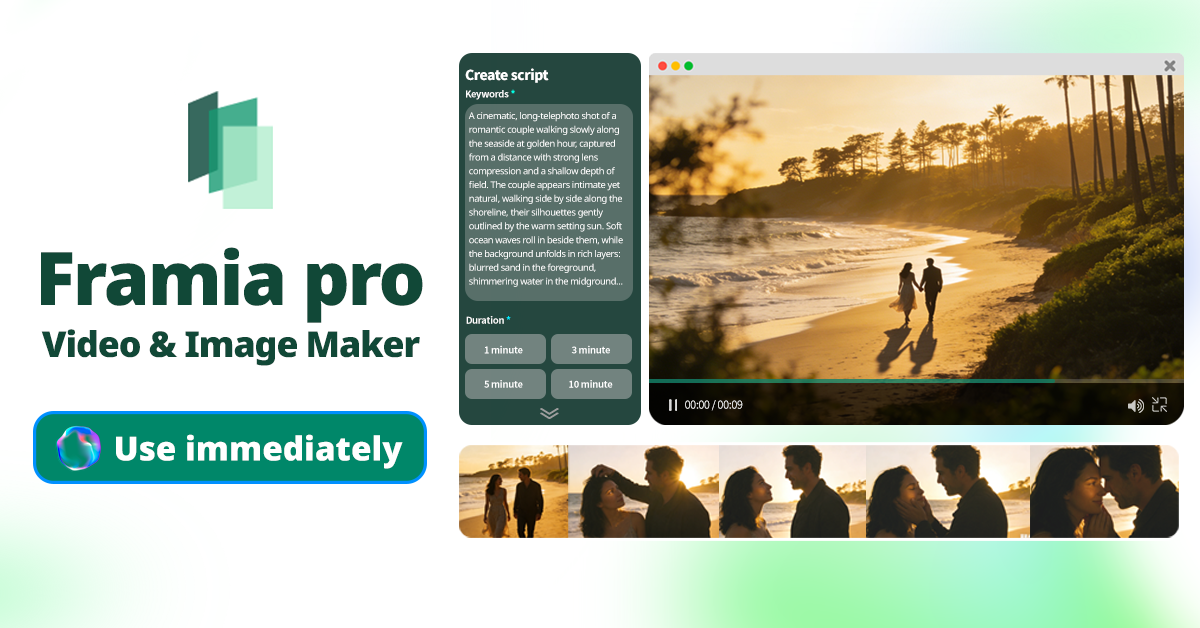
Framia Pro is a powerhouse platform featuring specialized Video Agents for Shorts and cinematic movies. It automates the entire standard operating procedure, from script generation to storyboarding and B-roll, offering up to 90% time savings compared to traditional regeneration methods.
Why use it:
- Targeted chat-to-edit: Select any specific segment and use text commands to fix issues instantly without regenerating the entire video sequence.
- Character consistency: Maintain identical characters across multiple shots, which is absolutely essential for cohesive branded content and compelling storytelling arcs.
- Visual timeline editor: Easily manage clips in an intuitive storyboard timeline, allowing you to regenerate individual shots and perfectly sync audio-visual elements.
Ideal for: Professional creators, marketers, and storytellers needing high-control automation and consistent branding across formats.
Veed.io
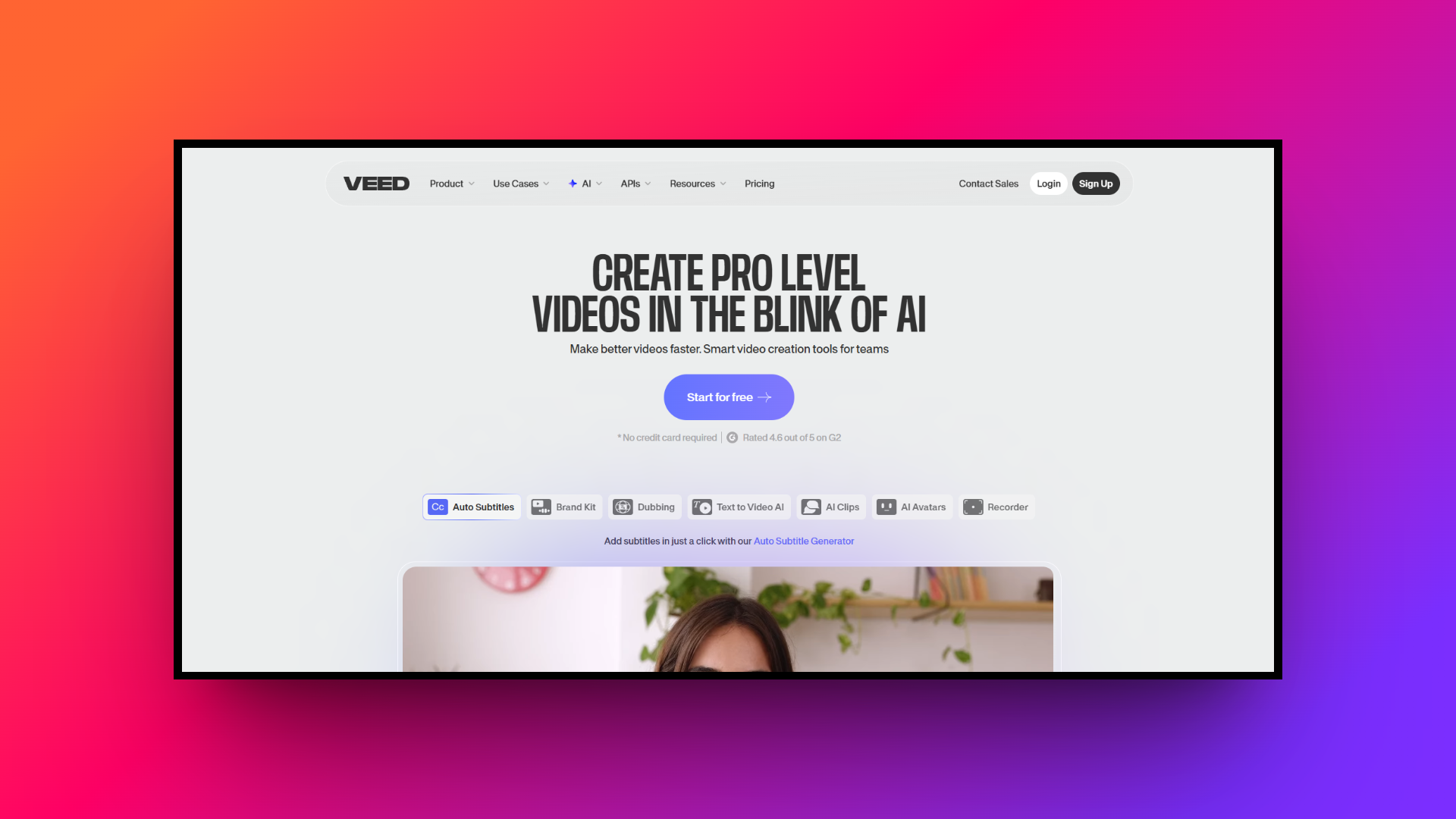
Veed.io is an exceptionally user-friendly online video editor packed with AI-driven features. It allows creators to generate scripts, add auto-subtitles, remove background noise, and utilize AI avatars, making the video creation process highly accessible directly from your web browser.
Why use it:
- One-click auto-subtitles: Generate highly accurate, customizable captions instantly, which is crucial for retaining viewers who watch videos on mute.
- AI avatars & voices: Transform text prompts into professional voiceovers or talking-head videos using lifelike AI avatars without needing a camera.
- Streamlined workspace: Access a full suite of editing tools, stock media, and text animations within an intuitive, drag-and-drop cloud interface.
Ideal for: Beginners, educators, and social media managers looking for an all-in-one, browser-based editor for a quick content turnaround.
Leonardo AI
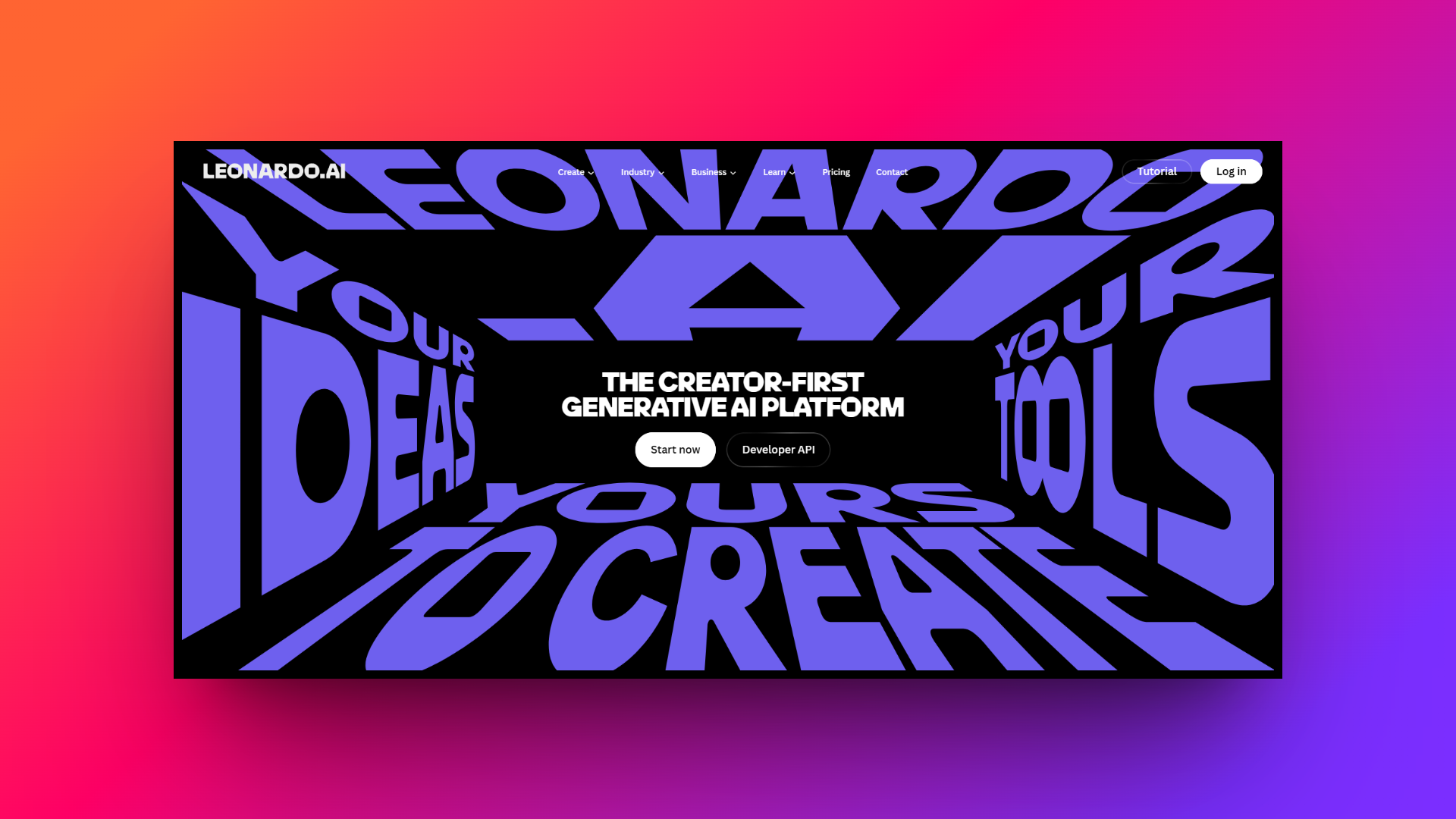
Leonardo AI is a leading generative AI platform renowned for creating breathtaking, highly detailed visual assets. While starting as an image generator, its powerful motion capabilities now allow creators to turn static AI-generated elements into fluid, dynamic video clips.
Why use it:
- Stunning visual fidelity: Generate incredibly detailed, high-resolution base images and concept art that easily surpass standard stock footage quality.
- Image-to-motion: Seamlessly animate your generated stills using their powerful motion tool, bringing unique characters and environments to life instantly.
- Custom model training: Train the AI on your specific aesthetic or brand style to ensure complete visual consistency across all video assets.
Ideal for: Faceless channels, conceptual artists, and creators who want highly stylized, unique, and cinematic visual assets for their B-roll.
Envato Labs
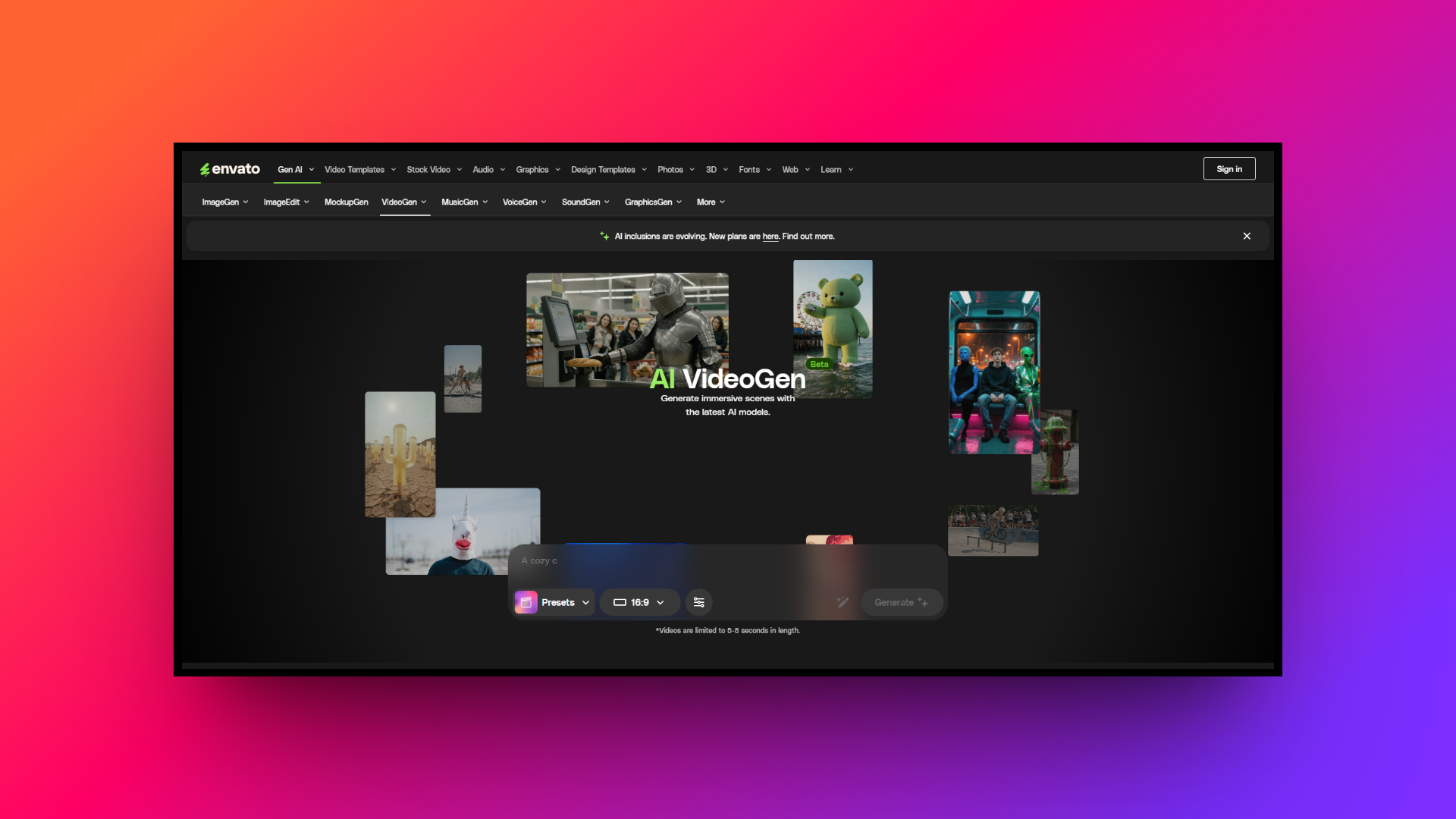
Envato Labs serves as the experimental AI testing ground for the massive Envato ecosystem. It provides creators with cutting-edge, AI-assisted tools designed to rapidly search, generate, and integrate high-quality stock video, audio, and templates into their workflows.
Why use it:
- Intelligent asset search: Leverage natural language prompts to pinpoint the exact stock footage, music, or graphics needed from Envato's massive library.
- Creative inspiration: Use their experimental AI tools to generate concept boards, script ideas, and layout suggestions tailored to your specific niche.
- Seamless integration: Effortlessly combine AI-generated concepts with premium, human-made assets to elevate the overall production value of your YouTube videos.
Ideal for: Established video editors and content creators who rely heavily on mixing high-quality stock assets with AI-driven ideation.
Adobe Firefly
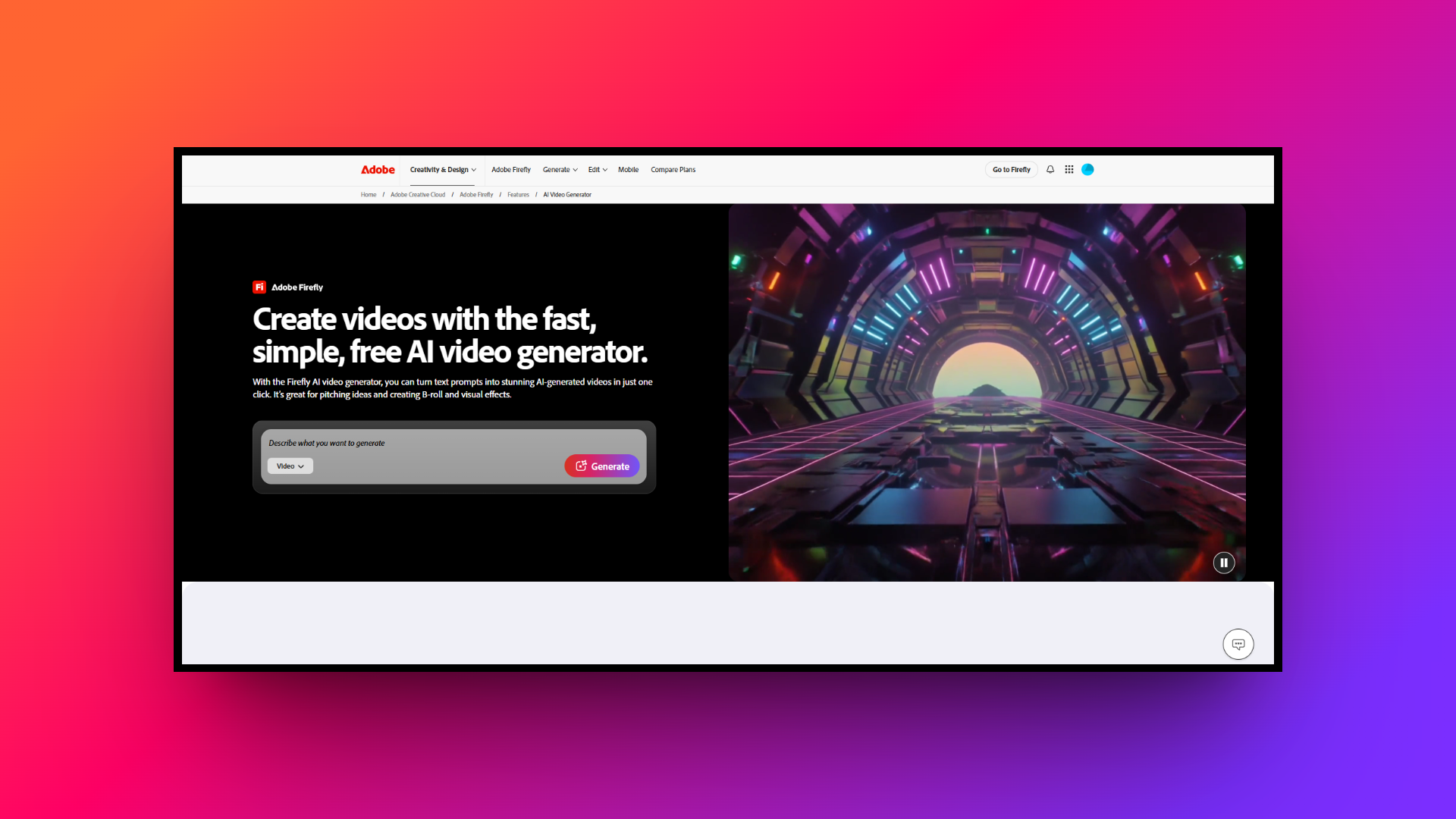
Adobe Firefly is Adobe’s native generative AI engine, deeply integrated into professional software like Premiere Pro and After Effects. It focuses heavily on safe, commercial-use generation, allowing creators to seamlessly blend AI elements into complex video editing timelines.
Why use it:
- Commercially safe generation: Create images, text effects, and vectors knowing the AI is trained entirely on licensed content, ensuring absolute copyright safety.
- Premiere Pro integration: Use features like Generative Extend to seamlessly add frames to video clips or effortlessly remove unwanted background objects.
- Advanced text effects: Generate highly customized, eye-catching text treatments and titles directly from text prompts to make your YouTube thumbnails pop.
Ideal for: Professional editors and Adobe Creative Cloud users who need powerful, copyright-safe AI generation seamlessly integrated into native workflows.
Tips on how to write effective prompts for AI video generation
Even the best AI models need clear direction to shine. If you want to move beyond generic, robotic-sounding video scripts and concepts, you need to master the art of prompting. Follow these five core tips to dramatically improve your AI outputs:
- Assign a persona: Always tell the AI who it should be. Starting with "Act as a viral YouTube strategist" instantly elevates the tone, depth, and structural quality of the generated output.
- Provide strict constraints: Limit the AI to keep content focused. Set exact word counts, dictate video durations, or use negative prompts (telling the AI what not to include) for cleaner results.
- Be hyper-specific: Vague prompts yield vague videos. Clearly define your target demographic, the exact emotional response you want, and the primary takeaway the viewer should have by the end.
- Feed it examples: AI thrives on context. Paste a successful hook or a snippet of a viral script from your niche and instruct the AI to mimic its pacing, structure, and style perfectly.
- Iterate and refine: Never settle for the first draft. Treat the initial output as a base. Ask the AI to make specific sections punchier, adjust the humor, or strengthen the final call to action.
Wrapping up
Mastering AI prompts is the ultimate cheat code for YouTube success in today's highly competitive landscape. By blending viral psychology, trending topics, and highly structured commands, you can instantly generate scripts and concepts designed to captivate your specific audience. However, ideas are nothing without flawless execution. That's where Framia Pro truly revolutionizes the creator workflow.
Instead of jumping between multiple tools, Framia Pro’s specialized Video Agents handle everything from automated storyboarding to context-aware B-roll. With its innovative Chat-to-Edit timeline and strict character consistency, Framia Pro ensures your viral concepts are transformed into upload-ready masterpieces faster and easier than ever before. Start prompting, start generating, and let the algorithm do the rest.
FAQs
What makes an effective AI prompt for creating viral videos on YouTube?
An effective prompt includes specific details about your target audience, desired pacing, emotional tone, and clear constraints to ensure the output aligns with platform algorithms and viewer expectations.
Where can I find the best AI video prompts?
The best prompts are often developed through iterative testing. You can find baseline templates in creator communities, AI platform documentation, and by adapting successful scripts from your specific niche.
How specific should my prompts for AI videos be?
Highly specific. To generate quality output, your prompts for AI videos must clearly define the persona, desired structure, visual style, and specific call-to-action you want the AI to generate.
Can I use the same prompts for AI videos across different platforms?
While core concepts transfer, prompts for AI videos should be tailored to each platform's unique format, such as rapid pacing for TikTok or narrative depth for long-form YouTube content.
Do good AI video prompts guarantee virality?
No. While good AI video prompts provide an optimized foundation for scripts and concepts, virality still heavily depends on consistent execution, audio-visual quality, market timing, and active community engagement.