
In today’s fast-moving digital landscape, AI video generators have become essential tools for creators, marketers, and businesses. These platforms can now do far more than basic editing — they can transform text prompts into cinematic videos, generate realistic AI avatars, animate images, and streamline entire content workflows in minutes. But with so many tools available, choosing the right platform can feel overwhelming. To help you decide, we tested and compared some of the best AI video generator tools of 2026 using real-world creative tasks. This guide breaks down their features, performance, pricing, strengths, and limitations to help you find the best option for your content needs.
How we picked the best AI video generators
Before we get to the list, it's worth being transparent about how we approached this. Our selection and ranking criteria came down to five things:
- Output quality: Does the video look like something you'd actually use? We assessed resolution, visual coherence, lighting, and motion physics.
- Prompt adherence: Did the tool follow the prompt? AI video generators often drop details or hallucinate elements. We scored each on how faithfully it rendered the brief.
- Consistency: Could characters, objects, and environments hold together across frames without flickering, morphing, or glitching?
- Ease of use: How long does it take a new user to get their first video? Is the UI intuitive or overwhelming?
- Value for money: What does the free tier actually give you? How far does a paid plan go before you hit a wall?
The best AI video generators of 2026 at a glance
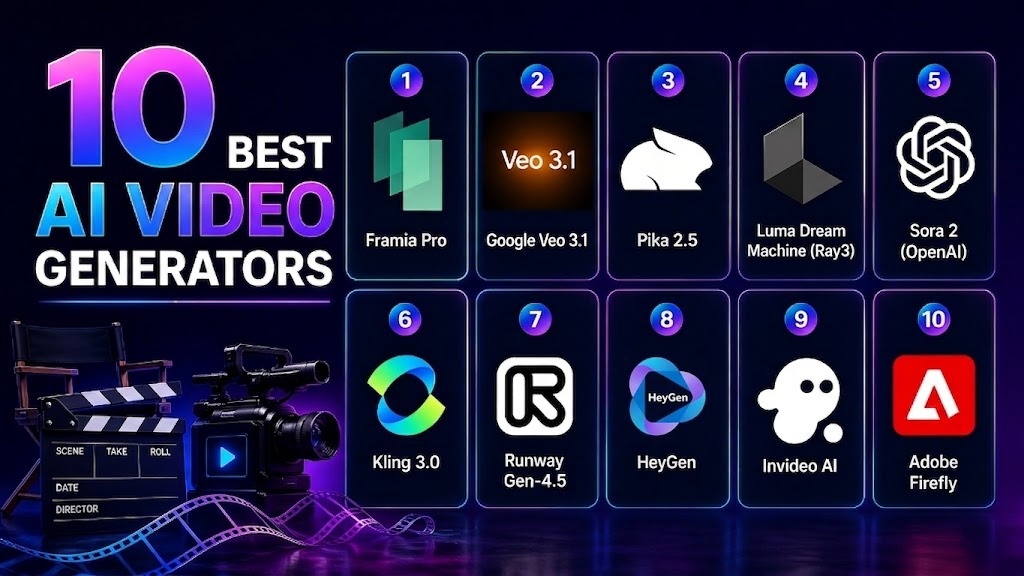
| Tool | Best For | Free Plan | Starting Price |
| Google Veo 3.1 | Cinematic realism + native audio | Limited (via Gemini) | ~$19.99/mo |
| Framia Pro | All-in-one "Creative Agent" workflow | Yes (Free credits) | $6/mo |
| Kling 3.0 | Photorealistic humans, long videos | Yes (daily credits) | $10/mo |
| Runway Gen-4.5 | Advanced creative control & VFX | Yes (one-time credits) | $15/mo |
| Sora 2 | Narrative storytelling | Yes (via ChatGPT Free) | $20/mo (Plus) |
| Luma Ray 3 | Cinematic aesthetics, elegant UX | Yes (8 videos/mo) | $9.99/mo |
| Pika 2.5 | Social media & creative physics | Yes (daily credits) | $8/mo |
| HeyGen | Personalized avatar & translation | Yes (3 videos/mo) | $29/mo |
| Adobe Firefly | Creative Cloud & commercial safety | Yes (limited credits) | $9.99/mo |
| InVideo AI | Quick social videos from scripts | Yes | $25/mo |
- Google Veo 3.1
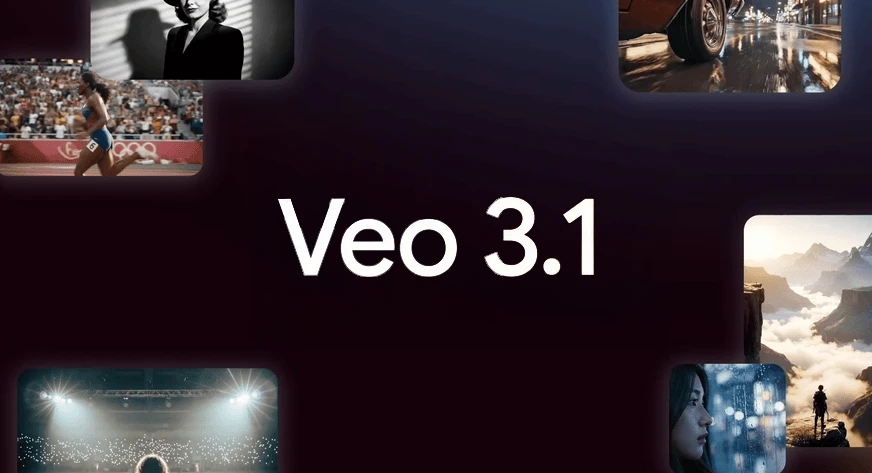
If you are searching for the best AI cinematic video generator, Google's Veo 3.1 sets a new benchmark for AI-generated video quality. Built on DeepMind’s most advanced video architecture, it produces stunningly realistic footage with consistent lighting, natural motion, and—uniquely—high-fidelity native audio that syncs perfectly with on-screen action. Whether you need a sweeping landscape or a close-up dramatic scene, Veo 3.1 delivers results that often feel indistinguishable from traditional cinematography.
Features
- Native audio sync: Generates 48kHz synchronized soundscapes and dialogue.
- Extended duration: Supports video extensions up to 140 seconds.
- Physics intelligence: Accurate simulation of gravity, fluid dynamics, and collisions.
- Temporal stability: Strong character and object permanence across long sequences.
- AI-assisted directing: Integration with Google Gemini for prompt refinement.
Pros
- Highest resolution output of any major platform.
- Native audio is a genuine differentiator.
- Character consistency is among the best tested.
- Great for YouTube integration.
Cons
- No standalone app — must use Gemini, Flow, or API.
- Occasional drift in complex multi-object scenes.
- Framia Pro
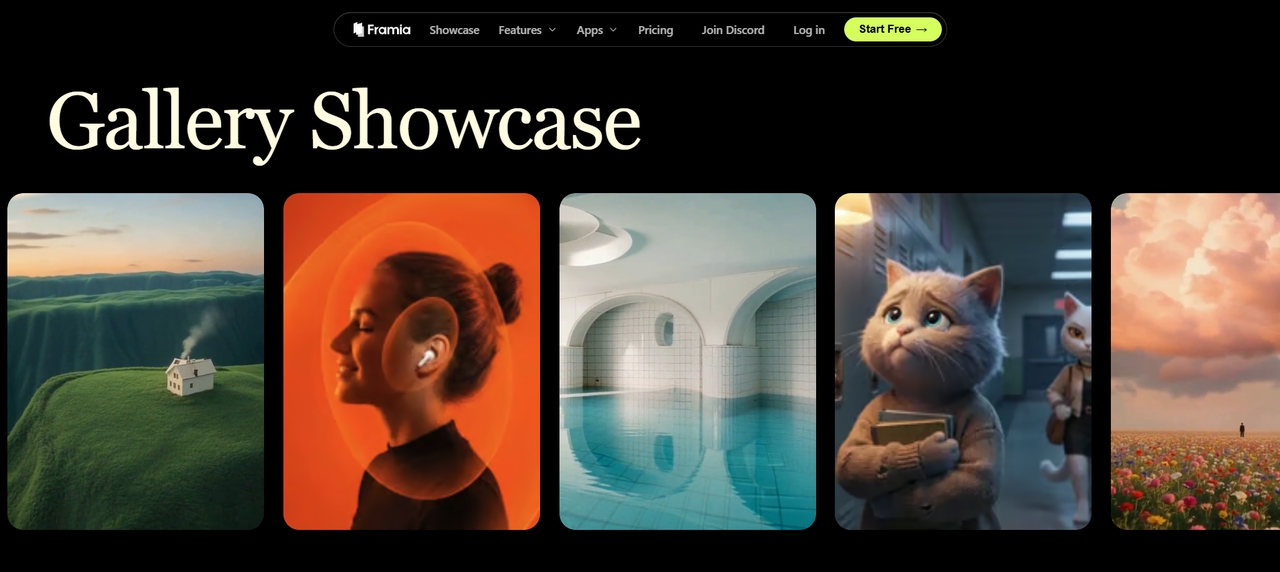
Framia Pro is one of the best AI video generators for creators who want a unified workspace. Unlike single-model tools, it is an all-in-one, cloud-based AI creative platform designed as an "AI Creative Agent." It features an "Intelligent Canvas" where you collaborate with specialized AI agents to generate video, music, and voiceovers simultaneously. By integrating top-tier ai video generation models like Sora 2 and Kling 3.0 into one workflow, it ensures character consistency across every scene, making it a powerhouse for professional storytelling.
Features
- Intelligent canvas: A conversational interface for real-time editing and storyboarding.
- Creative agents: Specialized agents (Video, Shorts, Ad) that handle end-to-end production.
- Multi-model integration: Seamlessly switches between Sora 2, Veo 3.1, and Kling within one project.
- Unified asset generation: Generates consistent music, voiceovers, and visuals simultaneously.
- 4K Upscaling: Professional-grade rendering with cinematic lighting control.
Pros
- Eliminates tool-switching by combining AI models into one workflow.
- Exceptional character consistency across different scenes and shots.
- Extremely fast iteration via natural language "point-and-change" commands.
- Access to the latest "frontier" models (Sora, Veo) in a single subscription.
Cons
- The "Agent" workflow has a learning curve for traditional timeline-based editors.
- High-resolution exports consume credits quickly.
- Kling 3.0
Kling 3.0 has rapidly become the best AI animated video generator for those focusing on human subjects. Its "Subject Binding" technology allows characters to maintain their exact facial features and clothing across multiple shots. Whether you’re creating complex dance sequences or emotional narratives, Kling’s ability to render realistic skin textures and fluid movement is unmatched in 2026.
- Motion brush: Draw custom paths on a frame to dictate precise movement.
- Subject binding: Keeps character faces and clothing identical across clips.
- Native multilingual lip-sync: Supports five languages with high accuracy.
- E-commerce mode: Optimized for product shots with readable on-screen text.
- Pro render: High-fidelity mode for professional broadcasting needs.
Pros
- Elements 3.0 for character and prop consistency across shots.
- Storyboard mode for multi-angle scene generation.
- Simultaneous audio and video generation with voice reference sync.
- Clips up to 2 minutes in length.
- Free tier with daily login credits.
Cons
- Interface can feel cluttered.
- Long queue times for free users during peak hours.
- Runway Gen-4.5
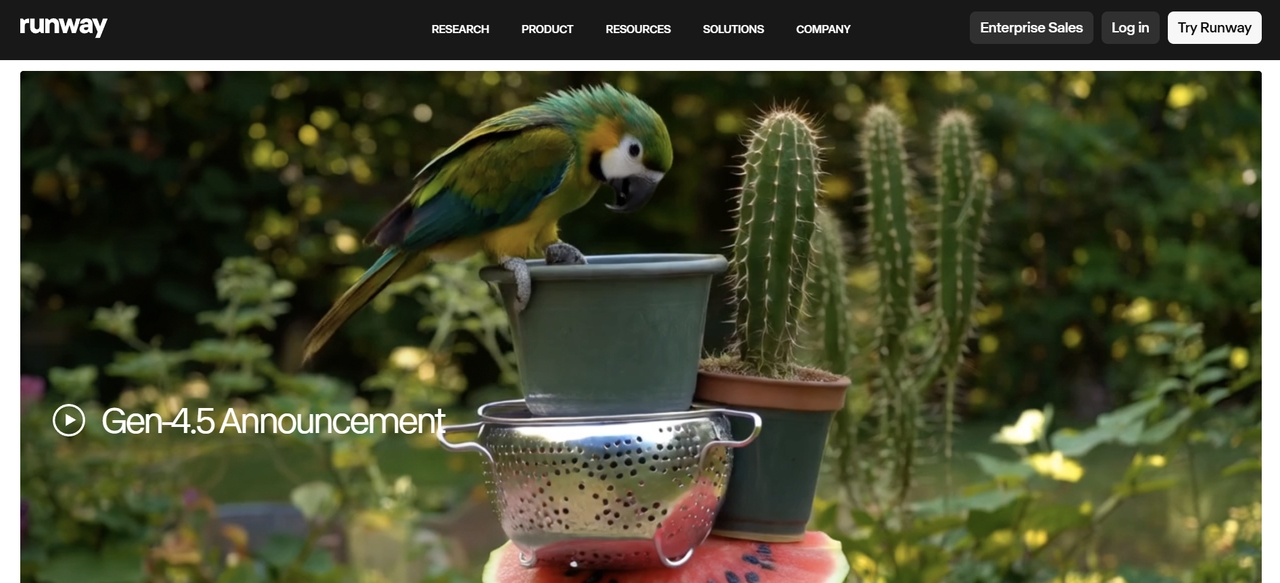
Runway has been in this space longer than almost anyone else, and it shows in the depth of its toolset. Gen-4.5 isn't just a prompt-to-video tool — it's a full creative suite. Multi-motion brushes, scene expansion, AI training on custom styles, and granular camera controls (pan, tilt, zoom) make it the tool of choice for anyone who needs to dictate a specific shot rather than hoping the AI interprets a vague prompt correctly.
Features
- Multi-motion brush: Animate up to five different areas of an image independently.
- Director mode: Slider-based controls for pan, tilt, zoom, and roll.
- Custom model training: Train the AI on your own specific characters or styles.
- Gen-4.5 turbo: High-speed rendering engine for near-instant results.
- Advanced inpainting: Remove or replace objects in video with temporal stability.
Pros
- Industry-standard tool for professional VFX workflows.
- Granular "Director" control over every aspect of camera movement.
- Highly consistent lighting (neon reflections, volumetric fog).
- Large, active community with extensive tutorials and shared assets.
Cons
- Subscription-only model; no permanent free tier for the latest version.
- The complex UI can be intimidating for casual social media creators.
- Sora 2 (OpenAI)
Sora 2 remains one of the most sophisticated models for narrative coherence and physics simulation. In independent testing, it leads the field on physically accurate cause-and-effect — objects interact with each other logically, and its environmental storytelling is among the best of any model. For prompt-heavy creators who write detailed scene descriptions and expect the AI to follow them faithfully, Sora 2 is still the benchmark.
- Complex scene reasoning: Remembers objects even when they leave the frame.
- Character cameos: Insert licensed or custom characters consistently across scenes.
- Natural Dialogue: Direct text-to-speech with realistic emotional inflections.
- Multi-shot generation: Creates a single sequence with multiple camera angles.
- High-res 1080p: Crisp, broadcast-ready output with realistic lighting.
Pros
- Unmatched 3D spatial consistency (objects don't "morph" as much).
- Generates the longest single-pass clips (up to 20 seconds).
- Integrated with the ChatGPT ecosystem for easy prompting.
- Excellent "world-building" capabilities for narrative storytelling.
Cons
- Strictly limited to paid Plus/Pro subscribers.
- Limited manual control tools (no motion brush or camera sliders).
- Luma Dream Machine (Ray3)
Luma stands apart from the competition for two reasons: its interface is genuinely delightful to use, and its visual output has a distinctive cinematic quality that suits atmospheric, slow-burn content. The Ray3 model, their latest, delivers Hi-Fi 4K HDR footage via a "mastering" pipeline that produces production-ready stills with superior texture and light rendering.
Features
- Native HDR: 16-bit High Dynamic Range output for professional color grading.
- Draft mode: Low-cost, fast previews before full rendering.
- EXR export: Professional file format for integration into VFX pipelines.
- Annotation tools: Sketch directly on images to guide character placement.
- Layout controls: Define scene composition and camera framing precisely.
Pros
- Best lighting and atmosphere (authentic shadows and reflections).
- Smooth "Draft-to-Hi-Fi" workflow saves time and money.
- Excellent at turning static photos into cinematic clips.
- Highly stable frames with very little "boiling" or texture warping.
Cons
- Focuses heavily on cinematic beauty over complex human action.
- Free tier is limited to 8 videos per month.
- Pika 2.5
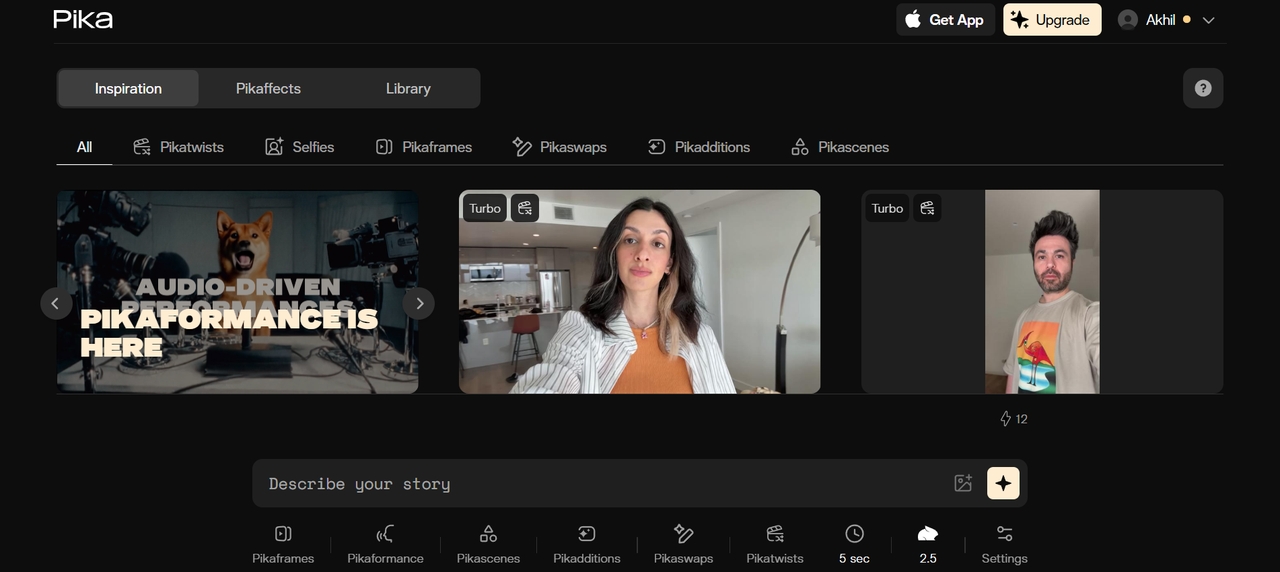
For creators looking for the best AI TikTok video generator, Pika 2.5 is the clear winner. It has built a loyal following among creators who value speed, creativity, and accessibility. It's not the most realistic platform on this list, but it's consistently fun to use, and its slate of creative features — Pikaswaps, Pikaframes, Pikatwists, and a dedicated AI lip sync tool — make it genuinely unique as a creative playground rather than a production pipeline.
Features
- Pikaffects: Specialized physics effects like "Crush," "Melt," and "Inflate."
- Scene extension: Effortlessly add 5-second increments to any clip.
- Sound effects (SFX): Built-in AI sound generation to match visuals.
- Lip-sync integration: Upload audio to make any character speak.
- Subject motion control: Control the intensity and speed of character movement.
Pros
- Extremely fast generation times compared to cinematic models.
- Perfectly optimized for viral "physics-defying" TikTok content.
- Scene extension is seamless with very few visible seams.
- Very user-friendly web and Discord interfaces.
Cons
- 480p resolution on free plan.
- Not competitive with premium tools on realism or physics.
- HeyGen
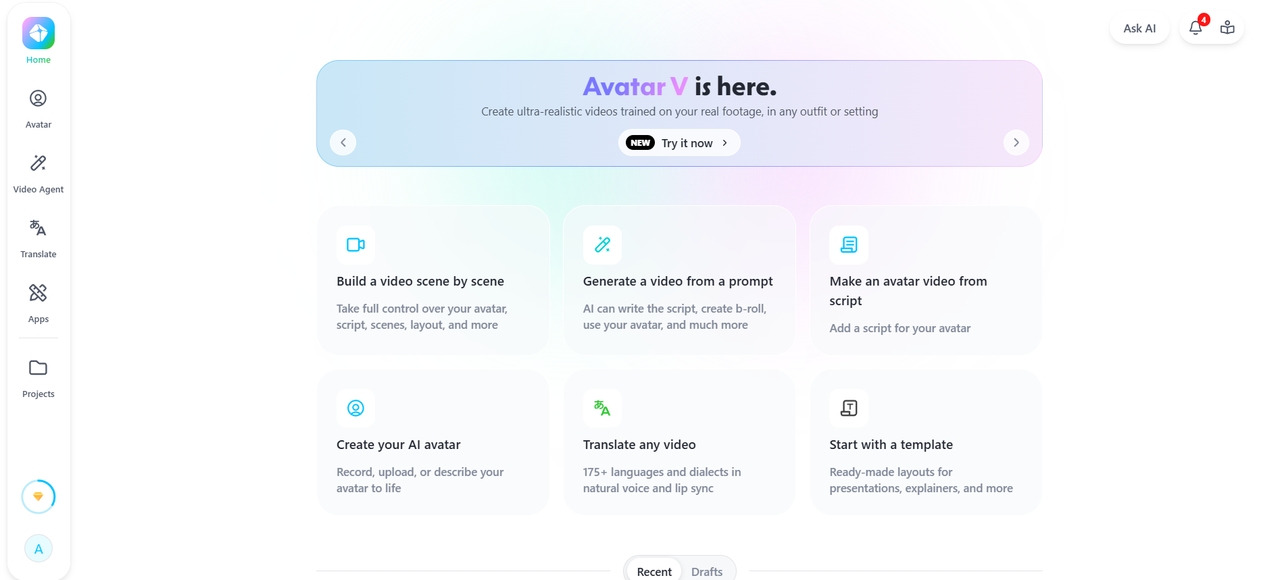
HeyGen specializes in AI avatar videos and realistic spokesperson content for businesses and marketers. The platform helps users create engaging videos with natural-looking AI presenters and accurate lip-syncing. It is commonly used for marketing campaigns, training videos, and personalized customer communication. With support for multiple languages and customizable avatars, HeyGen is one of the best AI UGC video generator tools available today.
Features
- Avatar V: High-resolution digital twins with multi-angle stability.
- Auto-dubbing: Video translation into 40+ languages with synchronized lip-sync.
- Personalization API: Bulk video generation with unique variables (e.g., names).
- Interactive avatars: Real-time AI avatars for web and customer service.
- Brand kits: Centralized storage for logos, fonts, and brand-specific styles.
- Adobe Firefly
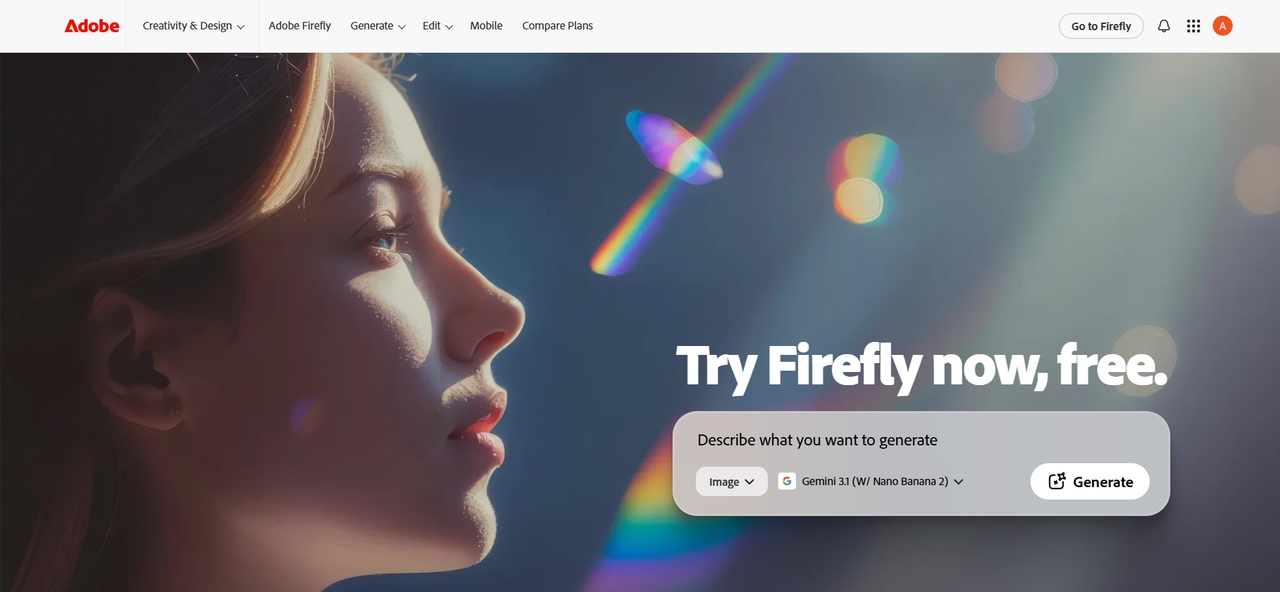
Adobe Firefly Video's proposition is less about its own video model (which tested closer to a B-tier result — polished but with an architectural-rendering aesthetic rather than cinematic feel) and more about its role as a multi-model hub. Within the Firefly platform, you can access Luma Ray3, Runway Gen-4.5, Sora 2, Veo 3.1, and Pika — putting the best models in the market under one Creative Cloud subscription.
Features:
- Generative extend: Adds frames to the beginning or end of existing footage.
- Premiere Pro integration: Generate B-roll directly within the editing timeline.
- Image-to-video B-roll: Transforms brand assets into cinematic motion.
- Commercial safety: Trained exclusively on licensed Adobe Stock content.
- Style reference: Matches generated clips to a specific brand color palette.
- InVideo AI
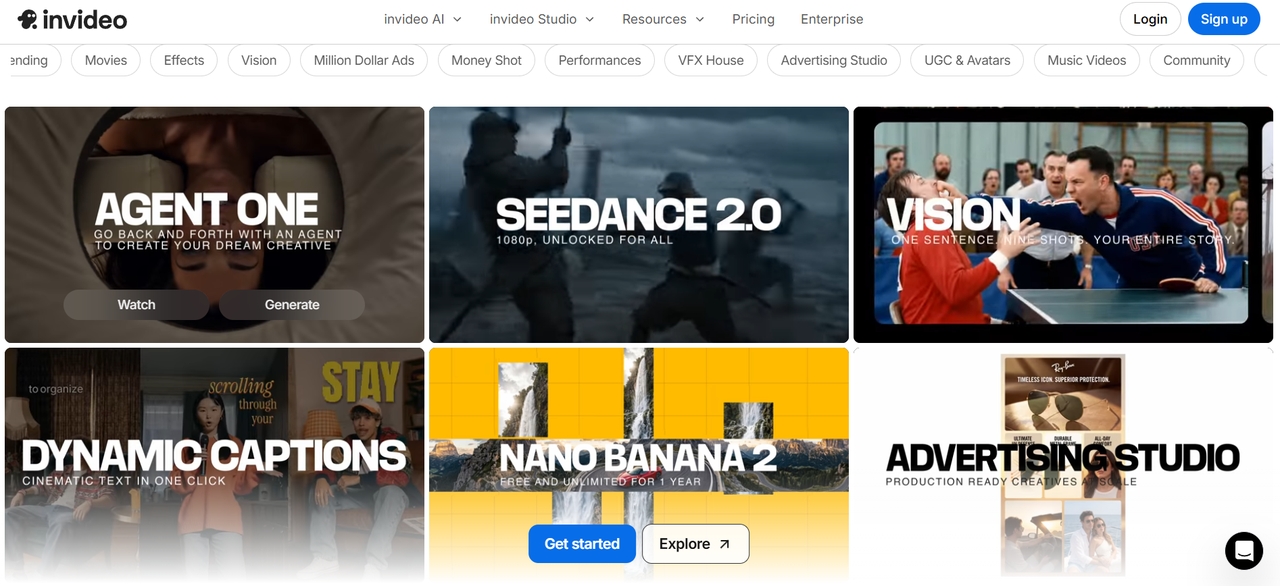
InVideo AI compresses the entire content-to-video pipeline into one automated path: you feed it a blog post, script, or brief, and it outputs a finished social video with voiceover, stock footage, and AI-generated sequences stitched together. In 2026, InVideo gained access to premium models including Sora 2 and Veo 3.1 inside its stack, which means the ceiling on output quality has risen significantly.
Features
- Prompt-to-script: Automatically writes a full video script based on a topic.
- Smart stock selection: Search a library of millions of clips to match your script.
- Automated voiceover: Human-sounding AI narration in dozens of styles.
- Subtitle generator: Auto-captions with customizable motion typography.
- Interactive editing: Use text commands (e.g., "make the music more upbeat") to edit.
Pros:
- Fastest path from content brief to finished video.
- Premium model access at a bundled price.
- No editing experience required.
- Good for repurposing blog and script content.
Cons:
- Less control than dedicated generation tools.
- Output can feel stock-heavy without premium settings.
How to choose the best AI video generator for your needs
With so many powerful models available in 2026, picking the right tool depends on your specific output goals. Use these five criteria to find your perfect match:
Identify the primary use case
Are you creating a cinematic short film, a corporate training video, or a viral TikTok?
- For storytelling and VFX, look toward Runway Gen-4.5 or Sora 2.
- For marketing and UGC, HeyGen or Framia Pro are superior due to their avatar and agent-based workflows.
Check video quality and realism
Not all "4K" is created equal. Look for temporal consistency—do the faces stay the same between frames, or do they "morph"?
- Google Veo 3.1 leads in photorealistic physics.
- Kling 3.0 is the benchmark for realistic human movement and skin textures.
Compare features and customization
If you need specific camera movements, a simple text-to-video prompt won't be enough.
- Directorial control: Choose tools with motion brushes or camera sliders (Runway, Luma).
- All-in-one workflow: If you want the AI to handle music and voiceovers simultaneously, Framia Pro is the standout "AI Creative Agent."
Evaluate ease of use
Your technical skill level should dictate your choice:
- Beginners: Should opt for InVideo AI or Pika 2.5, which offer simplified interfaces and one-click effects.
- Pros: Will appreciate the "Director Mode" and nodal editing found in Runway or the 16-bit HDR exports of Luma Ray 3.
Consider budget and workflow
Pricing in 2026 is often credit-based or pay-per-second.
- High Volume: Look for "Relaxed" or "Unlimited" modes.
- Integration: Ensure the tool fits your ecosystem. If you live in Premiere Pro, Adobe Firefly is the natural choice; if you use Google Vids, Veo 3.1 is the way to go.
Conclusion
AI video generators have made professional video creation faster, easier, and more accessible than ever before. Whether you need cinematic storytelling, AI avatar presentations, social media reels, or image-to-video animations, there is a platform designed for your specific needs. The best AI video generator ultimately depends on your content goals, creative style, budget, and workflow preferences. Tools like Framia Pro, Runway, Synthesia, and InVideo AI each offer unique strengths for different creators and businesses. By comparing features, video quality, customization options, and pricing, you can choose the right AI video platform to create engaging, high-quality videos efficiently in 2026.
FAQs
- What is an AI video generator?
An AI video generator is software that uses artificial intelligence to create high-quality video content from text, images, or audio. By automating scriptwriting, editing, and animation, these tools transform simple prompts into cinematic sequences, eliminating the need for traditional cameras.
- Is Sora the best AI video generator?
Sora 2 is arguably the most famous and offers the longest clip duration. However, for a professional workflow that requires editing, music, and voiceover in one spot, Framia Pro is often more efficient.
- What is the best free AI video generator?
Pika Labs is considered one of the best free AI video generators for beginners because it offers fast text-to-video creation, creative animation effects, and an easy-to-use interface. Runway, Framia Pro and InVideo AI also provide useful free plans with limited credits and exports.
- Can I use AI-generated videos for commercial purposes?
Yes, many AI video generators allow commercial use, but licensing rules vary by platform. Always check the tool’s terms of service for usage rights, watermark restrictions, copyright policies, and whether commercial usage is included in free or paid plans.
- What is the best AI video generator for YouTube?
Google Veo 3.1 is the strongest choice for YouTube creators: native 4K output, synchronized audio generation, strong character consistency, and beta integration with YouTube Studio itself. Runway Gen-4.5 is the runner-up for creators who need more direct control over camera movement and VFX.





