
In this digital era, the Bing AI image generator offers an exciting and engaging way for users to turn ideas into stunning visuals with ease. While it provides a fun and accessible creative experience for beginners and casual creators alike, many users are now seeking a more powerful AI image creator Bing alternative due to its daily generation limits, occasional content restrictions, and limited advanced features. This article reviews Bing's capabilities and highlights the best AI image creator Bing alternatives that can help you create more refined, professional, and visually stunning results.
What is Bing AI image generator?
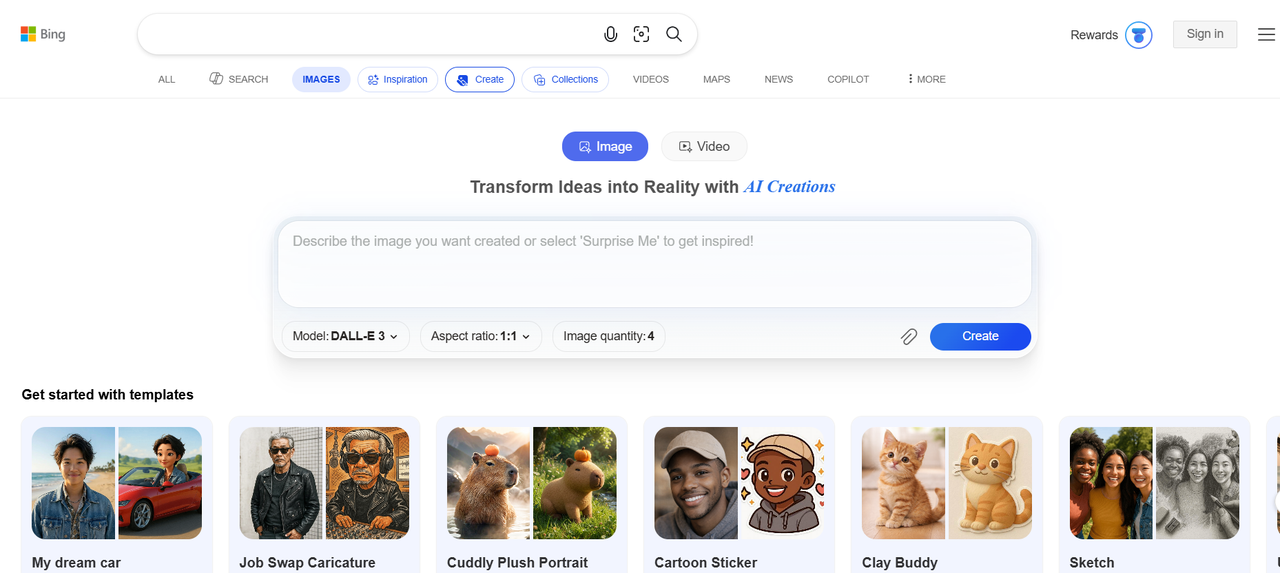
The Bing AI image generator is Microsoft's free, AI-powered tool that transforms simple text descriptions into stunning, high-quality images in seconds. Launched in 2023 and continuously updated, it is powered by advanced models including DALL-E 3, GPT-4o, and Microsoft's own MAI-Image-1.
Integrated seamlessly with Bing search, Microsoft Edge, and Copilot, it allows users to generate everything from realistic photos and artistic illustrations to creative designs. With an easy-to-use interface and no advanced skills required, it has become a popular choice for casual creators, students, marketers, and hobbyists looking for quick visual content.
Key features of Bing AI image creator
The Bing AI art generator stands out for its deep integration into the Microsoft ecosystem and its use of cutting-edge generative models. By 2026, it has evolved into a multimodal powerhouse. Here are its defining features:
- Multiple AI model selection: Choose from leading models like DALL-E 3, GPT-4o, and Microsoft's MAI-Image-1. This flexibility lets you generate everything from photorealistic photos to creative artistic styles with better prompt understanding.
- "Boosts" for high-speed generation: Enjoy 15 free fast generations daily using Boosts. Once boosts run out, you can still create unlimited images at normal speed or earn more boosts through Microsoft Rewards points.
- Text-to-image generation: Simply type a description and watch the AI turn your words into stunning visuals within seconds, supporting a wide range of styles and concepts.
- Seamless Microsoft integration: Works smoothly with Bing search, Microsoft Edge, Copilot, and Designer, making it easy to create, edit, and use images across Microsoft apps.
- Responsible AI standards: Every image includes invisible C2PA digital watermarking and metadata to ensure provenance and transparency, alongside a robust content moderation system to prevent the creation of harmful content.
Bing AI image generator pricing
Bing AI image generator is completely free to use with a Microsoft account. There is no monthly subscription or upfront payment required for basic access.
- Free tier (Daily Boosts): Every user with a standard Microsoft account receives 15 Boosts per day. Each boost allows for near-instant generation of a set of four images.
- Standard speed: Once your 15 daily boosts are exhausted, you can continue to generate an unlimited number of images for free, but the processing time is significantly slower (often taking a few minutes per prompt).
- Microsoft rewards: You can "refill" your boosts without spending money by redeeming Microsoft Rewards points. Typically, 500 points can be exchanged for an additional 5-10 boosts.
- Copilot Pro upgrade: For power users, the Copilot Pro subscription increases your limit to 100 daily boosts. It also provides priority access to the latest models, like GPT-Image-1.5, and allows for landscape-format generations, which are not available on the free tier.
Bing image creator review: Why look for an alternative?
While the Bing AI image generator is free and beginner-friendly, many users eventually start searching for alternatives. Despite its easy access and integration with Microsoft tools, several recurring limitations make it less ideal for frequent or serious creators in 2026. Here's why more people are switching:
- Daily boost limits: You only get 15 fast generations per day. Once they run out, image creation becomes significantly slower, which frustrates users who need quick results.
- Inconsistent image quality: Outputs can vary widely, with issues like blurry faces, distorted anatomy, strange artifacts, and less realistic details compared to earlier versions.
- Strict content filters: Overly sensitive safety filters often block or alter prompts, even for harmless or creative ideas, limiting artistic freedom and expression.
- Limited customization & editing: There's minimal control over styles, aspect ratios, or post-generation editing. You can't easily refine or iterate on generated images.
- Prompt restrictions & character limits: Complex or detailed prompts are often restricted, and the 380 character limit makes it hard to describe intricate scenes.
- Slower performance during peak times: Without boosts, wait times increase, and occasional glitches or lagging further disrupt the creative flow.
If you create images regularly for work, marketing, social media, or personal projects, these limitations can quickly become frustrating. That's precisely why many users are now actively searching for powerful alternatives. To help you make the best choice, here are five outstanding Bing AI image generator alternatives that offer unlimited or high-volume generations, superior image quality, advanced editing tools, and much greater creative freedom.
Top 5 Bing image creator alternatives in 2026
As AI image generation evolves, several powerful tools now outperform Bing in quality, control, and flexibility. Below are five of the best alternatives in 2026 that offer advanced features, better outputs, and improved creative freedom for different use cases.
| Tool | Best For | Starting Price (approx.) | Key Strength | Editing Capabilities | Supported Image Models | Free Tier / Access |
| Framia Pro | Professional creatives & ads | $9/month | All-in-one agents & canvas | Advanced layers | Nano Banana 2, Nano Banana Pro, Midjourney v7, Seedream 4.5, Flux Max | Limited credits |
| Google Gemini | Realism & speed | Free / $20/month | Photorealism & consistency | Good | Nano Banana Pro, Imagen 3 | Generous free |
| Midourney | Artistic & stylized images | $10/month | Creative flair & detail | Remix tools | Midjourney V6.1, Niji 6 | None (subscription) |
| Adobe Firefly | Professional design workflow | $9.99 / month | Commercial safety & integration | Excellent | Firefly Image 3 Model | Trial / Limited |
| Getimg.ai | Multi-model flexibility | Freemium / Paid | Model variety & collaboration | Strong | FLUX.1, SDXL, Stable Diffusion | Daily free generations |
Framia Pro
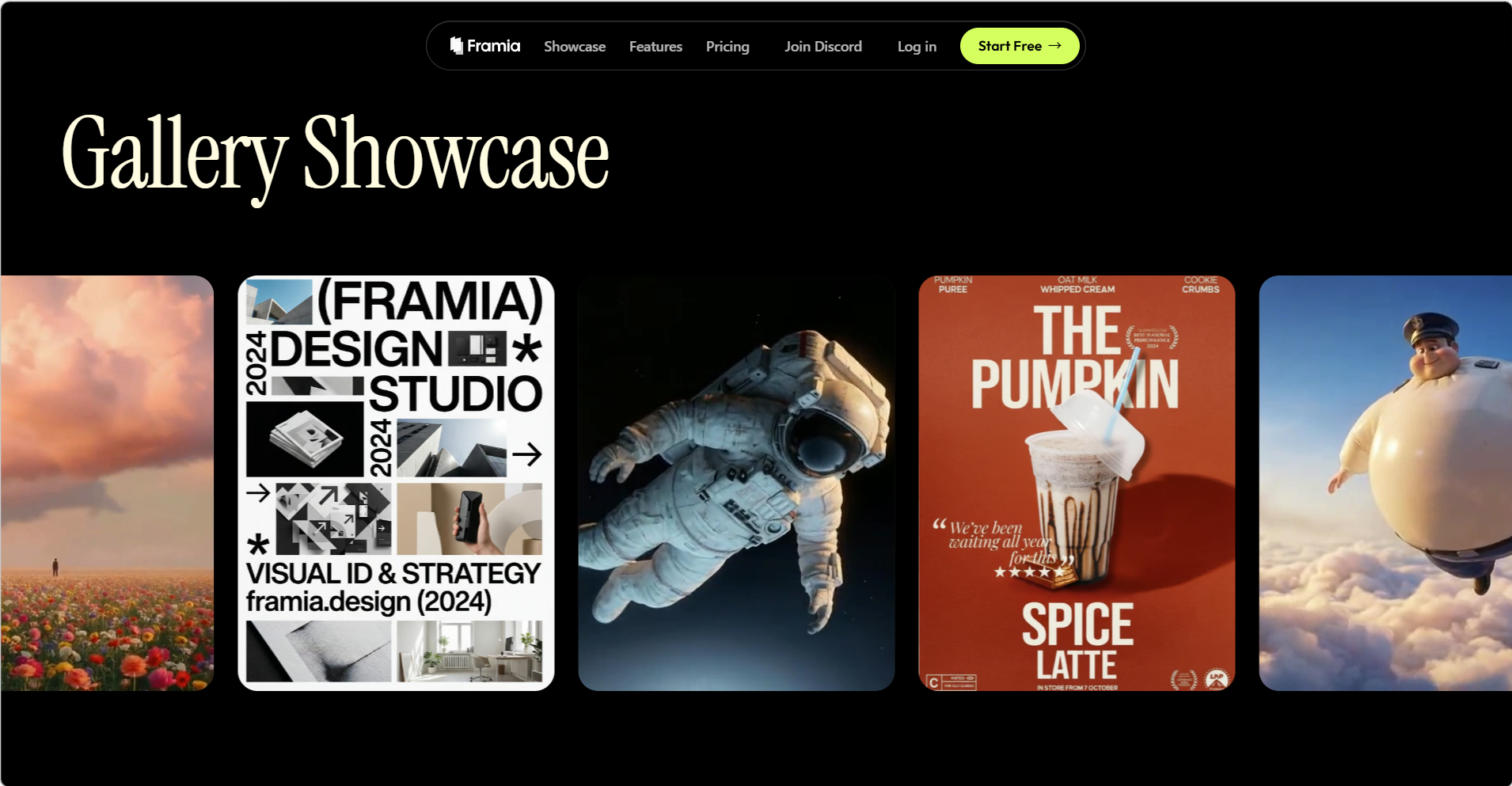
Framia Pro is a powerful, all-in-one creative AI platform that stands out as a comprehensive Bing image creator alternative in 2026. It gives users instant access to multiple premium image generation models in a single workspace, including Nano Banana Pro, Nano Banana 2, Flux Max, Midjourney v7, Seedream 4.5 / 5.0, and Qwen Image. Whether you need fast generation, pro-level quality, artistic styles, or high-fidelity 4K visuals with excellent text rendering and character consistency, Framia Pro delivers it all. Its Intelligent Canvas lets you generate images through natural conversation, make precise edits by pointing or prompting, and transform outputs into fully editable layers for further customization.
Key features
- Access to 20+ premium image models, including Nano Banana Pro, Midjourney v7, Flux Max, Seedream 5.0, and Qwen Image.
- AI agents for automated image and design workflows (posters, thumbnails, social graphics).
- Advanced inpainting/outpainting tools for easy background swaps, object removal, and photo fixes.
- Multi-modal integration (combine image gen with voiceover, music, and video in one project).
Pros
- Eliminates the need to switch between multiple tools or subscriptions.
- Powerful AI agents automate complex creative tasks.
- Generous credit system with free tier and flexible pay-as-you-go options.
- Intelligent Canvas for conversational image generation and real-time edits.
Cons
- Credit-based system may require monitoring for heavy users.
- Primarily agent-focused interface has a learning curve for simple one-off image generation.
Midjourney
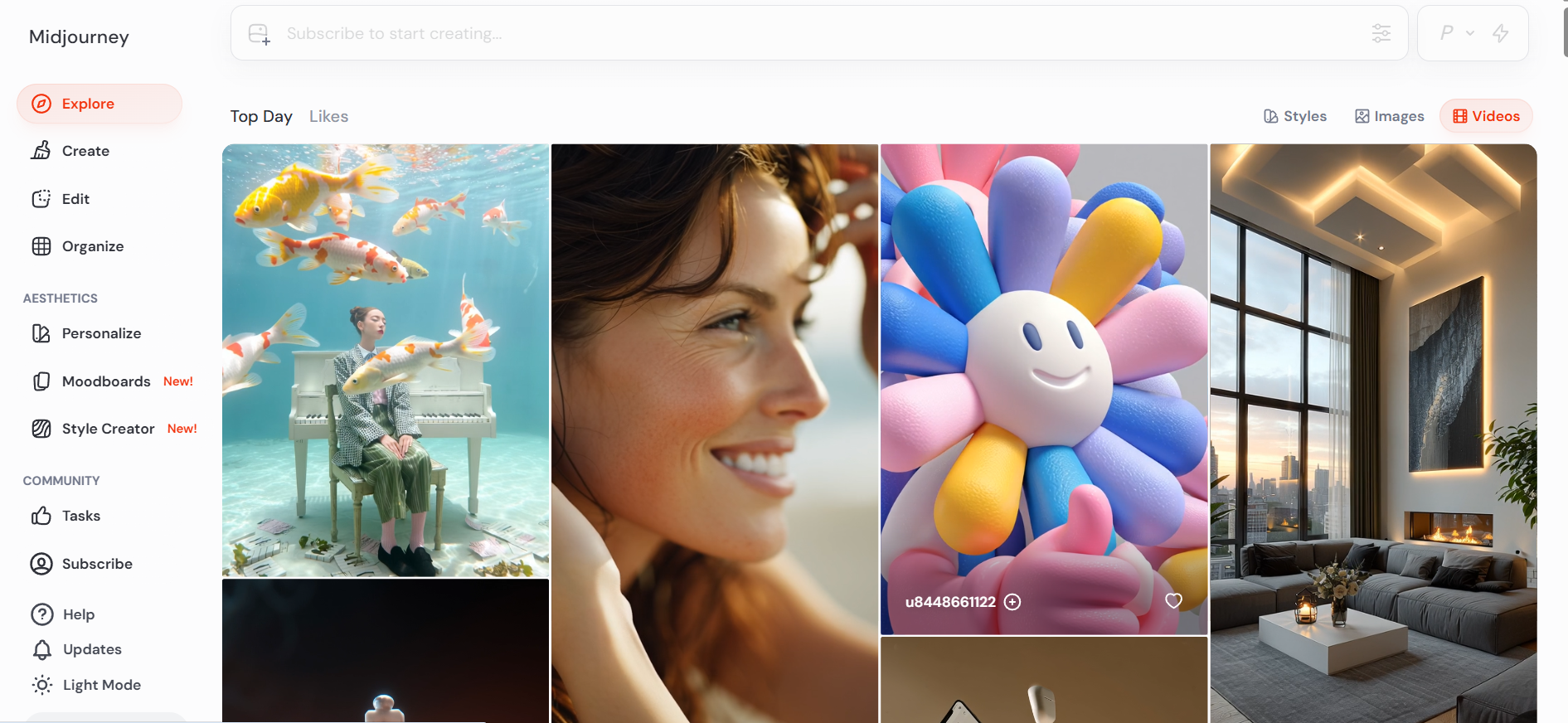
Midjourney is known for its exceptional artistic quality, style consistency, and advanced prompt control that allows users to create visually stunning images. With regular model updates and an active Discord-based community, it encourages collaboration and creativity. This tool is perfect for designers and artists who want unique, stylized visuals and are comfortable exploring prompts to achieve highly refined results.
Key features
- Advanced artistic models (v7) for unique styles and aesthetics.
- Remix and variation tools for iterative refinement.
- Community-driven inspiration and upscaling options.
- Parameter controls for aspect ratios, styles, and quality.
- Strong handling of complex prompts with mood and lighting.
Pros
- Exceptional artistic quality and creative interpretations.
- Large, active community for prompts and feedback.
- High-resolution outputs with excellent detail.
- Continuous model improvements for better results.
Cons
- Requires a monthly subscription (no free tier available).
- The Discord-based interface can still be intimidating for casual users.
Google Gemini
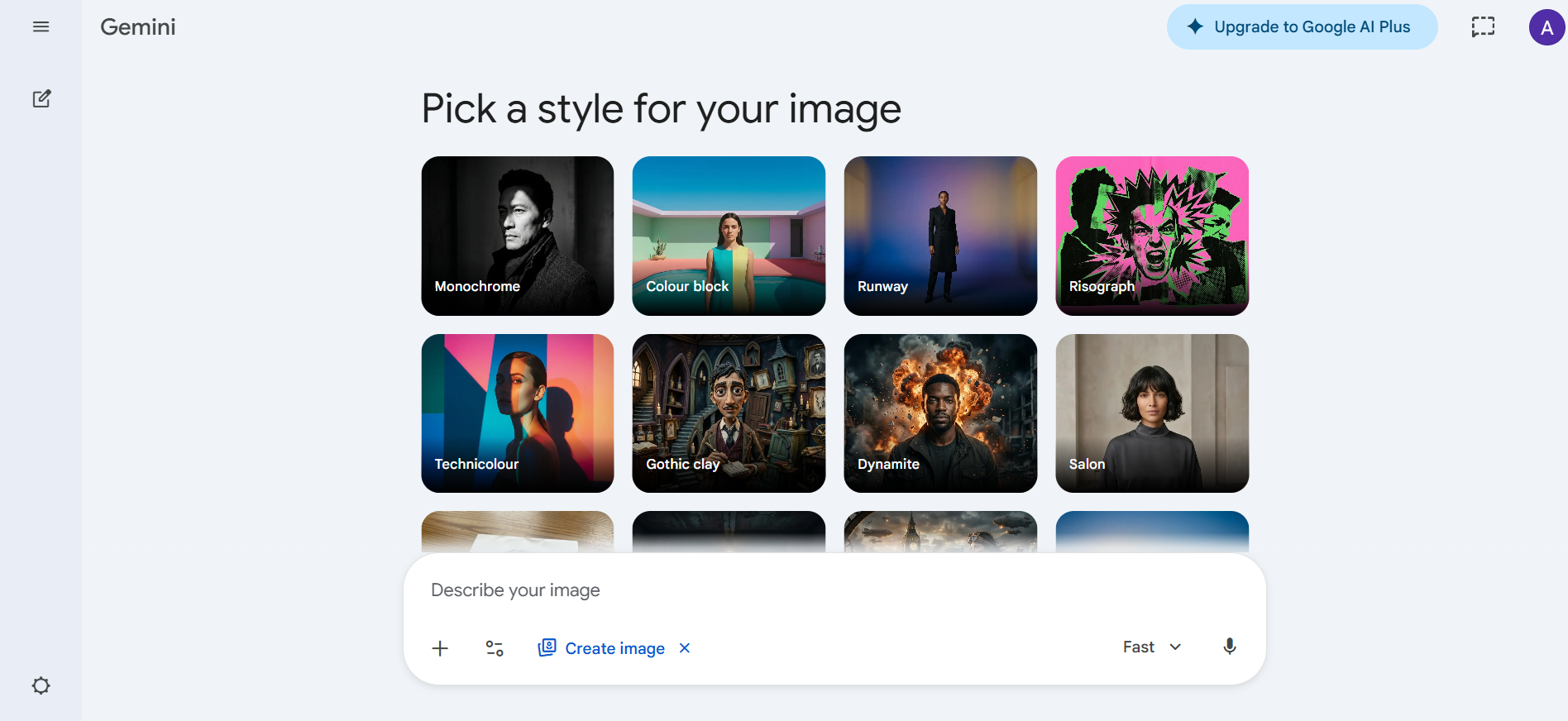
Google Gemini, featuring the Nano Banana Pro image model, stands out as a premier AI generator in 2026. It excels in photorealism, character consistency, and sharp text rendering, making it ideal for professional designs. By integrating seamlessly with the Google ecosystem, it allows for rapid ideation and conversational editing. For creators seeking a smart, connected alternative to Bing, Gemini offers a high-speed, intuitive experience backed by Google's advanced reasoning.
Key features
- Nano Banana Pro model for cinematic realism and high-fidelity synthesis.
- Built-in image editing and variation tools directly in chat.
- Excellent prompt adherence and legible text in complex scenes.
- Integration with Google apps for seamless workflow.
- Fast generation speeds with options for 2K/4K resolutions.
Pros
- Top-tier quality in realism and consistency according to multiple 2026 benchmarks.
- Generous free access with affordable upgrades.
- Strong character and style consistency across generations.
- User-friendly interface suitable for beginners and pros.
Cons
- Occasional limitations on sensitive content prompts.
- Best performance requires a Gemini subscription for unlimited high-quality generations.
Adobe Firefly
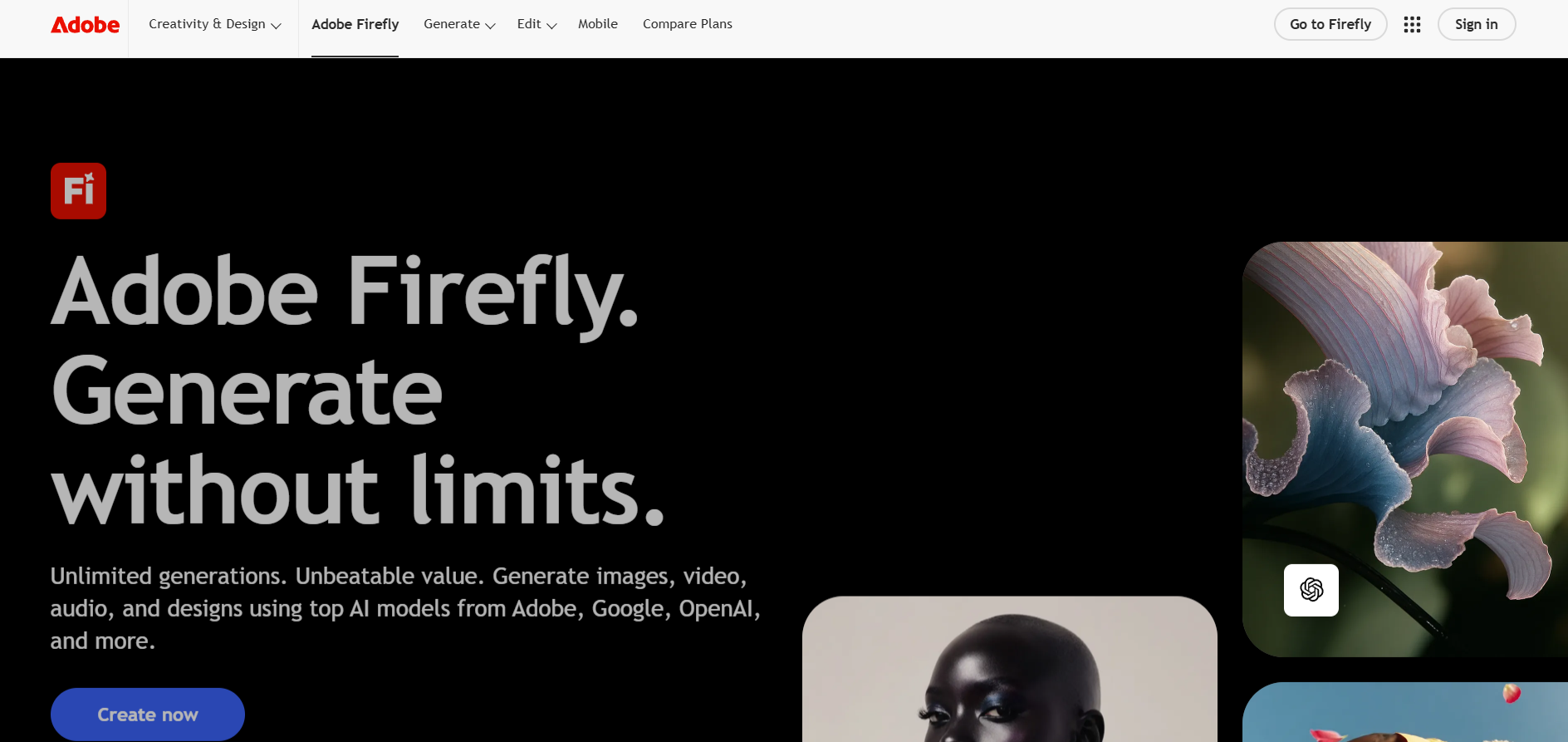
For professionals concerned with copyright and brand safety, Adobe Firefly is the most reliable option. Trained exclusively on licensed and public domain content, it is built for commercial use. It is uniquely integrated into the Creative Cloud ecosystem, allowing you to use generative tools directly inside Photoshop. This makes it the go-to choice for corporate designers who need to edit existing photos with seamless AI elements.
Key features
- Generative Fill and Expand tools in Photoshop integration.
- Trained on licensed Adobe Stock for commercial safety.
- Style matching and structural reference controls.
- Vector and text effects generation.
- Non-destructive editing workflows.
Pros
- Commercially safe outputs with no training on user data.
- Perfect for professional designers already in Adobe ecosystem.
- Robust pre-generation settings for precision.
- Excellent integration with photo editing tools.
Cons
- Higher cost if not already subscribed to Creative Cloud.
- Slightly more conservative results compared to purely creative models.
Getimg.ai
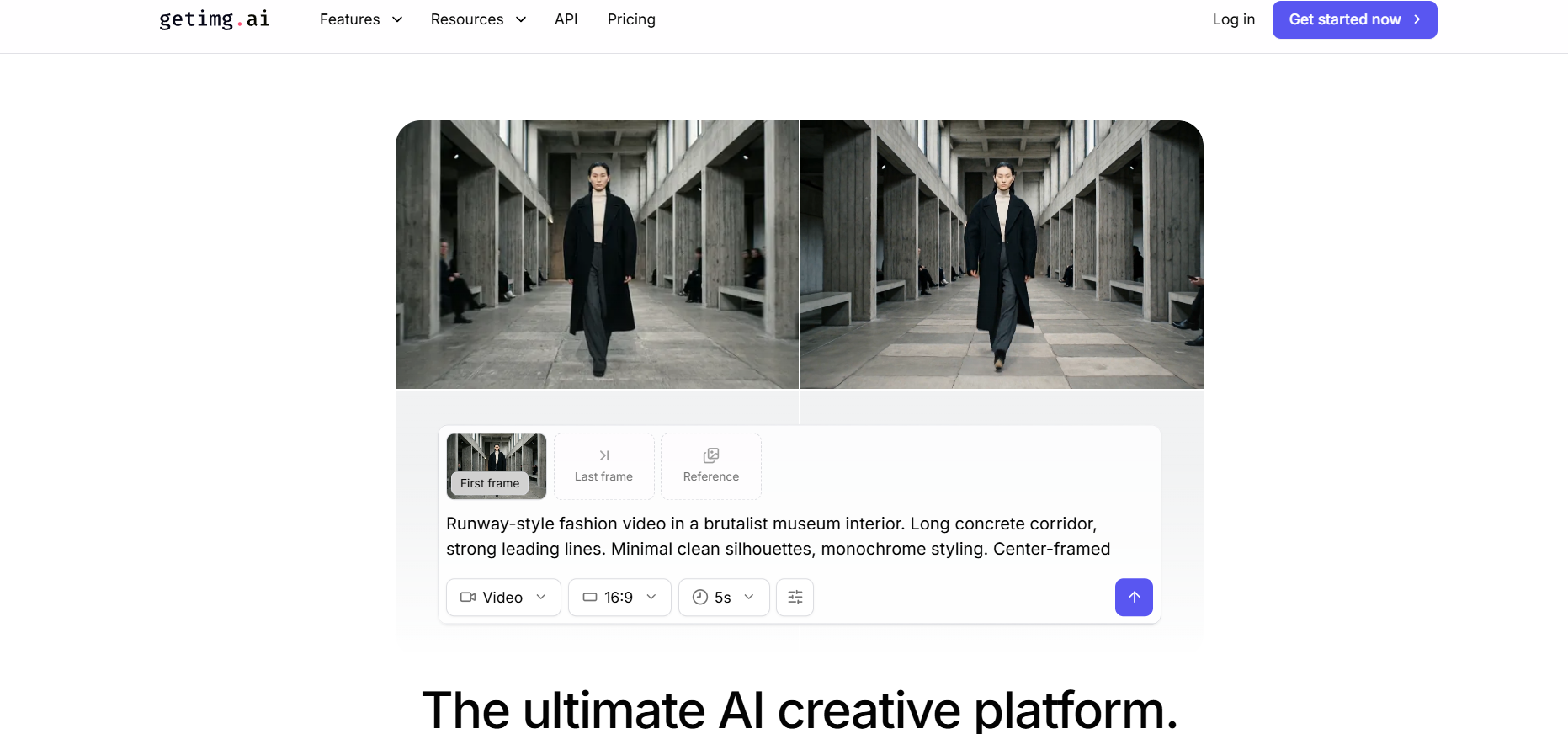
Getimg.ai is an all-in-one visual suite that prioritizes speed and professional utility. It is unique for providing access to multiple leading models—including FLUX.2 and Stable Diffusion—within a single, unified workspace. This platform is perfect for creators who want the flexibility of high-end model picking combined with a suite of one-click editing tools that speed up the transition from raw generation to a finished marketing asset.
Key features
- Access to multiple leading models (FLUX.2, Seedream, Nano Banana variants, Qwen Image).
- Prompt-based editing and one-click enhancement tool.
- Workspace organization with folders and team collaboration.
- Built-in upscaling and variation generators.
- Image-to-video and inpainting capabilities.
Pros
- Multi-model access in a single intuitive interface.
- Strong built-in editing and organization tools.
- Good balance of speed, quality, and customization.
- Team-friendly features for collaborative projects.
Cons
- Credit or subscription management is needed for high volume.
- Quality can vary depending on the selected model.
Conclusion
Finding the perfect Bing AI image creator alternative is about balancing creative freedom with professional-grade features. While Bing is a solid starting point, tools like Midjourney, Leonardo.ai, and Gemini offer the advanced control and consistency modern creators need. Among the options, Framia Pro stands out for its high-quality outputs, fast rendering, and user-friendly interface, making it ideal for professionals, marketers, and digital artists. Whether you need realistic visuals, artistic designs, or marketing graphics, Framia Pro delivers reliable results. Start exploring Framia Pro today and elevate your AI image creation to the next level.
FAQs
- Is Bing AI image creator free to use?
Yes, it is primarily free. Users receive 15 daily "Boosts" for fast generation. Once exhausted, you can still create images, but the process takes longer. You can also earn more boosts via Microsoft Rewards points.
- Can I use Bing AI images commercially?
Commercial use of Bing AI-generated images is limited and subject to Microsoft’s terms. For marketing, product design, or monetized projects, it’s safer to use alternatives like Framia Pro, which offer clearer commercial usage rights.
- Which tool is the best Bing alternative?
Framia Pro is widely regarded as the best alternative. It combines high-quality AI models, multiple style presets, fast rendering, and editing tools, offering a versatile solution for marketing, digital art, social media, and professional projects.
- Why does Bing block some of my prompts?
Bing uses strict safety filters to prevent harmful content. However, these guardrails are often over-sensitive, blocking benign words. If you face frequent blocks, a Bing AI image creator alternative like Framia Pro offers more creative flexibility.
- Can I edit images after they are generated in Bing?
Bing offers very limited post-generation editing. Usually, you have to re-prompt the entire image to change a single detail. For professional control, Framia Pro is a superior choice, featuring an advanced AI Canvas for precise in-painting, out-painting, and layer-based editing.





