
What is Canva?
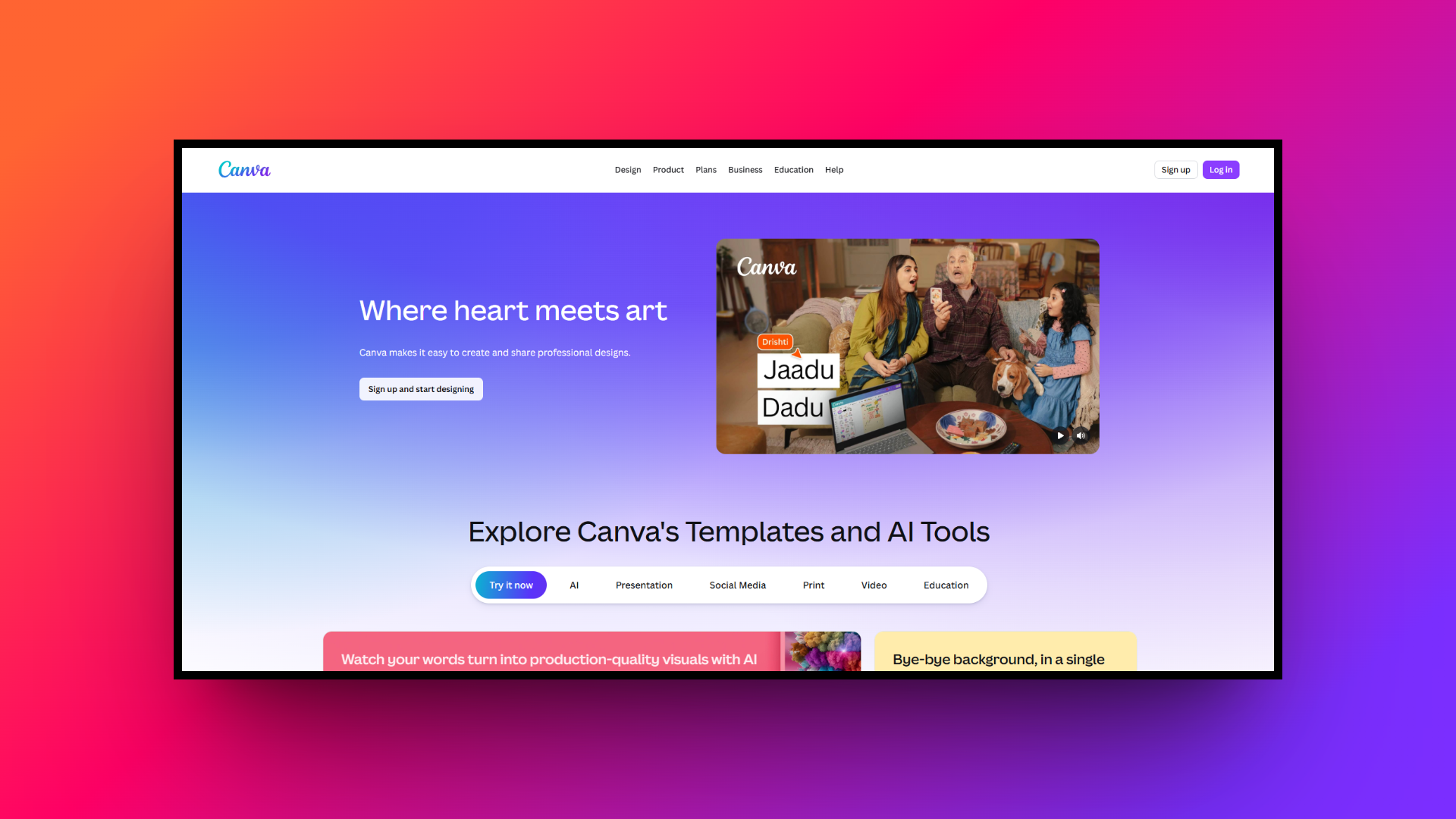
Canva is a widely popular, web-based graphic design platform that has completely democratized visual content creation.
Launched with the mission to empower everyone to design, it offers a highly intuitive, drag-and-drop interface that requires zero prior design experience. Whether you need to craft engaging social media graphics, professional presentations, marketing flyers, or even quick video edits, Canva provides an extensive library of customizable templates, stock photos, and design elements.
Catering to individuals, small businesses, and large enterprises alike, it serves as a centralized hub for visual communication, enabling seamless real-time collaboration and helping brands maintain visual consistency with ease.
Key features of Canva
Canva packs a powerful punch with a diverse toolkit designed to streamline the creative process for users of all skill levels. Here are four standout features that make it a top choice for digital creators:
- AI image generation
Canva’s Text-to-Image AI generation, powered by tools like Magic Media and Dream Lab, allows you to transform simple text prompts into stunning visual art. You can instantly generate unique, high-quality images in various styles, such as watercolor, 3D, or cinematic, saving endless hours of searching for the perfect stock photo.
- AI video generation
Creating dynamic video content is effortless with Canva's Text-to-Video generation and intuitive timeline editor. Users can seamlessly convert text prompts or static images into short, engaging video clips. Coupled with tools like Beat Sync and automated animations, it simplifies producing professional-grade social media reels and marketing videos quickly.
- Magic studio photo editing
The Magic Studio suite brings powerful AI photo editing directly to your workspace. Features like Magic Edit, Magic Eraser, and Background Remover allow you to seamlessly swap elements, erase unwanted objects, or isolate subjects with a single click, eliminating the need for complex, heavy-duty software like Adobe Photoshop.
- Brand kits & collaboration
Canva excels at team productivity through its real-time collaboration tools and centralized Brand Kits. Teams can work simultaneously on a single canvas, leave comments, and ensure visual consistency by storing official logos, color palettes, and fonts, making it incredibly easy to keep all company marketing materials perfectly on-brand.
Canva pricing plans & structure
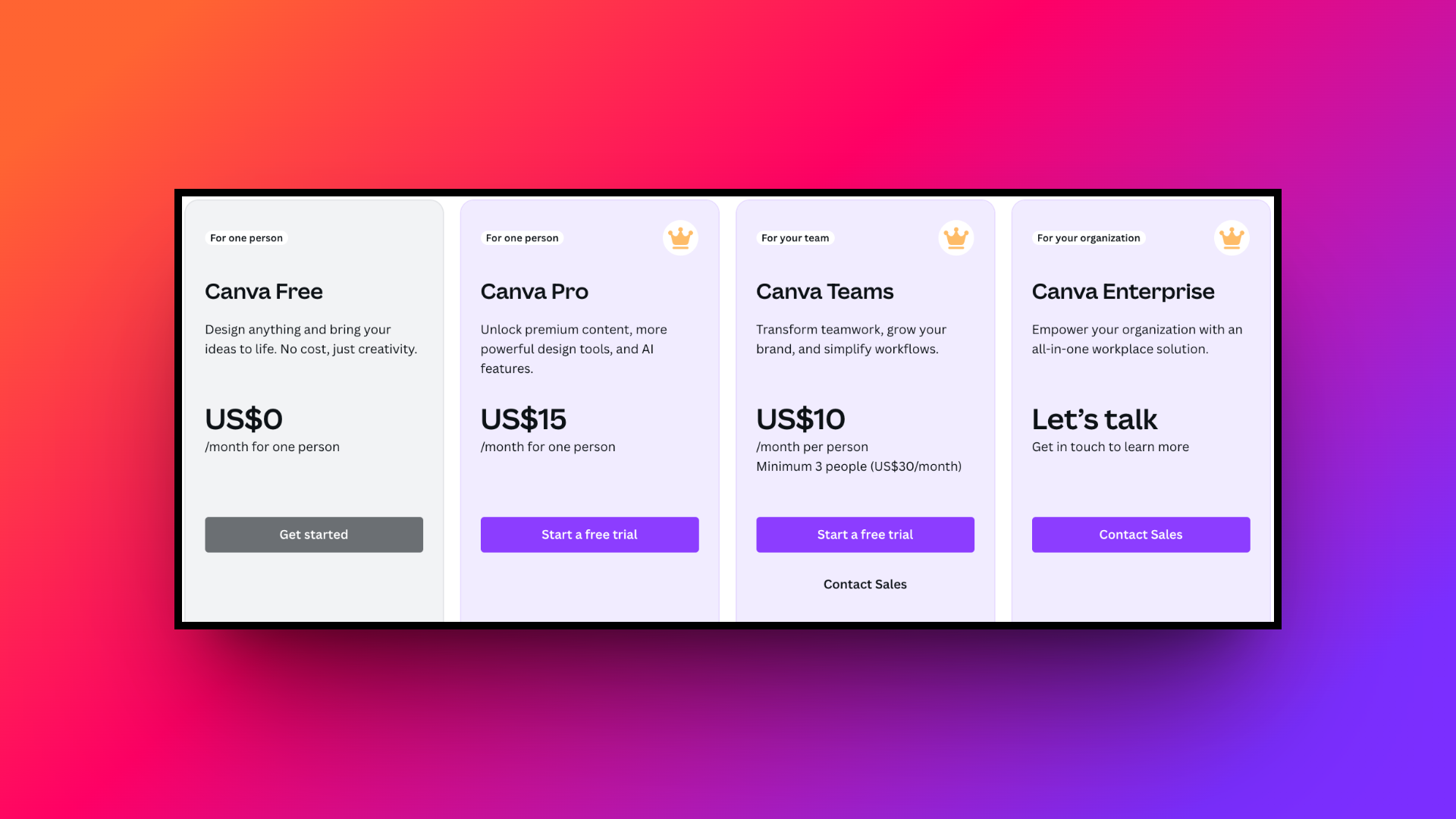
Canva offers a flexible, tiered pricing model to accommodate different user needs.
The "Canva Free" plan provides generous access to basic design tools, thousands of templates, and 5GB of cloud storage at no cost. For more advanced needs, "Canva Pro" costs $15 per month (or $120 annually) for individuals, unlocking premium assets, 100GB of storage, and advanced AI features.
Additionally, for groups, "Canva for Teams" starts at $10 per user/month (with a three-user minimum), offering 1TB of storage per person, enhanced team collaboration, and strict brand controls. Custom enterprise pricing is also available for massive organizations requiring advanced security.
Canva reviews: what users are saying about the platform
To give you a balanced perspective, we’ve scoured user reviews across the web. Here is a quick look at the most common praises and frustrations experienced by everyday Canva users.
The good
- Drag-and-drop interface makes professional design incredibly easy for beginners.
- A massive library of beautiful templates saves hours of creation time.
- Real-time team collaboration streamlines workflow and boosts overall project productivity.
- Built-in AI generation tools help bring creative ideas to life.
The bad
- Advanced graphic customization is strictly limited compared to Adobe Illustrator.
- The free version heavily restricts access to the best elements.
- AI-generated images and videos sometimes lack high-resolution professional output quality.
- A web-based platform that completely relies on having a stable internet connection.
Why you should look for Canva alternatives: 5 best options
While Canva is undeniably a powerhouse for everyday design tasks, it might not be the perfect fit for everyone.
As your creative needs evolve, you may find yourself hitting the ceiling of Canva's capabilities. Perhaps you require more advanced vector editing tools, granular control over typography, or specialized features for data visualization that Canva lacks.
Additionally, the rising cost of premium subscriptions and the sheer ubiquity of Canva's templates, which can make your brand look generic, are valid reasons to explore other options. Diversifying your toolkit ensures you find the exact software tailored to your unique design workflow and budget.
| Platform | Best For | Standout Feature |
| Canva | General everyday design | Massive template library & basic AI tools |
| Framia Pro | Automated AI workflows | AI Video Agents & Intelligent Split Layers |
| Adobe Express | Creative Cloud users | Firefly AI & Adobe Stock integrations |
| Pixlr | Detailed photo retouching | Layer-based image editing & custom brushes |
| Snappa | Rapid social media graphics | Pre-set dimensions & direct social publishing |
| Visme | Data visualization | Interactive charts & custom infographics |
1. Framia Pro
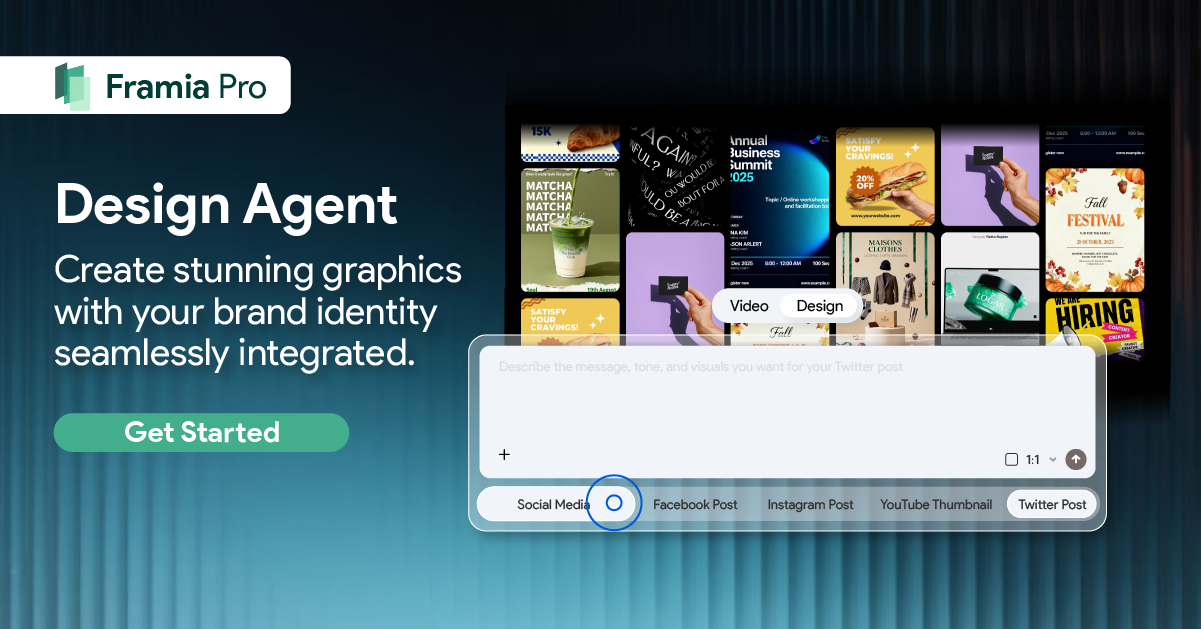
Framia Pro is an innovative and advanced artificial intelligence platform designed to automate complex creative workflows. Utilizing specialized agents for video, image generation, and graphic design, it offers unprecedented flexibility, enabling users to instantly generate, edit, and export professional visual content utilizing simple conversational text prompts for digital creators today.
Key features:
- AI video generation: Powered by top artificial intelligence models like Veo, Seedance, and Kling, specialized agents fully automate entire video production workflows flawlessly.
- AI image generation: Create stunning visuals instantly using highly advanced image models including Seedream, Nano Banana, and Flux Max for professional design projects.
- Intelligent split layers: Transform generated image designs into fully editable split layers, allowing precise adjustments to individual text, shapes, and the background elements.
- Conversational chat-to-edit: Instantly modify specific segments of generated videos or individual image design elements simply by typing targeted conversational text commands quickly.
Pros:
- Top models save immense time on complete video production workflows.
- Conversational editing features make targeted corrections incredibly fast and simple.
- Split layer technology offers true design flexibility for generated art.
- Ensures perfect character consistency across multiple complex generated video shots.
Con:
- Heavy reliance on generation requires learning completely new prompting workflows.
2. Adobe Express
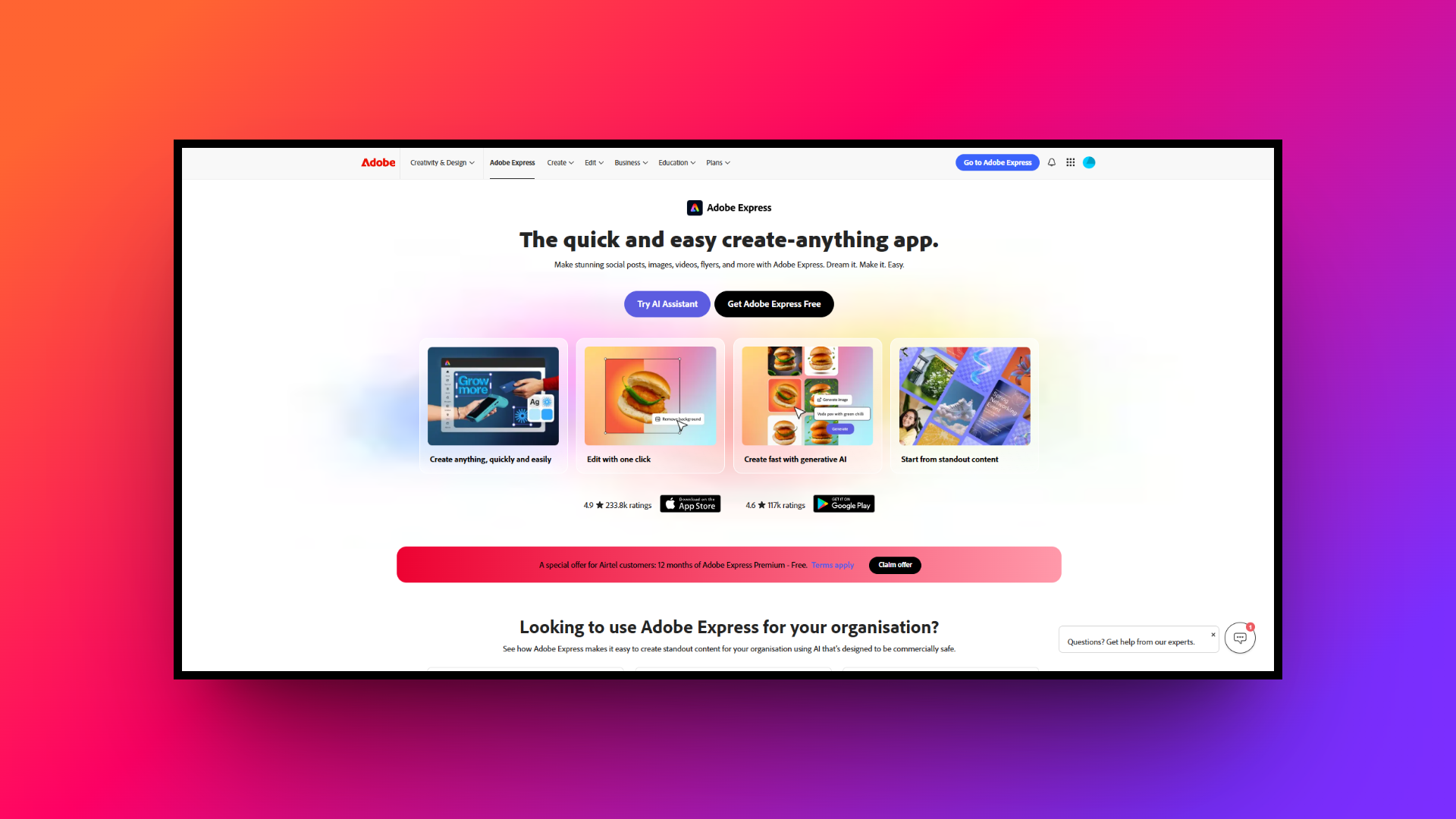
Adobe Express serves as a formidable competitor, leveraging the immense power of Adobe’s creative legacy in a user-friendly, web-based format. It seamlessly integrates with the broader Adobe Creative Cloud ecosystem, making it an exceptional choice for users wanting professional-quality outputs, AI-driven features, and robust brand management in one accessible platform.
Key features:
- Generative AI tools: Powered by Adobe Firefly, generate extraordinary images and stunning text effects quickly simply by typing descriptive natural language text prompts.
- Creative Cloud integration: Effortlessly import and edit visual assets directly from Photoshop and Illustrator, maintaining a fluid workflow across all your Adobe applications.
- Premium stock assets: Access millions of high-quality, royalty-free Adobe Stock photos, stunning videos, and professional fonts directly within your daily creative design workspace.
- One-click quick actions: Instantly remove backgrounds, convert short videos to GIFs, resize images, and generate custom QR codes with powerful, time-saving automated tools.
Pros:
- Backed by Adobe's industry-leading technology for superior design output quality.
- Seamlessly integrates with Illustrator and Photoshop for advanced asset editing.
- Offers incredible AI features powered by the robust Adobe Firefly.
- Provides access to a massive library of premium Adobe Stock.
Con:
- The user interface can feel slightly cluttered and overwhelming initially.
3. Pixlr
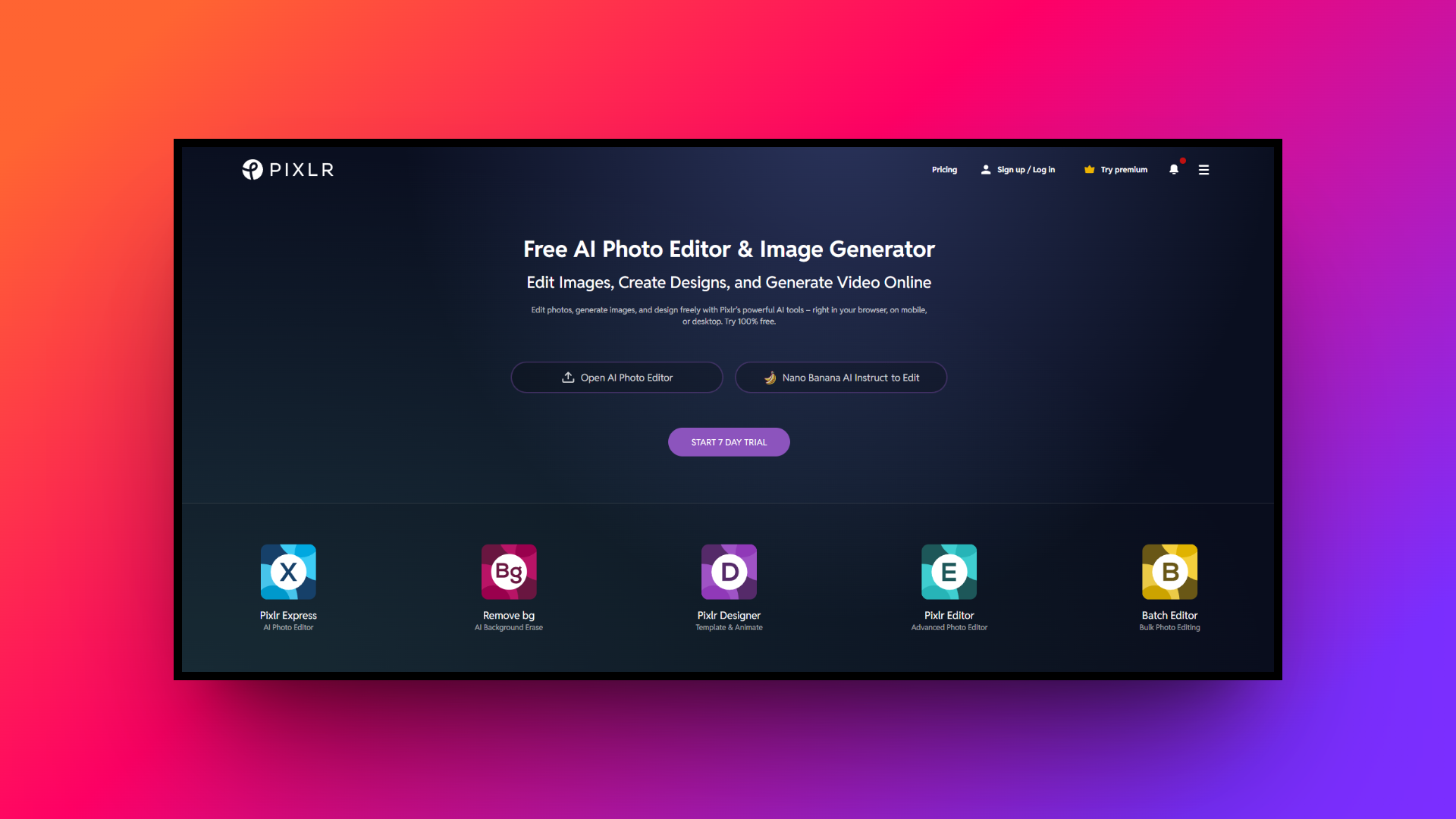
Pixlr is a highly versatile, cloud-based photo editing and design suite appealing to both novices and seasoned professionals. Offering different interfaces based on skill levels, it provides powerful image manipulation tools directly in your browser. It's the perfect alternative for users prioritizing detailed photo retouching over basic template-based graphic designs.
Key features:
- Layer-based editing: Utilize professional layer masks and advanced blending modes for complex image compositing, mimicking the depth found in traditional desktop software.
- AI-powered retouching: Instantly remove blemishes, erase distracting backgrounds, or magically expand digital images using intelligent algorithms that save hours of manual editing.
- Custom brush engine: Create unique digital art with highly customizable paint brushes, allowing for precise painting, drawing, and detailed touch-ups on your canvas.
- Extensive filter library: Apply a wide array of artistic filters, stunning color overlays, and dramatic lighting effects to instantly transform your digital photography.
Pros:
- Exceptional photo manipulation and retouching capabilities directly in your browser.
- Offers both simple and advanced editing interfaces to suit everyone.
- Supports a wide range of complex file formats including PSD.
- A very lightweight web application that runs smoothly on older computers.
Con:
- Lacks the extensive pre-made marketing template library that Canva provides.
4. Snappa
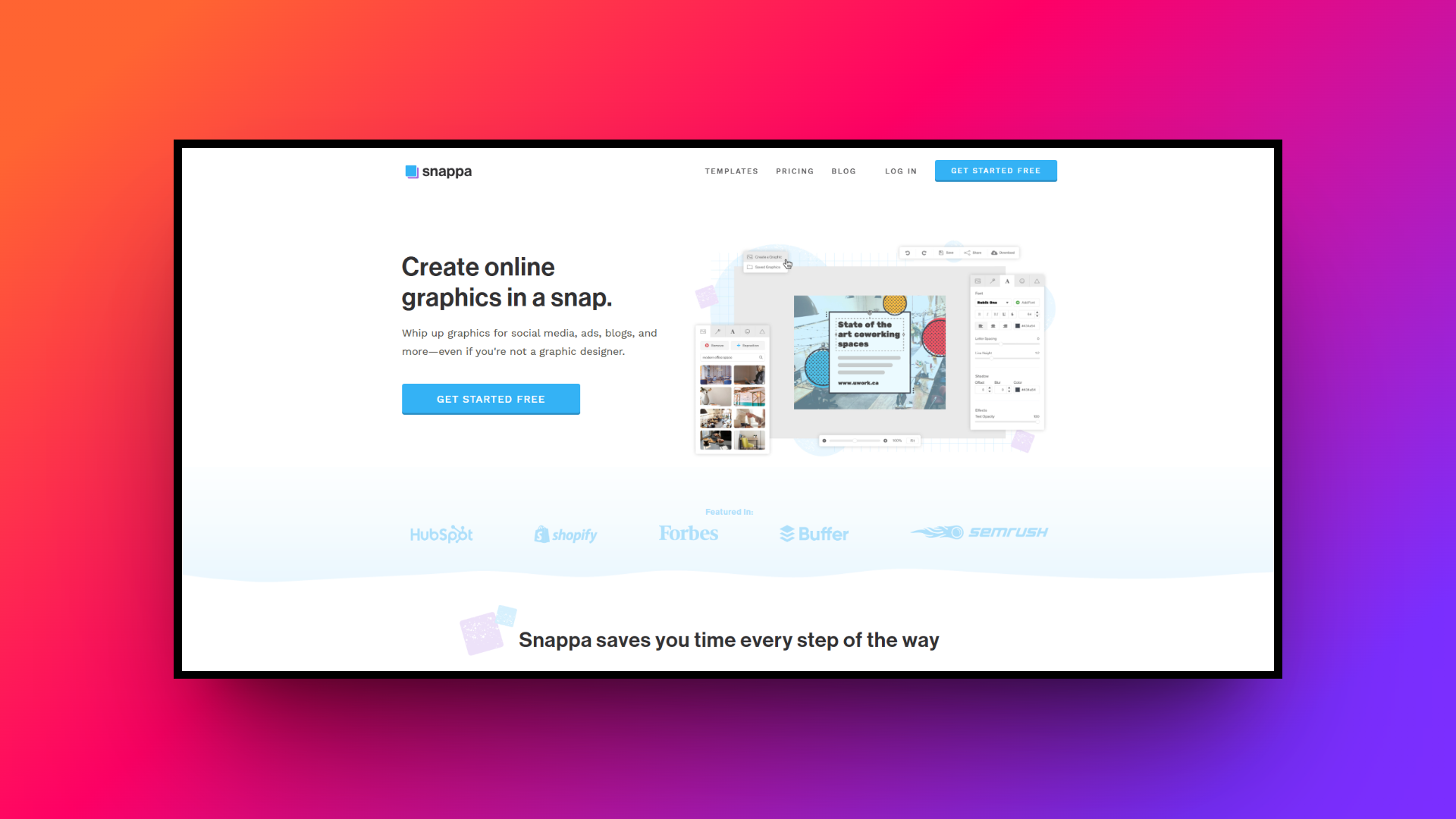
Snappa is laser-focused on speed and simplicity, making it the ultimate tool for marketers and entrepreneurs needing graphics fast. It completely strips away unnecessary complexities, offering a highly streamlined dashboard specifically optimized for creating perfectly sized social media posts, engaging blog graphics, and eye-catching digital display ads very quickly.
Key features:
- Perfect image dimensions: Start every project with perfectly optimized, pre-set image dimensions tailored for all major social media platforms and global ad networks.
- Built-in stock library: Access over five million high-resolution, completely royalty-free stock photos directly within the editor without worrying about complex usage licensing fees.
- One-click resizing: Instantly magically transform a single graphic into multiple formats, turning a simple Twitter post into a Facebook ad in seconds.
- Direct social scheduling: Connect your social accounts to easily schedule and immediately publish your freshly designed graphics without ever leaving the Snappa platform.
Pros:
- Incredibly fast and intuitive interface perfect for rapid graphic creation.
- Removes guesswork with perfectly pre-sized templates for social media.
- Includes a massive library of high-quality, completely royalty-free stock photos.
- Convenient direct integration with major social platforms for immediate publishing.
Con:
- Very limited advanced design features for complex or custom illustrations.
5. Visme
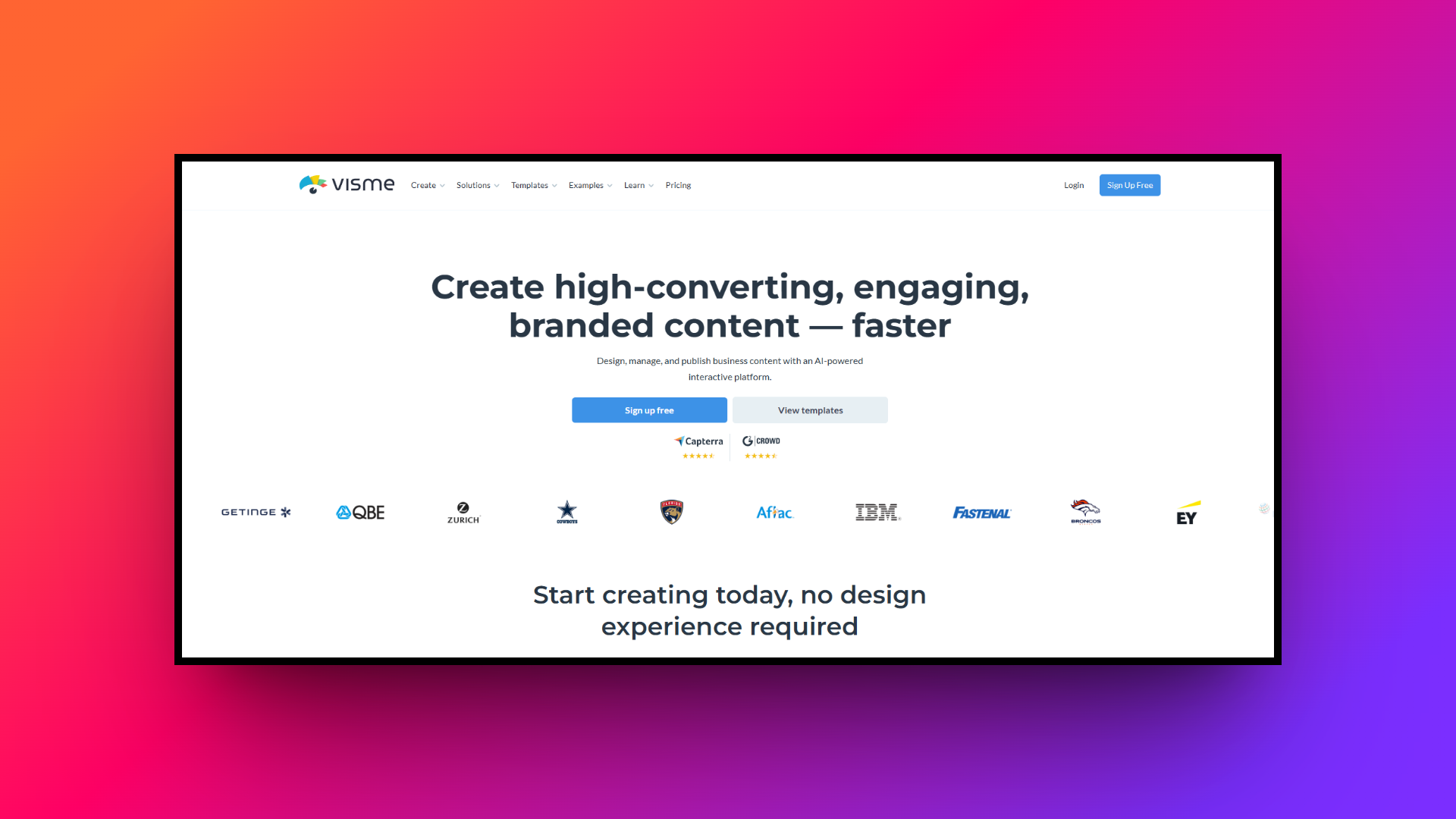
Visme is a powerhouse alternative engineered for creating engaging presentations, detailed infographics, and interactive digital documents. It goes beyond basic static images, empowering educators and business professionals to transform boring data into captivating visual stories using dynamic charts, embedded videos, and highly interactive on-page design elements with absolute ease.
Key features:
- Advanced data visualization: Translate complex statistics into beautiful, easy-to-understand charts, graphs, and interactive map widgets using customizable, professional-grade data visualization design templates immediately.
- Interactive content creation: Add clickable hotspots, engaging interactive pop-ups, embedded external content, and voiceovers to create deeply engaging digital experiences for your audience.
- Extensive asset library: Utilize millions of searchable stock photos, exclusive vector icons, premium animated 3D graphics, and professional video clips for your presentations.
- Robust brand wizard: Automatically extract your exact brand colors and typography from your live website to instantly generate custom-branded templates for your team.
Pros:
- Unmatched capabilities for creating highly detailed infographics and interactive presentations.
- Excellent data visualization tools make complex data numbers easily understood.
- Allows for the creation of engaging, fully interactive digital documents.
- Brand wizard automatically generates custom templates based on your website.
Con:
- The pricing structure is considerably more expensive than typical alternatives.
Tips & tricks for choosing the ideal Canva alternative
With so many powerful design platforms available today, finding the perfect fit requires assessing your specific workflow. Here are five essential tips to help you choose the ideal alternative.
- Assess your primary needs: Carefully evaluate whether your daily workflow heavily prioritizes complex video production, advanced digital photo retouching, or simple social media graphic creation before committing to any completely new graphic design platform.
- Consider AI capabilities: Look for platforms offering powerful artificial intelligence tools. Advanced features like conversational editing, intelligent layer splitting, and automated video generation can drastically reduce your overall content creation turnaround time immensely.
- Check team collaboration: If you work alongside other creative professionals, ensure your chosen software supports direct multiplayer editing, centralized brand kits, and seamless asset sharing to maintain perfect visual consistency across all projects.
- Evaluate the learning curve: Always test the user interface before purchasing premium subscriptions. While some professional tools offer incredible power, they might demand extensive technical training that heavily delays your immediate content marketing deliverables.
- Review pricing structures: Compare monthly subscription costs against the actual features provided. Ensure the platform comfortably fits your marketing budget while still delivering the essential assets, storage capacity, and export options you require.
Wrapping up
In conclusion, while Canva remains a phenomenal tool, exploring alternatives is crucial as your specific design needs evolve. We’ve examined several robust alternatives to Canva, from Adobe Express's seamless cloud integration to Visme's advanced data visualization, each offering unique strengths to overcome Canva's limitations. However, among all these diverse platforms, Framia Pro undoubtedly emerges as the ultimate Canva alternative.
By seamlessly integrating highly advanced artificial intelligence agents for both complex video production and stunning image generation, Framia Pro completely revolutionizes traditional creative workflows. Its intelligent split layers and incredibly intuitive conversational text editing effortlessly elevate your brand identity and dramatically accelerate content output.
FAQs
- How does the Canva AI image generator work?
The Canva AI image generator translates text prompts into unique visual content. For greater design flexibility, platforms like Framia Pro offer layer-editable generation using advanced models like Flux Max.
- What features are included in the Canva Pro pricing tier?
The Canva Pro pricing tier provides unlimited access to premium templates, 100GB of cloud storage, advanced background removal tools, and full utilization of their proprietary AI graphic generation suite.
- Are there capable Canva alternatives free of charge?
Yes, numerous Canva alternatives free plans exist for basic editing. However, professionals requiring automated workflows and intelligent split layers typically invest in advanced AI design platforms like Framia Pro.
- How do the different Canva pricing plans compare?
The Canva pricing plans include a "Free" tier for basic use, a "Pro" tier for individual creators, and a Teams tier offering comprehensive collaborative workspace administration and strict brand controls.
- Can I create professional clips using the Canva AI video generator?
Yes, the Canva AI video generator easily converts prompts into short clips. For complex workflows, alternatives like Framia Pro automate entire storyboarding and audio syncing using cinematic video agents.





