
Elevate your video marketing with the best Humva AI alternatives. We review the top 5 platforms, featuring Framia Pro for advanced AI video automation. Streamline your content creation today!
What is Humva AI?
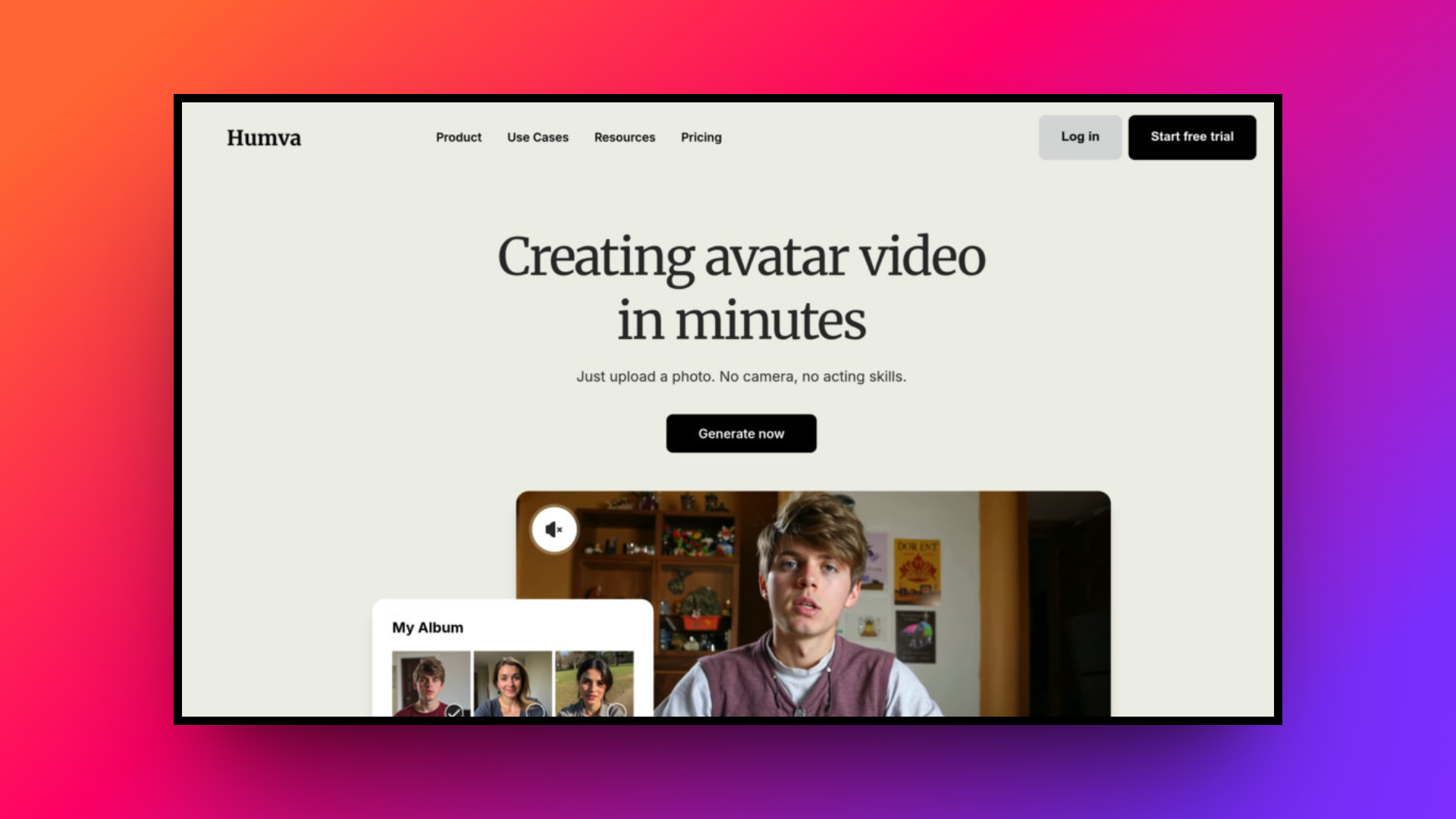
Humva AI is an innovative, AI-powered video creation platform that allows users to produce professional-quality spokesperson videos without needing a camera, production crew, or advanced editing skills. By transforming text scripts or voice recordings into dynamic video content, Humva AI utilizes customizable digital avatars to deliver engaging messages.
Ideal for content creators, educators, and marketers, the platform offers thousands of diverse avatar templates and supports one-photo custom avatar creation. With its cutting-edge generative AI and advanced lip-syncing technology, Humva AI makes it incredibly easy and cost-effective to generate localized, high-quality videos for social media, testimonials, and marketing campaigns.
Key features & capabilities of Humva AI
Before looking for a Humva AI alternative, it is essential to understand the core functionalities that make this platform popular. Humva AI packs several powerful tools designed to simplify the video production process for creators and businesses alike.
- Customizable digital avatars: Humva AI provides thousands of ready-made, diverse presenter templates to suit any industry or brand tone. Additionally, you can easily create a highly personalized, custom digital avatar by simply uploading a single photograph, ensuring unique and consistent brand representation.
- Advanced lip-syncing technology: The platform utilizes state-of-the-art AI to ensure phoneme-by-phoneme synchronization. This advanced lip-syncing technology perfectly matches the avatar’s mouth movements and facial expressions to the uploaded audio or generated voiceover, preventing the awkward, robotic feel common in older generation tools.
- Seamless text-to-video generation: You do not need technical expertise to produce content. By simply pasting a text script or uploading an audio file, Humva AI instantly generates a fully polished video. This drastically reduces production time from hours to mere minutes.
- Multilingual voice support: To help you reach a global audience effortlessly, Humva AI supports a wide variety of languages and distinct voice tones. You can easily localize your marketing campaigns or training materials without having to hire professional voice actors or translators.
Humva AI pricing & subscription plans
Humva AI offers a flexible and accessible pricing model designed to accommodate both beginners and professionals.
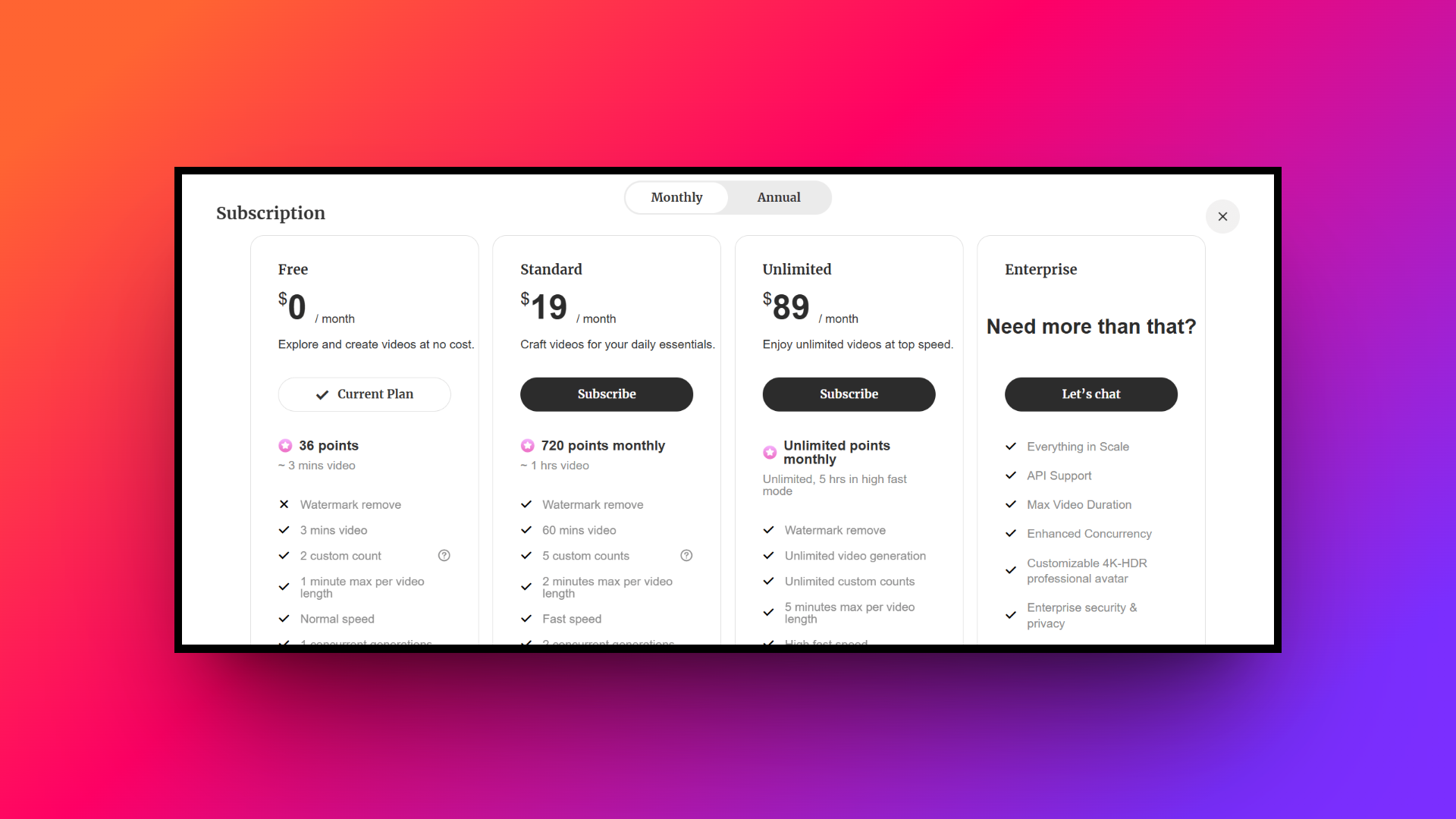
Users can start with a generous "Free" tier, which costs $0 and allows you to test out basic features, avatar creation, and limited video generation.
For users needing more robust capabilities without watermarks, premium plans start at an affordable $19 per month. This entry-level paid subscription unlocks advanced features like extended video lengths, high-definition exports, custom voice uploads, and faster rendering times.
This aforementioned cost-effective structure makes Humva AI highly appealing for small businesses and independent content creators scaling their video marketing efforts.
Major Humva AI use cases
Humva AI's highly versatile platform serves various industries by significantly simplifying video creation. Here are four common use cases where this powerful tool truly shines for modern businesses and creators.
- Marketing campaigns: Create engaging promotional videos, social media ads, and product explainers rapidly. The lifelike AI avatars grab audience attention, driving higher conversion rates without expensive, time-consuming commercial production costs.
- Corporate training: Transform boring text manuals into interactive, avatar-led training modules. This approach significantly boosts employee engagement and retention while allowing incredibly easy updates for compliance and internal onboarding processes.
- Educational content: Educators can design compelling e-learning courses and virtual lectures. The platform's multilingual support ensures complex subjects are easily accessible to diverse global students, greatly enhancing online learning experiences.
- Customer support: Generate helpful troubleshooting guides and detailed FAQ videos quickly. Customers consistently prefer visual instructions over lengthy text articles, leading to much faster issue resolution and significantly improved satisfaction rates.
Humva AI review: major benefits & drawbacks
Every tool has its strengths and weaknesses. Here is a quick breakdown of Humva AI's pros and cons to consider.
| Pros | Cons |
| Exceptional Ease of Use: The platform features a highly intuitive, beginner-friendly interface, allowing absolutely anyone to create polished videos without prior video editing experience. Rapid Video Creation: Humva AI dramatically accelerates the production workflow, letting users generate complete, high-quality avatar videos in just a few short minutes. Highly Affordable Pricing: Compared to hiring actors and renting studio equipment, Humva AI offers an incredibly budget-friendly alternative for scaling your video marketing. One-Photo Custom Avatars: Creating a unique digital twin is remarkably simple; users only need to upload a single photo to generate personalized avatars. | Occasional Lip-Sync Issues: Users sometimes report that the avatar's mouth movements do not perfectly align with complex audio, creating an artificial, distracting look. Limited Avatar Realism: Some custom avatars can lack emotional depth and visual polish, falling short of the hyper-realistic standards required for professional broadcasting. |
Why you need a Humva AI alternative: top 5 options
While Humva AI is an impressive tool for creating avatar-based videos, it may not be the perfect fit for everyone.
Some users might find its occasional lip-sync inaccuracies frustrating or desire more hyper-realistic avatars for high-end professional broadcasts. Others may be looking for distinct editing workflows, such as timeline-based editing, extensive B-roll generation, or specific character consistency features not prioritized by Humva AI.
Furthermore, as video marketing needs evolve, creators often seek platforms offering unique pricing structures, varying AI models, or specialized agents. Exploring Humva AI alternatives ensures you find the exact feature set tailored to your production requirements.
| Platform | Best For | Standout Feature |
| Humva AI | Budget-friendly marketing videos | One-photo custom digital avatars |
| Framia Pro | Automated cinematic storytelling | AI video agents and timeline editor |
| VEED.IO | Quick social media edits | Browser-based auto-subtitling tools |
| Synthesia | Enterprise-grade corporate training | Hyper-realistic studio avatars |
| Invideo AI | Fast, faceless YouTube channels | Text prompt-to-video generation |
| HeyGen | Highly personalized global outreach | Flawless voice cloning and translation |
Framia Pro
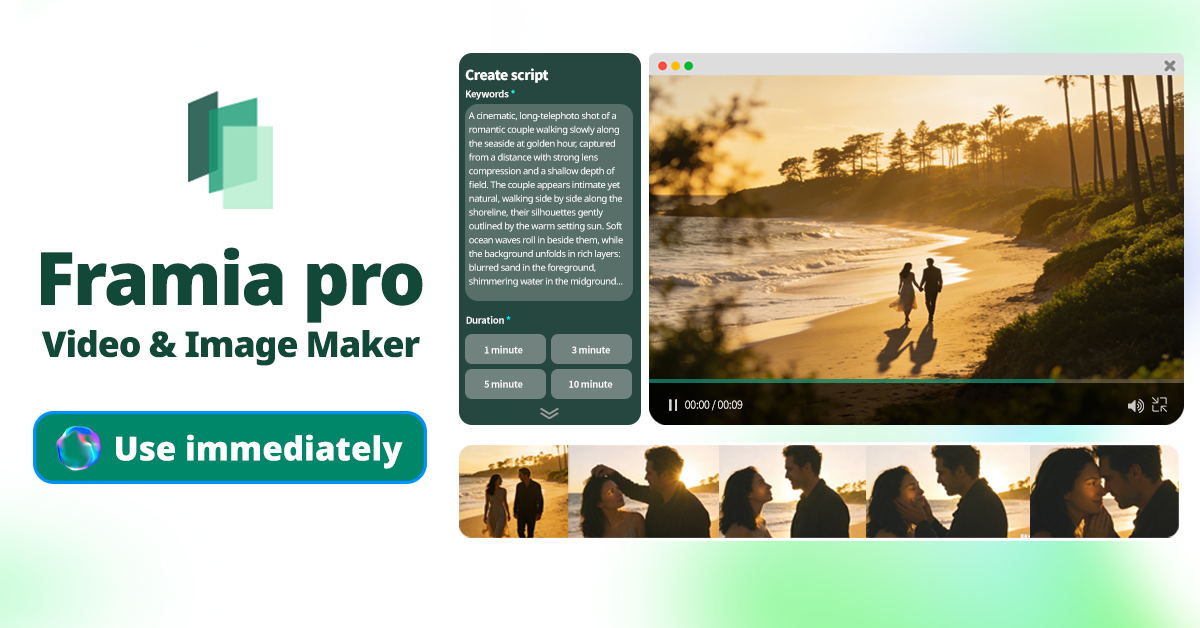
Framia Pro is an advanced AI video and design platform utilizing specialized agents to automate the entire production workflow. From cinematic storytelling to quick social media shorts, it supports top-tier models like Veo, Kling, and Flux Max to deliver unparalleled creative control and exceptional design flexibility.
Key features:
- Full-SOP automation: Automates everything from script generation to B-roll and sound effects, saving 80% to 90% of traditional video production time.
- Storyboard timeline editor: Features a visual timeline allowing users to easily regenerate individual shots or sync audio without restarting the entire video.
- Chat-to-edit functionality: Simply select any segment and describe what needs fixing for targeted, precise corrections without having to regenerate entire projects.
- Split layer design: Transforms AI designs into fully editable layers, allowing you to move, resize, or delete text, images, and backgrounds seamlessly.
Pros
- Specialized shorts and movie agents for varied video creation tasks.
- Maintains perfect character consistency across multiple different video camera shots.
- Supports top AI generative models like Kling, Veo, and Seedream.
- Offers a pixel-level precision brush tool for fine-tuning specific details.
Cons
- The extensive advanced features might overwhelm complete video editing beginners.
VEED.IO
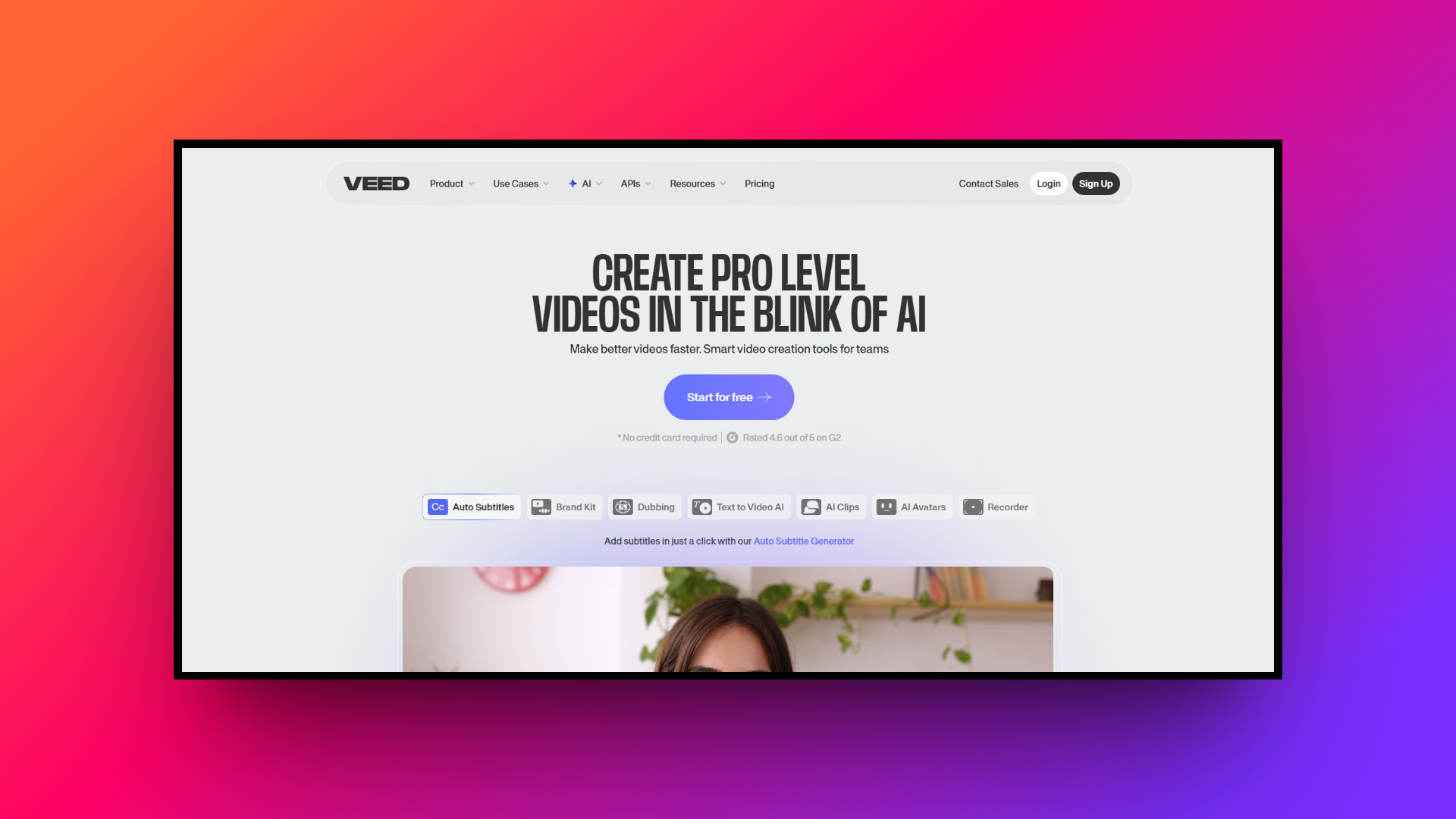
VEED.IO is a versatile, browser-based video editing platform that simplifies content creation for marketers, educators, and social media managers. Packed with intuitive AI tools, it allows users to effortlessly add subtitles, translate audio, and generate professional-grade videos without needing to download any complex or heavy desktop software.
Key features:
- Auto-subtitling and translation: Instantly generate highly accurate subtitles for your videos and effortlessly translate them into over a hundred different languages globally.
- One-click audio cleanup: Automatically remove distracting background noise, echoes, and long pauses from your audio tracks, ensuring crisp, professional sound quality instantly.
- AI text-to-video generation: Quickly transform simple text prompts into engaging, fully edited videos complete with relevant stock footage, AI voiceovers, and transitions.
- Built-in screen recording: Seamlessly capture your screen, webcam, and microphone simultaneously, making it incredibly easy to create high-quality tutorials or business presentations.
Pros
- Entirely cloud-based platforms require zero heavy software downloads or installations.
- Highly intuitive drag-and-drop interface is perfect for absolute editing beginners.
- Offers a vast library of customizable templates and stock media.
- Excellent collaborative features for remote teams working on video projects.
Cons
- Free version exports include a prominent, non-removable VEED brand watermark.
Synthesia
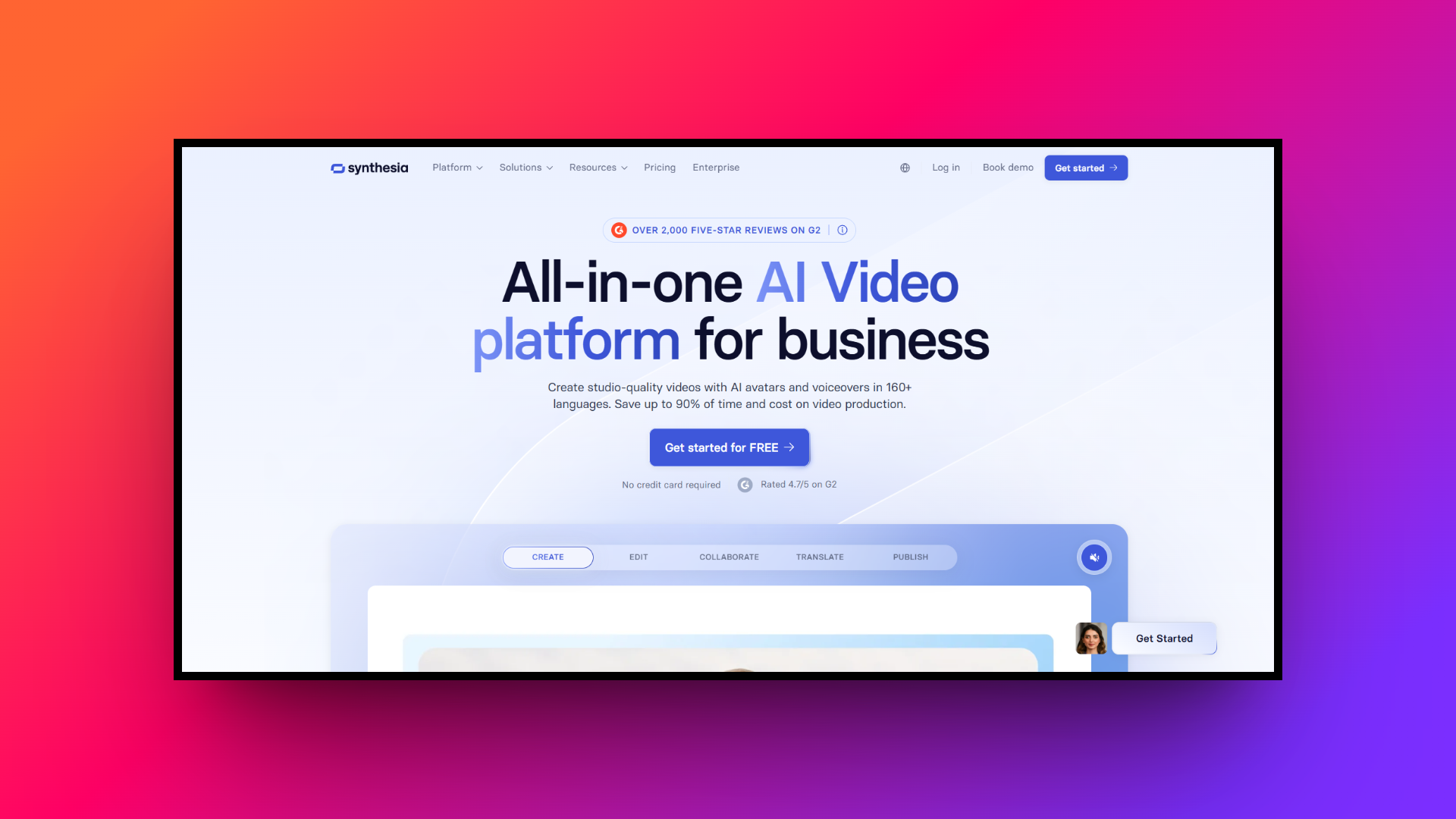
Synthesia is a pioneer in the AI video generation space, widely recognized for its enterprise-grade digital avatars and exceptional multilingual capabilities. It transforms plain text into high-quality corporate training videos and marketing materials, completely eliminating the need for expensive studio recording sessions and professional on-screen human actors.
Key features:
- Studio-quality AI avatars: Offers over 240 incredibly diverse, hyper-realistic AI avatars, providing a polished and highly professional appearance for your daily corporate communications.
- Extensive language support: Generate high-quality voiceovers in over 160 languages and diverse accents, making global content localization completely effortless and highly scalable worldwide.
- Custom avatar creation: Allows businesses to efficiently create a custom digital twin of a real team member for highly personalized, branded video content.
- AI video assistant: Automatically generates dynamic video scripts and matches them with appropriate templates, layouts, and avatars using simple text-based conversational user prompts.
Pros
- Industry-leading realism for digital avatars and incredibly natural facial expressions.
- Extremely robust enterprise security and collaborative workspace features readily available.
- Massive library of professional, ready-to-use video templates specifically for businesses.
- Flawless lip-syncing technology across its vast selection of international languages.
Cons
- Premium pricing structure can be quite expensive for independent creators.
Invideo AI
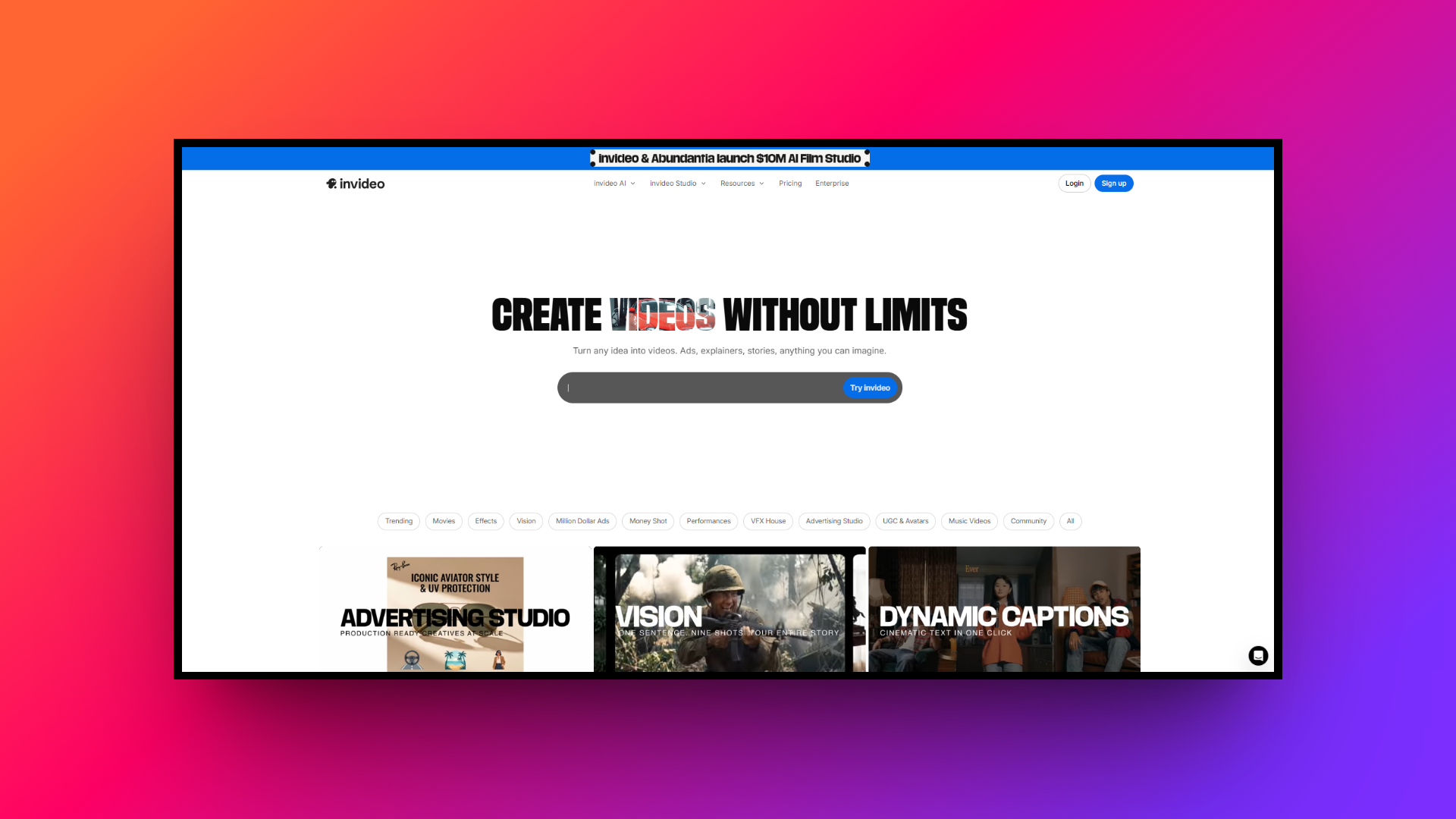
Invideo AI is a highly popular text-to-video platform designed to turn simple prompts into publish-ready videos complete with stock footage, voiceovers, and subtitles. It functions like a co-pilot, making it incredibly easy for marketers and YouTubers to generate engaging, fast-paced content without navigating any complex editing interfaces.
Key features:
- Prompt-to-video generation: Type a simple text prompt, and the AI instantly generates a complete video with relevant scripts, footage, and background music.
- Premium stock library: Automatically pulls high-quality, relevant clips from premium platforms like iStock to perfectly match your generated script and visual storytelling narrative.
- Human-sounding voiceovers: Provides highly realistic AI voiceovers with distinct human emotions, pacing, and accurate accents to keep your target audience fully engaged.
- Text-based editing: Make direct changes to your generated video by simply typing commands into a chatbox, bypassing traditional timeline editing methods completely.
Pros
- Incredibly fast generation of complete videos from simple text prompts.
- Seamlessly integrates premium stock media without tedious manual searching required.
- User-friendly chat interface for making quick, conversational video edits easily.
- Excellent for producing automated faceless YouTube channels and engaging TikToks.
Cons
- Less control over precise visual timing compared to timeline editors.
HeyGen
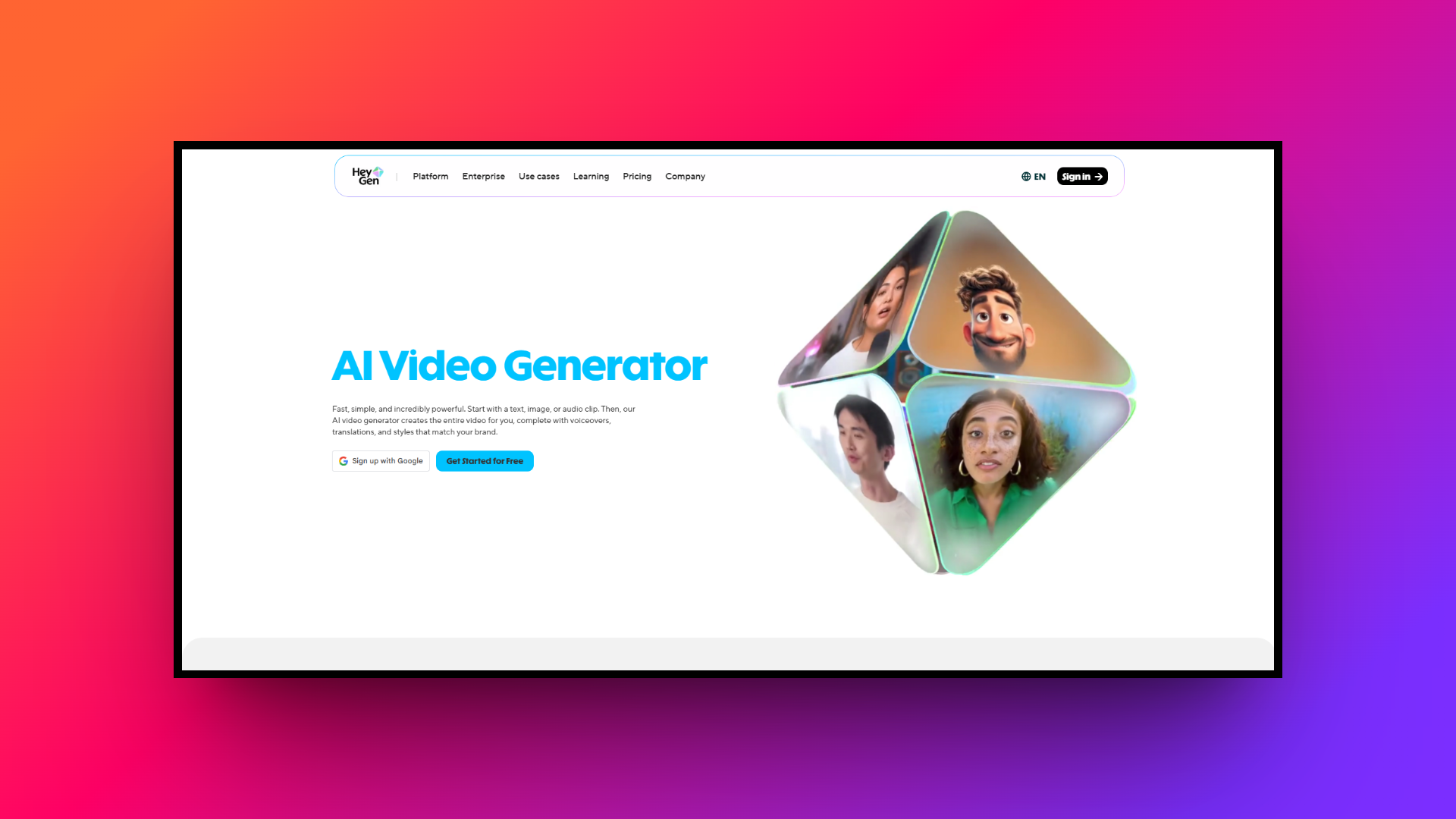
HeyGen is a cutting-edge video generation platform that specializes in producing cinematic, studio-quality AI avatars and highly dynamic voice cloning. It is favored by marketing teams and educators who demand ultra-realistic digital spokespeople, seamless integrations, and highly personalized video campaigns effectively scaled for a massive global audience.
Key features:
- Ultra-realistic avatars: Delivers some of the most lifelike digital avatars available today, featuring incredibly natural micro-expressions, head movements, and absolutely precise lip-syncing.
- Advanced voice cloning: Clone your own voice with astonishing accuracy from a short audio sample, ensuring absolute brand consistency across multiple marketing videos.
- Dynamic video translation: Seamlessly translate existing videos into multiple languages while automatically adjusting the original speaker's lip movements to perfectly match new audio.
- API & integrations: Connect HeyGen directly to Canva, Zapier, and other marketing tools to completely automate your highly personalized video outreach sales campaigns.
Pros
- Unmatched visual realism and natural movements for custom AI avatars.
- Highly accurate voice cloning captures unique vocal nuances practically flawlessly.
- Exceptional video translation tool with perfect, visually matched lip-syncing capabilities.
- Strong integration capabilities for automating extensive and repetitive marketing workflows.
Cons
- Generating high-resolution custom avatars requires a significant initial processing time.
Tips for choosing the ideal Humva AI alternative
Choosing the perfect Humva AI alternative depends heavily on your specific production needs, budget constraints, and technical expertise. Here are five crucial factors to consider before making your final decision.
- Establish your budget: Determine your exact monthly budget before committing. Some platforms offer generous free tiers perfect for beginners, while enterprise solutions charge premium prices for advanced features, high resolution, and priority support.
- Assess technical skills: Evaluate your current editing skills honestly. If you lack technical experience, always prioritize intuitive web interfaces and automated generation tools over highly complex software that demands a steep learning curve.
- Evaluate avatar realism: Carefully examine the visual realism of digital avatars. Corporate presentations require lifelike facial expressions and perfect audio syncing, whereas casual social media content often succeeds with slightly less realistic models.
- Identify needed features: Identify the specific automation features your workflow requires. Look for platforms offering custom voice cloning, automated subtitle generation, large stock media libraries, and seamless language translation for massive global reach.
- Check integration options: Check if the chosen platform seamlessly connects with your current marketing stack. Direct integrations with popular tools like Canva, Zapier, and major social channels will significantly streamline your content distribution.
Wrapping up
While Humva AI remains a highly powerful and affordable option for creating engaging spokesperson videos, the rapidly evolving artificial intelligence landscape offers incredible alternatives tailored to diverse creative needs.
Whether you require complete automation and cinematic control of Framia Pro, the realistic enterprise avatars of Synthesia, or the incredibly fast generation capabilities of Invideo AI, there is a perfect solution available.
By carefully evaluating your technical expertise, production budget, and desired visual quality, you can easily select a platform that dramatically elevates your digital marketing strategy, saves countless production hours, and ultimately helps you engage global audiences very effectively.
FAQs
What is the best Humva AI alternative for cinematic video creation?
Framia Pro is an excellent Humva AI alternative. It provides specialized video agents, a timeline editor, and advanced AI models for creating cinematic storytelling and shorts efficiently.
What primary function does Humva AI serve for businesses?
Humva AI is a video generation platform that enables businesses to create engaging spokesperson videos using customizable digital avatars and text-to-speech technology without traditional production setups.
How does Humva AI pricing compare to other platforms?
Humva AI pricing includes a free tier and premium plans starting at $19 monthly. For advanced cinematic automation, tools like Framia Pro offer distinct, feature-rich pricing models.
What does a typical Humva AI review highlight about the platform?
A standard Humva AI review often praises its user-friendly interface and affordable pricing, while occasionally noting minor lip-sync inaccuracies during complex audio segments.
Can I create a custom Humva avatar for my brand?
Yes, you can generate a personalized Humva avatar by uploading a single photograph. This feature ensures brand consistency across your marketing videos and corporate presentations.





