
What is Leonardo AI?
Leonardo AI is a highly versatile, generative AI platform designed to empower digital artists, game developers, and marketers. Unlike basic text-to-image generators, Leonardo AI operates as a comprehensive creative ecosystem, offering fine-tuned control over the creative process.
It allows users to generate high-fidelity images, design 3D textures, and even create dynamic AI-generated video clips from simple text prompts. Built with a visual-first approach, it features an intuitive interface where users can seamlessly switch between specialized AI models like Phoenix and PhotoReal.
Ultimately, it bridges the gap between imagination and execution, making professional-grade digital asset creation accessible to everyone.
Key features of Leonardo AI image generator
Leonardo AI distinguishes itself from competitors through a robust suite of tools tailored for advanced creative workflows. Here are four standout features:
- Custom model training
One of Leonardo’s most powerful capabilities is allowing users to train their own personalized AI models. By uploading a small dataset of reference images, you can teach the AI your specific artistic style or brand aesthetic, ensuring complete consistency across all your future generated marketing assets.
- Real-time AI canvas
The AI Canvas is an interactive workspace that gives creators pixel-perfect control over their generated artwork. You can seamlessly expand images beyond their original borders through outpainting, easily erase unwanted elements, or composite multiple AI generations together into one cohesive, high-resolution digital masterpiece.
- Dynamic video generation
Leonardo AI goes beyond static imagery by integrating state-of-the-art video generation models like Motion 2.0. Users can take any AI-generated image and instantly transform it into a fluid, cinematic animation. This feature is incredibly useful for creating engaging social media content or dynamic product showcases.
- Blueprint workflows
To accelerate the design process, Leonardo introduces Blueprints, pre-configured workflows for common creative tasks. Whether you need to generate a rotating product mockup or transform a raw sketch into a polished illustration, Blueprints provide a one-click solution, bypassing the need to fiddle with complex prompt engineering parameters.
Is Leonardo AI free: pricing & subscriptions
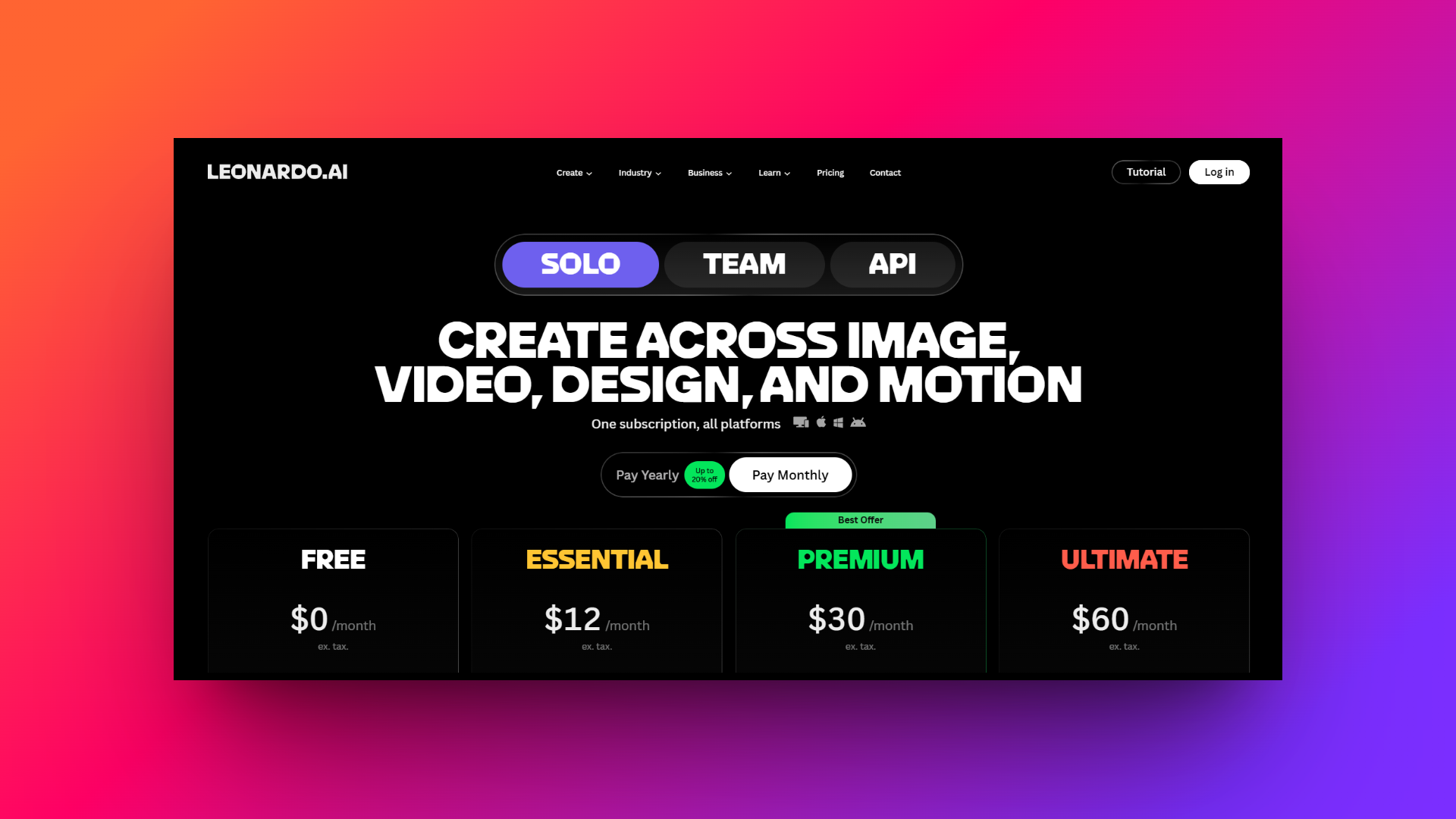
Leonardo AI uses a flexible token-based pricing system catering to various budgets.
It starts with a generous "Free" plan offering 150 daily tokens, perfect for beginners wanting to test the waters. For serious creators, the "Essential" plan costs $12 per month, providing 8,500 monthly tokens and unlocking private generations.
Lastly, the "Premium" plan at $30 per month bumps this to 25,000 tokens, while the top-tier "Ultimate" plan costs $60 per month for heavy users requiring 60,000 tokens.
While the free tier is excellent, heavy video generation and custom model training quickly drain tokens, making paid plans essential for professionals.
Leonardo AI review: major advantages & disadvantages
Before committing to Leonardo AI as your primary design tool, it is important to weigh its distinct advantages against a few notable limitations.
Pros
- Exceptional output quality: Generates incredibly photorealistic and highly stylized images, easily rivaling top competitors like Midjourney in overall aesthetic appeal and visual fidelity.
- Customizable styles: Offers an extensive library of community-trained models and allows you to seamlessly train your own for strict brand consistency.
- Generous free tier: The daily allowance of 150 free tokens is unmatched, allowing casual hobbyists to generate dozens of high-quality images daily.
- All-in-one interface: Combines text-to-image creation, detailed upscaling, precise inpainting, and video generation within a single, highly intuitive, and user-friendly web-based dashboard.
Cons
- Complex token economy: The token cost fluctuates heavily depending on the feature used, making it difficult to predict your monthly usage limits accurately.
- Occasional distortions: Like many generative AI tools, it still occasionally struggles with rendering complex human anatomy, specific text, and intricate hand details.
Why look for Leonardo AI alternatives: top 5 options
While Leonardo AI offers a robust suite of tools, it might not be the perfect fit for everyone.
Depending on your specific workflow, you might find its token system restrictive, its video features lacking precision, or its interface slightly overwhelming.
Fortunately, the generative AI market is booming with incredible alternatives tailored for different needs. Whether you are looking for advanced full-SOP video automation, seamless Adobe CC integration, or open-source freedom, exploring these top contenders will help you find the ultimate creative companion. Here are the top five Leonardo AI alternatives that you should try out.
| Platform | Best For | Standout Feature | Ease of Use | Pricing Model |
| Leonardo AI | Game Developers & Marketers | Custom Model Training | Medium | Freemium (Token-based) |
| Framia Pro | Marketers & Video Creators | Video/Design Agents & Split Layers | High | Subscription |
| Midjourney | Concept Artists & Illustrators | Unrivaled Photorealism | Low (Discord) | Paid Subscription |
| Stable Diffusion | Tech-Savvy Creators | Absolute Control & Local Execution | Low | Free (Open-Source) |
| Adobe Firefly | Enterprise Brands & Designers | Commercially Safe & Ecosystem Integration | High | Included in Adobe CC / Freemium |
| NightCafe | Beginners & Hobbyists | Multi-Model Access & Gamification | High | Freemium (Credit-based) |
Framia Pro
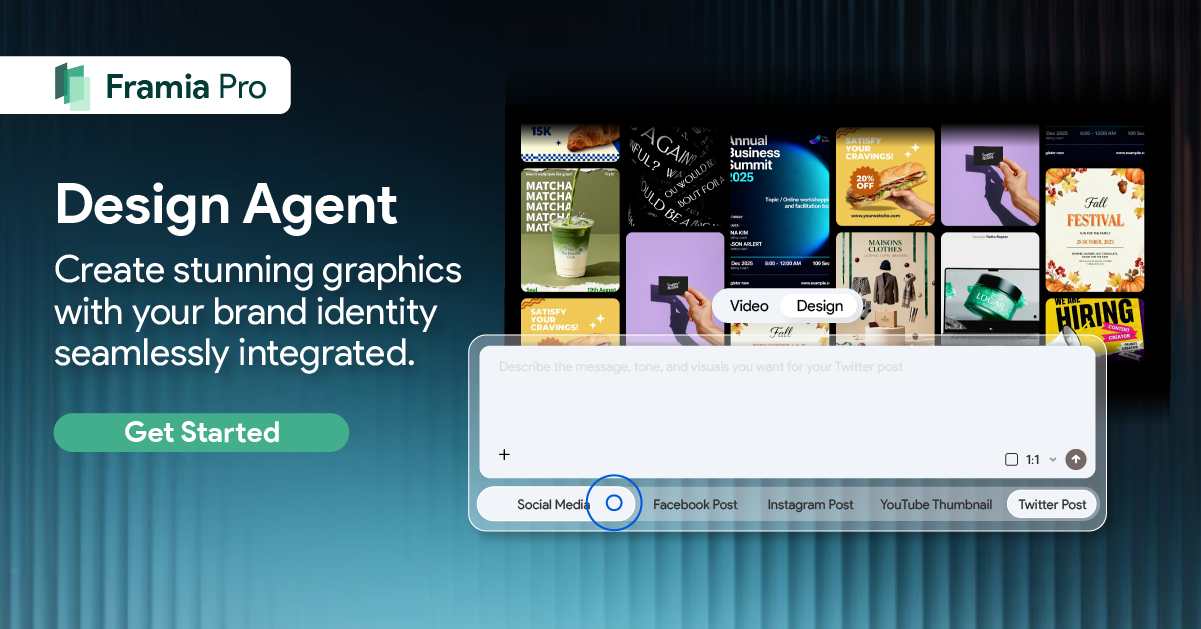
Framia Pro is a revolutionary alternative that completely transforms the creative workflow by utilizing specialized "Video" and "Design" agents. It excels in full-SOP automation, allowing users to craft cinematic storytelling videos or editable multi-layer image designs effortlessly. Framia Pro is the ultimate choice for marketers prioritizing rapid, brand-consistent content generation.
Key features:
- Specialized agents: Features dedicated "Shorts", "Photography", and "Movie" agents (to name a few) for targeted, high-quality image/video creation.
- Access to top AI models: With Framia Pro, you get access to some of the most cutting-edge AI models, such as Google's Veo and Nano Banana, Bytedance's Seedream and Seedance, etc.
- Storyboard timeline editor: A visual timeline that arranges all clips, enabling you to regenerate individual shots without redoing the entire video.
- Chat-to-edit functionality: Simply select a segment or design element and type what needs fixing, enabling precise corrections without complete regenerations.
Pros
- Reduces video and design production time by up to 90%.
- Maintains exact characters across multiple shots for cohesive brand storytelling.
- Offers professional editing control and instant multi-platform-ready format exports.
- Applies brand colors, typography, and logos consistently across all designs.
Con
- Navigating specialized agents and timeline features requires brief onboarding.
Midjourney
Midjourney remains the undisputed heavyweight champion of sheer artistic beauty and photorealism. Operating primarily through Discord, this powerful AI generator is beloved by professional concept artists and illustrators. It consistently delivers breathtaking, highly detailed compositions that require minimal prompt engineering to achieve stunning, award-winning visual aesthetics right away.
Key features:
- Unrivaled photorealism: Produces stunningly lifelike images with intricate textures, realistic lighting, and remarkable attention to fine details in human subjects.
- Stylize and weird parameters: Offers unique commands that give users fine-tuned control over the artistic flair and unconventional aesthetics of their generated images.
- Inpainting: Allows creators to select specific areas of an image to modify or regenerate without altering the surrounding visual composition.
- Style tuner: Enables users to create and save custom aesthetic profiles, ensuring strict visual consistency across multiple different image generation sessions.
Pros
- Produces the most visually stunning and highly detailed artistic images.
- Discord platform fosters a collaborative community sharing advanced prompting techniques.
- Frequent model upgrades constantly push the boundaries of AI generation.
- Built-in upscalers enhance image resolution without destroying original artistic composition.
Con
- The interface can feel cluttered and overwhelming for casual users.
Stable Diffusion
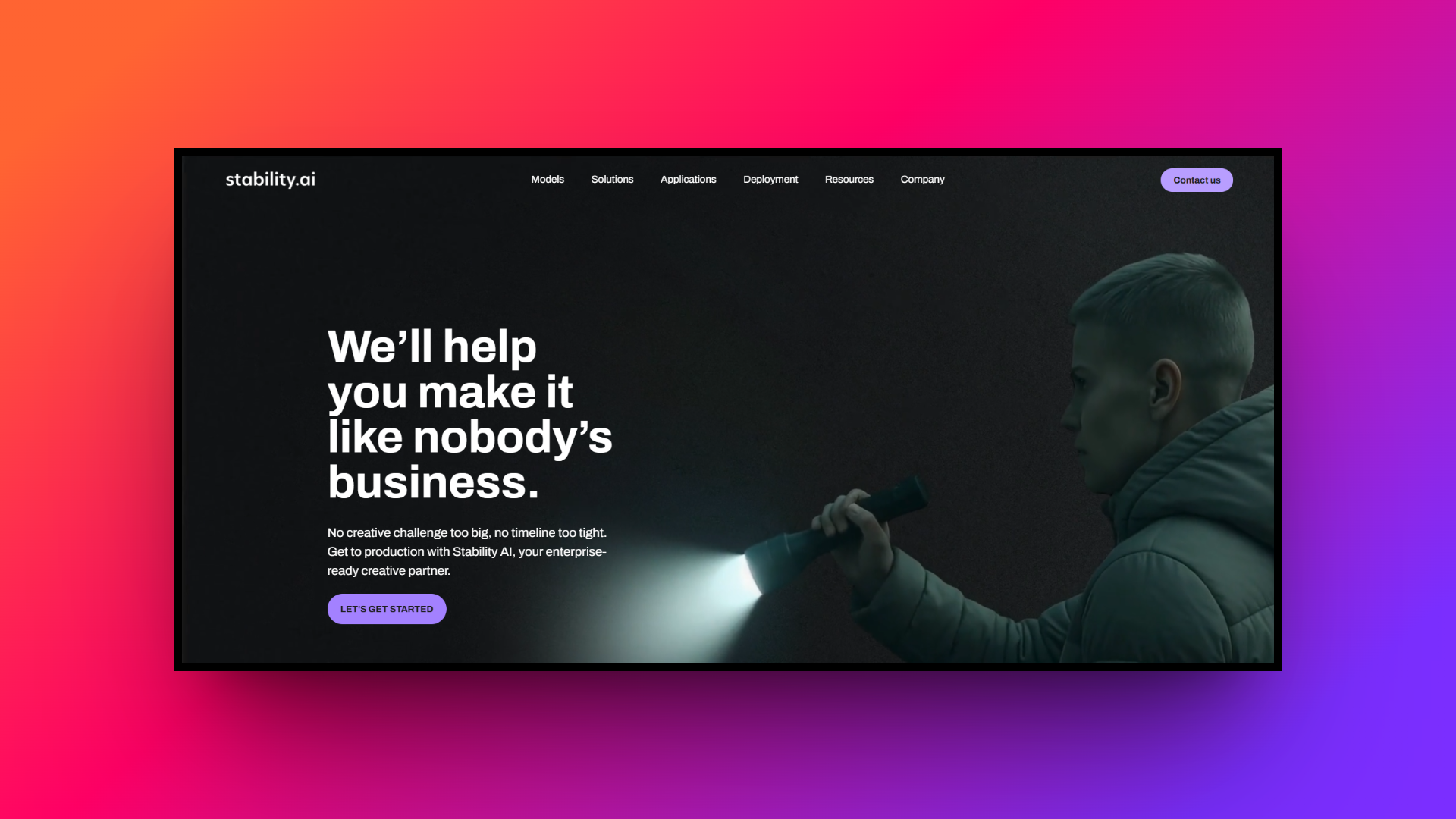
Stable Diffusion is the ultimate open-source alternative for tech-savvy creators who demand absolute control over their generations. Unlike cloud-based platforms, you can run it locally on your own hardware, ensuring complete privacy. It boasts a massive ecosystem of community-built tools, making it the most customizable image generator on the market.
Key features:
- ControlNet integration: Grants unprecedented control over poses, depth, and structural outlines, allowing you to guide the AI with precise reference images.
- Local execution: Can be installed and run completely offline on your own GPU, eliminating monthly subscription fees and data privacy concerns.
- LoRA training: Allows users to easily train lightweight, custom models on specific characters, styles, or concepts using relatively weak consumer hardware.
- Open-source architecture: Completely open source, encouraging a massive global community of developers to constantly create new extensions, UI interfaces, and workflows.
Pros
- Unparalleled control over every generation parameter for highly specific workflows.
- Local execution means absolutely no corporate content filters or censorship.
- Generating images costs absolutely nothing once you have necessary hardware.
- Access thousands of free, community-trained checkpoints and specialized LoRA models.
Con
- Requires significant technical knowledge and a powerful graphics processing unit.
Adobe Firefly
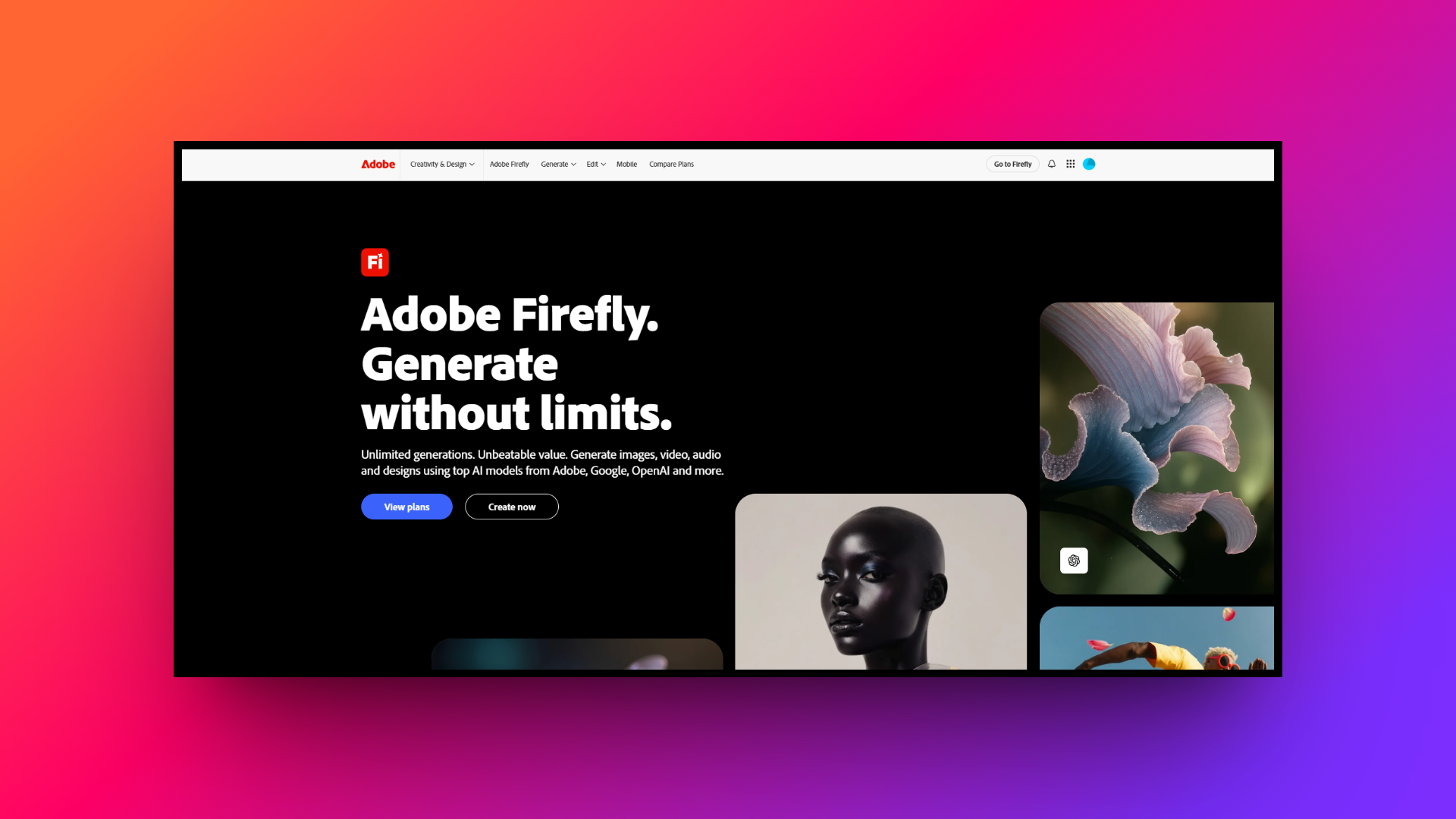
Adobe Firefly is a commercially safe generative AI seamlessly integrated into the Adobe Creative Cloud ecosystem. Trained exclusively on licensed Adobe Stock images and public domain content, it is the safest choice for enterprise brands. It effortlessly blends generative capabilities with industry-standard design tools like Photoshop and Illustrator.
Key features:
- Generative fill: Directly integrated into Photoshop, allowing users to add, remove, or expand image content flawlessly using very simple text prompts.
- Commercially safe: Trained exclusively on licensed and public domain content, guaranteeing that all generated assets are completely safe for general commercial use.
- Text effects: Generates stunning, highly detailed textures and styles that can be applied directly to typography and vector text elements seamlessly.
- Vector generation: Can generate fully editable SVG vector graphics directly within Adobe Illustrator, perfect for modern logo design and scalable brand assets.
Pros
- Provides legal indemnification, eliminating copyright anxieties for enterprise brand users.
- Perfectly embedded into familiar Adobe software for a frictionless workflow.
- Highly accessible web interface makes generating variations easy for beginners.
- Attaches transparent metadata to files, promoting safe and ethical AI.
Con
- Strict safety filters can be overly sensitive, limiting creative freedom.
NightCafe
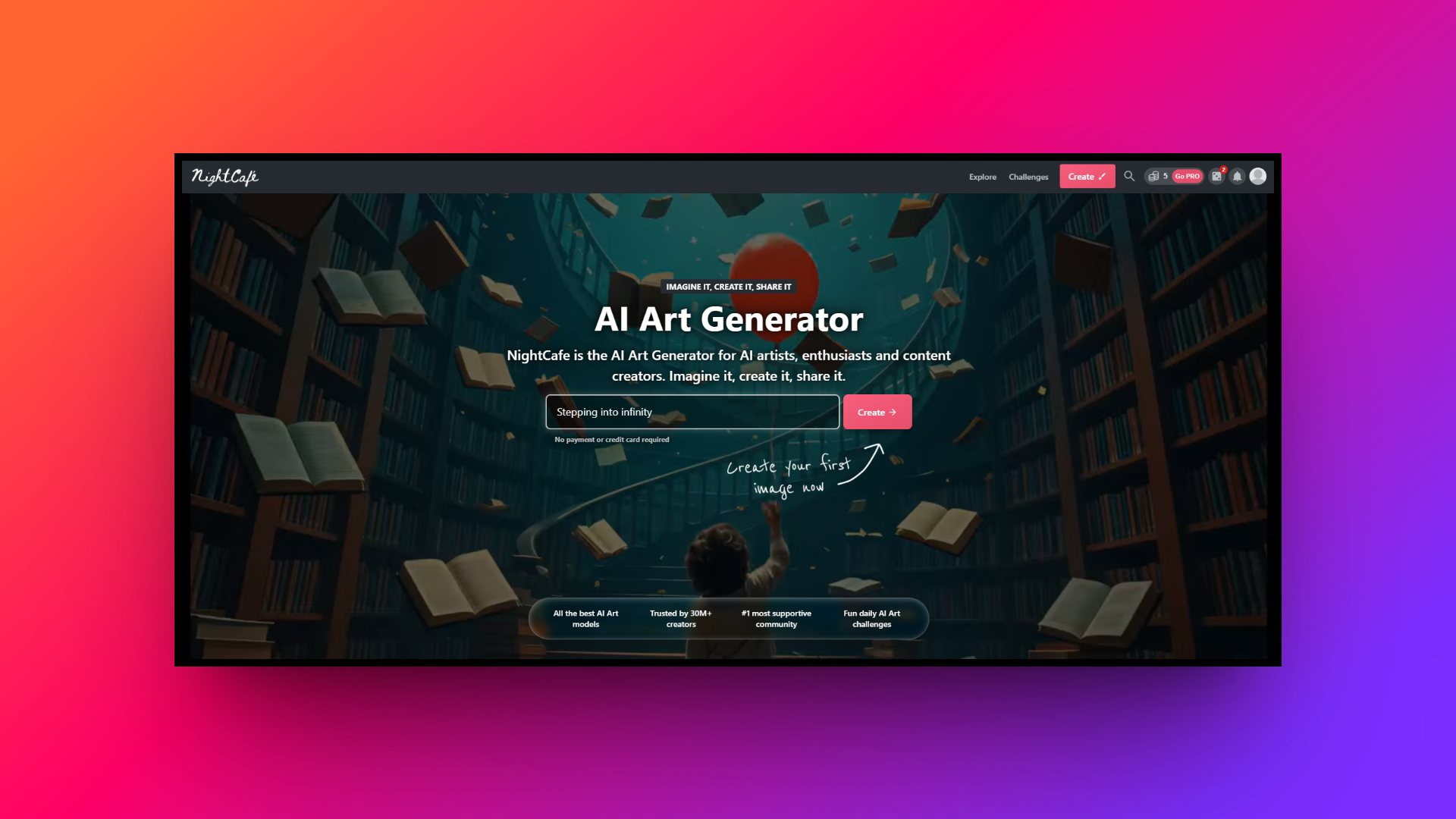
NightCafe is a highly accessible, community-driven platform that brings multiple top-tier AI models under one roof. Rather than relying on a single engine, it allows users to switch between Stable Diffusion, DALL-E 3, and others. It is heavily gamified, making it incredibly fun for hobbyists and digital art enthusiasts.
Key features:
- Multi-model access: Provides a unified interface to generate art using a wide variety of industry-leading algorithms, including advanced Stable Diffusion and DALL-E.
- Daily art challenges: Hosts engage in daily community competitions that inspire creativity, encourage overall user interaction, and reward winners with free generation credits.
- Social community feeds: Features a built-in social network where creators can explore, like, comment on, and even organically evolve artworks published by others.
- Advanced prompting tools: Offers helpful prompt builder tools and pre-made style modifiers to assist beginners in crafting the perfect text-to-image descriptions very easily.
Pros
- Highly intuitive user interface makes it easy for absolute beginners.
- Browser-based platforms work flawlessly across desktops, tablets, and mobile smartphones.
- Easily earn free credits daily by participating in community votes.
- Easily purchase physical prints of AI creations directly through the marketplace.
Con
- Generating high-resolution images using premium models quickly depletes token allowances.
Tips to follow when looking for Leonardo AI alternatives
Finding the right AI creative tool depends entirely on your specific workflow needs and budget. Here are five crucial tips to keep in mind when evaluating Leonardo AI alternatives for your upcoming projects.
- Assess your actual workflow needs: Evaluate your daily workflow before committing to a platform. Do you primarily need quick social media assets, or are you creating complex, multi-layered marketing campaigns? Choose a tool that natively supports the specific type of content you produce most often.
- Evaluate pricing and token economies: Look closely at how different pricing structures and token economies work. While a generous free tier is tempting, calculate the real monthly cost for heavy professional usage, especially if you plan to generate extensive high-resolution videos or run custom model training.
- Check for seamless integrations: Consider how well the new AI platform integrates with your existing software stack. Tools that offer seamless plugins for popular design ecosystems, like Adobe Creative Cloud or Figma, will drastically reduce friction and speed up your overall production timeline significantly.
- Test character and style consistency: Prioritize platforms that offer robust character and style consistency features. If you are building a brand identity or a sequential storyline, the ability to maintain the exact same characters and visual aesthetics across multiple different shots is absolutely vital.
- Review post-generation editing tools: Do not overlook post-generation editing capabilities. A tool that allows you to easily isolate layers, utilize precise brush tools, or offer chat-to-edit functions is much more valuable than one requiring you to completely regenerate an entire image for a minor fix.
Wrapping up
Choosing the right AI platform can dramatically elevate your entire creative output. While Leonardo AI provides a solid foundation for generative art, true professional workflows demand unparalleled precision and speed. This is precisely where Framia Pro completely outshines all other competition on the market.
By offering highly specialized "Video" and "Design" Agents, true full-SOP automation, and revolutionary split-layer editing capabilities, Framia Pro transforms AI from a simple prompt generator into a comprehensive production studio.
If you are a serious marketer or creator demanding rapid, perfectly brand-consistent content without constant regenerations, Framia Pro is undeniably the ultimate alternative you need.
FAQs
What is a reliable Leonardo AI alternative for video workflows?
For advanced video workflows, Framia is a strong Leonardo AI alternative. It provides specialized agents for full-SOP automation, allowing precise control over storyboarding and character consistency without constant regenerations.
Can developers access a Leonardo AI API easily?
Yes, developers can easily integrate the leonardo ai api into custom applications. It allows programmatic access to their custom models and image generation tools for scalable, automated creative production workflows.
How does the Leonardo AI image-to-image feature work?
The Leonardo AI image-to-image feature lets users upload a reference picture to guide the AI. It uses the visual structure of the original image to generate stylistic variations.
What defines the Leonardo AI image generation process?
Leonardo AI image generation stands out by offering fine-tuned control over aesthetic styles. Users can utilize community-trained models or create custom datasets to maintain strict visual consistency across projects.
What do professional Leonardo.ai reviews typically highlight?
Most professional Leonardo AI reviews praise its high-quality output and customizable models. However, some creators note that managing the fluctuating token economy can be challenging for high-volume or heavy video production.





