
What is Midjourney and why look for alternatives?
Midjourney stands as a premier generative artificial intelligence tool renowned for transforming simple text prompts into breathtaking, photorealistic, and highly stylized digital art.
Operating primarily through a Discord interface, it has revolutionized how we create visuals. Its primary uses span from drafting conceptual art and storyboarding to designing marketing materials, UI mockups, and surreal aesthetic illustrations.
Naturally, its target audience includes professional graphic designers, digital artists, marketers, and creative directors who demand high-fidelity outputs. However, despite its unparalleled quality, Midjourney presents specific hurdles. It requires a paid subscription to generate images, and navigating its Discord-based workflow can feel unintuitive for users seeking a traditional, standalone application.
These aforementioned factors, combined with a desire for built-in editing tools, diverse pricing tiers, and simpler interfaces, have driven many creators to explore powerful Midjourney alternatives that better align with their specific artistic needs, workflows, and budgetary preferences.
Key features to look for in Midjourney alternatives
Finding the ideal AI image generator depends entirely on your creative workflow. Here are the core features you must evaluate when selecting the perfect Midjourney alternative for your next project.
- User-friendly interface: Unlike Midjourney’s Discord setup, a great alternative should offer an intuitive, dedicated web dashboard or mobile app. This ensures a seamless onboarding experience, allowing creators to easily navigate settings, organize galleries, and generate stunning visuals without learning complex commands.
- Advanced editing capabilities: True creative control requires more than just basic generation. Look for platforms offering inpainting, outpainting, and granular layer adjustments. These powerful editing tools allow you to tweak specific elements precisely without needing to completely regenerate the entire original image.
- Versatile AI model selection: Flexibility is crucial for diverse projects. The best alternatives provide access to multiple underlying generative models, like Stable Diffusion or custom aesthetic engines. This variety guarantees you can effortlessly switch between hyper-realistic photography, vibrant anime styles, and classic oil paintings.
- Commercial usage rights: For professional marketers and designers, clear licensing is absolutely essential. A top-tier alternative must offer straightforward commercial usage rights. This guarantees that you can safely utilize generated assets in advertisements, product packaging, and client projects without facing future legal disputes.
- Flexible pricing structures: Budget constraints dictate software choices for many users. Ideal alternatives provide transparent, scalable pricing models. Look for platforms offering generous free tiers, daily token refills, or affordable monthly subscriptions that grant maximum value without locking you into expensive, rigid contracts.
Top 9 Midjourney free alternatives that you should try today
Explore our curated list of the top nine Midjourney alternatives. These powerful platforms offer diverse features, flexible pricing, and intuitive interfaces designed to perfectly match your unique creative workflow.
How did we pick the best free alternatives to Midjourney?
Selecting the best Midjourney alternatives requires a rigorous evaluation process to ensure they meet the demands of modern creatives.
We analyzed dozens of AI image generators, carefully comparing them against Midjourney's industry-leading standards. Our comprehensive ranking is based on several critical factors:
- Output quality: The ability to produce high-resolution, aesthetically pleasing, and coherent visuals.
- Ease of use: The presence of intuitive, standalone interfaces rather than complex chat-based systems.
- Editing tools: Built-in capabilities like inpainting, style transfer, and layer manipulation.
- Pricing: Availability of free trials, daily credits, and affordable subscription tiers.
- Commercial rights: Clear licensing for professional asset usage.
| Alternative | Key Feature | Best For | Free Plan | Paid Plan (USD) |
| Framia Pro | AI Image Generation & Video Agents | Professional Marketers & Designers | Free Trial | Custom Pricing |
| Adobe Firefly | Generative Fill & CC Integration | Adobe Ecosystem Users | Limited Credits | Starts at $9.99/mo |
| Leonardo AI | Custom Model Training | Game Developers & Digital Artists | Yes (Daily Credits) | Starts at $12/mo |
| Canva | Magic Media & Templates | Social Media Managers & Beginners | Yes | $15/mo |
| ChatGPT | Conversational Prompting | Content Creators & Storytellers | Limited | $20/mo (Plus) |
| Picsart | Mobile-First Editing & AI Avatars | Influencers & Casual Creators | Yes (With Ads) | Starts at ~$5/mo |
| Imagine.Art | 100+ Distinct Art Styles | Exploring Diverse Aesthetics | Yes | Starts at ~$10/mo |
| Nightcafe | Algorithm Variety & Community | Hobbyists & Social Creators | Yes (Daily Credits) | Starts at ~$5/mo |
| Flux | Open-Weight & Flawless Text | Developers & Advanced Designers | Via 3rd Parties | Varies by API Host |
- Framia Pro
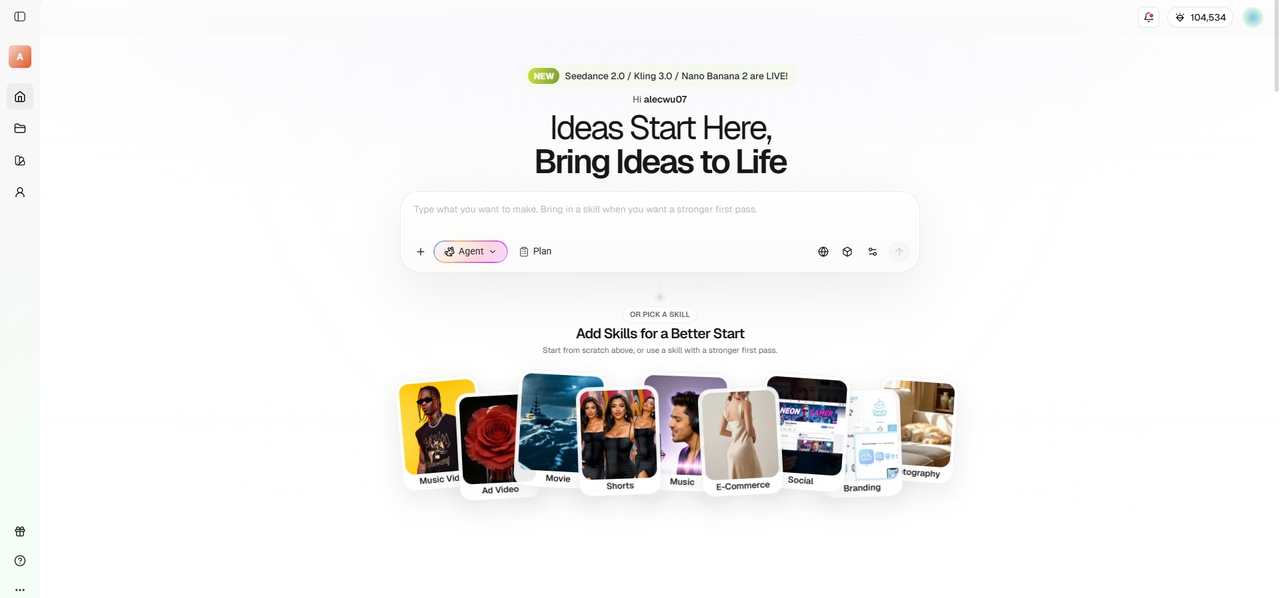
Framia Pro is a powerhouse alternative offering specialized video and design agents. Unlike standard generators, it transforms workflows by combining leading AI models like Flux Max and Midjourney with true design software flexibility. It uniquely enables seamless brand integration, making it the ultimate tool for marketers and designers demanding pixel-perfect control and consistent characters across their professional campaigns.
Key features:
- Split layers: Transforms flat AI-generated images into fully editable layers, letting you separate text, shapes, and backgrounds for ultimate design flexibility.
- Chat-to-edit: Select any visual segment and use natural language to execute targeted, precise corrections without regenerating the entire design or video.
- Video agents: Automates complete video production, including storyboarding, context-aware B-roll, and background music sync, saving massive amounts of manual editing time.
- Brand integration: Ensures your visual identity remains intact through seamless logo placement, consistent typography, and accurate brand color palette application.
Pros:
- Offers a pixel-level precision brush tool for meticulous design fine-tuning.
- Maintains strict character consistency across various scenes and diverse shots.
- Provides upload-ready, multi-format exports for all major social media platforms.
- Supports top-tier industry models like Seedream and Flux Max effortlessly.
Con:
- The vast array of advanced tools presents a learning curve.
- Adobe Firefly
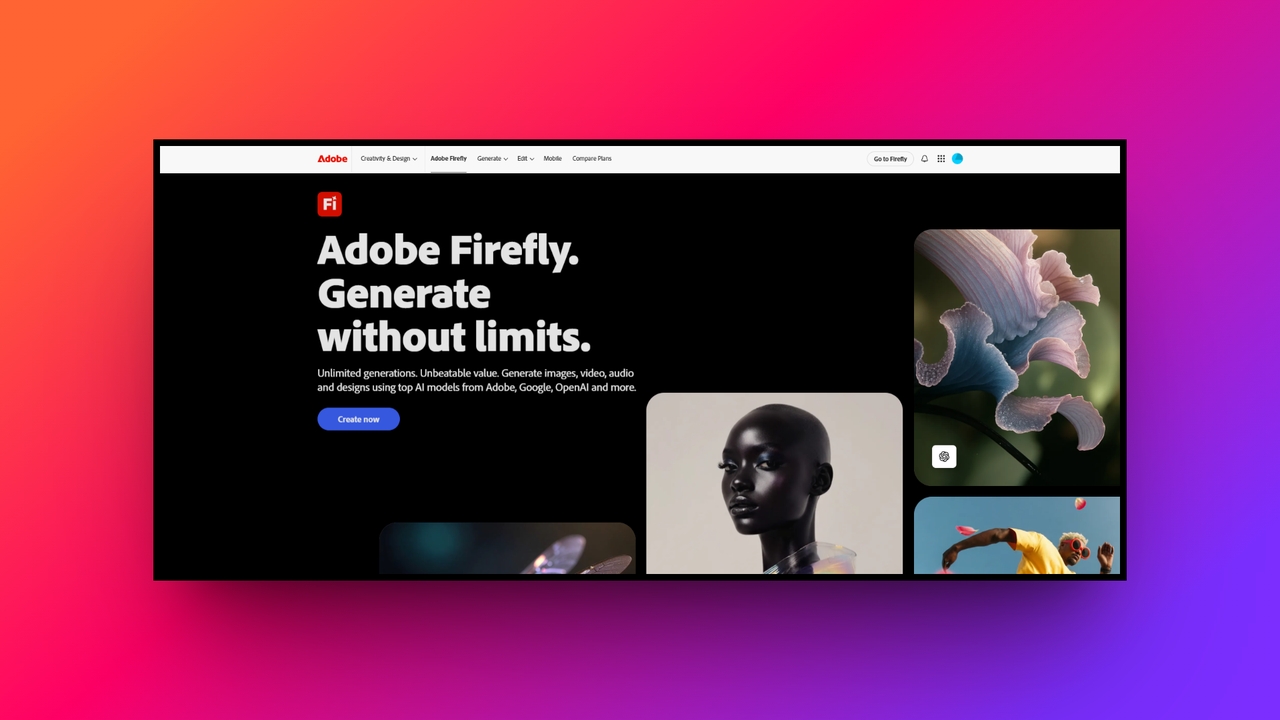
Adobe Firefly is a highly robust AI generator explicitly built for safe commercial use. Deeply integrated into the renowned Adobe Creative Cloud ecosystem, it empowers professionals to generate stunning visuals, text effects, and vector graphics. Firefly stands out for its ethical training model, ensuring generated assets do not infringe on copyright, making it perfect for enterprise teams.
Key features:
- Generative fill: Seamlessly add, remove, or effortlessly modify specific elements within an image using simple text prompts directly inside Adobe Photoshop.
- Text effects: Instantly apply diverse, highly stylized textures and artistic AI patterns to typography, elevating your branding and marketing visual materials.
- Vector recoloring: Easily experiment with endless color variations for your vector artwork, streamlining graphic design workflows and maintaining strict brand consistency.
- Creative Cloud integration: Syncs flawlessly across Adobe Premiere Pro, Illustrator, and Express, providing a truly uninterrupted workspace for dedicated graphic and creative professionals.
Pros:
- Offers commercially safe outputs with comprehensive intellectual property indemnification options.
- Provides an incredibly intuitive interface that feels familiar to designers.
- Excels at rapid visual prototyping and continuous creative design iteration.
- Includes powerful built-in brand controls to ensure strict visual consistency.
Con:
- Achieving precise visual details often requires mastering highly complex prompts.
- Leonardo AI
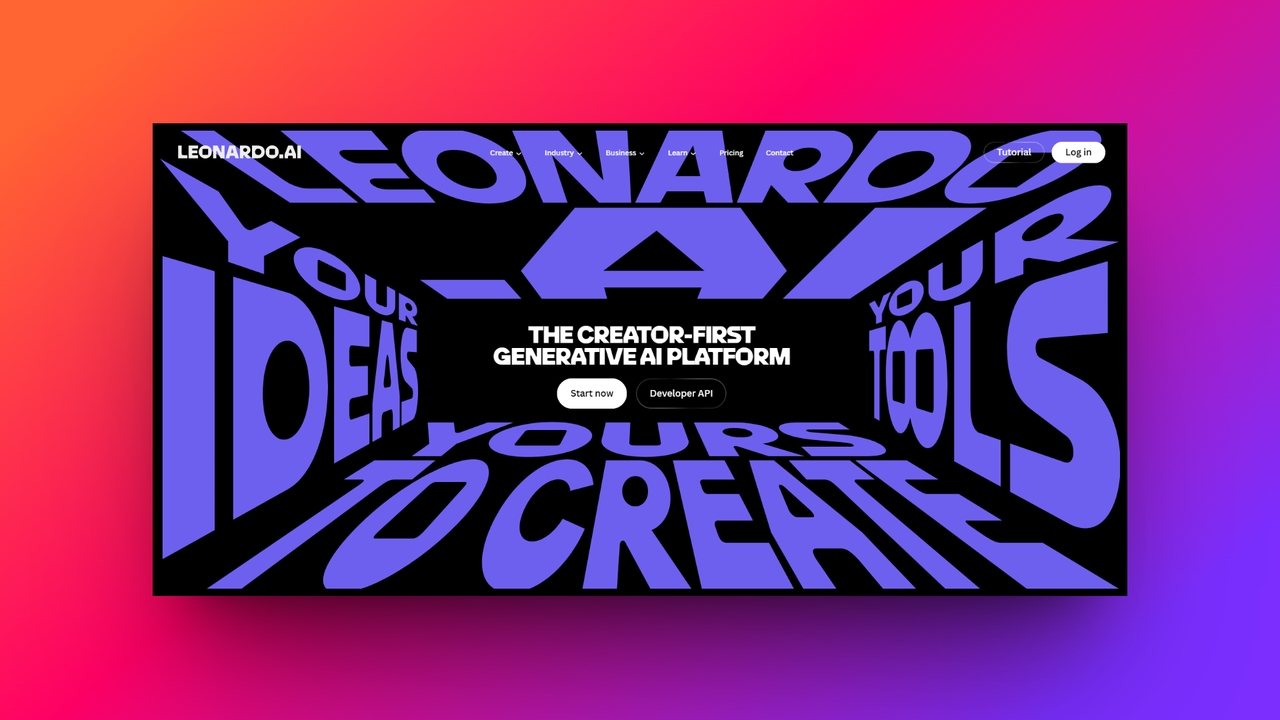
Being one of the popular free Midjourney alternatives, Leonardo AI is a remarkably powerful creative platform favored by game developers and digital artists. It offers unprecedented control over image generation through an intuitive dashboard. With a vast array of specialized fine-tuned models, Leonardo excels at producing highly detailed concept art, game assets, and photorealistic portraits, providing a flexible workflow that easily rivals Midjourney's artistic capabilities.
Key features:
- Custom model training: Upload your own image collections to train highly personalized AI models that consistently recreate your specific artistic style.
- Realtime canvas: A dynamic painting tool that instantly updates generated visuals in real-time as you sketch, offering unmatched interactive creative artistic exploration.
- Image guidance: Upload reference photos to meticulously guide the AI's composition, pose, and depth, ensuring highly accurate and customized final outputs.
- Universal upscaler: Significantly boost image resolution and enhance micro-details without sacrificing artistic quality, preparing your digital assets for professional print.
Pros:
- Provides a generous daily token allowance for free tier users.
- Delivers incredibly stunning, lifelike visual art with exceptional prompt accuracy.
- Grants extensive control over aspect ratios and intricate generation settings.
- Maintains an active community sharing valuable prompts and custom models.
Con:
- The user interface can initially overwhelm absolute beginners seeking simplicity.
- Canva
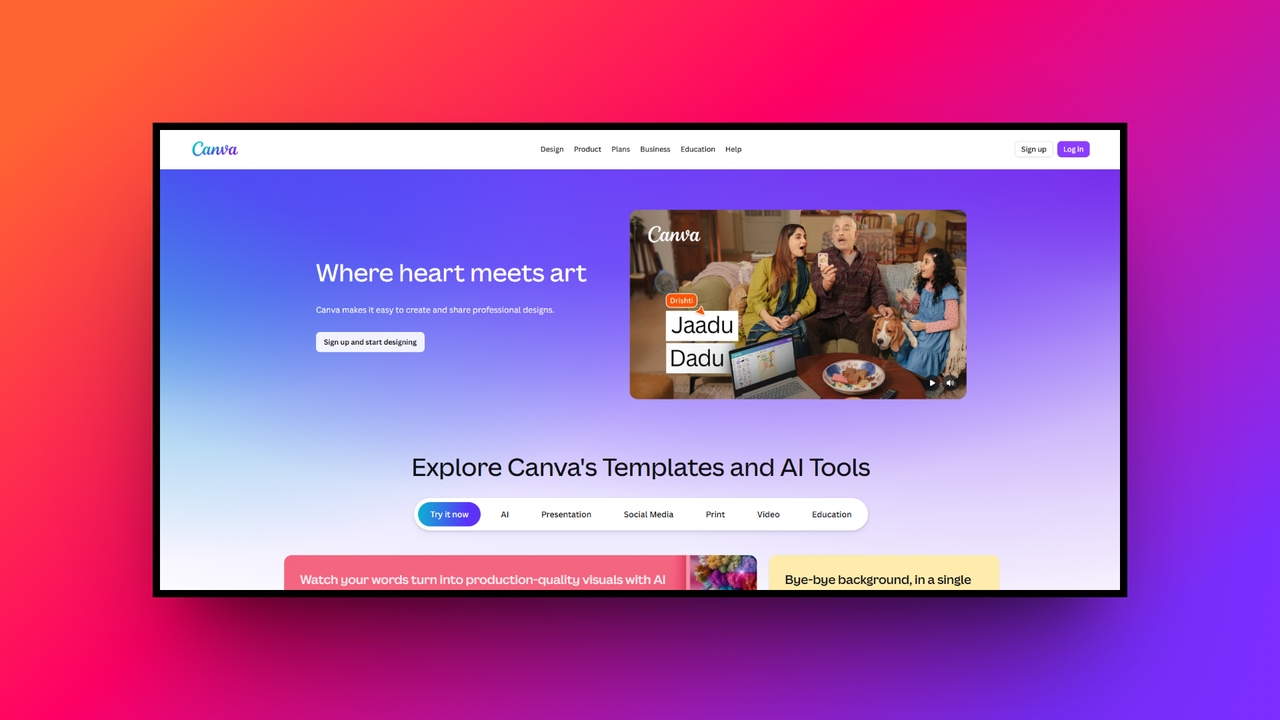
Canva has seamlessly integrated generative AI into its already massively popular design platform. Designed primarily for marketers, social media managers, and small business owners, Canva’s Magic Studio democratizes design. It allows users to generate images, write copy, and create presentations effortlessly, all within a familiar, highly accessible interface that prioritizes speed, convenience, and collaborative team workflows.
Key features:
- Magic media: Generate both stunning images and short videos directly from descriptive text prompts without ever leaving your active design canvas.
- Magic edit: Brush over any object in your photo and describe what you want instead of instantly replacing or carefully altering it.
- Magic design: Instantly create fully customized, editable presentation decks and social media templates simply by typing out your core visual concept.
- Background remover: Eliminate distracting image backgrounds with a single click, perfectly isolating subjects for professional marketing graphics and e-commerce product displays.
Pros:
- Incredibly easy to use, requiring absolutely no prior design experience.
- Packs a massive library of customizable templates and stock elements.
- Enables seamless, real-time collaboration for distributed marketing and design teams.
- Conveniently integrates text generation, image creation, and layout tools together.
Con:
- AI-generated image quality occasionally falls behind dedicated, standalone art generators.
- ChatGPT
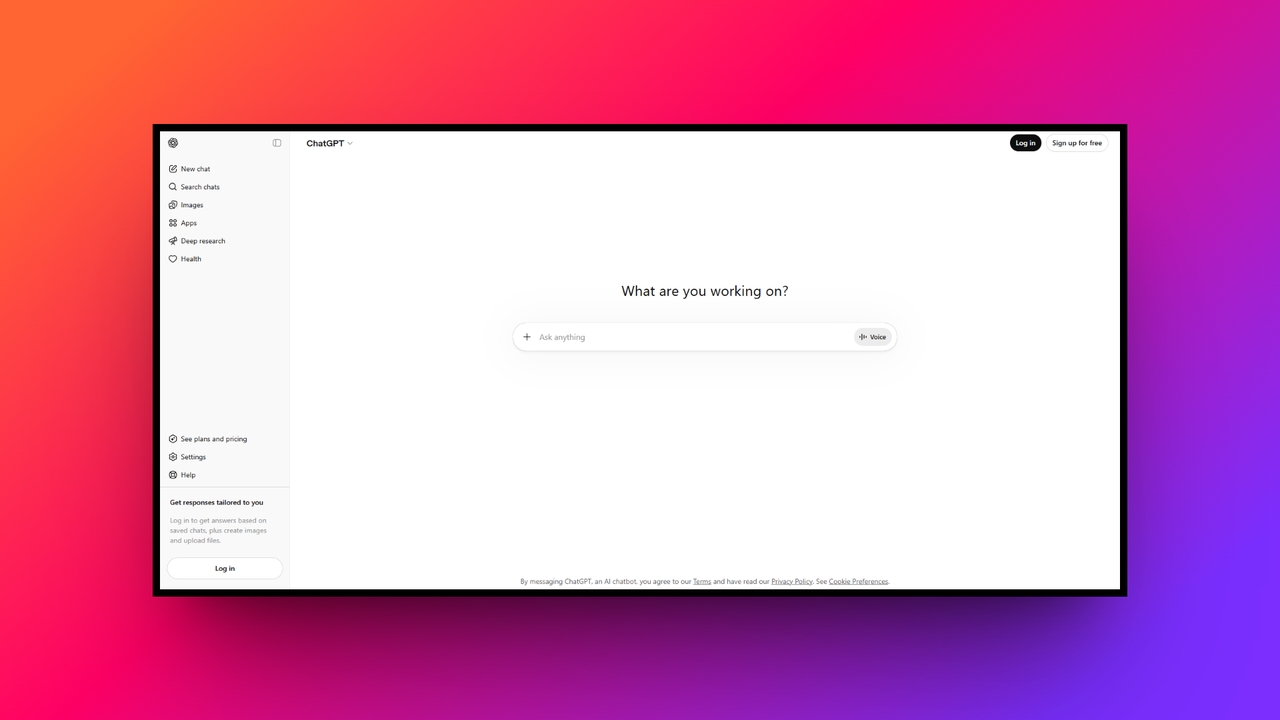
ChatGPT, powered by OpenAI's DALL-E 3, offers a uniquely conversational approach to AI image generation. Instead of struggling with complex keywords, users can simply describe what they want in their natural language. ChatGPT acts as a creative partner, automatically refining your prompts to generate highly accurate, context-aware illustrations and graphics, making it ideal for content creators and storytellers.
Key features:
- Conversational prompting: Use natural language dialogues to request adjustments, allowing you to seamlessly refine visual concepts without rewriting entire descriptive text prompts.
- Nuance understanding: DALL-E 3 excels at accurately interpreting incredibly complex, multi-layered instructions, ensuring every requested element appears faithfully in the image.
- Text rendering: Unlike older generative models, this tool reliably generates legible text, making it perfect for creating logos, memes, and posters.
- Seamless interface: Operates directly within the ChatGPT application, blending sophisticated copywriting and advanced image creation into one unified, highly efficient workspace.
Pros:
- Exceptionally simple workflow powered by advanced natural language processing capabilities.
- Consistently follows detailed instructions far better than most competing alternatives.
- Automatically rewrites and optimizes your basic prompts for maximum impact.
- Ideal for quickly brainstorming complex visual ideas alongside written content.
Con:
- Lacks advanced manual editing tools like localized inpainting or outpainting.
- Picsart
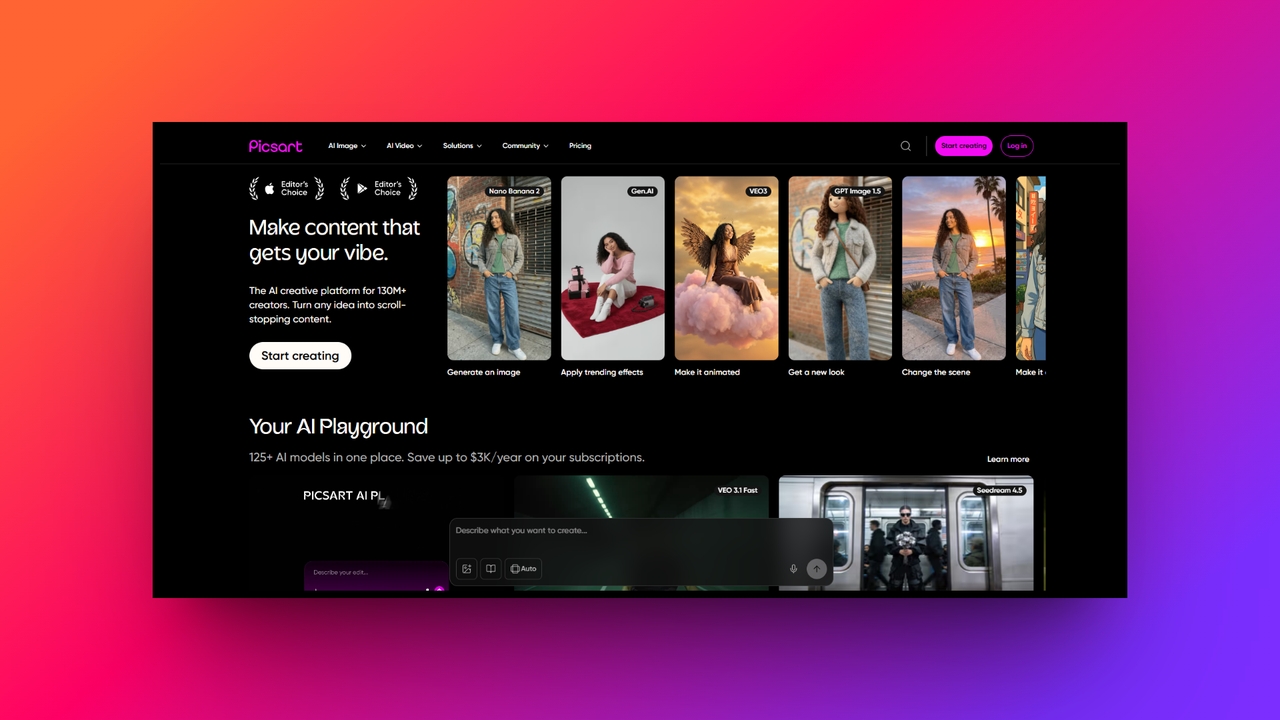
Picsart is a widely popular, mobile-first creative platform that seamlessly incorporates powerful AI tools into its expansive photo editing suite. Aimed at social media enthusiasts, influencers, and casual creators, it provides an incredibly accessible way to generate avatars, apply artistic filters, and edit photos on the go, blending traditional digital manipulation with cutting-edge generative AI capabilities.
Key features:
- AI avatar creator: Upload personal selfies to instantly generate highly stylized, personalized avatars in various artistic themes, perfect for social profiles.
- AI replace: Quickly swap out unwanted elements in your photos by highlighting them and typing exactly what you wish to see.
- Text-to-image: Generate vivid digital art and striking backgrounds directly from simple text prompts to enhance your mobile photo editing workflow.
- Smart backgrounds: Automatically generate contextually appropriate, highly aesthetic backgrounds for your uploaded subjects, dramatically improving basic product photography and portrait shots.
Pros:
- Boasts an exceptionally intuitive and highly optimized mobile app experience.
- Offers a massive array of fun, trendy social media filters.
- Combines powerful AI generation with standard, reliable photo editing tools.
- Features a vibrant community for instant inspiration and template sharing.
Con:
- The free tier is heavily cluttered with distracting pop-up advertisements.
- Imagine.Art
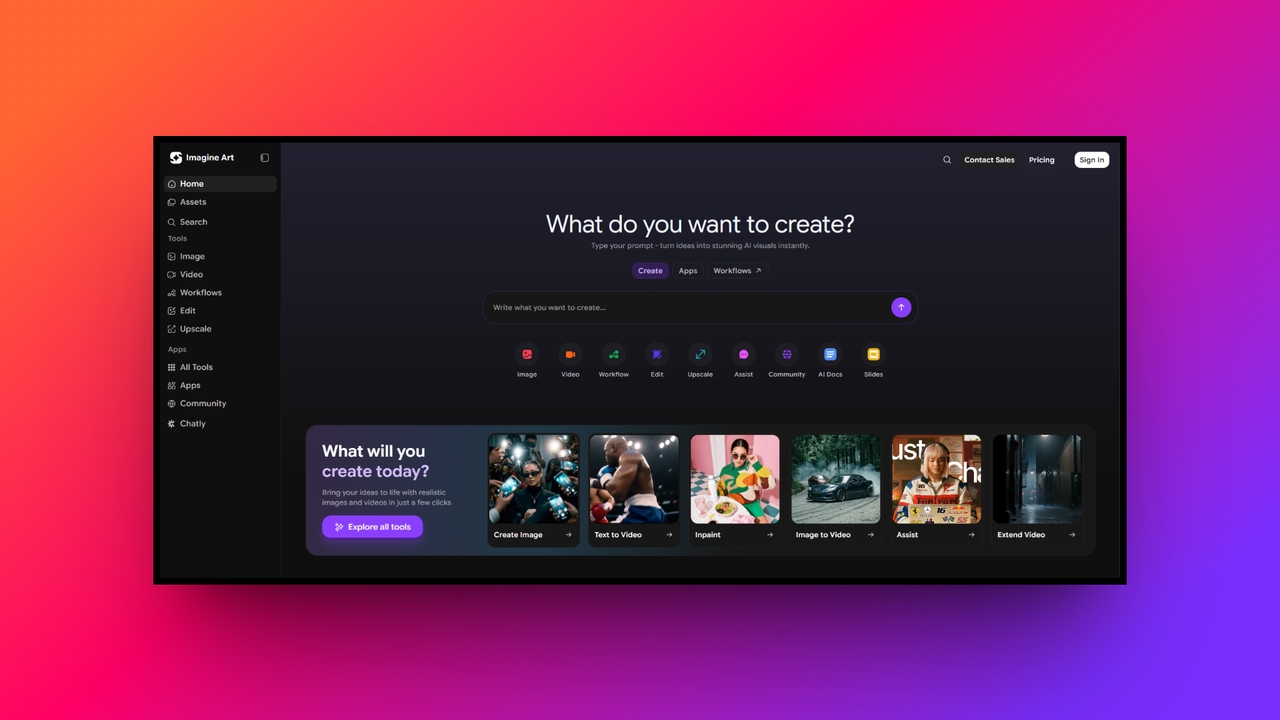
Imagine.Art is a versatile, rapidly growing AI image generator tailored for creators seeking high-quality visuals without steep learning curves. It bridges the gap between basic tools and professional platforms, offering a straightforward interface combined with powerful prompt customization. With an expansive library of distinct art styles, it is a favorite for digital artists exploring diverse aesthetic possibilities.
Key features:
- 100+ art styles: Instantly switch between diverse aesthetics like photorealistic, watercolor, anime, and oil painting, granting immense creative freedom for users.
- Image upscaler: Effortlessly enhance the resolution and intricate details of your generated art, making visuals immediately ready for high-quality professional printing.
- Prompt bot: Utilize an intelligent built-in assistant that automatically analyzes and dramatically improves your text prompts to yield superior image outputs.
- Camera angle control: Explicitly define specific cinematic perspectives, such as low angle or wide shot, to add dynamic depth to your visual art.
Pros:
- Generates high-quality digital artwork remarkably quickly with very minimal input.
- Offers an incredibly clean, accessible, and user-friendly web-based application interface.
- Provides diverse base models like Flux and Imagen for experimentation.
- Excellent for producing consistent character designs and creative mood boards.
Con:
- Output quality heavily relies on the precision of provided prompts.
- Nightcafe
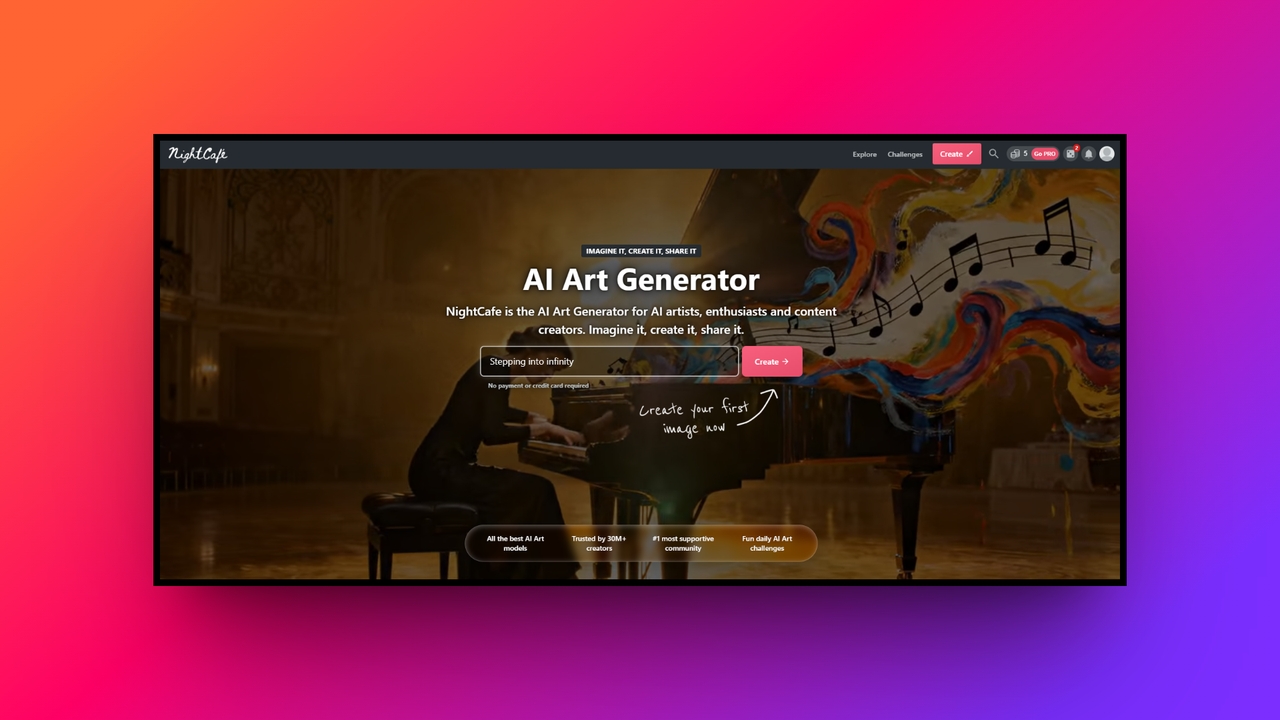
Nightcafe is a community-driven AI art generator that excels in making the creative process highly social and deeply engaging. It aggregates multiple cutting-edge algorithms, including Stable Diffusion and DALL-E, under one accessible roof. Renowned for its daily art challenges, Nightcafe is the perfect destination for hobbyists and digital artists looking to connect, compete, and continuously refine their prompting skills.
Key features:
- Algorithm variety: Access multiple powerful generation models seamlessly from a single unified dashboard, allowing for endless experimentation with different visual styles.
- Daily challenges: Participate in exciting, community-driven thematic art competitions to hone your creative skills and actively earn free generation credits daily.
- Style transfer: Upload any standard photograph and magically apply the distinct visual characteristics of famous artworks to create unique digital masterpieces.
- Advanced prompting: Utilize granular controls over prompt weights and image aspect ratios, giving experienced users the precise creative control they truly crave.
Pros:
- Fosters an incredibly active, supportive, and highly inspiring artistic community.
- Provides convenient access to an extensive variety of AI algorithms.
- Allows users to earn free daily credits through platform participation.
- Features a simple interface that accommodates both beginners and professionals.
Con:
- The credit-based system heavily restricts extensive use without paid subscriptions.
- Flux
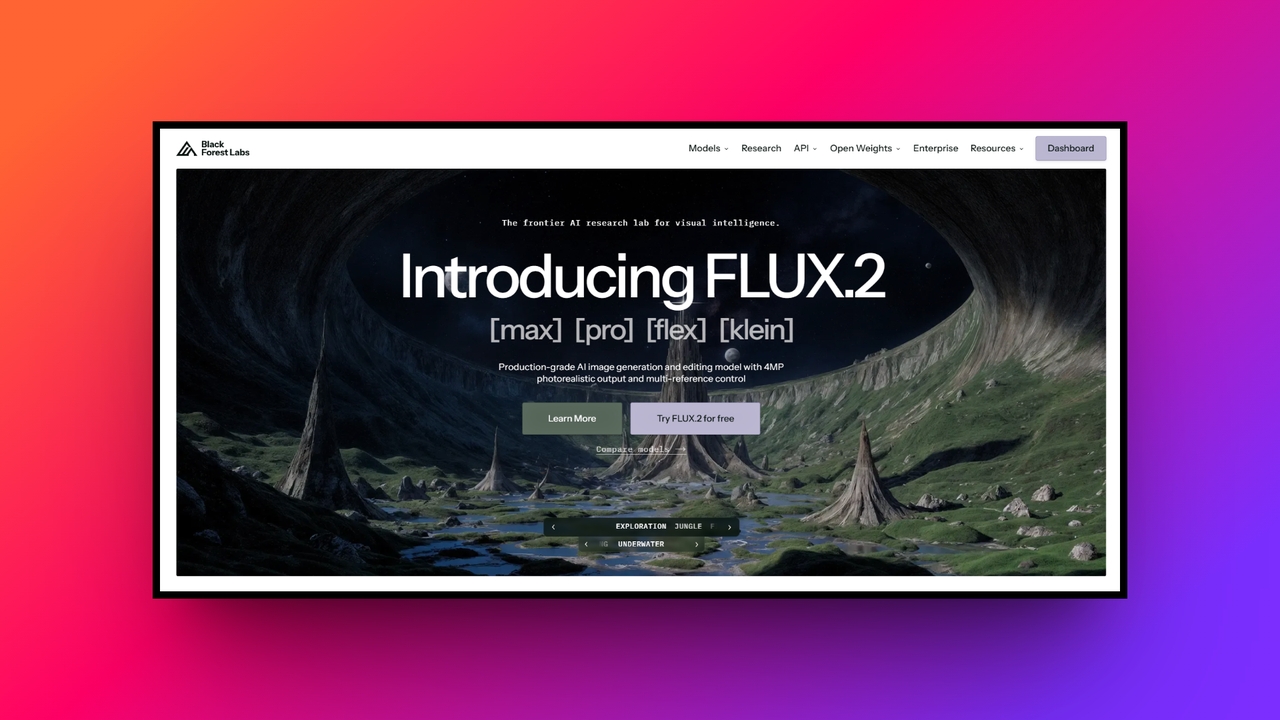
Flux (specifically the Flux.1/2 models by Black Forest Labs) has rapidly emerged as a groundbreaking, open-weight Midjourney competitor. Renowned for its breathtaking photorealism and astonishingly accurate text rendering, Flux pushes the boundaries of open-source generative AI. Available via various platforms and APIs, it caters heavily to developers, advanced designers, and creatives demanding state-of-the-art, uncensored visual fidelity and control.
Key features:
- Exceptional photorealism: Delivers hyper-realistic textures, accurate human anatomy, and cinematic lighting that genuinely rivals or exceeds Midjourney's most advanced V6 outputs.
- Flawless text rendering: Generates perfectly legible typography within images, successfully solving a major historical limitation found in most competing AI art generators.
- Open-weight accessibility: Offers diverse model variants, including highly optimized versions that tech-savvy creators can run locally on their own dedicated hardware.
- High prompt adherence: Comprehends and executes incredibly complex, multi-subject prompts with stunning accuracy, ensuring every detail requested appears in the final image.
Pros:
- Produces unbelievably realistic images featuring highly accurate human anatomical details.
- Seamlessly creates perfectly readable text for logos and promotional posters.
- Provides open-source options for unparalleled community development and local deployment.
- Offers incredibly rapid generation speeds when utilizing the optimized versions.
Con:
- Requires utilizing third-party hosting platforms or possessing powerful local hardware.
Tips to select the best alternative to Midjourney
With so many powerful AI image generators available, choosing the right one can feel overwhelming. Follow these five practical tips to evaluate platforms and find the perfect Midjourney alternative for your workflow.
- Define your primary use case: Start by identifying what you actually need to create. Are you designing marketing materials, generating conceptual game art, or editing personal photos? Knowing your primary goal helps narrow down tools that specialize in those specific artistic styles or commercial outputs.
- Assess your hardware capabilities: Consider whether you want a cloud-based solution or a local installation. Cloud platforms like Framia Pro or Adobe Firefly run smoothly on any device, while open-source models like Flux require powerful, high-end graphics cards to generate images effectively offline.
- Evaluate the pricing structure: Don't just look at the monthly subscription cost. Check if the platform uses a credit system, offers unlimited slower generations, or provides a generous free tier. Ensure the pricing model sustainably matches your expected daily or weekly generation volume.
- Check for essential editing tools: Raw image generation is rarely enough for professional work. Prioritize platforms that offer built-in editing features like inpainting, layer manipulation, or text-to-edit functionalities. These tools save immense time by letting you refine specific details without starting from scratch.
- Verify commercial licensing terms: If you plan to monetize your creations, carefully read the platform's terms of service. Ensure the alternative you choose grants full commercial rights and indemnification, protecting your business from potential copyright disputes when using assets in public marketing campaigns.
Wrapping up
AI image generation has evolved far beyond Midjourney's Discord servers. Today, creators have access to diverse platforms offering intuitive interfaces, transparent pricing, and advanced editing capabilities. Whether you need photorealism or vector graphics, an ideal alternative exists. However, for professionals demanding ultimate creative control, Framia Pro stands out as the superior choice.
By seamlessly combining top-tier AI models with true layered design flexibility, chat-to-edit features, and powerful video automation agents, Framia Pro completely transforms modern creative workflows. Stop struggling with endless regenerations and elevate your brand's visual storytelling by upgrading your process with Framia Pro today.
FAQs
Are there free alternatives to Midjourney available for beginners?
Yes, platforms like Canva and Microsoft Designer offer excellent free features. Additionally, Leonardo AI and Nightcafe provide generous daily credits, allowing beginners to generate high-quality images without paying upfront.
Which Midjourney competitor offers the best text rendering capabilities?
Flux and Adobe Firefly currently lead the market in text rendering. Unlike older models, they seamlessly integrate perfectly legible typography into your images, solving a major limitation of traditional generators.
Is there a Midjourney AI alternative that works without Discord?
Absolutely! Most modern generators have abandoned Discord. Platforms like Framia Pro, Imagine.Art, and Adobe Firefly utilize dedicated web dashboards, providing much cleaner, user-friendly interfaces for seamless digital art creation.
Do Midjourney AI alternatives provide commercial usage rights for creators?
It varies by platform. Adobe Firefly guarantees commercially safe outputs, while Framia Pro and paid tiers of Leonardo AI grant full commercial rights. Always verify individual licensing agreements beforehand.
What is the best Midjourney alternative for professional marketing teams?
Framia Pro is the ultimate choice for marketers. It provides editable split layers, powerful chat-to-edit capabilities, and consistent brand integration, offering unparalleled professional control over your AI-generated marketing campaigns.





