
Nim AI is gaining attention as a smart video generation tool that helps creators turn ideas into engaging visual content. Whether you're a marketer, content creator, or beginner, Nim AI simplifies video production using artificial intelligence. In this Nim AI review, we cover its features, pricing, how it works, pros and cons, and the best alternatives available in the market.
What is Nim AI?
Nim AI (nim.video) is the ultimate all-in-one AI video production app that brings together the world's best generative AI models into a single, easy-to-use platform. It allows creators to generate high-quality videos and images from simple text prompts or uploaded images using top models like Veo 2, Kling Pro, Luma Ray 2, Pika, Hailuo, and many more — including the latest additions like Nano Banana 2. The Nim AI video generator supports text-to-video, image-to-video, and video editing features such as lip sync, upscaling, and scene generation. It also includes its own proprietary models along with open-source models, enabling creators to experiment with different styles and outputs.
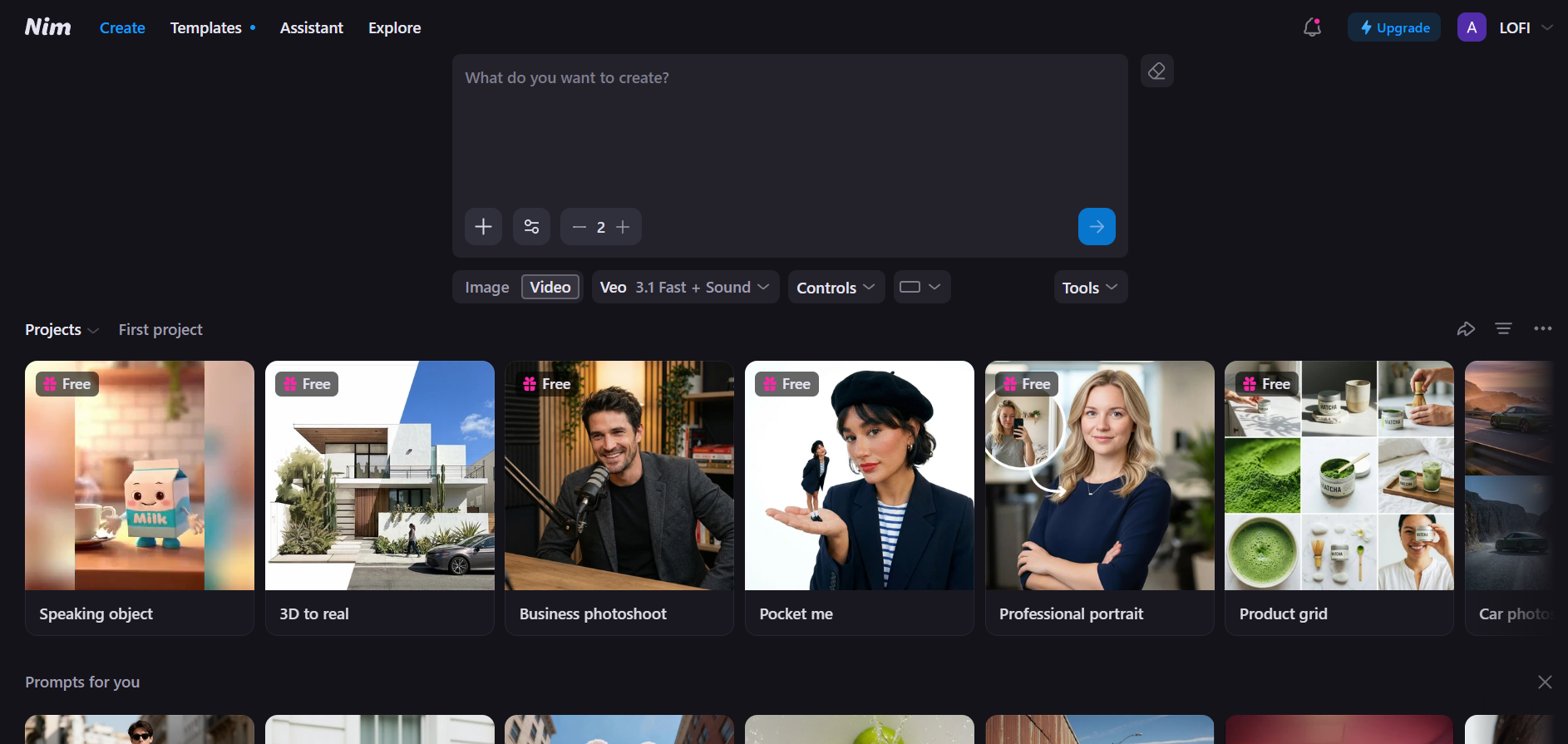
Key features of Nim AI video generator
Nim AI functions as a high-powered aggregator, bringing together the world's most advanced generative models into a single workspace. Here are key features that set it apart:
- Multiple model integration: Access a rotating roster of top AI engines, including Veo 2, Kling Pro, Pika, Runway, and Luma Ray 2, allowing users to choose the best model for their specific aesthetic or task.
- Text-to-video & Image-to-video: Transform simple text descriptions into cinematic scenes or upload static photos to breathe life into them with fluid motion, realistic physics, and professional camera movements.
- AI lip sync & voice integration: The platform includes lip-sync technology that matches voiceovers with characters or visuals. It also supports adding audio, narration, and sound effects for more realistic and engaging videos.
- Video restyling: Change the entire aesthetic of your footage with a single click. You can convert real-world video into different artistic styles, such as anime, cyberpunk, 3D render, or oil painting, while maintaining the original motion structure.
- Prompt assistant & templates: Nim AI offers a built-in prompt assistant that helps users craft better inputs. Combined with ready-made templates and inspiration feeds, it speeds up workflow and improves output quality.
- Built-in creative editing suite: Refine your output directly within the platform using integrated post-production tools. This includes AI video upscaling for higher resolution, sharpening filters for clarity, custom lighting adjustments, and simulated camera movements like pans or zooms to add cinematic depth.
Nim AI pricing
Nim AI operates on a flexible, credit-based system designed to be accessible for hobbyists while scaling for professional creators. Below is a breakdown of the current subscription tiers available at Nim video AI:
| Plan | Price / Month | Credits / Videos | Parallel Tasks | Watermark | Usage Rights | Key Features |
| Free Plan | $0 | 5–40 videos (with $1 welcome offer) | 2 | Yes | Personal use | Access to older models, no private mode, no extra credits |
| Starter Plan | $6.25 | 1,500 credits (≈18–150 videos) | 4 | Yes | Personal & social media | Basic access, no private mode, limited models |
| Pro Plan | $12.50 | 4,000 credits (≈50–400 videos) | 10 | No | Commercial use | Private mode, unrestricted prompts, early access to new models, extra credits from $0.01 |
| Max Plan | $25 | 8,000 credits (≈100–800 videos) | 20 | No | Full commercial rights | All Pro features, cheaper extra credits ($0.009), access to advanced models & prompts |
(Note: Check the official website for the most current monthly/yearly rates).
How Nim AI video generator works?
Creating high-quality content with Nim AI video generator is a streamlined process that moves from initial concept to polished video in just a few steps. Here is the typical workflow for using the platform:
Step 1: Start your project
Log in to the Nim AI platform dashboard and click the "Create" button to open the generation workspace. This is where you’ll manage your credits and choose your creative path.
Step 2: Enter prompt or upload Image
Provide a detailed text prompt describing the scene you want to create, or upload a reference image. The better your input, the more accurate and visually appealing the generated video will be.
Step 3: Configure settings & model
Choose your preferred AI model, such as Kling or Pika, then set parameters like aspect ratio, duration, style, and quality. These settings help customize the output based on your needs.
Step 4: Generate & edit video
Click "Generate" to create the video. Once ready, you can refine it using built-in tools like lip sync, resizing, upscaling, or visual adjustments for better results.
Step 5: Preview & Download
Once you are satisfied with the final result, watch the preview to ensure the motion and consistency are perfect. Finally, click the Download icon to save the video to your device, ready for sharing or professional use.
Nim AI review: Pros and cons
Elevate your content creation by harnessing the power of multiple premier AI models in one place. Discover why creators are switching to this hub—here is a quick look at the pros and cons of Nim AI:
Pros
- Multi-model Access: Access over + top-tier AI models like Kling Pro, Pika, Luma Ray 2, and Runway Gen-3 through a single dashboard. This variety allows you to pick the best engine for any specific visual style.
- Beginner-friendly Interface: The platform is designed for simplicity, making it accessible even if you have zero video editing experience. You can generate complex, high-quality cinematic clips in just a few clicks.
- Simplified workflow: Consolidates text-to-video, image animation, and lip-syncing into one dashboard, significantly reducing the time spent jumping between different tools.
- High-quality post-production: Includes built-in professional enhancements such as AI upscaling, sharpening filters, and simulated camera movements to refine raw AI output.
Cons
- Inconsistent output quality: Because the platform aggregates many different engines, results can vary significantly. Some models handle human movement better, while others are superior for abstract landscapes.
- High credit usage: Utilizing the most advanced models or high-resolution upscaling features can deplete your monthly credits quickly. Power users may find themselves needing to upgrade plans sooner.
Why creators are searching for Nim AI alternatives?
While Nim AI is powerful, creators often face limitations like inconsistent output quality, limited customization, and a credit-based system that can become expensive for frequent use. Some users also find certain advanced features locked behind higher plans. Because of these challenges, many creators are exploring better, more flexible, and cost-effective options. Consider the below 5 Nim AI alternatives that offer improved control, quality, and scalability for video production.
| Platform | Best For | Core AI Models | Text-to-Video | Image-to-Video | Key Features | Starting Price |
| Framia Pro | All-in-one creators & agencies | Multiple models (Veo, Kling, Flux, etc.) | Yes | Yes | Multi-model access, AI agents, character consistency, workflow automation | $12.8/momth |
| Runway Gen-4.5 | Cinematic video & filmmakers | Gen-4.5 (Runway proprietary) | Yes | Yes | High motion quality, camera control, multi-shot scenes, cinematic output | $12/month |
| Kling AI | Fast & experimental content | Kling 2.6 model | Yes | Yes | Fast generation, realistic motion, prompt-based control | $10/mo |
| Dreamina | Beginners & designers | CapCut AI models | Yes | Yes | Templates, easy UI, social media-focused video creation | $10/month |
| Higgsfield | Advanced cinematic production | Multiple models (Kling, Veo, Sora, etc.) | Yes | Yes | Cinema-grade camera control, multi-model workflow, high realism | $15/month |
Framia Pro
Framia Pro is a high-performance "Creative Agent" platform that moves beyond simple one-shot prompts. It integrates over 20+ world-class AI models—including Veo 3.1, Sora 2, Kling, and Seedance 2.0—into a single, conversational command center. By utilizing specialized agents like the Movie Agent and Ad Agent, it allows creators to generate consistent characters, full storyboards, and cinematic 4K videos with professional-grade control over every frame.
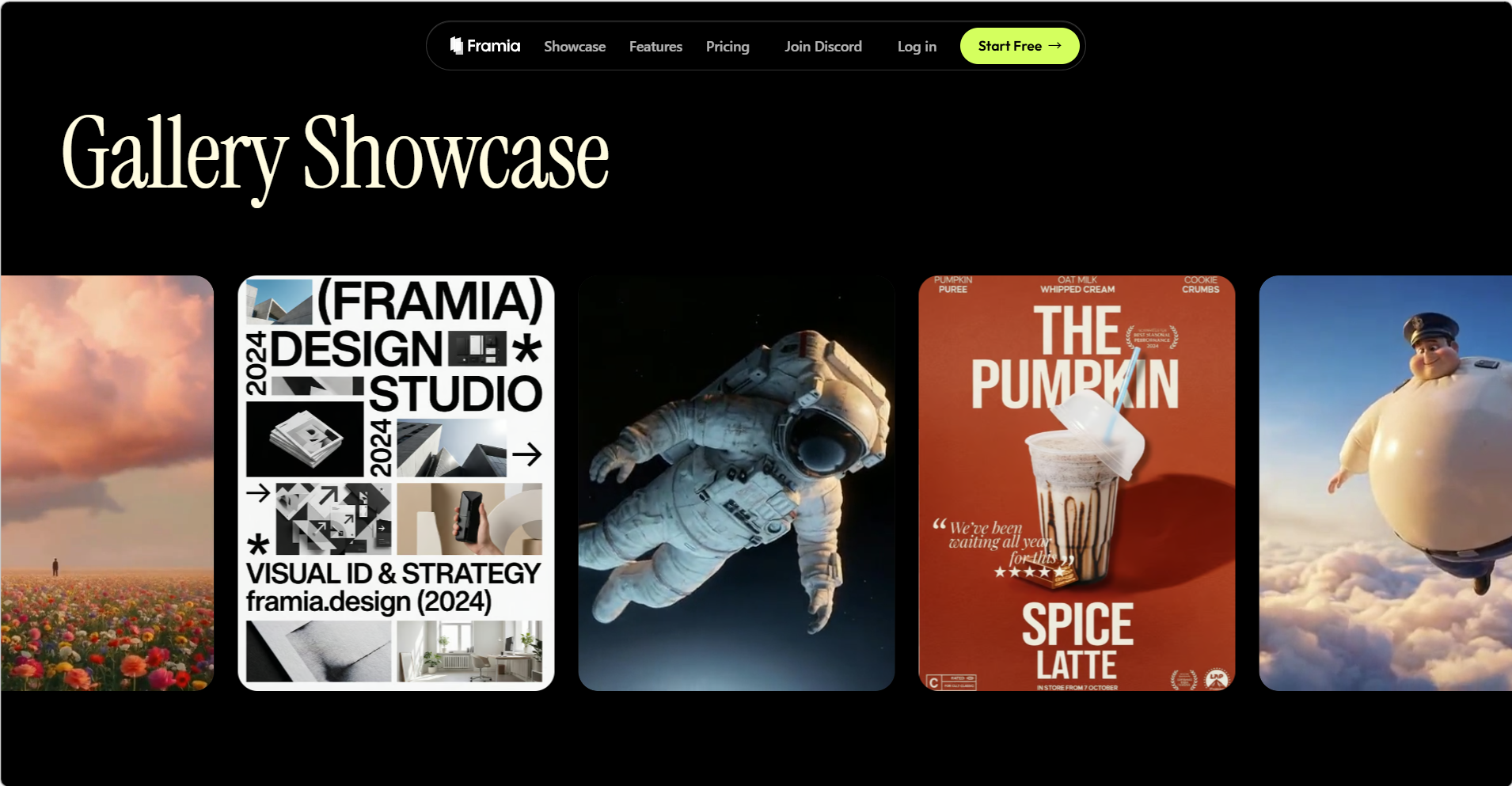
Key features
- Specialized AI Agents: Shorts Agent for fast vertical videos with voice, Movie Agent for emotional cinematic storytelling, Ads Agent for brand creatives, and Design Agents for posters/social posts with seamless logo/product integration.
- All-in-one asset creation: Beyond video, the platform integrates top-tier image (Midjourney v7, Flux Max), music (Suno v5), and voiceover (11Labs) models.
- Intelligent storyboard editor: A timeline-based editor where you can arrange clips, regenerate specific shots with agent assistance, and sync audio in real-time.
- Interactive Canvas Editing: Point to specific areas of a video or image to request changes, and the AI agent will modify that exact element for you.
Pros
- Superior character consistency and multi-shot storytelling compared to single-prompt tools.
- All-in-one creative command center (video + image + music + editing) that dramatically speeds up professional workflows.
- Access to the absolute latest models (Veo 3.1, Sora 2, etc.) with frequent updates.
- Beginner-friendly agent system — you direct ideas while the AI handles execution, refinement, and continuity.
Cons
- Due to multiple models and features, new users may take time to understand the platform fully.
Runway
Runway remains the gold standard for cinematic precision. Its latest Gen-4.5 model introduces advanced "Motion Brush" and camera trajectory controls that allow you to dictate exactly how shot pans, zooms, or tilts. For filmmakers who need pixel-perfect consistency in lighting and textures, Runway’s dedicated engine often outperforms the broader results seen in aggregators.
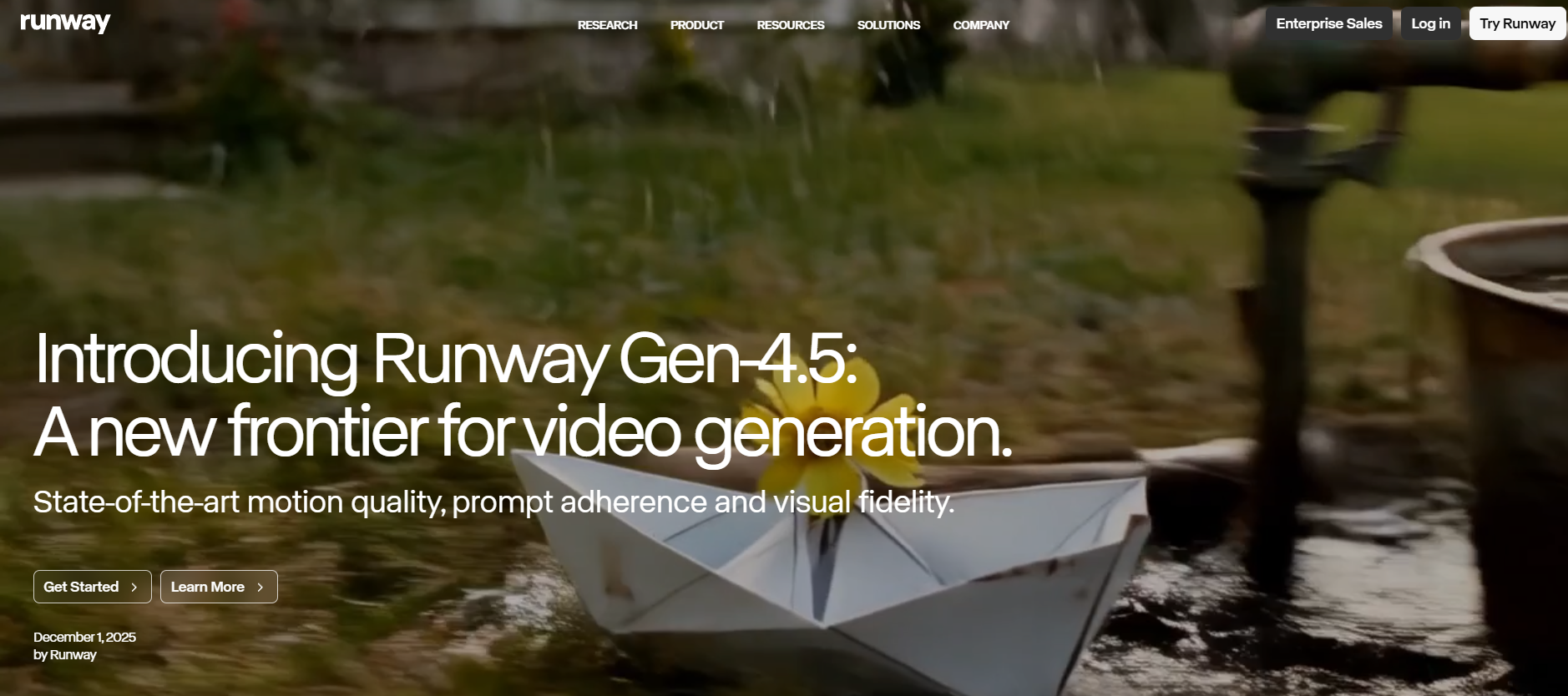
Key features
- Advanced text-to-video generation: Runway Gen-4.5 excels at converting detailed prompts into high-quality videos with strong prompt understanding and accurate scene execution.
- Image-to-video support: Users can upload reference images to generate consistent video scenes, making it easier to maintain style and character continuity.
- Cinematic camera control: Offers advanced camera controls like pan, tilt, zoom, and motion choreography for professional filmmaking and storytelling.
- Physics-based realism: Includes realistic motion and physics simulation, ensuring objects behave naturally with proper weight, momentum, and interaction.
Pros
- Delivers industry-leading motion quality, visual fidelity, and realism, making it one of the best AI video generators available.
- Strong character and world consistency, making it easier to create coherent multi-shot sequences.
- Massive library of tutorials and a huge community of "AI filmmakers" to learn from.
- Mature, reliable platform with frequent model updates and a user-friendly interface suitable for both beginners and pros.
Cons
- Frequent usage may become expensive due to credit consumption per generation.
Higgsfield AI
Higgsfield AI is an all-in-one studio platform that combines access to leading models (Veo 3, Kling, Hailuo, etc.) with strong character consistency, cinematic camera controls, and full workflow tools like image-to-video and editing. It's particularly praised for prosumer creators needing reliable, high-control output for ads, storytelling, or social content in a single dashboard.
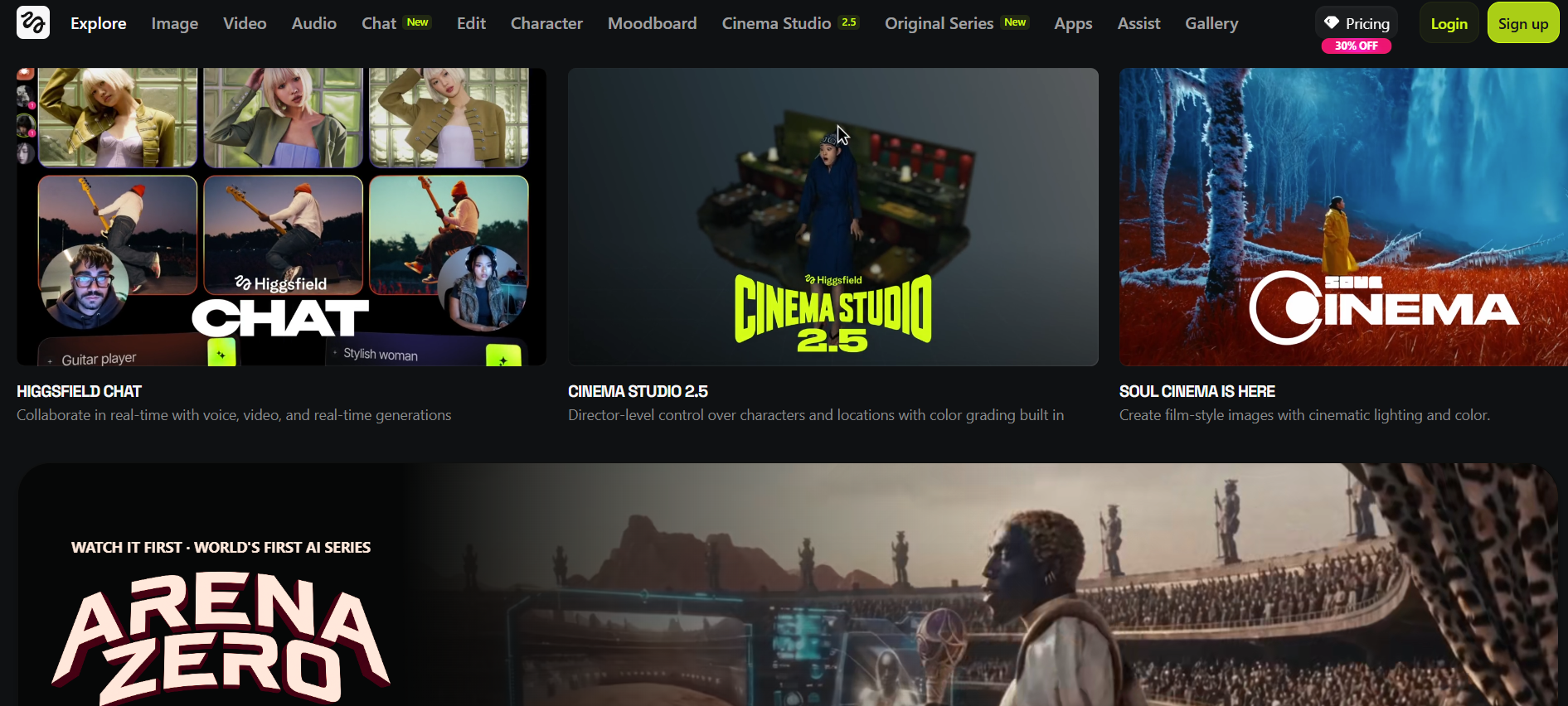
Key features
- Cinema studio: Director-level cinematic control with precise camera movements (aerial pullback, earth zoom, flying cam, tracking shots), color grading, and film-style lighting physics.
- Advanced character consistency: Soul ID and Multi-Reference tools keep the same faces, outfits, and style across multiple scenes and shots; Kling 3.0 adds strong 15-second consistency.
- Image-to-video animation: Transforms still photos into 3–5 second dynamic videos, retaining high detail and realism in textures like skin.
- Multi-model engine: Allows you to "hot-swap" the underlying engine (Kling, WAN, or Minimax) to get the best result for a specific task.
Pros
- Exceptional cinematic camera controls and film-like quality that rival dedicated filmmaking tools.
- Strong character and style consistency across shots, perfect for storytelling, ads, and series.
- Access to the absolute latest flagship models (Sora 2, Veo 3.1, Kling 3.0) in one unified workspace.
- Rich creative toolkit including VFX, lip-sync, audio integration, and one-click apps for fast professional output.
Cons
- High-end models (like Kling 2.6 inside the app) consume credits very quickly.
Kling AI
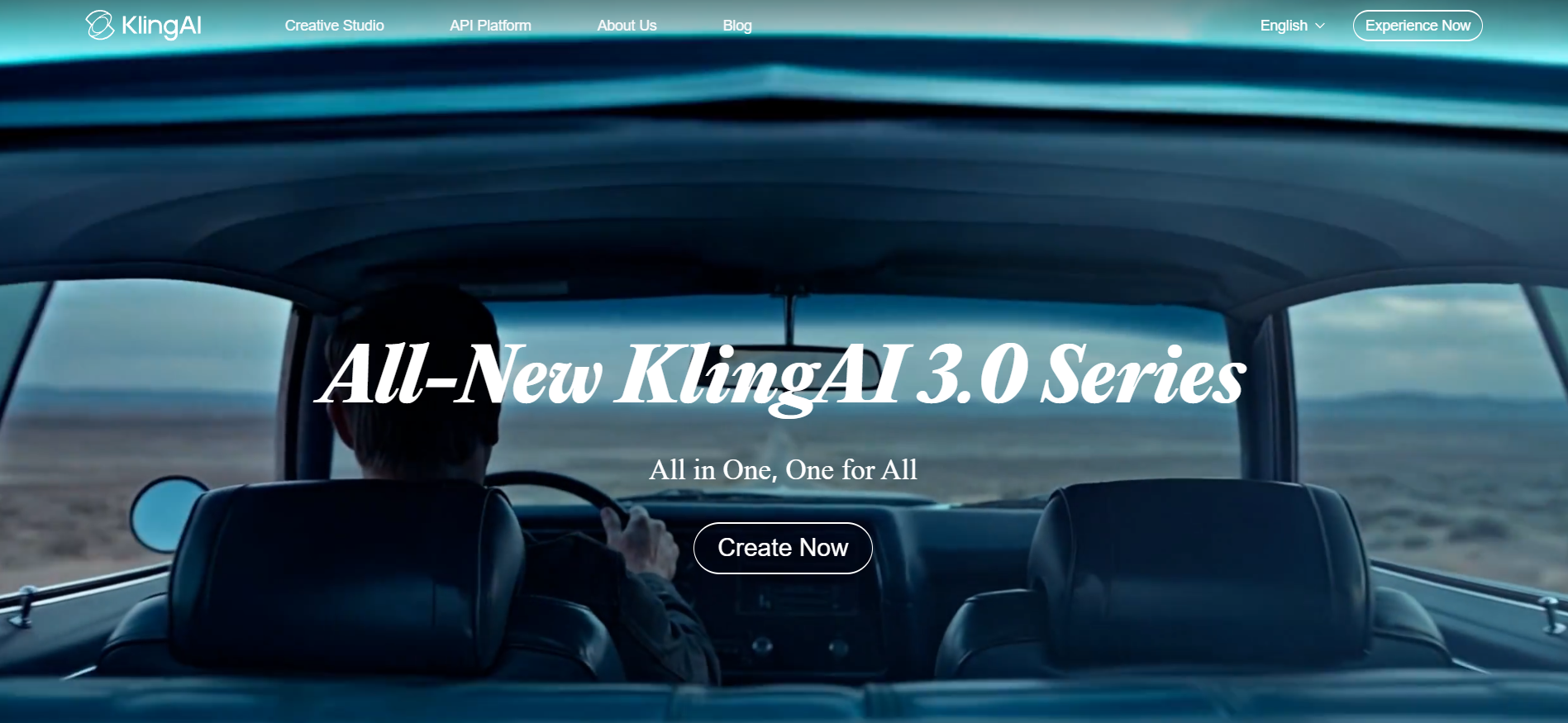
Kling AI is a leading standalone AI video generator developed by Kuaishou, known for its exceptional motion realism, strong character consistency, and groundbreaking native audio capabilities. Powered by the latest Kling 3.0 series (including VIDEO 3.0 and VIDEO 3.0 Omni), it excels at creating fast, high-quality short-form videos with realistic physics, natural human movement, and synchronized sound in a single generation.
Key features
- Native audio generation: The first major model to create synchronized video + audio (dialogue, sound effects, ambient sounds, and music) in one pass, with support for multiple characters and multilingual voices.
- Advanced character & element consistency: Upload reference images or short video clips (Elements feature) to maintain the same faces, outfits, objects, and styles across scenes and camera angles — one of the best in the industry for multi-shot work.
- Motion control & storyboard tools: Precise camera movements, motion transfer from reference videos, and multi-shot sequencing for cinematic storytelling with up to 15-second clips (extendable).
- Text-to-video & Image-to-video: Transform detailed prompts or static images into fluid 1080p (and higher) videos with realistic physics, lip sync, and emotional expressions.
Pros
- Outstanding realistic motion and character consistency, often outperforming competitors in natural human actions and multi-scene continuity.
- Often cited as the closest competitor to OpenAI’s Sora in terms of cinematic quality.
- Excellent value for money with generous credit plans and fast output, ideal for high-volume short-form content.
- Native support for both English and Chinese with cultural nuances intact.
Cons
- Generation speeds can be slow, especially with complex scenes or high demand.
Dreamina
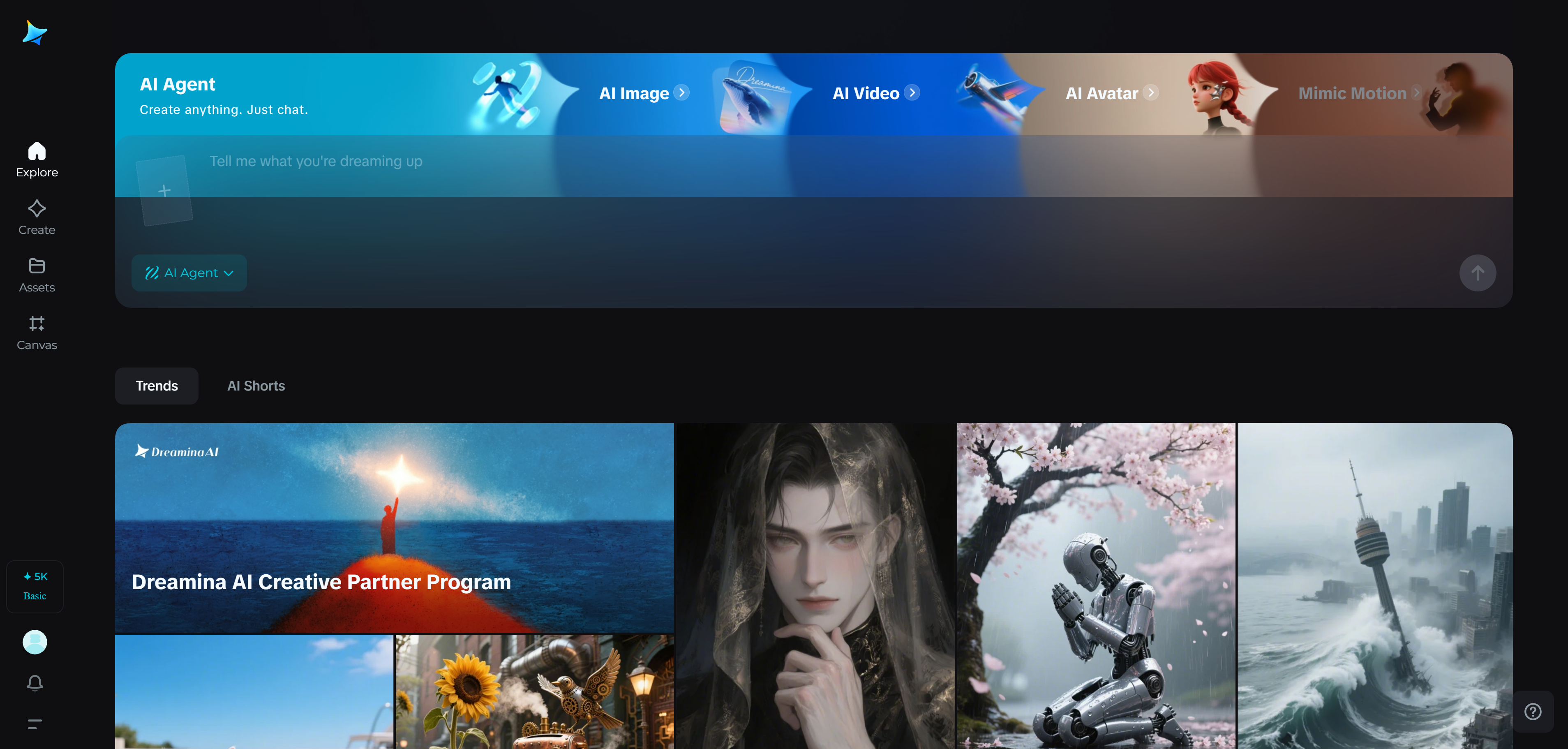
Dreamina AI is an all-in-one AI creative suite designed for beginners, social media creators, marketers, and casual designers. It combines powerful text-to-image, image-to-video, and script-to-video tools powered by its proprietary models, including the advanced Seedance 2.0 series. Dreamina excels at turning simple prompts or static images into short, polished videos with smooth motion, synchronized audio, and ready-to-post social formats — making it one of the most accessible and cost-effective options for quick content creation.
Key features
- Text-to-video & Image-to-video: Generate dynamic videos from detailed text descriptions or by animating uploaded images with natural movement, realistic physics, and cinematic effects.
- Seedance 2.0 multimodal control: Combines text, image, video, and audio references in one prompt for better scene structure, character consistency, pacing, and audio-visual synchronization.
- Script-to-video & video Montage: Turn scripts into complete videos or combine multiple clips/images into seamless story-driven content with automatic transitions.
- Built-in audio & lip sync: Generate custom soundtracks, add synchronized background music, and create realistic lip-sync for talking characters or avatars.
Pros
- Extremely beginner-friendly with a clean, intuitive interface and generous daily free credits — perfect for testing ideas without spending money.
- Fast workflow optimized for social media and marketing content; videos can be created and refined in minutes.
- Produces sharp, detailed, and realistic visuals, often supporting up to 4K resolution. It is particularly strong in fantasy and animation styles.
- Includes built-in editing tools (filters, cropping, brightness adjustment) and advanced features like "Frame Interpolation" for smoother motion (up to 60 FPS) and "HD Upscale".
Cons
- Video clips are relatively short (typically 5–10 seconds per generation), requiring extension or stitching for longer content.
Conclusion
Nim AI stands out as a powerful AI video generator with multi-model access, fast creation, and beginner-friendly features. From understanding what Nim AI is to exploring its pricing, features, and limitations, it’s clear that while the platform is useful, it may not meet every creator’s needs—especially when it comes to flexibility, control, and scalability.
That's where alternatives come in. Among them, Framia Pro proves to be a strong competitor with its multi-model ecosystem, advanced editing capabilities, and consistent, high-quality outputs. It offers greater creative freedom and a more professional workflow for serious content creators.
Ready to elevate your video production? Start creating with Framia Pro today and bring your wildest cinematic visions to life!
FAQs
- Is Nim AI free to use?
Yes, Nim AI offers a free plan that typically includes 300 initial credits or a limited trial of 5–40 videos. This allows new users to test various models and features, though free exports often contain a platform watermark.
- Which is the best alternative to Nim AI?
There are several alternatives, but Framia Pro stands out due to its multi-model access, advanced editing tools, and consistent output quality, making it suitable for both beginners and professionals.
- Can I use Nim AI video for commercial projects?
Yes, you can use Nim AI for commercial projects. The Pro Plan and Max Plan both allow full commercial use and commercial rights. The Free and Starter plans are limited to personal and social media use only. Always check the latest terms on nim.video.
- What industries can use Nim AI?
Nim AI can be used in marketing, social media, education, and content creation. Professionals and agencies often prefer platforms like Framia Pro for more scalable and high-quality production needs.
- Which AI model in Nim AI works best for realistic videos?
Kling Pro is widely considered the best model in Nim AI for realistic videos. It excels at natural human movements, smooth physics, and lifelike character motion. Veo 2 offers strong cinematic quality, while Luma Ray 2 also performs well for photorealism.





