
In today’s fast-paced digital landscape, productivity tools have become the backbone of efficient work execution.
Productivity tools are specialized software applications designed to help individuals and teams organize, track, and complete tasks more efficiently. Their primary uses range from project management and seamless team communication to time tracking and automated file sharing.
By centralizing workflows, these best apps for productivity minimize distractions and eliminate redundant manual labor. The target audience for these applications is vast and diverse. Freelancers rely on them to juggle multiple clients, while small business owners use them to streamline operations with limited resources. Furthermore, large enterprise teams depend on robust productivity suites to foster cross-departmental collaboration and maintain transparency across global offices.
Whether you are a student managing assignments or a seasoned project manager overseeing complex deliverables, integrating the best productivity apps into your daily routine is essential for maximizing output and achieving your goals.

Key features to look for in a modern-day productivity tool
Before diving into specific applications, it is crucial to understand what makes a platform truly effective. Here are the top five features to look for in a modern productivity tool.
- Seamless integration: A top-tier tool must connect effortlessly with your existing software ecosystem, such as email clients and calendars. This prevents data silos and allows you to streamline daily workflows without constantly switching between different applications throughout your busy schedule.
- Intuitive user interface: The platform should boast a clean, easily navigable design that requires minimal onboarding time. A steep learning curve defeats the entire purpose of saving time, so an intuitive dashboard is absolutely essential for immediate and sustained daily team adoption.
- Real-time collaboration: Modern work requires teamwork, making real-time collaboration a non-negotiable feature. Look for tools offering simultaneous document editing, instant messaging, and shared team boards. This ensures everyone stays aligned, drastically reducing costly miscommunications and significantly accelerating overall project completion times.
- Advanced automation: Automating repetitive, mundane tasks frees up your schedule for strategic thinking. The best tools offer customizable rules and triggers that handle routine data entry, status updates, or notifications automatically, maximizing your daily efficiency and minimizing costly human errors.
- Robust analytics: Data-driven insights are critical for continuous improvement. Quality productivity software provides detailed reporting and analytics dashboards. These features help managers track time spent on tasks, identify workflow bottlenecks, and measure team performance, enabling smarter resource allocation and strategic planning.
Top 10 productivity tools to use in 2026
How did we pick the best productivity tools?
Choosing the absolute best and cool productivity apps requires a rigorous evaluation process. We tested dozens of platforms to ensure our recommendations deliver genuine value. Here are the primary factors we considered when selecting the top productivity tools for 2026:
- User feedback: We analyzed verified customer reviews to gauge overall satisfaction.
- Value for money: We compared pricing tiers against the provided feature sets.
- Scalability: We favored tools that can grow alongside your expanding business.
- Innovation: We prioritized platforms utilizing modern AI to enhance daily workflows.
- Security: We rigorously ensured that each recommended tool consistently maintains strict global data privacy and advanced encryption standards.
| Tool | Best For | Starting Price (Billed Annually) | Key Strength |
| 1. Notion | All-in-one workspace | $8/user/month | Customizability |
| 2. Asana | Project management | $10.99/user/month | Visual tracking |
| 3. Slack | Team communication | $7.25/user/month | Integrations |
| 4. Framia Pro | AI media generation | $15/user/month | Unified creation |
| 5. Trello | Visual task tracking | $5/user/month | Simplicity |
| 6. Microsoft Teams | Enterprise collaboration | $4/user/month | Office 365 sync |
| 7. Todoist | Personal task management | $4/user/month | Natural language |
| 8. Airtable | Database management | $20/user/month | Relational linking |
| 9. Zoom | Video conferencing | $12.49/user/month | Connection stability |
| 10. Miro | Digital whiteboarding | $8/user/month | Infinite canvas |
- Notion
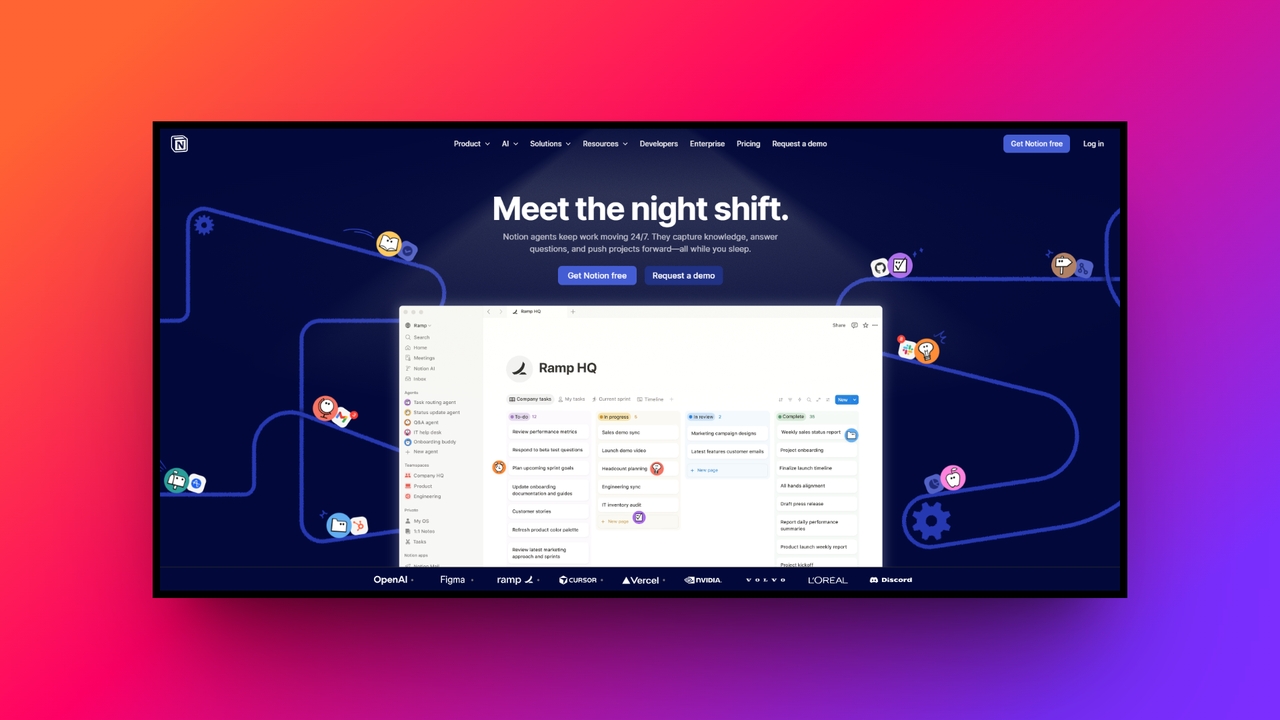
Notion remains an absolute powerhouse in the productivity space for 2026, offering an unparalleled all-in-one workspace. It brilliantly combines note-taking, project management, and database creation into a single, highly customizable environment. Whether you are building a personal wiki or managing enterprise-wide tasks, Notion’s flexibility empowers users to design their own tailored digital headquarters without requiring any advanced coding knowledge whatsoever.
Key features:
- Customizable databases: Create highly complex, linked databases with varied views like Kanban, calendar, and standard tables to dynamically organize all information.
- AI integration: The built-in AI helps generate new content, summarize lengthy meeting notes, and extract key action items with simple shortcuts.
- Collaborative workspaces: Team members can easily edit documents simultaneously, leaving real-time comments and tagging colleagues to keep complex projects moving forward.
- Rich media embedding: Support seamless embedding of high-quality videos, code blocks, and external web widgets, creating highly dynamic and engaging documentation pages.
Pros:
- Highly flexible architecture adapts easily to any unique business workflow.
- Extensive template gallery provides quick starting points for new users.
- Consolidates multiple different applications into one unified, cost-effective software platform.
- Active community continuously shares innovative setups and helpful tutorial content.
Con:
- The sheer number of customization options can overwhelm new beginners.
- Asana
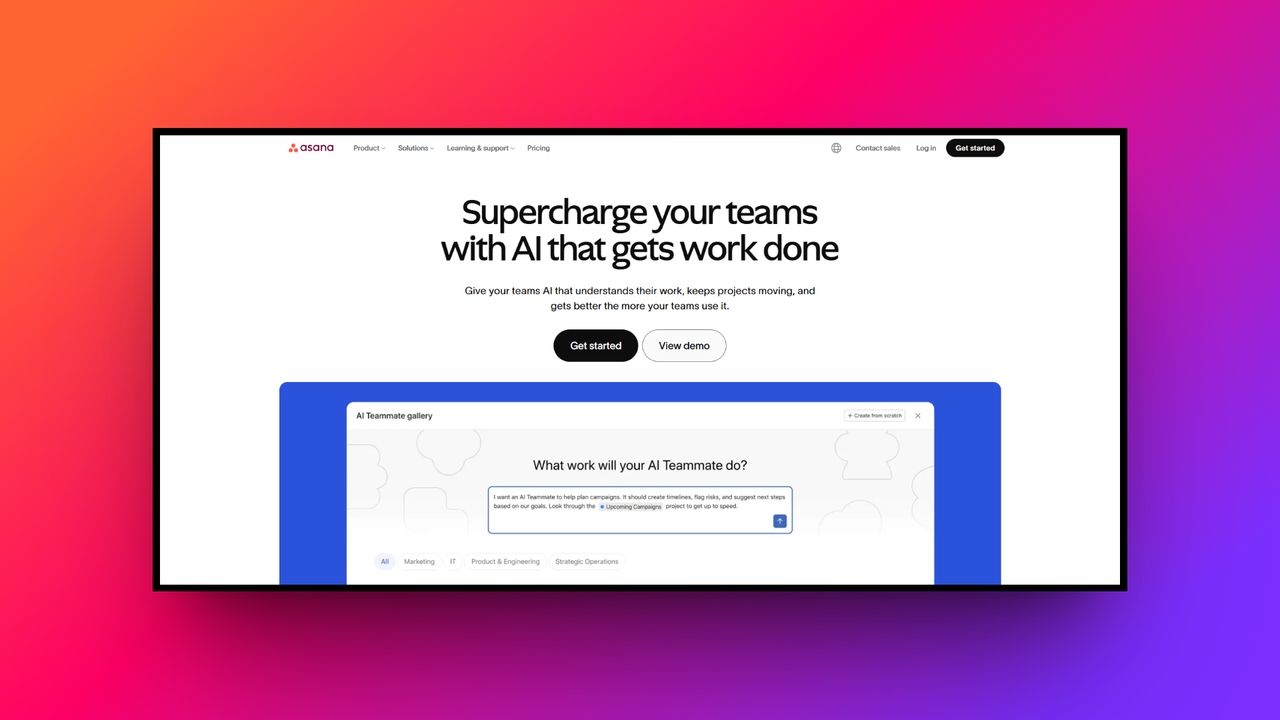
Asana is a premier project management tool designed to help teams orchestrate their daily work with exceptional clarity. In 2026, it continues to excel at breaking down massive organizational goals into manageable, trackable tasks. By providing clear visual roadmaps and strict deadline tracking, Asana ensures that every team member knows exactly what they need to do and by when daily.
Key features:
- Workflow builder: Create automated processes using visual charts, ensuring tasks automatically transition between departments without requiring any slow, manual email handoffs.
- Goal tracking: Connect individual daily tasks directly to larger company objectives, allowing executives to monitor overall strategic progress in real time.
- Workload management: Managers can quickly visualize team capacity across all projects, preventing employee burnout by redistributing heavy assignments before deadlines hit.
- Universal reporting: Live dashboards pull live data from multiple ongoing projects, giving stakeholders instantly digestible charts regarding current status and bottlenecks.
Pros:
- Intuitive interface makes onboarding remarkably fast for non-technical team members.
- Excellent milestone tracking keeps long-term projects perfectly on target schedule.
- Integrates flawlessly with popular external tools like Slack and Salesforce.
- Color-coded custom fields allow for highly detailed and specific sorting.
Con:
- Pricing plans become quite expensive as your entire team increases.
- Slack
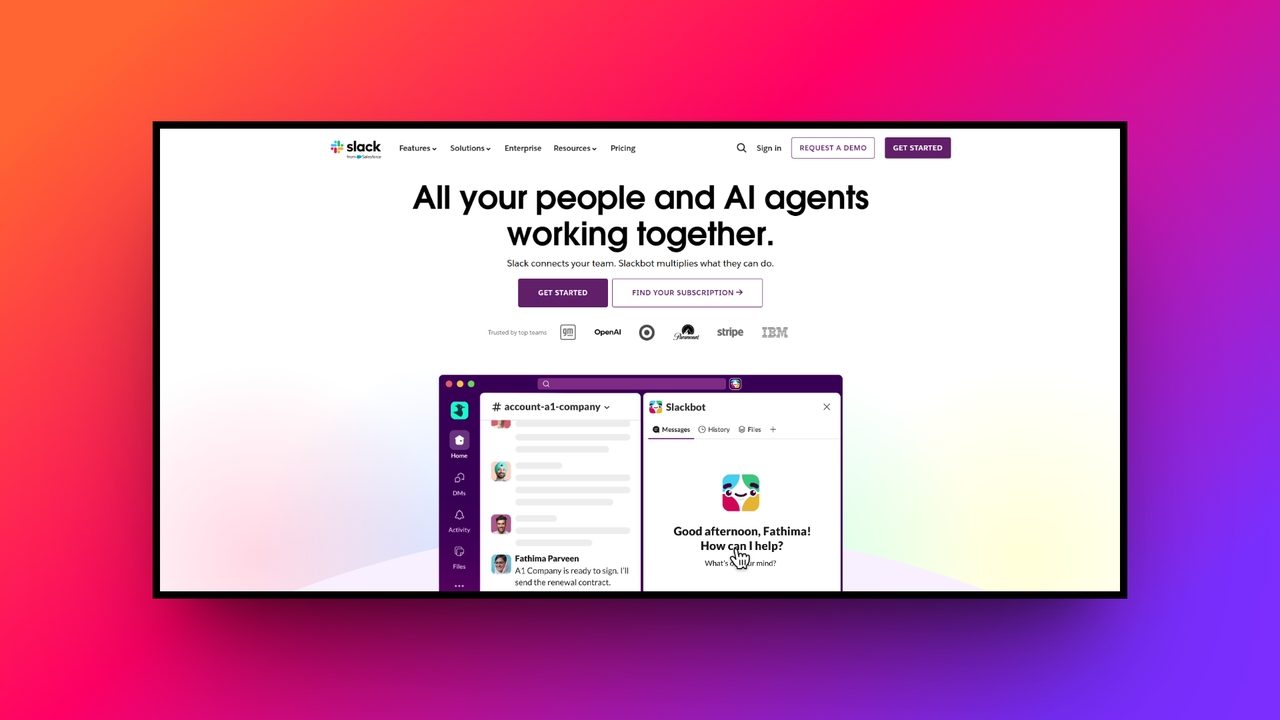
Slack has revolutionized workplace communication, effectively replacing fragmented email threads with organized, real-time messaging channels. In 2026, it serves as the ultimate digital watercooler and command center for remote and hybrid teams. By centralizing conversations, file sharing, and app notifications, Slack significantly reduces inbox clutter and fosters a collaborative, transparent, and connected company culture across all enterprise departments globally today.
Key features:
- Organized channels: Create dedicated spaces for specific projects, distinct departments, or shared interests, keeping all relevant internal conversations focused and searchable.
- Huddles and clips: Instantly launch quick voice or video calls natively within channels, or record short video clips for asynchronous team updates.
- Workflow automation: Utilize the intuitive builder to automate routine team actions, like onboarding new hires or processing standard IT support requests.
- Enterprise security: Advanced security protocols give organizations complete control over encryption keys, ensuring highly sensitive corporate data always remains totally protected.
Pros:
- Drastically reduces internal email volume and speeds up decision making.
- An incredible ecosystem of third-party app integrations enhances overall daily functionality.
- Powerful search capabilities make finding past conversations and files effortless.
- Custom emojis and casual communication tools greatly boost team morale.
Con:
- Constant messaging notifications can easily become distracting if not managed.
- Framia Pro
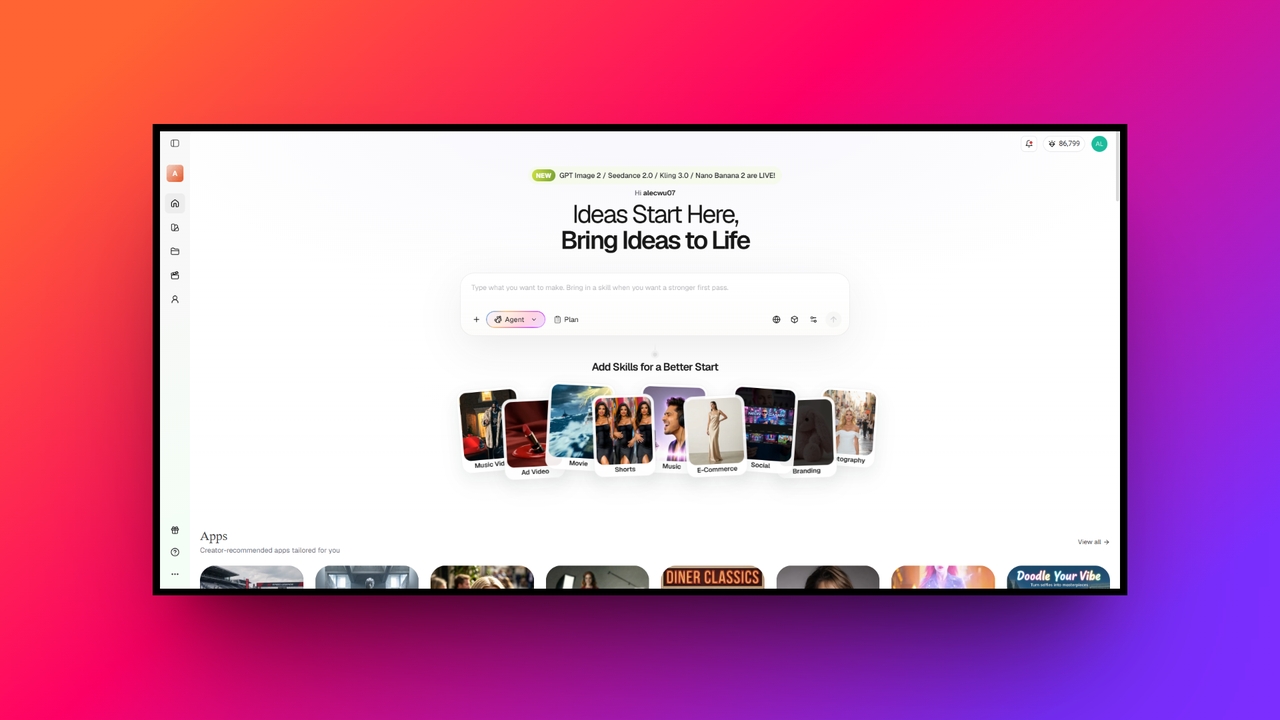
Framia Pro emerged as one of the ultimate best productivity tools for professionals in 2026, offering a singular platform for generating high-quality AI images, dynamic AI-generated videos, and custom AI-generated audio. Perfect for marketers and content creators, it leverages advanced generative AI to eliminate the need for disjointed media software. Framia Pro dramatically accelerates content production pipelines, turning simple text prompts into professional-grade, ready-to-use multimedia assets instantly.
Key features:
- Unified prompt engine: Generate synchronized visuals and background audio from a single text prompt, ensuring flawless thematic consistency across all media outputs.
- Real-time AI-powered video editing: Edit AI-generated video timelines simply by altering the descriptive text, entirely avoiding complex traditional timeline scrubbing and rendering waits.
- Voice cloning studio: Create highly realistic, customized voiceovers for your video content by securely cloning authorized personal voice samples with absolute precision.
- Brand kit alignment: The AI automatically adheres to uploaded brand guidelines, ensuring all generated images and videos match your specific corporate identity.
Pros:
- Replaces multiple expensive media subscriptions with one powerful, unified dashboard.
- Incredibly fast rendering speeds up marketing campaign launches very significantly.
- Intuitive text-to-media interface requires absolutely no prior graphic design experience.
- Generates completely original, royalty-free assets for safe commercial business usage.
Con:
- Prompt engineering takes some time to get used to.
- Trello
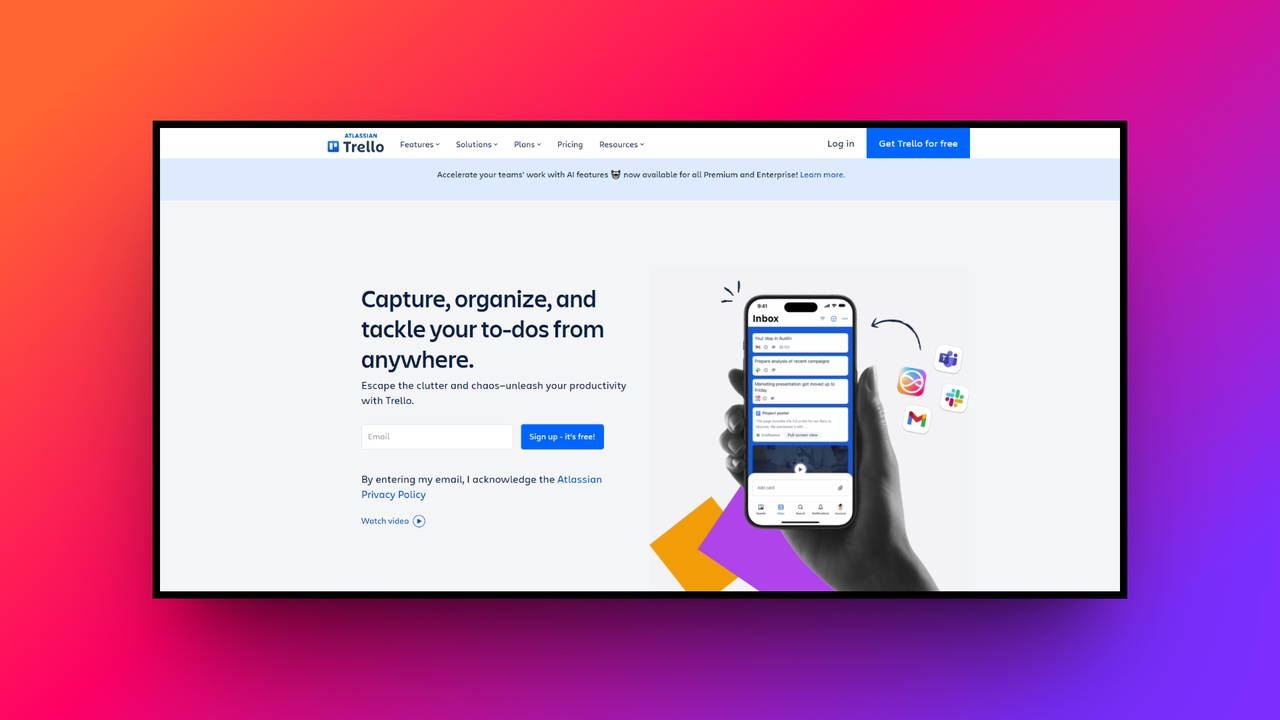
Trello remains the undisputed champion of Kanban-style project management. Its highly visual approach uses boards, lists, and cards to represent tasks and their current workflow stages. Ideal for visual thinkers and agile teams, Trello makes it incredibly easy to see overall project progress at a single simple glance. Its simplicity is its superpower, enabling teams to organize complex digital workloads.
Key features:
- Visual Kanban boards: Effortlessly drag and drop task cards across various column stages to physically track the progression of your ongoing projects.
- Butler AI automation: Utilize the built-in assistant to automate tedious board maintenance, like moving completed cards or assigning specific due date reminders.
- Power-up integrations: Enhance basic boards by adding specific functional plugins, such as calendar views, digital time trackers, or custom field inputs.
- Advanced task checklists: Break down complex project cards into detailed, trackable subtasks, allowing you to assign specific team members to each step.
Pros:
- Extremely gentle learning curve allows for immediate and frictionless adoption.
- Highly satisfying visual feedback when moving tasks to completion columns.
- Generous free tier offers significant software value for startup teams.
- Its mobile application is exceptionally responsive and perfect for remote updates.
Con:
- Struggles to handle massive, multi-departmental enterprise project portfolios effectively always.
- Microsoft Teams
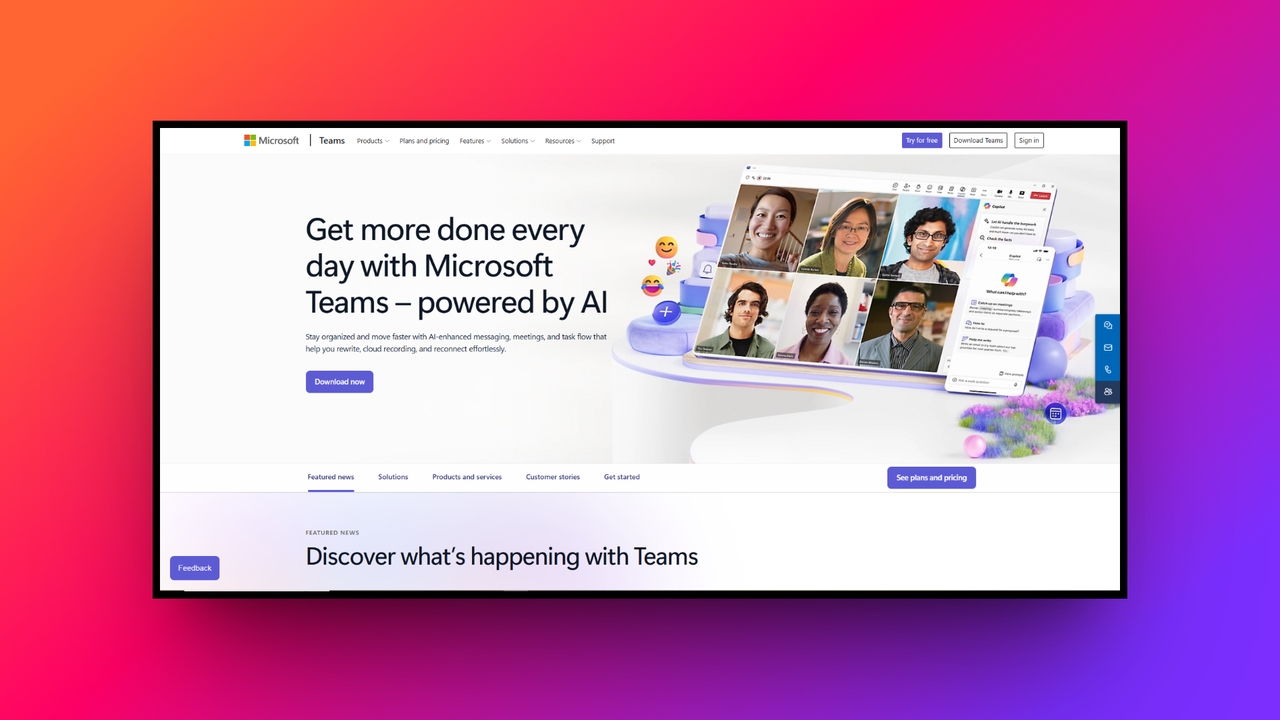
Microsoft Teams is the definitive collaboration hub for enterprises heavily invested in the standard Microsoft ecosystem. By seamlessly combining workplace chat, video meetings, and extensive file storage, it completely eliminates boundaries between different productivity tasks. For organizations in 2026, MS Teams provide a deeply integrated, secure environment where remote employees can confidently drive complex corporate projects forward simultaneously every single day.
Key features:
- Native office integration: Open, edit, and co-author Word, Excel, and PowerPoint documents directly within the chat interface without launching separate external applications.
- Together mode meetings: Utilize advanced AI to place meeting participants in a shared virtual background, significantly reducing video fatigue during long sessions.
- Live meeting translation: Break down global language barriers with real-time, highly accurate caption translation during international video conferences and direct text conversations.
- Enterprise-grade security: Benefit from Microsoft’s industry-leading compliance protocols, ensuring all internal communications and shared corporate files meet strict global regulatory standards.
Pros:
- Included at no extra financial cost with most business subscriptions.
- Incredible video conferencing stability even during massive company-wide digital meetings.
- Deep integration with SharePoint makes document management and storage effortless.
- Robust administrator controls allow for highly precise user permission settings.
Con:
- The desktop application can sometimes consume significant computer memory resources.
- Todoist
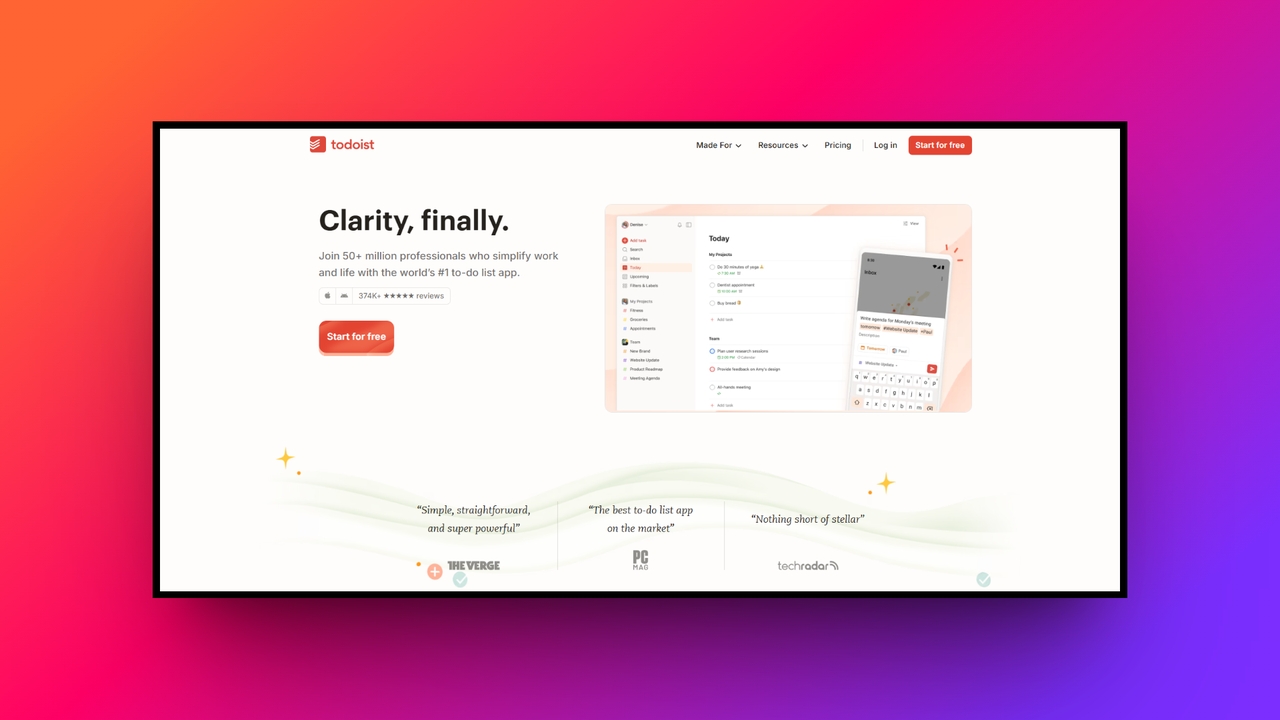
Todoist is a remarkably elegant task management application that balances sophisticated features with an uncluttered, distraction-free user interface. It caters perfectly to professionals who need to capture ideas and organize chaotic schedules instantly. Using advanced natural language processing, Todoist allows users to type tasks exactly as they think, categorizing them to ensure absolutely nothing slips through the professional cracks today.
Key features:
- Natural language input: Simply type phrases like "email John every Friday" and the smart system automatically sets up a recurring scheduled task.
- Karma productivity trends: Gamify your workflow by earning points for completing daily tasks, unlocking visualized charts that display your peak personal productivity.
- Custom task filters: Build highly specific filter views to isolate daily tasks based on unique priority levels, assigned projects, or customized tags.
- Location-based reminders: Set geographic triggers on your mobile device so you receive specific task notifications exactly when arriving at designated places.
Pros:
- Lightning-fast task entry prevents you from losing sudden brilliant ideas.
- Cross-platform synchronization is practically instantaneous across all your connected devices.
- Clean, minimalist design prevents digital overwhelm during highly stressful workdays.
- Integrates beautifully with external calendar applications for seamless daily planning.
Con:
- Important task reminders require a paid premium subscription to unlock.
- Airtable
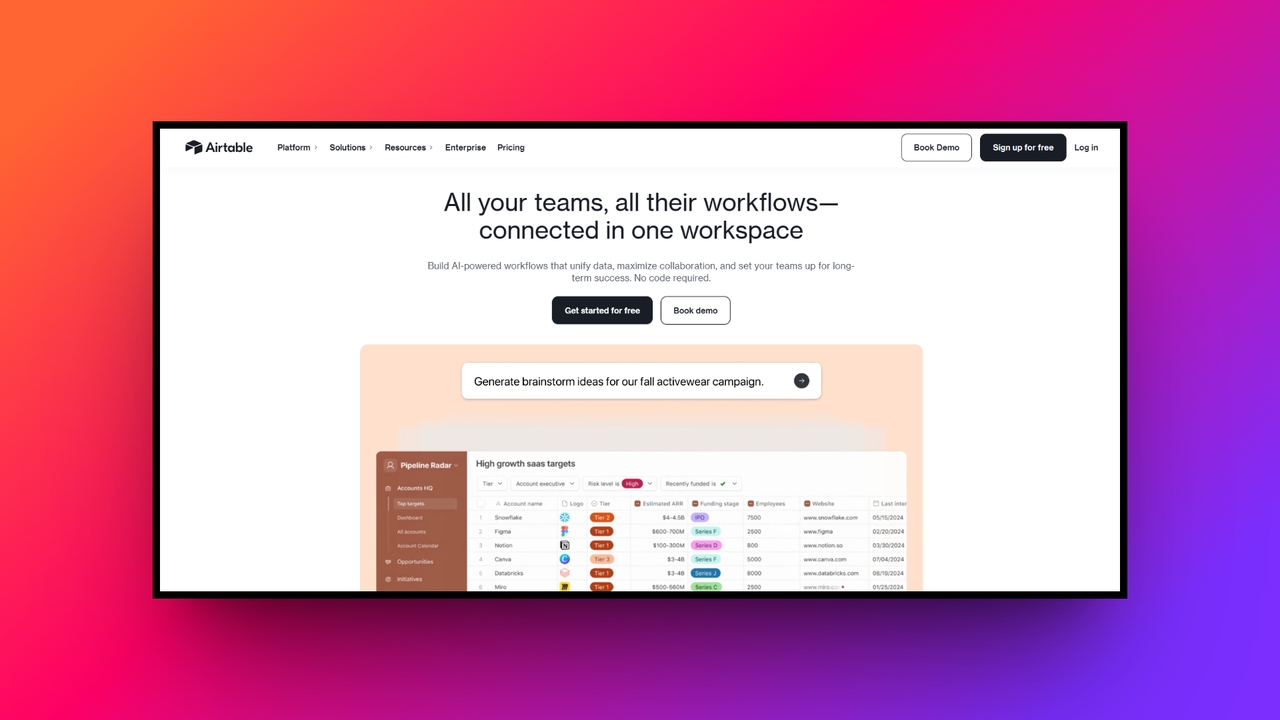
Airtable successfully bridges the gap between powerful relational databases and user-friendly spreadsheets. In 2026, it is the go-to platform for teams that manage complex data but despise rigid database software. Airtable offers unparalleled flexibility, allowing marketing teams, product developers, and event planners to construct customized applications that perfectly map to their unique, deeply specific operational business workflows very easily today.
Key features:
- Relational data linking: Easily connect records across different tables, ensuring that updating client information automatically reflects accurately across all associated project boards.
- Custom interface designer: Drag and drop design elements to build polished dashboards that display only relevant data to specific stakeholders or clients.
- Rich field types: Go beyond standard text by seamlessly adding attachments, long notes, checkboxes, and interactive barcode scanners directly into database grids.
- Automated workflow triggers: Set up complex, multi-step automated sequences that send emails, update specific records, or notify external apps when conditions change.
Pros:
- Combines the straightforward simplicity of spreadsheets with serious database power.
- Visually stunning interface makes complex data entry significantly more enjoyable.
- Its massive internal template library helps you build complex systems fast.
- Multiple dynamic views accommodate different team members' preferred working styles.
Con:
- Advanced relational data formulas possess a notably steep learning curve.
- Zoom
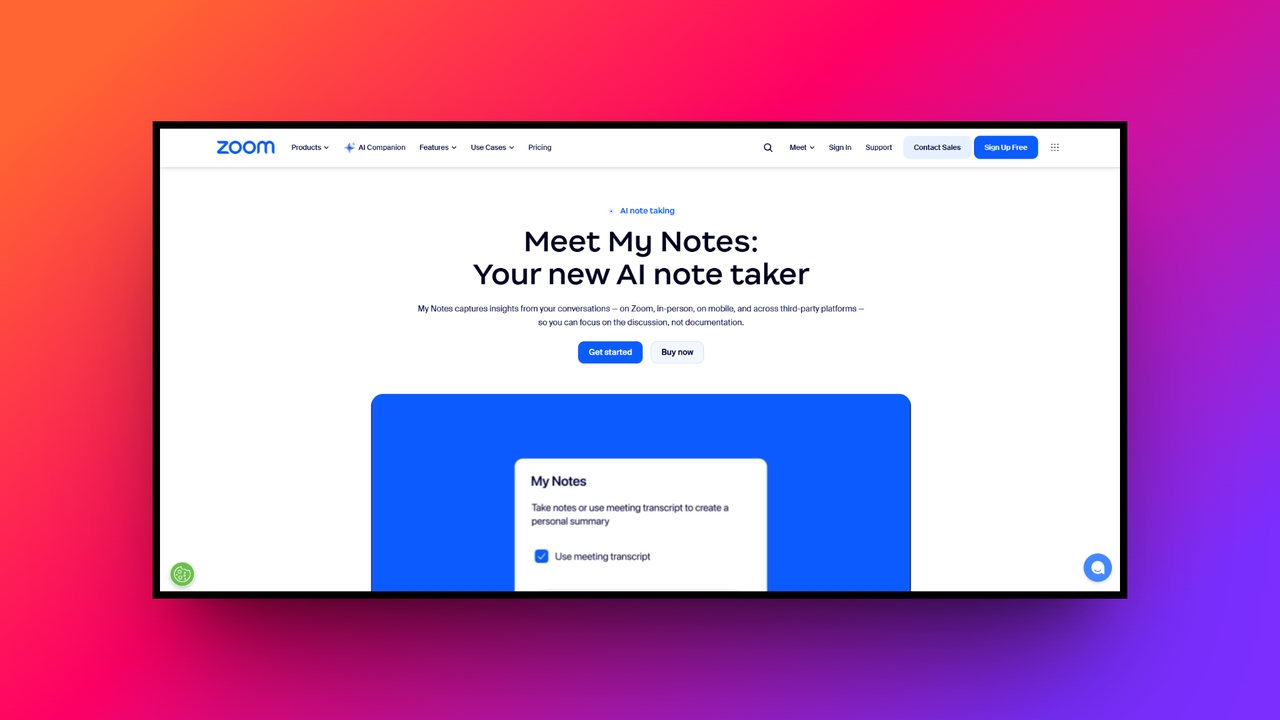
Zoom has evolved far beyond a basic video conferencing tool, transforming into a comprehensive communications platform for the modern workforce. Prioritizing flawless video quality and unparalleled ease of use, Zoom ensures virtual meetings feel incredibly natural. For 2026, its expanded suite includes AI-driven meeting summaries and persistent team chat, making it an indispensable collaborative asset for remote global connectivity everywhere.
Key features:
- Smart AI companion: Automatically generate comprehensive meeting summaries, highlight critical action items, and divide lengthy video recordings into easily digestible smart chapters.
- Immersive digital whiteboards: Collaborate on infinite digital canvases during live calls, allowing all participants to brainstorm, draw, and share sticky notes simultaneously.
- Dynamic breakout rooms: Easily split large, overwhelming main meetings into smaller, focused discussion groups, then seamlessly bring everyone back together when appropriate.
- High-fidelity audio: Advanced background noise suppression utilizes powerful machine learning to eliminate distracting sounds, ensuring crystal-clear voice transmission from any environment.
Pros:
- Industry-leading connection stability consistently prevents frustrating dropped calls and lag.
- Incredibly easy for external clients to join without installing software.
- Virtual backgrounds and touch-up features enhance personal on-camera professional appearance.
- Webinar capabilities effortlessly scale to support thousands of simultaneous attendees.
Con:
- Free tier strict time limits heavily restrict longer team collaborations.
- Miro
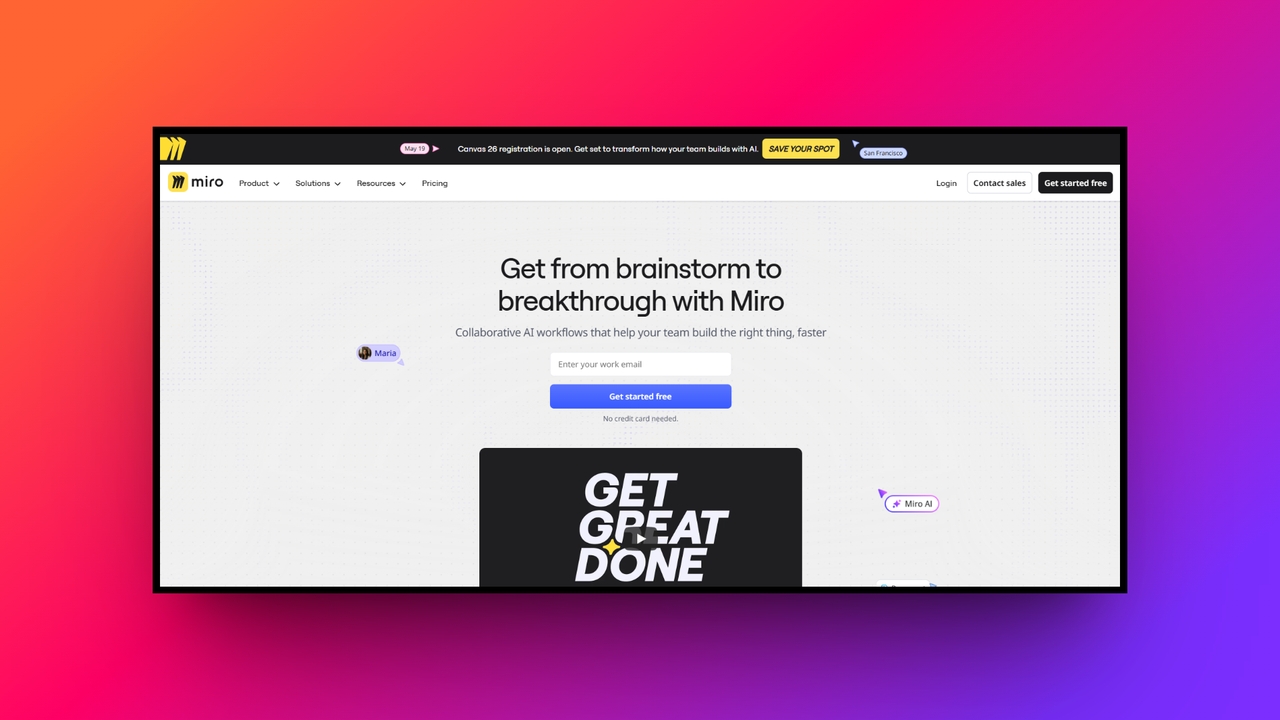
Miro is the ultimate digital whiteboard platform, designed to facilitate unstructured visual collaboration for distributed teams. When text-based lists fall short, Miro provides an infinite canvas where innovators can map out complex customer journeys and construct wireframes. In 2026, it remains an essential productivity tool for unlocking creative problem-solving and maintaining absolute alignment during highly critical corporate planning phases universally.
Key features:
- Infinite workspace canvas: Never run out of space while brainstorming; easily zoom out to see overall strategy or zoom into minute details.
- Advanced diagramming tools: Quickly build professional-grade flowcharts, mind maps, and system architectures utilizing a vast library of standardized shapes and connecting lines.
- Agile sprint workflows: Run engaging remote sprint planning sessions and daily stand-ups using specialized sticky notes, timer features, and interactive voting mechanics.
- Visual board workspaces: Organize multiple distinct whiteboards into nested folders and specific team projects, ensuring all creative assets remain easily discoverable forever.
Pros:
- Replicates the magical, chaotic energy of in-person whiteboard brainstorming sessions.
- Mouse cursors displaying live user names make remote collaboration engaging.
- Integrates seamlessly to export diagrams directly into external tracking tools.
- An incredible array of pre-built templates kickstarts the creative ideation process.
Con:
- Navigating massive, complex boards can sometimes become clunky on laptops.
Crucial tips to select the best productivity tool
Selecting the perfect online productivity tools can feel overwhelming with the countless software options available today. Follow these five essential tips to confidently choose the absolute best platform for your team.
- Identify your pain points: Thoroughly analyze your current team workflows to pinpoint exactly where specific communication or operational bottlenecks consistently occur before browsing platforms.
- Utilize free trials: Always test the software using available free trials to ensure its interface and features genuinely fit your specific daily operations.
- Consider your budget: Carefully factor in long-term monthly subscription costs and potential scalability fees as your entire business team inevitably expands over time.
- Check integrations: Rigorously verify that the new platform connects seamlessly with the existing software applications and critical tools you already use daily.
- Prioritize user experience: Always select highly intuitive user interfaces to minimize required onboarding time and guarantee maximum adoption rates among all team members.
Wrapping up
In conclusion, navigating the modern work landscape requires more than just hard work; it demands the right technological support.
The team productivity tools highlighted for 2026 offer diverse solutions tailored to specific organizational needs, from AI-driven media generation in Framia Pro to robust task management in Asana. Adopting these applications will undoubtedly streamline your workflows, minimize manual redundancies, and elevate your team’s overall output.
However, remember that the most effective tool is simply the one that your team actually uses consistently. Take the time to evaluate your specific pain points, utilize free trials, and choose platforms that integrate smoothly into your daily routine.
FAQs
What is a productivity tool?
A productivity tool is a specialized software application designed to help individuals and teams organize tasks, manage time efficiently, streamline daily workflows, collaborate seamlessly, and ultimately achieve their professional goals faster.
How do the best productivity tools improve team collaboration?
These workplace productivity tools significantly improve teamwork by centralizing all communication, providing real-time document editing capabilities, offering clear visibility into project statuses, establishing shared deadlines, and completely eliminating confusing, fragmented email chains.
Are premium productivity tools always better than the best free productivity apps?
Not necessarily, as many free versions offer ample functionality for individual users. However, premium tiers usually provide crucial advanced features, enhanced security protocols, and greater storage required by larger corporate enterprises.
How can I ensure my team adopts new business productivity tools?
You can guarantee successful software adoption by selecting highly intuitive platforms, providing comprehensive initial training sessions, demonstrating clear personal value to employees, and having company leadership consistently utilize the new system.
Can the top productivity apps integrate with my existing software?
Yes, most modern apps for productivity feature robust application programming interfaces that easily allow seamless direct integrations with standard workplace systems, ensuring your daily data syncs perfectly across multiple distinct digital platforms.





