
What is VEED.IO?
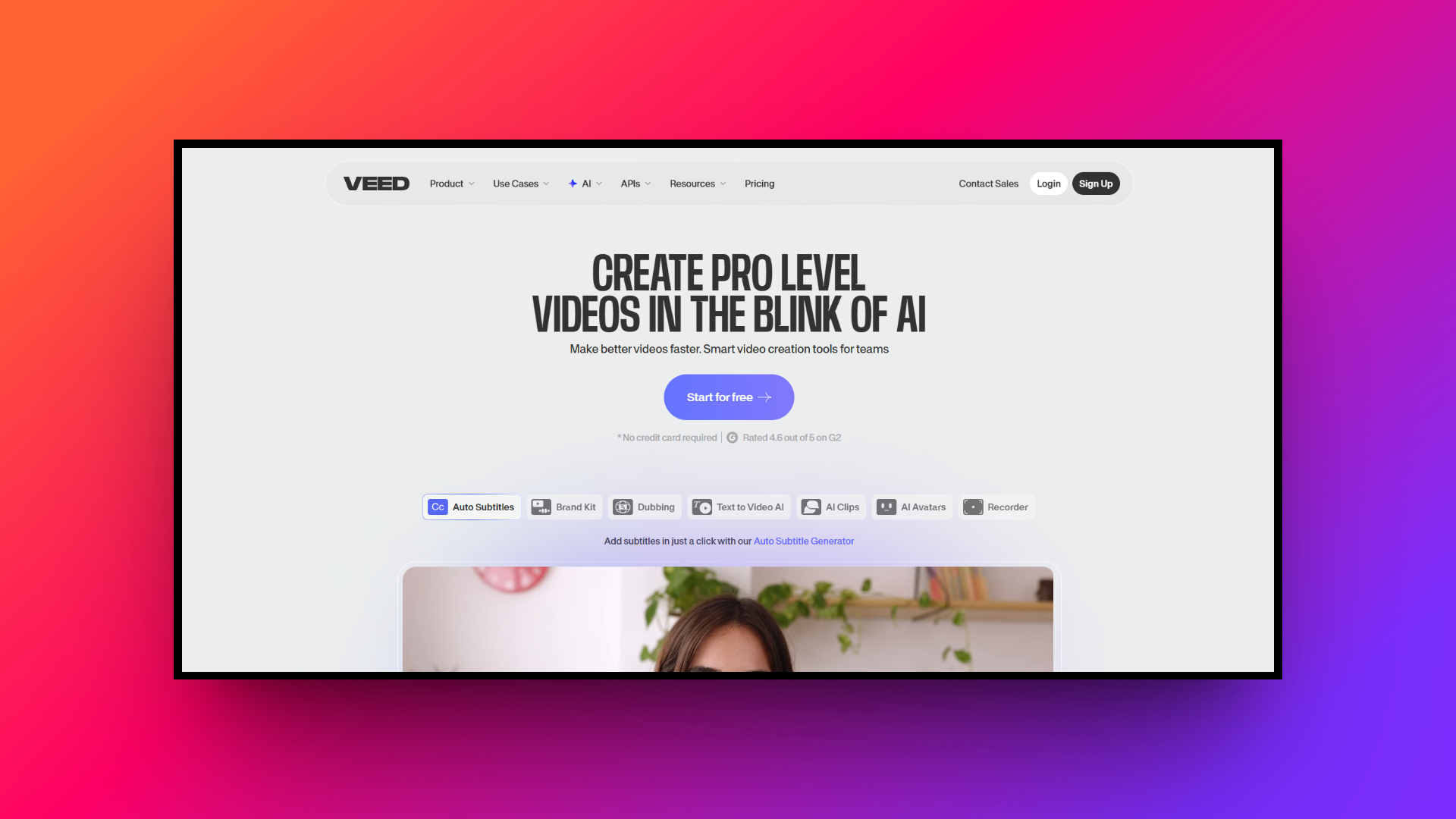
VEED.io is a powerful, AI-powered, browser-based video editing platform designed to make professional-quality video creation accessible to everyone. Unlike traditional editing software that requires heavy downloads and steep learning curves, VEED operates entirely in the cloud.
It empowers content creators, marketers, and businesses to produce engaging social media clips, promotional videos, and tutorials directly from their web browser. Known for its highly intuitive drag-and-drop interface and a robust suite of AI-powered tools, VEED streamlines the entire video production workflow.
Whether you need to quickly trim a clip, add dynamic captions, or generate AI avatars, VEED offers an all-in-one solution for modern video editing.
VEED.IO video editor: top defining features
VEED stands out in the crowded video editing market thanks to its rich arsenal of smart, time-saving tools. Here are five key features that make it a favorite among creators:
- Auto-subtitles and translation
VEED's most celebrated feature is its highly accurate automatic subtitle generator. With a single click, the AI transcribes spoken audio into text in over 125 languages. You can easily style the captions, adjust timings, and even translate them to make your content accessible to a global audience.
- Magic cut and audio cleaning
Editing out mistakes is a breeze with VEED’s AI-driven tools. The "Magic Cut" feature automatically detects and removes awkward silences and filler words from your footage. Paired with the one-click "Clean Audio" tool that eliminates background noise, your videos will instantly sound crisp and professionally produced.
- AI avatars and voice cloning
For creators who don't want to be on camera, VEED offers hyper-realistic AI avatars and voice cloning. Simply type your script, select a digital presenter, and the AI will generate a talking-head video with perfectly synchronized lip movements, using either a stock voice or a clone of your own.
- Extensive stock media library
To elevate your projects, VEED provides access to a massive library of over 2 million royalty-free assets. You can easily drag and drop high-quality stock videos, background music, sound effects, and customizable text animations into your timeline, eliminating the need to source external media for your edits.
Is VEED.IO free: tiers and pricing
VEED offers a tiered pricing structure designed to accommodate everyone, from casual hobbyists to large teams.
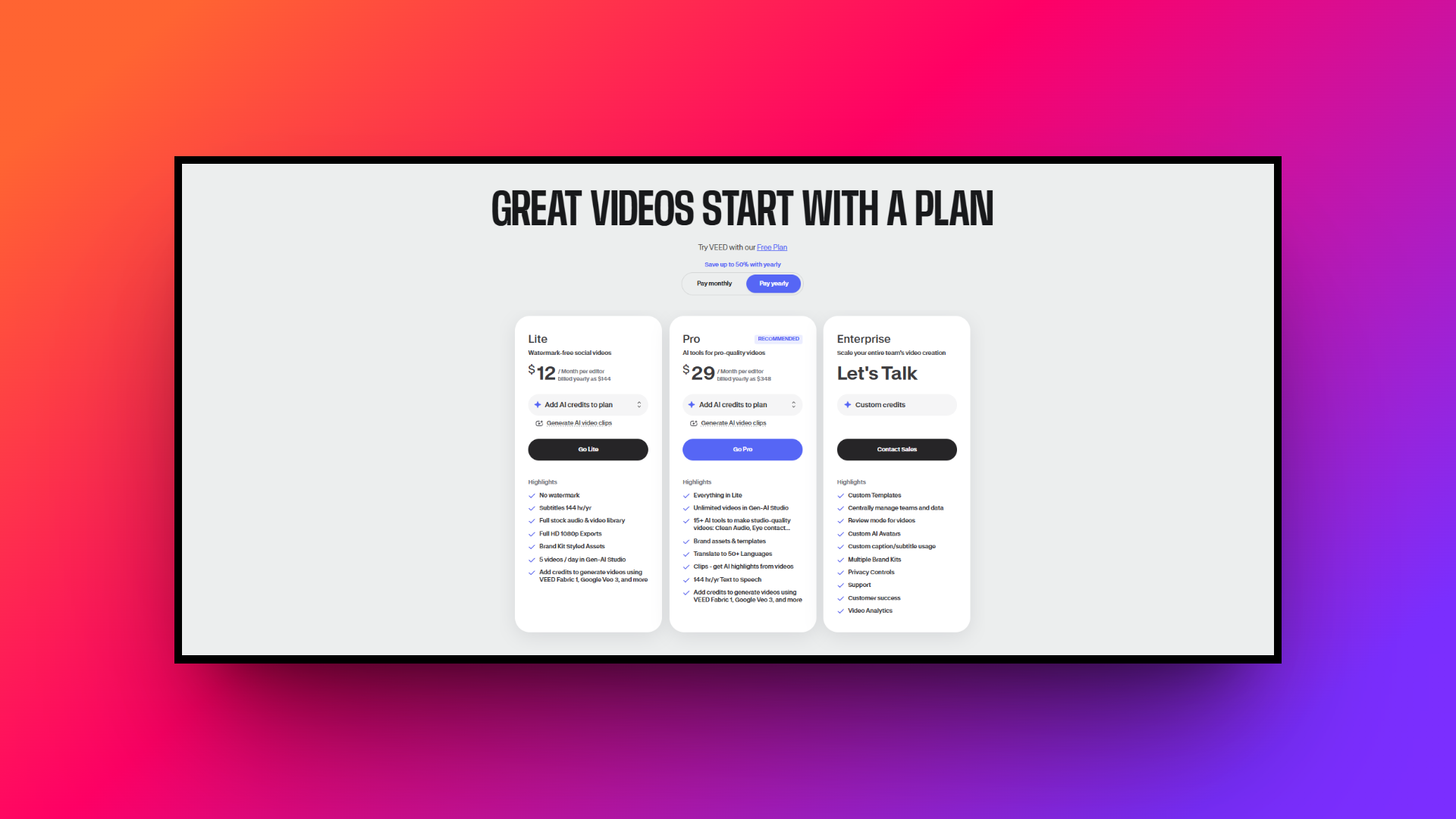
It starts with a "Free" plan, which is great for testing the platform but limits exports to 720p and includes a visible VEED watermark. For regular creators, the "Lite" plan costs around $12 per month (billed annually) and unlocks 1080p exports, removes the watermark, and provides basic subtitle allowances.
Lastly, the "Pro" plan, at roughly $29 per month, is the most popular tier, offering 4K exports, advanced AI tools like voice cloning, and expanded translation minutes. Custom Enterprise plans are also available for larger organizations.
VEED.IO review: pros and cons
Before committing your time and budget to any software, it is essential to weigh its specific strengths and weaknesses. The following is a quick breakdown of where VEED shines and where it might fall short for your specific video editing needs.
| Pros: |
| Highly intuitive and beginner-friendly drag-and-drop interface. No software installation is required since it is fully cloud-based. Exceptionally accurate and fast auto-subtitling and translation features. A rich library of built-in stock media and helpful AI-driven tools. |
| Cons: |
| Requires a strong, consistent internet connection to prevent lag. The free version includes a prominent watermark and caps resolution at 720p. |
Beyond VEED: Top 5 VEED.IO alternatives for creators
While VEED is undeniably a fantastic tool, it isn't a one-size-fits-all solution. As your editing needs evolve, you might encounter limitations.
For instance, VEED’s reliance on a high-speed internet connection can become a bottleneck when handling massive 4K files. Additionally, recurring subscription costs, especially for Pro tiers, can quickly add up for freelancers on a tight budget.
Advanced users might also find VEED lacking in specialized features like intricate motion graphics or robust multi-camera editing found in desktop software. Finally, the restrictive free plan, with its prominent watermark, often pushes beginners to seek other options. Let's explore the best VEED alternatives.
| Platform | Best For | Standout Feature | Main Drawback |
| VEED.io | Quick social media edits | Auto-subtitles & Magic Cut | Requires a strong internet connection |
| Framia Pro | High-volume AI automation | Specialized Video & Design Agents | Prompt-based workflow requires adjusting |
| Synthesia | Corporate & training videos | 140+ hyper-realistic AI avatars | Avatars can occasionally lack emotional nuances |
| Descript | Podcasts & spoken-word content | Text-based document-style editing | Not ideal for complex visual effects |
| Camtasia | Screen recording & tutorials | Advanced screen & cursor capture | High upfront perpetual license cost |
| InVideo AI | Faceless social media channels | Instant prompt-to-video generation | Highly reliant on generic stock footage |
Framia Pro
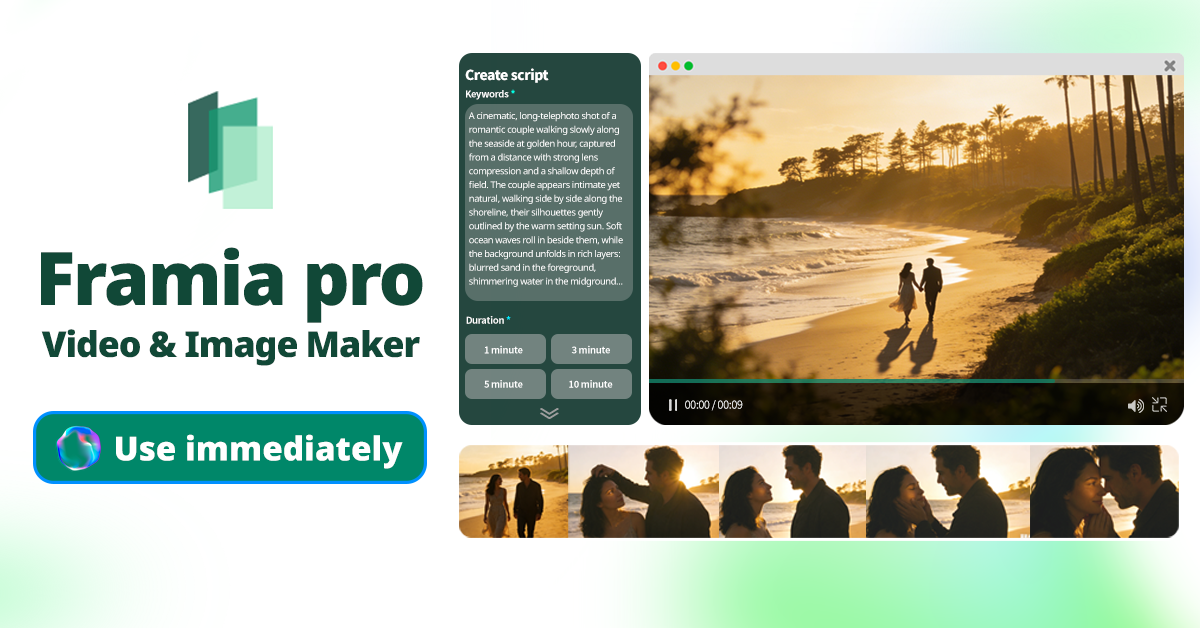
Framia Pro is a cutting-edge AI platform that revolutionizes content creation by deploying specialized AI agents for both video and image generation. Instead of manual editing, you simply prompt its agents to automate scripts, storyboards, and designs, making it an ultimate powerhouse for high-volume marketers and storytellers.
Key features:
- Specialized video agents: Deploy dedicated AI agents to instantly generate quick, digestible shorts or cinematic movies with emotional dialogue and storytelling.
- Full-SOP automation: Automate your entire workflow, from script generation and storyboarding to automatic B-roll composition and background music synchronization seamlessly.
- Chat-to-edit capabilities: Easily refine specific segments of videos or images by simply typing chat commands, eliminating the need to regenerate entirely.
- Editable design layers: Transform generated AI designs into fully editable layers, allowing you to move, resize, or delete individual texts and shapes.
- Consistent character generation: Maintain perfect character consistency across multiple video shots, which is crucial for building recognizable branded content and cohesive storytelling.
Pros:
- Saves 80-90% of time compared to traditional workflows.
- Offers both powerful video and image generation capabilities.
- Provides a storyboard timeline to easily regenerate individual shots.
- Features pixel-level brush tools for fine-tuning designs.
Cons:
- The prompt-based workflow takes some time to adjust for traditional editors.
Synthesia
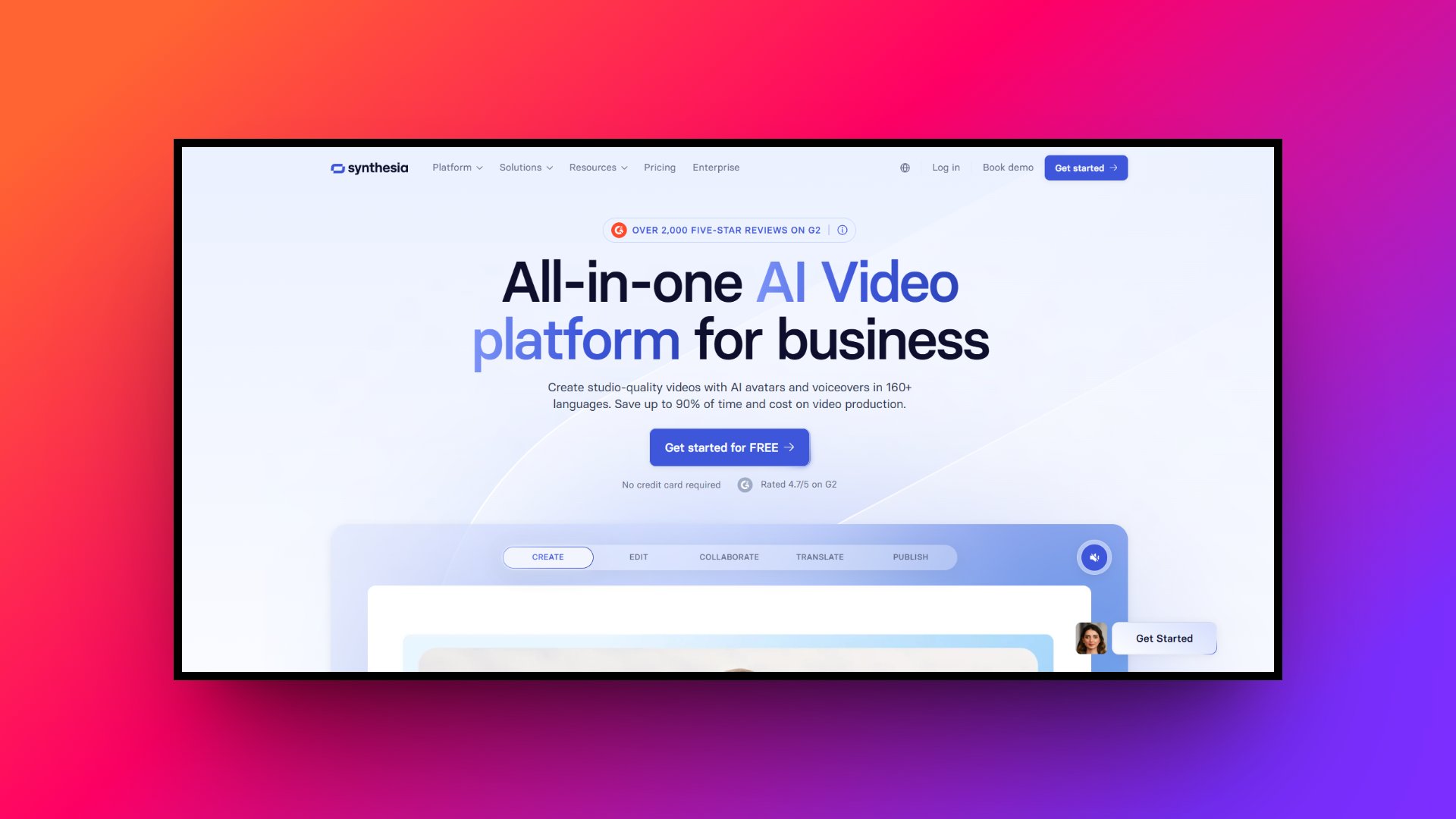
Synthesia is a revolutionary AI video generation platform that completely eliminates the need for cameras, actors, or studios. It specializes in turning plain text into professional training, marketing, and how-to videos using hyper-realistic AI avatars, making scalable corporate video production easier and more cost-effective than ever before.
Key features:
- 140+ AI avatars: Choose from a diverse cast of realistic, professionally filmed digital avatars to act as the presenter in your videos.
- Text-to-speech generation: Type your script and instantly generate high-quality voiceovers in over 120 languages and various distinct regional accents.
- Custom avatars: Create a custom digital twin of yourself or your CEO to maintain brand consistency across all corporate communications.
- Auto-translation: Instantly translate your entire video—including the avatar's lip-sync and voiceover, into multiple languages with a single click.
- Built-in screen recorder: Capture your screen directly within the app and layer your AI avatar over the footage for engaging tutorials.
Pros:
- No filming equipment required.
- Drastically reduces video production costs.
- Incredible language translation capabilities.
- Very fast video generation times.
Cons:
- Avatars can occasionally lack natural emotional nuances.
Descript
Descript fundamentally changes the video editing process by treating your media like a text document. Rather than chopping clips on a complex timeline, you edit your video by simply editing its transcribed text. It’s the ultimate tool for podcasters, course creators, and anyone heavily focused on spoken-word content.
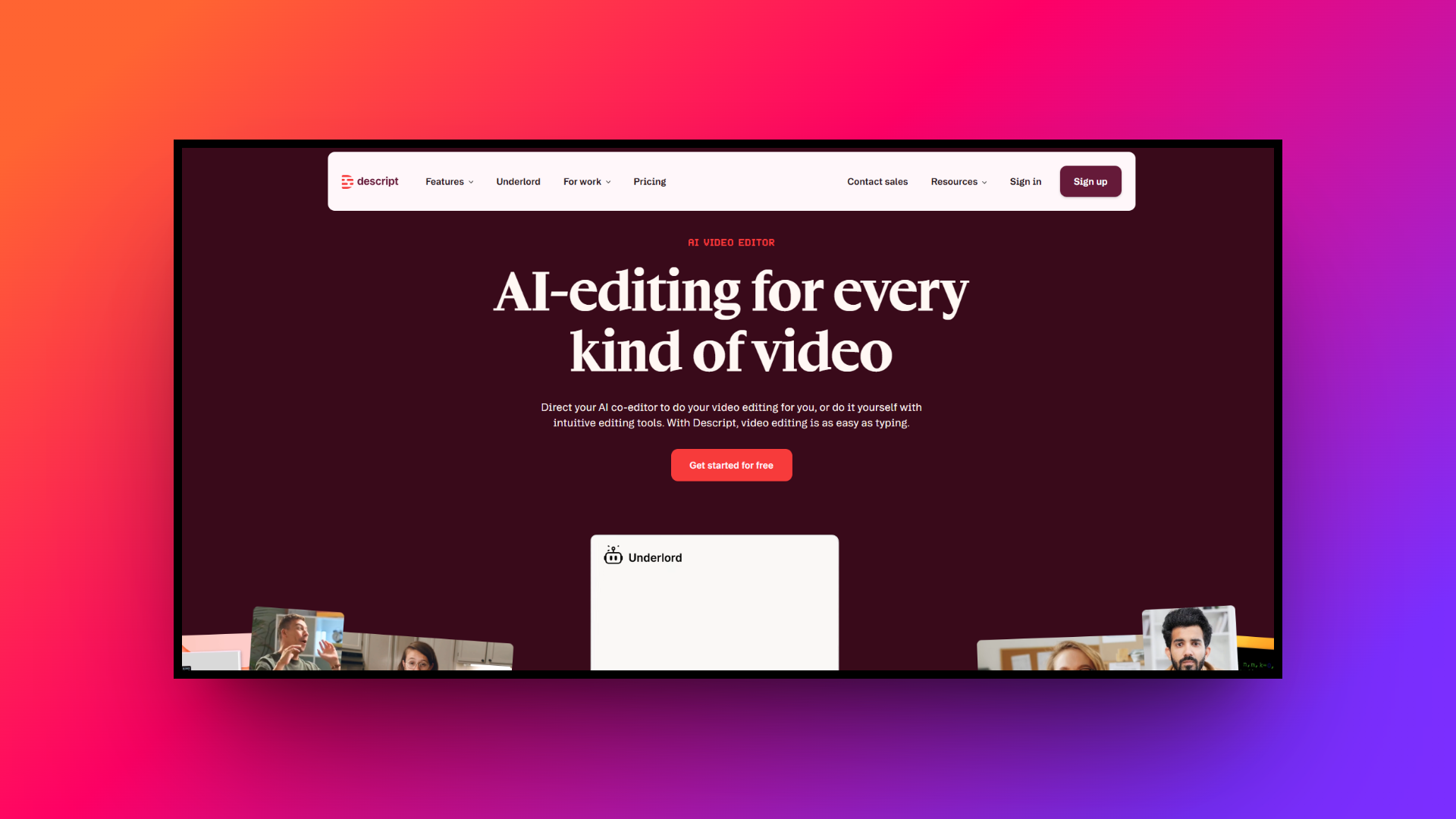
Key features:
- Text-based editing: Delete a word from the automatically generated transcript, and the corresponding video or audio clip is instantly removed.
- Overdub voice cloning: Type new words into the transcript, and Descript will generate audio in your own voice to fix flubbed lines easily.
- Studio sound: Toggle a single switch to instantly remove echo and background noise, making any recording sound like a professional studio.
- Filler word removal: Automatically detect and delete all "ums," "ahs," and other filler words from your entire project in one click.
- Green screen effect: Easily remove your background and replace it with images or video, even if you didn't shoot on a green screen.
Pros:
- Revolutionary, easy-to-learn text-based interface.
- Best-in-class audio enhancement features.
- Excellent collaboration tools for teams.
- Incredibly fast workflow for podcasts.
Cons:
- Not ideal for highly visual, complex motion graphic edits.
Camtasia
Camtasia by TechSmith has long been the gold standard for screen recording and tutorial creation. It combines an incredibly powerful screen capture tool with a traditional, yet accessible, timeline editor. It is the go-to software for educators, instructional designers, and software companies creating in-depth onboarding or training materials.
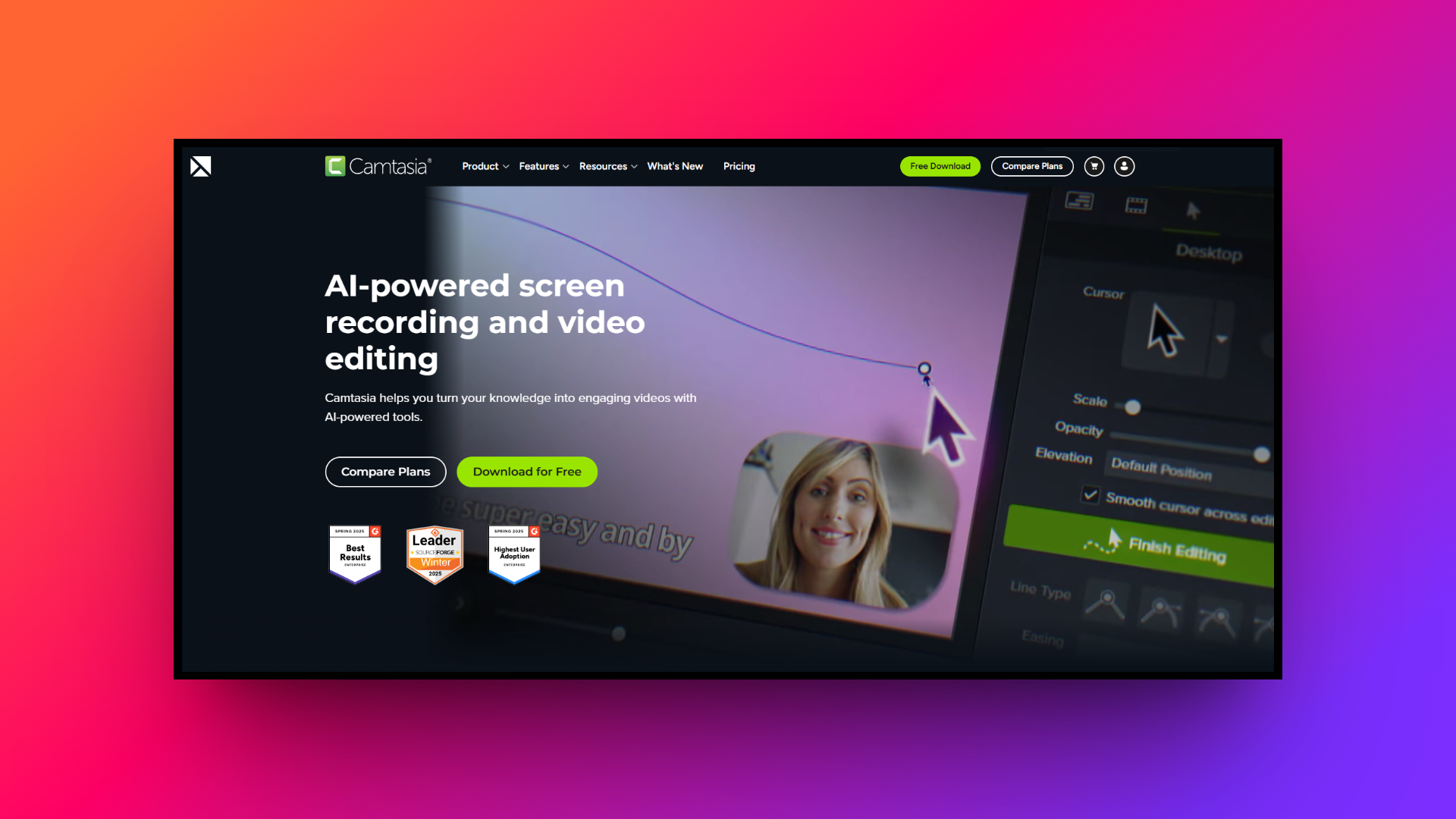
Key features:
- Advanced screen recording: Capture your entire screen, specific windows, or customized regions while simultaneously recording your webcam and system audio flawlessly.
- Cursor effects: Highlight, magnify, or smooth out your mouse movements to ensure your viewers can easily follow your on-screen actions.
- Interactive quizzes: Embed interactive quizzes and knowledge checks directly into your videos to measure viewer engagement and learning retention.
- Pre-built assets: Access a wide variety of customizable intros, lower thirds, callouts, and background tracks to make your videos look professional.
- Simplified timeline: Enjoy a drag-and-drop timeline that makes slicing clips, adding transitions, and layering effects intuitive for beginners and pros.
Pros:
- Industry-leading screen capture capabilities.
- Robust sets of educational and tutorial tools.
- Very stable and reliable performance.
- No subscription required (perpetual license available).
Cons:
- Upfront cost is relatively high.
InVideo AI
InVideo AI leverages advanced artificial intelligence to generate complete, ready-to-publish videos from simple text prompts. You just describe your idea, and the platform automatically writes the script, selects relevant stock footage, adds a voiceover, and applies background music. It’s perfect for creators needing high-volume content at lightning speeds.
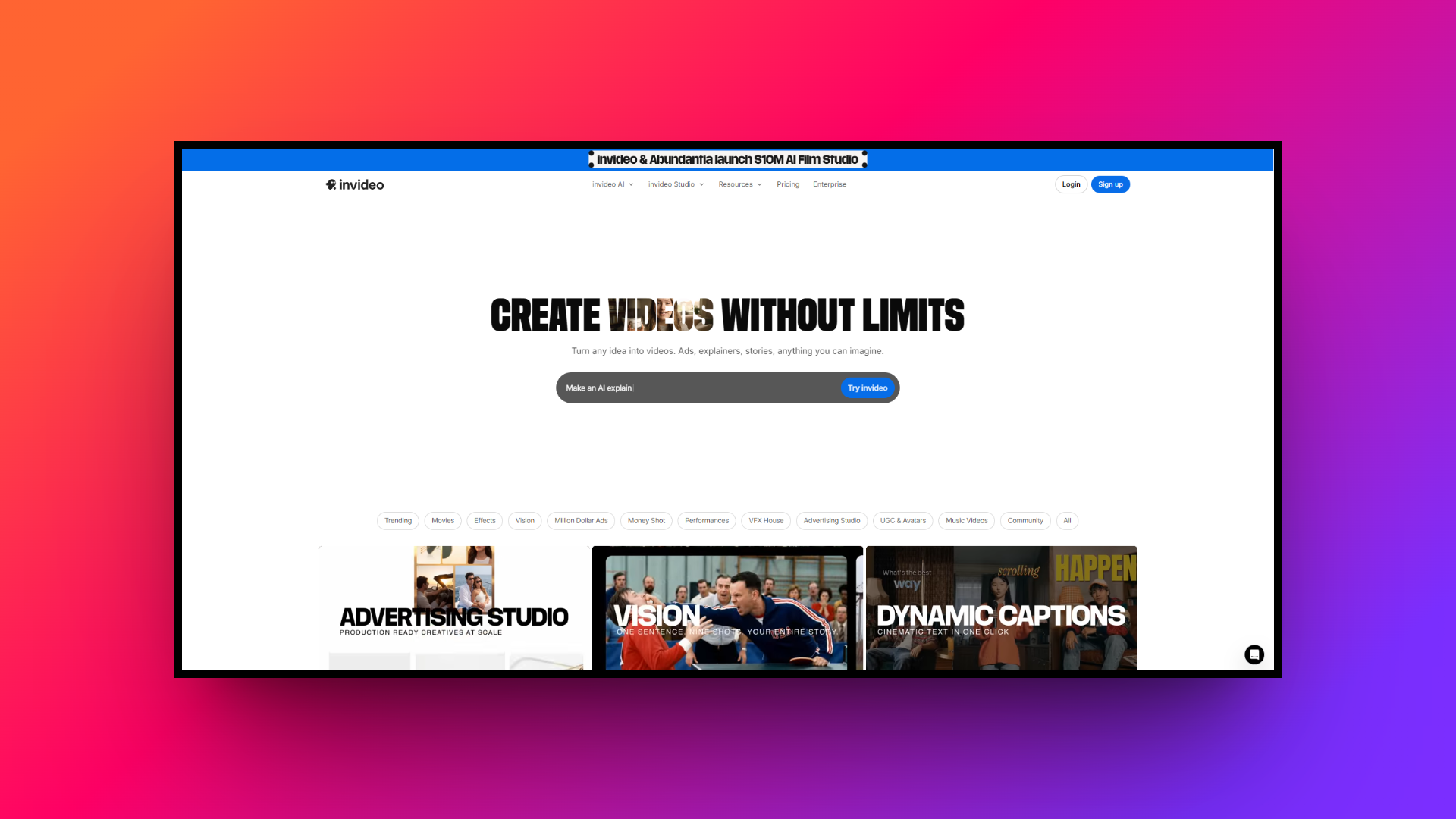
Key features:
- Prompt-to-video generation: Type a detailed prompt, and the AI will assemble a full video complete with scenes, pacing, and spoken narration seamlessly.
- Magic edit commands: Use conversational text commands (e.g., "make the tone more energetic" or "change the second scene") to refine the generated video.
- Extensive stock integration: Seamlessly pulls from premium libraries like iStock to automatically match high-quality b-roll footage with your script's context.
- Human-sounding voiceovers: Offers highly realistic AI voiceovers in multiple languages and emotional tones, saving you the hassle of recording your own audio.
- Multi-platform formatting: Instantly resize and format your generated videos for YouTube Shorts, Instagram Reels, or TikTok without losing important visual elements.
Pros:
- Fastest way to go from idea to complete video.
- Massive built-in premium stock media library.
- Incredibly easy to use for absolute beginners.
- Excellent for scaling faceless YouTube channels.
Cons:
- Relies heavily on stock footage, which can feel generic.
Factors to keep in mind when choosing alternatives to VEED
Finding the right video editing tool depends entirely on your unique workflow, budget, and content goals. Before making a final decision, here are five crucial factors you should consider to ensure you select the perfect VEED alternative for your projects:
- Budget and pricing models: Evaluate your long-term budget carefully. While browser-based subscriptions offer lower upfront costs, perpetual licenses for desktop software often prove more cost-effective over time. Consider whether you need premium features like 4K exports or unlimited AI credits before subscribing.
- Cloud vs. desktop software: Determine your hardware capabilities and internet reliability. If you frequently travel or have spotty internet, an offline desktop editor is essential. Conversely, if you lack a powerful computer, a cloud-based tool leverages external servers to handle heavy video rendering.
- The software learning curve: Assess how much time you can dedicate to learning new software. Tools like Descript or InVideo AI are incredibly beginner-friendly with flat learning curves, whereas traditional timeline editors may require weeks of practice to master their advanced visual functionalities.
- Core feature requirements: Identify the specific tools you absolutely cannot live without. If your content relies heavily on spoken word, prioritize text-based editing. If you need highly cinematic visuals, look for robust color grading, precise motion tracking, and seamless multi-cam support.
- Export and publishing options: Consider where your final videos will live. Look for software that offers built-in social media aspect ratios, auto-resizing capabilities, and direct publishing integrations for platforms like YouTube, Instagram, and TikTok to drastically speed up your daily distribution workflow.
Wrapping up
Choosing the right video editor can dramatically transform your content creation process, saving you countless hours while elevating your production value. While VEED remains an excellent, user-friendly choice for many, its limitations mean it isn't perfect for every scenario.
If you want to take your content creation to the next level, Framia Pro stands out as the ultimate solution. With its specialized AI video and design agents, chat-to-edit capabilities, and full-SOP automation, it provides everything you need to scale your production seamlessly. We highly recommend taking advantage of Framia Pro to test its interface and see how its powerful AI workflow can perfectly align with your creative vision!
FAQs
What are the best VEED competitors currently available?
Top VEED alternatives include Framia Pro for AI automation, Descript for text-based editing, and Synthesia for avatar generation. Each offers specialized features that cater to specific video production workflows.
Does the platform offer a VEED.IO AI text to video feature?
Yes, the VEED.IO AI text to video tool lets users generate videos from text prompts. However, alternatives like Framia Pro provide more advanced full-SOP automation and specialized prompt-to-video agents.
Is the VEED.IO video compressor completely free to use?
The veed.io video compressor offers a free tier, allowing users to reduce file sizes quickly. However, premium plans are required for processing larger files or retaining higher resolution quality.
How effective is the VEED.IO compressor for large files?
The veed.io compressor is highly effective for standard social media clips, efficiently reducing file sizes. For massive 4K projects, dedicated desktop software might yield significantly faster and more stable compression times.
Can I use the VEED IO MP4 converter for audio files?
Yes, the Veed.io MP4 converter supports various formats, letting you seamlessly convert audio and video files into MP4s. This ensures optimal compatibility across all major social media platforms.





