Set up your canvas
Open Framia Pro, click "+" and type your scene description or upload a photo you want styled as a wizarding world character.

Turn prompts or photos into wizard-inspired portraits, magical castles, fantasy duels, and enchanted artwork.
Drag & drop files here
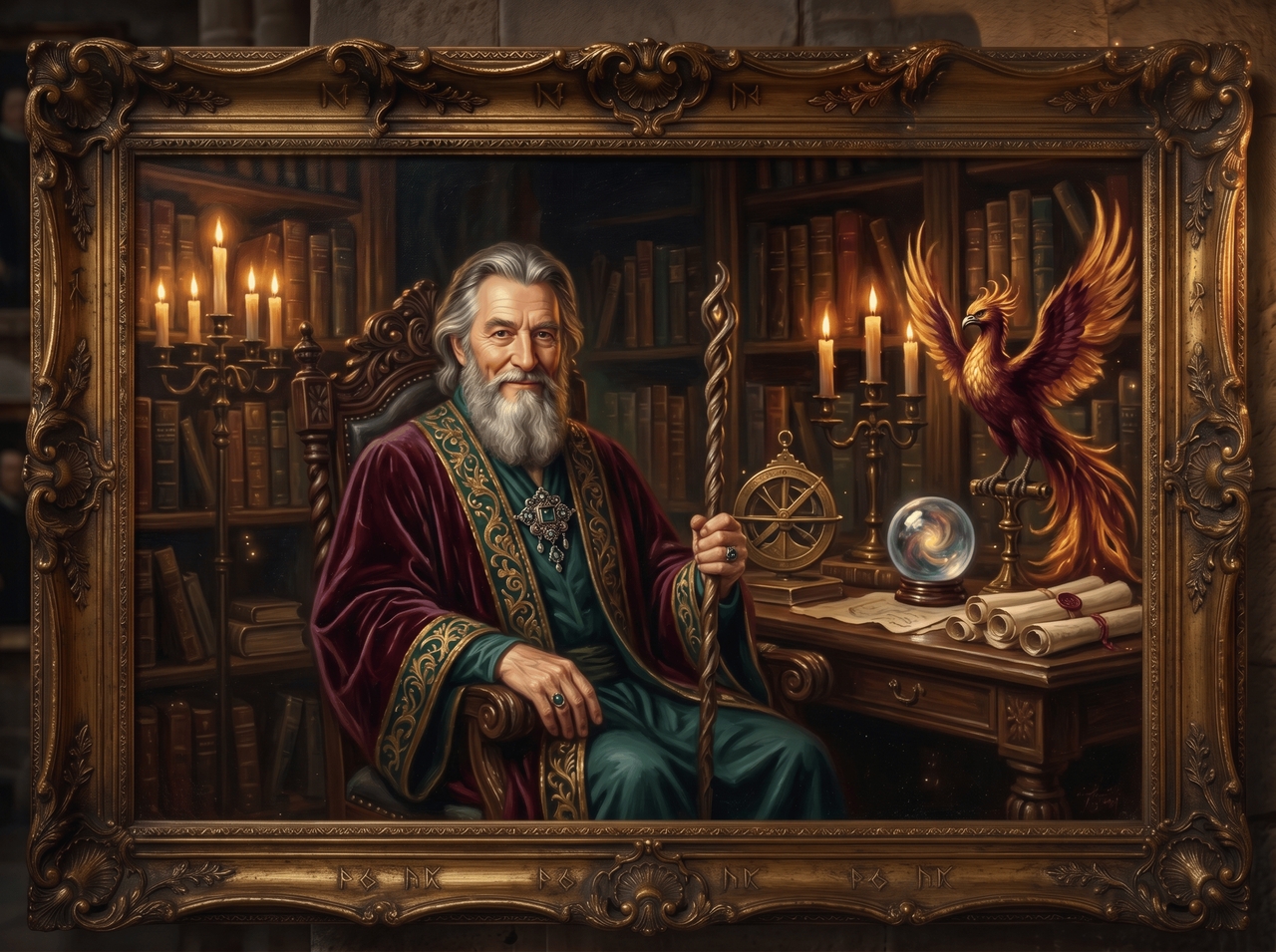
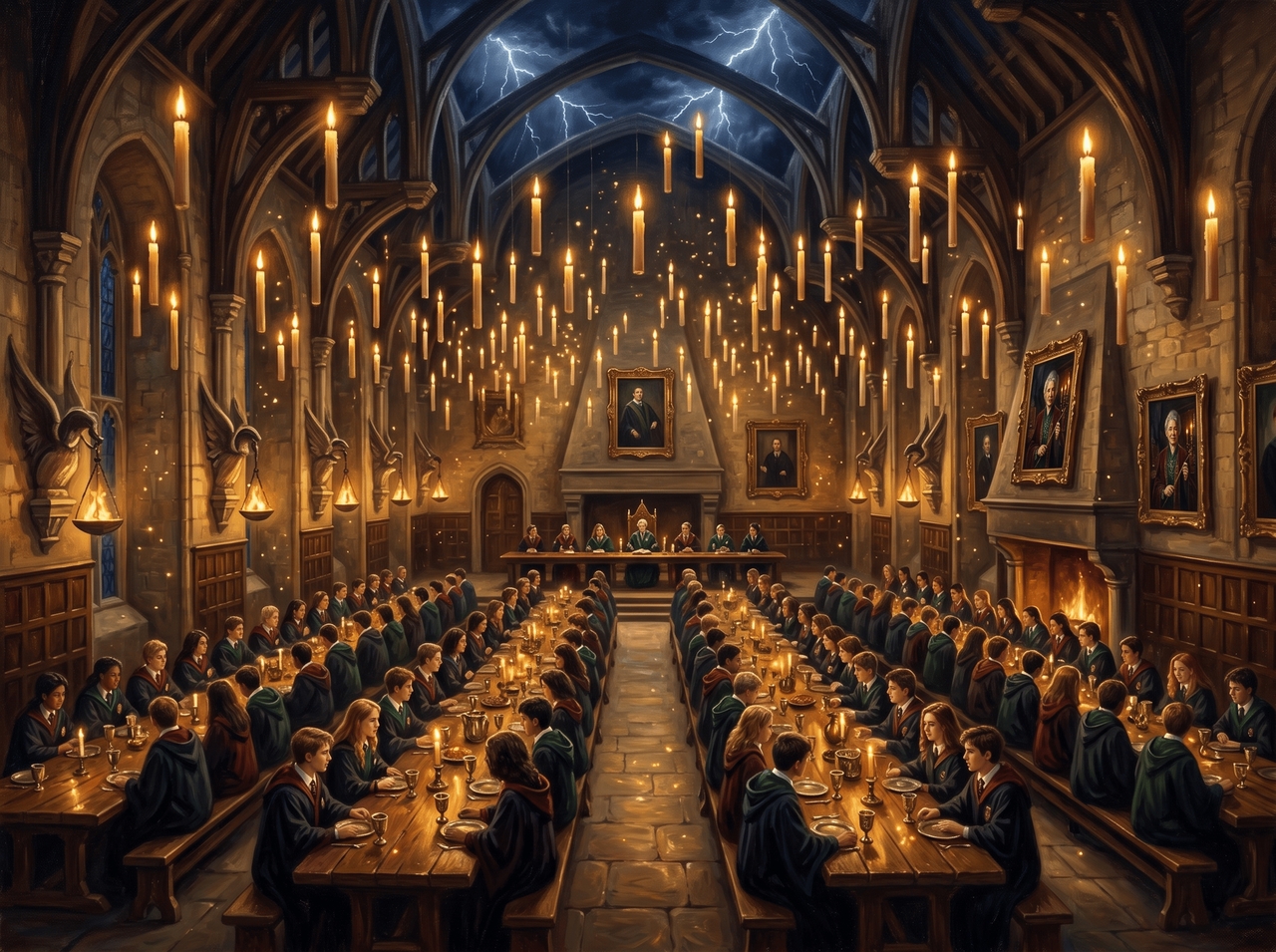
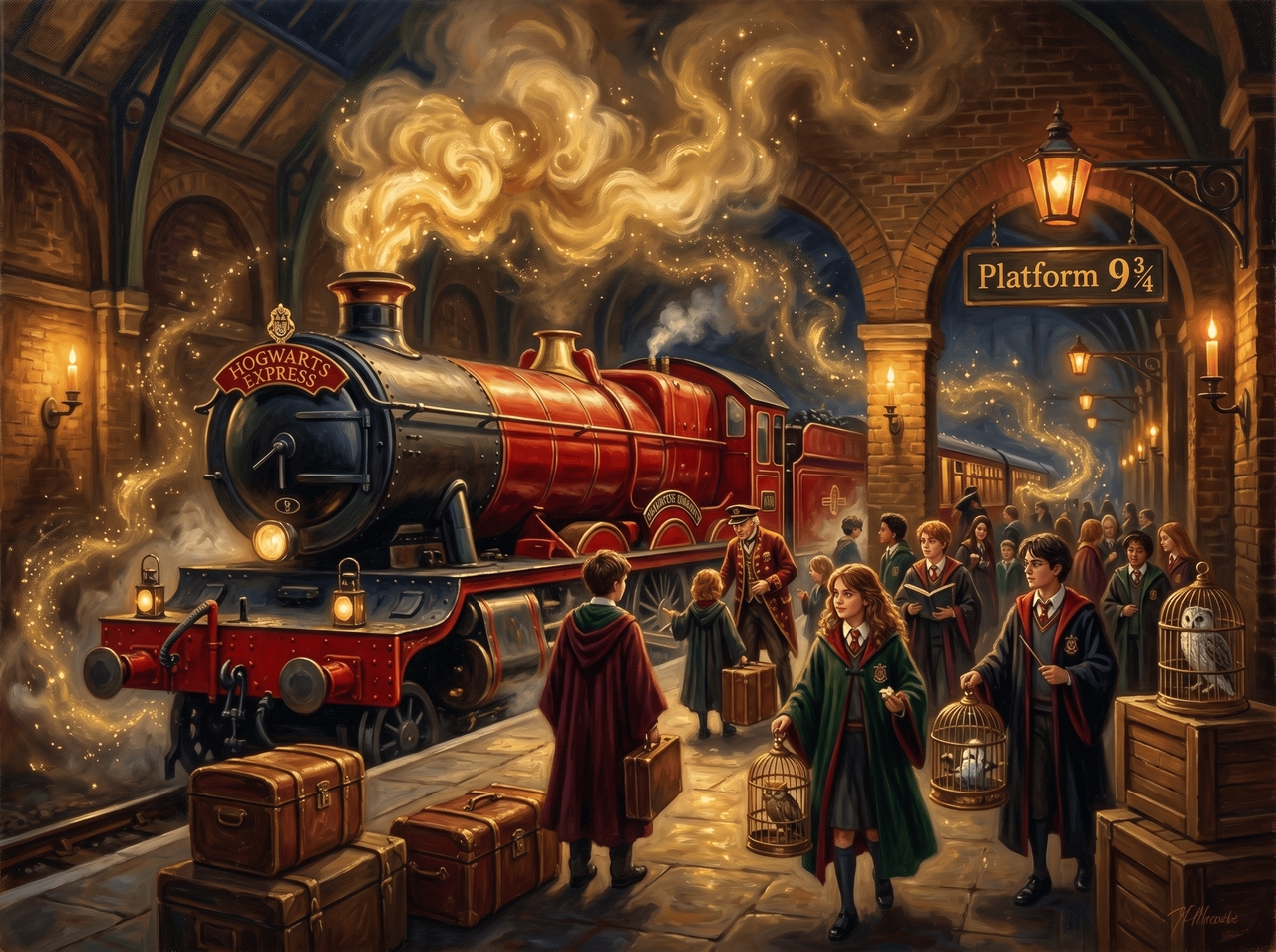
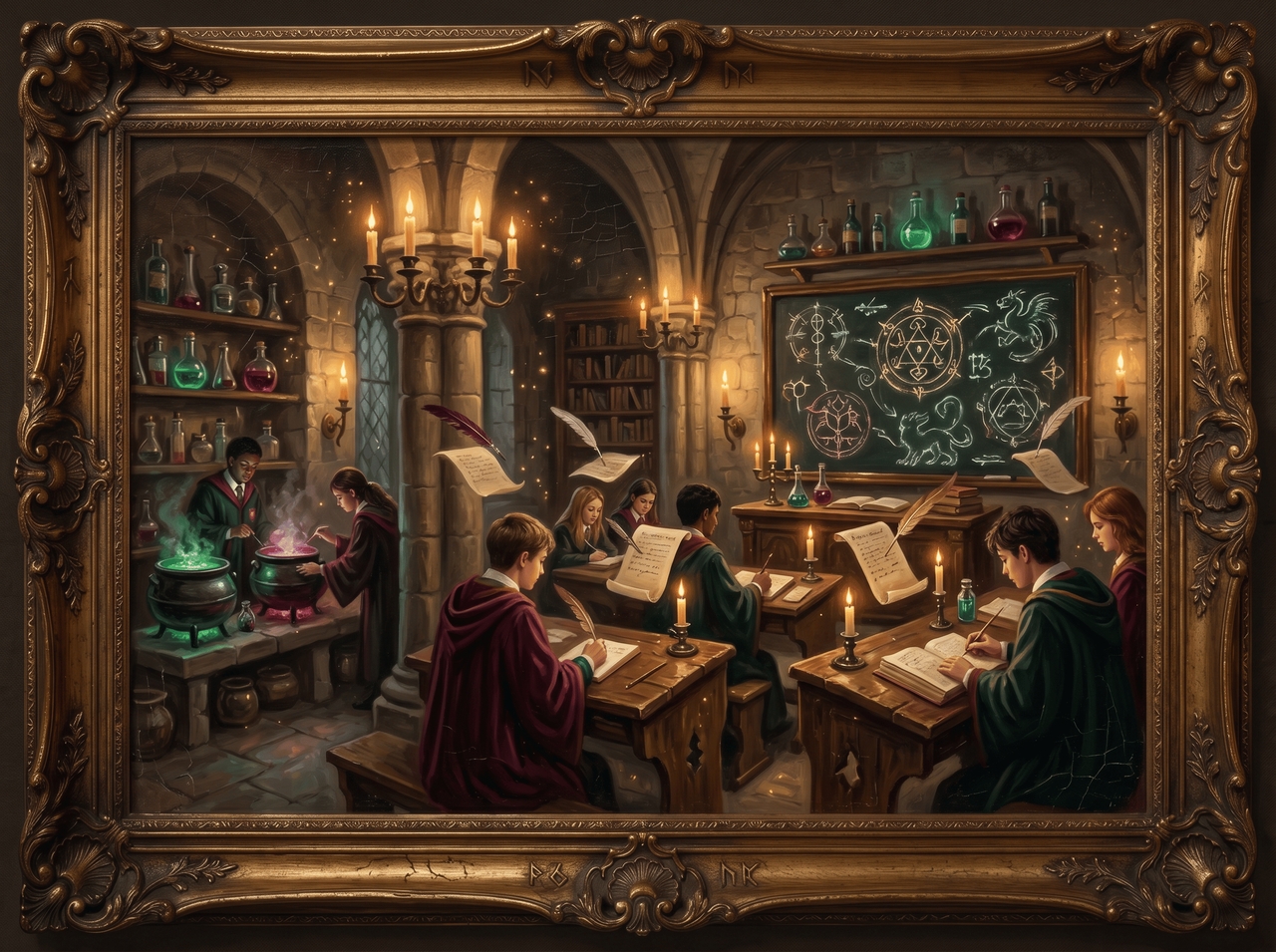
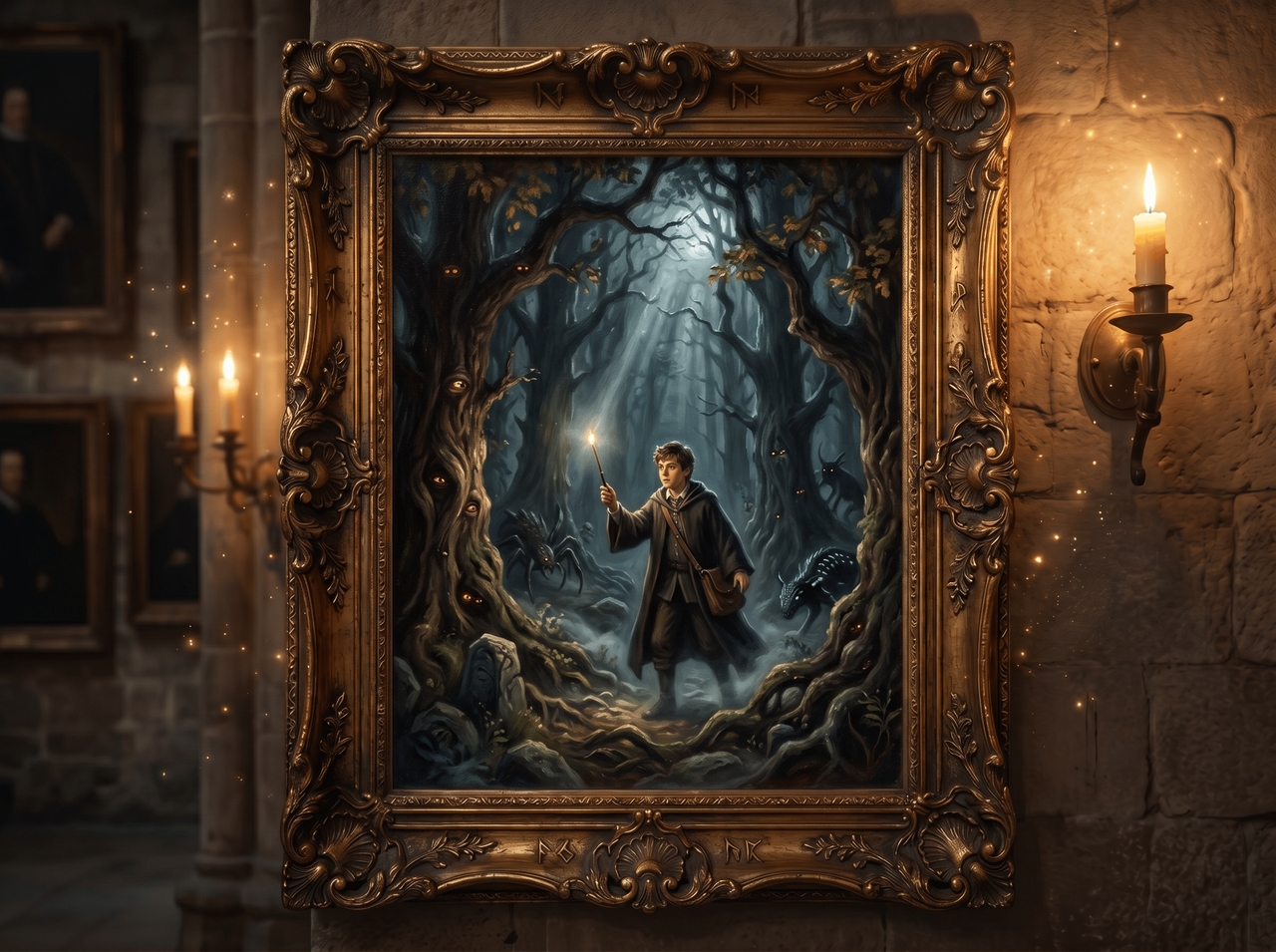
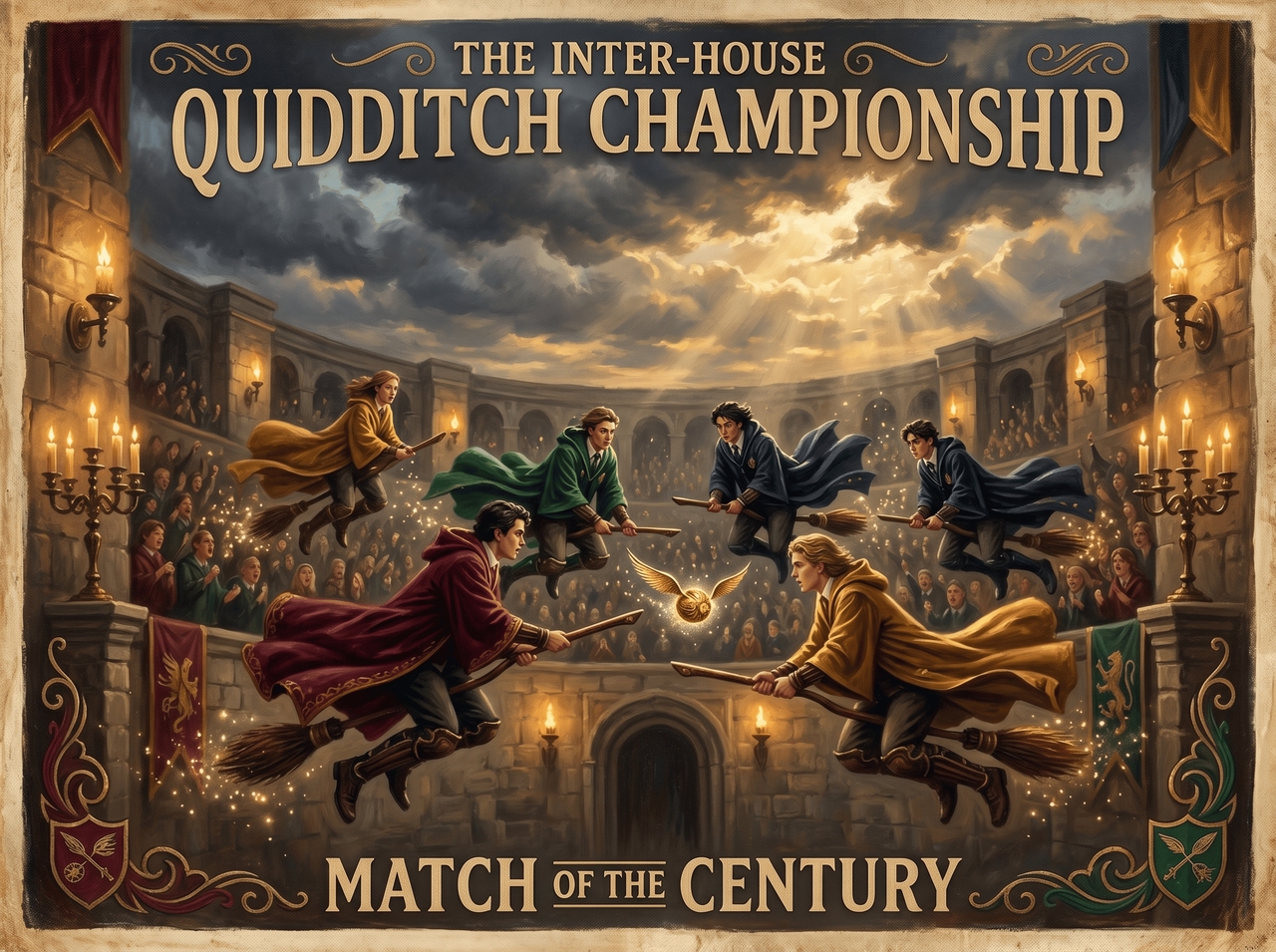
Describe it, upload it, or both. Every tool you need to go from raw idea to a finished Harry Potter AI image sits in one place.
Type a scene, pick your aspect ratio, and use Nano Banana 2, Seedream 4.5, or MidJourney v7 to generate the Harry Potter character. Review the generation plan before it runs to get the results exactly what you asked for.
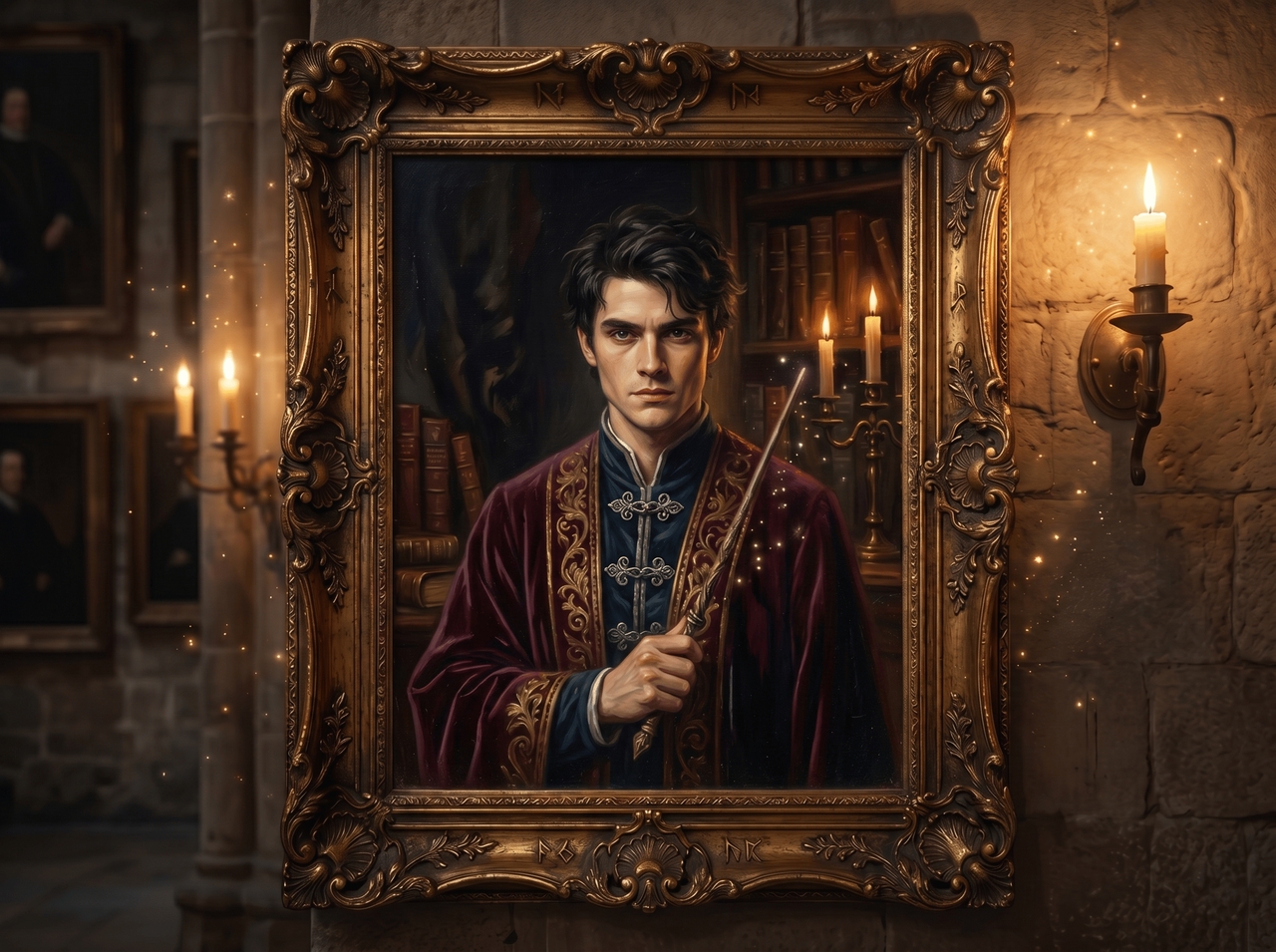
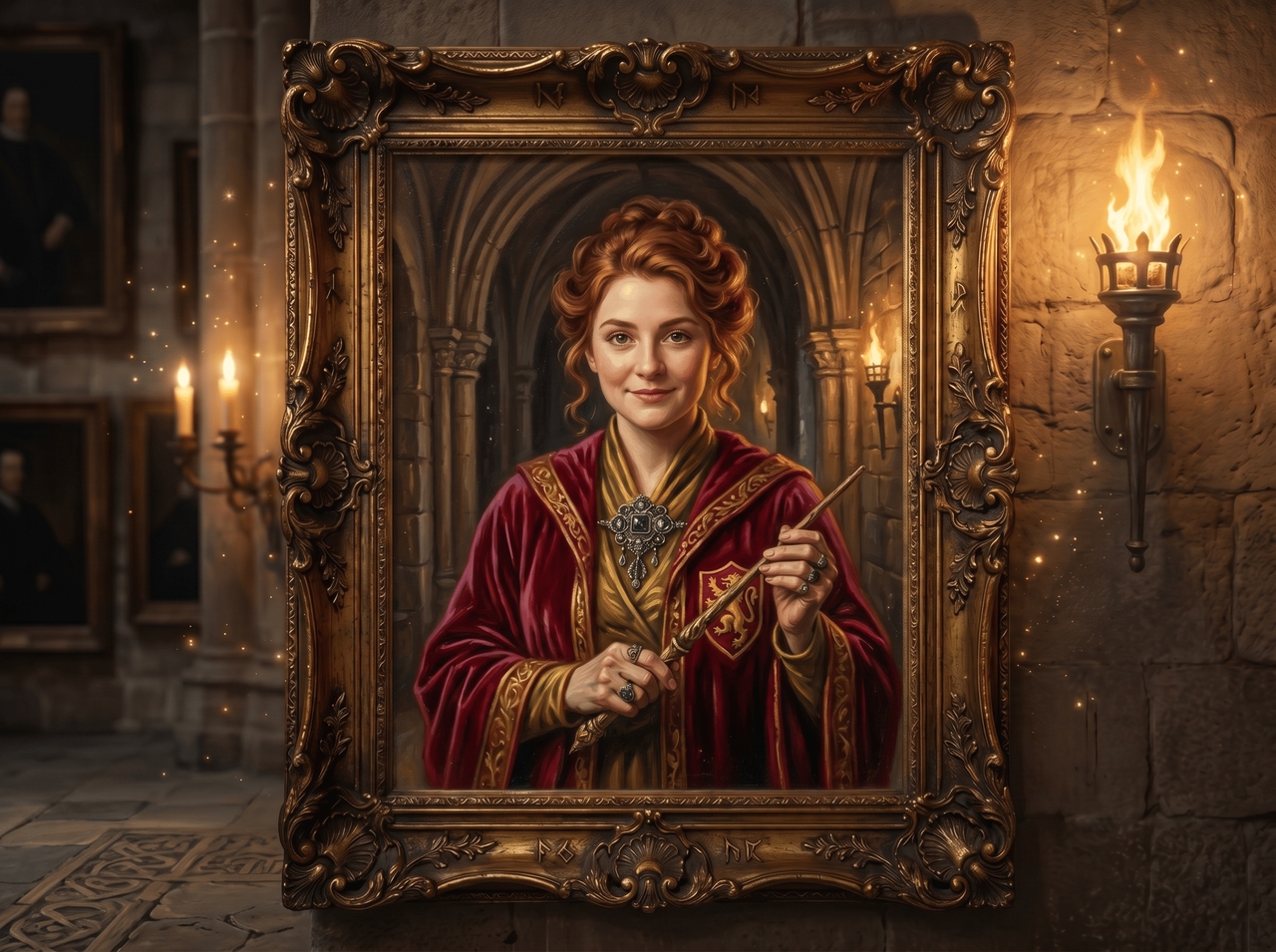
Upload a selfie, and the AI places you inside the wizarding world as a fully styled character. Switch between oil paint, watercolor, illustration, and more. Each style redraws your image from scratch with a completely different look and feel.
Switch on Web Search mode, and the AI scans the internet for visual references that match your prompt. It pulls accurate details and folds them into the output so the result stays closer to what you actually described.
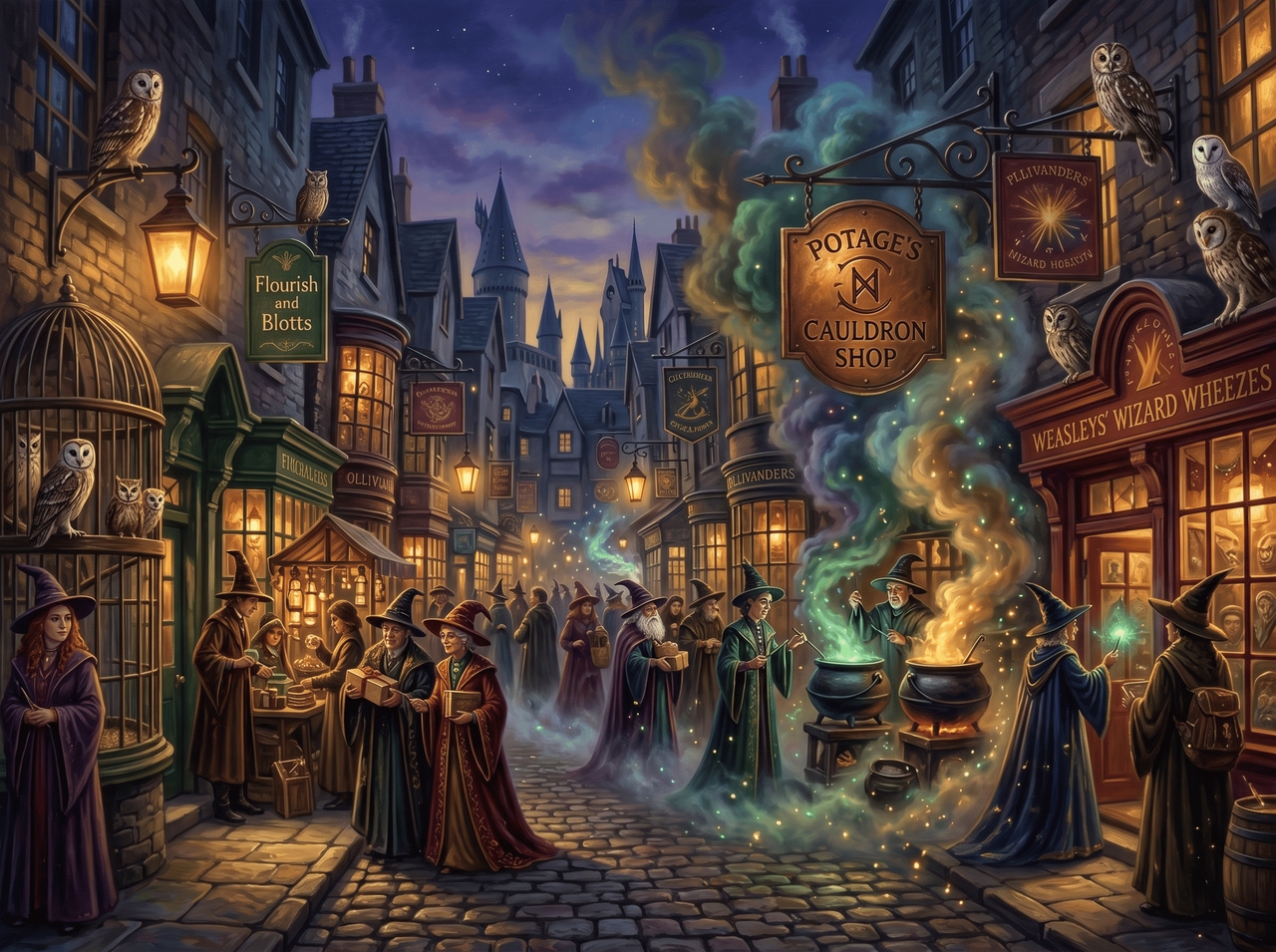
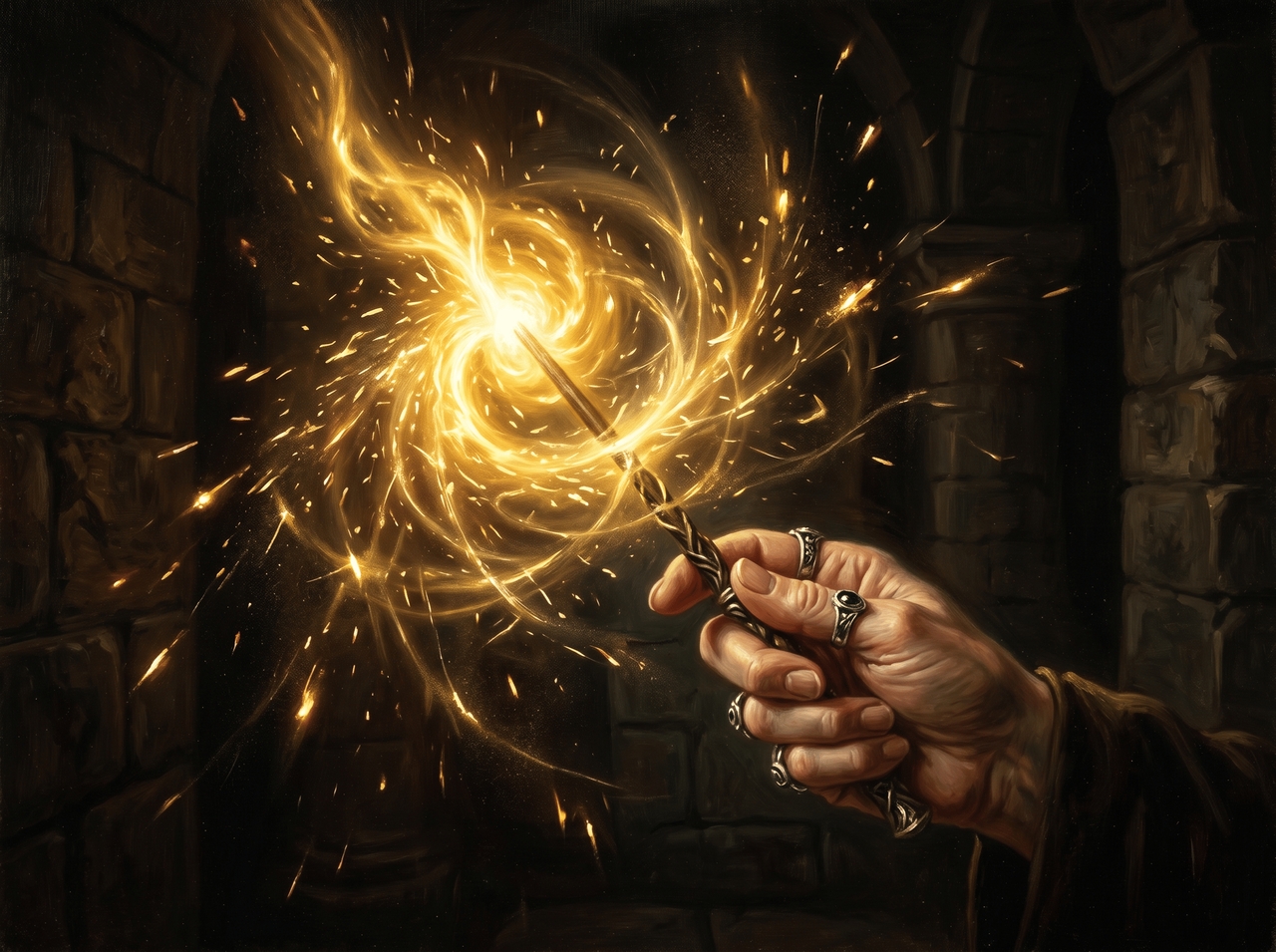
After the image generates, type a new instruction to change specific parts of it. You can also use post-generation tools to erase objects, re-angle the shot, split into layers, relight the scene, or edit text directly on the image.
Let AI detect the subject and remove the background cleanly, right down to fine edges and hair strands. Describe a new scene or pick one, and Framia Pro quickly generates it behind your subject.
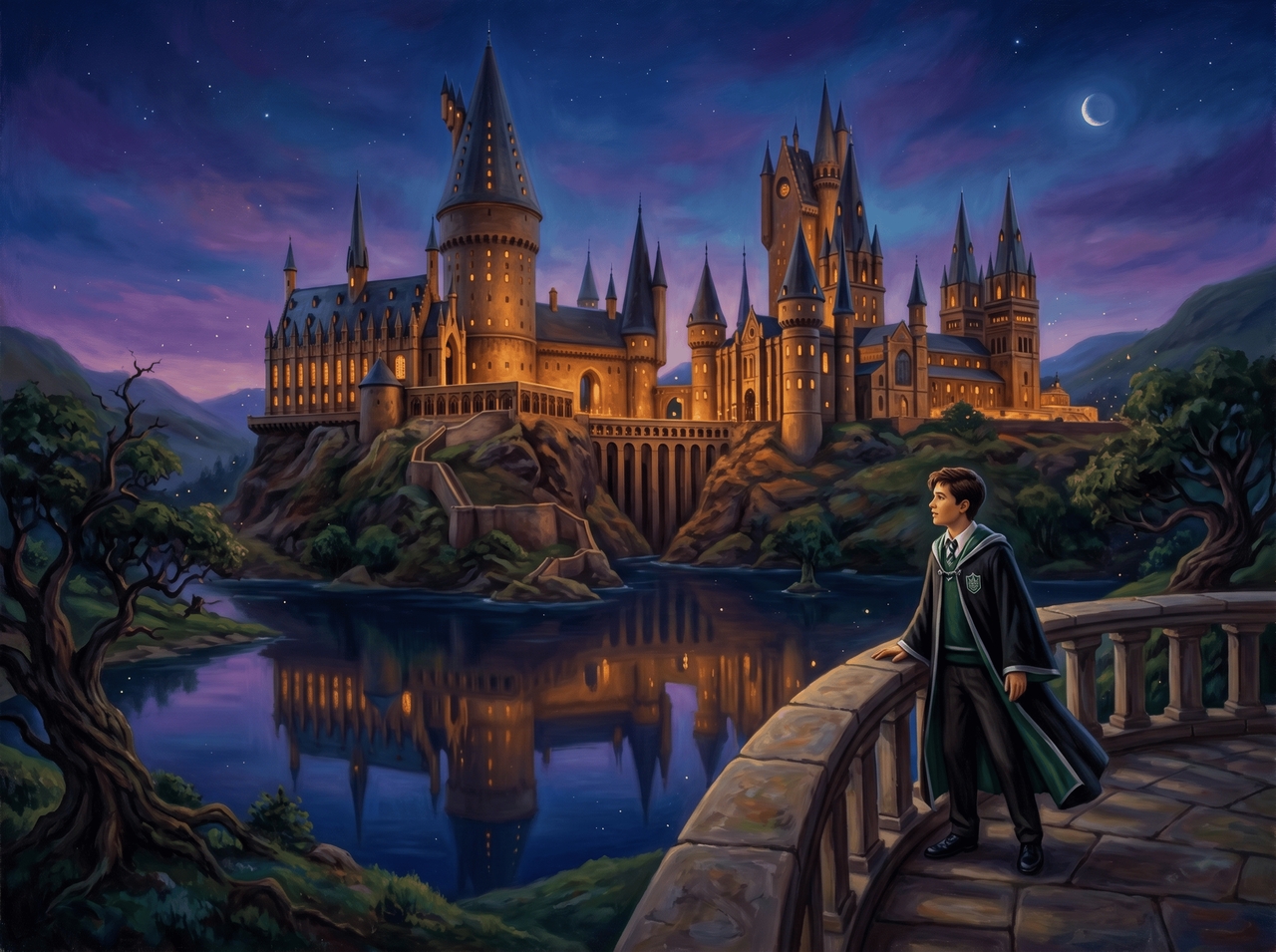
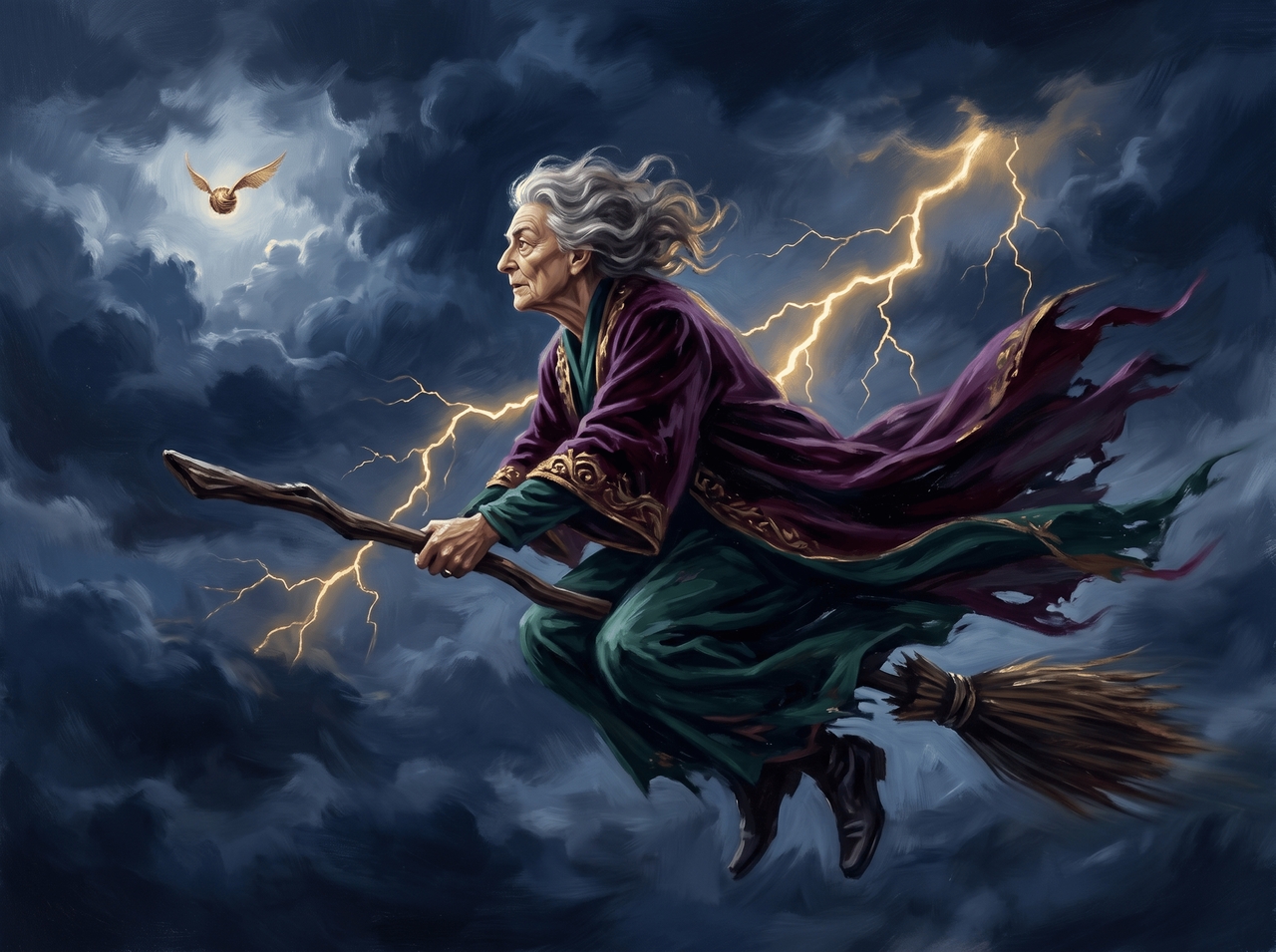
Select any AI-created Harry Potter character image and use Veo 3.1, Sora 2, or Seedance 2.0 to animate it into a short video clip in any resolution you want. Export the clip to post, share, or drop into any video project.
Your Harry Potter AI art is one prompt away. Describe, generate, and download in three simple steps:
From quick fan art to print-ready posters, here's what people actually use it for.
Real people, real wizarding world visuals. Here's what they had to say after using it.

Generate wizard-inspired portraits, magical scenes, and fantasy artwork from prompts or photos.