
Access the music video agent
Open Framia Pro, choose the "music video agent," and describe the visual wave style you want. Click "Upload music" to add your audio track.

Turn your music into motion with a simple audio visualizer. Upload audio, apply styles, and export visuals for sharing.
Drag & drop files here
Turn your audio into visual motion clips that react to sound and make synced music visuals with Framia Pro:
Turn any track into stunning audio-visual clips with Framia Pro. Powered by AI agents for serious creators.
Create clean waveform bars that pulse with each beat to reflect rhythm in a clear visual pattern. Present audio structure through steady motion that suits music previews, intros, and simple visual formats used in modern content.
Design circular spectrum visuals that wrap sound around cover art and create a centered visual focus. Use Framia Pro to show rhythm through rotating or expanding motion that adds depth while keeping attention on the middle element.
Make immersive 3D scenes where terrain-like surfaces react to sound intensity and variation using our free audio visualizer. Show audio depth through movement that rises and falls with frequency to create a more engaging viewing experience for longer tracks.
Generate particle-based visuals where dots and sparks respond to frequency changes in real time with our music visualization for free online. Create motion patterns that reflect energy changes and add a sense of flow that suits electronic or ambient audio styles.
Generate a simple glowing line that reacts to sound and presents audio in a clean format. Focus attention on clarity and readability, which makes it suitable for podcasts, spoken content, and lyric-based visuals.
Use our audio visualizer for free to produce full-screen motion visuals that fill the background with continuous animation tied to sound. Create scenes for streaming platforms where extended playback and engaging motion support viewer retention.
Turn any track into stunning audio-visual clips with Framia Pro. Powered by AI agents for serious creators.
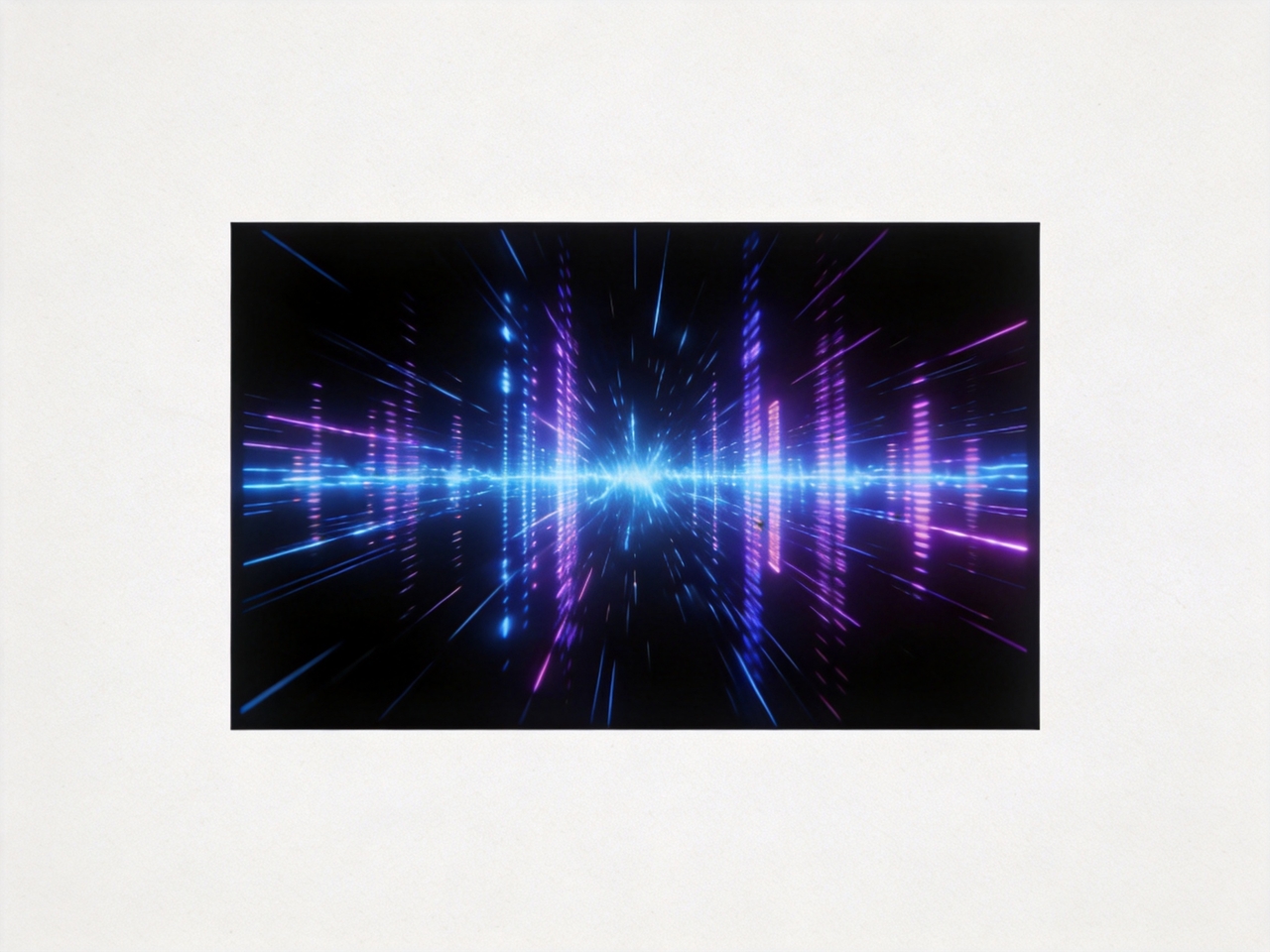
Upload any track and let the Music Video Agent auto-generate visuals synchronized to your audio. It handles storyboarding and beat-syncing in one workflow to turn your raw audio track into a full music visualization video instantly.
Select styles by describing colors, motion, or mood through simple prompts that guide the output direction. Produce abstract, cinematic, or waveform visuals that match your audio while giving you control over how each visual element appears and behaves.
Create music wave videos where the visuals match the beats, tempo, and layered sound elements so motion reacts to rhythm changes. Reflect bass hits, vocals, and instruments through animation that follows the structure and intensity of your audio track.
Generate videos in multiple aspect ratios and export in HD or upscale video to 4K. Get files for streaming, sharing, or publishing with sharp detail, smooth playback, and formats that fit different social media or video channels.
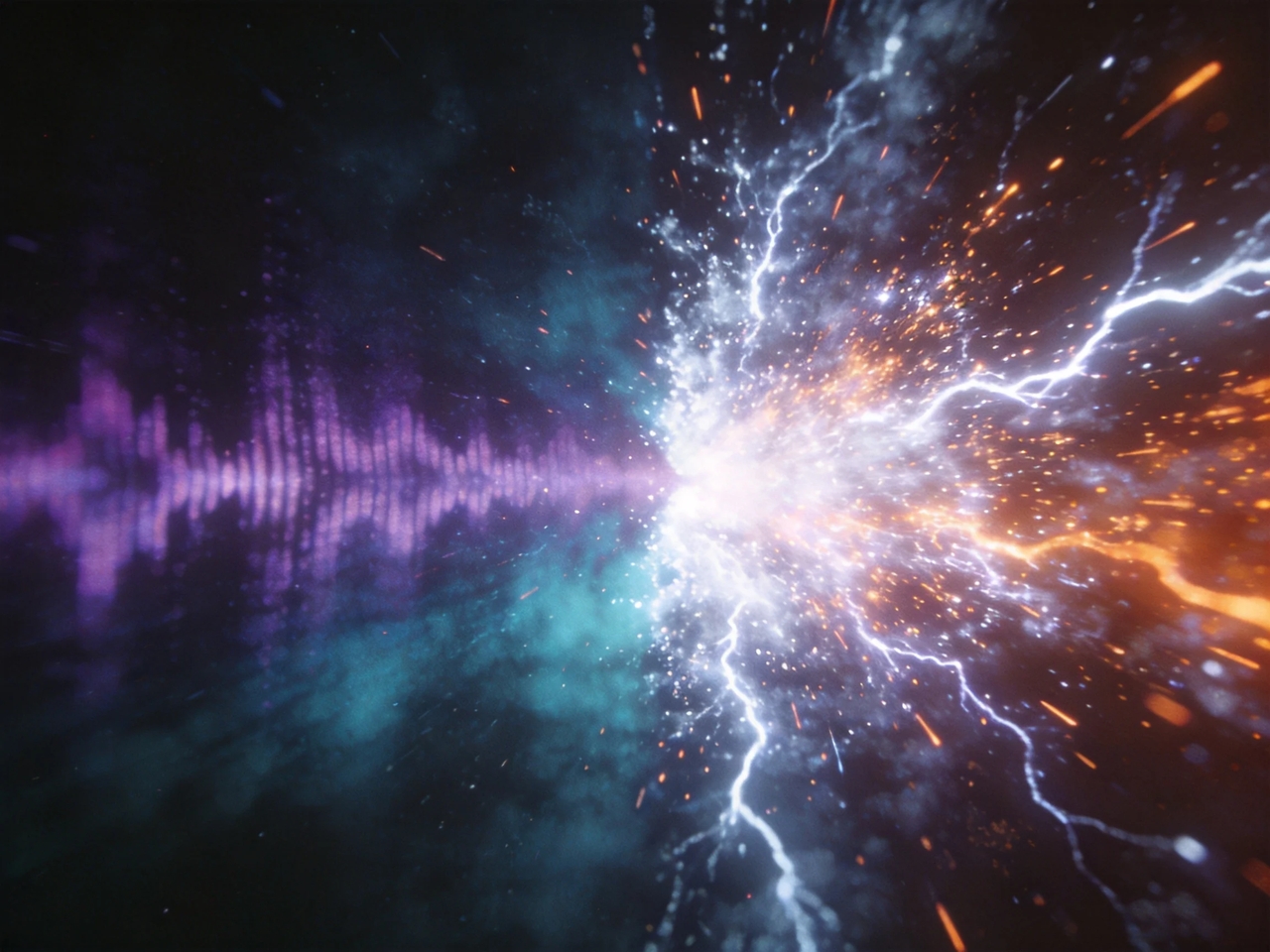
Use the storyboard editor or chat with AI to adjust the timing, layers, and visual elements in your audio visualizer videos with Framia Pro. Regenerate individual scenes and co-direct with AI video agents to land the exact visual audio result you want.
Produce full music videos, podcast audiograms, and DJ sets in a single session. At up to 6 minutes, Framia Pro covers far more than the short clip limits of most online audio visualizer tools.

Explore how different creators turn audio into engaging visuals for promotion, content, and live experiences.
See how creators describe their real experience using audio-visual tools for music, content, and promotion.





Turn your audio into moving visuals that match every beat. Create music videos for social media and streaming platforms.