Upload your baby idea or photo
Open Framia Pro, pick Video agent, drop in a photo, and type a prompt describing the style, mood, or scene you want the baby video to capture.

Create talking, dancing, and animated baby videos from text, photos, or clips with Framia Pro!
Drag & drop files here
Bring funny baby ideas to life through playful video tools and creative editing options
Type a description into Framia Pro's Video agent and [Seedance 2.0] (https://framia.converge.ai/models/seedance-2-0), Veo 3.1, or [Kling 3.0] (https://framia.converge.ai/models/kling-3-0) converts it into a full baby AI video. Plan the video generation with AI and turn on web search to look for trending formats online.
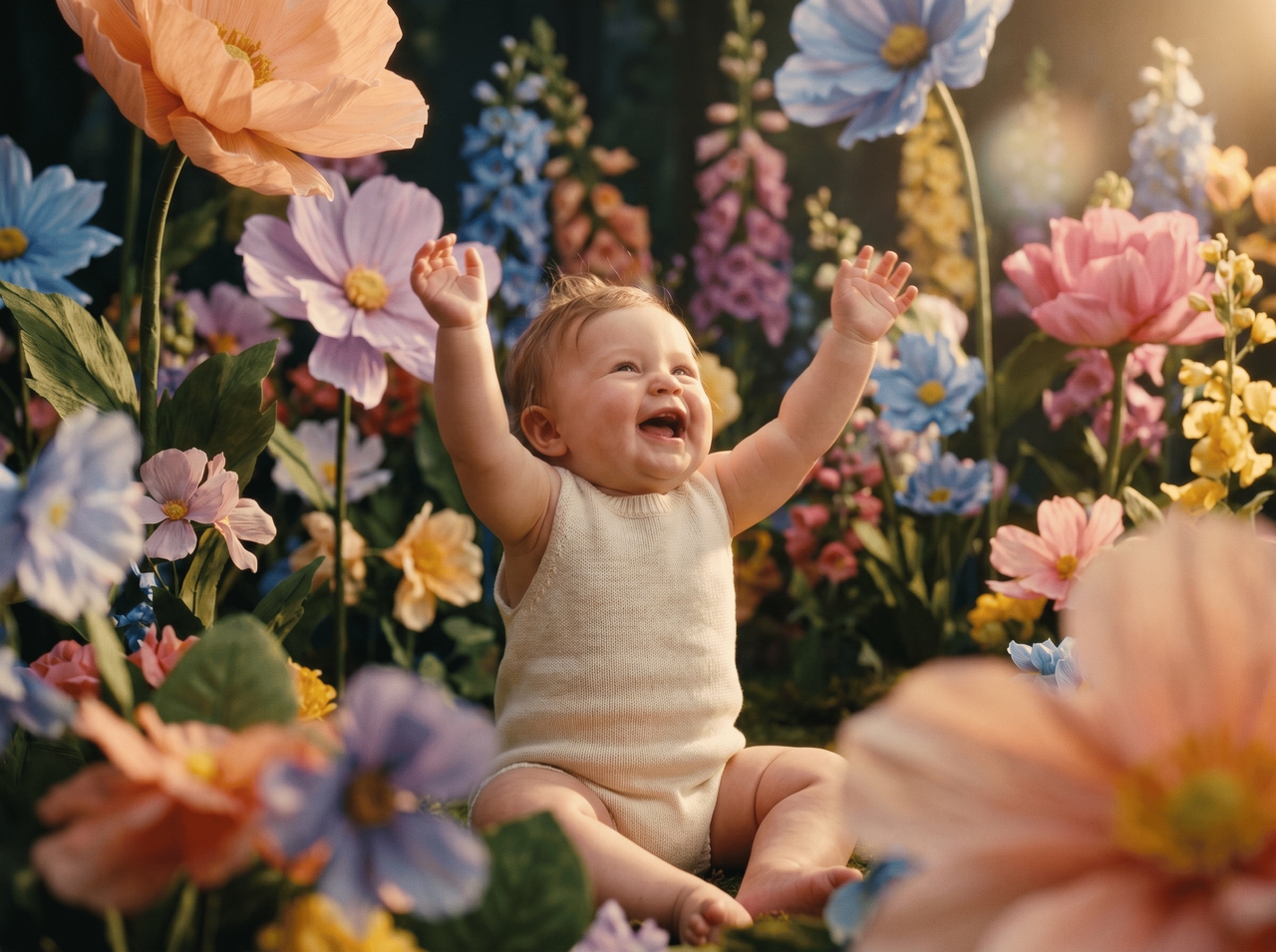
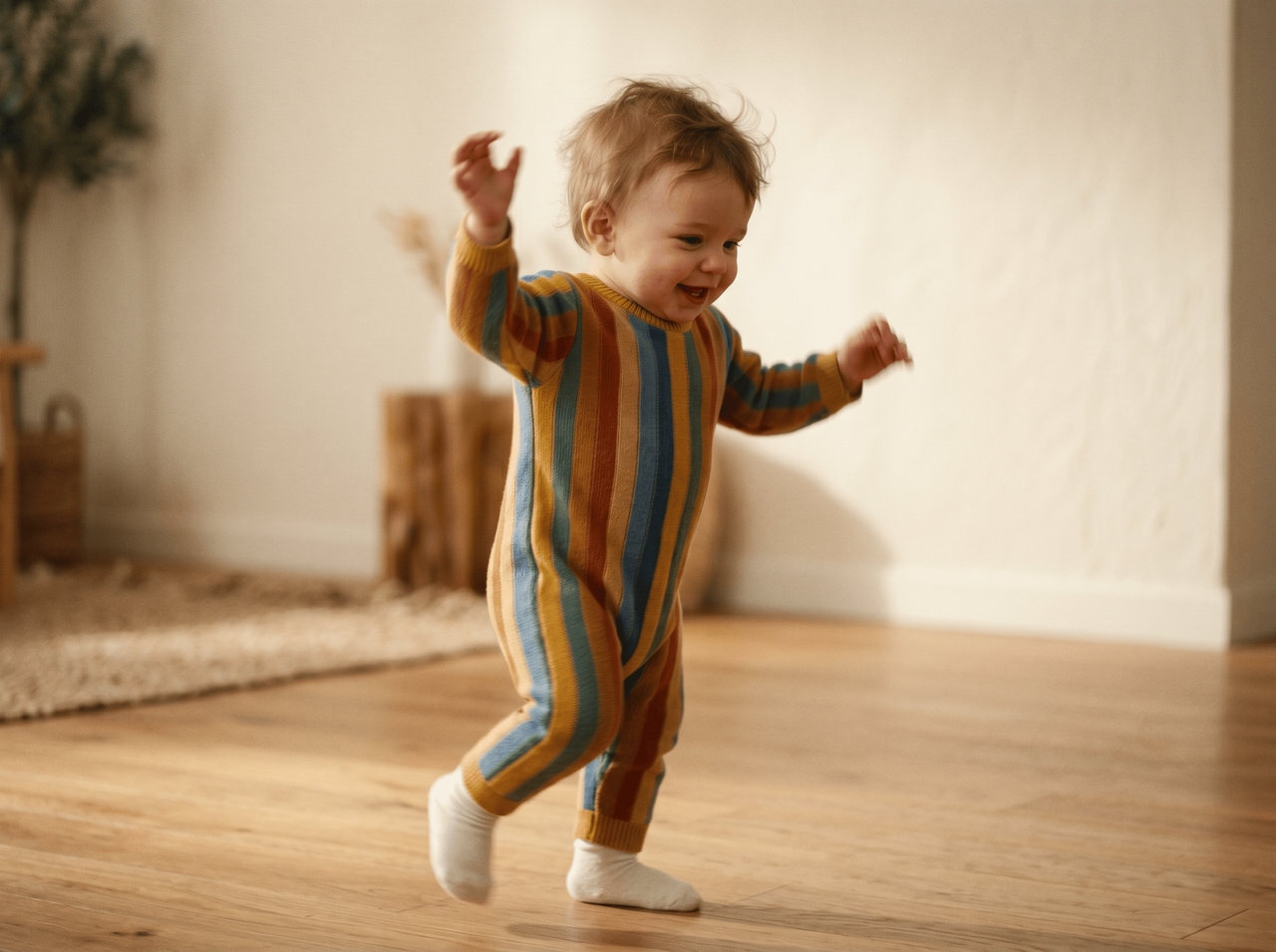
Upload a reference video into Framia Pro, and the AI reads its rhythm frame by frame. Intelligent beat-detection syncs visual transitions and effects to the exact tempo of your reference so the output moves the way you actually intended it.
Edit your baby AI video with simple chat commands using the [Video Agent] (https://framia.converge.ai/features/video-agent) on our AI baby video generator. Type an instruction to trim a clip, swap a shot, or adjust motion speed, and the canvas updates the clip instantly.
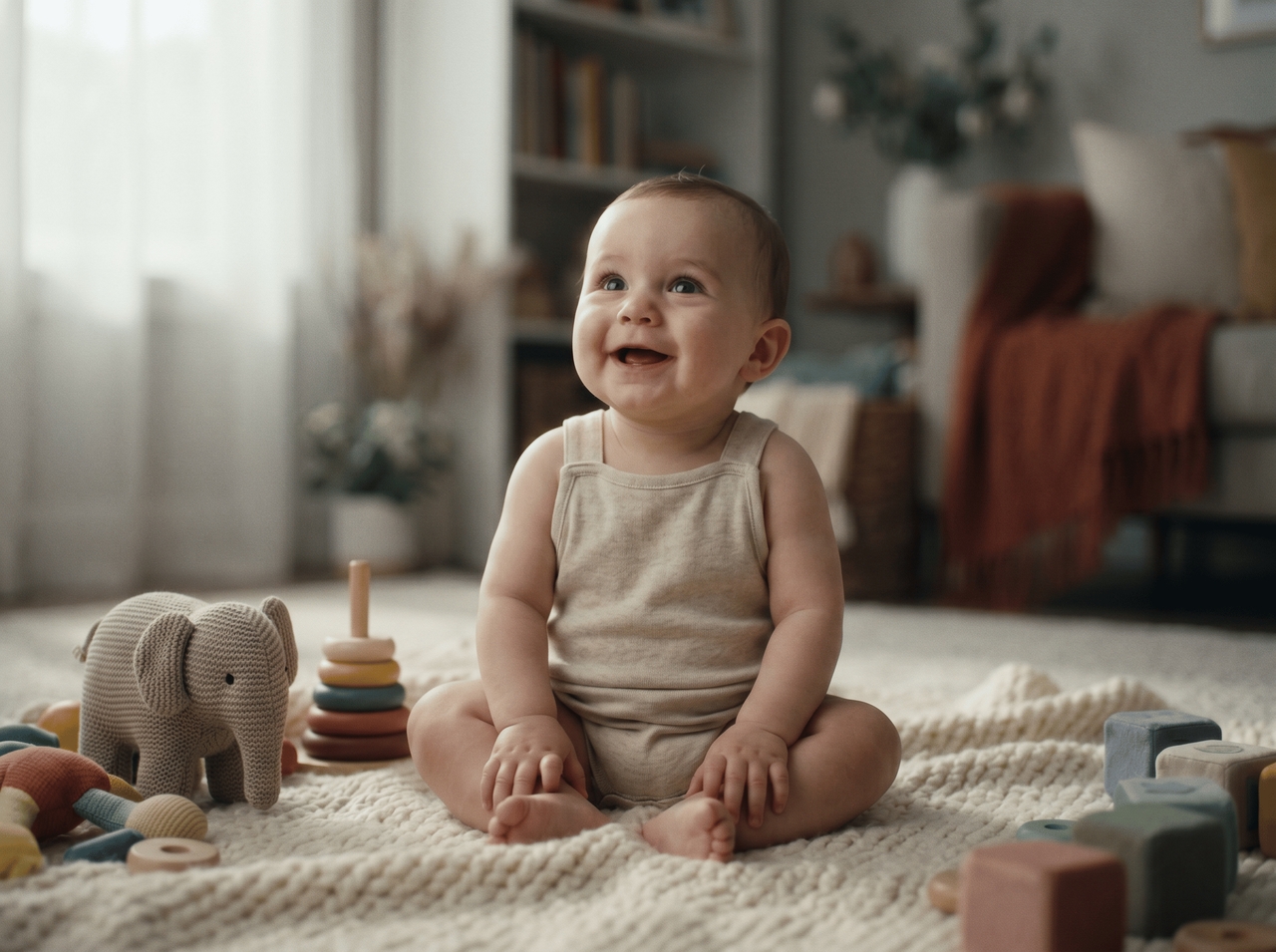
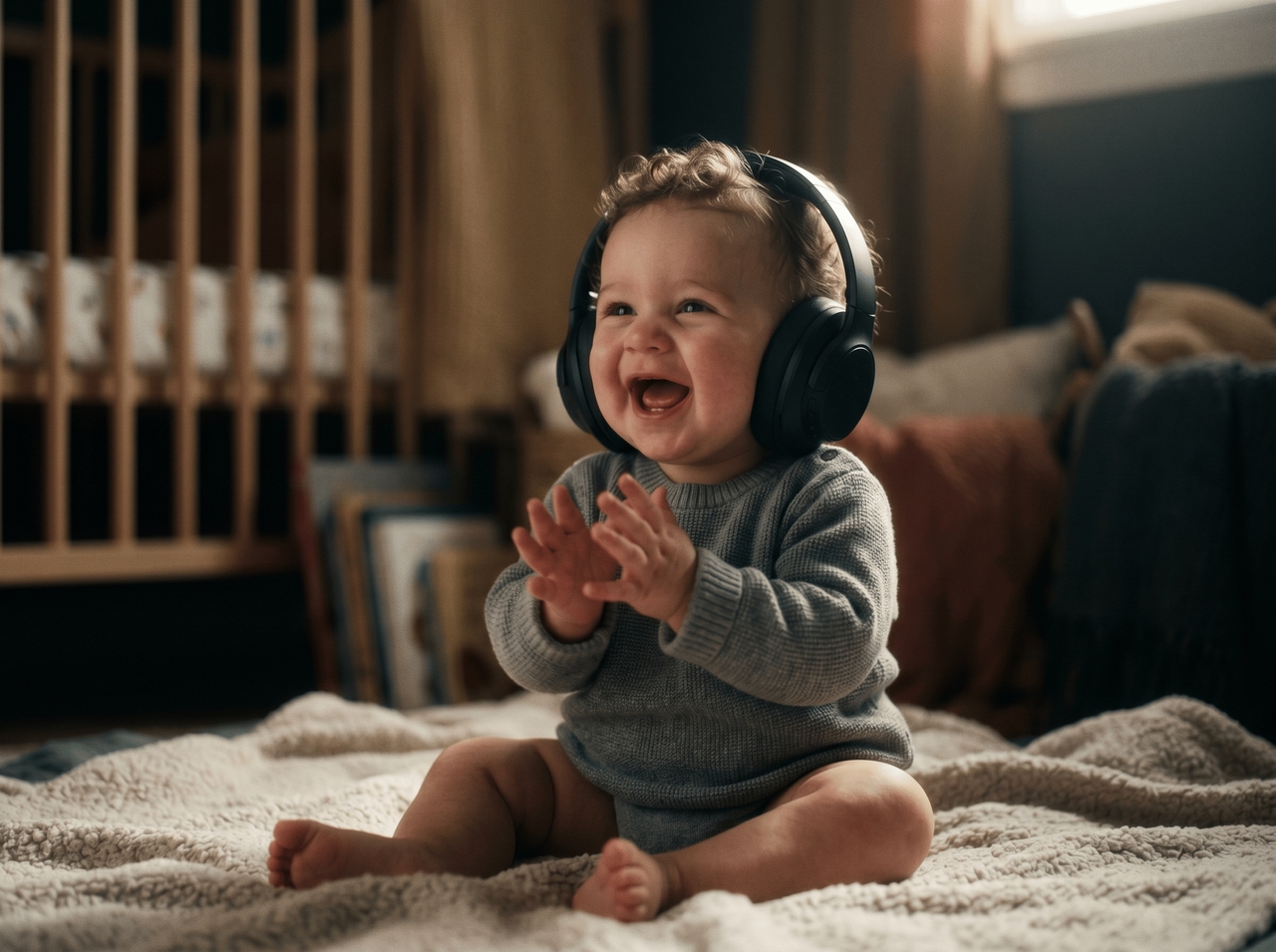
Upload your video and get automatic captions generated within seconds with our free baby AI video generator. For music, describe the mood in a prompt, and [Suno v5] (https://framia.converge.ai/models/suno-v5) or Mureka adds sound that fits the baby video style.
Open the Storyboard editor after your video generates, rearrange scenes into any order, trim dead air, cut weak shots, and keep tweaking the structure until the pacing feels exactly right. Queue several baby AI videos, and every output arrives together in one batch.
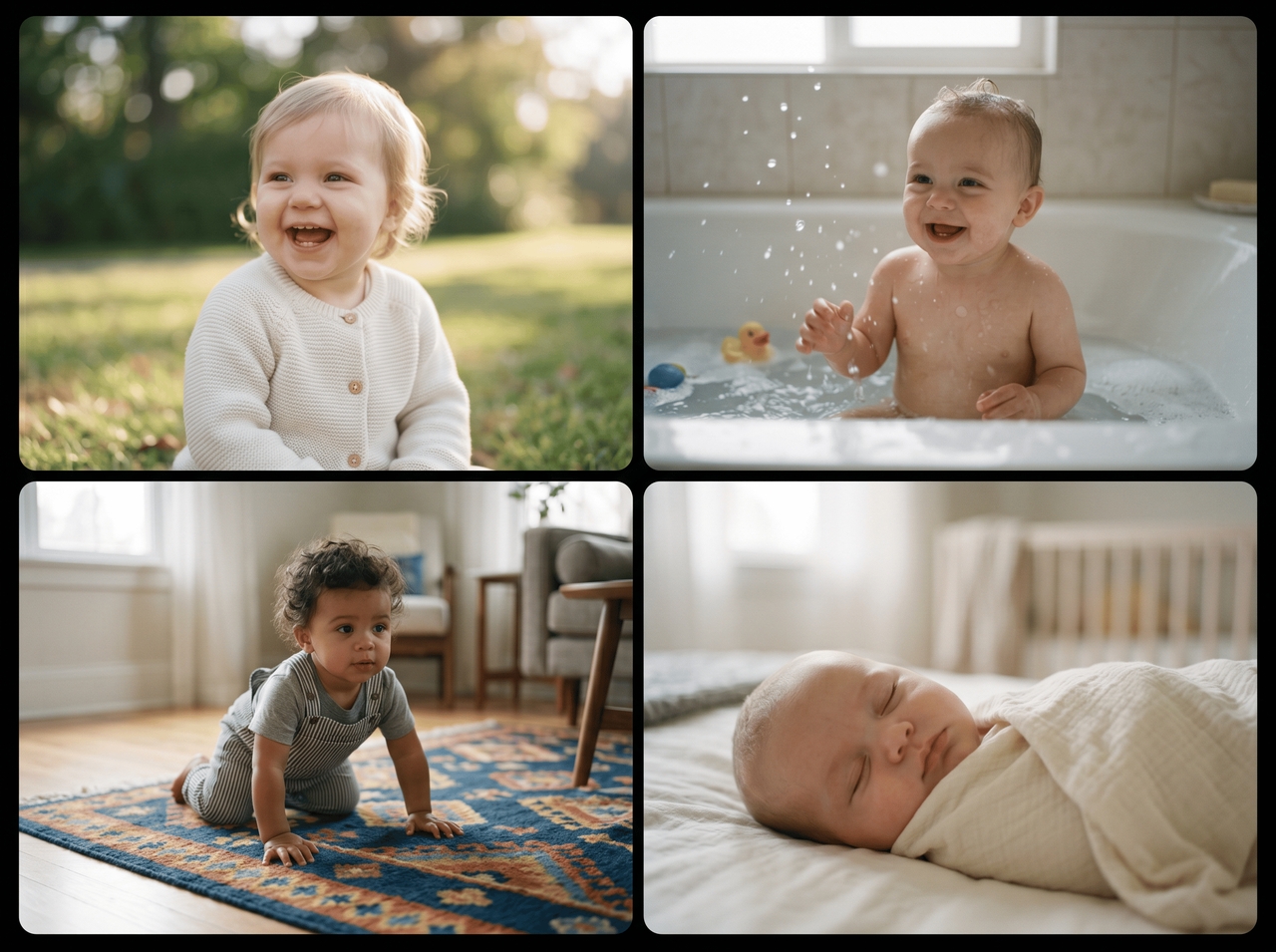

Upload your audio or script file, and our free AI baby dance video generator's lip sync AI analyzes the voice pattern and generates synchronization automatically. The baby's mouth moves to every syllable with no manual frame corrections needed.
Set cinematic, anime, 3D, or live-action before generating, and each style shapes how the scene looks and moves. Editing the prompt changes the whole visual direction and produces a completely different baby video without restarting the generation.
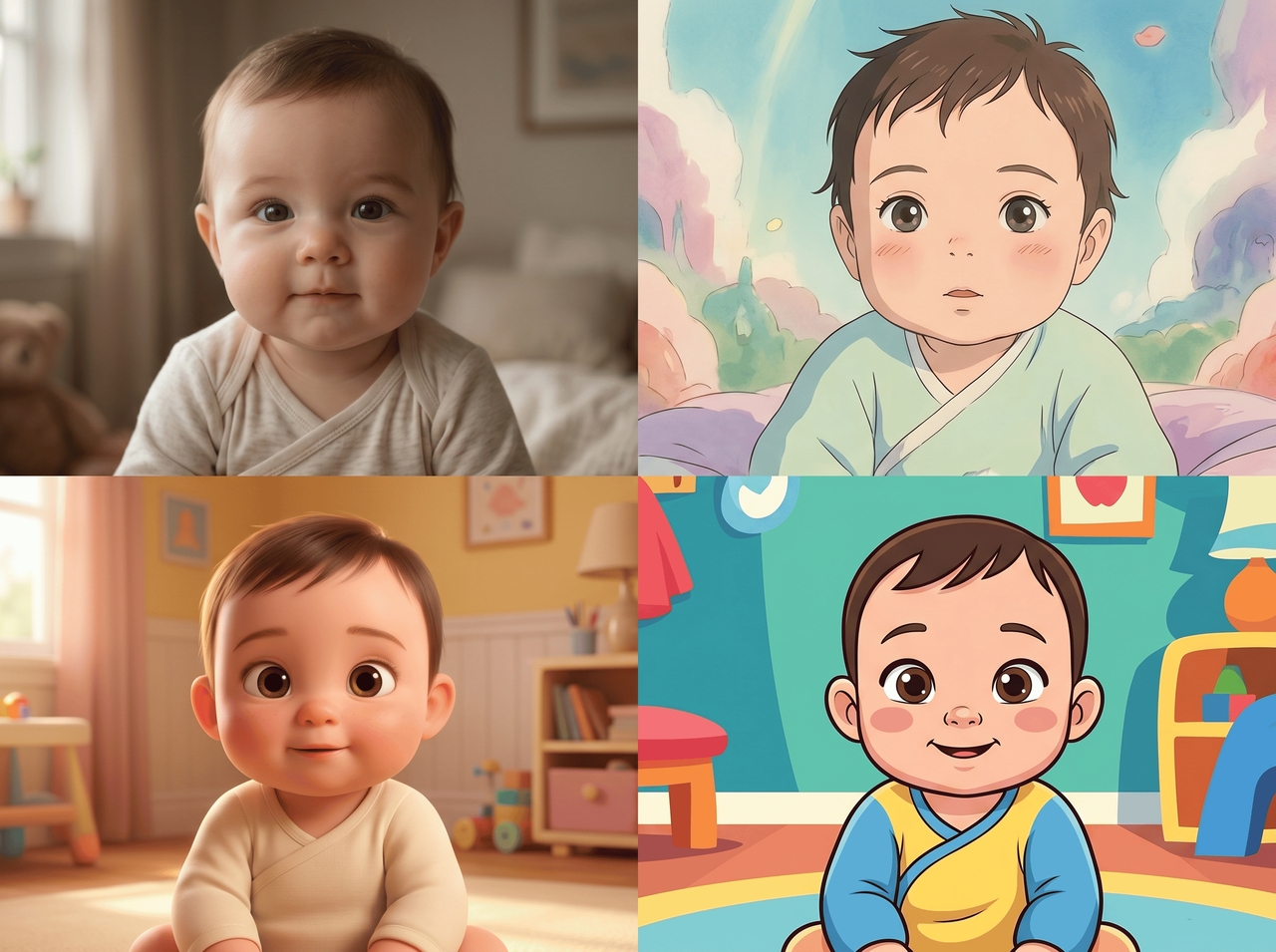
See why creators return after the first try. Turn simple ideas into baby clips that match short video trends and social sharing styles.
Watch the baby AI video trend grow every week. These are the people behind every clip that stops the scroll and fills up comment sections.
Thousands of baby AI videos later, real creators still come back. Here's what they actually said after using Framia Pro.



Upload a photo, type a prompt, and generate a dancing baby AI video. No editing experience needed and no credit card required to start.