Upload your photo
Open Framia Pro, click "+" to upload your photo, then type a prompt describing the bald look you want to preview.

Ditch the razor and satisfy your curiosity. See exactly what you look like bald with a photorealistic AI transformation on Framia Pro.
Drag & drop files here
Discover what Framia Pro brings to your bald filter experience, beyond a simple photo swap.
Remove your hair, reshape the scalp line, and apply a bald head filter with Framia Pro. It uses Nano Banana 2, Seedance 5.0, MidJourney v7, or Flux Max to give you a natural shaved look with balanced lighting and smooth skin detail.

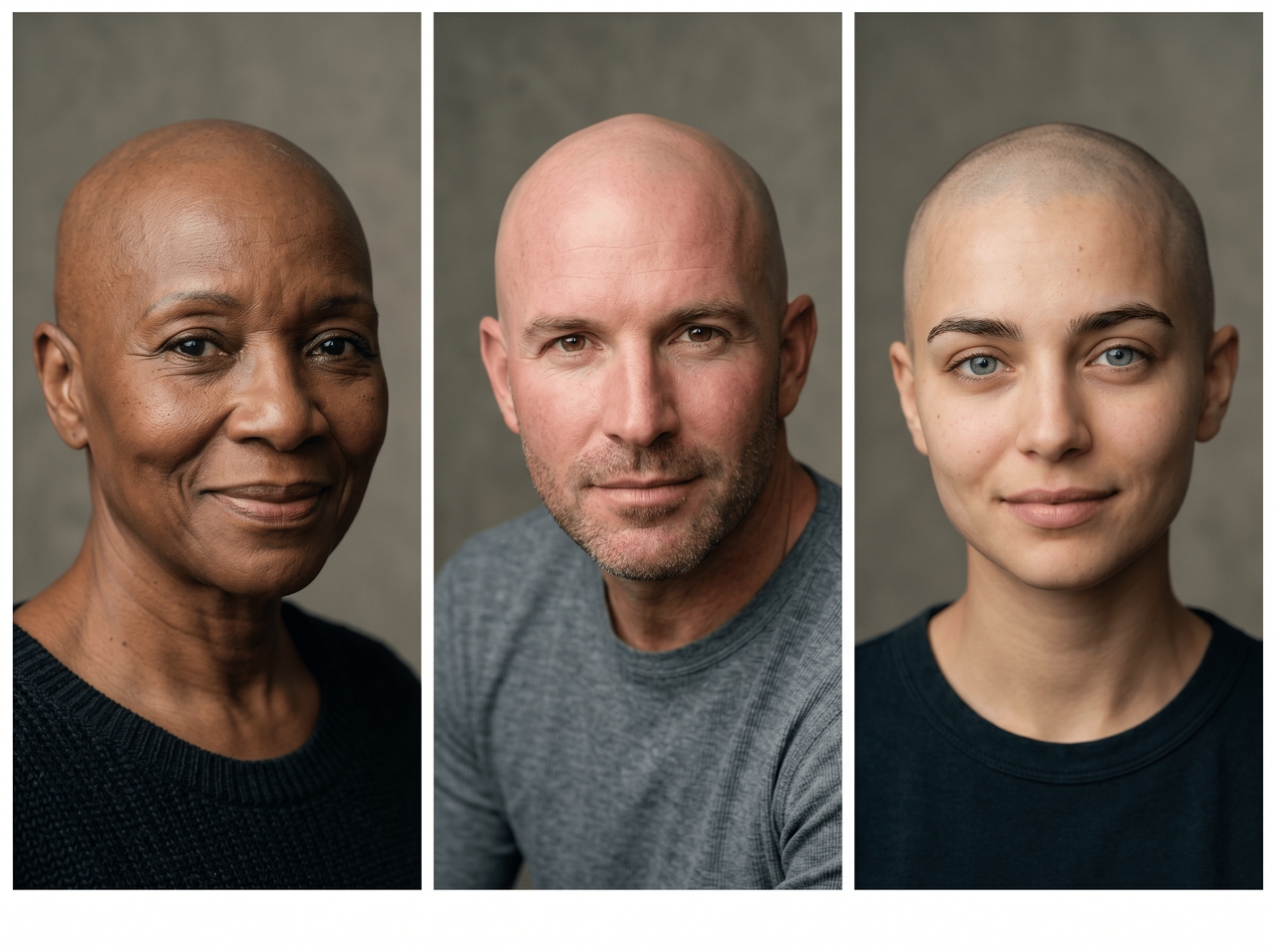
Detect hair patterns from short, long, curly, or straight styles and apply a bald AI filter that preserves facial features while removing hair detail cleanly. The results stay stable on different portraits, angles, and everyday selfie lighting conditions.
Generate an image with a free bald filter that actually looks like you. Framia Pro reads your natural skin tone and facial structure and blends the scalp to match your real complexion. You don't get any patchy edges or artificial finish.


Download your bald transformation in high-resolution quality. Use the image upscaling tool to reconstruct fine pixel detail at 2K output and produce a file that holds up whether you post it online or display it at a larger size.
Type what you want changed (e.g., add a beard, change the lighting, or remove the background), and Framia Pro applies it instantly. Each prompt targets only the described area and leaves the rest of the image exactly untouched.
Use these three quick steps to apply the balding filter to your images with Framia Pro:
See exactly what sets Framia Pro apart from every other bald filter tool online.
Explore every reason people reach for the bald filter. Some practical, some just pure fun!
They came for a quick laugh and left completely obsessed! Here is what they had to say.




Upload your photo, preview a realistic bald look, and download your result for free.