
Upload your selfie
Go to Framia's home and click "+" to upload a selfie. Then, enter a prompt for buzz cut style to describe the fade, color, and style.

Try different buzz cut looks from a single selfie and see realistic shaved styles with natural lighting, clean fades, and sharp hair detail!
Drag & drop files here
Click any style below, paste the prompt into Framia Pro, and see it on your face.
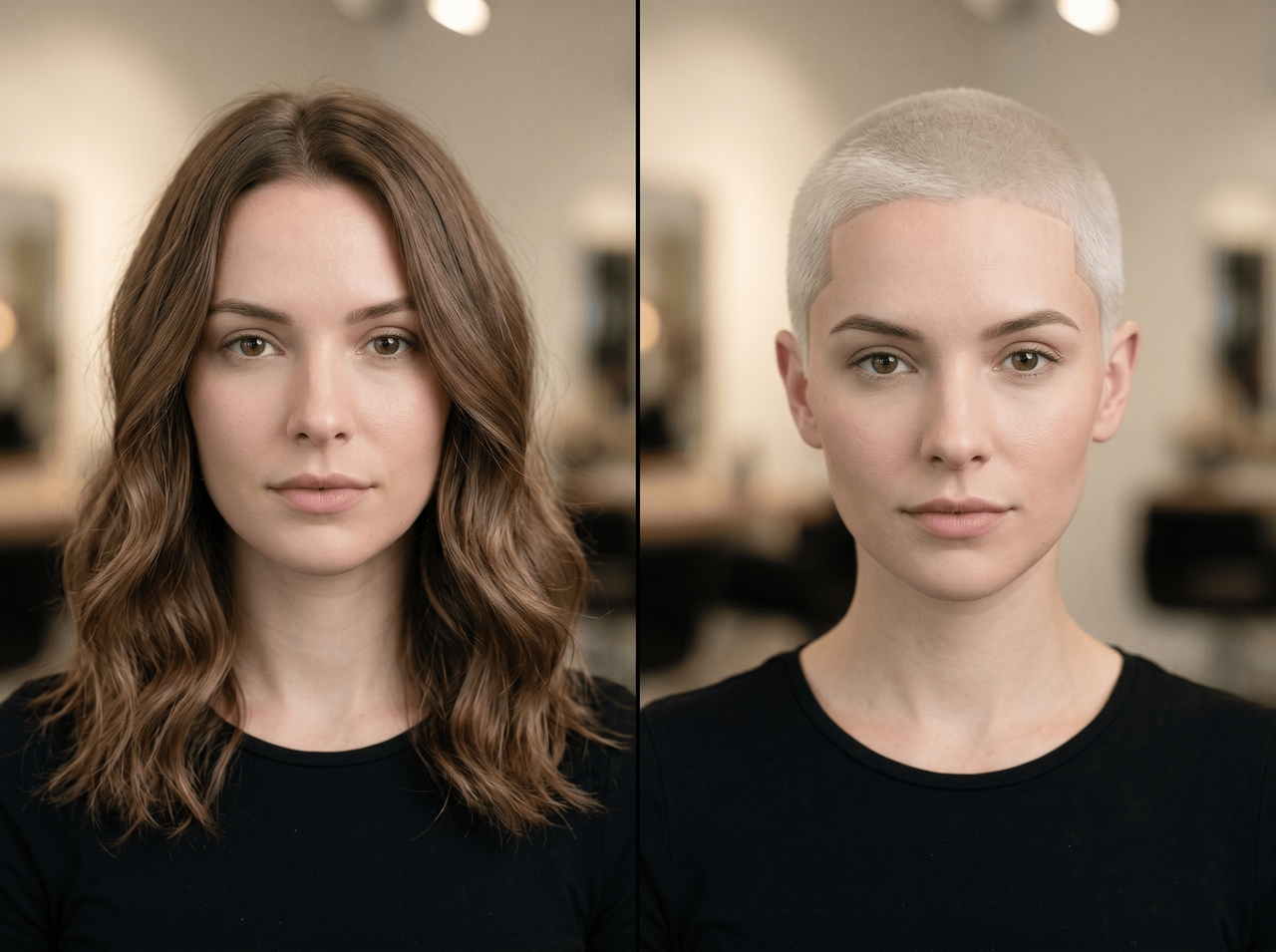
"A very short induction buzz cut (#0–#1 guard) with platinum blonde bleached hair, sharp hairline, clean stubble, high contrast finish."
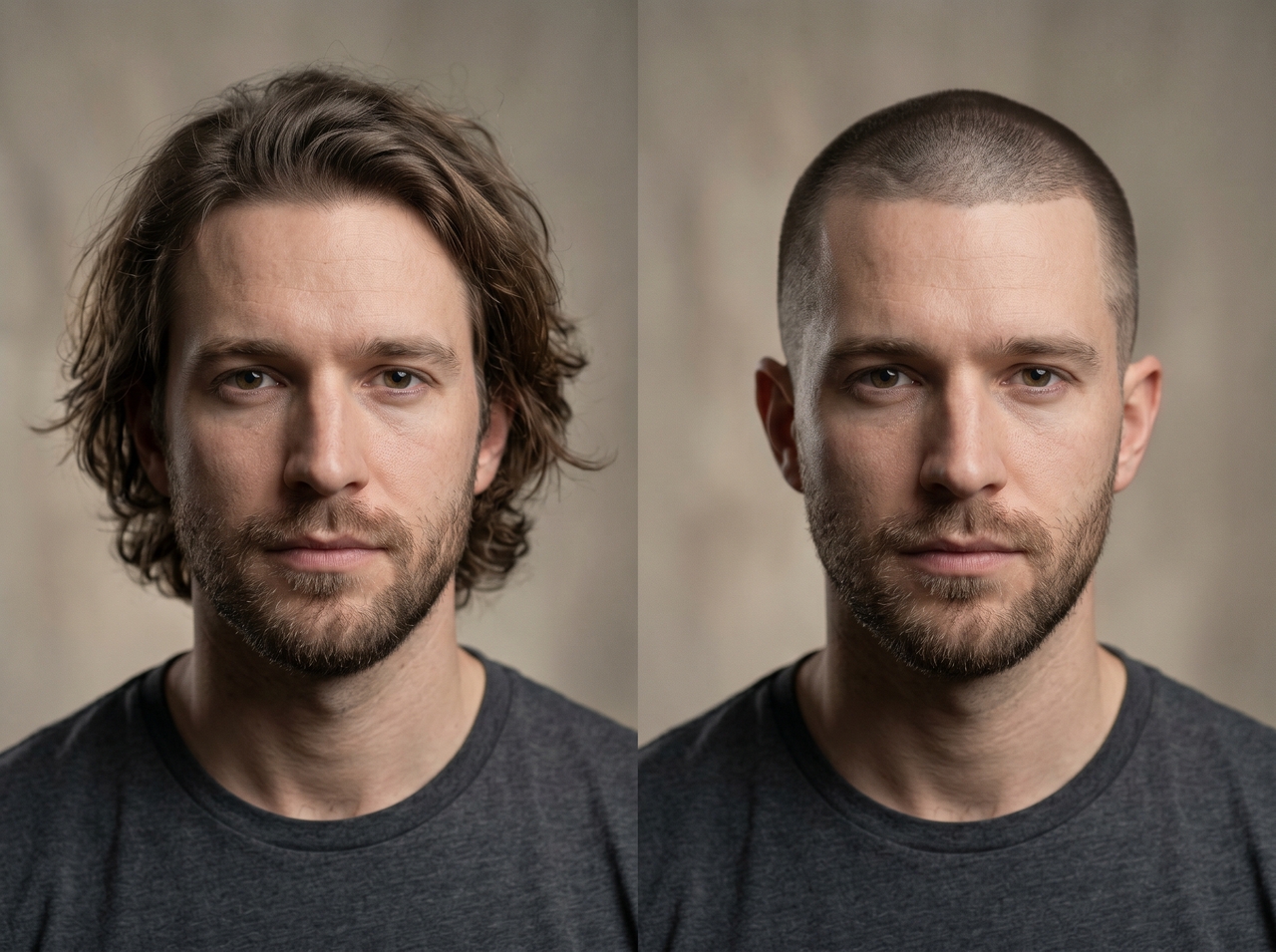
"Ultra-short induction buzz cut with uniform #0 or #1 guard all over, sharp natural hairline, clean military-style finish, no fade."
"Buzz cut with skin fade on sides and back, blended into a #2–#4 guard on top, clean transition, sharp lineup."
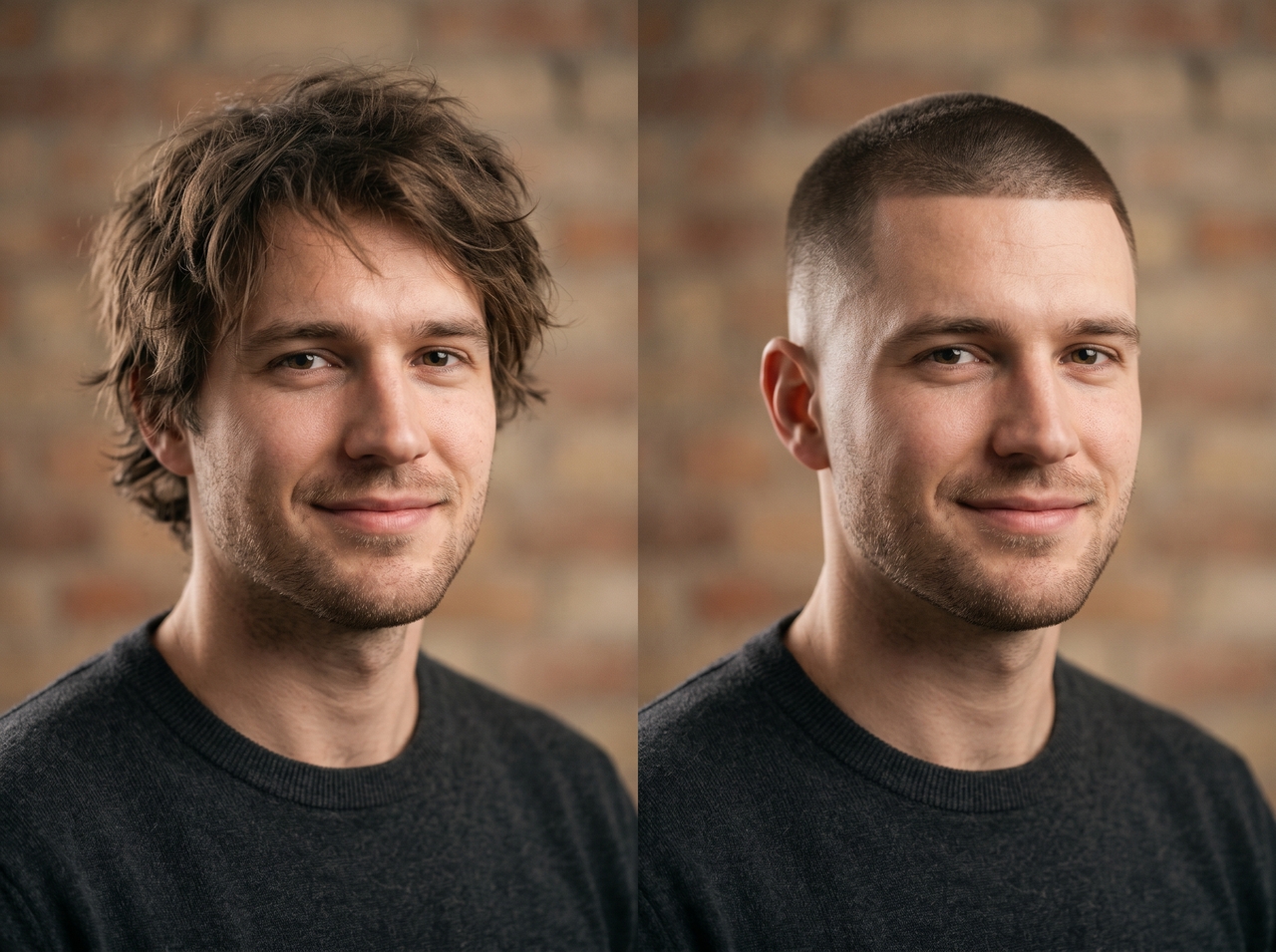

"Short burr cut (#1–#2 guard) with low fade on sides, natural texture on top, soft gradient blending into skin."
"Very short sides with high skin fade, slightly longer #2–#3 guard on top, strong contrast military-inspired style."
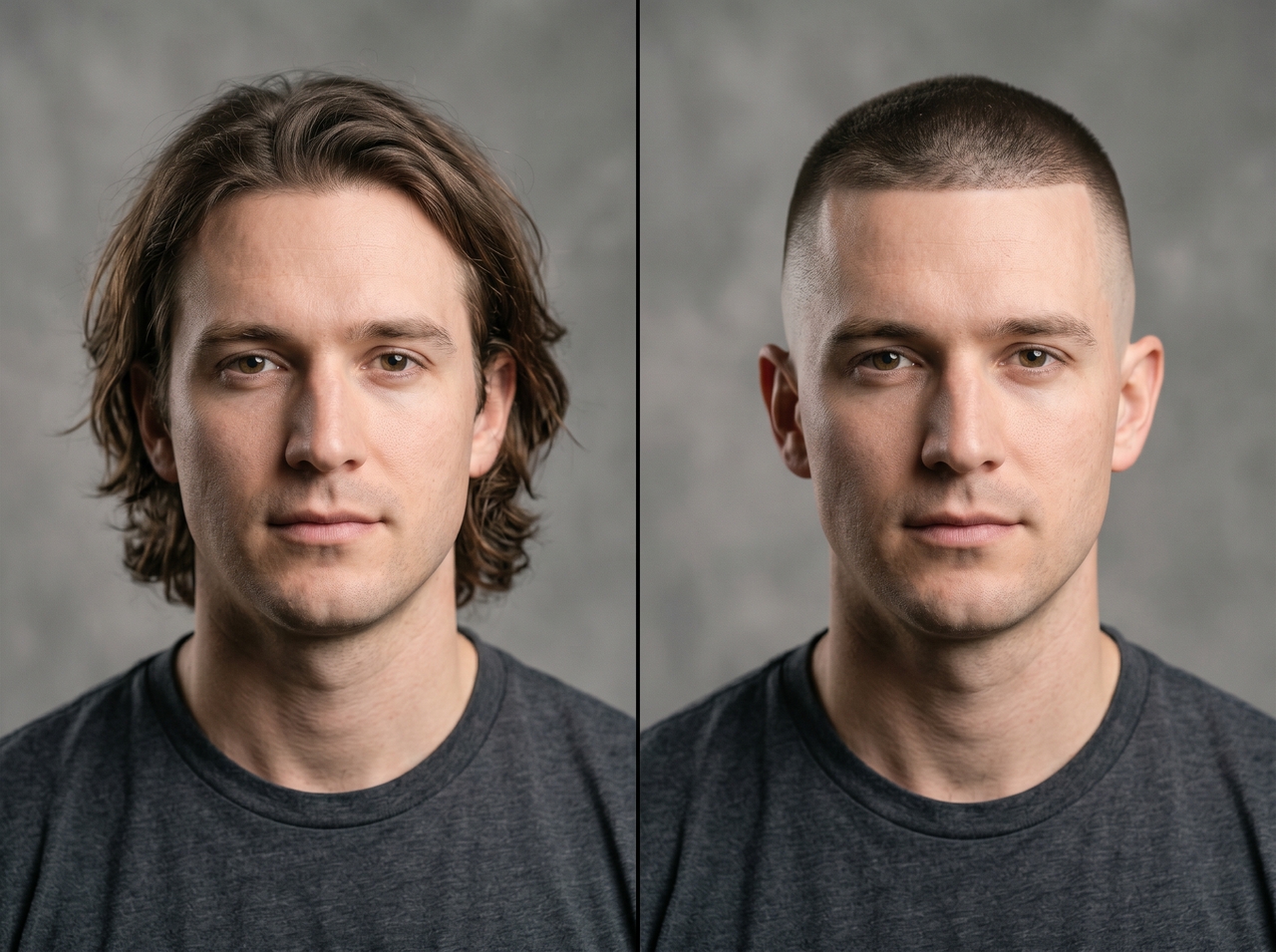
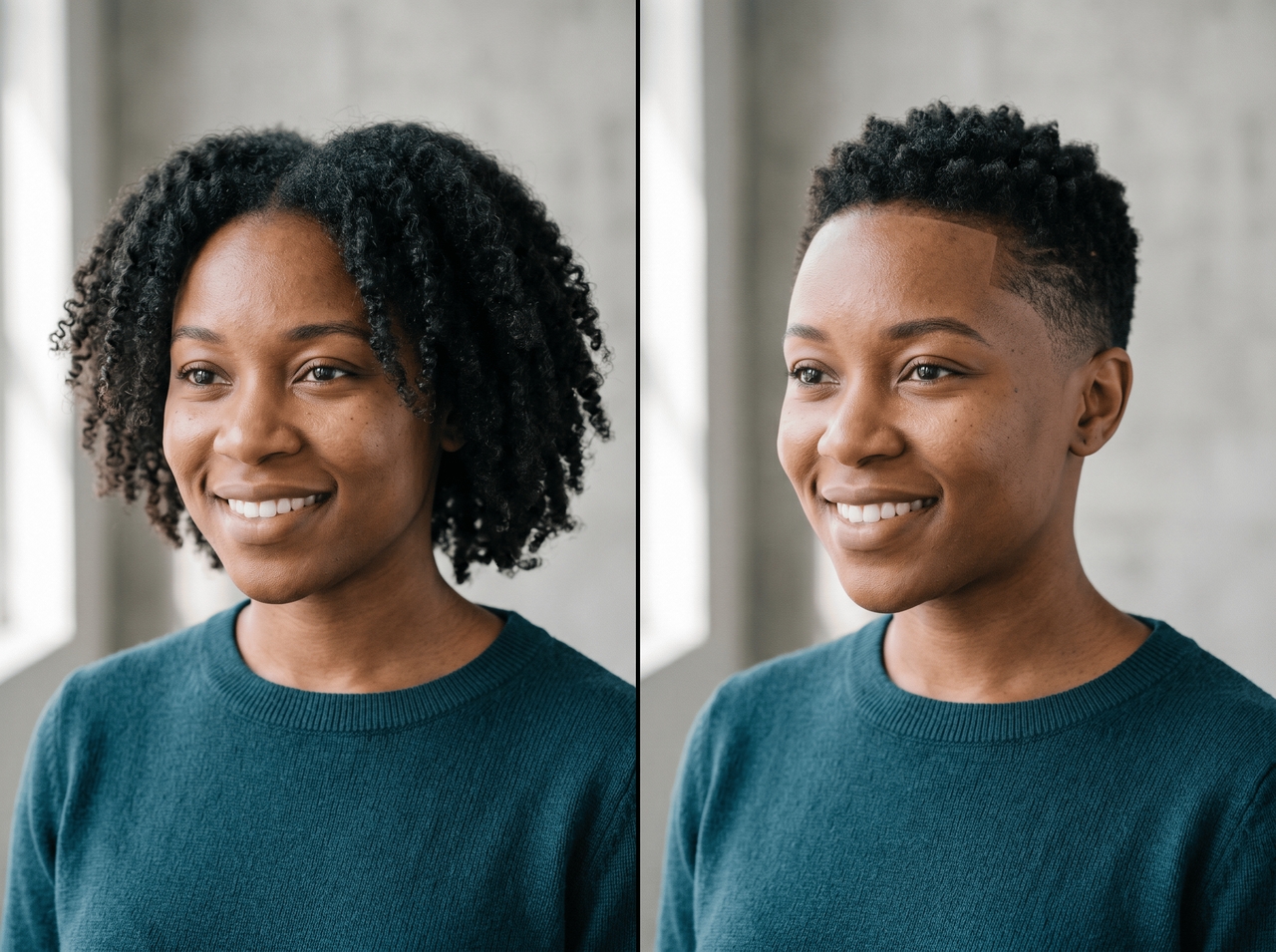
"Buzz cut on natural textured hair with #2–#3 guard, slight volume on top, clean low fade, defined hairline."
"Light blonde buzz cut with taper fade on sides, #2–#4 guard transition, soft natural finish, neat neckline."
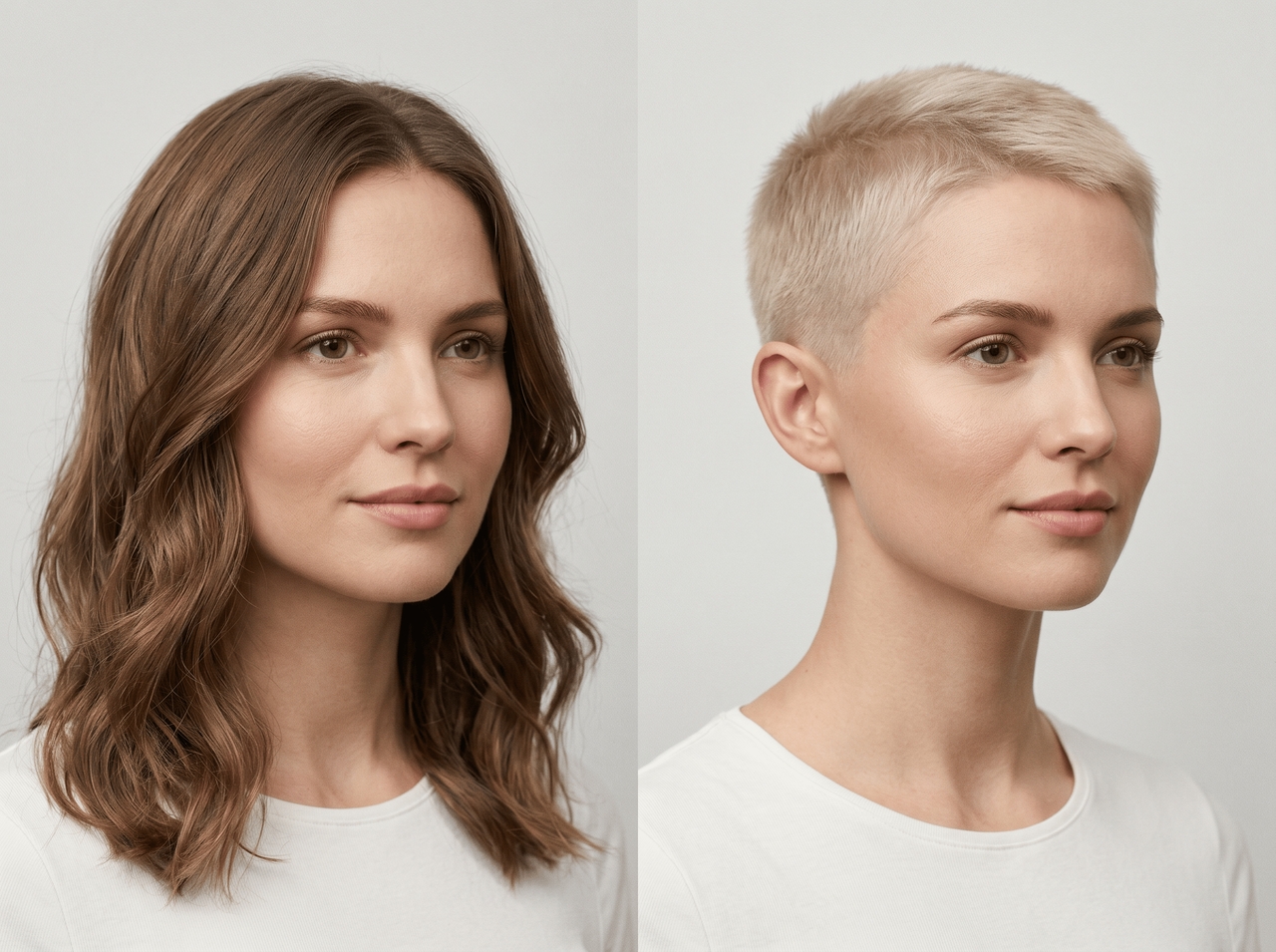
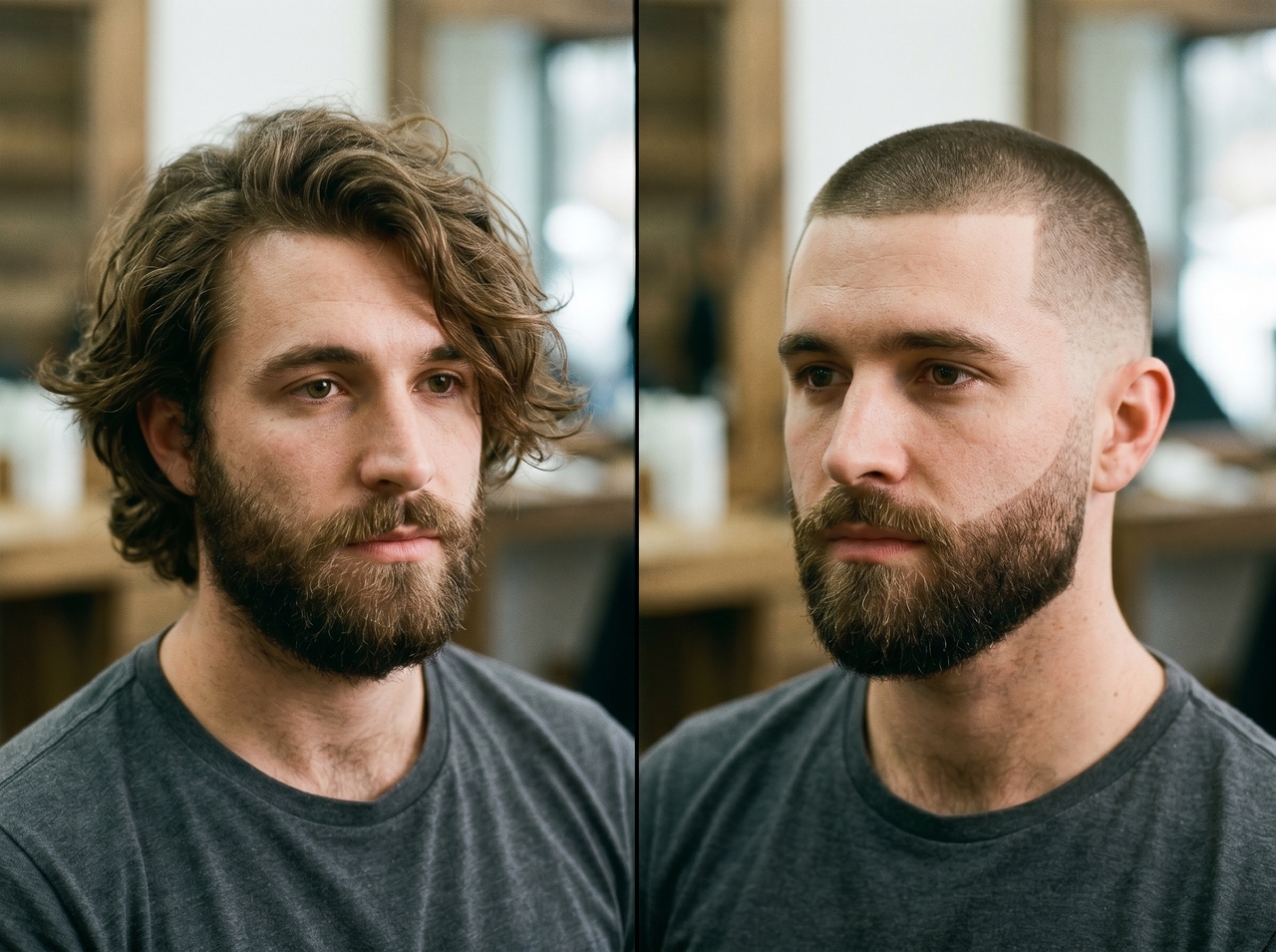
"Uniform buzz cut (#2–#3 guard) paired with full beard, clean fade blending hairline into beard line, sharp edges."
Tap into Framia Pro's multi-model AI engine to render your AI buzz cut filter for free with photo-level realism.
Upload your photo, and use Seedream 5.0, Nano Banana Pro, MidJourney v7, Flux Max, or Qwen image to get a preview of the buzz cut filter for free. Avoid a studio haircut disaster and see the realistic final results right away.


Explore various crew cuts, induction styles, and classic military fades. Each style renders through a different AI model with distinct capability profiles, so every result looks unique rather than a copy of the last.
Generate sharp haircut previews with natural scalp texture, lighting balance, and blended fade lines. Framia Pro preserves facial structure and photo depth, which gives the buzz cut filter outputs a more believable appearance.
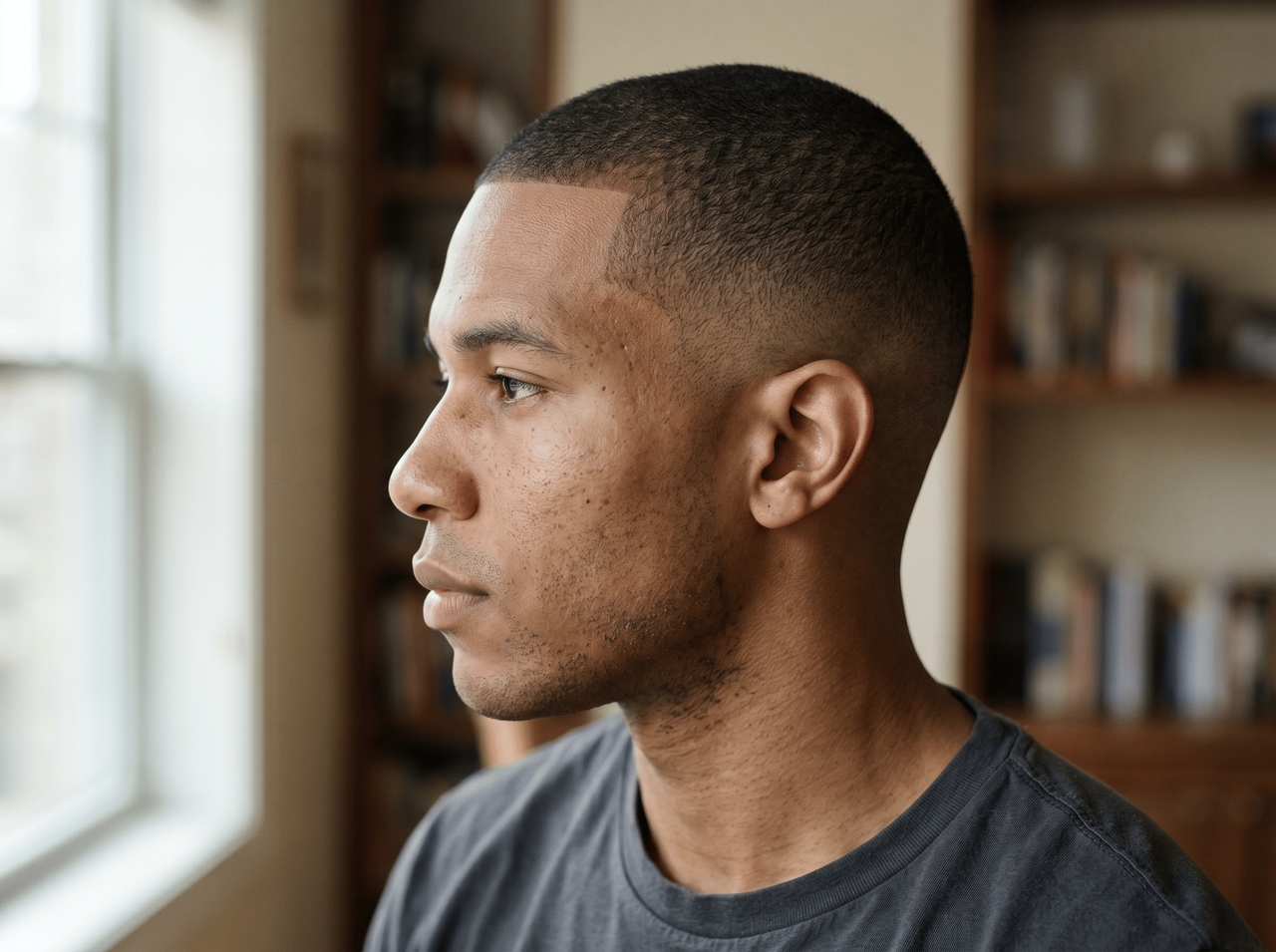
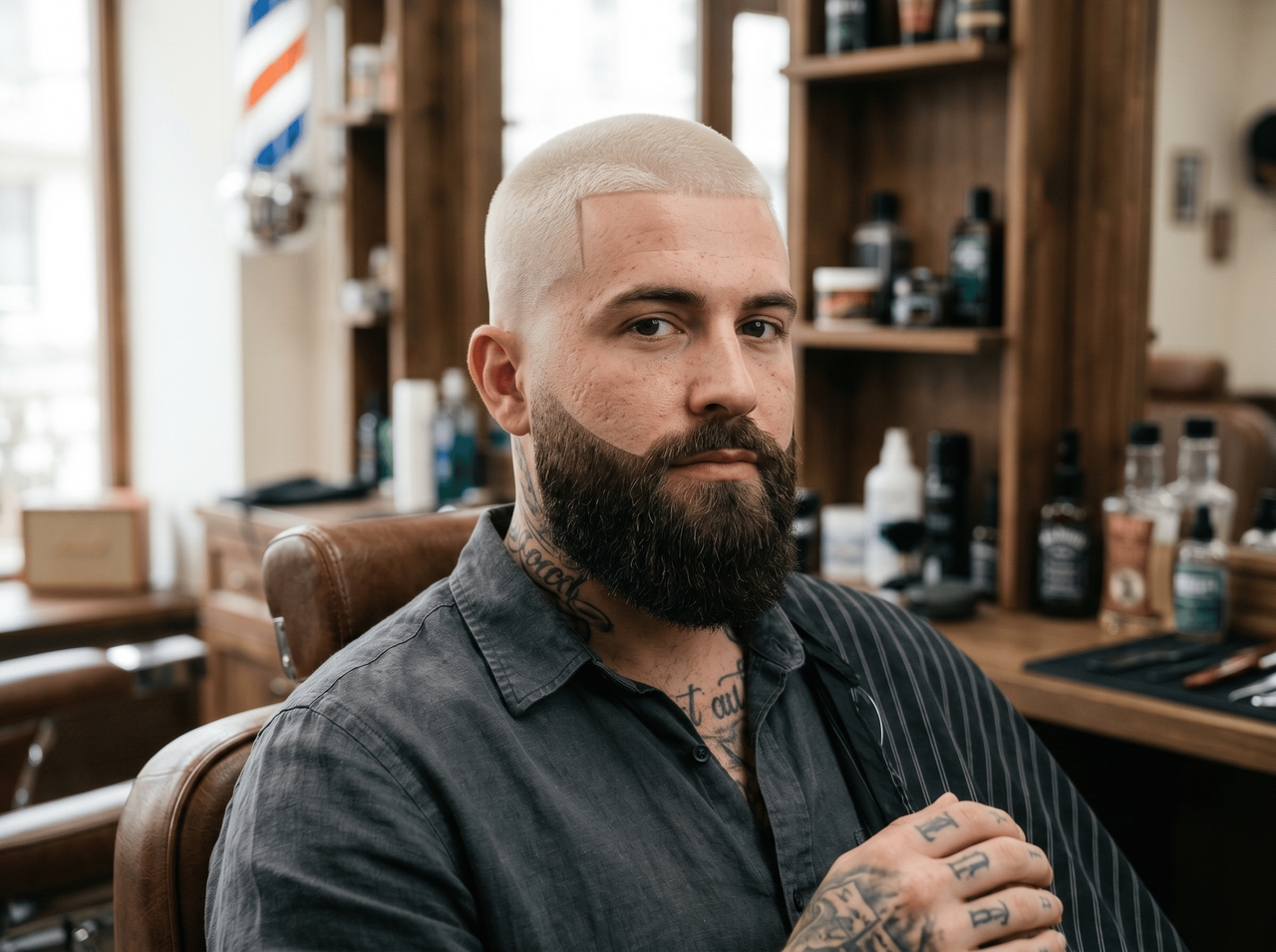
Describe fade level, hair color, beard style, or haircut length through text prompts. Framia Pro reads detailed instructions and applies targeted edits to the image that follows your requested style direction closely. The more specific your description, the more accurate the final result.
Run a low-resolution image through the image upscaling tool on Framia Pro and recover sharpness, edge detail, and texture at 4K output. The AI adds detail rather than simply stretching pixels, so your image stays sharp even at larger display sizes.
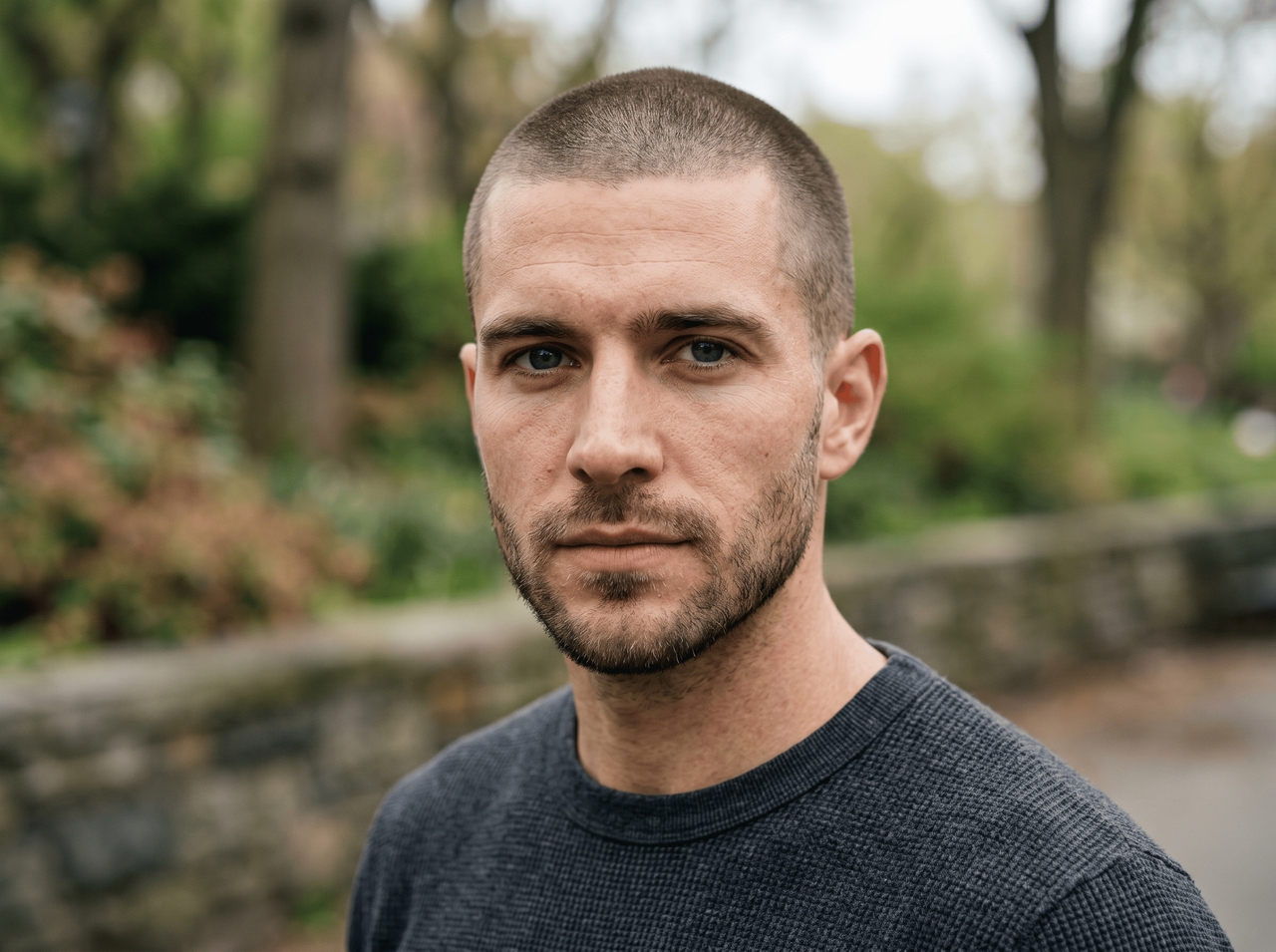
Try a buzz cut filter on your selfie and see realistic shaved styles before any real haircut decision.
Turn hairstyle curiosity into realistic AI previews that match your face shape, lighting, and photo details.
See real reactions from people who swapped haircut doubts for AI buzz cut previews that finally looked believable.



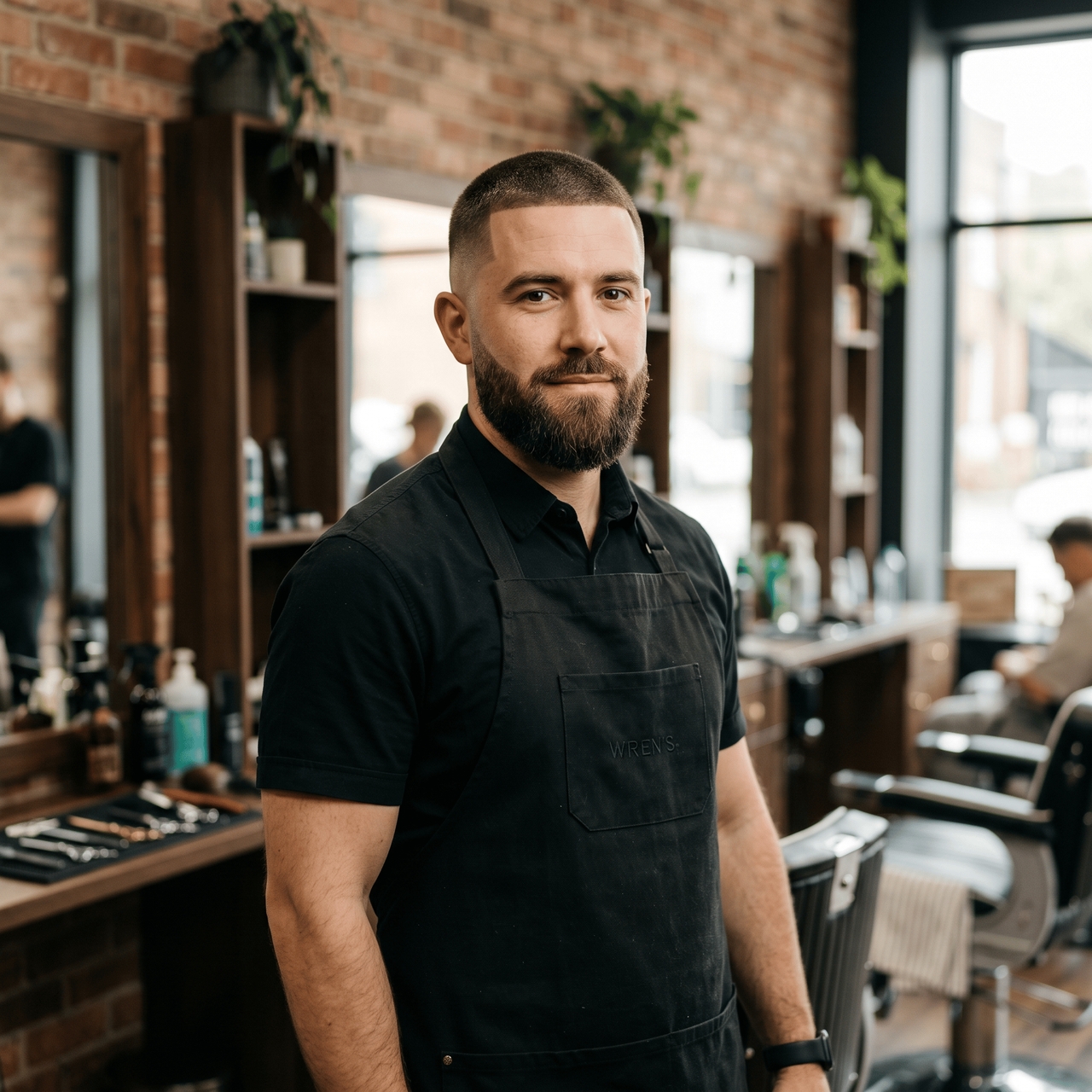
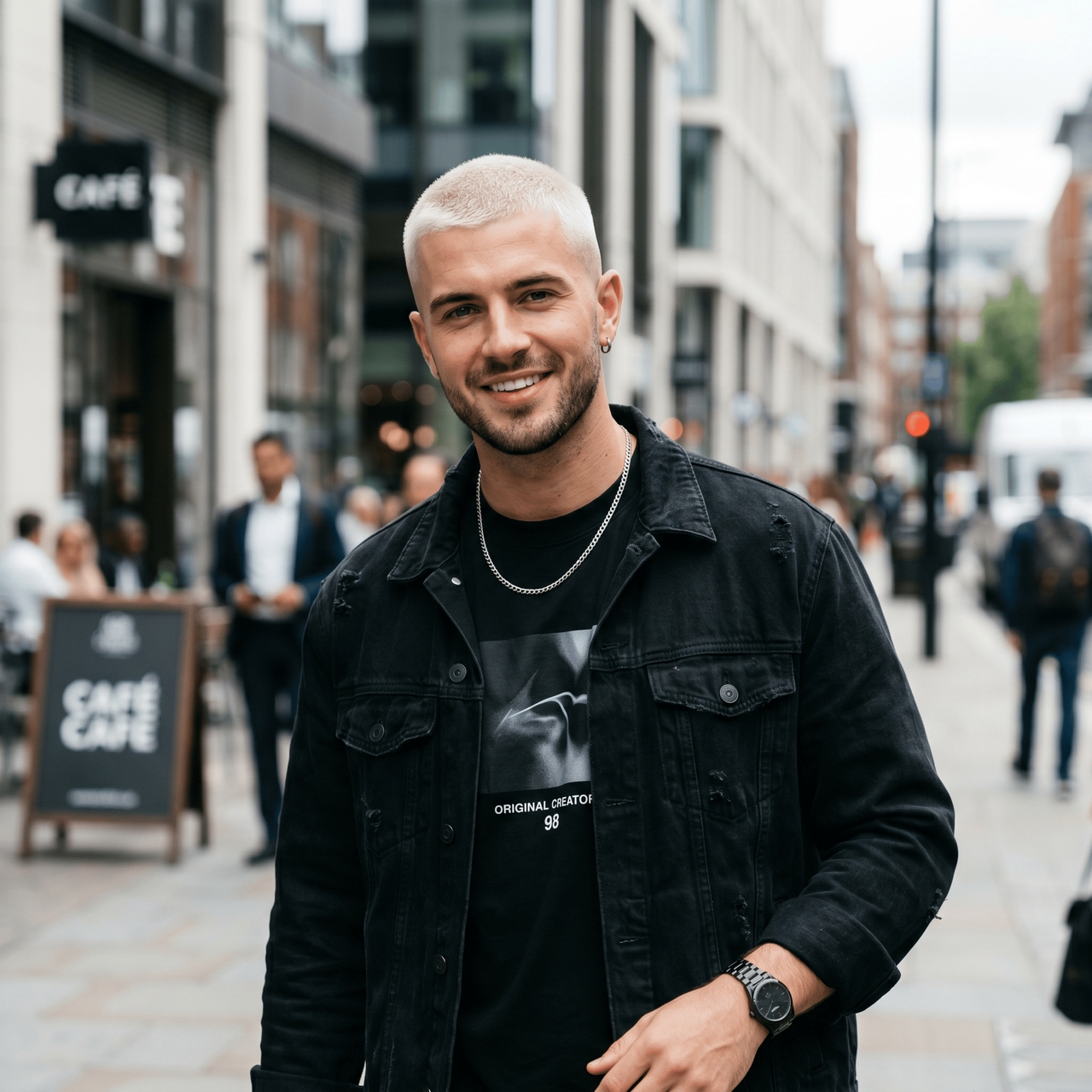

See exactly how a buzz cut changes your look. Upload, prompt, and generate with AI.