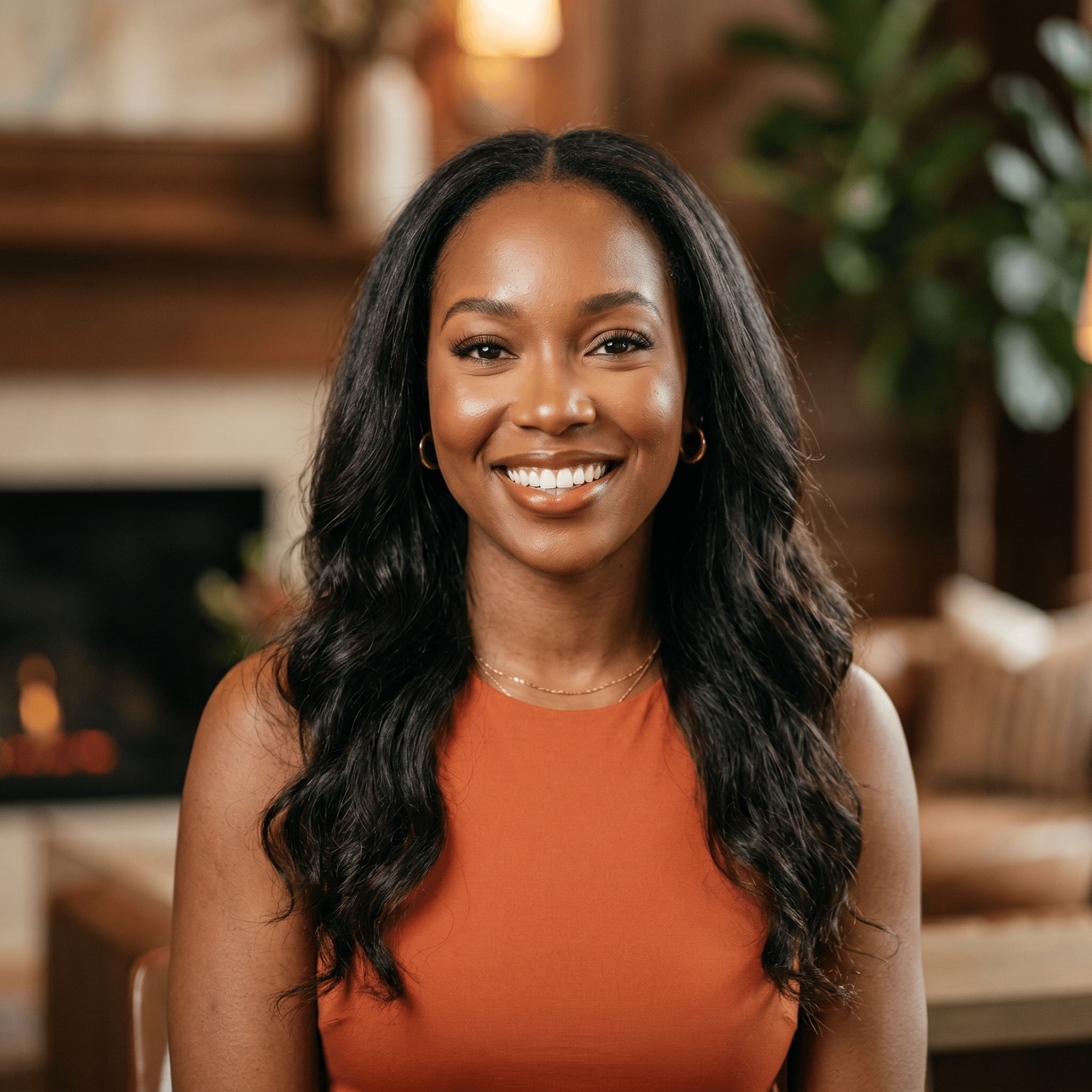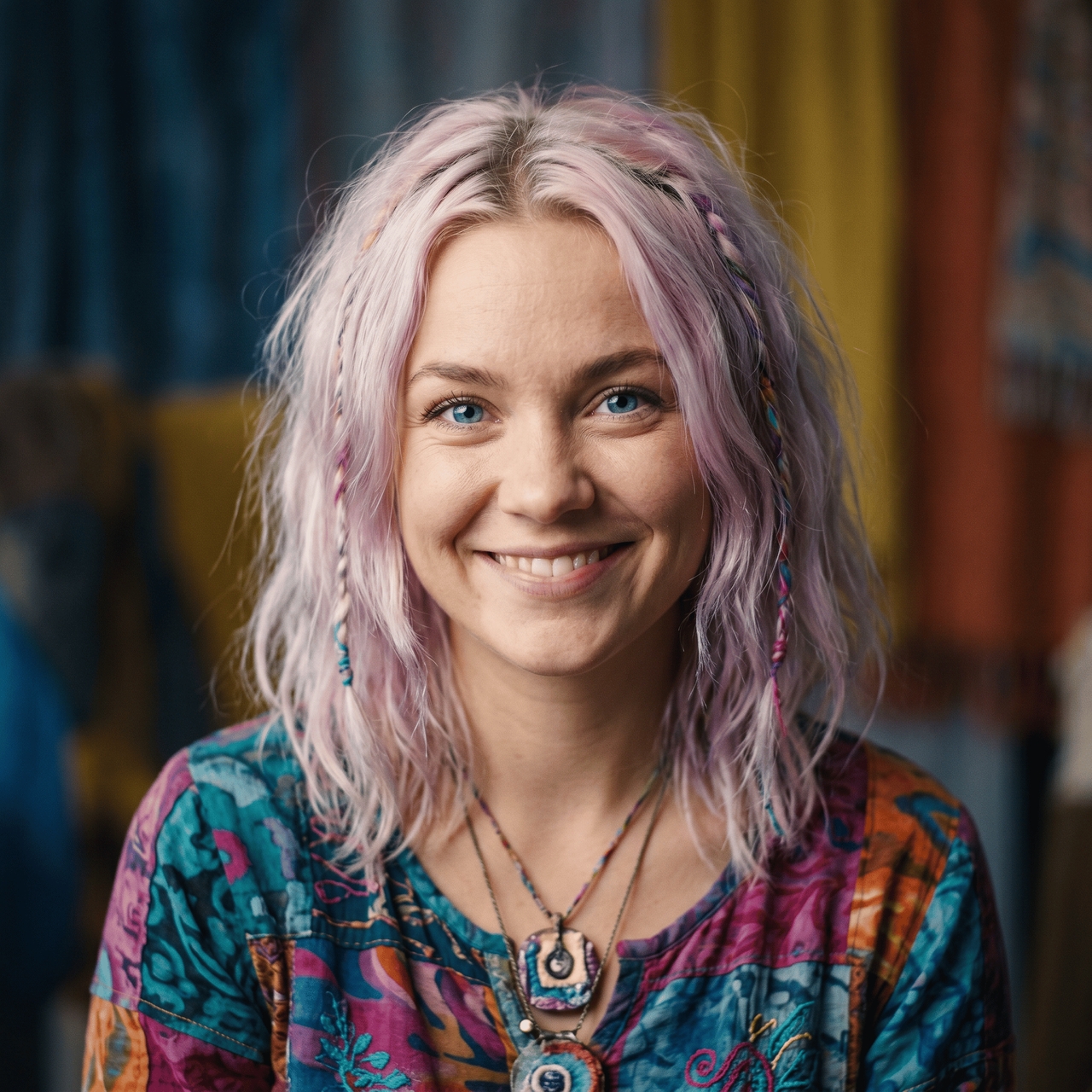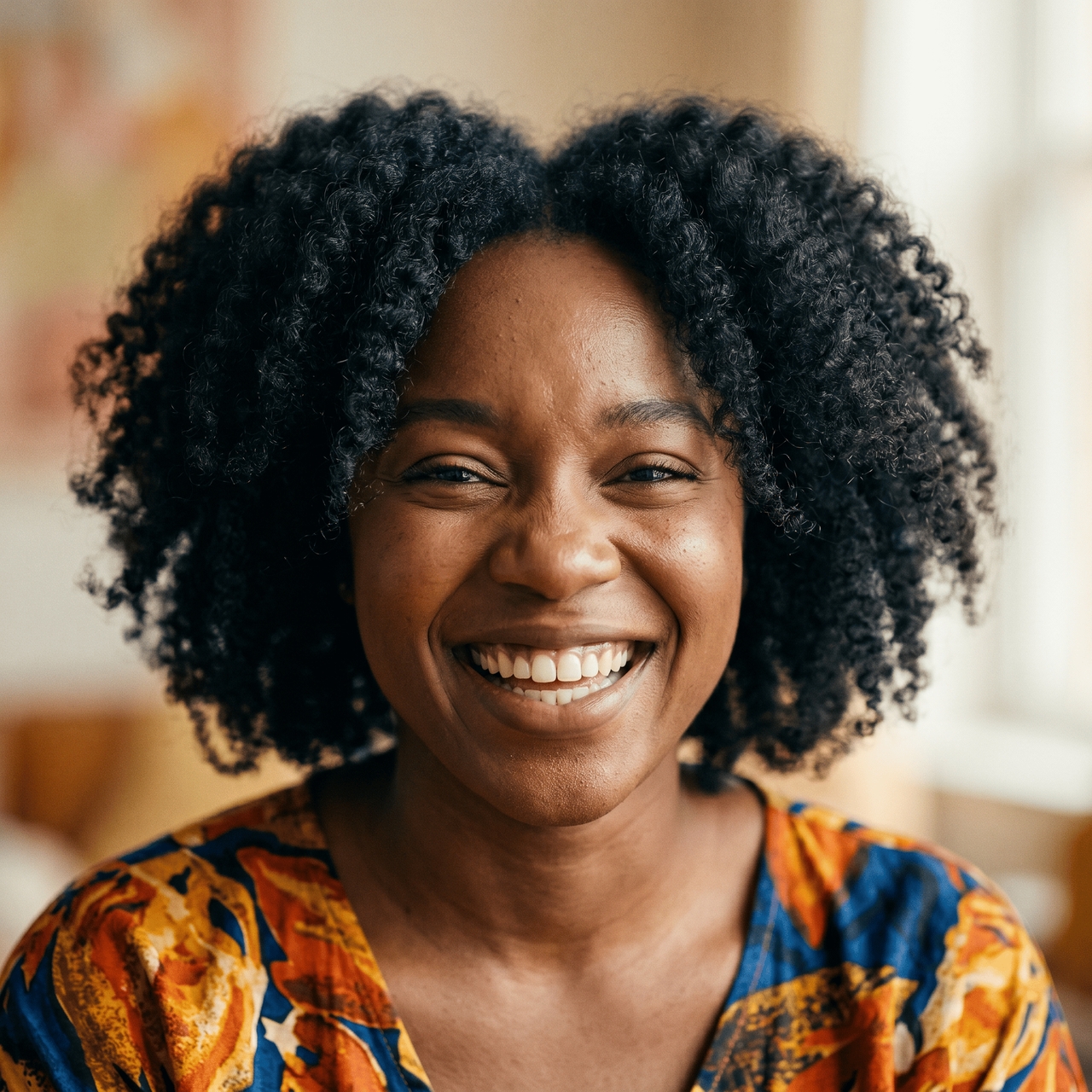
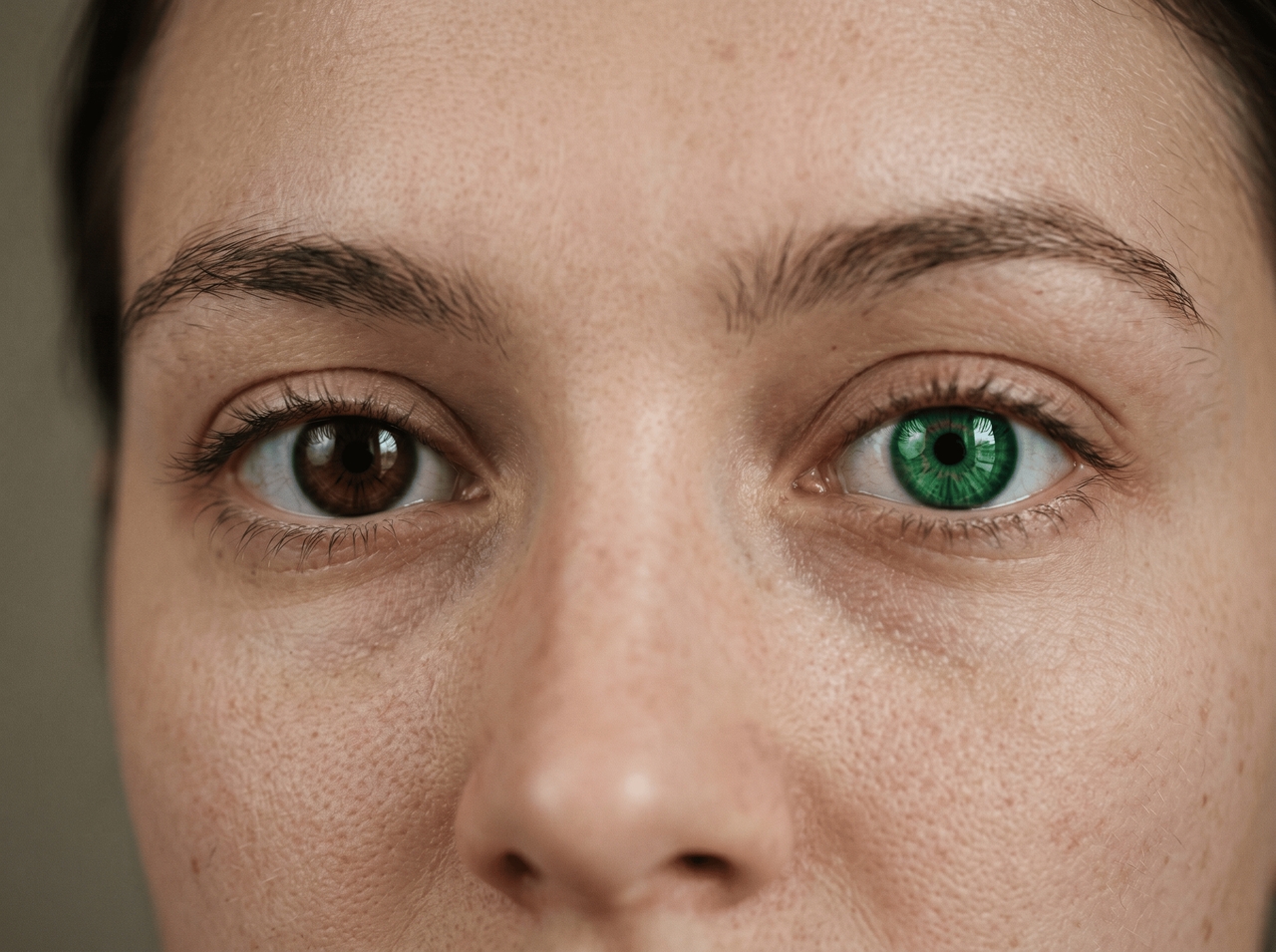
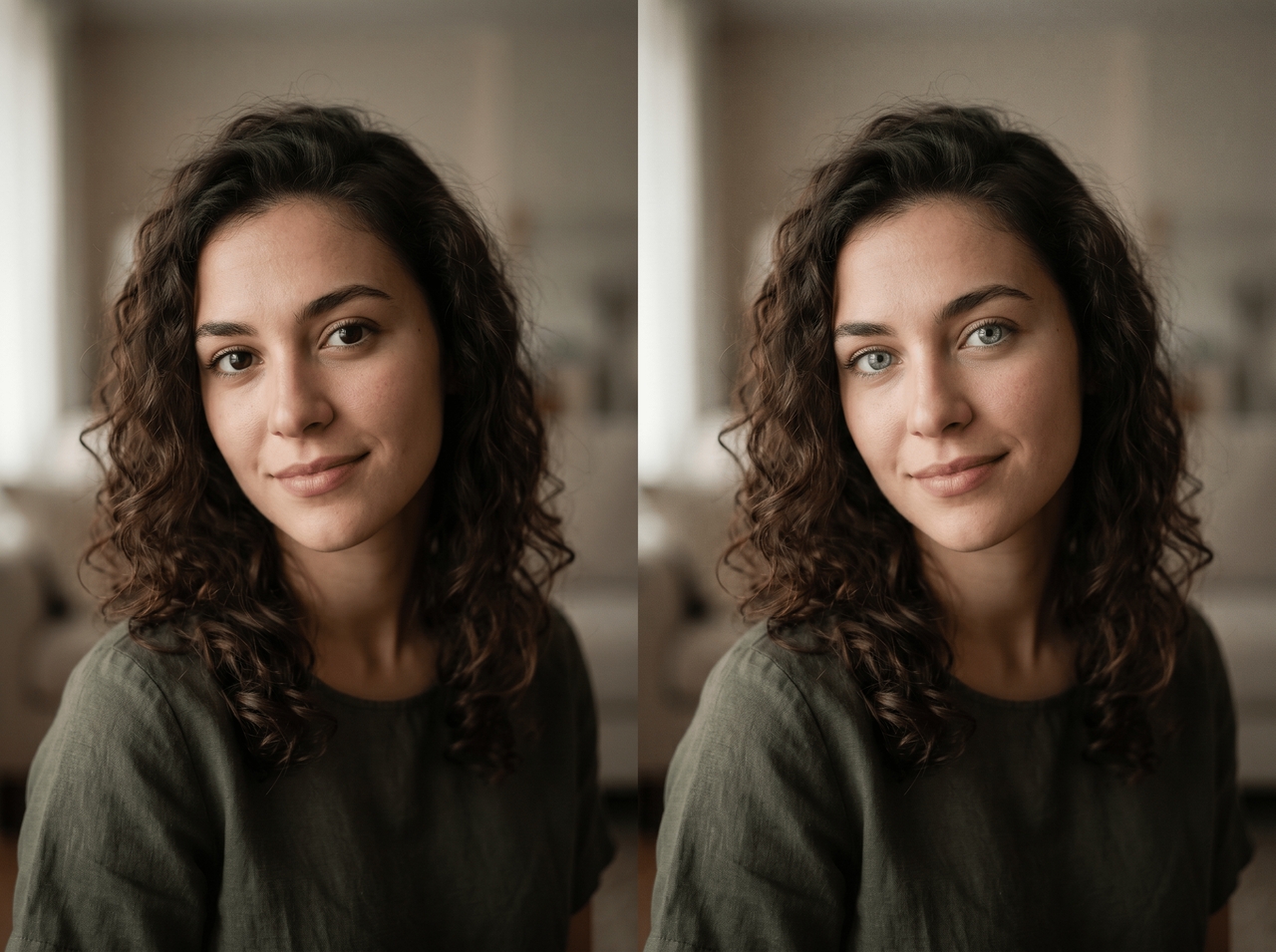
Change eye color in photos using AI tools that edit portraits, adjust eye tones, and refine facial details online. Prompt placeholder :
Drag & drop files here
Turn a single portrait into a scene-stealer with tools that edit, preview, and sync eye color in your shots.
Upload any portrait and use Seedream 4.5, Nano Banana 2, or MidJourney v7 to read the facial structure, scan each image individually, and target the iris area accurately based on the original lighting and facial geometry already in the shot.


Type anything from "warm amber" to "electric violet" into the prompt field, and the AI applies it. The image generation models handle both tonal nudges and dramatic color swaps, so the output fits exactly what you described.
See the updated eye color applied to your photo instantly before committing to anything while using our free eye color changer. Refine the prompt, re-run the adjustment, and only click the download icon once the result sits exactly where you want it.


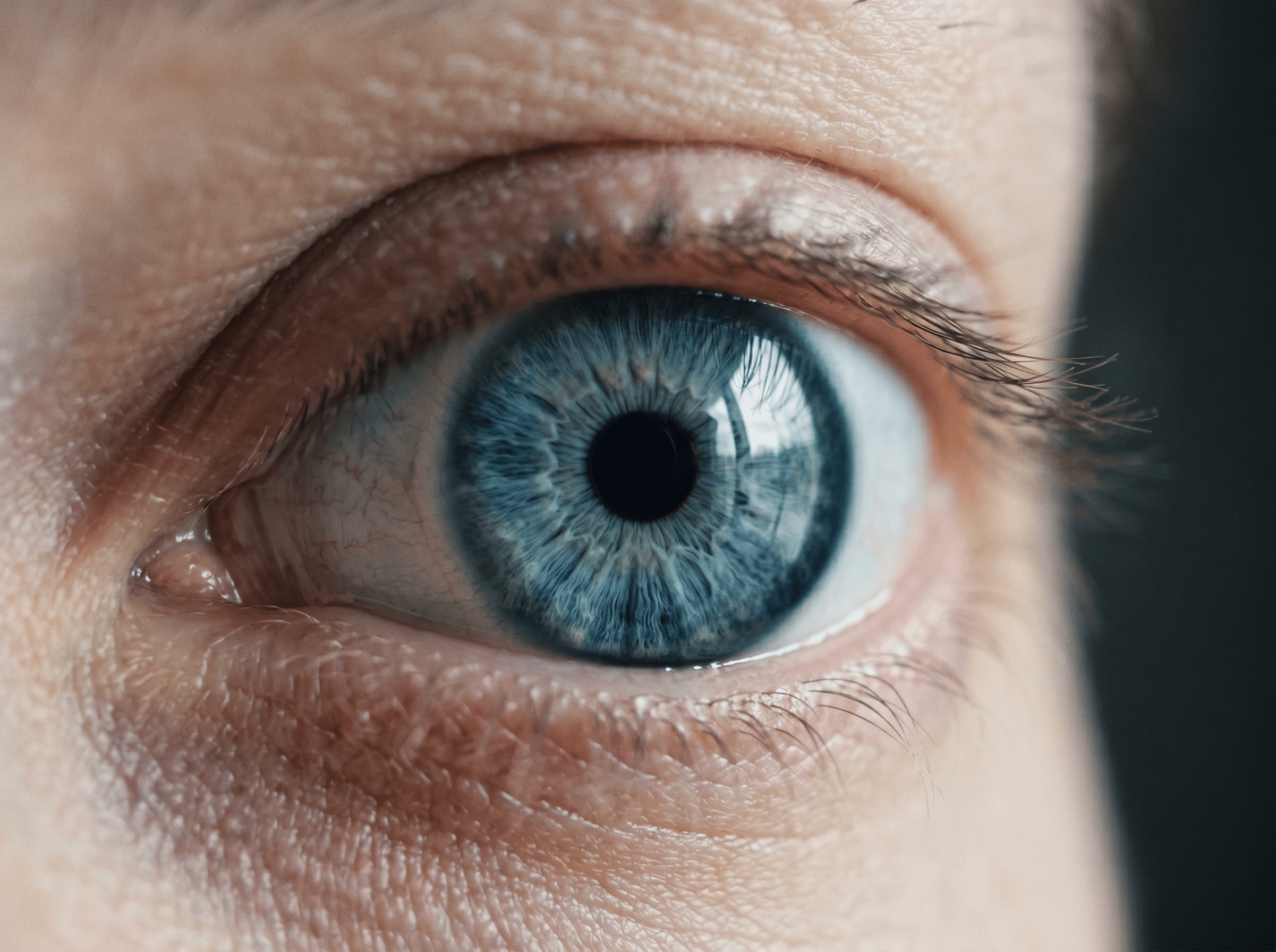
Change eye color in a photo without flattening what makes eyes look real. The iris pattern, light reflections, and depth stay intact under the new color, so the final image reads as natural rather than digitally painted.
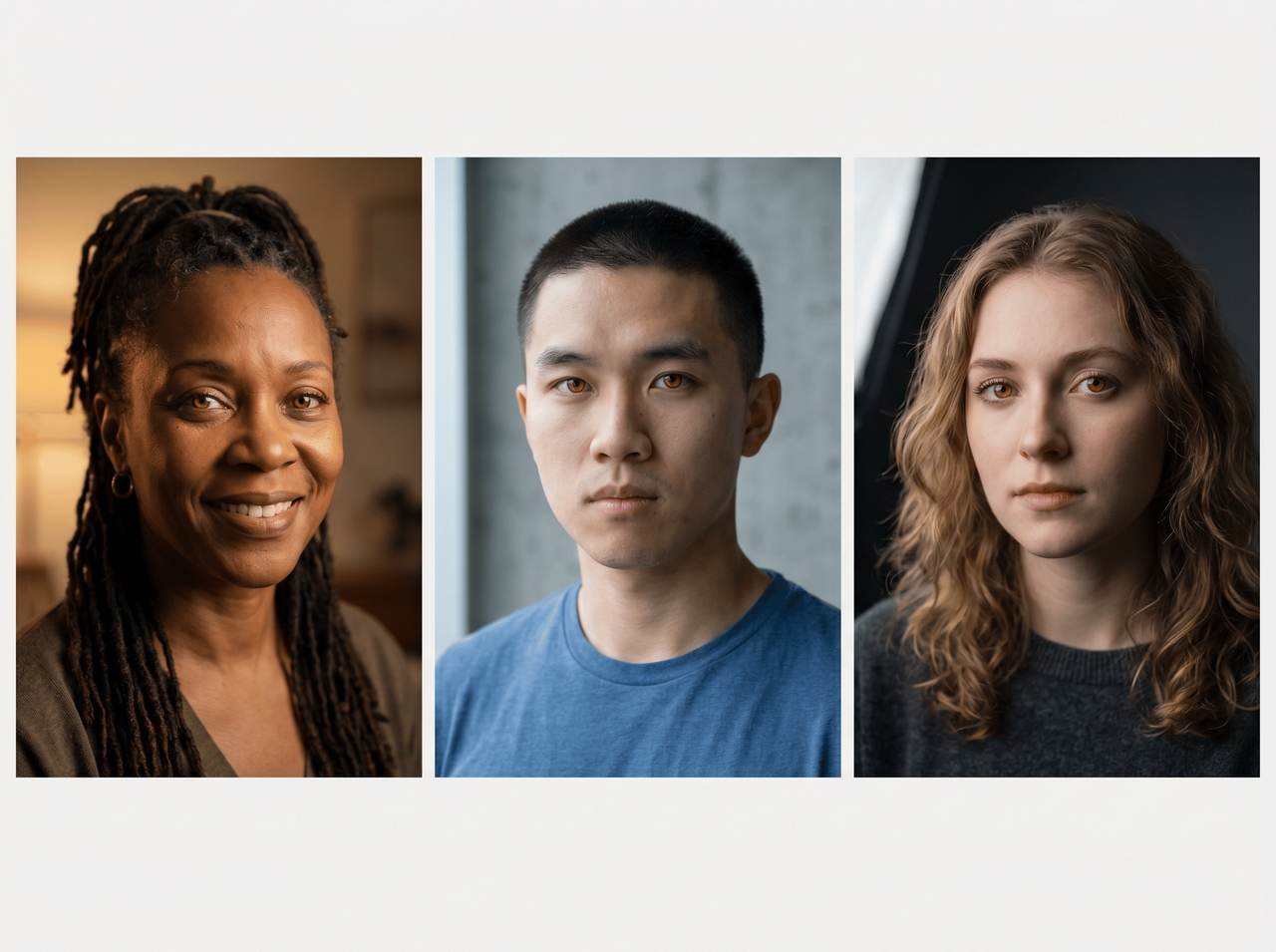
Queue your portrait batch inside Framia Pro, type the eye color change prompt once, and let the AI run it in every image. Each photo gets the shade applied to its own lighting conditions without re-entering any settings

Swap, preview, and download a realistic eye color change in seconds using Framia Pro! No filters, no sliders, no guesswork.
Your new eye color is one prompt away. Upload, generate, and download in three simple steps:
Upload once, edit fast, and walk away with eye color results that actually fit your workflow.
See what creators, photographers, and everyday users say after their first edit.


Upload any portrait, type a shade, and Framia Pro's AI delivers a realistic eye color change in seconds.