Upload your video
Open Framia Pro, upload your clip, and then describe the new video style, mood, scene, or visual direction.. Click "Plan" to guide the tool.

Turn any clip into a new style video using video-to-video AI. Create fresh edits from existing footage in a simple online tool.
Drag & drop files here
Change simple clips into scenes that feel straight out of a movie. Watch every frame come alive.
Upload a clip and generate a rich story scene with camera movement, better lighting, and natural action. Framia Pro supports Seedance 2.0, Kling 3.0. Veo 3.1, Wan 2.7, and Sora 2 Pro that create lifelike motion, realistic dialogue, and cleaner scenes.
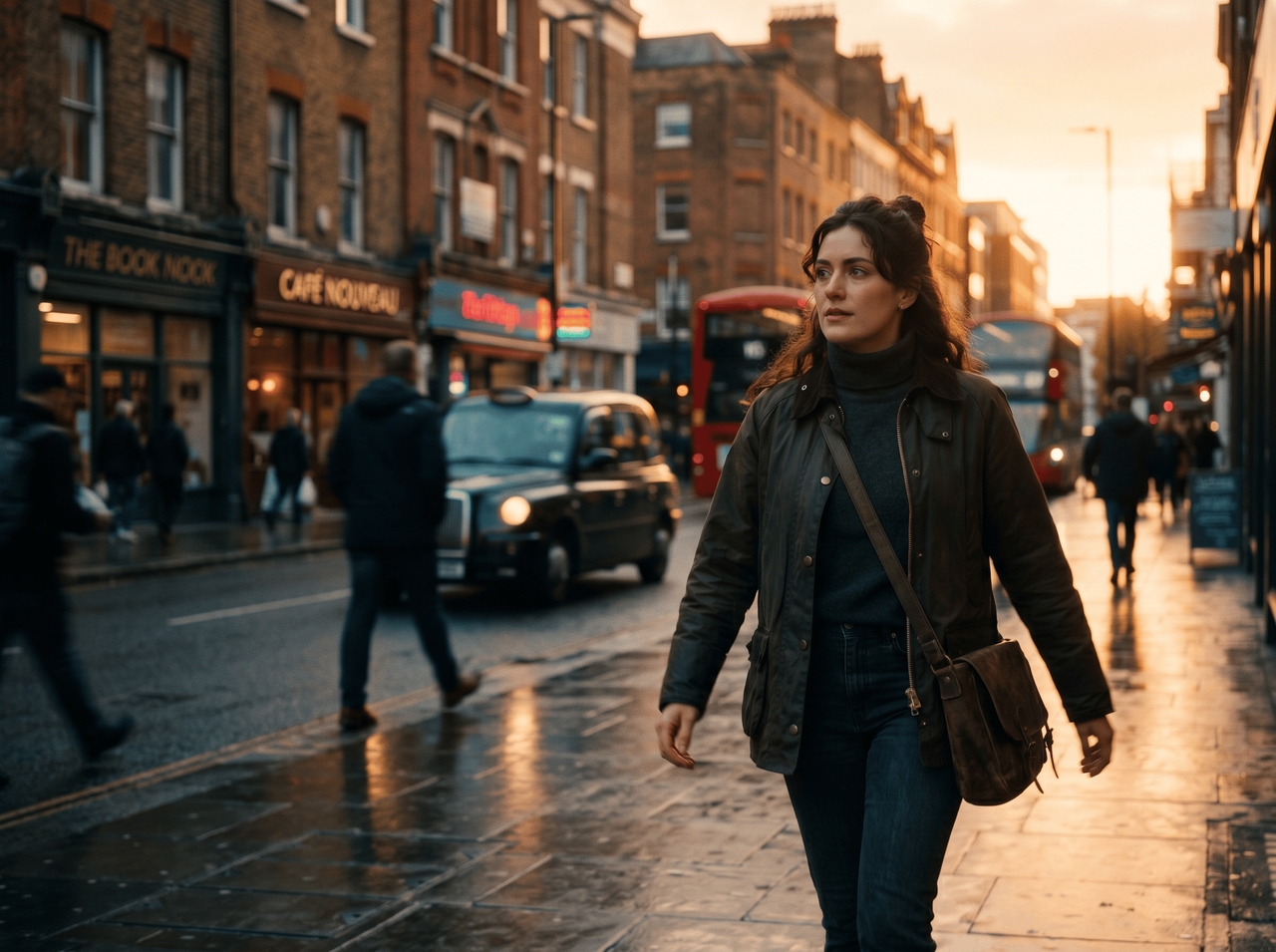
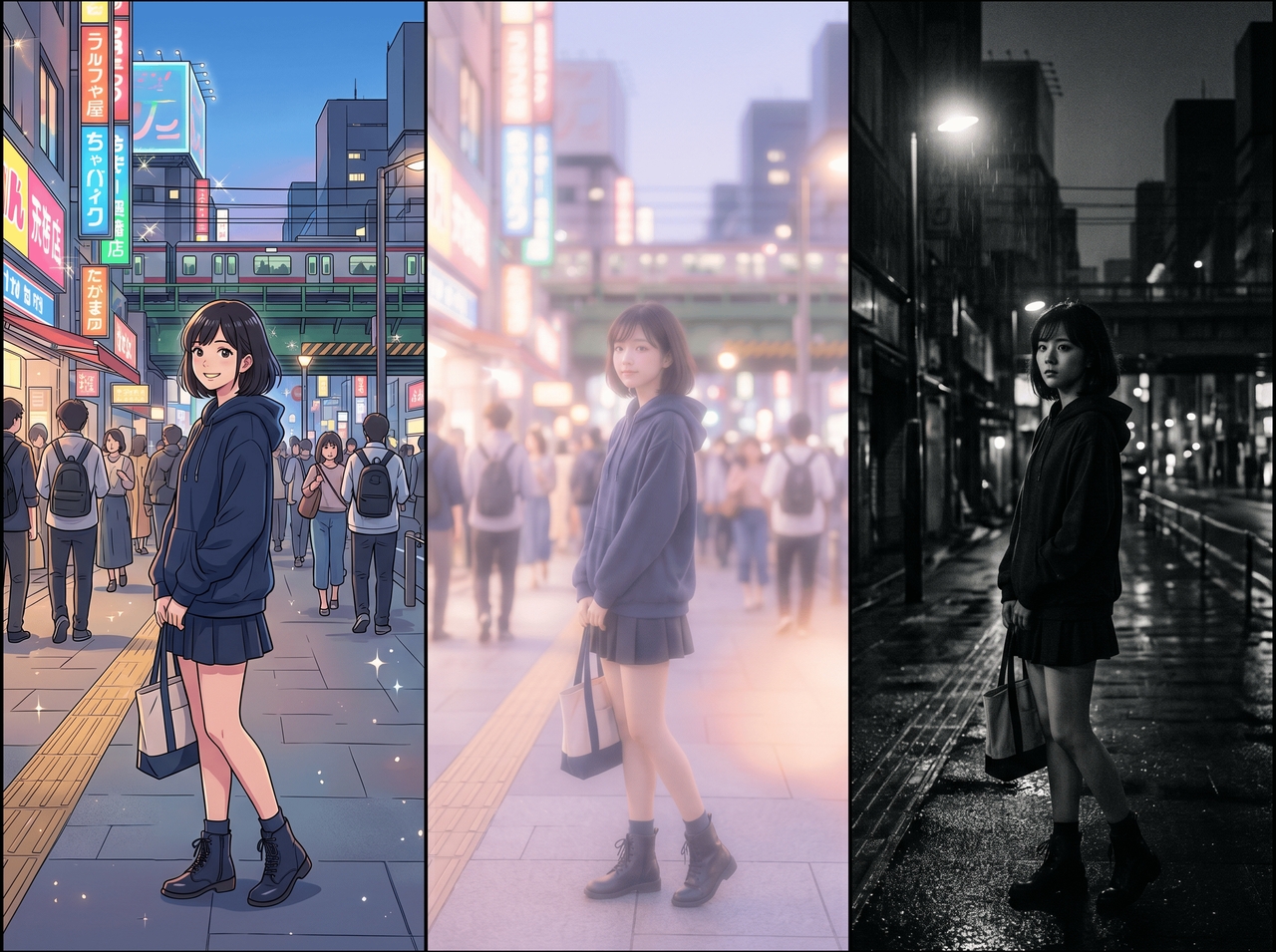
Describe a mood, art style, or scene idea, and see the video change into something fresh. Our AI video-to-video generator converts footage into anime scenes, dreamy edits, cinematic stories, or social media clips through simple text instructions.
Cut longer recordings into short clips of 15s to 6 minutes that still carry the key scenes from the original video with our video-to-video generator. Get scenes that flow smoothly till the end from your travel footage, podcasts, interviews, and vlogs.
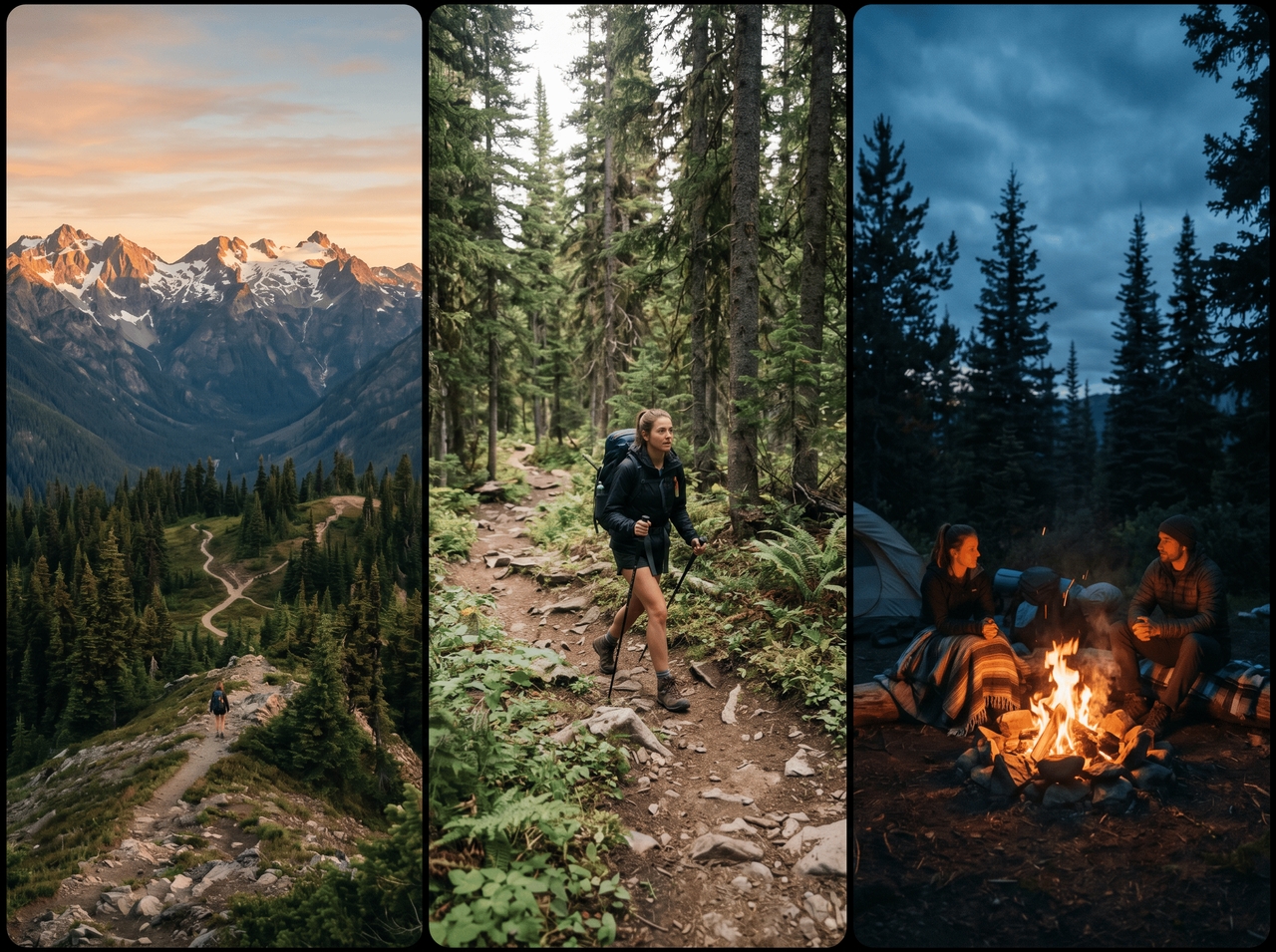
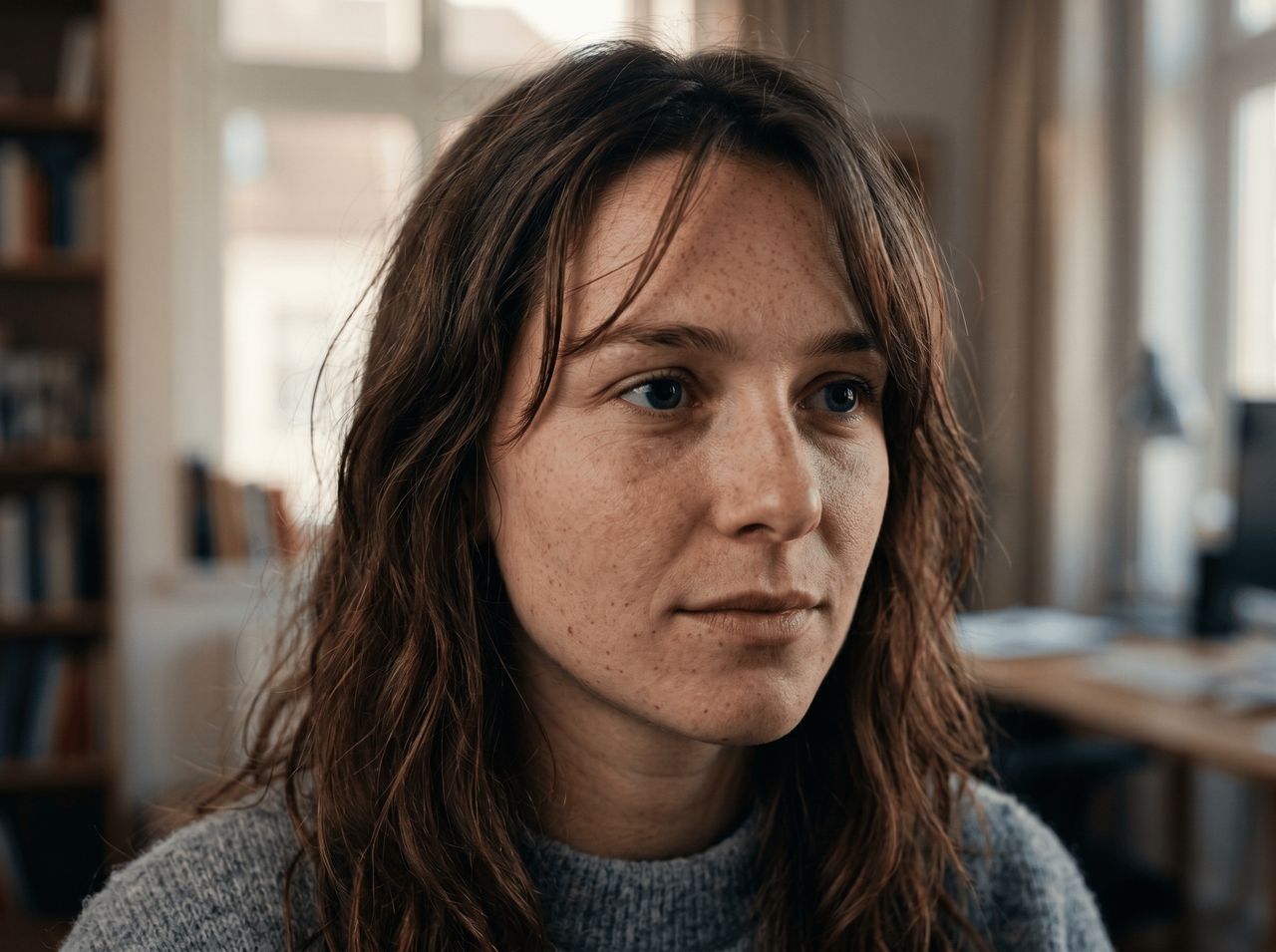
Raise soft or low-quality footage into sharper video with clearer faces and richer detail. Framia Pro works with Veo 3.1 and Kling 3.0, which support strong visual output for larger screens and social uploads.
Describe your idea and receive scene suggestions before generation starts. Our free video to video AI generator includes an AI planning tool that outlines shots, camera angles, and transitions so your story follows a smoother direction from the opening frame.
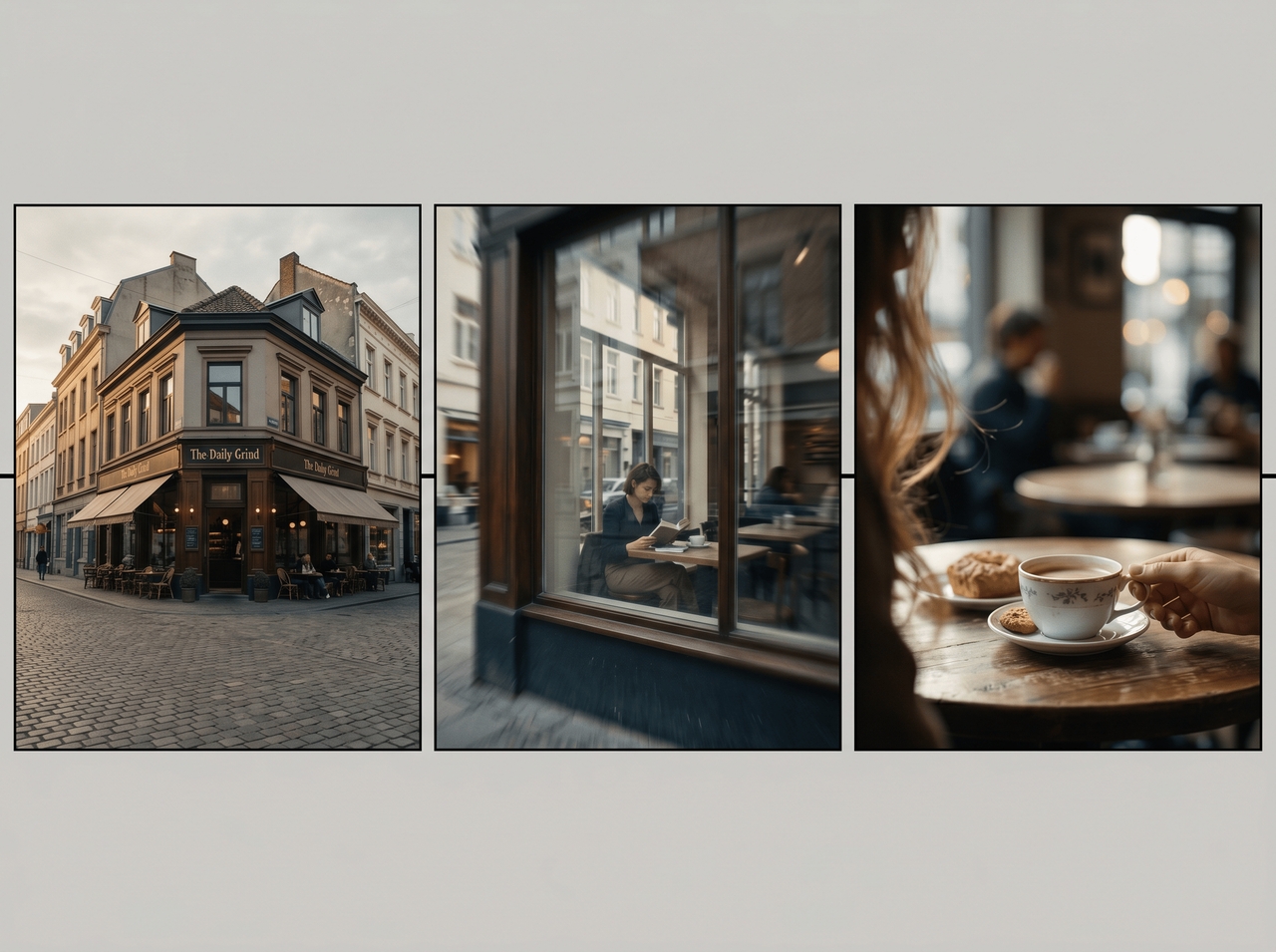

Change scenes, rewrite sections, trim clips, or update visuals after the first result appears. Framia Pro includes video editing tools that let you continue shaping the story instead of starting the entire process again.
Hold the same character appearance through different scenes while expressions and body language stay steady in each frame. Framia Pro uses reference guidance to carry clothing, facial features, and visual style through the entire video.
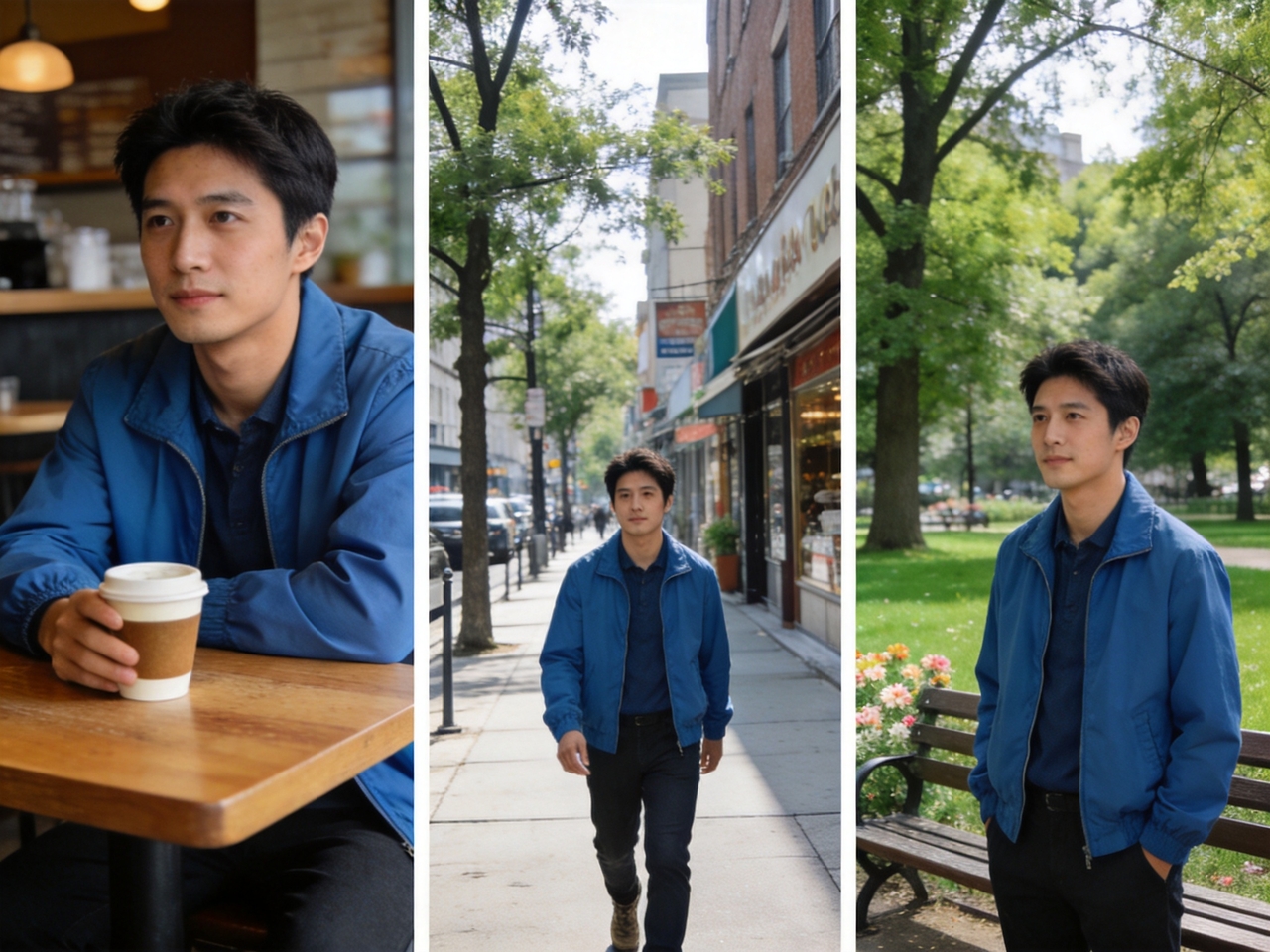
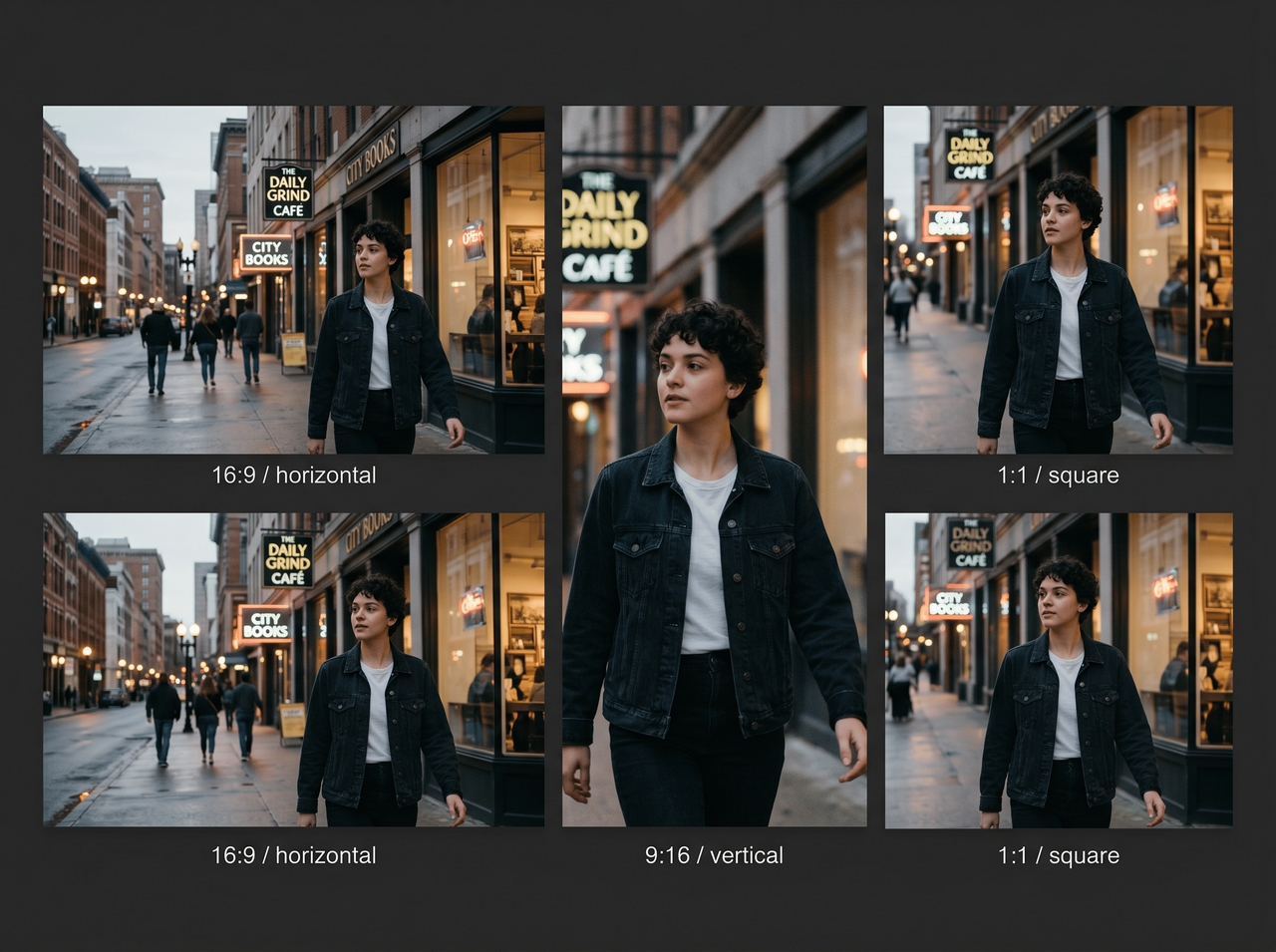
Create wide-screen videos for YouTube, vertical clips for TikTok, and square posts for social feeds during the same project. Framia Pro supports several screen formats through Veo 3.1, Sora 2, and other leading AI video models.
Explore different video styles using our AI video-to-video generator and convert your simple clips into story edits that match your idea.
Follow real trends, keep characters steady across scenes, and get full creative control with our video to video AI generator!
Creators share how Framia Pro creates stories that feel alive, giving their ideas a new voice through video, sound, and style in one easy place.

Stop editing frame by frame. Upload your video, type your vision, and let Framia Pro generate cinematic results