
Graphic design is changing faster than ever. Just a few years ago, creating a stunning visual required hours of manual tweaking, deep technical knowledge of complex software, and an endless stream of coffee. Today, AI in graphic design is rewriting the rulebook. Whether you are a seasoned art director or a small business owner looking to build a brand, artificial intelligence tools for graphic design are making high-quality visuals faster, smarter, and more accessible.
However, as the industry evolves, creators are looking for the absolute best AI for graphic design to streamline their specific workflows. From generating custom vectors to brainstorming color palettes and building entire brand identities, finding the right tool can dramatically impact your creative output. In this guide, we review the top platforms challenging the traditional design process, explore how AI is shaping the future of the industry, and help you choose the best AI graphic design tool for your needs.
What is AI in graphic design?
At its core, what is AI in graphic design? It is the use of machine learning algorithms and artificial intelligence to assist, automate, or enhance the visual design process. Instead of replacing human creativity, these AI design tools act as a powerful co-pilot. They can analyze vast amounts of visual data, understand context from simple text prompts, and work seamlessly with an AI image generator to produce stunning visuals, layouts, or color schemes in seconds.
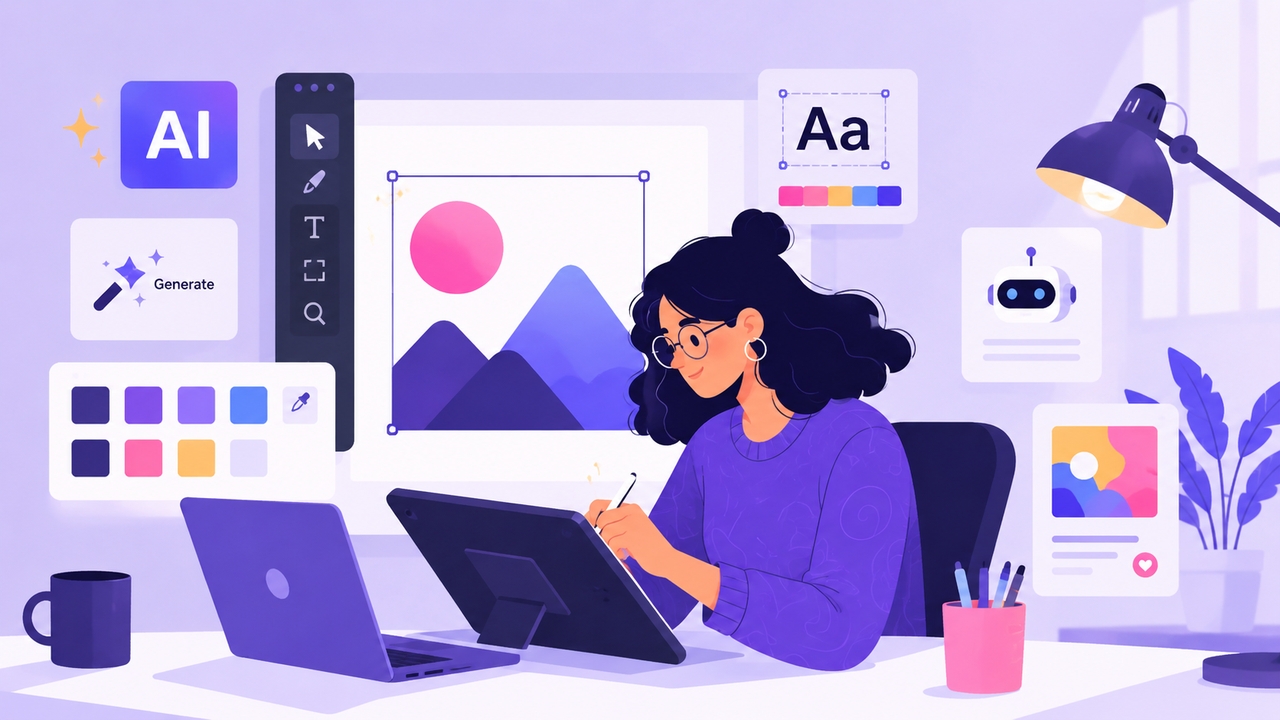
Modern AI graphic design software goes far beyond basic filters. Today's platforms can generate hyper-realistic concept art, remove complex backgrounds instantly, predict the best layout for a landing page, and even adapt a single design into dozens of different formats for social media. It has become an industry standard for creators seeking to push the boundaries of digital storytelling, proving that the synergy between AI and graphic design is here to stay.
The future of graphic design with AI
The conversation around the future of graphic design with AI often brings up a common fear: Will AI replace graphic designers? The short answer is no. But a designer using AI will almost certainly replace a designer who doesn't.
The future of the industry points toward a collaborative relationship between human and machine. AI handles the heavy lifting—like masking images, generating baseline concepts, or resizing assets—freeing up the designer to focus on strategy, emotion, and complex problem-solving. We are moving from an era of "pixel-pushing" to an era of "creative direction." As AI tools for designers become more intuitive, the barrier to entry will lower, meaning the best designs will stand out not because of technical software mastery, but because of brilliant ideas and unique human perspectives.
Key benefits of AI for graphic designers
Before diving into the specific platforms, it helps to understand exactly why professionals are hunting for the best AI graphic design tools to integrate into their daily workflows.
- Unmatched Speed: Tasks that used to take hours—like creating a mood board, mapping out a layout, or using an AI image editor to tweak fine visual details—now take seconds.
- Overcoming Creative Blocks: When you are staring at a blank canvas, AI acts as an instant brainstorming partner, generating dozens of variations to spark your imagination.
- Cost-Efficiency: For marketing teams, AI design software drastically reduces the cost of stock photography and freelance overflow work. It is especially useful when utilizing an AI photo retouch tool to perfect raw images without needing an external specialist.
- Scalability: Need a banner resized for Instagram, LinkedIn, and a website header? AI tools for graphic design automate this resizing process instantly while keeping the composition intact.
Top 10 AI Graphic design tools in 2026
The demand for intelligent creative software is growing rapidly as professionals look for the best AI tools for graphic design to scale their output. Here are the top 10 tools to consider integrating into your workflow in 2026.
1. Adobe Firefly
Adobe Firefly is arguably the most powerful AI graphic design software for professionals. Built directly into the Adobe Creative Cloud ecosystem (Photoshop, Illustrator, InDesign), Firefly focuses on generative fill, text-to-image, and text effects. What sets it apart is its commitment to commercial safety—Firefly is trained exclusively on licensed Adobe Stock images, openly licensed content, and public domain content, making it safe for enterprise brand work.
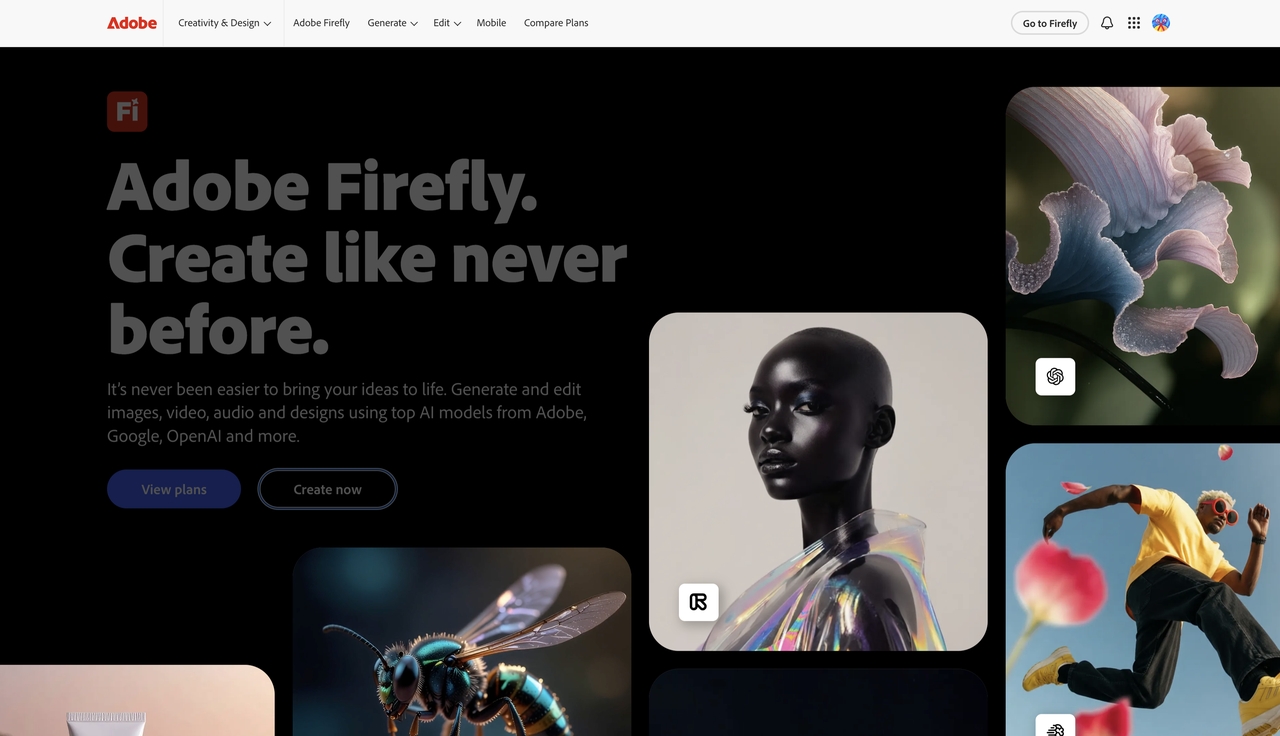
- Generative Fill: Add, remove, or expand content in images using simple text prompts right inside Photoshop.
- Generative Recolor: Instantly try out different color palettes for vector artwork in Illustrator without manually selecting paths.
- Text Effects: Apply intricate textures, styles, and patterns directly to typography.
Pros:
- Commercially safe for large brands
- Seamless integration with Photoshop and Illustrator
- High-quality, realistic output
Cons:
- Requires a costly Creative Cloud subscription for full workflow integration
- Can be hardware-intensive when running heavy local apps
2. Canva Magic Studio
If you are looking for the best AI tool for graphic design in the marketing and social media space, Canva Magic Studio is the undisputed leader. Canva took its already massive, user-friendly platform and injected AI into every corner. It is designed for non-designers and professional marketers alike, allowing users to generate images, write copy, and animate designs all in one place.
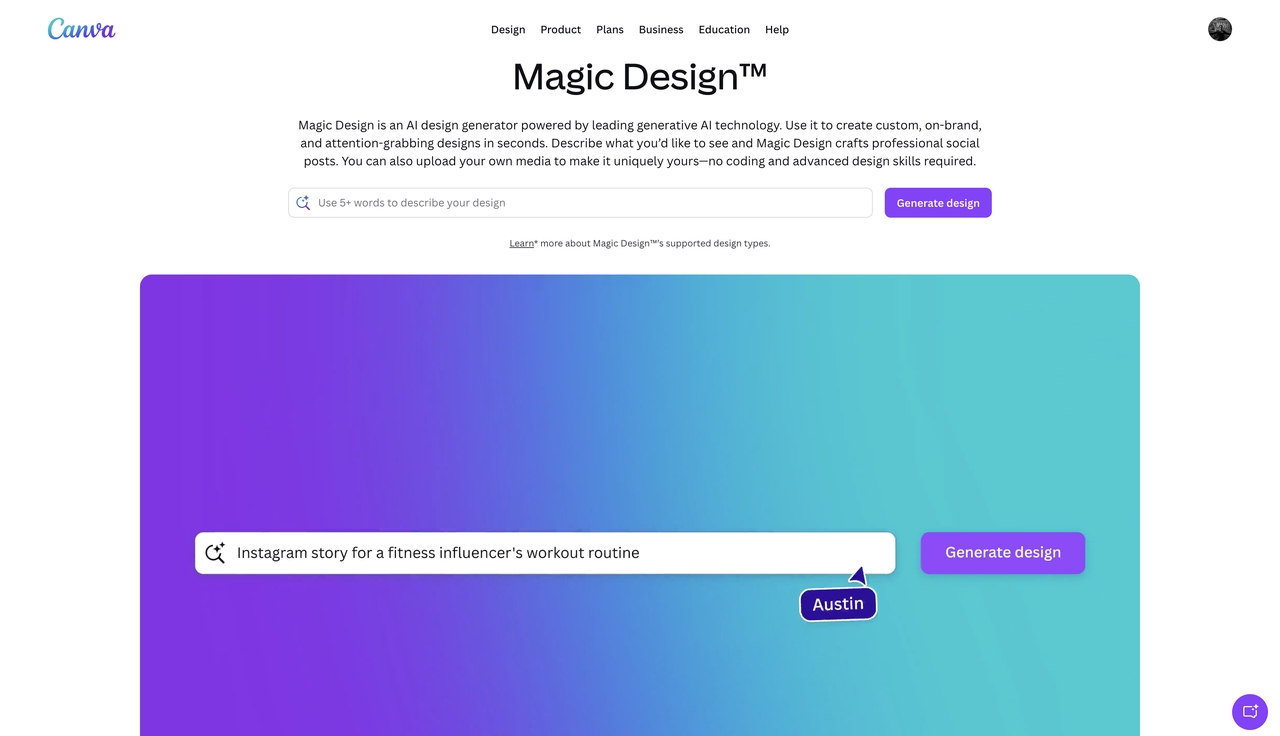
- Magic Switch: Instantly transform a presentation into a blog post, or resize an Instagram post into a TikTok video.
- Magic Media: Text-to-image and text-to-video generation built directly into the design canvas.
- Magic Eraser & Grab: Remove backgrounds or pluck a subject out of a flat image to make it movable.
Pros:
- Incredibly easy to use with a zero learning curve
- Excellent collaborative tools for teams
- Massive library of templates and fonts
Cons:
- Lacks the deep, pixel-level control of professional tools like Photoshop
- Output can sometimes feel generic if relying too heavily on templates
3. Framia Pro
Framia Pro is a versatile, cloud-based AI creative platform built to simplify design and asset generation workflows. It serves as an intuitive hub for creators who need custom layouts, marketing materials, and dynamic visual assets simultaneously. What sets it apart is its flexible approach to asset creation, making it highly efficient for solopreneurs, brands, and digital marketers who want complete control over their content without hopping between isolated apps.
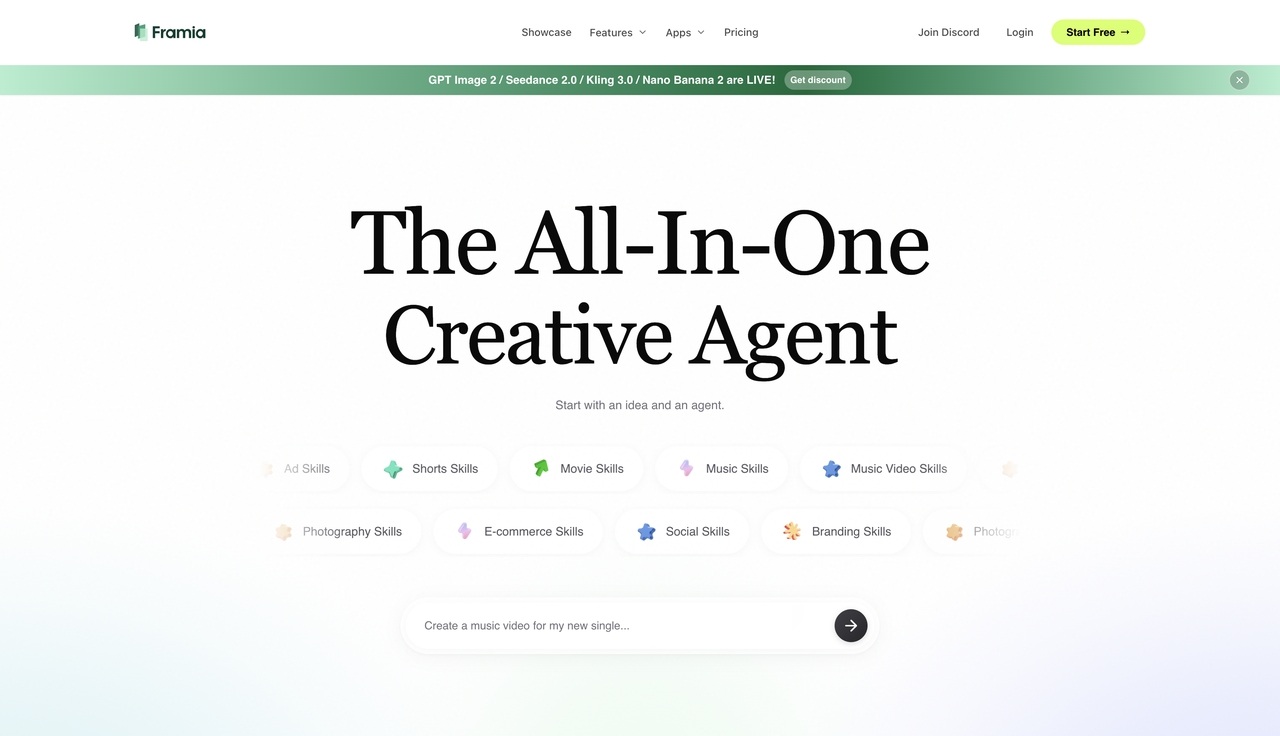
- Integrated Multi-Asset Studio: Combine text-to-image parameters, color matching, and design refinements on a single workspace.
- Advanced Motion Engine: Easily transition from static design assets to motion graphics using image-to-video AI tools built into the workspace.
- Cohesive Branding Suites: Act as an automated brand kit generator by generating unified logos, color configurations, and localized promotional templates from simple natural language commands.
Pros:
- Eliminates tool-switching by bundling graphics and motion capabilities
- Great flexibility for asset formatting
- High speed for iterative variations
Cons:
- Advanced professional settings carry a slight learning curve
- Credit-based rendering for high-resolution assets requires mindful budget tracking
4. Midjourney
Midjourney remains the gold standard for pure visual ideation and conceptual art. Operating primarily through Discord (with a growing web interface), this AI image generator is beloved by illustrators, game designers, and concept artists. It excels at creating highly stylized, deeply artistic, and photorealistic imagery from text prompts.
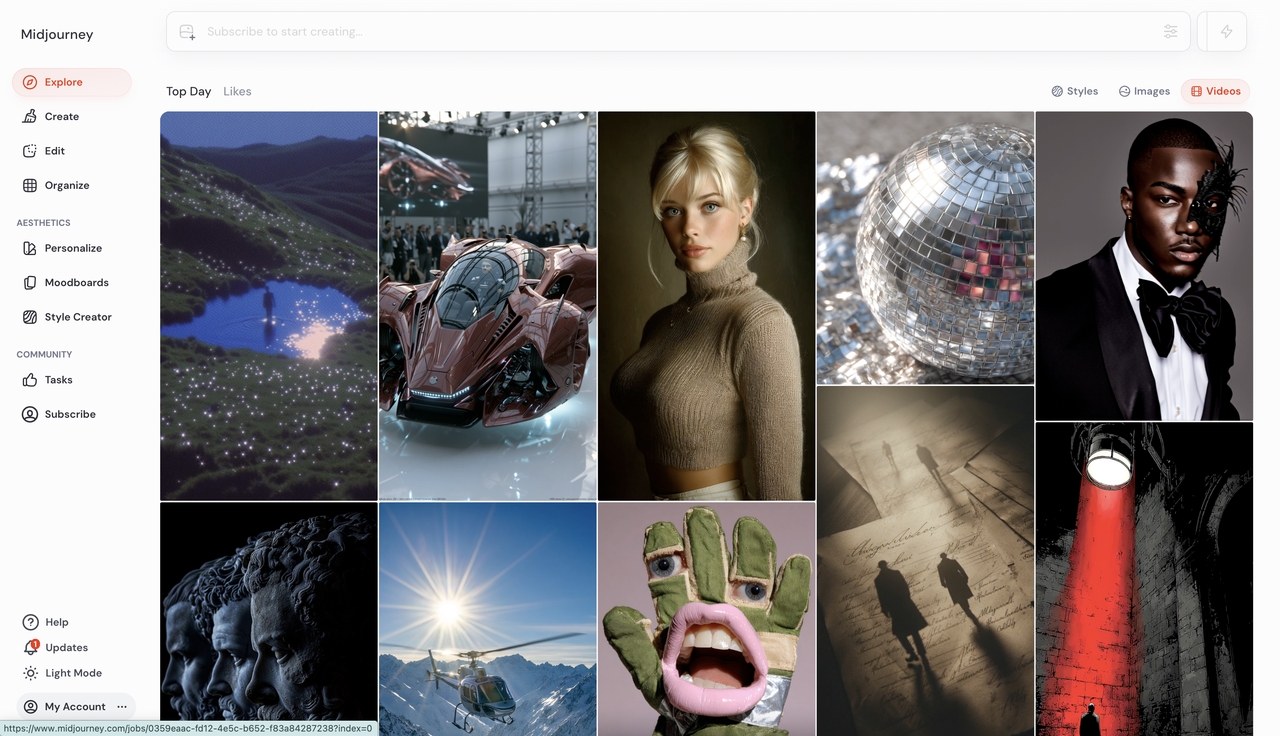
- Stylize & Chaos Controls: Deep parameter controls allow you to dictate exactly how artistic or erratic the AI's interpretation should be.
- Style Reference (sref): Upload an image to force the AI to generate new content in that exact specific visual style.
- Vary (Region): Select a specific part of your generated image and use text prompts to change only that area.
Pros:
- Unmatched artistic quality and photorealism
- Excellent for brainstorming and mood boarding
- Highly responsive to detailed lighting and camera prompts
Cons:
- The Discord-based interface can be highly confusing for beginners
- It is not a layout or typography tool
- It strictly generates flat images
5. Khroma
Choosing the right color palette is one of the most time-consuming parts of graphic design. Khroma solves this by using AI to learn which colors you like and automatically generating infinite palettes that look great together.
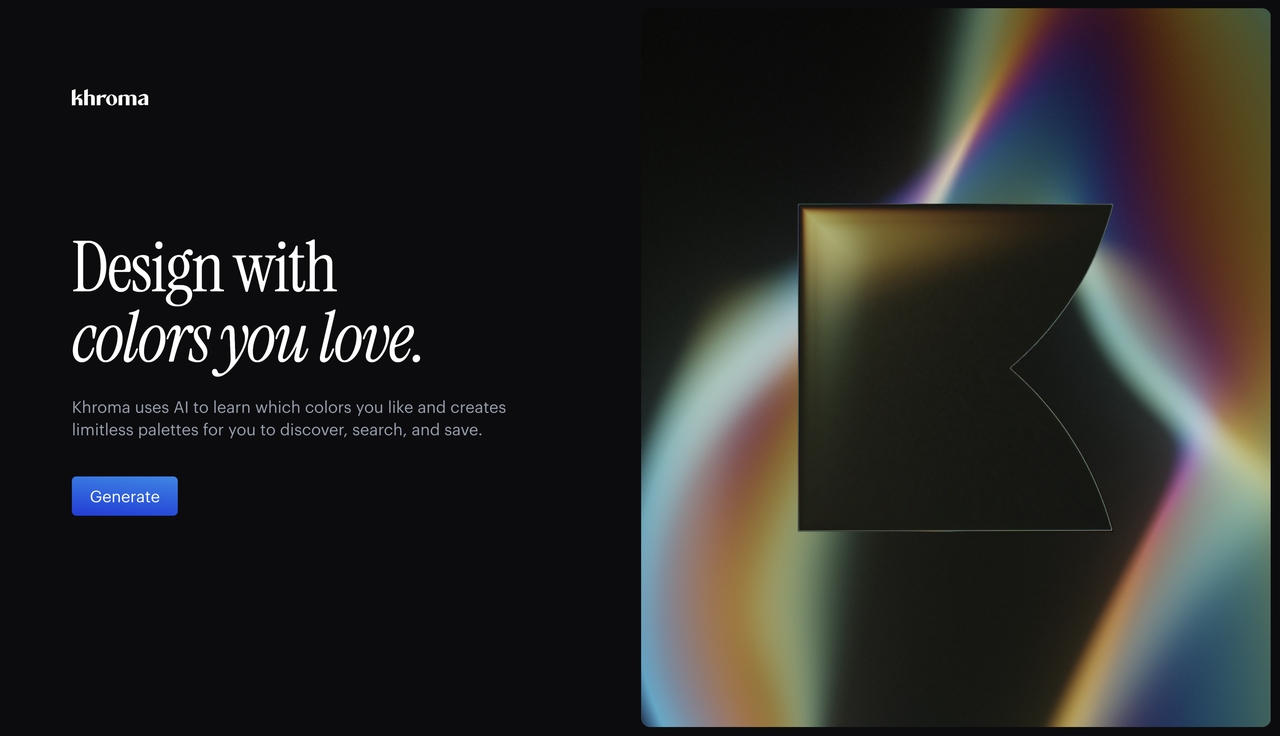
- Personalized Algorithm: You select 50 colors you love, and the AI trains a custom algorithm to generate palettes tailored to your taste.
- Format Previews: View generated colors as typography, gradients, posters, or custom images to see how they work in context.
- Hex Code Export: Easily grab hex codes and CSS values to drop right into your projects.
Pros:
- Completely free to use
- Removes the guesswork from color theory
- Excellent for web designers looking for UI contrast pairings
Cons:
- Strictly a color tool
- Does not generate layouts or images
- The initial 50-color selection process takes a few minutes
6. Uizard
Uizard is one of the top AI graphic design tools for UI/UX professionals and app developers. It uses AI to turn hand-drawn sketches or screenshots into editable, high-fidelity digital wireframes and prototypes in seconds.
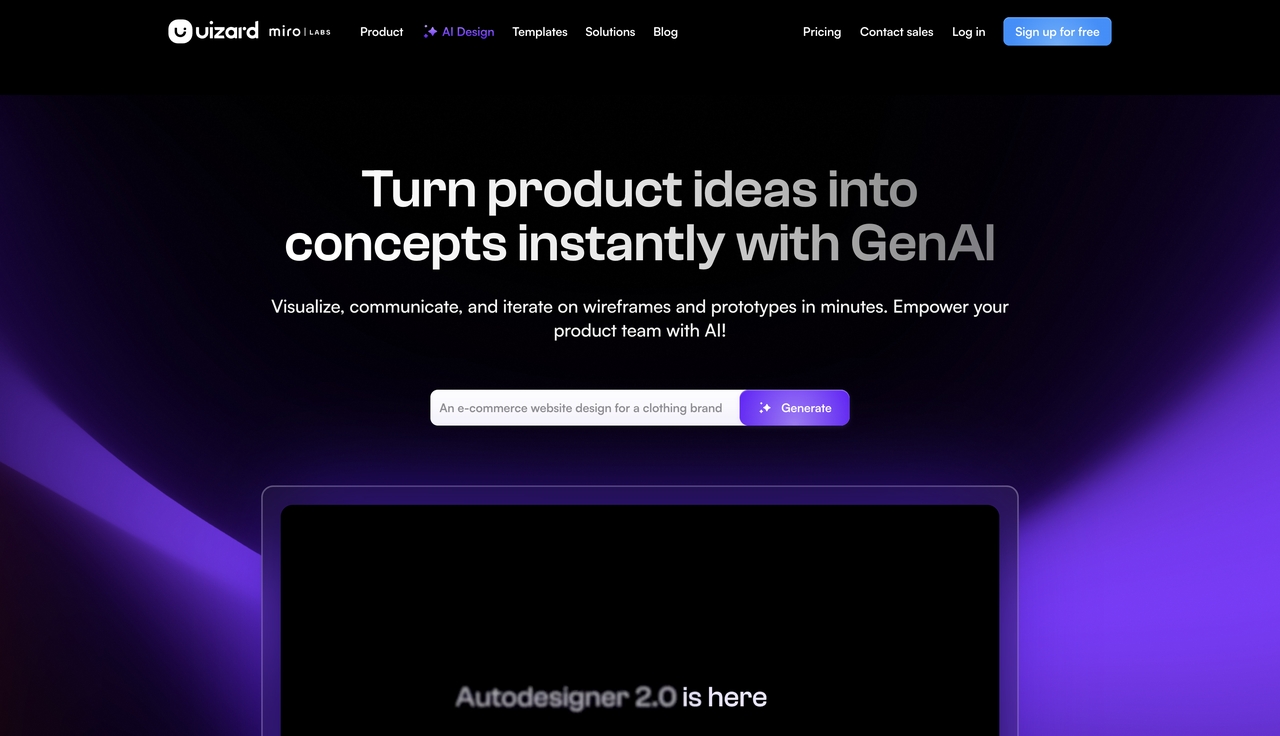
- Screenshot Scanner: Upload a screenshot of an app or website you like, and Uizard converts it into an editable mockup.
- Autodesigner: Type a simple text prompt (e.g., "a meditation app in dark mode"), and it generates a multi-screen prototype.
- Sketch to Wireframe: Scan a photo of your napkin sketch and watch it become a clean digital layout.
Pros:
- Massive time saver for wireframing and prototyping
- Highly intuitive drag-and-drop interface
- Great for non-technical founders communicating with developers
Cons:
- Not meant for complex, print-ready graphic design
- Export options for code (React/CSS) can be a bit messy
7. Designs.ai
Designs.ai positions itself as an Agency-as-a-Service platform. It is a comprehensive suite that bundles multiple AI tools together, allowing you to create logos, videos, banners, and mockups from a single dashboard.
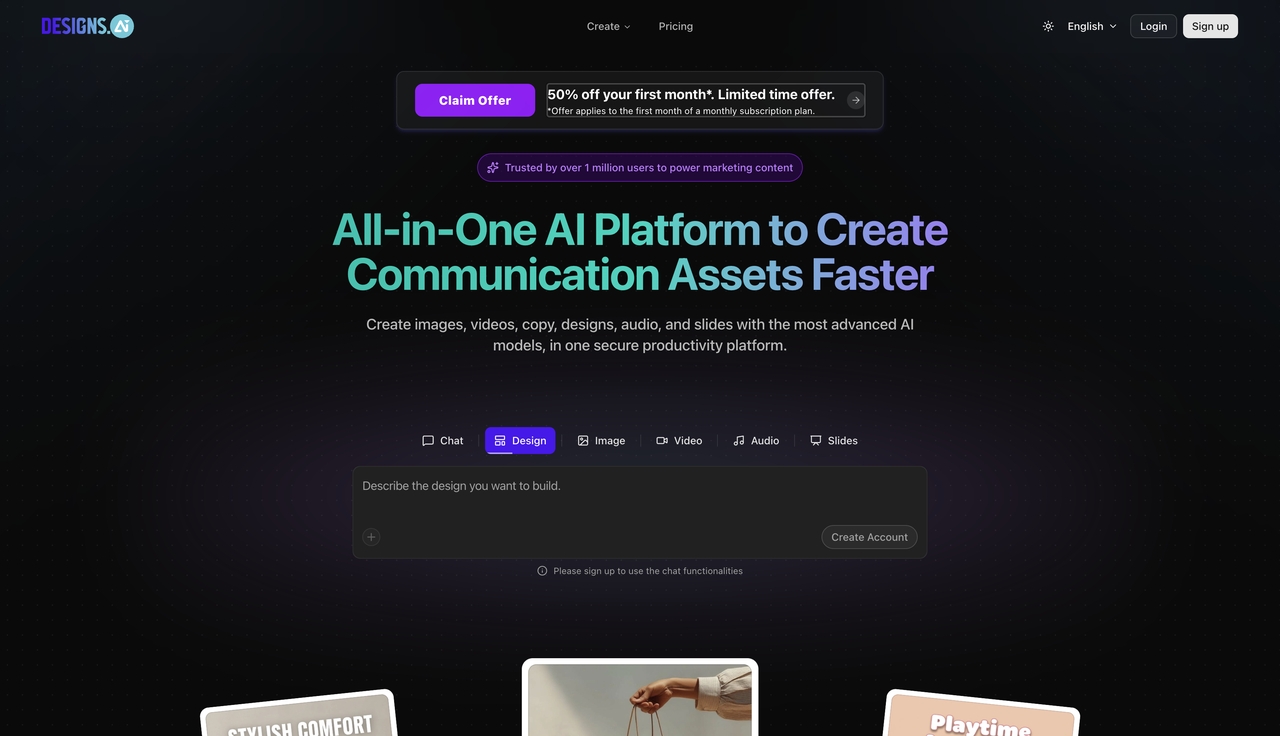
- Designmaker: Input your text, and the AI generates thousands of variations for social media graphics, posters, and flyers.
- Logomaker: An intelligent branding tool complete with style guidelines.
- Color Matcher & Graphicmaker: Utility tools to find palettes and download customizable vector illustrations.
Pros:
- All-in-one suite saves money on multiple subscriptions
- Very fast workflow for high-volume content creators
- User-friendly interface suitable for beginners
Cons:
- Does not offer the depth or realism of Midjourney
- Video generation features are basic compared to dedicated video AI
8. Jasper Art
While Jasper is primarily known as an AI writing assistant, Jasper Art is a fantastic addition for content marketers who need original visuals to accompany their blog posts and ad copy without hunting for stock photos.
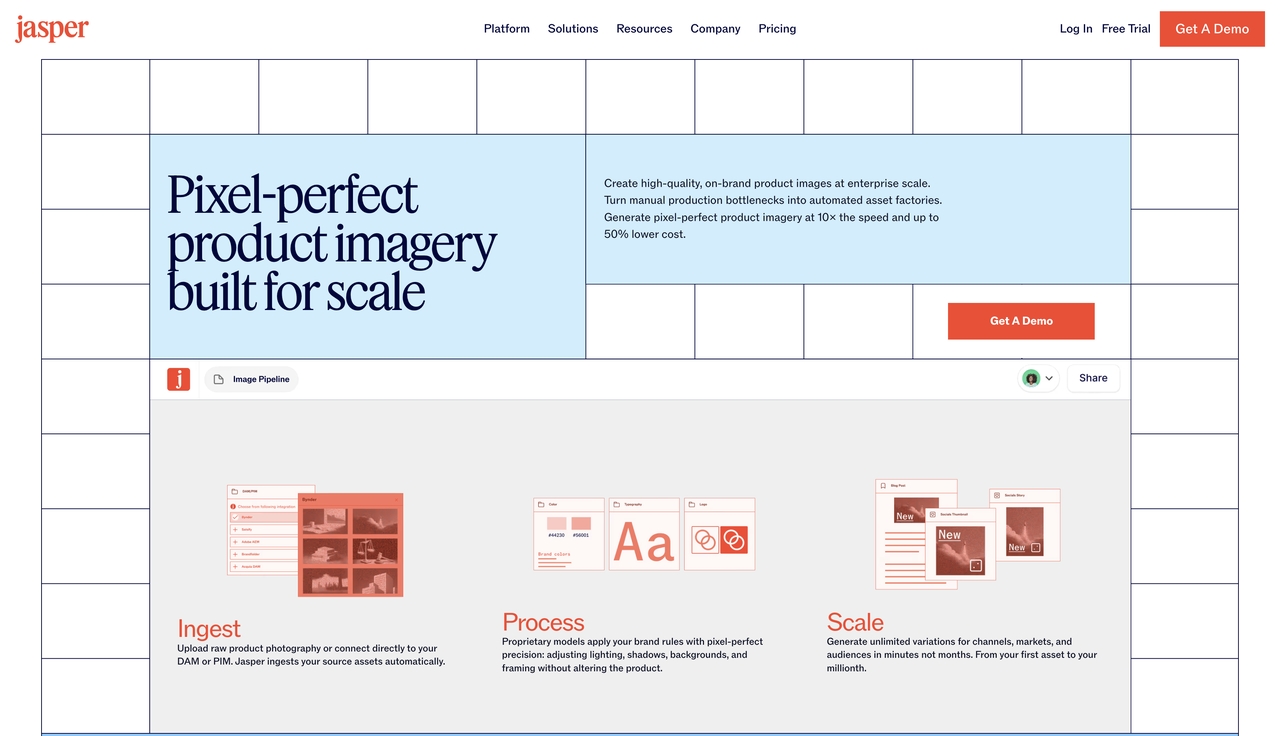
- Text-to-Image: Generates unique, royalty-free images based on simple descriptions.
- Style Drops: Easy dropdown menus to select the medium (e.g., oil painting, 3D render) and mood without complex prompt engineering.
- Unified Dashboard: Write your blog post and generate the header image on the exact same screen.
Pros:
- Perfect synergy for copywriters and marketers
- Very fast generation speeds
- Royalty-free output for commercial use
Cons:
- Image quality, while good, falls slightly behind Midjourney
- You must have a Jasper subscription to access
9. Let's Enhance
Let's Enhance is a utility-focused AI tool that does one thing incredibly well: upscaling and enhancing low-quality images. It uses neural networks to fill in missing details, making it a lifesaver for designers dealing with client-provided web graphics.
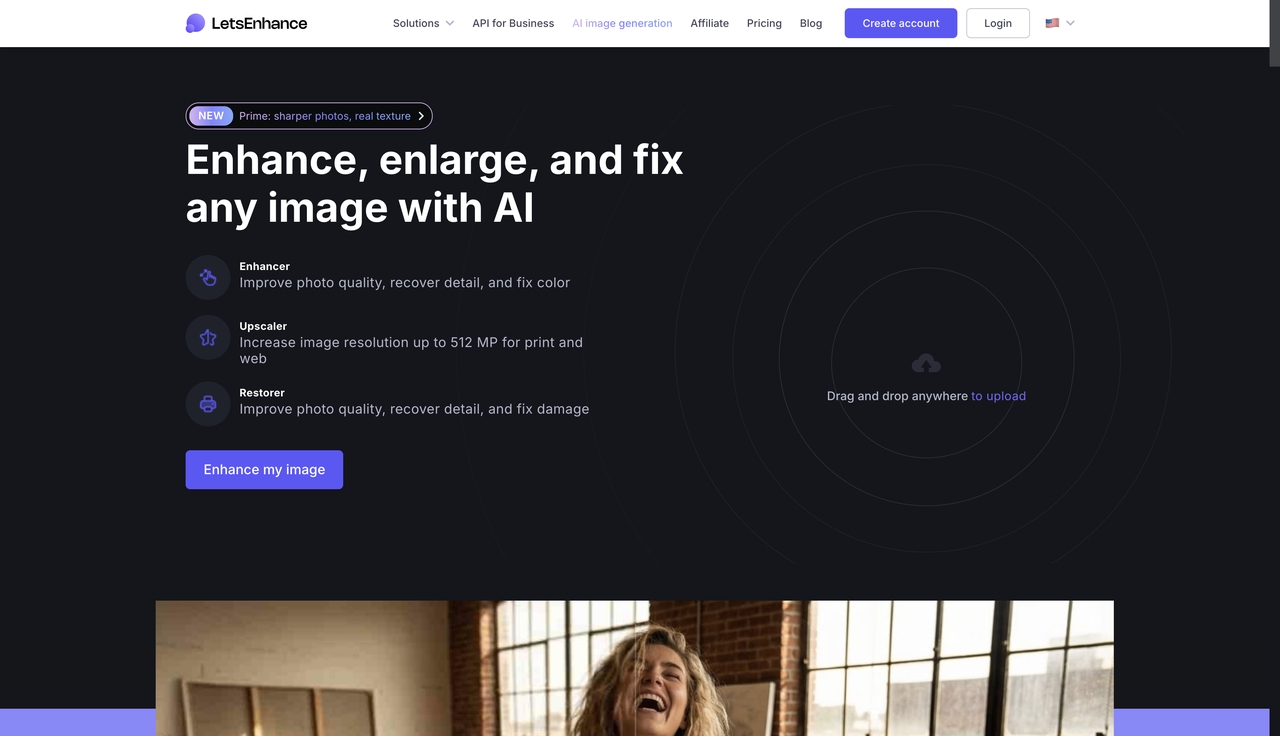
- Smart Upscaling: Enlarge images up to 16x without losing quality or introducing pixelation.
- Artifact Removal: Automatically cleans up heavy JPEG compression noise.
- Color & Tone Enhancement: Balances exposure and saturation automatically.
Pros:
- Saves unusable, low-res assets
- Batch processing for e-commerce stores
- Incredibly simple to use
Cons:
- A single-purpose tool
- No layout or generation features
- Can sometimes over-smooth facial textures in photos
10. AutoDraw
Developed by Google as an AI experiment, AutoDraw is a fun, completely free tool that turns rough doodles into clean, recognizable vector icons using machine learning.
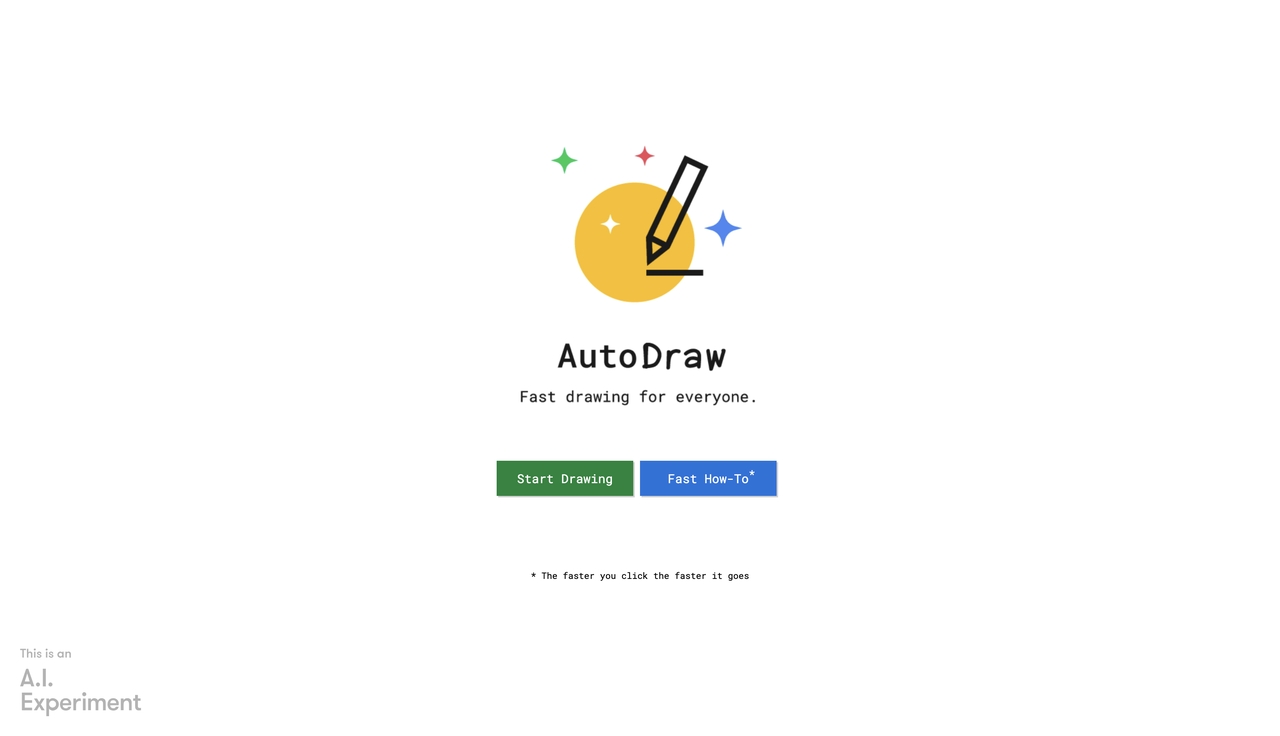
- Suggestion Engine: Start drawing, and the AI guesses what you mean, offering a row of professionally drawn icons to replace your sketch.
- Fast Vector Export: Download the clean icons to use in presentations or design projects.
Pros:
- 100% free and web-based
- Great for quickly building custom icon sets
- Fun and accessible for all ages
Cons:
- Extremely basic feature set
- Cannot generate complex scenes or layouts.
How to choose the best AI graphic design tool for your workflow
Every creator has a different workflow, budget, and skill level. The best AI graphic design platforms for a solo marketer will look very different from what a senior art director needs. Before committing to any platform, ask yourself what is actually slowing you down:
- Are you generating concepts or finishing assets?
If you need to brainstorm ideas, Midjourney is unmatched. If you need a comprehensive, swift multi-asset deployment environment with motion capabilities, Framia Pro is highly efficient. If you need to manipulate existing client photos inside legacy suites, Adobe Firefly is the safer, more precise bet.
- What is your technical comfort level?
Tools like Midjourney require a basic understanding of prompt engineering and Discord commands. If you want a zero-friction experience for immediate asset creation, Canva Magic Studio provides a guided, conversational workflow.
- Are you building UI or Marketing graphics?
Uizard is perfect for app developers needing wireframes, while Designs.ai and Framia Pro are built specifically for scaling up layout variations, branding, and promotional marketing.
- Budget Reality: Always consider the hidden cost of iteration. Credit-based systems can become expensive when multiple re-generations are needed. Look for tools with transparent pricing or tiers that offer high functional scaling if you expect heavy daily use.
Conclusion
In 2026, embracing AI in graphic design is no longer optional if you want to stay competitive. While traditional tools will always have their place for fine-tuning and deep manipulation, the new wave of AI graphic design software offers incredible upgrades in speed, ideation, and workflow efficiency.
Whether you need the commercial safety and precision of Adobe Firefly, the flexible multi-format asset creation of Framia Pro, the artistic brilliance of Midjourney, or the all-in-one accessibility of Canva Magic Studio, there is a platform built to remove your specific creative roadblocks. Start exploring these powerful AI tools for graphic designers today, and transform the way you bring your visual ideas to life.
FAQs
What is the best AI tool for graphic design?
The "best" tool depends heavily on your needs. Adobe Firefly is the best for professional photo manipulation and vector recoloring. Canva Magic Studio is the best all-in-one tool for fast templates and social layouts, Framia Pro is excellent for unified graphic-to-motion asset generation, while Midjourney takes the crown for pure artistic image generation.
Will AI replace graphic designers?
No. AI is incredibly powerful at generating assets, but it lacks human empathy, strategic thinking, and the ability to understand nuanced brand psychology fully. AI will replace repetitive design tasks, but it will not replace the creative directors who guide the strategy.
Are AI graphic design tools safe for commercial use?
It varies by platform. Adobe Firefly is explicitly designed to be commercially safe and indemnified for enterprise use. Other tools that scrape the public web may carry minor copyright risks, so always read the specific licensing agreements of the software you choose.
What are the best free AI graphic design platforms?
If you are on a budget, Canva offers a generous free tier that includes basic AI features. Khroma is completely free for color palette generation, and AutoDraw is free for icon creation. Most premium tools offer free trial credits to let you test the waters.





