
The quest for the best AI assistant has never been more relevant. In 2026, AI tools have matured into true personal assistants capable of reasoning, automating repetitive tasks, maintaining memory across sessions, and integrating deeply with your existing apps and workflows. However, with hundreds of options flooding the market, the challenge is no longer finding an AI—it’s finding the top AI assistant that fits your specific needs without adding more complexity to your day. In this guide, we’ve cut through the noise to rank the 10 best AI assistants available today, evaluating them on everything from integration capabilities to privacy and pricing.
How we tested and picked these AI assistants
To provide an authentic ranking, we didn't just look at marketing pages. We put these tools through a rigorous testing process:
- Contextual awareness: How well does the AI remember previous instructions and handle complex, multi-step prompts?
- Integration capability: Does it play well with other tools (Google Workspace, Slack, Notion, etc.)?
- Accuracy & speed: Does it provide factually correct information quickly, or does it suffer from "hallucinations"?
- Privacy & security: How is your data handled, and what controls do you have over your personal information?
- User experience: Is the interface intuitive or cluttered?
- Multimodal versatility: Can it handle voice, images, and video as fluently as it handles text?
- Personalization: How effectively does it learn your specific habits, tone, and professional requirements over time?
- Task versatility: Can it handle creative writing, data analysis, and scheduling?
10 best AI assistants compared
Selecting the right AI depends on whether you need a generalist to answer questions or a specialist to manage your workflow. Below is a comparison of the top 10 tools currently leading the market.
| Tool | Best For | Use Cases | Pricing |
| ChatGPT | All-purpose AI assistant | Writing, coding, research, brainstorming, automation | Free / $20+ per month |
| Claude | Long-form writing & reasoning | Document analysis, research, technical writing | Free / $20+ per month |
| Google Gemini | Google ecosystem users | Gmail assistance, Docs editing, spreadsheet insights | Free / $19.99 per month |
| Framia Pro | AI creative production | Video generation, image creation, marketing visuals, e-commerce content | Free plan / Paid tiers |
| Microsoft Copilot | Microsoft 365 productivity | Word drafting, Excel analysis, presentation creation | Free / ~$30 per user per month |
| Perplexity AI | Research & fact-checking | Web research, citation-based answers, quick summaries | Free / $20 per month |
| Notion AI | Workspace productivity | Note summarization, project planning, document drafting | From $10 per month |
| Otter.ai | Meeting transcription | Meeting recording, transcripts, action item summaries | Free / ~$16 per month |
| Jasper AI | Marketing content | Blog writing, ad copy, social media posts | From $49 per month |
| Reclaim AI | Smart scheduling | Calendar automation, task prioritization, productivity planning | Free / ~$8 per month |
- ChatGPT
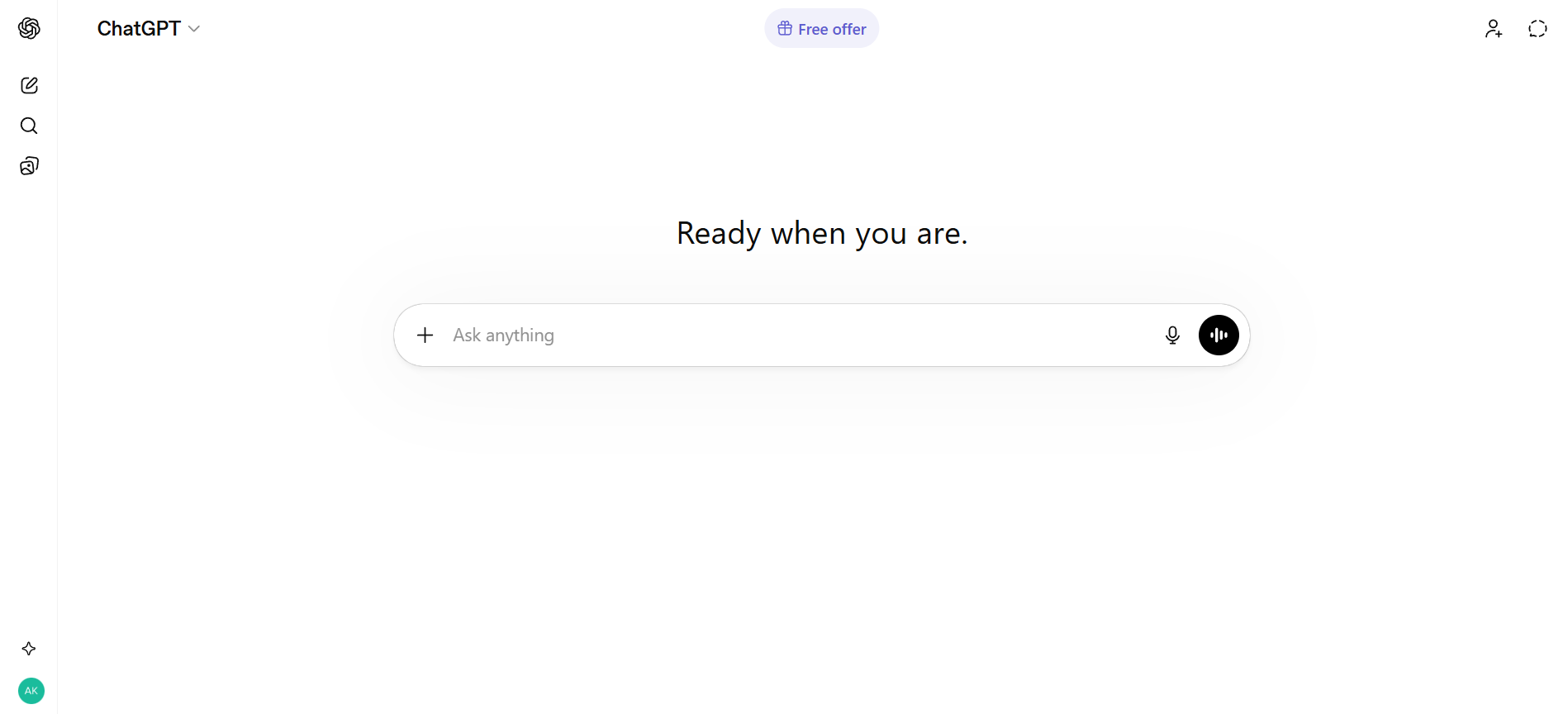
ChatGPT is widely considered one of the best AI assistant tools thanks to its versatility across writing, coding, research, and automation. Powered by advanced and powerful language models, it adapts well to different workflows, whether you're a student, developer, or business professional. With strong reasoning capabilities and continuous improvements, it serves as an all-in-one productivity companion. Its flexibility makes it a go-to option for users who want a reliable and scalable AI assistant for both simple and complex tasks.
Key features
- Multimodal interaction (Voice, Vision, and Text).
- Custom GPTs for specialized tasks like SEO or tutoring.
- DALL-E 3 integration for high-quality image generation.
- Canvas interface for side-by-side document and code editing.
Pros
- Largest ecosystem of third-party integrations.
- Exceptional at creative "outside the box" brainstorming.
- High-speed responses with GPT-4o.
Cons
- Message caps on the "Pro" tier during peak hours.
- Occasional "hallucinations" in complex facts.
- Claude
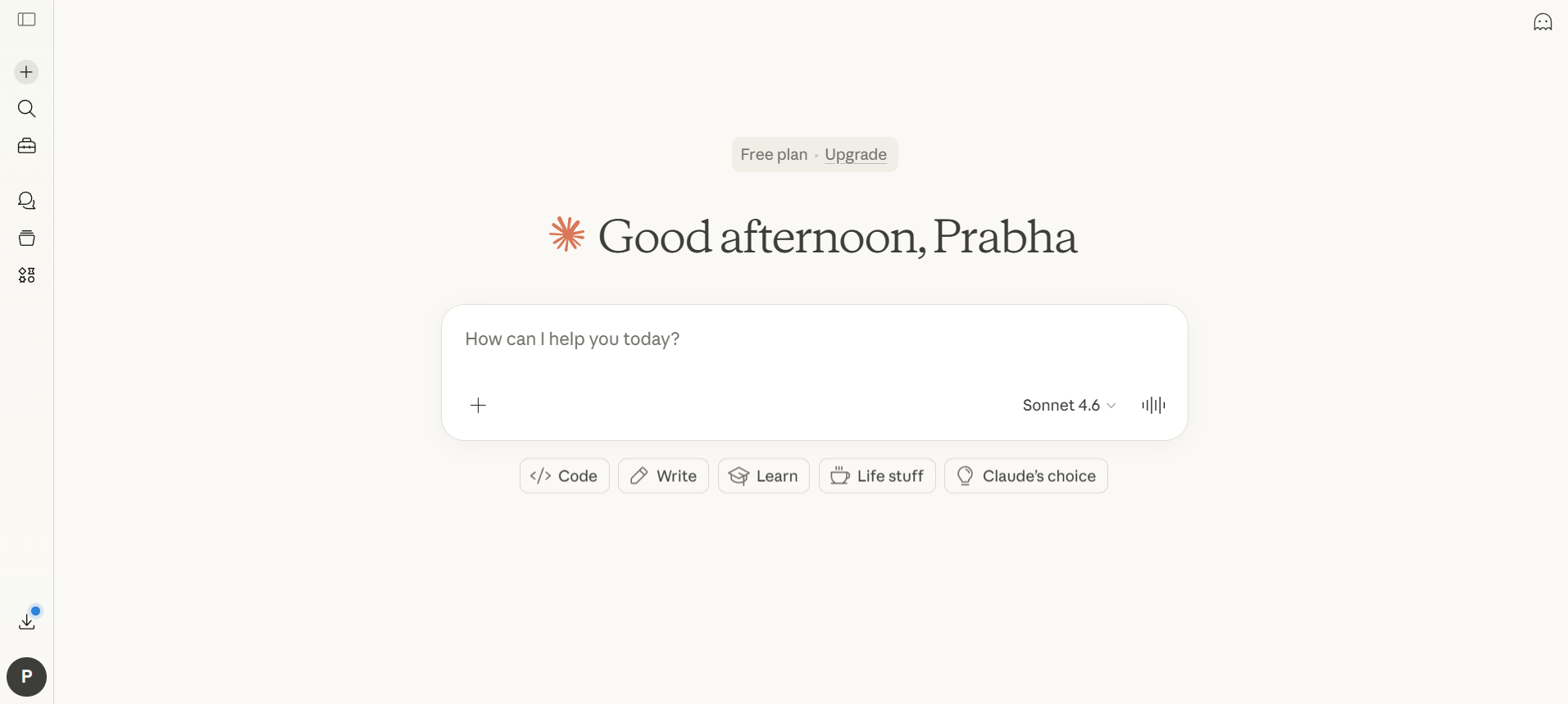
Claude is widely considered the best AI assistant for long-form writing and nuanced instruction following. Its 200k context window allows you to upload entire books or massive technical manuals for instant analysis. Unlike other models that can sound robotic, Claude has a warm, sophisticated tone that excels in professional communication and creative editing, making it a favorite for authors and legal professionals alike.
Key features
- 200k+ Context Window for massive documents.
- "Artifacts" UI for real-time document/code editing.
- Superior ethical guardrails and safety focus.
- Multimodal input - analyze text, images, and documents directly in chat.
Pros
- Produces the most human-like, less "AI-sounding" prose.
- Incredibly low hallucination rate on technical documents.
- Handles massive file uploads with ease.
Cons
- Fewer integrations than competitors.
- Daily message limits can be restrictive.
- Google Gemini
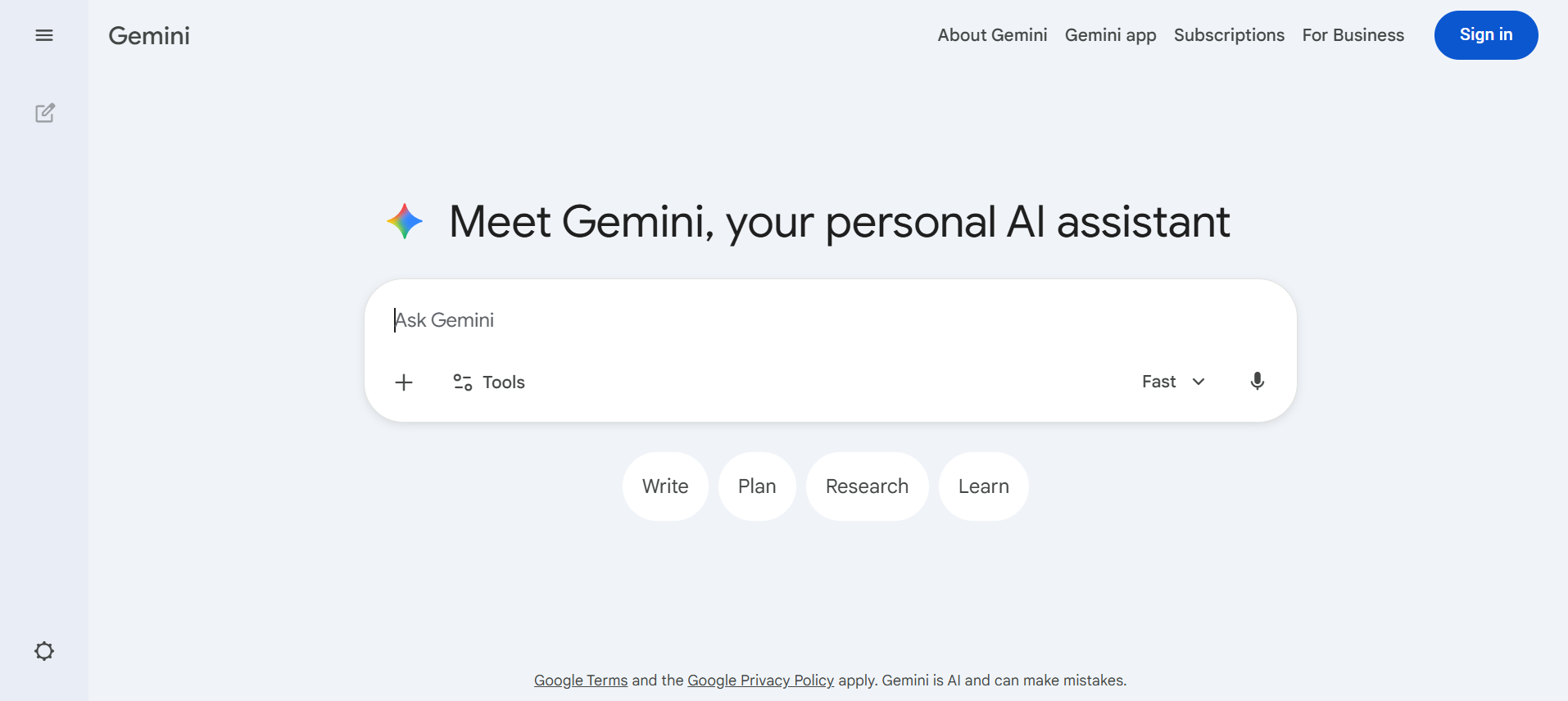
Google Gemini is an AI assistant deeply integrated with Google products, making it a strong option for users who rely on Gmail, Docs, and Sheets. It helps automate everyday tasks like drafting emails, summarizing documents, and analyzing spreadsheets. If you work heavily within Google Workspace, Gemini can act as one of the best virtual assistant AI tools for improving productivity and managing workflows efficiently.
Key features
- Native integration with Google Workspace (Gmail, Docs, Sheets).
- Real-time Google Search grounding.
- Gemini Live for hands-free, interruptible voice chats.
- Handles text, images, audio, and video all in one place.
Pros
- Access to real-time, up-to-date information.
- Seamless transition between mobile and desktop.
- Included in many Google One subscription plans.
Cons
- Mobile experience can feel more limited compared to the full web version.
- Some advanced reasoning and creative features are only available in paid tiers.
- Microsoft Copilot
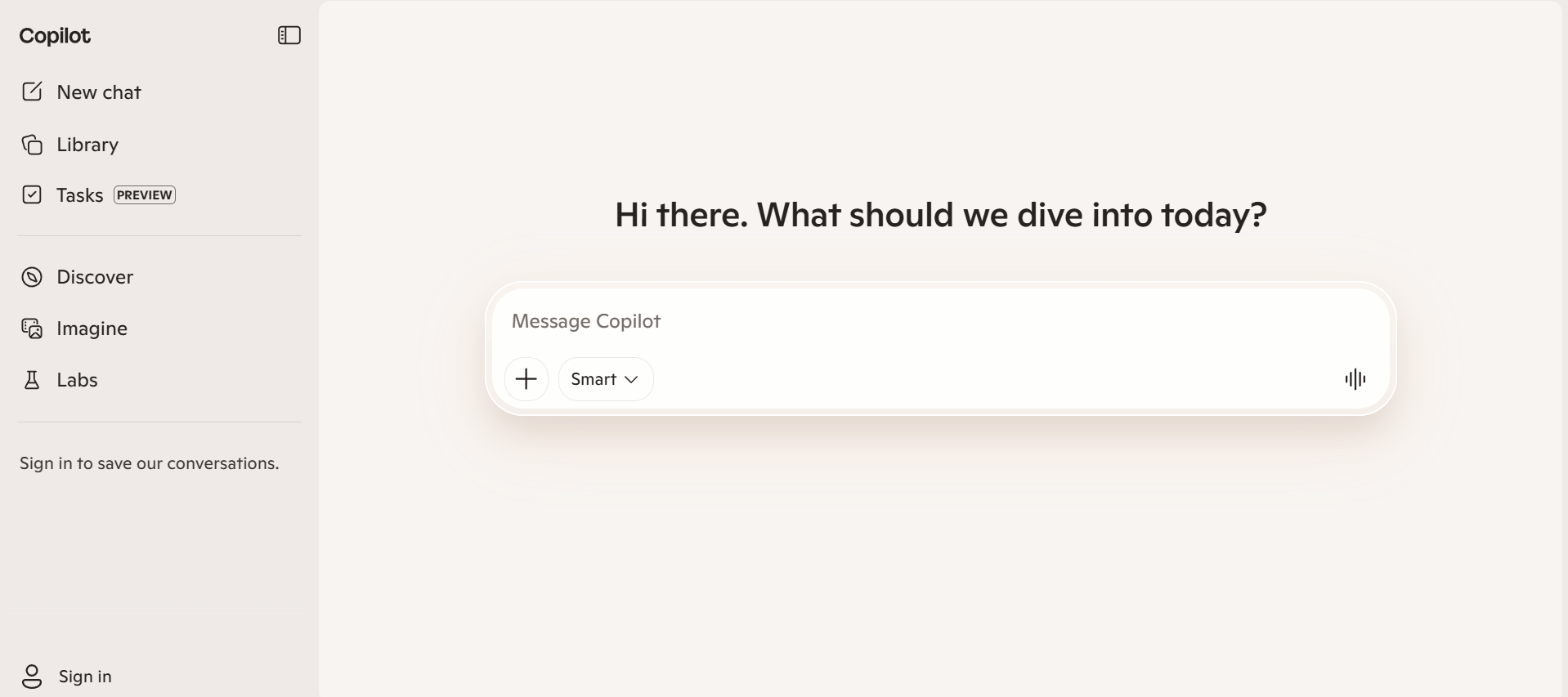
Microsoft Copilot is the best virtual AI assistant for the corporate world. Built directly into Windows 11 and the M365 suite, it acts as an invisible hand helping you draft Word docs, analyze Excel data, and turn notes into PowerPoint presentations. It leverages the power of GPT-4 while keeping your data within the secure Microsoft "Trust Boundary," making it the safest choice for enterprise.
Key features
- Automated PowerPoint deck creation from text outlines.
- Full Microsoft 365 (Office) integration.
- Meeting summaries in Teams with assigned action items.
- System-wide Windows 11 integration for settings and file search.
Pros
- Utilizes the power of GPT-4 within Office apps.
- Excellent for summarizing long Outlook threads.
- High security for corporate data.
Cons
- Requires a Microsoft 365 subscription.
- Less useful outside the Microsoft ecosystem.
- Perplexity AI
Perplexity has quickly become the the best AI assistant for users who prioritize accuracy and sources. Instead of just "chatting," it functions as a highly advanced search engine that provides cited, real-time answers to queries. This transparency makes it a favorite for researchers and journalists who need to verify where their information is coming from. It effectively eliminates the "black box" problem often associated with generative AI by linking directly to its primary sources.
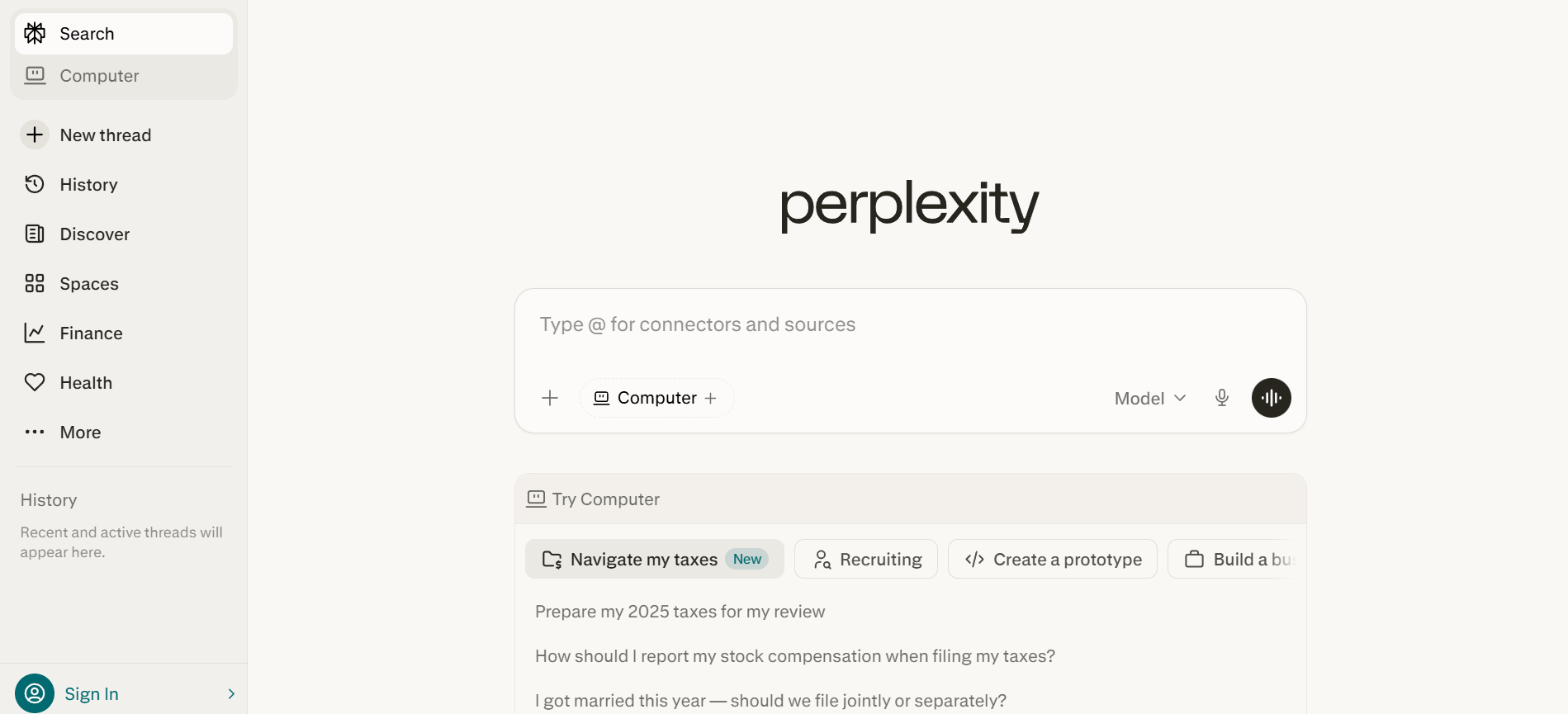
Key features
- Pro Discovery for guided, conversational research.
- "Pages" feature to turn research threads into shareable articles.
- Choice of underlying models (Claude 3.5, GPT-4o, etc.).
- File upload for searching across your own PDFs and data.
Pros
- Transparency through direct citations for every claim.
- Real-time web access is faster than almost any competitor.
- Minimalist, ad-free search experience.
Cons
- Not designed for creative storytelling or roleplay.
- Struggles with very subjective or "vibes-based" queries.
- Framia Pro
Framia Pro is an AI-powered creative assistant designed for creators, marketers, and businesses that need to produce visual content quickly. It works as an all-in-one creative AI agent, combining powerful language and generation models to help users create videos, images, ads, and marketing assets from simple prompts. By integrating leading AI models like Gemini, Sora, and Veo, Framia Pro enables users to generate professional multimedia content on a single interactive platform.
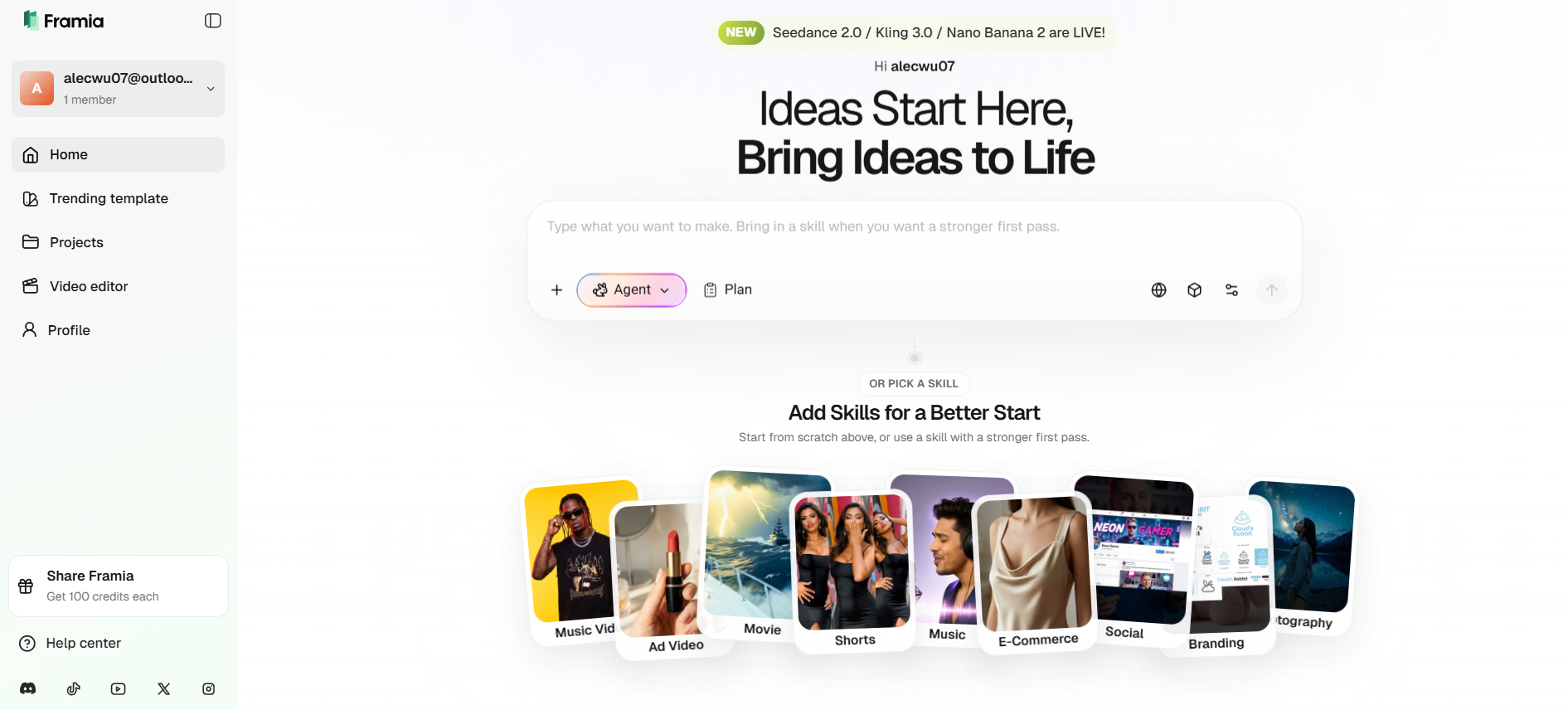
Key Features:
- One subscription provides access to over 20+ top-tier models for video, image, and voiceover.
- Multi-agent system (Movie, Shorts, Ad, and Design Agents).
- Character consistency engine to keep "cast" faces identical across shots.
- An interactive workspace for multi-modal creation where users can drag, drop, and edit AI assets.
Pros:
- All-in-one creative suite (Video, Image, Music, and Voice).
- Exceptional for social media creators and brand marketers.
- No video editing experience required—just talk to the AI.
Cons:
- High-tier models (Sora 2, Kling 3.0) require expensive credit plans.
- Web-only interface may feel limited for professional film editors.
- Notion AI
Notion AI is a powerful contender for the best personal assistant AI within workspace environments. Built into Notion, it enhances note-taking, project management, and documentation. It helps users organize ideas, summarize content, and draft documents efficiently. Perfect for teams and individuals managing complex workflows, Notion AI turns a workspace into an intelligent productivity hub with minimal effort.
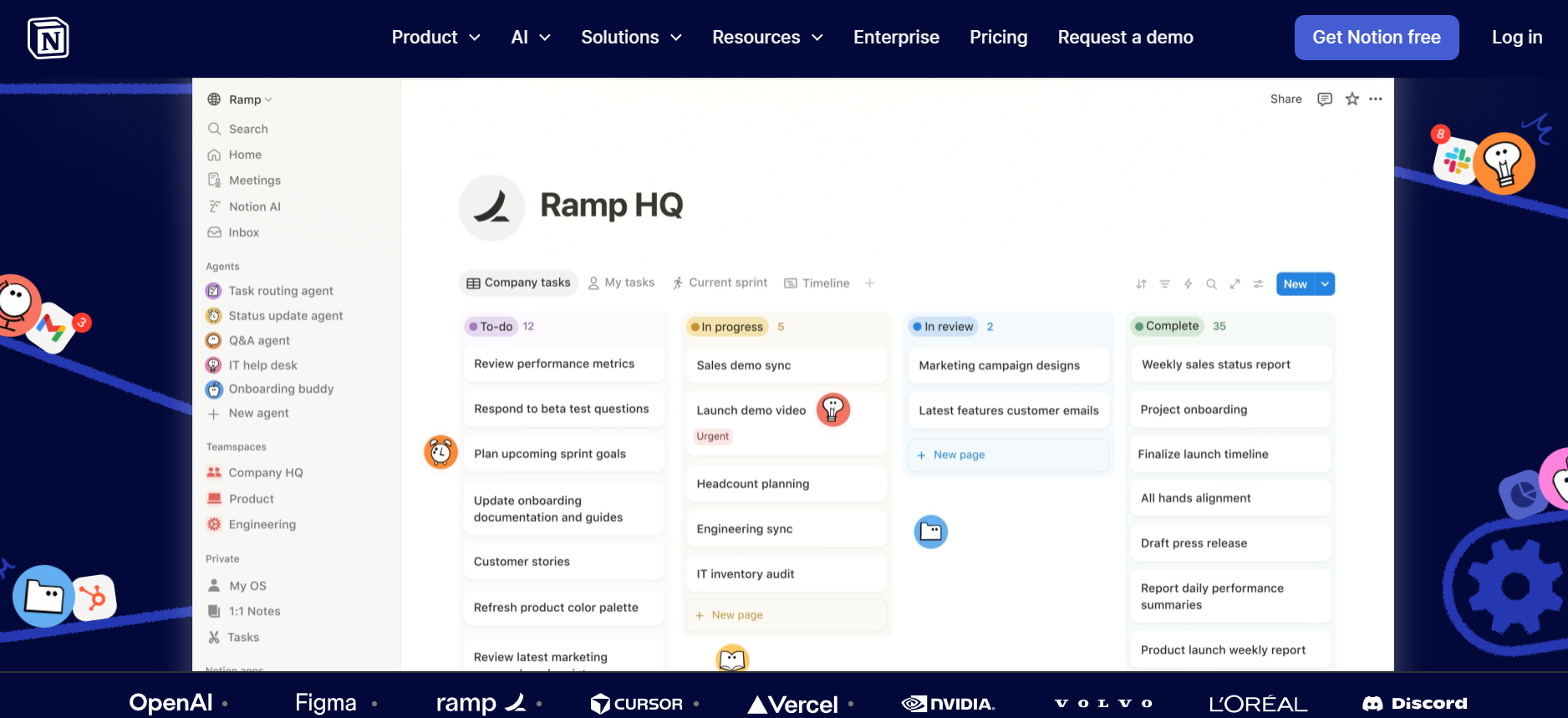
Key features
- In-line text generation and editing.
- Database automation and summarization.
- Grammar and tone correction.
- Automated task extraction from notes.
Pros
- Eliminates the need for multiple apps.
- Excellent for team-wide knowledge sharing.
- Context-aware based on your existing data.
Cons
- Requires moving your workflow into Notion.
- AI features cost extra on top of basic plans.
- Otter.ai
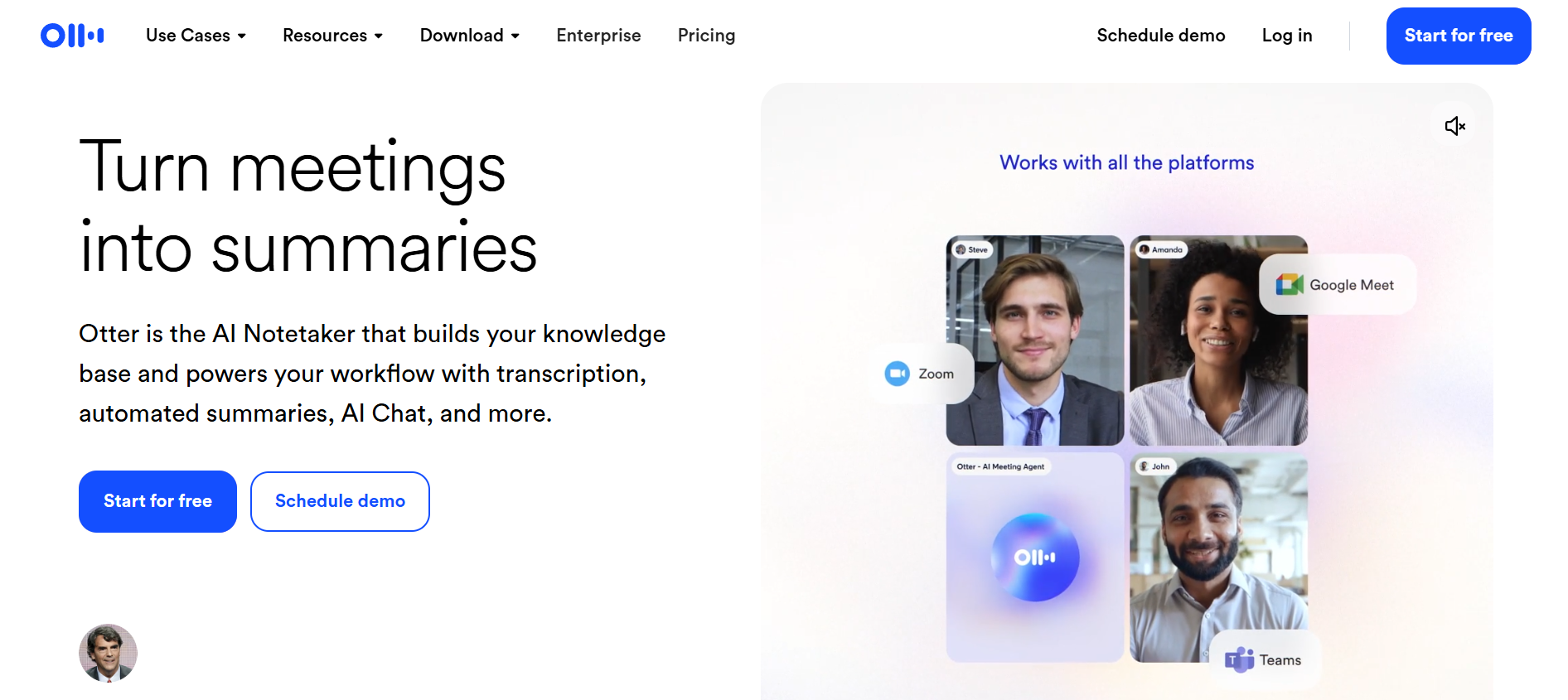
Otter.ai is a specialized tool often listed among leading AI assistant options for meeting transcription. It records conversations, generates transcripts, and highlights key points automatically. This makes it ideal for teams, students, and professionals who attend frequent meetings. By turning speech into searchable text, Otter.ai helps users save time and stay organized without manual note-taking.
Key features
- OtterPilot for automatic meeting joining and recording.
- Real-time transcription with speaker identification.
- Automated follow-up emails with meeting summaries.
- Integration with Zoom, Teams, and Google Meet.
Pros
- High transcription accuracy for multiple speakers.
- Saves hours of manual note-taking and follow-up.
- Integrates with Slack for instant summary sharing.
Cons
- Transcription can struggle with heavy accents
- Free tier is quite limited in minutes
- Jasper AI
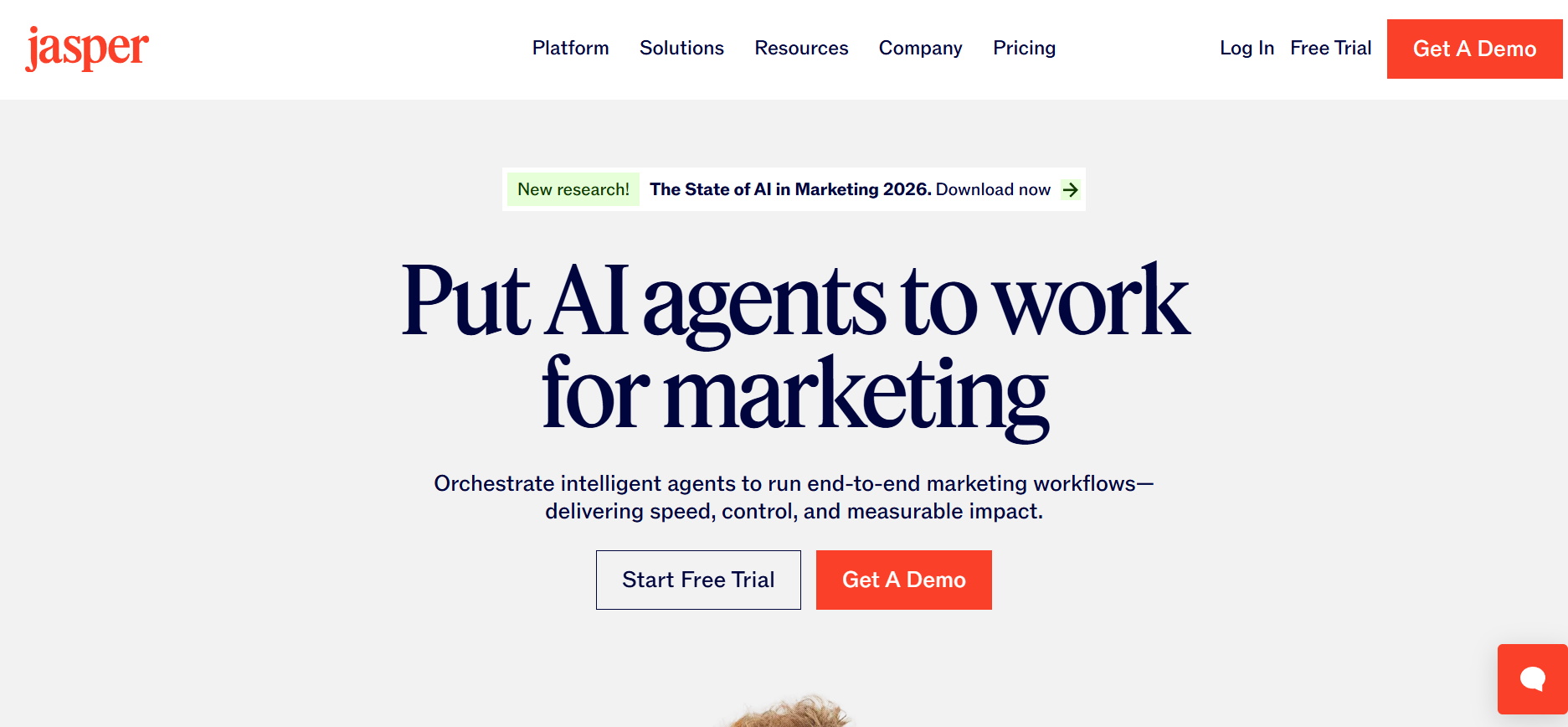
Jasper remains a powerhouse for marketers who need the best AI virtual assistant for high-volume content production. Unlike general AI, Jasper is trained on marketing frameworks like AIDA and PAS to ensure that its copy is actually designed to convert. It allows brands to upload their specific "Brand Voice," ensuring that every blog post, ad, and social caption sounds consistent across different team members and platforms.
Key features
- Brand Voice memory to ensure consistent tone across outputs.
- Campaign builder that generates 10+ assets from one brief.
- SEO mode with direct SurferSEO integration.
- Plagiarism checker to ensure content originality.
Pros
- Purpose-built for ROI and marketing performance.
- Excellent collaborative features for large teams.
- Includes a library of 50+ proven copywriting templates.
Cons
- Significantly more expensive than other tools.
- Can sometimes produce repetitive content.
- Saner.ai
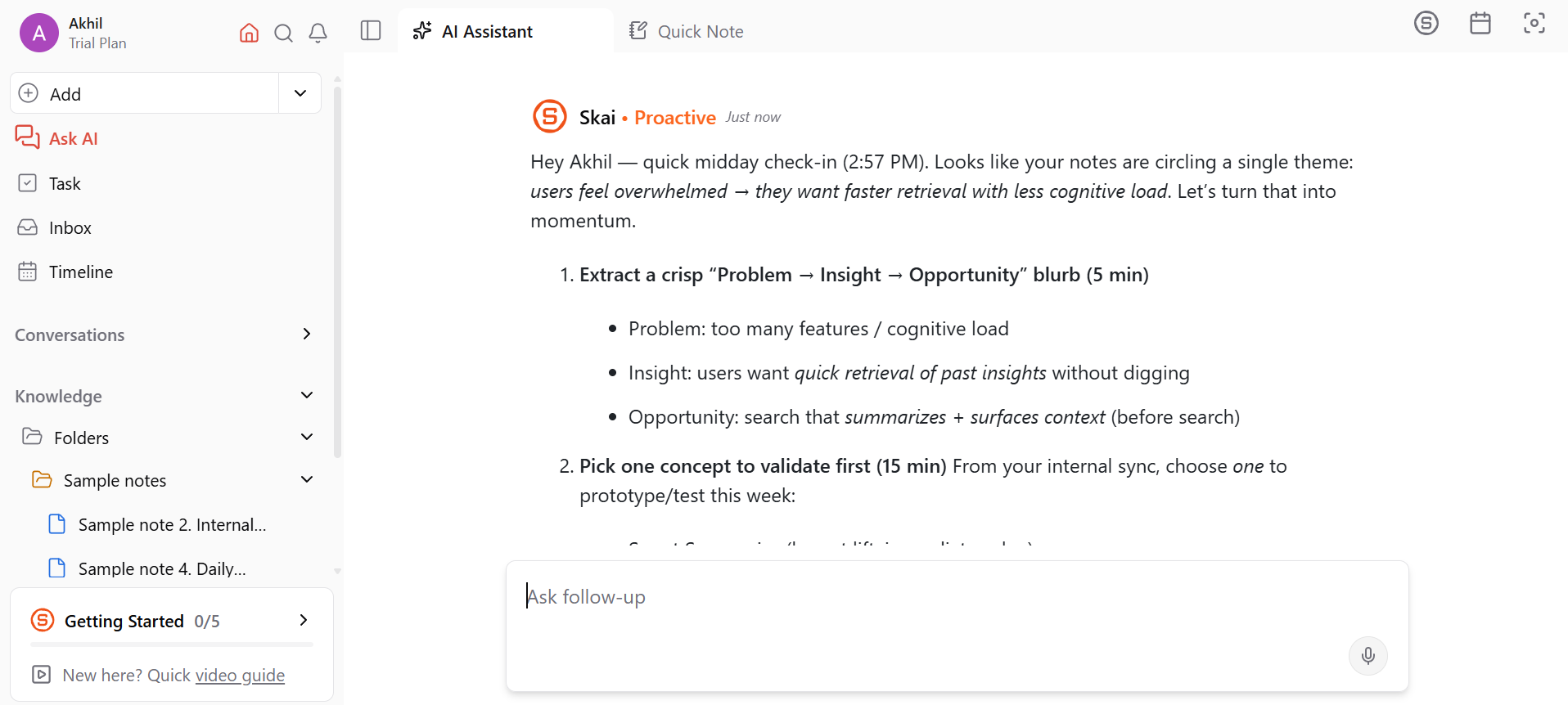
Saner AI is a rising productivity-focused assistant designed to simplify information management and daily workflows. It helps users capture ideas, organize knowledge, and retrieve information quickly without clutter. Built for professionals, students, and creators, it acts like a second brain by structuring scattered thoughts into actionable insights. With its clean interface and focus on clarity, Saner AI is ideal for those who want a smarter way to manage notes, tasks, and personal knowledge.
Key features
- Skai AI Assistant queries your knowledge base for quick answers and summaries.
- Automatically captures tasks from emails, Slack, and documents.
- Uses semantic search to find notes by meaning, not just keywords.
- Web clipper saves and organizes content from any webpage.
Pros
- Reduces manual organization with intelligent auto-tagging.
- Clean, minimalist interface that minimizes cognitive overload.
- Great for managing personal knowledge and research across multiple formats.
Cons
- Still evolving, so some integrations may feel early-stage.
- Primarily built for individual productivity rather than complex team management.
How to choose the best AI assistant for your needs
Finding the best AI assistant requires a practical approach. Instead of chasing the most popular tool, focus on how it fits your workflow, goals, and budget. Here’s a structured way to decide:
Identify the primary use sase
Start by pinpointing what you need most from an AI assistant:
- Writing & content creation → ChatGPT, Claude
- Research & fact-checking → Perplexity AI
- Productivity & office tasks → Microsoft Copilot, Google Gemini
- Creative media production → Framia Pro, Jasper AI
- Knowledge management → Notion AI, Saner AI
- Meeting transcription → Otter.ai
Choosing based on your main task ensures you get immediate value without paying for unused features.
Evaluate key factors
Consider aspects that affect day-to-day usability:
- Integration – Does it connect to your existing tools like Slack, Notion, or Google Workspace?
- Ease of use – Is the interface intuitive or cluttered?
- Accuracy vs creativity – Some tools excel at facts; others shine at creative tasks.
- Privacy & security – Who can access your data, and can you control it?
This ensures the assistant aligns with your workflow and standards.
Choose between free and paid
AI assistants often offer both free and premium tiers:
- Free plans – Good for testing and light usage, but limited in speed, context, or integration.
- Paid plans – Unlock advanced features, faster responses, and higher limits; often worth the investment if you rely on the assistant daily.
Factor in your usage frequency and required capabilities before committing.
Specialized vs. general purpose
Decide whether you want:
- General-purpose AI – Tools like ChatGPT can handle multiple tasks, from writing to coding and brainstorming.
- Specialized AI – Tools like Otter.ai or Jasper AI excel in one domain but may not cover everything.
For most users, a mix of one generalist and one specialist covers both versatility and depth.
Conclusion
In 2026, finding the best AI assistant is no longer about finding the smartest chatbot, but about choosing the right partner for your specific workflow. Whether you need ChatGPT for its raw versatility, Framia Pro to revolutionize your creative production, or Saner AI to organize a cluttered digital mind, the "top" tool is the one that removes the most friction from your day. As these assistants evolve into autonomous agents, the key is to stay adaptable. Start with a tool that matches your primary pain point, and don’t be afraid to build a specialized stack to truly supercharge your productivity.
FAQs
- What is the best AI assistant for overall productivity?
In 2026, ChatGPT remains the top choice for general productivity. Its ability to handle text, voice, and vision seamlessly across a massive ecosystem of custom GPTs makes it the most versatile "all-in-one" companion for diverse daily tasks.
- Is my personal and professional data safe with AI?
Reputable tools in 2026 use enterprise-grade encryption and comply with GDPR/SOC2 standards. For maximum privacy, choose assistants like Microsoft Copilot or Claude, which offer dedicated environments where your data is never used to train public AI models.
- What is the difference between an AI assistant and a chatbot?
A chatbot typically answers simple questions or follows scripted responses, while an AI assistant performs more advanced tasks such as reasoning, analyzing documents, automating workflows, and integrating with multiple software tools.
- What can an AI personal assistant do?
An AI personal assistant can help with writing, research, summarizing documents, scheduling tasks, generating ideas, analyzing data, and automating repetitive work. Some assistants also support voice commands, image generation, and workflow automation.
- Can AI assistants replace human assistants?
AI assistants can automate many repetitive tasks and improve efficiency, but they cannot fully replace human judgment, creativity, or decision-making. Instead, they work best as productivity tools that support human workflows.





