
Manual management of high-volume image grids could hinder the e-commerce workflow. Image editing tools powered by AI, and batch AI photo editors, can make automatic background removal, intelligent cropping, resizing, and batch editing easier. With the most efficient AI photo batch editor, one could improve consistency in editing while saving time. With Framia Pro, one can automate their image editing process using powerful tools to manage high-volume image grids.
What is the best AI photo batch editor?
The best AI photo batch editor is an online tool that lets individuals process and edit multiple images instantly. Today's AI-based photo editing software can perform several operations, such as removing backgrounds, smart cropping, resizing, adjusting photo colors, and even retouching. Such software is commonly used by businesses and organizations that handle large volumes of visual content daily, including e-commerce companies, photographers, graphic designers, and marketers. The best AI tool for batch editing should provide users with fast, consistent image processing and automated features.
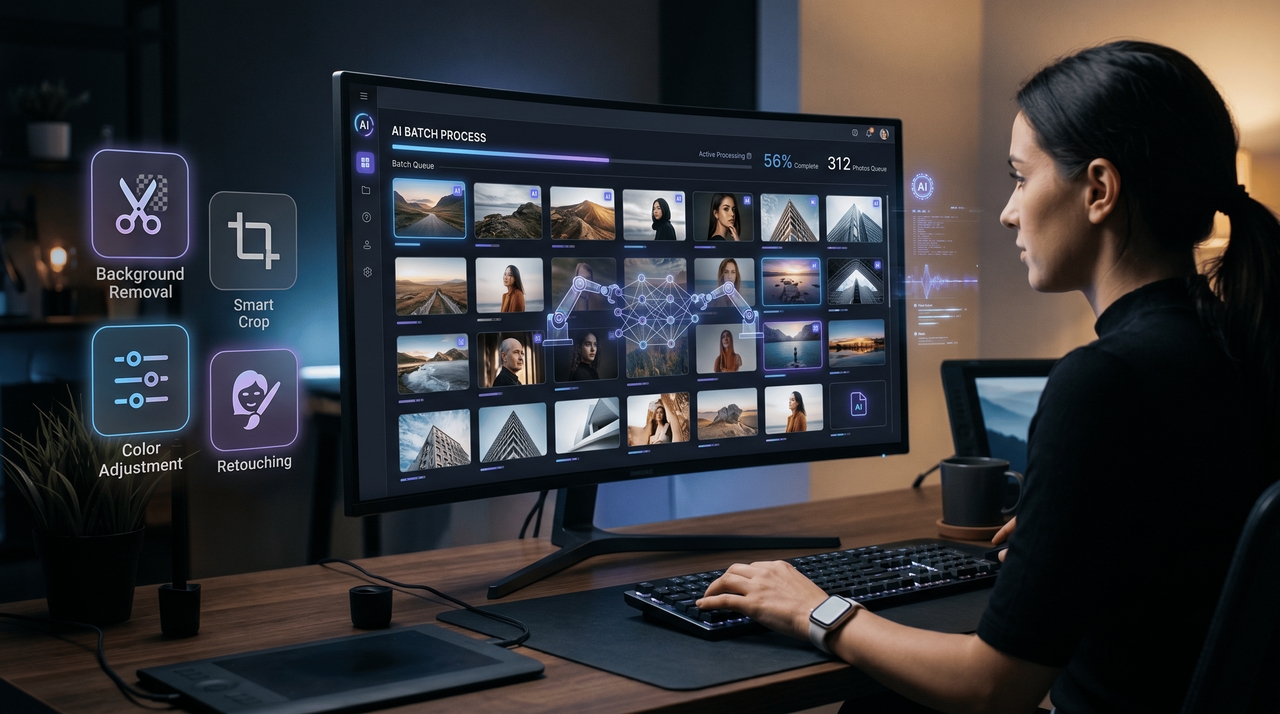
Key features of AI-powered photo editing tools
Explore advanced AI editing features that simplify and speed up bulk image workflows.
- AI background removal: AI powered photo editing tools automatically remove and replace backgrounds in bulk, helping users create clean and professional images quickly.
- Smart batch cropping: The best AI photo batch editor intelligently crops images while keeping products and subjects properly aligned for consistent presentation.
- Bulk color correction: AI batch photo editing tools apply uniform brightness, contrast, and color adjustments across multiple images for better visual consistency.
- Automated image retouching: AI bulk photo retouching tools enhance image quality with automated sharpening, lighting fixes, and detail improvements at scale.
- High-speed batch processing: The best AI for batch photo editing processes large image folders quickly, reducing manual work and improving productivity for businesses.
AI batch photo editing tools for e-commerce brands
1. Framia Pro: Best AI photo batch editor
Framia Pro caters to companies that deal with massive imaging workflows and repetitive photo editing tasks. Featuring the power of artificial intelligence in photo editing, AI-image generator capabilities, and automation tools, the software streamlines image background removal, cropping, resizing, and retouching on a bulk scale. Framia Pro is an ideal solution for any e-commerce business, agency, or design team looking to maintain high-quality images at scale. Thanks to fast processing and powerful workflow automation, Framia Pro ensures that all edited images are processed quickly and efficiently.
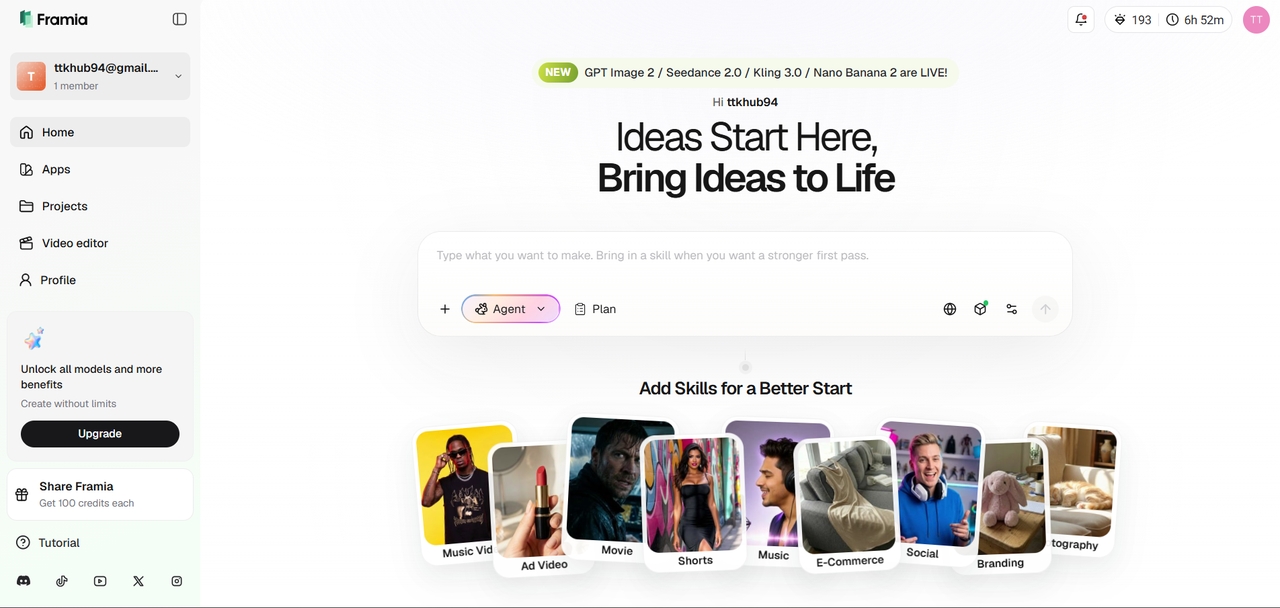
Key features:
- AI background replacement: Automatically removes and replaces image backgrounds with consistent and clean editing results.
- Smart batch cropping: Uses AI to align products and subjects accurately across multiple image formats instantly.
- Bulk color correction: Applies uniform brightness and color adjustments to maintain brand consistency in bulk edits.
- Automated retouching tools: Enhance image sharpness, lighting, and visual quality across large image collections.
- High-speed image processing: Processes thousands of files quickly while maintaining editing accuracy and image quality.
Ideal for: E-commerce brands, creative agencies, and enterprise teams managing high-volume image editing workflows daily.
2. Photoroom: AI powered image editing tools
The Photoroom software application is an example of an AI-based image editor. This program allows its users to quickly remove backgrounds from images and offers features such as easy batch editing. The software is extensively used by e-commerce vendors, marketing specialists, and other professionals who require quality images for their products but lack complicated editing skills. In addition, using this platform makes it possible to get quick AI assistance in tasks like resizing, cleaning up, and optimizing images.
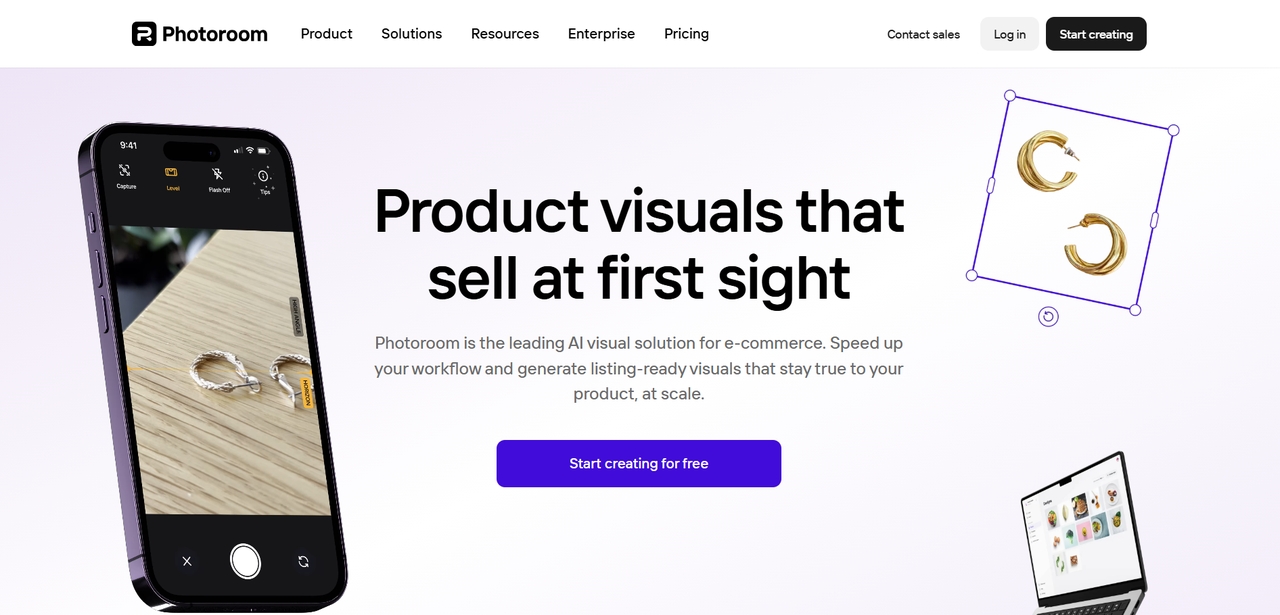
Key features:
- AI background remover: Instantly removes backgrounds from product and marketing images with a clean visual output.
- Batch image resizing: Quickly resizes multiple images for websites, ecommerce stores, and social media platforms.
- Smart object detection: Detects products and subjects accurately for faster editing and alignment automation.
- One-click image cleanup: Removes distractions and improves image quality with minimal manual editing effort.
- E-commerce-ready exports: Optimizes image dimensions and quality for online marketplaces and storefronts efficiently.
Ideal for: small businesses, online sellers, and marketers needing fast and simple AI image editing workflows.
3. Adobe Photoshop: Best AI for editing photos
Adobe Photoshop is still one of the top-performing AIs when it comes to photo editing due to its highly efficient editing functionality that operates under the influence of Adobe Sensei AI technology. This AI provides professional-level retouching, object removal, image enhancement, and smart selection tools. It allows users to perform complex editing tasks with AI-driven automation to increase efficiency. In spite of having a complicated interface that requires some time to learn compared to other AIs, this application is still one of the standards in the industry.
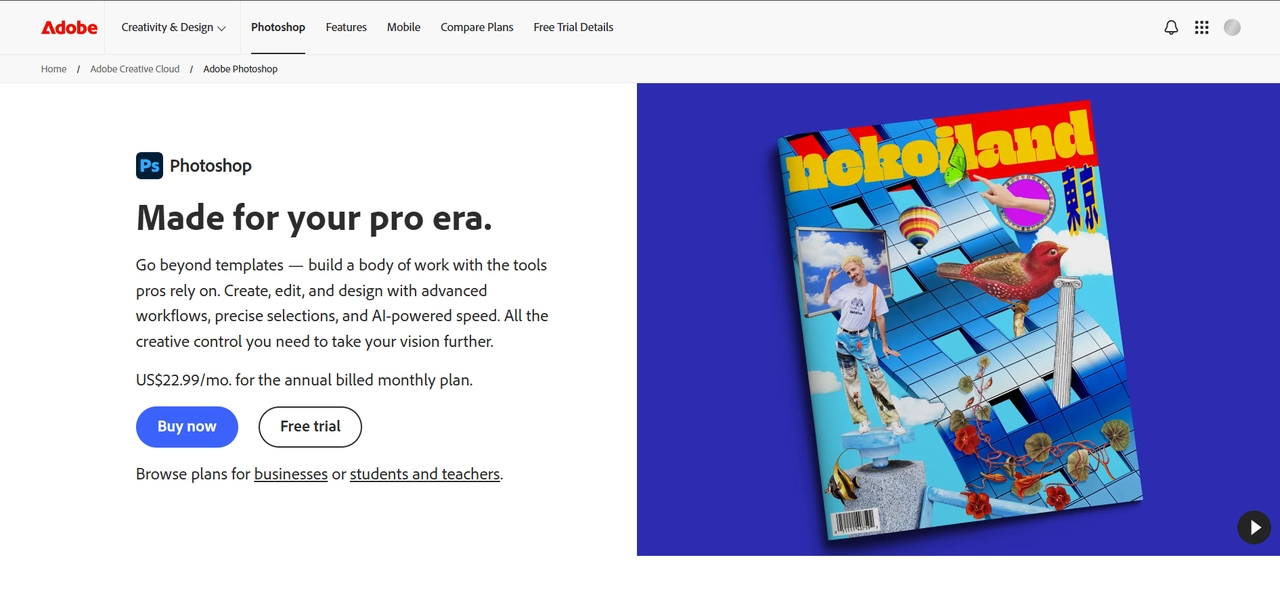
Key features:
- Adobe Sensei AI tools: Features intelligent automation to enable high-level retouching and photo improvement.
- Smart object removal: Removes unwanted objects and distractions with realistic AI-generated image replacement.
- Advanced layer editing: Facilitates sophisticated layer editing for professional and commercial use.
- AI selection technology: Automatically detects subjects precisely for accurate cropping and masking of the edited image.
- Professional retouching tools: Improves the overall look of images using lighting and color adjustments.
Ideal for: Professional photographers, designers, and creative experts requiring advanced AI editing flexibility daily.
4. Canva: Best AI editor for beginners
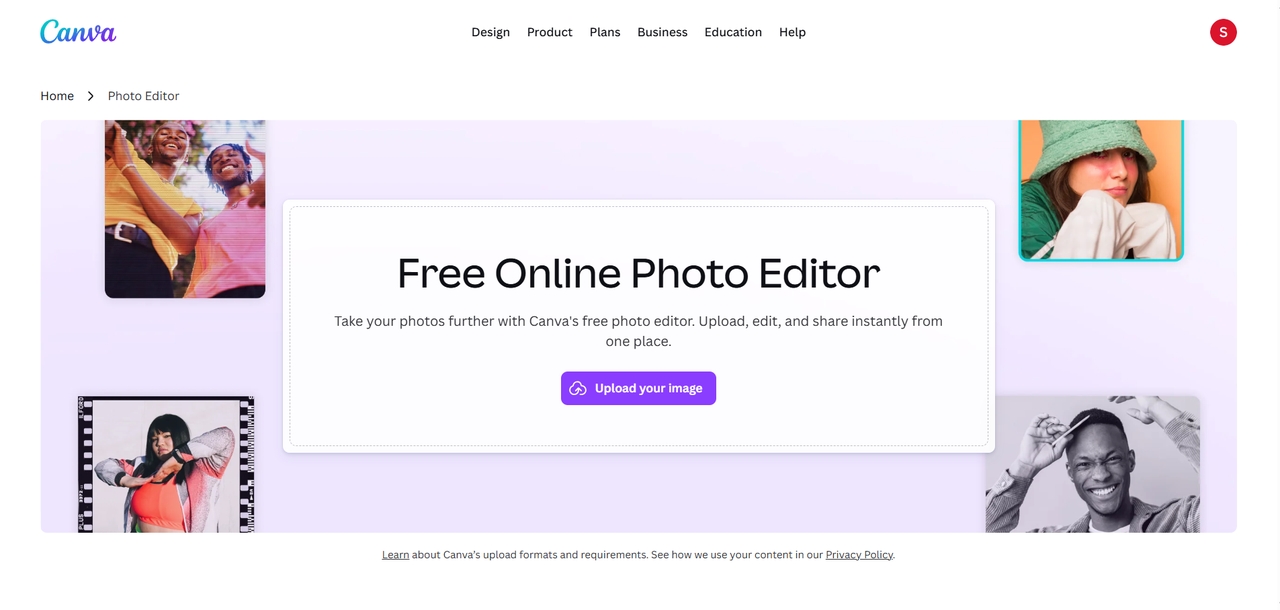
Canva is an AI-enabled design and editing platform that can be used to quickly create and edit visuals. This platform has features such as the ability to remove backgrounds and edit images with the use of AI. Canva is commonly used by marketers, startups, and social media managers who need graphics created for marketing purposes. The ease with which one can make designs and edits on this platform using AI tools makes it suitable even for those who lack graphic design skills.
Key features:
- Drag-and-drop editing: Simplifies image editing and content creation with beginner-friendly design workflows.
- AI background remover: Automatically removes image backgrounds for professional product and marketing visuals.
- Template-based designs: Provide customizable templates for social media, ads, presentations, and websites.
- Quick image enhancement: Improves brightness, contrast, and visual quality with automated AI adjustments.
- Collaborative workflow tools: Allow teams to edit, share, and manage creative projects more efficiently.
Ideal for: Marketers, startups, beginners, and social media teams creating fast and professional visual content.
5. Luminar Neo: AI bulk photo retouching tools
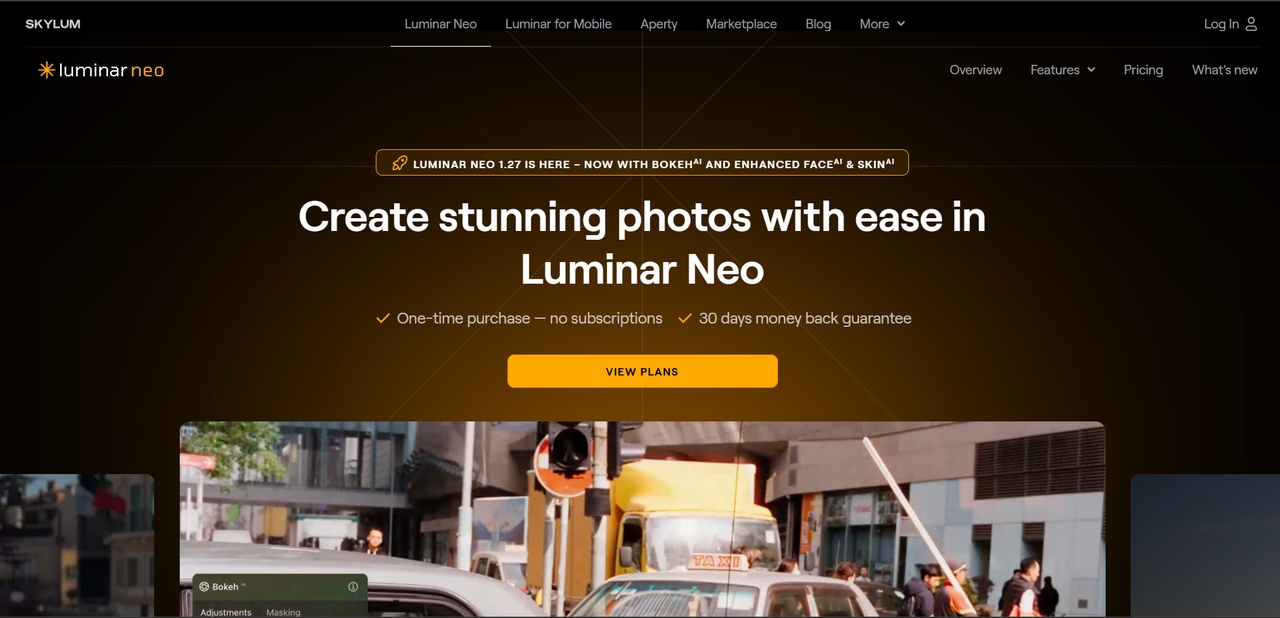
Luminar Neo is an AI-powered image editor that is perfect for photographers and artists who need photo editing features. This tool is one of the AI photo editors that can batch retouch portraits as well as enhance their lighting and sky, among other features. The most outstanding AI photo editor is Luminar Neo.
Key features:
- AI portrait enhancement: Changes the color tone and lighting within portraits.
- Sky replacement features: Perfectly replaces the sky while matching the lighting within the photo.
- Lighting adjustment: Brightens the photos and enhances the lighting within the picture.
- Creative AI effects: Makes beautiful artistic adjustments and enhances the mood of your photos using intelligence within photos.
Ideal for: Photographers and creators needing AI-powered retouching and advanced visual enhancement workflows.
6. Pixelcut: AI batch photo editing tools
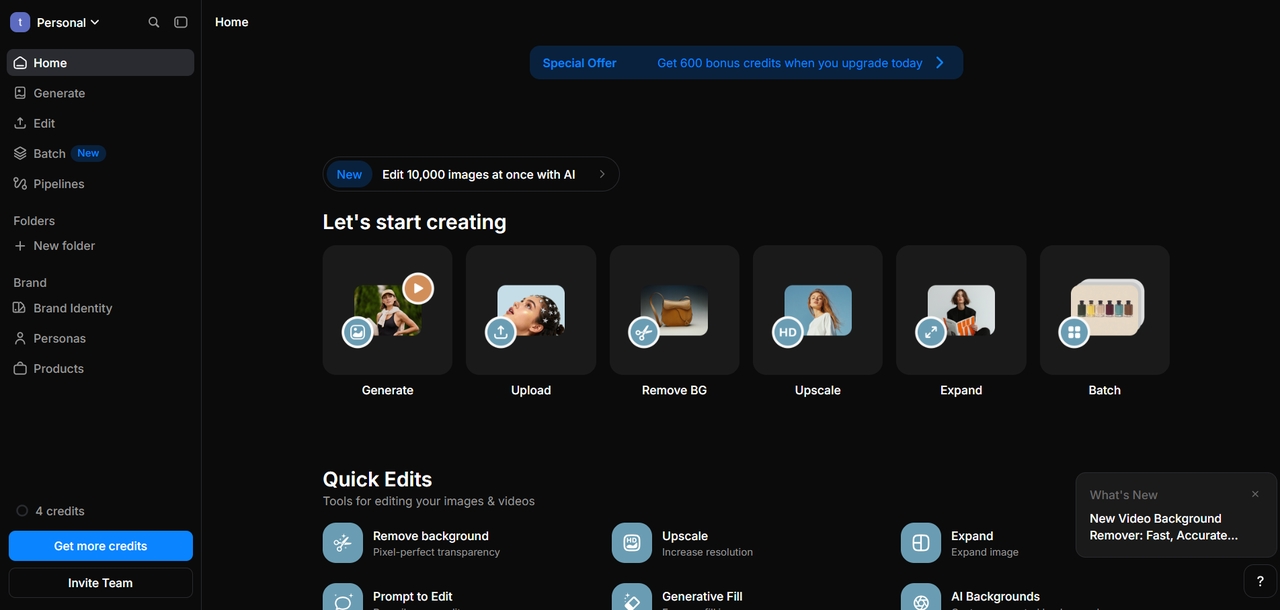
The Pixelcut platform is an AI-based image editor that can help to edit pictures rapidly and effectively through AI tools. This service allows its users to edit pictures and images quickly through tools such as AI background remover, image resizing, shadow creation, and other image enhancement tools. Pixelcut makes the job easy for those who work in the field of e-commerce and are responsible for taking images of their products and optimizing them for various social media campaigns.
Key features:
- AI Product background removal: Rapid background removal of products to create high-quality presentations of items for online stores.
- Bulk image enhancements: Performs optimization on multiple product images through uniform lighting and picture quality adjustments.
- Shadow generation: Generates shadows of products automatically for a more realistic and visually appealing look.
- Ecommerce image resizing: Resizes product images for use on websites, online marketplaces, and advertisements.
- Mobile image editing: Allows quick editing of pictures through easy-to-use mobile editing software.
Ideal for: E-commerce sellers, digital marketers, and growing brands managing large product image collections.
Comparison of AI batch photo editing tools
Compare the best AI batch photo editing tools utilizing AI technology based on price, automation, bulk photo processing, and additional advanced photo editing capabilities used in e-commerce, marketing, and creativity.
| Tool | Images per Batch | Starting Price | Batch Background Removal | Studio Backdrops & Lighting | Automation at Scale |
| Framia Pro | Unlimited* | Custom Pricing | Yes | Yes | Advanced |
| Photoroom | 50+ Images | $19.99/month | Yes | Limited | Moderate |
| Adobe Photoshop | System Dependent | $22.99/month | Limited | Yes | Advanced |
| Canva | 100 Images | $14.99/month | Yes | Limited | Basic |
| Luminar Neo | 100+ Images | $14.95/month | Limited | Yes | Moderate |
| Pixelcut | 50+ Images | $9.99/month | Yes | Moderate | Moderate |
Best AI for batch photo editing in e-commerce
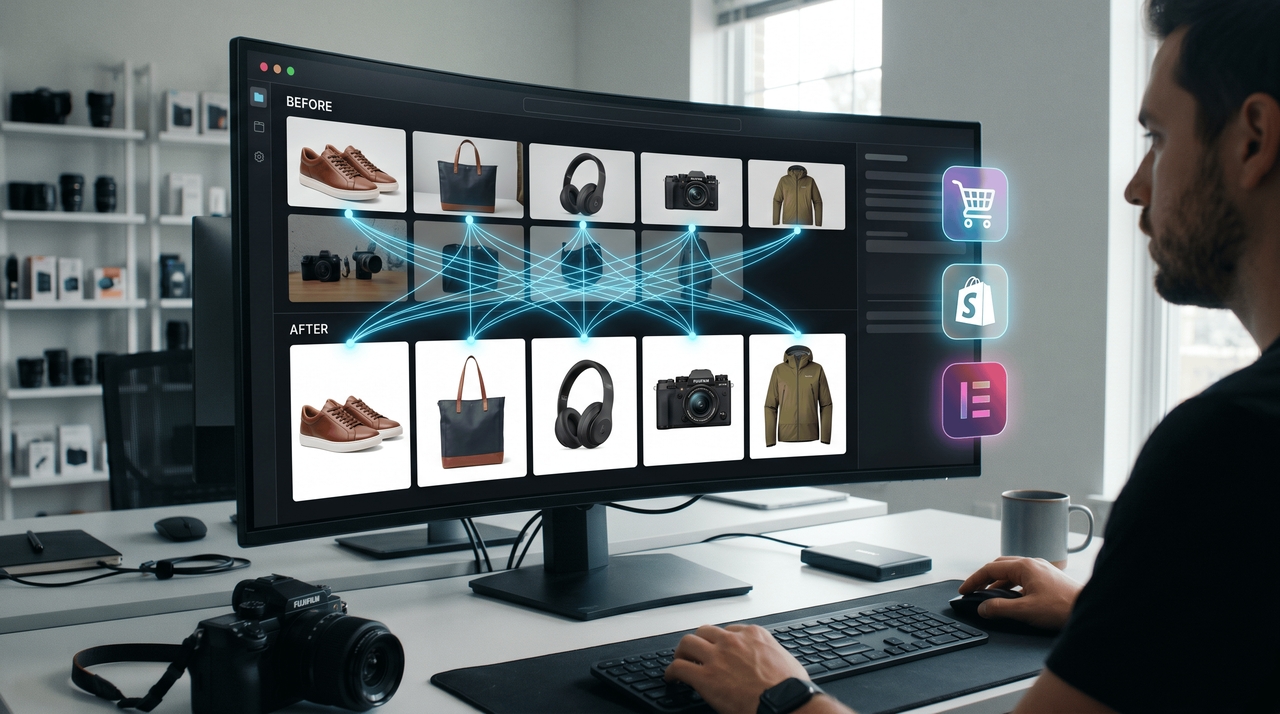
E-commerce requires fast and scalable image editing services to cope with their extensive catalogs. The best AI to use in the editing of images in bulk will assist the removal of backgrounds, image resizing, cropping, and enhancement for e-commerce purposes. AI-driven photo editing software not only increases efficiency but is also capable of maintaining quality images consistently. Such capabilities aid e-commerce businesses in handling huge numbers of photos with ease.
Why e-commerce brands use AI editing tools
- Faster product launches: AI batch photo editing tools speed up image processing for quicker catalog uploads.
- Consistent product image formatting: Maintain uniform image sizes, alignment, and visual quality across platforms.
- Automated background replacement: Remove and replace backgrounds instantly for professional ecommerce product images.
- Marketplace-ready image optimization: Optimize photos for Amazon, Shopify, Etsy, and other ecommerce marketplaces easily.
- Reduced editing costs: Minimize manual editing work and improve workflow efficiency with AI powered automation.
How to choose the best AI for batch photo editing
Choose AI powered photo editing tools that offer automation, scalability, and fast workflow performance.
- Evaluate automation features: Choose AI powered image editing tools with smart cropping, background removal, and automated retouching features.
- Consider batch processing speed: The best AI photo batch editor should process large image volumes quickly without reducing image quality.
- Check scalability: Businesses handling thousands of files need AI batch photo editing tools built for large-scale workflow automation.
- Look for ease of use: A simple interface helps teams use AI powered photo editing tools efficiently with minimal training requirements.
- Compare pricing and workflow value: The ideal AI editing platform should balance automation, scalability, and cost-effective workflow performance.
Conclusion
Selecting the optimal AI photo batch editor will greatly enhance the efficiency and productivity in image work processes. The AI-powered photo editors available today allow one to automate tedious work such as background removal, smart cropping, and image optimization, among others, which saves time and effort. If you are running an e-commerce business or are working on a marketing project requiring efficient automation, then Framia Pro is the tool you need, as it offers robust photo editing tools integrated into AI technology.
FAQ's
- What is the best AI photo batch editor for ecommerce businesses?
An ideal AI photo batch editor can be used to resize, remove backgrounds, and retouch products for e-commerce businesses through automation to deliver consistent image quality in different marketplaces, sites, and advertising platforms.
- How do AI batch photo editing tools work?
AI batch photo editing software enables users to automate editing by cropping, applying background removal, adjusting colors, and retouching several photos at once.
- Can AI powered image editing tools remove backgrounds in bulk?
Yes, AI photo editing solutions have the ability to automate the detection of objects, background removal, and editing of hundreds of photos in a single go with consistent edges and top-notch quality.
- Why are businesses using AI bulk photo retouching tools?
Using AI tools to edit batches of photos saves businesses money by automating the process and enhancing their efficiency and image quality.
- How does Framia Pro simplify batch photo editing workflows?
Framia Pro makes it easy to edit batches of photos using powerful AI photo editing solutions to crop, replace backgrounds, resize, and retouch photos in seconds.





