
As the AI space becomes increasingly saturated with paid tools, PicLumen has positioned itself as a disruptive alternative. This web-based AI image generator is designed to balance professional-quality output with ease of use. It comes equipped with a versatile set of features, including text-to-image and image-to-video capabilities. However, like any tool, PicLumen has its drawbacks—whether it’s inconsistent results, limited control, or the need for more advanced features. That is exactly where this guide comes in. We'll walk you through a detailed PicLumen AI review and present the top PicLumen alternatives to ensure you find the specific tool that delivers the exact results you expect.
What is PicLumen AI?
PicLumen AI is a versatile, web-based platform designed to create high-quality images and videos from text prompts or existing images. It acts as a hub for various state-of-the-art AI models, allowing users to generate diverse styles—from photorealistic portraits to anime and art—without needing professional design skills. Key features include an AI upscaler, background remover, and image editing tools like inpainting. PicLumen offers a free tier with "relaxed" generation, making it accessible for creators, marketers, and hobbyists. Additionally, it supports commercial usage, offering a convenient, all-in-one solution for visual content creation.
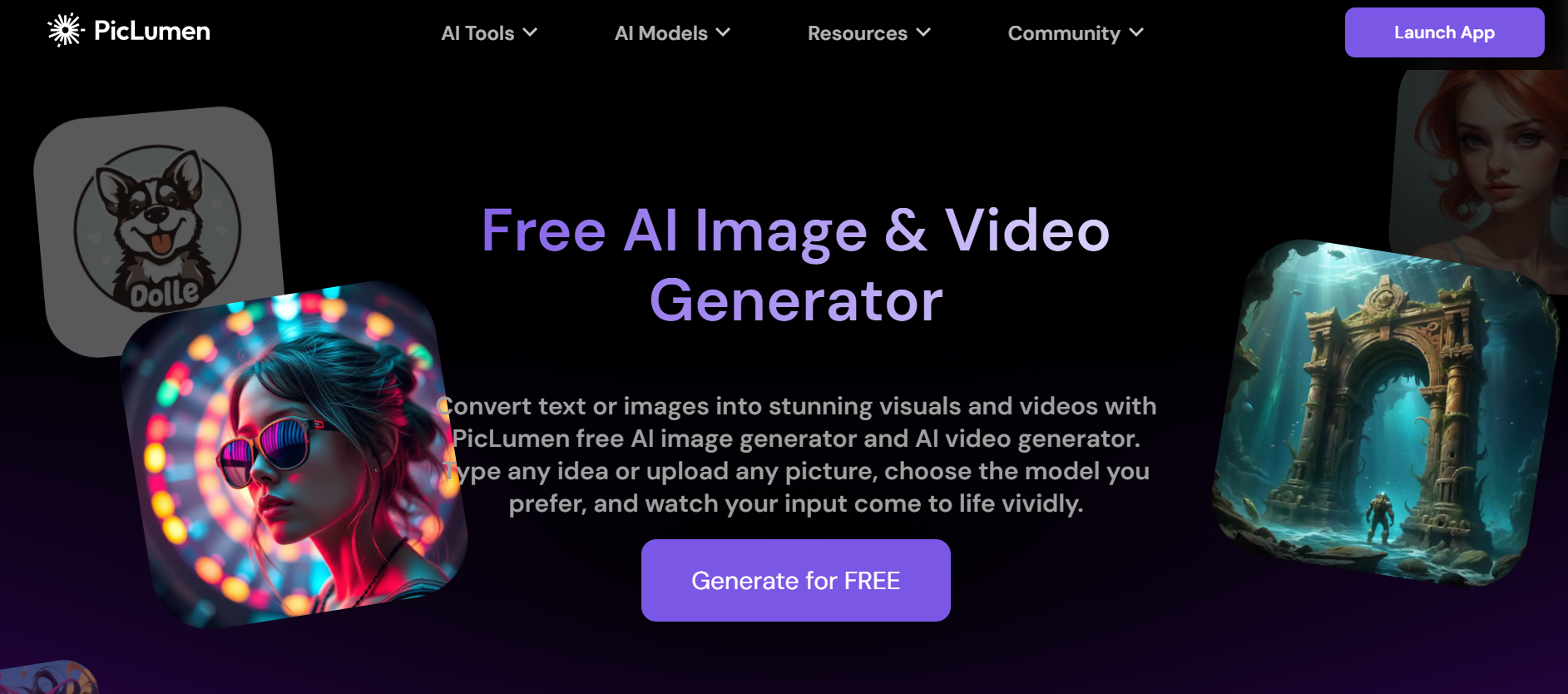
PicLumen's different tools: A detailed review
PicLumen integrates multiple powerful AI tools into one easy-to-use web platform. Below is a detailed review of its key tools, each designed to simplify visual content creation for beginners and professionals alike.
Text-to-image generator
The text-to-image tool converts your written descriptions into high-quality visuals in seconds. Simply type a detailed prompt describing the subject, style, lighting, and mood, choose from various AI models (such as Realistic V2, Anime, or Flux.1), adjust aspect ratio and other settings, and generate multiple variations. It supports auto-translate for non-English prompts and delivers outputs in diverse artistic styles.
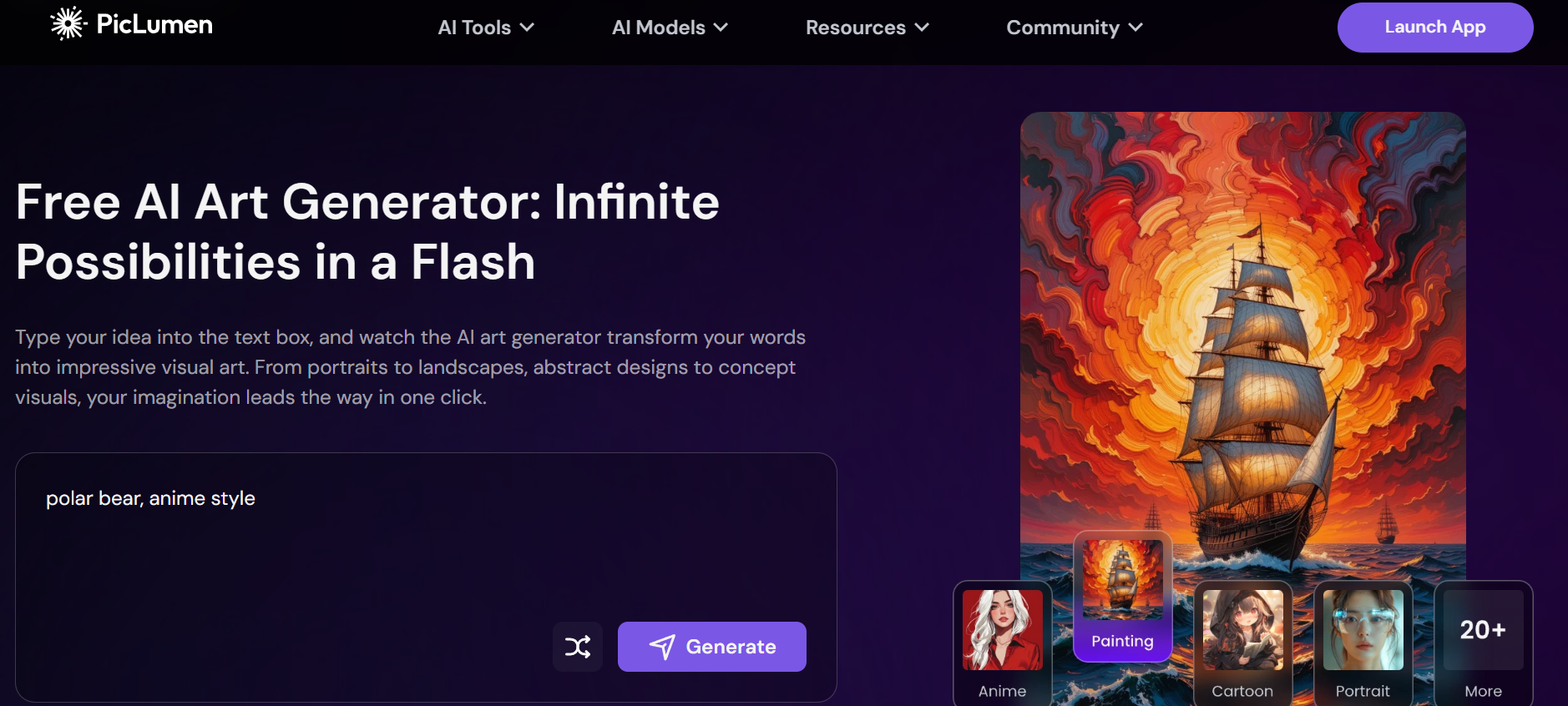
Highlighted features:
- Generate images from text prompts
- Multiple AI models and art styles
- Customize aspect ratio and parameters
- Auto-translate support
- Batch generation (up to 4 images)
Image-to-image generator
PicLumen's Image-to-image generator lets you transform an existing photo or artwork by uploading a reference image and adding a text prompt for desired changes. The AI analyzes the input image and generates new versions while preserving key elements like composition, style, or character consistency using reference options (content, style, or character reference).
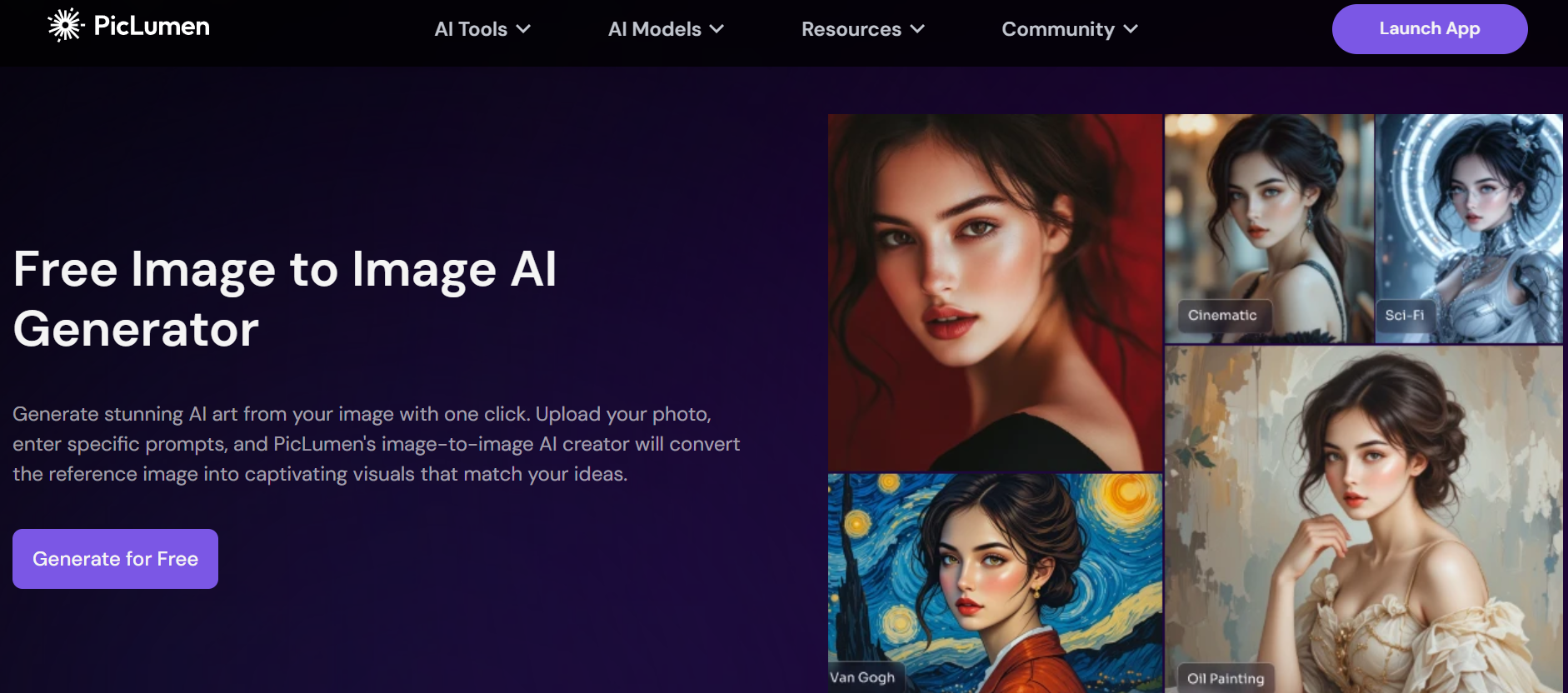
Highlighted features:
- Transform uploaded images with text prompts
- Content, style, and character references
- Create consistent variations or remixes
- Blend original images with new ideas
Image-to-video
PicLumen's Image-to-video tool brings static images to life by converting them into short animated clips with natural motion, camera movements, transitions, and effects. You can also generate videos directly from text prompts. It’s ideal for creating engaging social media content, ads, or simple storytelling animations without complex video editing skills.
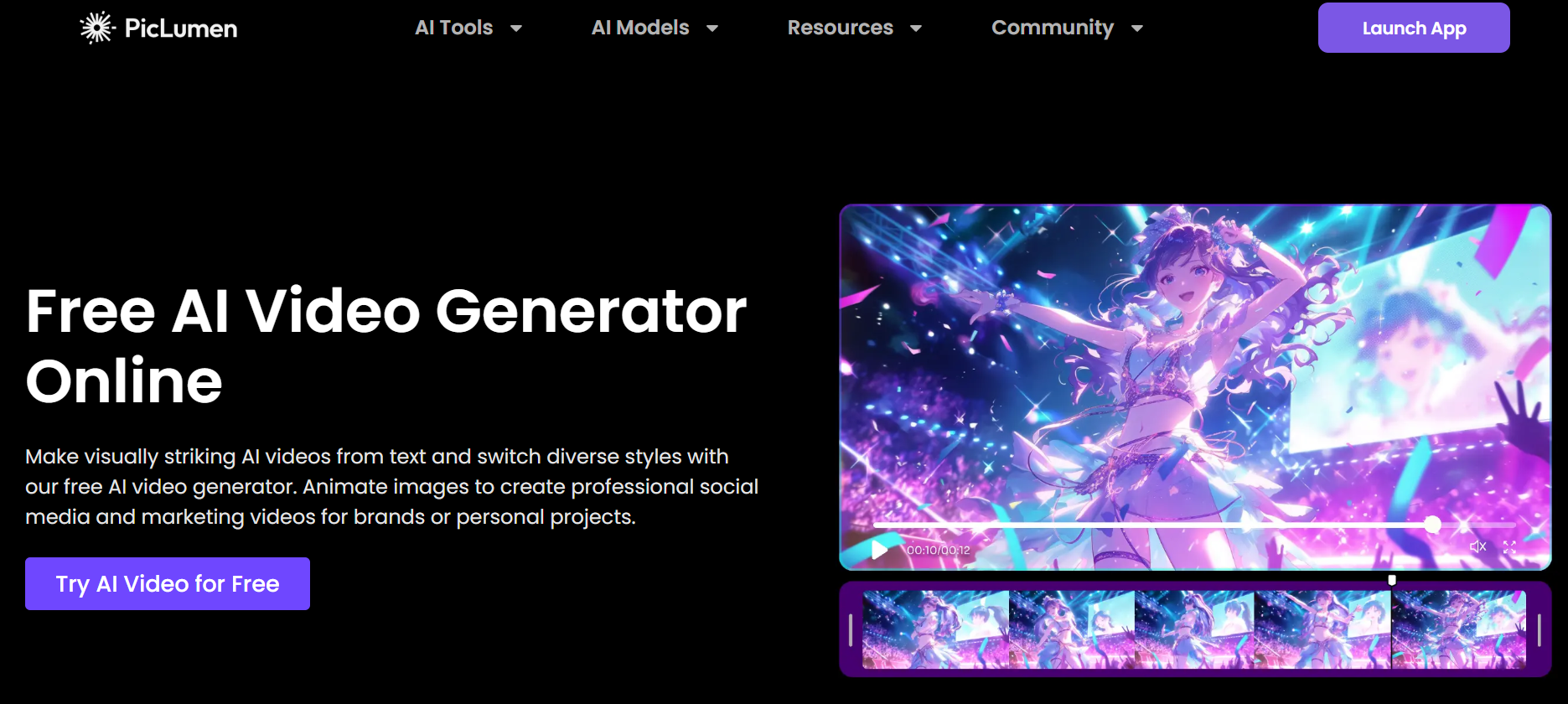
Highlighted features:
- Animate static images into videos
- Text-to-video generation
- Add dramatic effects and transitions
- Suitable for marketing and social media
AI image extender
The AI Image Extender allows you to expand the canvas of any image while intelligently filling the new areas with content that seamlessly matches the original scene. Stretch the borders in any direction or enlarge the background—the AI analyzes the existing elements to create natural extensions and richer details.
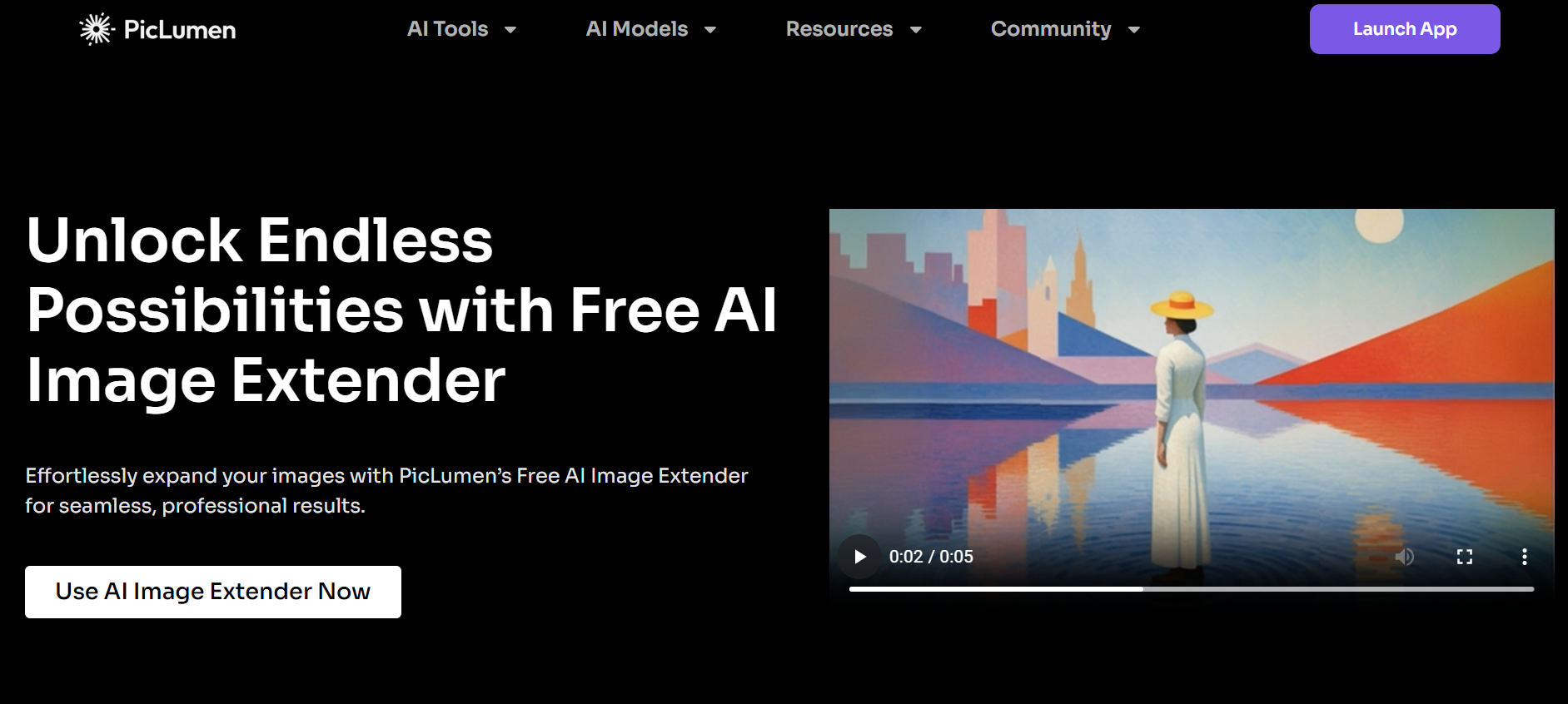
Highlighted features:
- Create natural image extensions
- Customize canvas size
- Expand photo backgrounds
- AI-filled areas that blend perfectly
AI image upscaler
The AI Upscaler enhances the resolution and quality of your images, making them sharper and more detailed. It boosts low-resolution outputs to high-definition or even 4K levels, refines textures, sharpens edges, and fixes minor imperfections, so your creations look professional for printing or large displays.
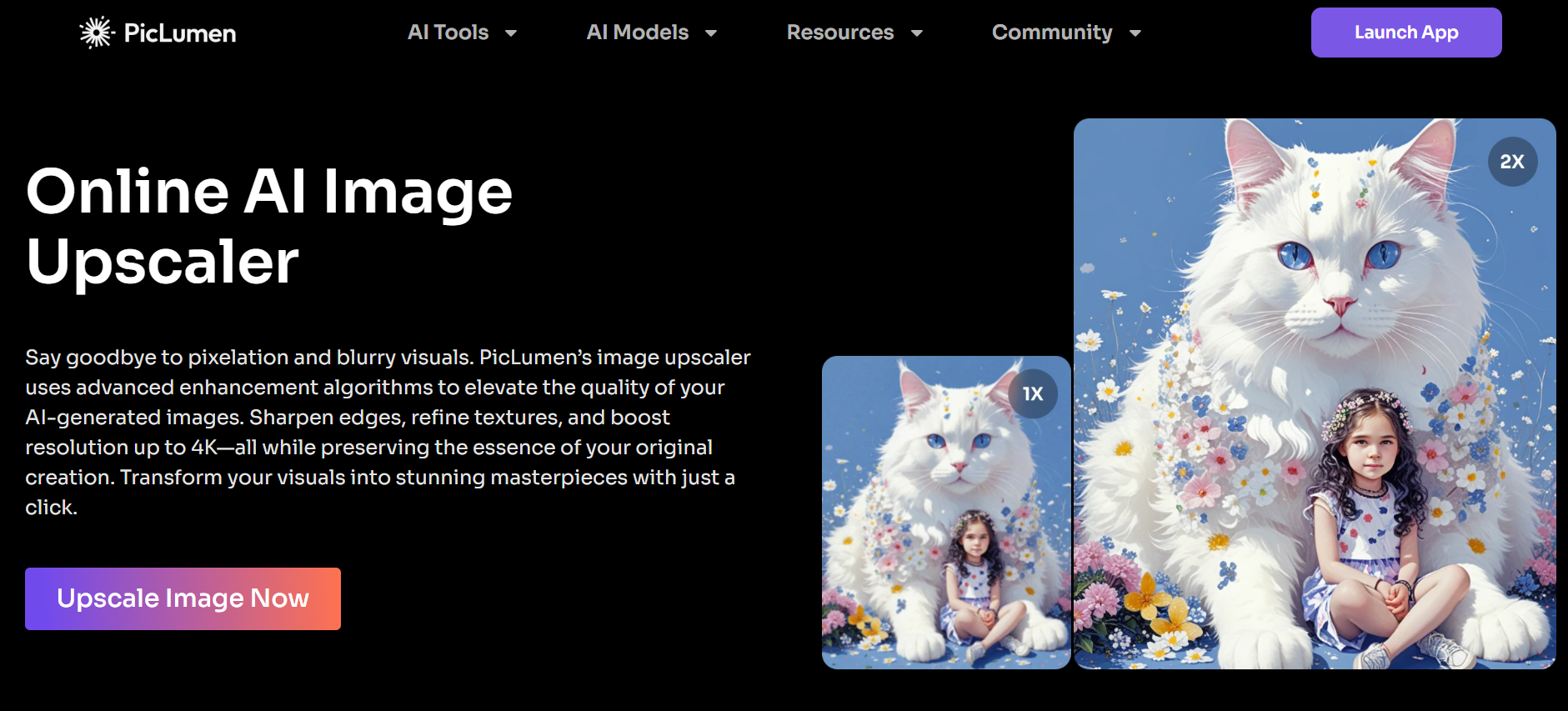
Highlighted features:
- Boost resolution up to 4K+
- Sharpen details and textures
- Fix imperfections instantly
- Prepare images for print or high-def use
Background remover
The Background remover automatically detects and erases the background from any image with high precision. You can then replace it with a solid color, transparent background, or a new scene. It works well on portraits, products, and complex images and integrates smoothly with other editing tools.
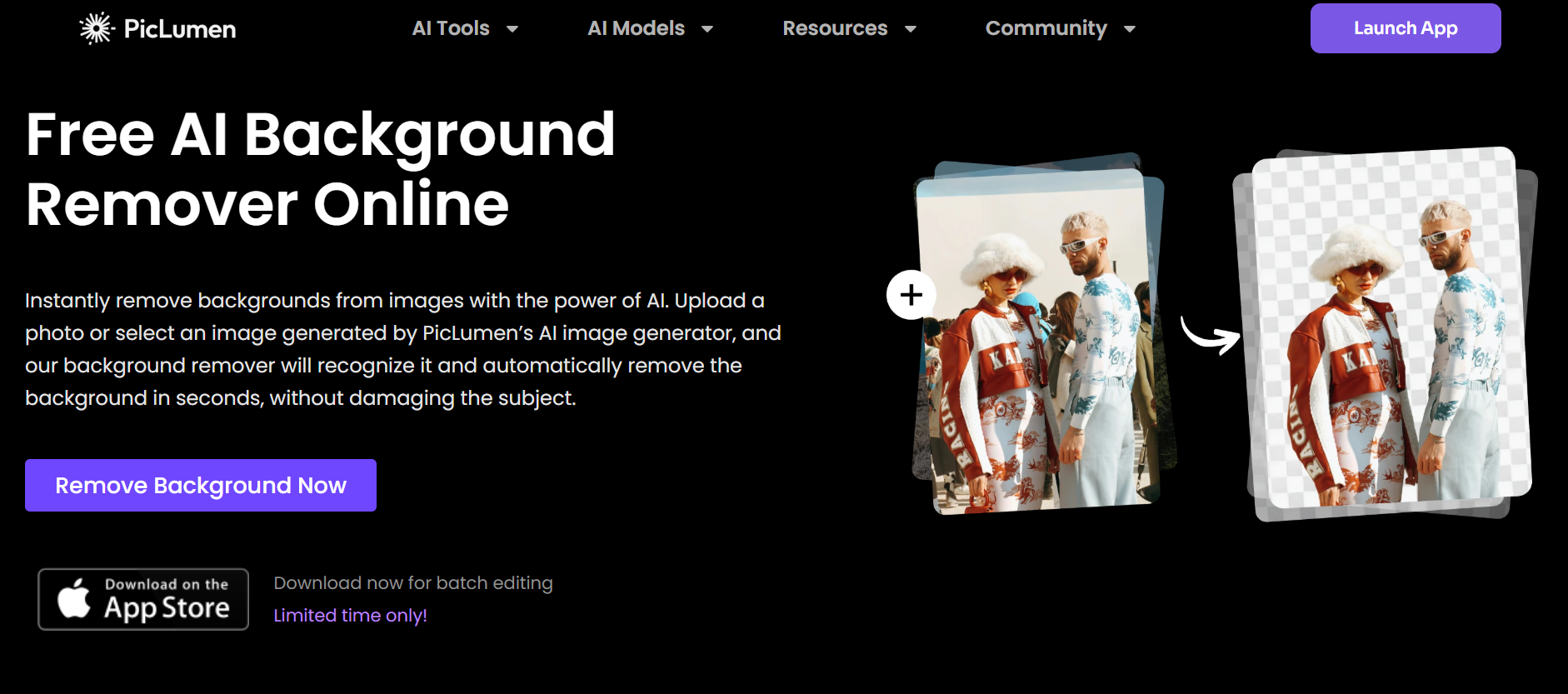
Highlighted features:
- AI-powered precise background removal
- Replace with new backgrounds or transparent ones
- High-definition results
- Works on all types of images
AI image colorizer
The AI colorizer breathes new life into black-and-white photos, old images, sketches, or line art by adding realistic or stylized colors. Upload your image, optionally add a text prompt for color style guidance, and the AI analyzes the content to produce vibrant, enhanced results using different models.
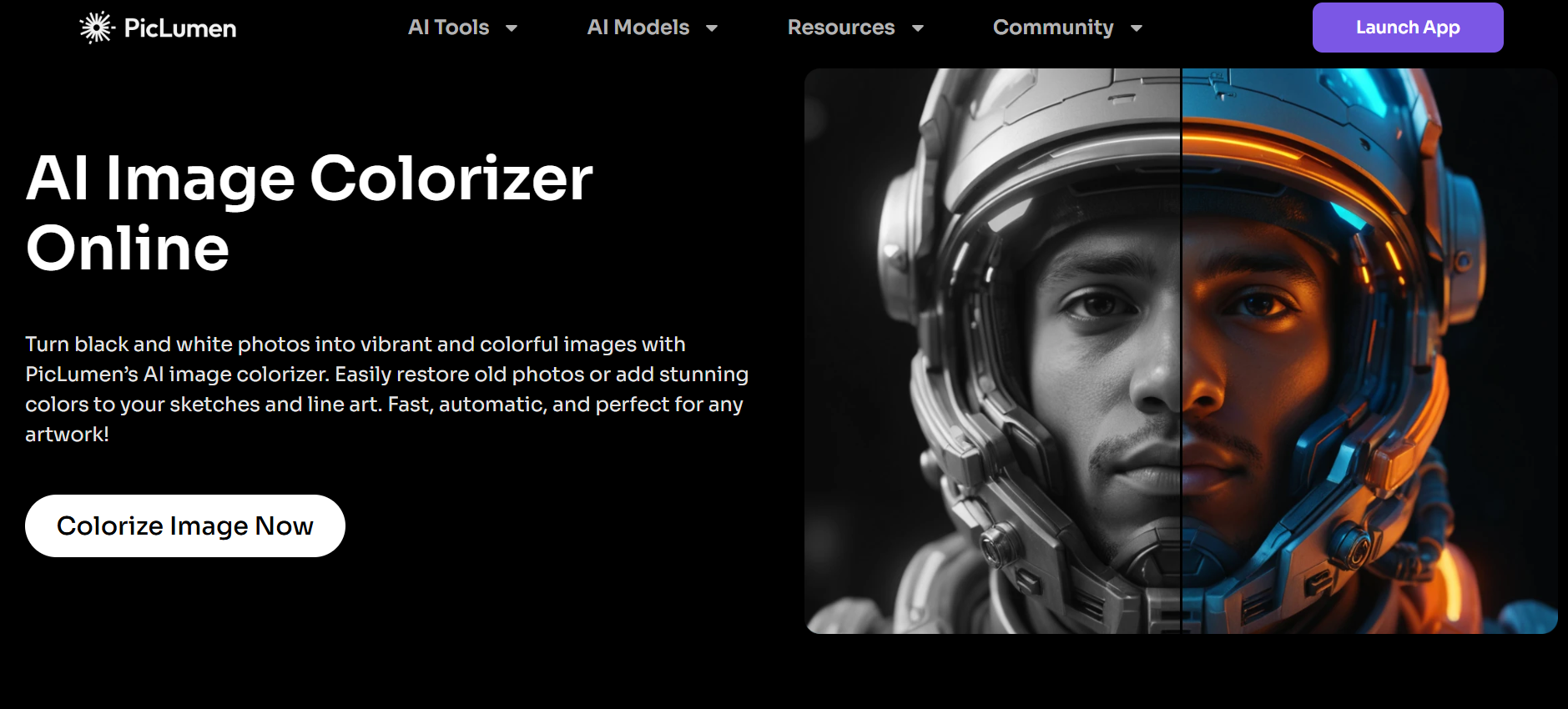
Highlighted features:
- Colorize black and white photos
- Transform sketches and line art
- Customize colors with text prompts
- Restore and enhance old images
AI Replace
The AI Replace tool offers a straightforward way to fine-tune your images by targeting specific areas that need changes. It lets you select unwanted parts, remove them completely, exchange them for something new, or add fresh details while keeping the rest of the image natural and consistent.
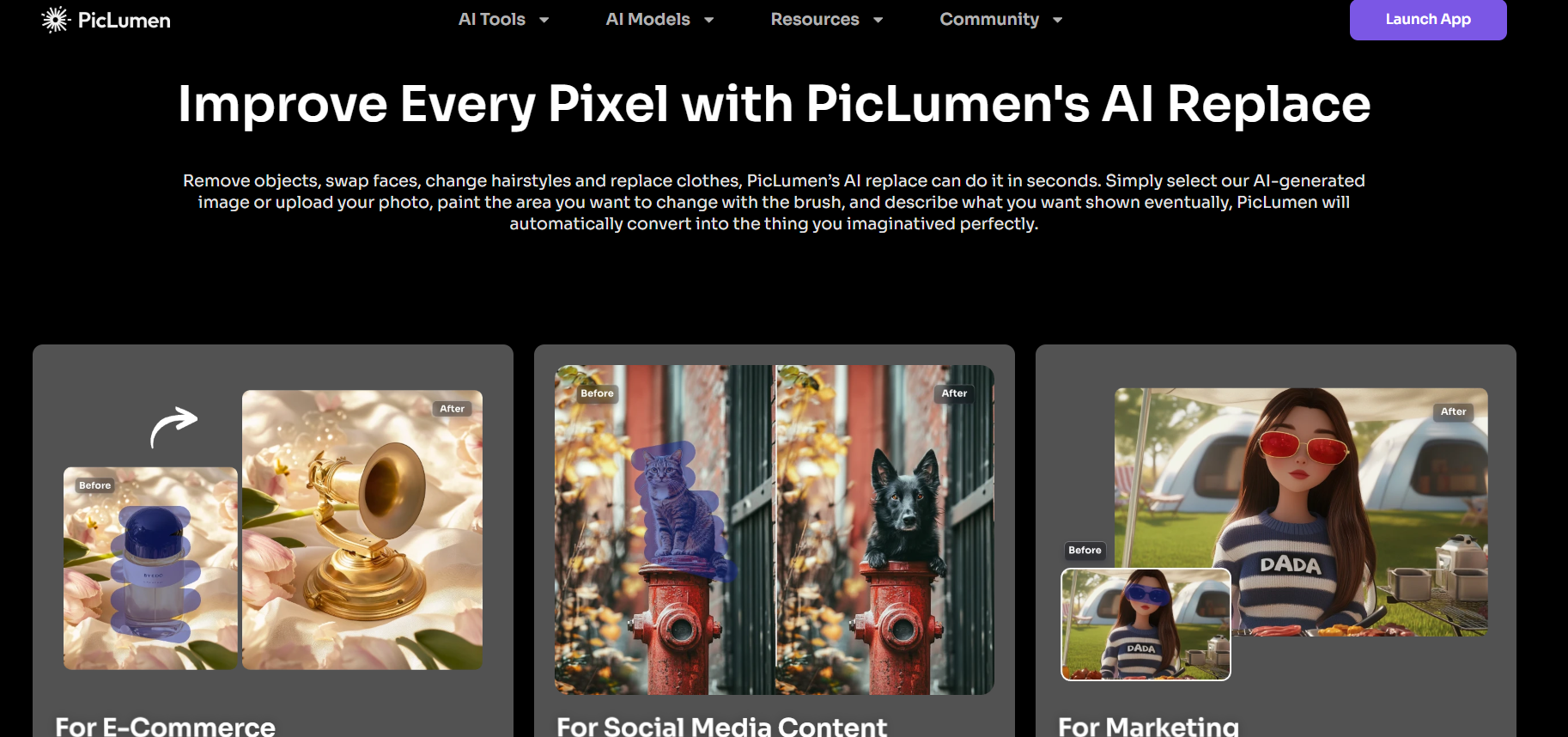
Highlighted features:
- Precise object removal and replacement
- Add new elements
- Eliminate distracting artifacts, blemishes, or photobombers
- Modify colors
PicLumen pricing: Is it really free?
PicLumen disrupts the market by offering a high-performance "Freemium" model. While it provides a generous free tier with unlimited generations in "Relax Mode," professional users can upgrade to paid plans for enhanced speed, priority processing, and advanced editing features.
| Plan | Price | Key Features | Generation Limits | Storage & Other Benefits |
| Basic | Free | 10 daily Lumens, unlimited Relax Mode, commercial license | 2 images/batch, no concurrent jobs | 500 images storage, 30-day history |
| Standard | $10/month | 1800 monthly Lumens + all Basic features | 4 images/batch, queue up to 5, 2 concurrent | 5,000 images storage, non-expiring history |
| Pro | $20/month | 4800 monthly Lumens + all Standard features | Queue up to 10, 5 concurrent jobs | 50,000 images storage |
PicLumen AI review: Pros and cons
While PicLumen has quickly gained a reputation as a powerful and accessible tool, it’s important to weigh its advantages against its limitations to see if it fits your specific creative workflow.
Pros
- Generous free access: PicLumen stands out by offering unlimited relaxed generations on its free tier, allowing users to create as many images as they want without strict daily limits or immediate payment pressure.
- All-in-one creative suite: The platform combines multiple powerful tools like text-to-image, image-to-image, AI Replace, upscaler, background remover, and image-to-video in a single web-based interface, eliminating the need to switch between different apps.
- User-friendly for beginners: With its clean design, auto-translate feature, and simple controls, even non-designers can quickly generate professional-looking visuals and make edits without a steep learning curve.
- Commercial-friendly: PicLumen allows users to use their own generated images for commercial purposes, which is a major win for marketers and small business owners.
Cons
- Slower performance on free tier: While relaxed mode is unlimited, generations can take longer during busy times, which may frustrate users who need quick results without upgrading to a paid plan.
- Limited advanced control: PicLumen offers good customization but lacks the deep fine-tuning options and precise parameter control that professional artists expect from high-end AI platforms.
- Short history storage: On the free plan, your creation history is only saved for 30 days, requiring users to download and store their work locally to avoid losing it.
- Occasional inconsistency: Image quality and prompt adherence can vary depending on the chosen model and prompt complexity, sometimes requiring multiple attempts to get the desired output.
PicLumen alternatives: Premium options for professional creatives
While PicLumen is a fantastic all-rounder, the AI landscape in 2026 offers specialized tools that might better suit your specific professional or creative needs. Here are the top alternatives to consider.
| Feature | PicLumen | Framia Pro | Leonardo AI | Midjourney | Craiyon | Ideogram |
| Best For | Free, quick generations | Fast design workflows | Technical Artists | Artistic Masterpieces | Fast Brainstorming | Graphic Design & Text |
| Primary Strength | Generous "Relaxed" mode | Integrated AI Agents | Custom Model Training | Cinematic Aesthetics | Unlimited 9-Grid Sets | Flawless Typography |
| Price Point | Freemium ($0+) | Premium ($32.50+) | Freemium ($0+) | Paid Only ($10+) | Free (Ad-supported) | Freemium ($0+) |
| Video Support | Basic (Image-to-Video) | Advanced (Cinematic) | Motion tools | Limited | None | None |
| Editing Control | AI Replace, Upscaler | Real-time Canvas | Alchemy & Guidance | Parameter-heavy | Basic "Enhance" | Magic Prompt |
Framia Pro
Framia Pro is an all-in-one creative AI agent platform that combines high-quality image generation, video creation, music, and voiceovers under a single dashboard. It gives access to multiple top models (including Midjourney v7, Flux Max, Nano Banana 2, and Seedream) without switching tools. It uses a unique system of AI Agents (Movie, Ad, and Photography Agents) to handle complex workflows.
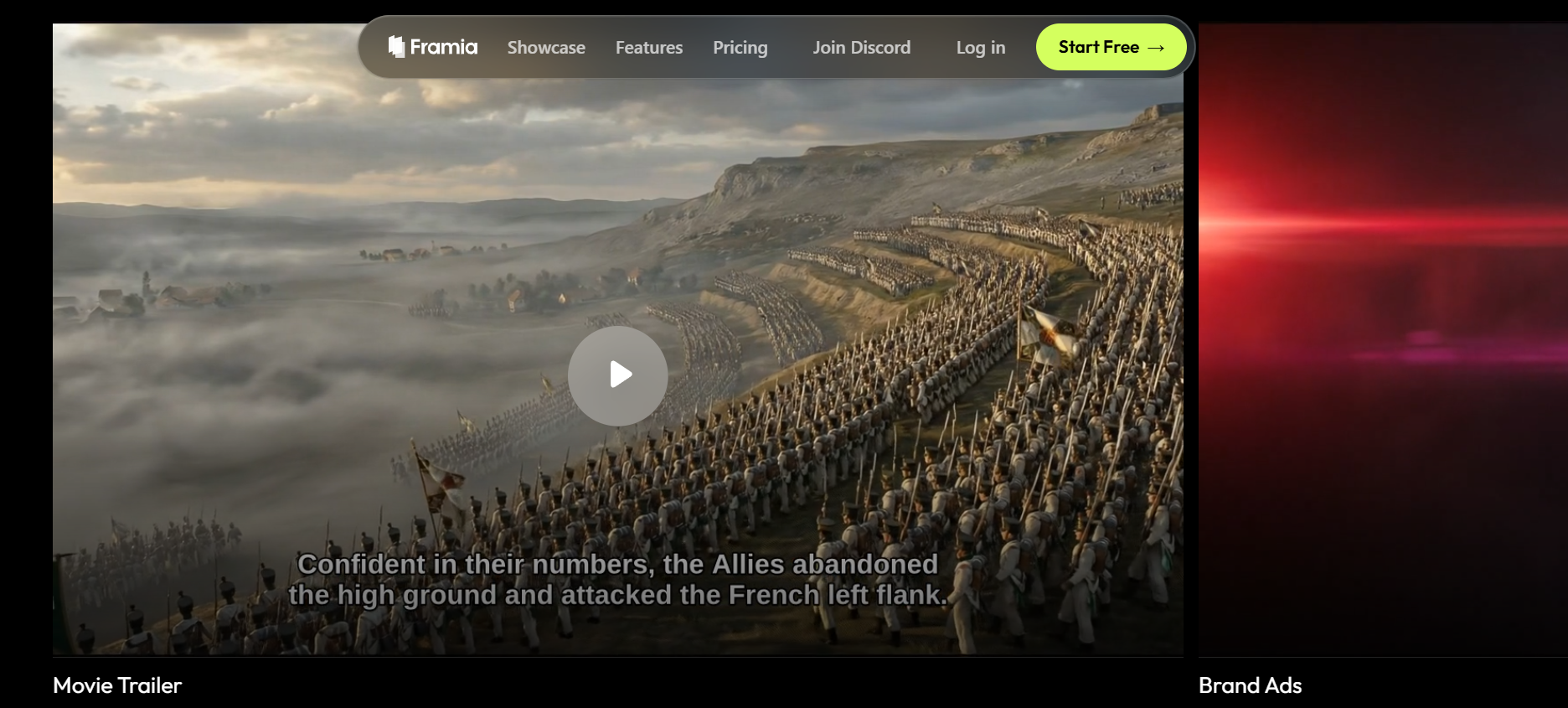
Key features
- Multi-model architecture: It integrates over 20 models (e.g., Gemini 3.0, Veo 3.1, Sora 2, ElevenLabs) within a single dashboard. This allows users to switch models without needing multiple subscriptions.
- Expert AI agents: Specialized agents for Photography, Ads, Movies, and Branding that understand specific industry requirements to generate targeted results.
- Interactive storyboard editor: The Storyboard Editor is a timeline-based workspace where you can co-create with agents. It allows you to arrange clips, regenerate specific shots for consistency, and sync audio tracks in real-time, effectively replacing the need for external video editing software like CapCut or Premiere.
- Advanced AI upscaling: Framia Pro features a dedicated high-fidelity upscaler that does more than just add pixels. It uses deep learning to reconstruct textures and sharpen edges, making it perfect for turning low-res drafts into 4K-ready assets for professional print or high-definition cinematic displays.
Pros
- Integrated multi-modal creation: Seamlessly combines video, image, audio, and design generation into one platform, eliminating the need for multiple expensive subscriptions.
- Conversational editing interface: Allows you to direct AI agents using plain language for real-time iterations, making the process feel like chatting with a professional human editor.
- Superior character consistency: Maintains visual identity across different shots and scenes, providing a major technical advantage for complex video storytelling and brand continuity.
- Unmatched model flexibility: Grants access to 20+ best-in-class AI models, giving you the freedom to switch between specific engines to match the unique aesthetic of every project.
Cons
- Steeper learning curve: The vast "Agent-based" workflow and multi-model options offer incredible depth but require more initial exploration compared to simple "one-click" tools.
- Wait times: Complex generations, like video editing, can take time for AI to process.
Leonardo AI
Leonardo AI is a powerful AI image generator known for excellent prompt adherence, character consistency, and a wide range of fine-tuned models. It offers strong free daily credits and advanced features like motion for video, making it ideal for artists and game developers who need higher quality and control than PicLumen's free tier.
Key features
- Multi-model ecosystem: Acts as a hub for diverse models, including Phoenix 1.0, Lucid Origin, and PhotoReal, allowing you to switch aesthetic styles instantly.
- Unified AI canvas: A sophisticated workspace for inpainting (fixing details) and outpainting (extending borders) with seamless generative blending.
- Custom model training: Professional users can upload 10–20 images to "train" the AI on a specific brand or character style for long-term consistency.
- Real-time canvas & gen: Sketch or type in real-time and watch your image evolve instantly, which is ideal for rapid prototyping and ideation.
Pros
- Generous daily free tier: Provides 150 "Fast" tokens every 24 hours, allowing hobbyists to experiment daily without a paid subscription.
- Web-based convenience: Unlike Midjourney, it features a clean, professional web dashboard that doesn't require Discord to function.
- High-quality output: Delivers high-resolution, professional-grade images and textures.
- Robust asset management: Unlike temporary history in other tools, your generations are stored in a persistent personal gallery for easy retrieval and iteration.
Cons
- Anatomical inconsistencies: Like most generative AI, it still occasionally struggles with complex details like hands, limbs, or multi-character scenes without manual re-rolls.
- Public by default (Free): On the free tier, your prompts and generations are visible to the community; private mode requires a paid subscription.
Midjourney
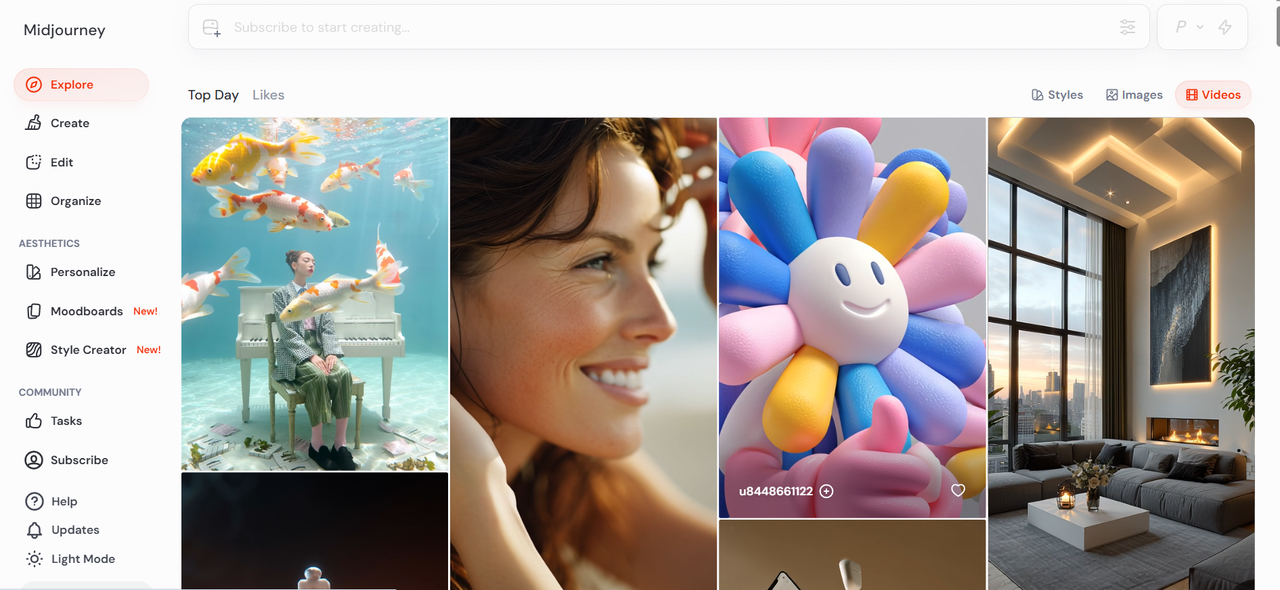
Midjourney is one of the most popular AI image generators known for producing stunning, artistic, and highly detailed visuals. It stands out for its ability to create images with strong aesthetics, making it a favorite among designers, artists, and creative professionals. Unlike many tools, Midjourney originally operated through Discord, but now also offers a web interface, making it more accessible while still maintaining its powerful generation capabilities.
Key features
- V7 neural engine: The latest iteration of their proprietary model, capable of rendering hyper-realistic textures, complex lighting, and advanced spatial awareness that rivals professional photography.
- Aesthetic personalization: A unique feature that learns your specific artistic style over time, allowing the AI to prioritize the colors, compositions, and "vibes" you prefer in every new generation.
- Web Alpha interface: While traditionally hosted on Discord, Midjourney now offers a high-performance web dashboard for a more streamlined, professional browsing and creation experience.
- Character and style reference: Powerful "Character Reference" (--cref) and "Style Reference" (--sref) parameters that allow you to maintain incredible consistency across an entire series of images.
Pros
- Granular output customization: Offers immense control over the final style through advanced parameters, making it a favorite for professional artists and digital designers.
- Vibrant creative community: Access to a massive Discord community and public gallery provides endless inspiration, support, and a wealth of proven prompt engineering examples.
- Rapid prototyping speed: This allows for incredibly quick iteration, enabling creators to generate multiple high-quality concepts in seconds.
- Unmatched artistic output: Widely regarded as having the highest "out-of-the-box" quality, requiring fewer prompts to achieve a professional, gallery-ready look.
Cons
- No free plan: Unlike many alternatives, Midjourney requires a monthly subscription to generate images, which can be a barrier for casual users.
- Initially confusing workflow: The traditional Discord-based usage and command-heavy interface can be intimidating for those used to standard web apps.
Craiyon
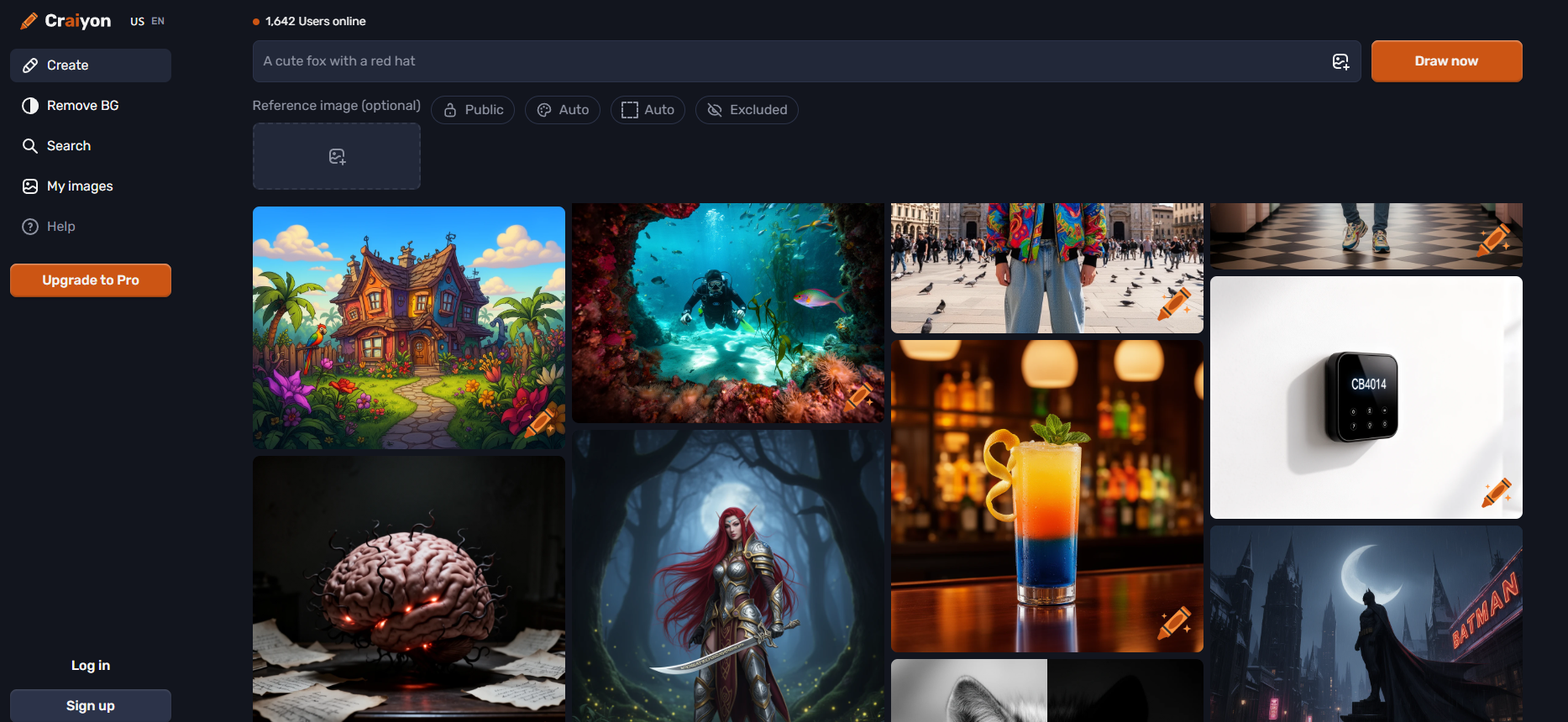
Formerly known as DALL-E Mini, Craiyon has carved out a niche as the most accessible entry point into AI art. It prioritizes speed and simplicity over hyper-realism, making it the go-to tool for users who want to experiment without the friction of sign-ups or credit limits. In 2026, it remains a favorite for educators, casual creators, and teams in the rapid ideation phase.
Key features
- Infinite generations: Unlike almost every other tool, Craiyon allows for truly unlimited image sets without a hidden credit system or daily cap.
- 9-grid output: Every prompt generates nine different variations simultaneously, providing a broad range of perspectives on a single idea in under a minute.
- Negative prompting: Includes a "Negative Words" field to specify exactly what you don't want to see in your images (e.g., "no hats," "no blur").
- Style presets: Simple one-click buttons to toggle between "Art," "Drawing," "Photo," and "None" to quickly steer the AI's aesthetic.
Pros
- No sign-up required: You can start creating immediately from your browser without creating an account or providing an email address.
- Completely free access: The web-based version is ad-supported, ensuring that high-level creative tools remain free for everyone regardless of budget.
- Instant brainstorming: The 9-grid format is unparalleled for "vibe checking" an idea and seeing multiple interpretations at a single glance.
- Minimalist interface: One of the cleanest dashboards in the industry, focused entirely on the prompt box and the "Draw" button.
Cons
- Ad-heavy experience: To keep the tool free, the website features multiple ad placements that can be distracting during the creative process.
- Variable image quality: It generally struggles with fine anatomical details like faces and fingers, which can sometimes appear "melted" or distorted.
Ideogram
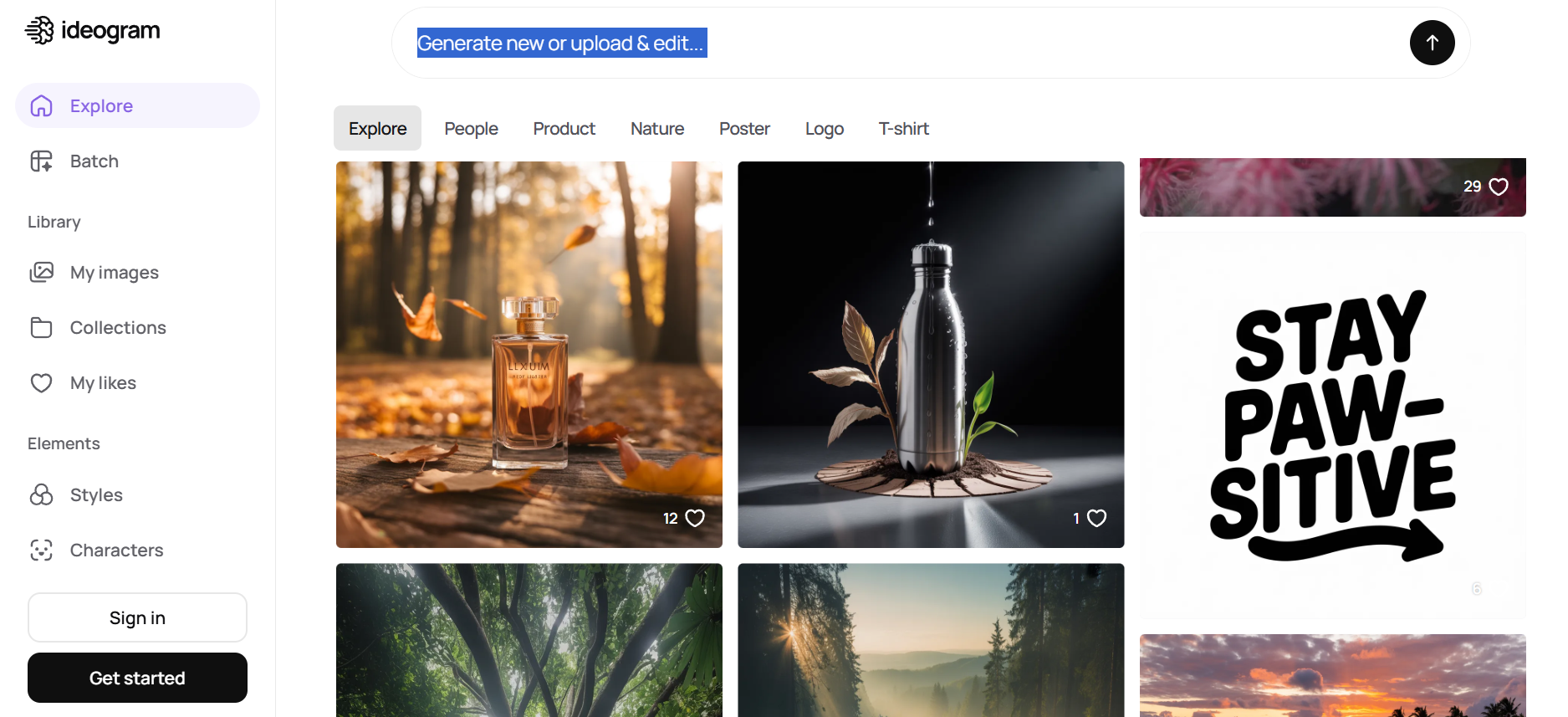
While many AI tools struggle with text, Ideogram has carved out a specialized niche as the industry leader in rendering accurate, beautiful typography. In 2026, it remains the top choice for graphic designers, small business owners, and social media managers who need to create posters, logos, and apparel designs where the written word is just as important as the image.
Key features
- Ideogram 2.0 Engine: A state-of-the-art model that delivers unmatched accuracy in rendering complex text, from single-word logos to full sentences.
- Magic prompt: An intelligent assistant that expands your simple ideas into rich, descriptive prompts to ensure the AI captures the exact style you're looking for.
- Color palette control: Allows you to specify exact hex codes or choose from curated palettes to maintain strict brand consistency.
- Canvas editor: A built-in suite for localized editing, allowing you to tweak specific parts of an image or regenerate text without starting over.
Pros
- Flawless text rendering: Effectively solves the "AI gibberish" problem, making it reliable for professional sign-making and graphic design.
- Graphic design oriented: Specifically tuned for logos, T-shirt prints, and posters rather than just artistic landscapes or portraits.
- Intuitive web interface: A modern, sleek browser-based experience that feels more like a design tool than a technical AI experiment.
- Community-driven inspiration: The "Explore" feed acts as a living textbook for prompt engineering and design trends.
Cons
- Daily credit limits: The free tier is restricted to a set number of generations per day, which can be limiting for intensive brainstorming sessions.
- Privacy paywall: Your generated images are public unless you subscribe to a higher-tier "Plus" or "Pro" plan for private mode.
Wrapping Up
PicLumen AI stands out in 2026 as a premier, accessible solution for high-quality image generation and intuitive editing. While it’s great for beginners and quick content creation, it lacks the precision and consistency of advanced platforms. Alternatives like Leonardo.AI, Midjourney, and Ideogram each serve specific strengths—from control to aesthetics to text rendering. Among them, Framia Pro offers unmatched competence. By combining cinematic video, synchronized audio, and character consistency on a conversational canvas, it serves as a superior all-in-one alternative.
FAQs
- Is PicLumen AI free to use?
Yes, PicLumen AI image generator offers a robust free plan featuring 10 daily "Fast" Lumens for quick generations. Once these are exhausted, users can continue creating unlimited images in "Relax Mode," though generation times may be longer during peak traffic hours.
- Is PicLumen free for commercial use?
Yes, PicLumen is free for commercial use. Its Basic (Free) plan includes a commercial license, allowing you to use your self-generated images for business purposes. However, you cannot commercially use public images created by other users in the gallery.
- Is there a mobile app for PicLumen?
Yes, PicLumen has a mobile app available for both iOS and Android. The app enables you to generate and edit AI art on the go. The mobile experience syncs with your web account, ensuring your history and credits are accessible across devices.
- How can I write better PicLumen prompts?
Use detailed descriptions, including style, lighting, subject, and mood. Avoid vague prompts and experiment with variations. Adding references like "cinematic lighting" or "4K realism" can significantly improve the quality of generated outputs.
- Is PicLumen suitable for professional designers?
PicLumen is useful for quick ideas, drafts, and basic content creation, but professional designers may find it limiting due to inconsistent results and a lack of advanced controls. For more reliable outputs, better control, and production-ready workflows, tools like Framia Pro are a stronger choice.





