
OpenAI just pulled the plug on Sora (its viral AI video generator) with no warning and no firm timeline. Naturally, you will now look for the best Sora alternatives to continue your AI video creation projects. In this guide, we break down exactly what happened, what made Sora 2 worth the hype, and, more importantly, which tools are ready to replace it right now.
What is Sora? Key capabilities & model info
OpenAI's Sora is a text-to-video AI model that generates short video clips from written prompts, images, or audio, and it is the most technically impressive video generation tool the world has ever seen. It first appeared in 2024 and later evolved into Sora 2. The technology behind Sora is an adaptation of the technology behind DALL-E 3; according to OpenAI, Sora is a diffusion transformer, which is a denoising latent diffusion model with a transformer as its denoiser. It starts with random visual noise and gradually refines it into a full video while following the meaning of the prompt. Instead of generating pixels directly, it works in a compressed "latent space," which allows it to handle motion, timing, and scene structure very well.
Key features of Sora 2
Sora 2 came out in September 2025 and was a big upgrade in almost every way, with better motion, better sound, and a much sharper eye for how the real world actually works.
Here is what it could actually do:
- Hyperrealistic text-to-video generation with cinematic motion
Sora 2 converts written instructions into full video scenes. You can describe environments, characters, camera angles, and actions, and the model builds a sequence that matches that description. It can produce clips up to about one minute with multiple subjects, detailed backgrounds, and coordinated motion.
- Physics-accurate world simulation
Most AI video tools ignore real-world physics, but Sora 2 handles motion in a more realistic way. When a basketball misses the hoop, it hits the backboard and bounces off instead of going in. Objects fall with proper timing, water moves in a natural flow, and human movement follows believable patterns. This level of physical behavior sets it apart from many earlier tools.
- Native synchronized audio generation
Sora 2 generates both video and sound at the same time. It produces background noise, dialogue, and sound effects that match what is happening on screen. The audio stays aligned with the visuals, so there is no need to edit or add sound separately.
- Multi-shot controllability & instruction following
Sora 2 turns still images into moving scenes by adding motion and camera movement while keeping the original structure intact. It also extends existing video clips by continuing the scene from the last frame. The model keeps characters, lighting, and environments consistent, which maintains continuity in different shots.
- Video resolution & output specs
According to official Sora specifications, ChatGPT Plus supports a maximum of 5 seconds at 720p or 10 seconds at 480p, while ChatGPT Pro supports a maximum of 20 seconds at 1080p. Also, Sora 2 offers the longest video duration among its main competitors at 20 seconds, combined with superior physics accuracy and seamless ChatGPT integration at the most accessible price point for individual creators and small teams. All outputs included a visible moving watermark and embedded C2PA metadata by default
- Characters (cameos) feature
One feature, called Cameos, lets you record a short video and audio clip of yourself. Sora then places your likeness into different scenes, allowing you to appear in various settings without extra equipment or editing tools.
What happened to Sora 2?
OpenAI confirmed the sudden shutdown of Sora, its AI video generation platform, through a short post on X, without sharing a clear reason or timeline. The update surprised many in the industry, as it came only three months after a major $1 billion, three-year licensing deal with The Walt Disney Company. The post simply stated, "We're saying goodbye to Sora" and left key details unclear.
At the same time, video generation features tied to ChatGPT are also expected to be removed. However, no official dates have been shared for the API shutdown or how user data will be handled.
With no shutdown date confirmed, creators are left in a dangerous grey zone since API access could go dark with little warning, and any videos, projects, or workflows built around Sora need an immediate backup plan.
This means you cannot wait around and see what the future holds. Instead, look for the best tools that could replace the platform, so you can continue creating videos, testing ideas, and staying consistent with your content without any interruption.
Why Sora crashed & burned?
Sora entered the scene with strong hype, promising realistic AI-generated videos from simple prompts. Early demos caught attention, but real use exposed gaps that slowed adoption.
$15M/Day compute bill
OpenAI reportedly burned up to $15 million per day on inference costs to keep Sora running. The head of Sora publicly admitted, "The economics are completely unsustainable." The platform was largely free to start, making monetization a structural impossibility.
Copyright issues
Sora 2's opt-out IP model required rights holders to proactively flag their content. Japanese studio group CODA (including Studio Ghibli) demanded that OpenAI stop using their works. Spain proposed fines of up to €35M for AI-generated content violations. Every viral clip became a legal liability.
Deepfakes & AI slop
The platform generated a wave of deepfakes, non-consensual imagery, and surreal videos of public figures. OpenAI was forced to restrict likenesses of Martin Luther King Jr., Michael Jackson, and others after complaints from estates and SAG-AFTRA.
Refocuses on AGI & enterprise
OpenAI is reallocating compute toward AGI and robotics areas where Sora's physics modeling is more valuable than media generation. The company is also building a ChatGPT + Codex + Atlas "superapp" to compete with Anthropic's growing enterprise dominance.
How did I test Sora alternatives before listing here?
Before choosing a Sora 2 replacement, I didn't rely on demos or marketing claims when reviewing these tools. I focused on how each one performs in real use, based on what you actually need when creating videos.
- Ease of Access: I checked how quickly I could sign up and start creating, without invites or long wait times.
- Video Quality: I tested how realistic the motion looked, how smooth the scenes felt, and how well the tool handled camera movement.
- Prompt Accuracy: I looked at how closely the output matched what I described, especially with detailed instructions.
- Consistency: I even paid attention to whether characters, lighting, and scenes stayed stable across multiple shots.
- Audio Support: I tested whether the tool generated sound with the video and how well it matched the visuals.
- Pricing Clarity: I also reviewed how simple the pricing was, and whether credits or limits made sense during actual use.
This helped me find Sora alternatives that don't just look good in demos but actually work when you sit down and create something real.
7 Best alternatives to Sora
Sora is almost gone, but the good news is the alternatives have never been better. However, the right Sora 2 alternative depends on how you create, edit, and publish videos. Some tools focus on realism, while others focus on speed, control, or flexibility.
| Tool | Key Features | Output | Audio | Best For | Ease of Use |
| Google Veo 3.1 | Frames-to-Video, Scene extension, Insert/Remove editing | 1080p (4K via API) | Yes | Professional video generation, complex prompts | Medium |
| Runway (Gen-3 / Gen-4) | Act-One animation, Advanced camera controls | 24fps | No | Character animation, creative video projects | Medium |
| Seedance 2.0 | Physics-aware motion, Multi-shot storytelling | High-quality | Yes | Storytelling, consistent character motion | Medium |
| Kling AI | 4K/HDR output, Multi-modal editor, Long-form prompt support | Up to 4K | Yes | Action scenes, high-quality cinematic clips | Medium |
| Stability AI (Stable Video Diffusion) | Motion strength control, Adjustable FPS, Local deployment | Up to 1024x576 | No | Developers, custom setups, open-source projects | Low |
| Wan 2.6 | Reference-to-Video, Smart Multi-Shot, Dual-model architecture | 1080p, 24fps | Yes | Multi-shot storytelling, character replication | Medium |
| Luma AI | Text-to-Video generation, Cinematic quality, Shareable outputs | Short cinematic clips | Yes | Quick social content, ads, demos | High |
Google Veo 3.1
Google's Veo 3.1 launched in October 2025 and quickly became the most talked-about Sora replacement on the market. It generates videos up to 1080p (and up to 4K through the API) with audio already integrated, so what you get out of the box is a complete video with sound. Veo 3.1 supports both 16:9 landscape and 9:16 vertical formats. This Sora alternative lives inside Google's Flow platform and the Gemini app, so if you already use Google tools, the learning curve is almost zero.
Key features
- Built-in audio: Generated video comes with synchronized sound, such as ambient audio, dialogue, and sound effects, matched to what's happening on screen.
- Frames to Video: You provide a starting image and an ending image, and Veo 3.1 figures out all the motion in between.
- Scene extension: The API supports extending clips by 7 seconds at a time, up to 20 times, which means a single sequence can run up to around 148 seconds total.
- Ingredients to Video: Upload up to four reference images (a character portrait, a profile shot, a full-body shot), and Veo locks in that identity so your character looks the same throughout the whole video.
- Insert and Remove editing: Add objects or characters into an existing scene, or remove unwanted things and fill in the background, while keeping lighting and shadows consistent.
Pros
- Strong storytelling capability.
- Handles complex prompts well.
- High-quality visual output.
- Suitable for professional use.
Cons
- Limited public access.
- Slower generation time.
Runway AI
Runway AI has been around longer than most AI video tools, and it shows that the platform is genuinely built for people who take video seriously. Gen-3 takes a major leap forward in motion realism, frame consistency, and temporal control. This Sora alternative produces video clips that maintain sharp detail, fluid movement, and lighting across every frame. Gen-4, the newer model, focuses specifically on keeping characters and environments consistent when you feed it a reference image. It outputs at 24fps and supports multiple aspect ratios.
Key features
- Act-one character animation: Record a driving video of yourself performing, and Act-One maps your facial expressions, lip movements, and gestures onto any character.
- Advanced camera controls: Define precise camera paths, control the speed and direction of movement, and create looping videos.
- Video‑to‑video editing: Use an existing clip as input and transform its look or motion based on prompts.
- Reference control: You can provide an image as a reference frame to influence identity, layout, and movement.
Pros
- Strong style consistency across generations.
- Strong editing toolkit.
- Works with both text prompts and image guidance.
- Works well for short videos.
Cons
- Paid plans required for full access.
- Output duration is usually short (single‑shot).
Seedance 2.0
Seedance 2.0 is ByteDance's newest AI video model, which is designed around one core idea: give creators director-level control without requiring director-level expertise. The model accepts up to 12 reference inputs at once and creates a video scene from all of them at the same time. It has quickly earned a reputation for keeping characters looking the same from shot to shot, which has historically been one of the hardest problems in AI video. Early testing by creators suggests it rivals, and in some scenes beats, what Sora 2 was producing.
Key features
- Native audio-video sync: Dialogue, ambient sound, and sound effects are generated at the same time as the visuals. Lip sync is accurate, and the scene rhythm feels natural.
- Multi-shot storytelling: A single prompt can produce a full sequence with multiple camera angles.
- Consistent character identity: Keeps the character's look the same in every shot.
- Precise motion & camera control: Follows detailed instructions for how movement and camera behavior should appear in a scene.
Pros
- Great for storytelling content.
- Stable character output.
- Clean scene transitions.
- Easy prompt handling.
- Impressive cinematic output.
Cons
- Access is currently limited and primarily through ByteDance's own platforms.
- Less documentation and community support.
Kling AI
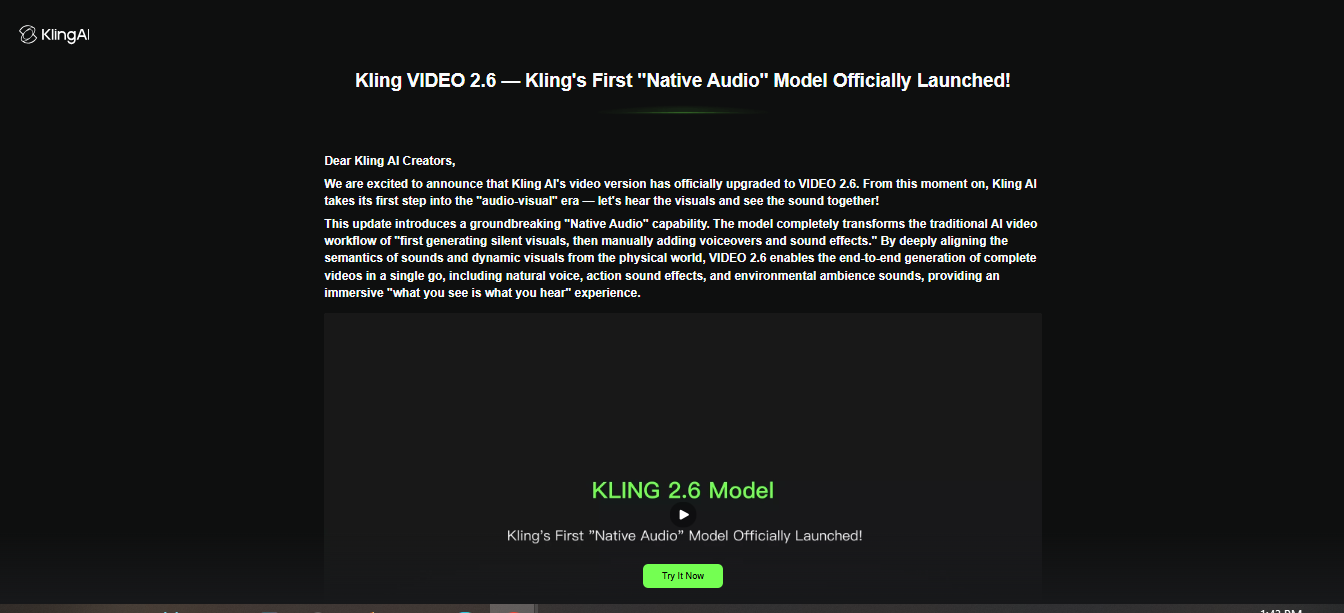
Kling AI uses a diffusion-based transformer architecture with a self-developed 3D variational autoencoder that handles spatiotemporal compression. This helps it capture complex motion and fast scene changes more accurately than models without it. The latest release, Kling 3.0, launched in Feb 2026 and brought native 4K support, a fully integrated audio pipeline, and a multi-modal editor that combines all your inputs in one place.
Key features
- Simultaneous audio-visual generation: Kling generates visuals, natural voiceovers, sound effects, and ambient atmosphere in a single pass.
- Text & image input support: You can start from words alone or supply a reference image for motion and sound output.
- 3D‑aware motion: The spatio‑temporal engine gives smoother camera movement and consistent object motion.
- 1080p Output: Clips up to 1080p resolution for short video.
Pros
- 40% faster generation times (Kling 2.5 Turbo).
- Very realistic motion output.
- Strong visual accuracy.
- Good for action scenes.
Cons
- Primarily short clips (5–10 seconds).
- Audio quality and lip‑sync aren't perfect in every case.
Stability AI (Stable Video Diffusion)
Stable Video Diffusion by Stability AI is the best free Sora alternative that takes a still image as a conditioning frame and generates short video clips from it. What makes it different from every other tool on this list is that it's fully open source. This means you can download the model weights, run it on your own hardware, and modify it however you want. This Sora alternative for free offers motion strength control and supports multiple resolutions.
Key features
- Motion strength control: Adjust how much or how little things move in the generated clip.
- Adjustable frame rate: Output supports frame rates between 3 and 30fps for slow, stylistic movement or natural motion.
- SV4D - 4D video generation: Stable Video 4D 2.0 generates video from multiple camera angles simultaneously
- Local deployment: Run everything on your own machine or server, without sending any data to external APIs.
Pros
- Completely free if you run it yourself.
- Best option for developers building their own video tools.
- No content restrictions when self-hosted.
- Huge open-source community constantly improving the model.
- Privacy-friendly; your data stays on your machine.
Cons
- Doesn't yet handle long narratives or refined character motion.
- Requires technical setup; not beginner-friendly at all.
Wan 2.6
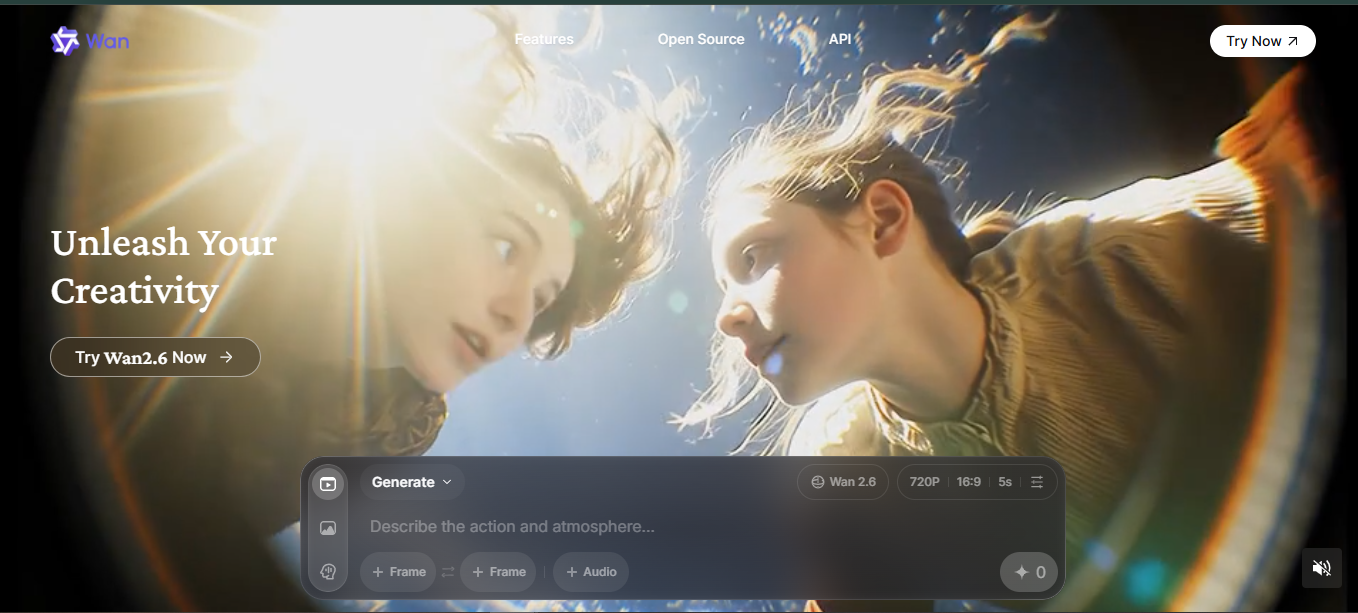
Wan 2.6 is Alibaba's open-source video model, and it has become one of the most capable tools in the space. Alibaba released Wan 2.6 in December 2025 with the ability to insert real people into AI-generated scenes using their own appearance and voice. This Sora AI free alternative supports 15-second HD output at 1080p and 24fps and handles Chinese and English prompts equally well.
Key features
- Reference-to-video (R2V): Upload a character reference video with both appearance and voice, then generate entirely new scenes starring that same character.
- Smart multi-shot mode: Write a long narrative prompt, and the model automatically breaks it into individual shots with appropriate transitions, camera angles, and pacing.
- Native audio sync: This Sora AI alternative automatically distributes visual segments based on uploaded audio duration and rhythm
- Fewer content guardrails: Wan 2.6 applies far fewer prompt restrictions than other tools.
Pros
- Excellent multi-shot storytelling out of the box.
- Handles story sequences with consistent characters.
- Native audio becomes part of the output.
- Wide input modes (text, image, video reference).
- Lower cost than commercial alternatives at scale.
Cons
- Interface varies depending on which platform you access it through.
- Official documentation is primarily in Chinese.
While individual Sora alternatives each shine in their lane, creators migrating from Sora need more than a single-model swap. They need a unified workspace. That's where Framia Pro comes in.
Luma AI
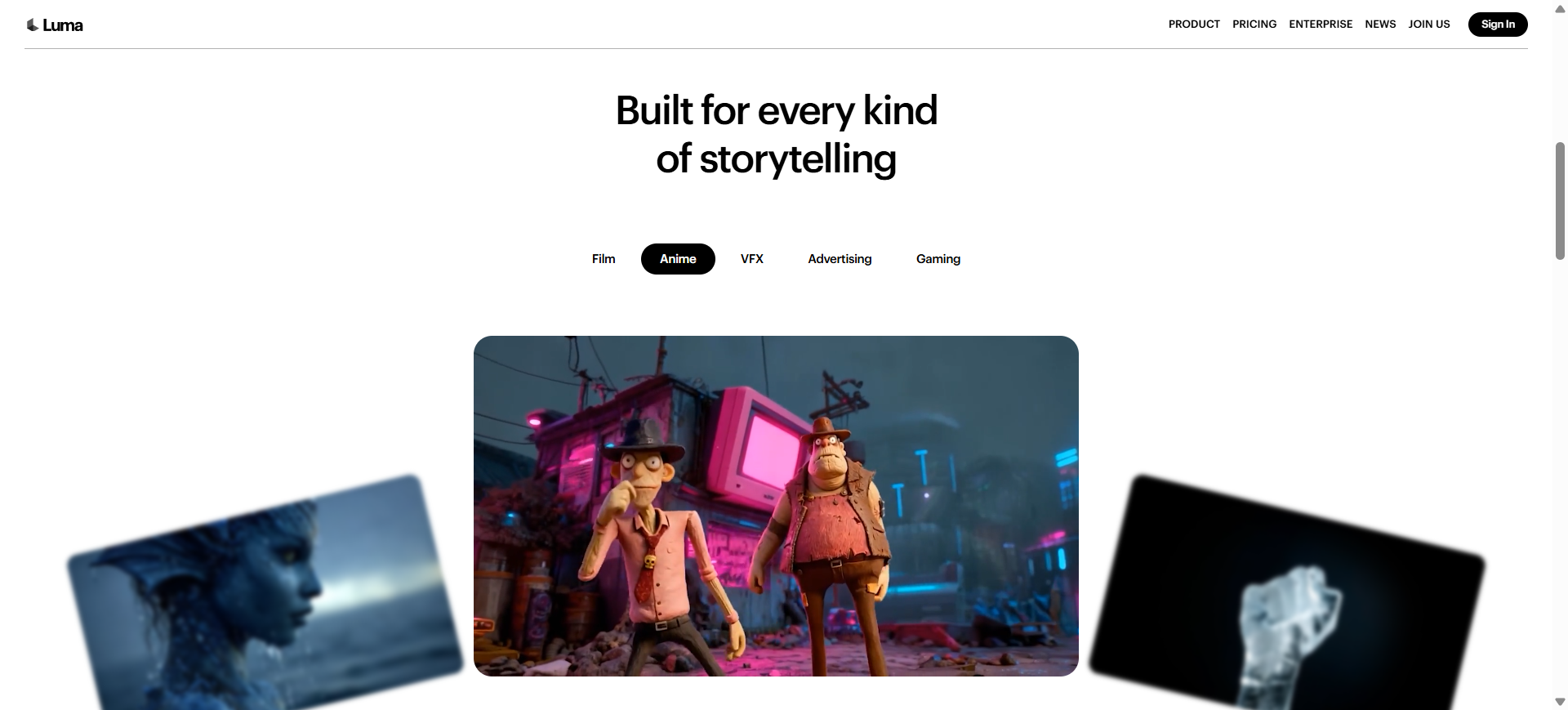
Luma AI offers an AI video generation platform that turns text descriptions or images into short cinematic video clips. It uses neural rendering and advanced visual models to produce motion, lighting, and camera effects automatically. It produces short, high‑quality clips ideal for social content, ads, or demos, and lets you customize styles, resolution, and visual effects via simple prompt inputs.
Key features
- Text‑to‑video generation: The tool emphasizes photorealistic rendering, scene reconstruction, and easy text‑to‑video workflows.
- Cinematic quality: Built‑in camera motion, lighting, and visual transitions give outputs a professional look.
- Fast production: Videos render quickly, helping creators make content at scale.
- ShareableoOutputs: Generated clips can be saved and shared directly to social platforms.
Pros
- Produces lifelike, cinematic clips from text prompts.
- No hardware or equipment needed to create videos.
- Simple and intuitive interface for quick output.
- Supports both text and image‑based video generation.
Cons
- Clip length tends to be short (limited to a few seconds).
- Generations sometimes require multiple attempts for best results.
Introducing Framia Pro - An all-in-one creative solution
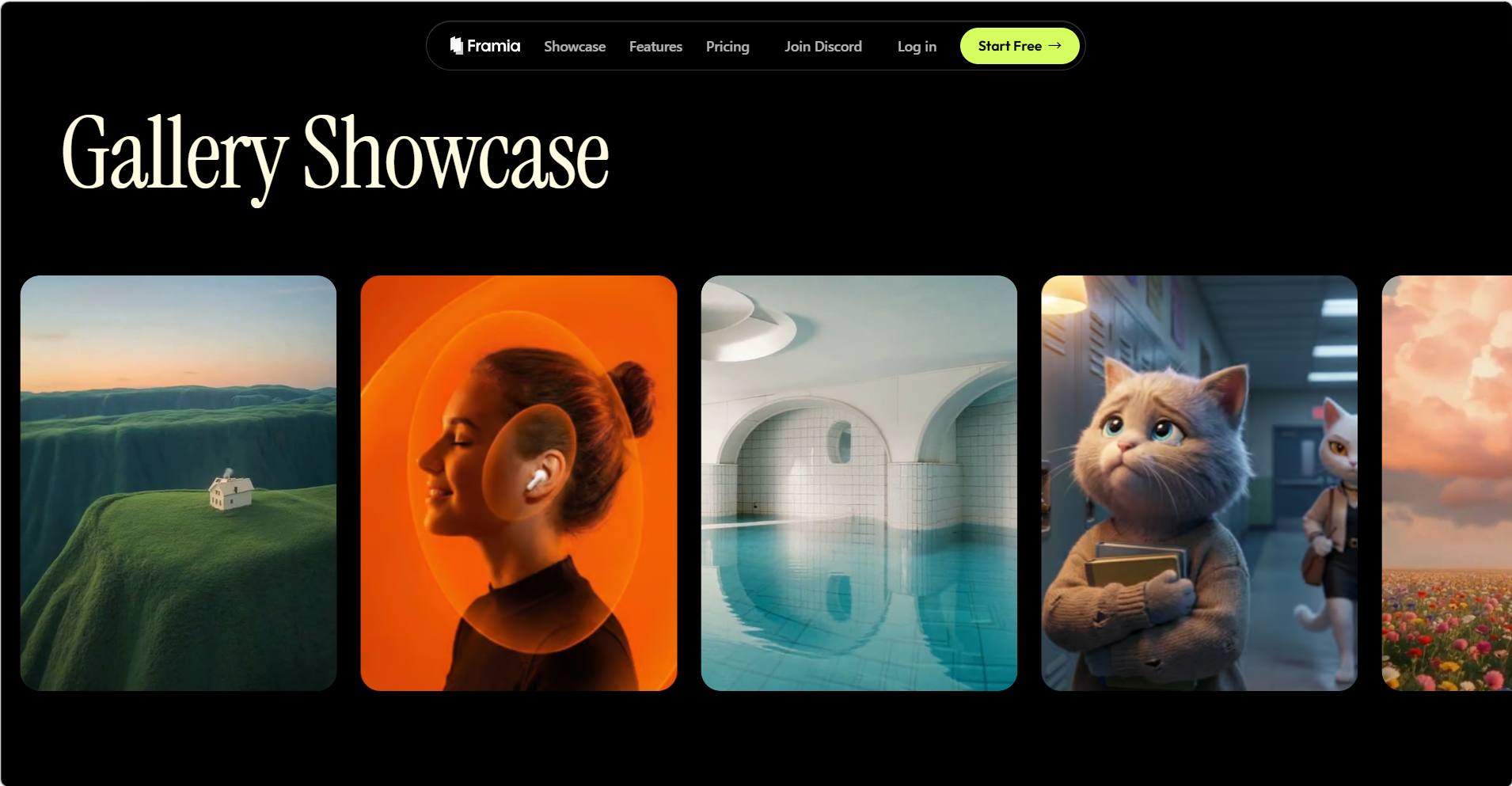
Framia Pro lets you handle video generation, editing, sound, and design all in a single workspace. It acts like an intelligent, creative agent that connects with top models.
You get a unified workspace where you can switch between generating ideas, refining animated scenes, and creating full stories without moving to another app. This agent understands your instructions and can adjust content on the fly, whether you want to tweak movement, change camera angles, or improve timing. It makes video creation feel more like a conversation than a technical maze.
Key features of Framia Pro
- Top models under one plan
Rather than subscribing to multiple services for different styles or models, Framia Pro gives you access to over 20 up‑to‑date video AI models on a single subscription. You can choose between Veo 3.1, Kling 3.0, Seedance 2.0, or Wan 2.6. That means you can test and pick the best model for your project without switching tools.
- Intelligent canvas for asset creation
The Intelligent Canvas is a workspace where you can edit any asset. You can directly point at areas that need changes, and the system will adjust them based on your instructions. This lets you refine your videos quickly without needing a separate editing timeline or external tools.
- Expert video agents
Framia Pro includes specialized AI agents for different video needs. There's a Shorts Agent for quick short clips for social reels and simple explainers, and a Movie Agent for more cinematic scenes with emotional beats.
- Storyboard editor
The Storyboard Editor is a visual timeline where you can arrange clips, refine shots, and sync audio. You can regenerate individual shots or ask the agent to edit sequences instead of starting from scratch.
- Edit video with chat
If part of an AI video has a glitch or unwanted motion, you can simply tell the system to fix it through chat. There's no need to redo the entire generation or edit manually frame by frame. The agent uses your instructions to adjust only the chosen section.
- Upscale videos to 4K resolution
The Storyboard Editor is a visual timeline where you can arrange clips, refine shots, and sync audio. You can regenerate individual shots or ask the agent to edit sequences instead of starting from scratch.
Conclusion
Sora set the way for realistic AI video creation, but its closure highlights the need for next-generation tools. Many Sora alternatives now offer strong capabilities in motion, audio, and character consistency. Framia Pro stands out by bringing video creation, editing, and design together in a single platform. It gives creators everything they need to produce professional content with ease.
FAQs
- What is the top Sora 2 alternative?
The best Sora 2 alternatives are Veo 3.1, Runway AI, and Kling 3.0. Framia Pro stands out by giving access to multiple up‑to‑date models and intelligent video tools under one plan.
- Can I use Sora alternatives for professional work?
Yes, many Sora alternatives are suitable for professional use, offering refined motion, higher resolution, and broader export options than early‑stage tools. Framia Pro supports cinematic video agents, chat-based editing, and a Storyboard editor, which makes it friendly for both ad creators and narrative producers.
- Which Sora AI alternative has the best editing features?
Different Sora AI alternatives mix editing tools with generation to varying degrees. Some focus mainly on output, while others add trimming, transitions, or effects layers. Framia Pro integrates a storyboard editor with intelligent assistance, so you can arrange clips, refine timing, and sync audio all inside one system.
- Is there a Sora AI free alternative?
Stability AI and Wan 2.6 are the free Sora alternatives that you can use to generate videos. You can also access different AI video models for free on Framia Pro using the available credits.
- What is the latest OpenAI Sora news?
OpenAI Sora news includes OpenAI announcing the end of the Sora platform, removing video features from ChatGPT, and redirecting focus to integrated AI workflows. Framia Pro is positioned as a strong all‑in‑one creative solution that fills the void left by Sora's exit.





