
Businesses today use workflow automation tools to streamline operations, automate repetitive tasks, and improve team productivity faster than ever. From AI-powered content workflows to operational automation, modern platforms help teams save time, reduce manual work, and scale efficiently.
AI workflow automation software is now much more advanced than just being able to integrate tasks in 2026. Companies can use AI agents, multimodal content generation, workflow orchestration, and an intelligent automation system in one package through platforms like Framia Pro. Such software solutions, together with Zapier, Make, n8n, and Workato, will enable businesses to automate processes.
What are workflow automation tools?
Workflow automation tools are software solutions that allow companies to automate their processes and optimize workflow performance. Such solutions link applications and workflows in order to make employees' work easier and more efficient. Modern AI workflow automation solutions leverage artificial intelligence for automating approvals, content creation, customer communication, data processing, and business operations. There is a variety of workflow automation solutions available on the market, from no-code workflow building tools to enterprise workflow automation solutions.
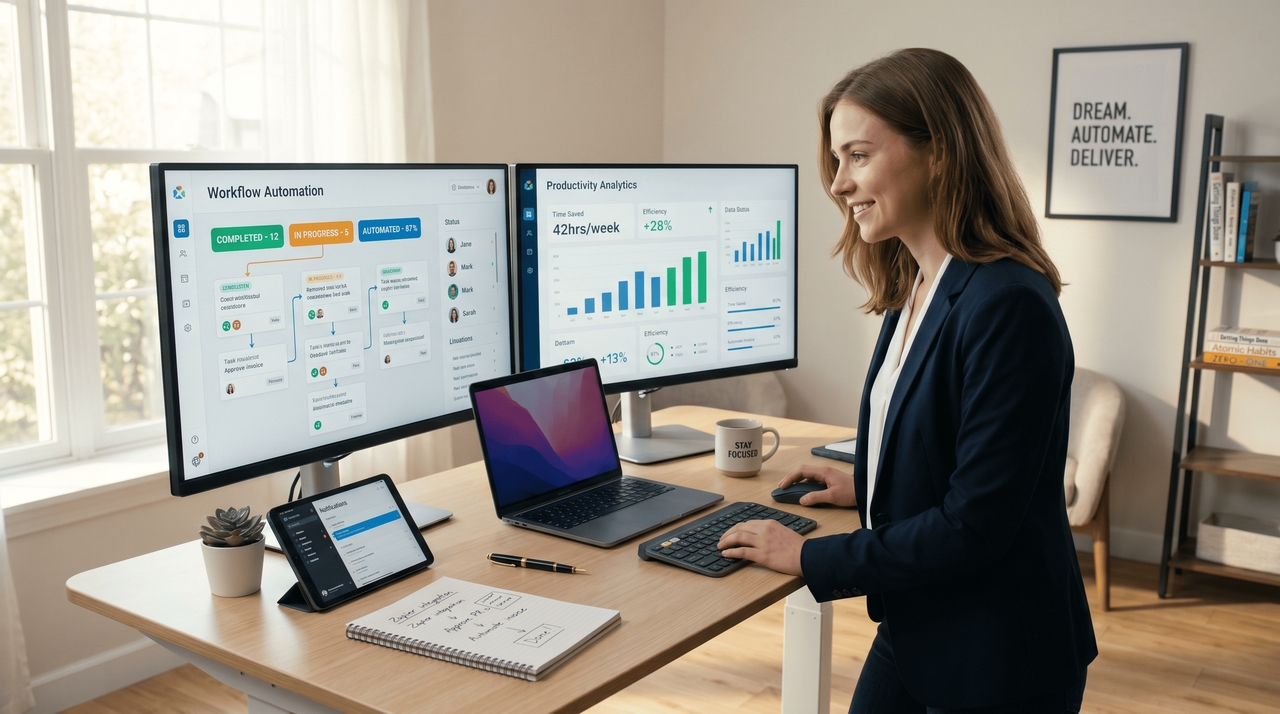
Benefits of AI workflow automation tools for businesses
AI workflow automation tools help businesses automate operations, improve productivity, and streamline repetitive workflows efficiently.
- Increased productivity and time savings: AI workflow automation tools automate repetitive tasks, reduce manual workload, and help teams complete operational processes faster, improving productivity while allowing employees to focus on strategic business activities.
- Faster business process management: Workflow automation tools can speed up approvals, communications, reporting, and task management through intelligent automation technologies that can increase workflow efficiency.
- Reduced errors and improved accuracy: Automated workflows reduce human error through the standardization of repeatable tasks, increasing data accuracy and consistency while minimizing the risk in workflow processes.
- Better collaboration and workflow visibility: The AI-driven workflow automation system improves team collaboration through dashboard management, automated notification, workflow sharing, and visibility that makes workflow management easy.
- Scalable automation for business growth: Companies can easily scale their operations with workflow automation systems that deal with high-volume workflows, automate repetitive tasks, and cope with growing operational requirements.
10 best workflow automation tools in 2026
AI workflow automation tools help businesses automate repetitive tasks, improve productivity, and streamline operations faster.
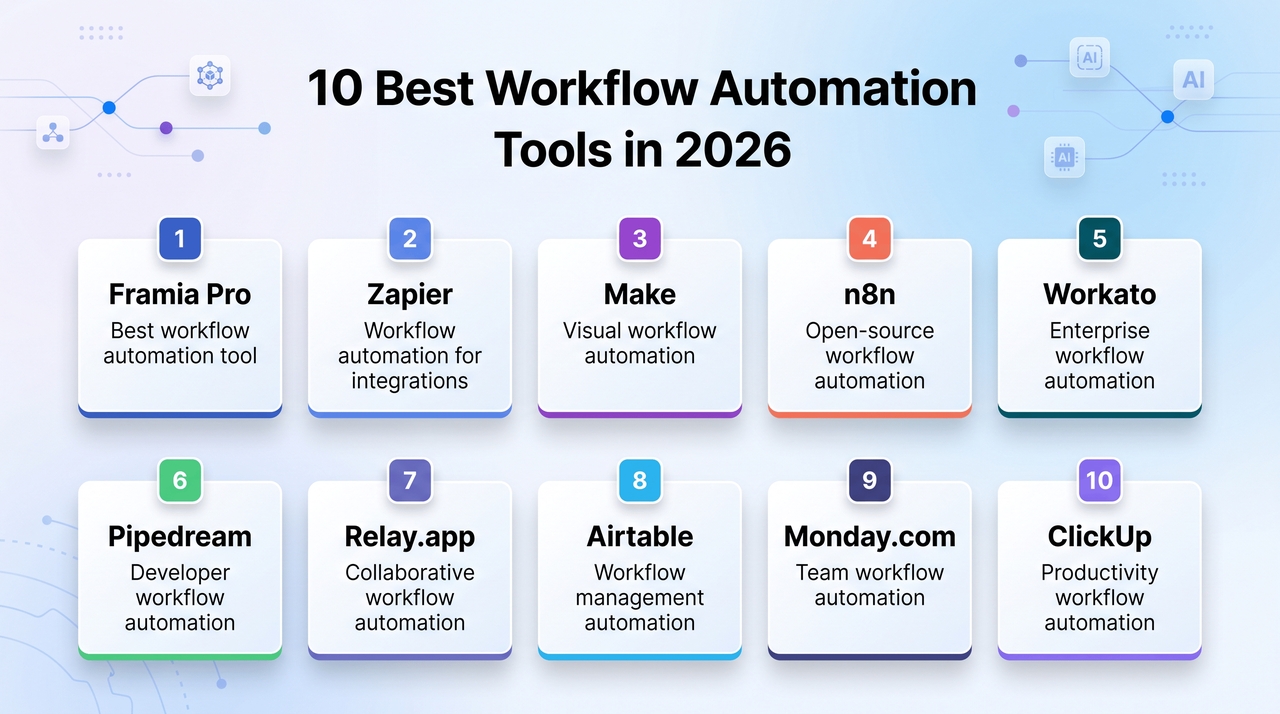
- Framia Pro: Best workflow automation tool
Framia Pro is emerging as one of the most innovative workflow automation tools in 2026 because it combines AI workflow automation, AI agents, multimodal content generation, and creative production pipelines inside one unified ecosystem. Unlike traditional automation tools that focus only on app integrations, Framia Pro automates entire creative and operational workflows using intelligent AI agents. The platform supports AI image generation models like Seedream 5.0, advanced video generation models such as Sora 2 / Sora 2 Pro, AI music generation, faceless content creation, and collaborative production workflows.
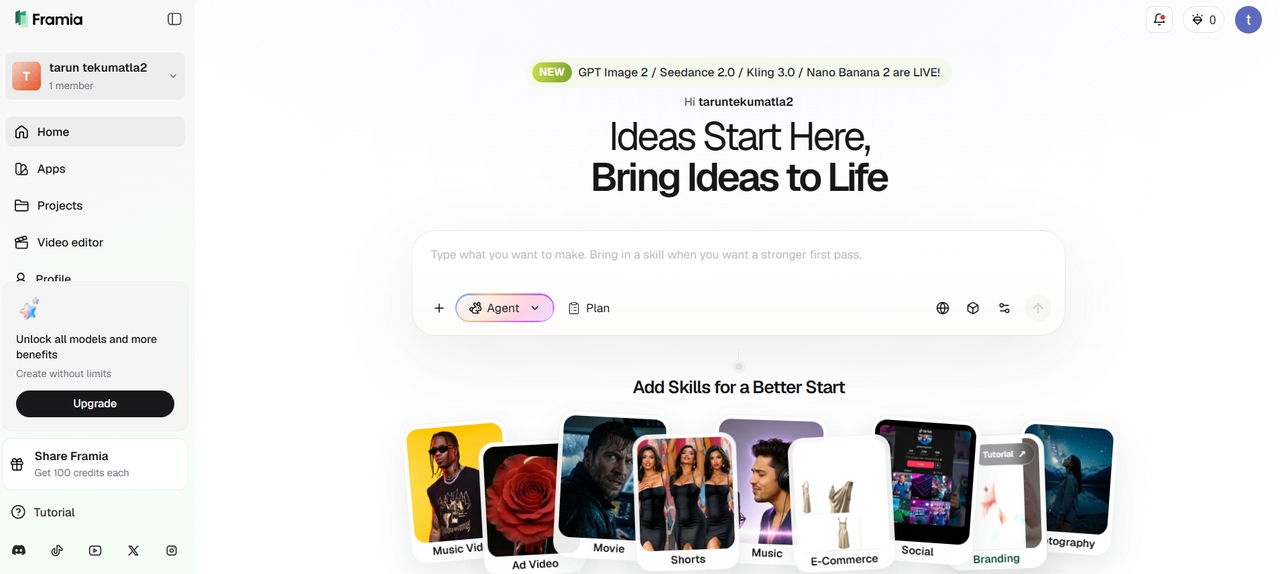
Key features
- AI workflow agents: Automate repetitive creative and operational workflows using intelligent AI agents that improve productivity and reduce manual work.
- Multimodal AI automation: Generates videos, images, scripts, and audio inside connected workflows for streamlined AI content production systems.
- No-code workflow builder: Helps teams create advanced workflow automations visually without requiring coding or technical expertise.
- Automated publishing workflows: Simplify scheduling, approvals, editing, and publishing across multiple digital content platforms efficiently.
- Collaborative workflow management: Enables teams to manage AI projects together with centralized workflow and asset organization tools.
- Scalable automation infrastructure: Supports high-volume workflow automation for agencies, enterprises, and growing AI content operations.
Why Framia Pro is the best workflow automation tool
Framia Pro stands out because it is designed as a complete AI operating system rather than a simple automation utility. The platform focuses on multimodal AI workflows like Hailuo 2.3 where users can automate images, videos, audio, storytelling, editing, and publishing from a single interface.
The AI agents from its platform greatly decrease the need for manual production tasks while still ensuring creative consistency throughout the process. Organizations, marketers, creators, and agencies alike can expand their production efforts without complicating operations.
Best for: Content creators, agencies, marketing teams, and businesses that manage AI-powered creative workflows.
- Zapier: Workflow automation tool for integrations
Zapier is among the most popular workflow automation platforms for companies that seek to integrate applications and automate processes without using any code. It integrates a vast number of integrations into categories such as CRMs, marketing, productivity, and communication. Due to its easy-to-use interface and intelligent automation capabilities, Zapier helps teams achieve process optimization faster. This tool is particularly beneficial to startups and small companies due to its rapid deployment capabilities and cloud-based systems.
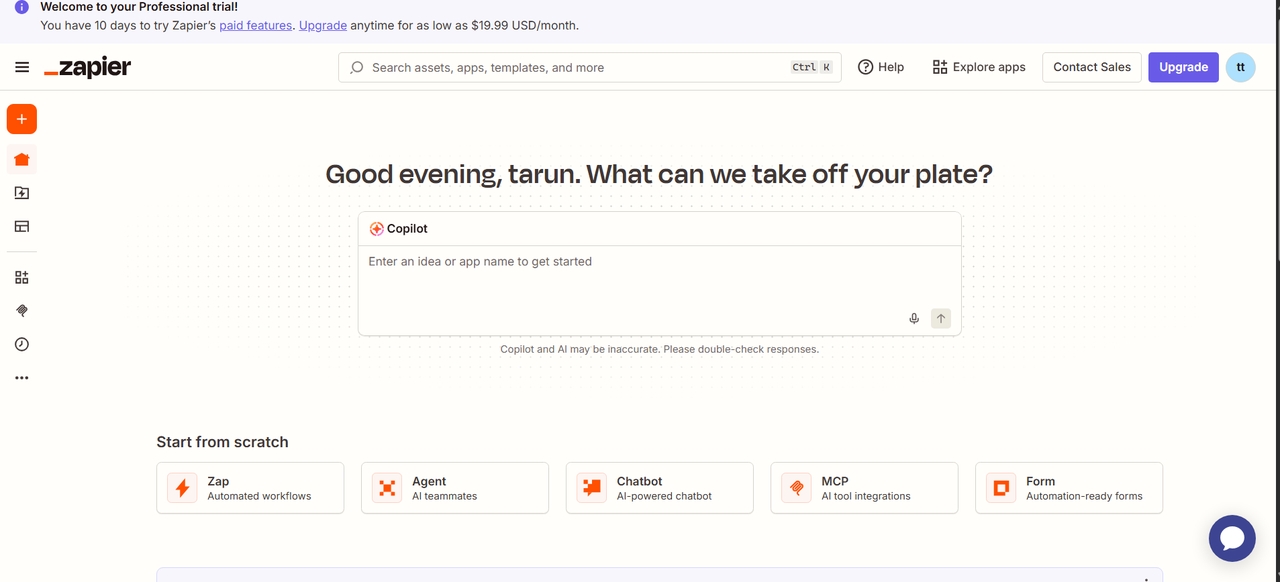
Key features
- 7,000+ app integrations: Connects CRM, marketing, productivity, and communication tools into centralized workflow automation systems.
- No-code workflow builder: Helps businesses automate repetitive operational tasks visually without technical expertise requirements.
- Multi-step workflow automation: Supports filters, conditions, and branching logic for managing complex workflow automation processes.
- AI-powered workflow support: Uses AI tools for summaries, responses, and productivity-focused workflow automation improvements.
Best for: Small businesses, startups, and teams need easy app-based workflow automation.
- Make: Visual workflow automation tool
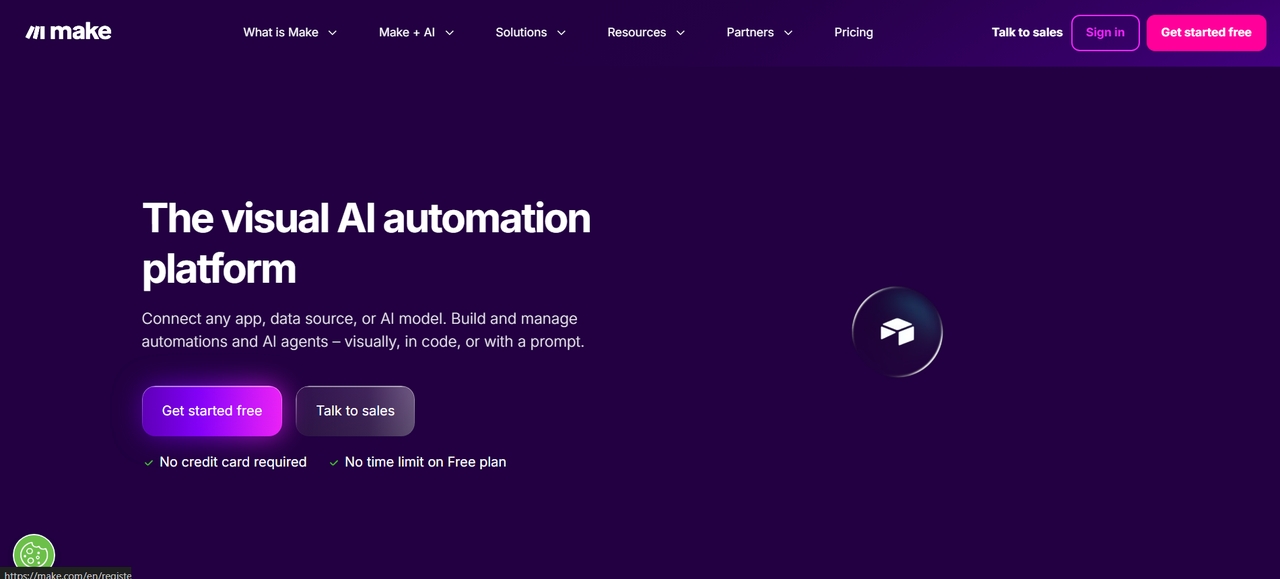
Make is an automation platform that uses visual workflow tools for businesses dealing with complex operations management and integration processes. The drag-and-drop tool for scenario building allows for automated approval, notification, API, and data transfer tasks using flexible workflow rules. Make is recognized by its visual interface, scalability, and affordability of automation solutions. Business organizations managing complex workflows prefer Make as compared to other conventional automation platforms due to its customizability and workflow visibility.
Key features
- Visual workflow builder: Uses drag-and-drop workflow mapping for creating advanced automation scenarios and operational workflows.
- Advanced workflow logic: Supports routers, filters, conditions, and branching systems for detailed automation workflow control.
- API and app integrations: Connect APIs, databases, and cloud applications into scalable workflow automation pipelines efficiently.
- Scalable workflow management: Handles large operational automation workloads across growing business workflow environments.
Best for: Operations teams, agencies, and businesses that manage advanced workflow automation systems.
- n8n: Open-source workflow automation tool
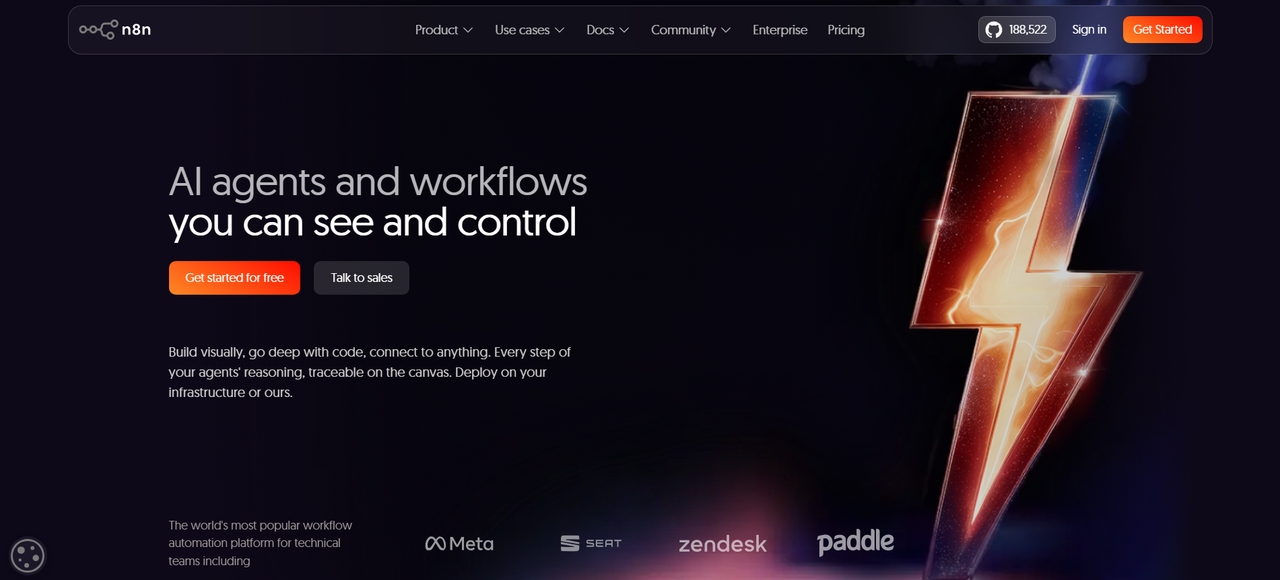
n8n is an open-source workflow automation platform built for developers and businesses needing advanced customization and self-hosting capabilities. The platform supports API integrations, scripting, AI workflow automation, and scalable backend operations. Technical teams prefer n8n because it provides complete workflow control while allowing private infrastructure deployment. Its AI-native capabilities and developer-friendly flexibility make it one of the best workflow automation tools for technical environments and enterprise operations.
Key features
- Open-source workflow system: Provides customizable workflow automation infrastructure with advanced developer flexibility options.
- Self-hosting support: Enables secure private workflow automation environments for internal business operations management.
- Advanced API integrations: Connects cloud apps, APIs, and databases into scalable workflow automation systems efficiently.
- AI workflow automation: Supports intelligent workflow integrations for operational and productivity management automation systems.
Best for: Developers, engineering teams, and businesses that require customizable workflow automation systems.
- Workato: Enterprise workflow automation tool
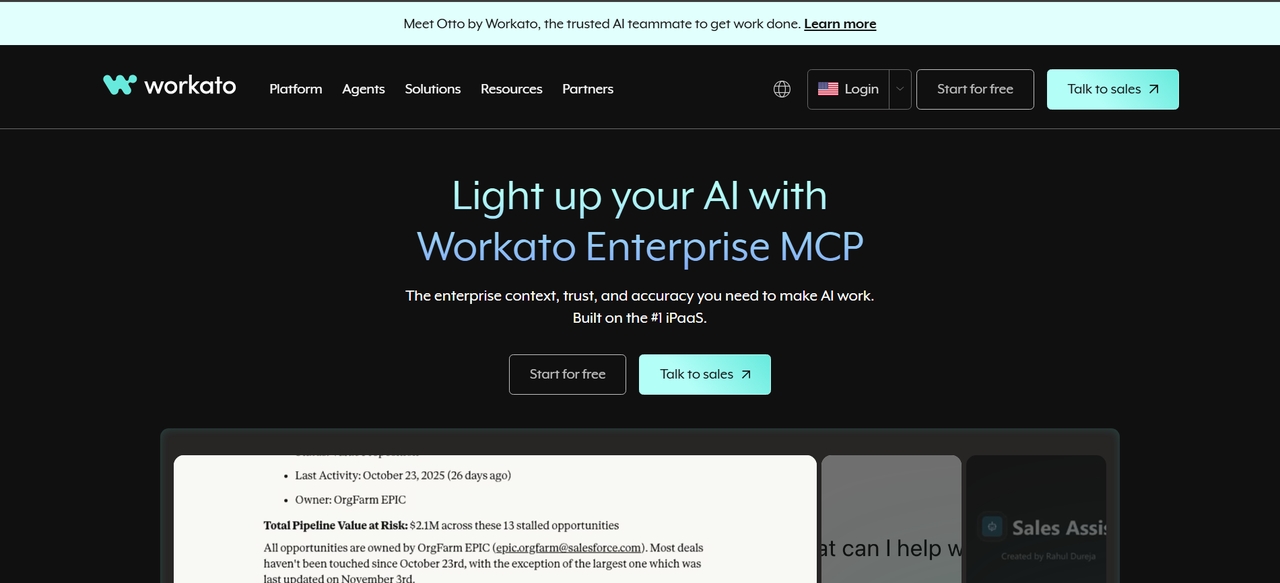
Workato is an enterprise-level platform for automating workflows, which targets enterprises to automate their operational processes. The platform integrates AI-driven integrations, business process automation, and enterprise workflow orchestration in one single platform. Organizations can automate their HR processes, financial processes, customer processes, and IT processes while ensuring that they comply with their governance policies. Workato suits well for enterprises looking to build their workflow automation systems.
Key features
- Enterprise workflow automation: Automates HR, finance, IT, and customer operations workflow management systems efficiently.
- AI-powered integrations: Use intelligent workflow automation systems to improve productivity and operational management.
- Cross-platform connectivity: Integrates CRMs, ERPs, and enterprise applications into unified workflow automation systems.
- Enterprise-grade security: Provides workflow governance, compliance controls, and scalable automation infrastructure securely.
Best for: Enterprises, IT departments, and businesses automating operational workflows at scale.
- Pipedream: Developer workflow automation tool
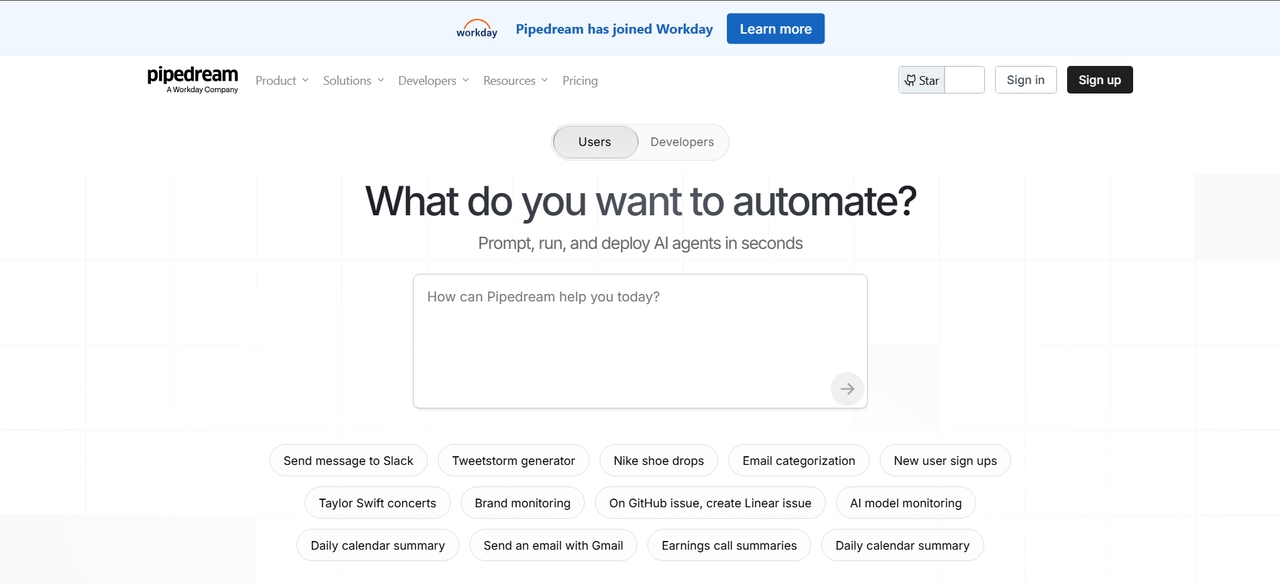
Pipedream is a combination of serverless workflow automation and API orchestration that helps developers build scalable backend automation. It provides functionalities such as event-driven workflows, cloud integration, scripting, and operations automation without managing any infrastructure. Pipedream helps businesses automate their APIs, backend services, notifications, and operations effectively. Pipedream is ideal for developers and technical teams that require flexible workflow automation and scalable operational systems.
Key features
- Serverless workflow automation: Automates backend workflows without requiring infrastructure or server management systems.
- API workflow orchestration: Connects APIs, databases, and cloud services into scalable workflow automation pipelines.
- Custom scripting support: Enables developers to automate workflows using coding and operational workflow logic systems.
- Workflow monitoring tools: Provide debugging, testing, and execution tracking for reliable workflow automation management.
Best for: Developers, technical teams, and API-based workflow automation systems.
- Relay.app: Collaborative workflow automation tool
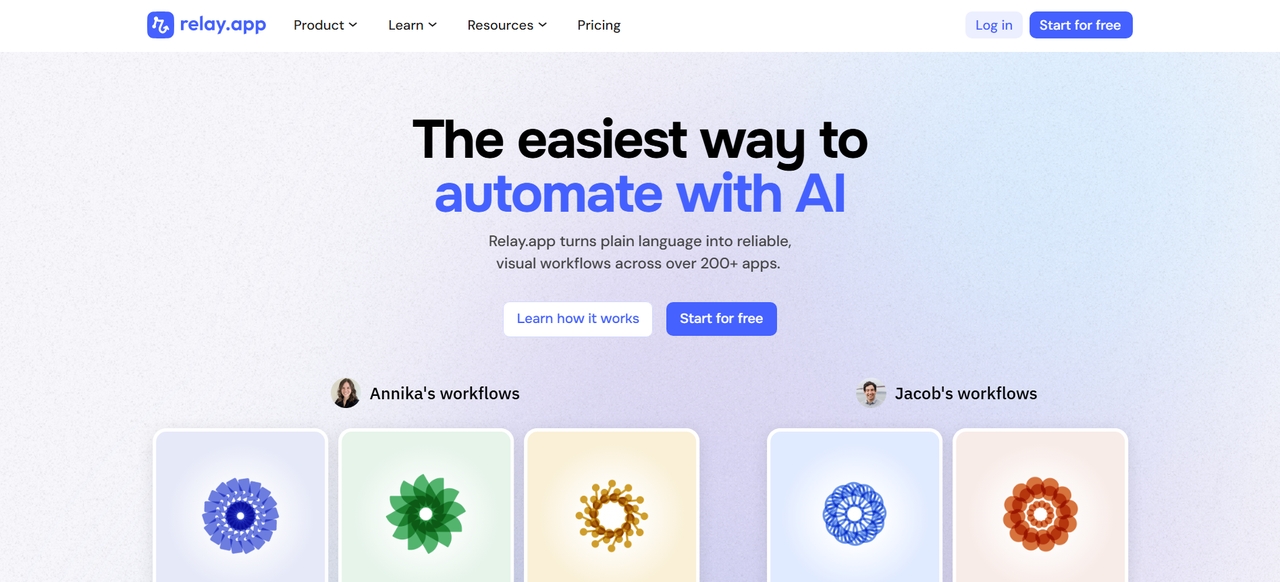
Relay.app provides AI-based workflow automation along with human collaboration and workflow management systems. It enables teams to automate their workflows while retaining visibility and approval capabilities within the same. It can help businesses streamline their collaborative workflows, approvals, notifications, and operational management processes effectively. Relay.app is perfect for operational teams looking for automated workflow systems that integrate intelligence and collaboration seamlessly.
Key features
- Approval-based workflows: Automate collaborative business processes requiring human approvals and workflow visibility systems.
- AI workflow automation: Simplifies repetitive operational tasks using intelligent workflow automation management systems efficiently.
- Team collaboration tools: Support workflow visibility, notifications, and collaborative operational workflow management environments.
- Cloud app integrations: Connects productivity tools and cloud systems into workflow automation environments seamlessly.
Best for: Operations teams and businesses that manage approval-based workflow automation systems.
- Airtable: workflow management automation tool
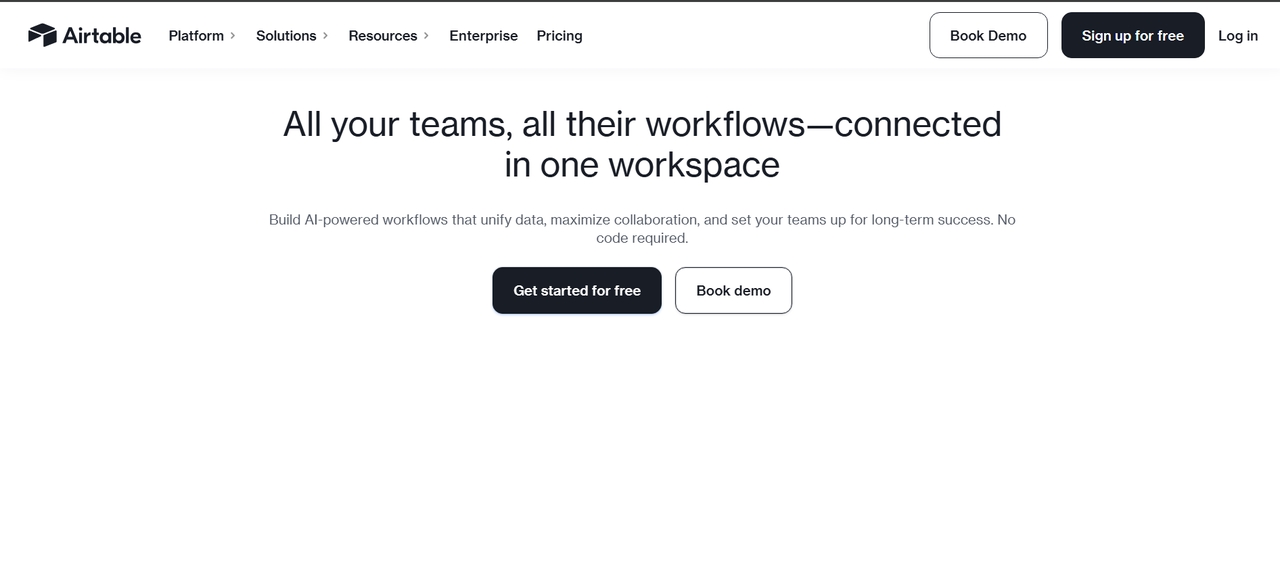
Airtable combines workflow automation, database functionality, and project management inside one collaborative platform. Businesses can automate approvals, operational tasks, notifications, and workflow tracking using customizable no-code systems. Its spreadsheet-style interface simplifies collaboration while supporting scalable workflow organization across teams. Airtable is especially useful for project management, operations planning, and collaborative workflow automation environments.
Key features
- Database-powered workflows: Combines spreadsheet simplicity with workflow automation and operational management systems efficiently.
- No-code automation tools: Automate approvals, notifications, and operational workflows without technical expertise requirements.
- Collaborative workflow management: Supports shared workspaces and centralized operational workflow organization across teams.
- Integrated productivity systems: Connects cloud applications and communication tools into workflow automation environments.
Best for: Project management teams and businesses that manage collaborative operational workflows.
- Monday.com: team workflow automation software
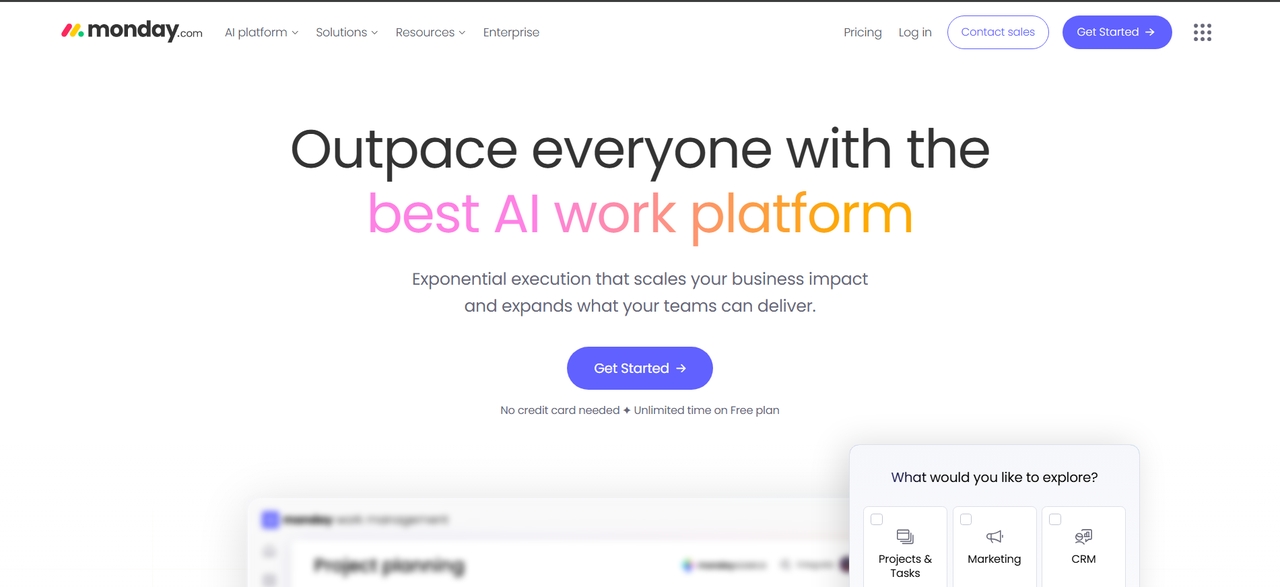
Monday.com helps businesses automate projects, approvals, and operational workflows using customizable dashboards and automation systems. The platform improves workflow visibility, productivity tracking, and collaborative management across departments. Teams can automate recurring tasks, operational notifications, and project approvals while simplifying workflow organization. Monday.com is widely used for collaborative project operations and team workflow automation management systems.
Key features
- Project workflow automation: Automates approvals, notifications, and recurring operational workflow management processes efficiently.
- Visual workflow dashboards: Help teams track productivity and workflow performance across collaborative business environments.
- Custom automation rules: Simplifies repetitive operational workflows using customizable business automation systems efficiently.
- Business app integrations: Connects CRMs, productivity tools, and communication apps into workflow automation systems.
Best for: Project teams, operations management, and collaborative workflow automation systems.
- ClickUp: Productivity workflow automation tool
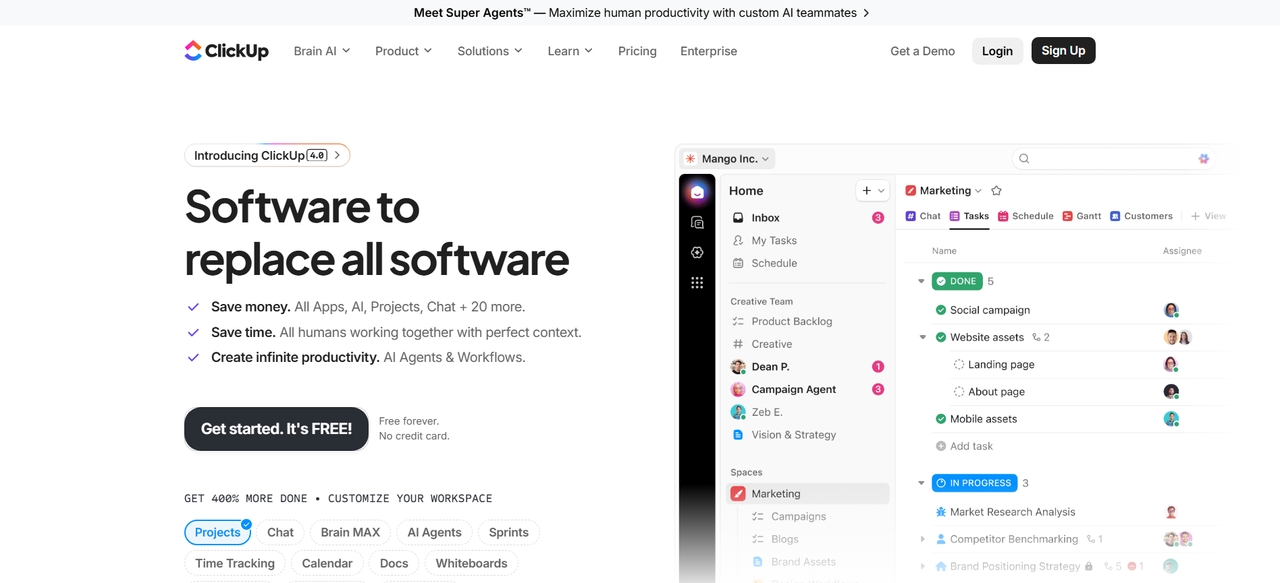
ClickUp combines productivity management, workflow automation, and task organization into one business operations platform. Businesses can automate reminders, recurring tasks, approvals, and operational workflows while centralizing collaboration and documentation. Its customizable dashboards and workflow templates help teams improve productivity and streamline business operations efficiently. ClickUp is suitable for organizations looking for productivity-focused workflow automation systems with collaborative management tools.
Key features
- Recurring workflow automation: Automates reminders, approvals, and repetitive operational productivity management tasks efficiently.
- All-in-one productivity platform: Combines workflows, goals, tasks, and documentation into centralized management systems.
- Workflow templates: Simplifies operational processes using customizable workflow automation templates for business operations.
- Productivity dashboards: Tracks workflow performance, operational efficiency, and collaborative productivity management continuously.
Best for: Productivity management, team collaboration, and operational workflow automation.
Workflow automation tools: Features & pricing breakdown
Explore workflow automation tools with features and pricing breakdowns to compare plans, costs, and capabilities, helping businesses choose the right automation platform in 2026.
| Tool | Free Plan | Starting Price | Mid Plan | Enterprise Pricing |
| Zapier | Yes (100 tasks/mo) | ~$19.99/mo | ~$49–$69/mo | Custom |
| Make | Yes (1,000 ops/mo) | ~$9–$10/mo | ~$16–$34/mo | Custom |
| n8n | Yes (self-host free) | ~$20–$24/mo (cloud) | ~$50–$60/mo | Custom/self-host |
| Workato | No | ~$10,000+/year | $25K–$60K/year | $100K+ |
| Airtable | Yes | ~$20/user/mo | ~$45/user/mo | Custom |
| Monday.com | Yes | ~$9–$12/user/mo | ~$19–$24/user/mo | Custom |
| ClickUp | Yes | ~$7–$10/user/mo | ~$19/user/mo | Custom |
| Pipedream | Yes | ~$19/mo | ~$49/mo | Custom |
| Relay.app | Yes | ~$9–$19/mo | ~$29+/mo | Custom |
| Framia Pro | Limited/free trial | Custom pricing | Custom | Custom |
How to choose the right workflow automation tool
Choose workflow automation tools based on scalability, integrations, usability, and AI features.
- Business workflow requirements: Identify repetitive tasks, operational bottlenecks, and workflows your business wants to automate to improve productivity, streamline operations, and reduce manual workload efficiently.
- Integration compatibility: Choose workflow automation tools that integrate seamlessly with CRMs, project management software, communication platforms, databases, and cloud business applications.
- Scalability and flexibility: Select workflow automation software that supports business growth with scalable infrastructure, flexible workflow customization, and advanced automation management capabilities.
- Ease of use and no-code features: Choose workflow automation solutions that offer easy-to-use dashboards and no-code automation options to help your team manage workflows easily.
- Security, pricing, and support: Compare workflow automation tools based on pricing, enterprise security, compliance features, customer support quality, and workflow reliability for long-term business use.
Conclusion
To conclude, workflow automation tools have proved their value in aiding businesses to automate their work and increase productivity in 2026. Integration platforms such as Zapier and Make, developer tools such as n8n and Workato – each one has its benefits and drawbacks. With the development of AI technologies, automation has become smarter and more efficient. In case you want a complete solution, Framia Pro with its AI agents and multimodal automation capabilities, is definitely worth recommending.
FAQ's
- How do AI workflow automation tools work?
The AI workflow automation tools operate by connecting applications and systems via triggers and actions, applying AI for automating decision-making, processing data, producing content, and other business operations effectively.
- Why are workflow automation tools important for businesses?
Workflow automation tools are important since they help reduce manual work, increase efficiency, reduce errors, and fast-track business processes, thus helping businesses focus on strategy and growth.
- What is the difference between workflow automation software and traditional tools?
Workflow automation software uses different software applications to automate tasks in different systems, while conventional tools use manual methods and individual functions without any automation or connection between different systems.
- How does Framia Pro improve the performance of workflow automation tools?
Framia Pro improves performance by combining AI agents, multimodal automation, and end-to-end workflow orchestration, enabling faster content creation, smarter decision-making, and fully automated creative and operational workflows.
- Is Framia Pro suitable for users of no-code workflow automation tools?
Yes, Framia Pro is suitable for no-code users because it offers a visual workflow builder that allows users to create, manage, and automate complex workflows without programming knowledge.





