
Open source image generation models have opened up a whole new world for creators, developers, and businesses. You can now turn text into images, edit photos, produce videos, and create 3D objects, without spending a fortune on software. The space has grown rapidly, with over 90,000 text-to-image models available on Hugging Face alone. Going open source means no subscriptions, full control over your data, and the freedom to tweak things however you need. This guide covers the best models out there and everything else you need to hit the ground running.
What are open source image generation models?
Open source image generation models are software programs that create images from written descriptions. You type in what you want to see, lets say a sunset over the mountains, a product mockup, a cartoon character, and the model produces it as an image.
Think of it as hiring an artist who has studied millions of paintings, photos, and illustrations their entire life. You describe what you want, and they draw it for you in seconds. Except this artist never sleeps, never charges per project, and lives on your own computer.
What makes them "open source" is that the code is publicly available. Anyone can download, use, modify, or build on top of them for free. This is different from paid tools like Midjourney or Adobe Firefly, where you pay to access the software and have no control over how it works under the hood.
These models are trained on millions of images, which teach them to understand the relationship between words and visuals. Over time, they've become good enough to produce professional-quality results, and the best ones now rival expensive commercial options.
Why choose open source over closed image models?
Paid image models are convenient, but they come with real limitations. You pay per image, hand over your data to third-party servers, and have no say in how the software works. Open source models solve all of that. Here is why more creators and developers are making the switch.
- Full control over outputs
With closed tools, the platform decides what you can and cannot generate. Open source models run on your own setup, so you set the rules. You get exactly what you ask for, without content filters or platform restrictions getting in the way.
- Ability to fine-tune models
Closed models are locked and cannot be changed to suit your specific needs. However, you can train open source models further on your own images, styles, or brand guidelines. This means the output starts to look and feel like yours, not like everyone else using the same tool.
- No per-image cost
Most commercial tools charge you for every image you generate, which adds up fast. But with open source models, you run everything on your own hardware and generate as many images as you want. The only cost is electricity and machines doing the work.
- Privacy and offline usage
When you use a cloud-based tool, your prompts and images pass through someone else's servers. Open source models can run entirely offline, so nothing leaves your machine. This matters a lot for businesses handling sensitive projects or proprietary content.
- Large community support
Open source models are backed by thousands of developers, researchers, and creators around the world. They share fine-tuned versions, tutorials, plugins, and fixes on a daily basis. If you run into a problem, someone in the community has likely already solved it.
Top 7 open source image generation models
Different open source AI image generators focus on different strengths such as realism, speed, structure control, or text accuracy. Below are seven widely used models, each with a clear purpose.
| Model | Architecture | Min VRAM | License | Key Strengths | Best For |
| Stable Diffusion 3.5 | Latent diffusion (DiT) | 8 GB+ | Commercial | Large ecosystem, LoRA support, active community | General creative work, beginners, plugin-based workflows |
| ControlNet 1.1 | Conditioned SD add-on | 8 GB+ | Apache 2.0 | Pose control, depth maps, edge guidance | Character consistency, architecture layouts, guided generation |
| FLUX.2 | Flow matching transformer (4B–32B) | 13 GB (4B) / 24 GB (32B) | BFL Commercial | Multi-image reference, strong prompt accuracy, very fast output | High-quality visuals, branded assets, marketing content |
| GLM-Image | Hybrid AR + DiT (9B + 7B) | ~16 GB | Research / Custom | Strong text rendering, supports Chinese typography, edit + generate in one flow | Posters, UI mockups, bilingual designs, infographics |
| Qwen-Image-2512 | Diffusion + vision language model (20B) | ~16 GB | Apache 2.0 | Multilingual text, layered RGBA editing, ControlNet support | Commercial workflows, advanced editing, multilingual content |
| Waifu Diffusion | Stable Diffusion fine-tuned (anime dataset) | 6 GB+ | CreativeML OpenRAIL | Anime style, manga visuals, character-focused outputs | Games, visual novels, anime-style artwork |
| Z-Image-Turbo | Distilled diffusion transformer (6B) | 16 GB | Apache 2.0 | Very low latency, supports English + Chinese, batch processing | Real-time apps, large-scale pipelines, edge deployment |
- Stable Diffusion 3.5
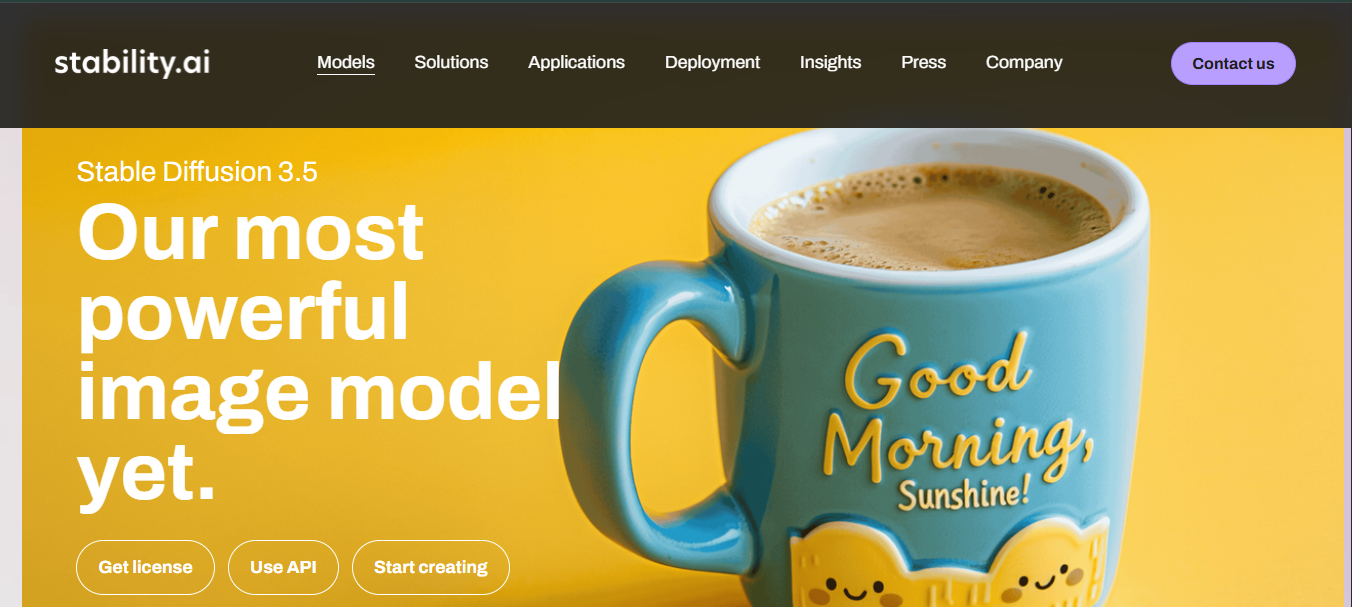
Stable Diffusion 3.5 is a Multimodal Diffusion Transformer (MMDiT) text-to-image model developed by Stability AI. It improves image quality, typography, prompt understanding, and overall performance. The model comes in three sizes, designed for different hardware setups and use cases. This best model for generating images remains one of the most widely used open image generation models, supported by a large community of developers and creators.
Key features:
- Three model sizes: Large (8B parameters), Large Turbo, and Medium (~2.5B parameters), each suited for different performance and hardware needs
- High-resolution output: The Large model supports high-quality image generation at around 1-megapixel resolution
- Fast generation variant: Large Turbo produces quality results in a small number of steps
- Fine-tuning support: Built for customization with improved prompt consistency
- Flexible usage license: Free for individuals and smaller businesses, with enterprise licensing for larger organizations
- ControlNet 1.1
ControlNet is a neural network structure that controls diffusion models by adding extra conditions. It copies the weights of neural network blocks into a locked copy and a trainable copy. The trainable one learns your condition, while the locked one preserves the original model. Released by researcher lllyasviel, it does not generate images on its own. Instead, this best image model sits on top of Stable Diffusion and gives you precise structural control over what gets generated.
Key features:
- Multiple conditioning types: ControlNet supports control via canny edge detection, Midas depth estimation, HED soft edge detection, M-LSD line detection, normal maps, OpenPose human pose detection, and semantic segmentation.
- Composable controls: ControlNet supports combining multiple ControlNets at once. All production-ready models are extensively tested with multiple ControlNets combined, and official Multi-ControlNet support is available through the A1111 plugin.
- Improved robustness in v1.1: ControlNet 1.1 adds new soft edge processing, multiple new preprocessors such as Canny, Depth, and Inpaint, and strengthens the model's overall robustness and image quality compared to version 1.0.
- Instruction-based editing: ControlNet 1.1 includes a model trained on the Instruct Pix2Pix dataset, trained with both instruction prompts and description prompts.
- FLUX Series
The FLUX series is developed by Black Forest Labs and focuses on high-quality image generation with strong prompt alignment. It includes multiple models designed for both experimentation and production workflows.
Key features:
- Multiple variants: Includes FLUX.1 [schnell], [dev], and specialized tools for editing and conditioning.
- In-context image editing: Allows image changes using text instructions without retraining.
- Dedicated editing tools: Includes support for inpainting, outpainting, and structural guidance.
- Open-weight availability: Enables local deployment and customization.
- Flexible deployment options: Supports APIs, local setups, and testing environments.
- GLM-Image
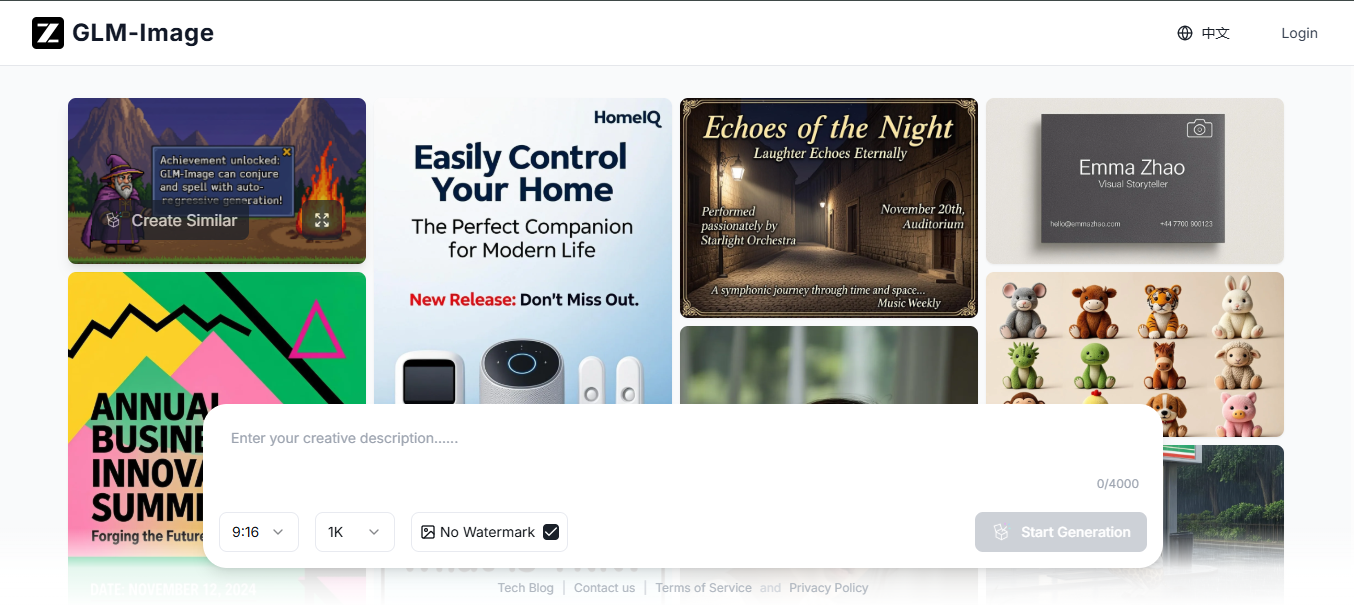
GLM-Image is an image generation model that adopts hybrid autoregressive and diffusion decoder architecture. It shows advantages in text rendering and knowledge-intensive generation scenarios, with strong capabilities in high-fidelity and fine-grained detail generation. Developed by Zhipu AI, it is built for use cases where other models tend to fall short, particularly when images need to include readable text or information-dense layouts.
Key features:
- Hybrid architecture design: Combines autoregressive encoding with diffusion decoding.
- Accurate text rendering: Produces clear and readable text within images.
- Support for complex layouts: Works well for posters, infographics, and structured visuals.
- Unified generation and editing: Handles both text-to-image and image-to-image tasks.
- Post-training refinement: Uses reinforcement learning to improve detail and alignment.
- Qwen-Image-2512
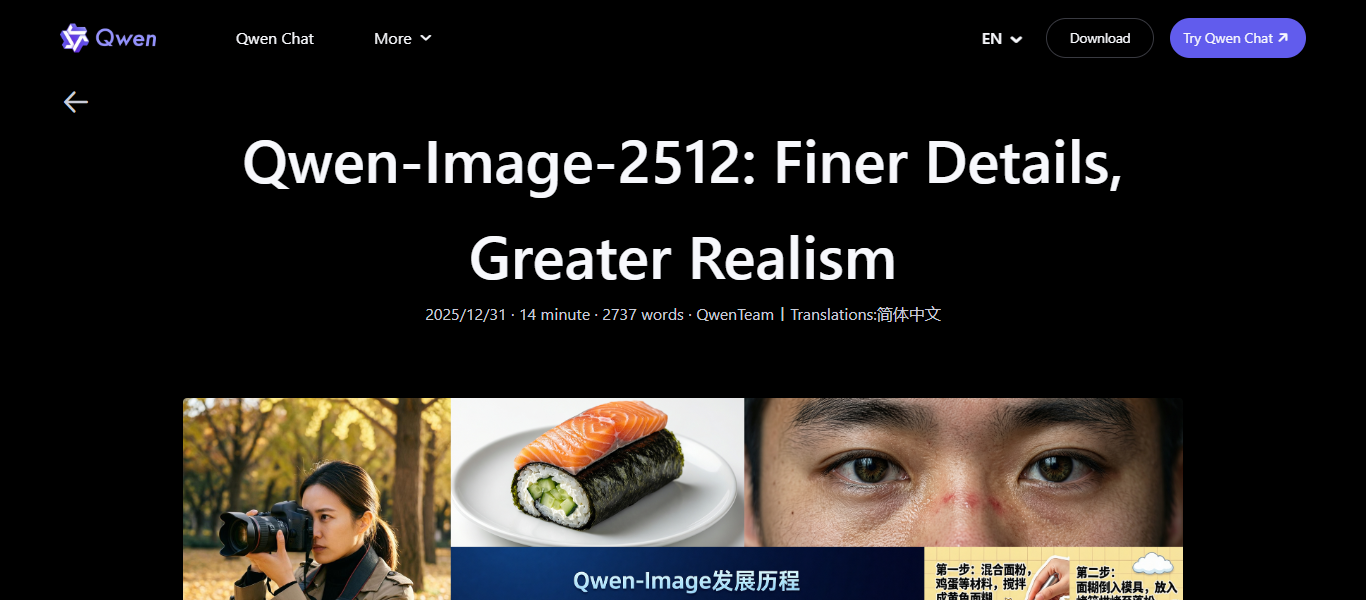
Qwen-Image-2512 is the December update of Qwen-Image's text-to-image best open source image generation model, which features enhanced human realism, finer natural detail, and improved text rendering accuracy and quality. It is aimed squarely at enterprise and commercial use cases where quality, reliability, and licensing clarity matter.
Key feature:
- Improved visual realism: Reduces artificial appearance in generated images.
- Better text accuracy: Produces clearer embedded text and structured layouts.
- Detailed scene generation: Handles environments and objects with higher clarity.
- Open commercial license: Released under Apache 2.0 for free use and modification.
- Full model access: Available through open model platforms for deployment.
- Waifu Diffusion
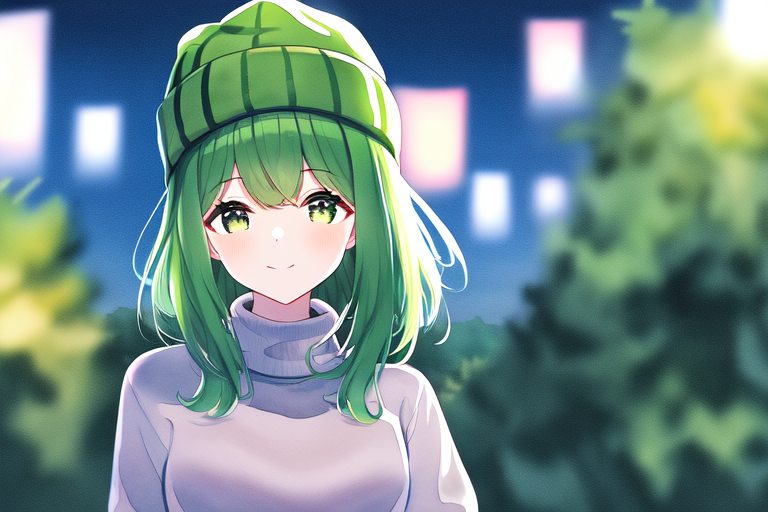
Waifu Diffusion is created by Hakurei and focuses on anime-style image generation. It is trained specifically on anime datasets, which allows it to produce consistent character designs and stylized visuals. It builds on Stable Diffusion and fits directly into its ecosystem, which makes it easy to use for artists already familiar with those tools.
Key features:
- Anime-focused training: The model is trained on a large dataset of anime images, which helps it learn character proportions, facial expressions, and stylistic elements common in anime art.
- Consistent character quality: It maintains stable facial features, hairstyles, and clothing details across different prompts, which is useful when creating the same character in multiple scenes.
- Style control through prompts: You can guide the output using tags and prompt styles commonly used in anime communities.
- SDXL-based variant: The newer version built on SDXL improves resolution, lighting, and finer details while keeping the anime style intact.
- Open access license: Distributed under CreativeML OpenRAIL-M, which allows usage and redistribution with certain conditions.
- Wide community support: A large number of pre-trained checkpoints, LoRAs, and style packs are available.
- Z-Image-Turbo
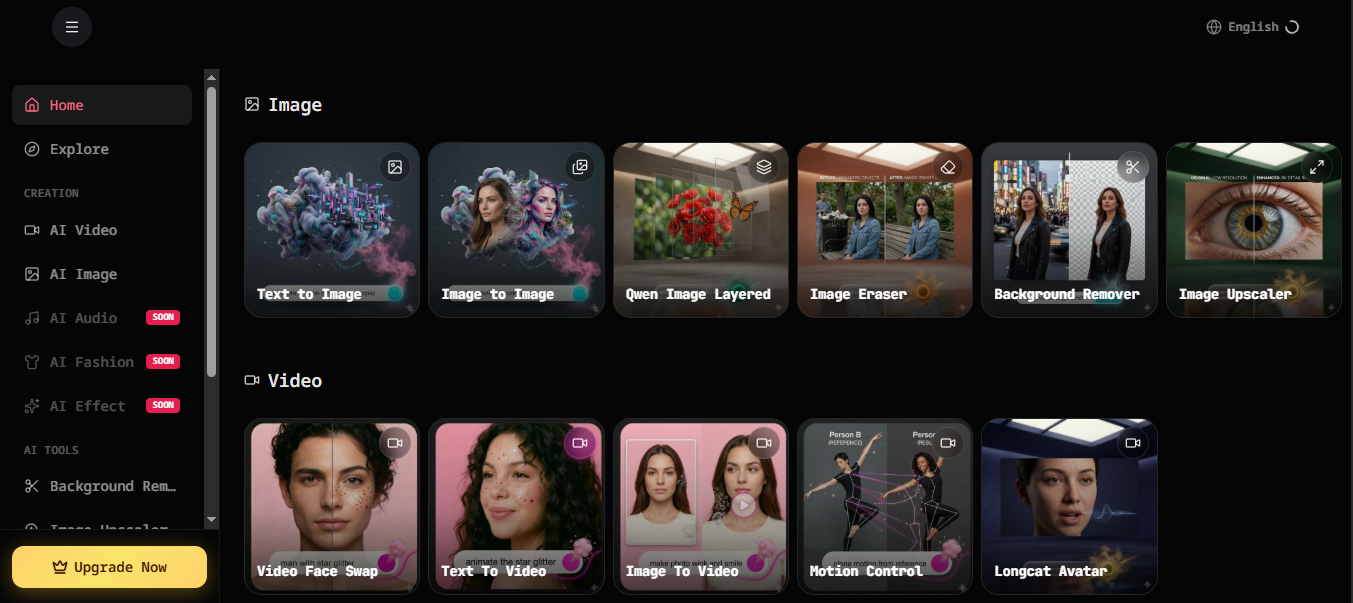
Z-Image-Turbo is developed by Tongyi-MAI. It focuses on speed and efficiency, which makes it suitable for applications that require quick image generation. It is part of a compact model family designed to deliver strong results without relying on very large architectures.
Key features:
- Sub-second generation speed: Z-Image-Turbo proves that top-tier performance is achievable without relying on enormous model sizes.
- Bilingual text rendering: Accurately renders complex Chinese and English text, and in poster design demonstrates strong compositional skills and a good sense of typography.
- Prompt enhancing and reasoning: A built-in prompt enhancer empowers the model with reasoning capabilities.
- Efficient single-stream architecture: Z-Image-Turbo uses a Scalable Single-Stream DiT architecture where text, visual semantic tokens, and image VAE tokens are concatenated at the sequence level into a unified input stream.
Key factors to consider before choosing a model
Before you commit to one, there are a few practical things worth checking. Here is what to look at and why it matters.
- Image quality
Image quality comes down to how realistic, detailed, and accurate the output looks compared to what you asked for. Some models produce lifelike results while others lean more stylized. The right choice depends on what your project actually needs.
- Speed (inference time)
Inference time is how long the model takes to produce one image. If you are generating hundreds of images in a batch or building a real-time tool, speed matters a lot. A slower model that produces great results might not always be practical.
- VRAM requirements
VRAM is the memory your graphics card uses to run the model. Larger models need more of it, sometimes 16 GB or more. If your hardware does not meet the requirement, the model simply will not run, or it will run too slowly to be useful.
- Text rendering ability
Some models handle text inside images well, others get it completely wrong. If your outputs include signs, posters, labels, or any written content, this becomes a critical factor. Models like GLM-Image and Qwen-Image-2512 were built specifically with this in mind.
- Licensing (commercial vs restricted)
Some models are free for personal or research use but require a paid license for commercial work. Others like Z-Image-Turbo and Qwen-Image-2512 are fully open under Apache 2.0. Always check the license before using a model in a client project or product.
- Ecosystem and community
A strong community means more tutorials, pre-built fine-tunes, plugins, and faster fixes when things go wrong. Stable Diffusion, for example, has thousands of community-created resources. A newer or more niche model might be impressive but leave you with very little support around it.
Framia Pro: Your option for working with non-open models
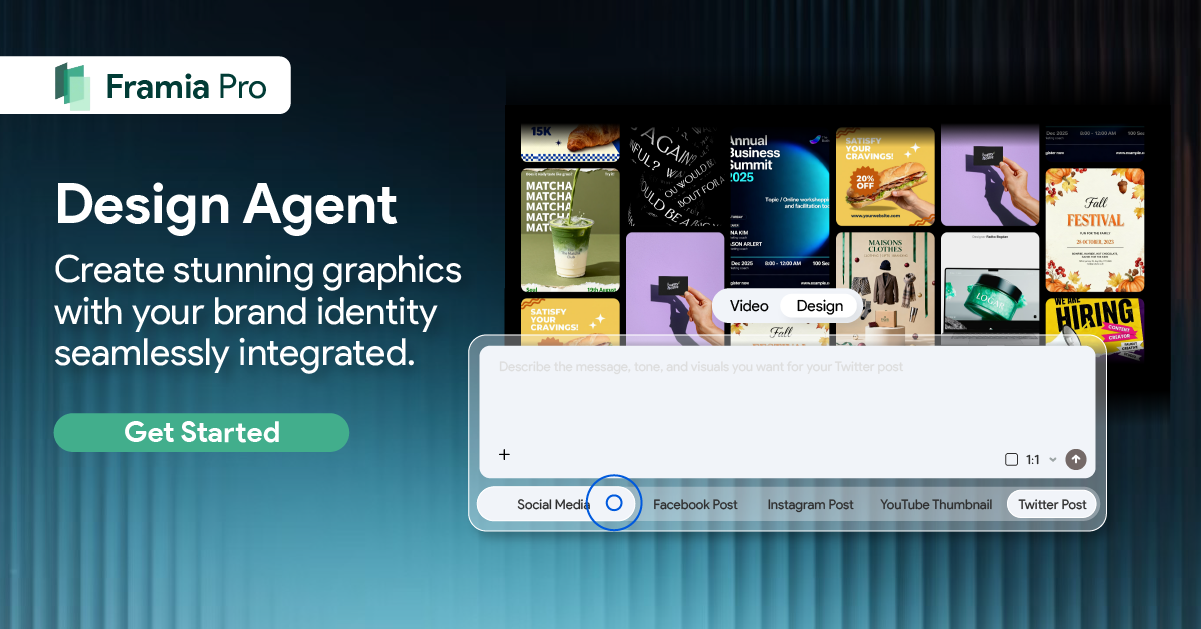
Framia Pro is an AI creative platform that lets you generate images and videos using powerful closed models from partners like Google Gemini and other advanced engines. It brings multiple proprietary models into one workspace so you can create visuals, edit designs, and produce content without switching tools or managing complex setups. This makes it easier for creators who need results from models that aren’t open source.
Features of Framia Pro image generator
Framia Pro provides a single workspace where you can create and edit images using different advanced image models. Each feature is designed to give you control over how images are generated and refined.
- Multiple image models to choose from
Framia Pro gives access to Nano Banana Pro, Qwen Image, MidJourney v7, Flux Max, and Seedream 4.5 within one platform. You can switch between different models based on the type of result you want, such as realistic visuals, stylized artwork, or concept designs. This setup removes the need to use separate tools for each model and allows direct comparison of outputs.
- Supports any input
The platform accepts different types of input that include text prompts, reference images, and combined inputs. You can describe a scene in plain language or upload an image to guide the output. This way, you can control composition, layout, and subject details without strict formatting rules.
- Edit images using chat
Framia Pro allows you to modify images through a chat-based interface. You can describe changes in simple sentences, such as adjusting lighting, removing objects, or changing backgrounds. The system interprets your instructions and applies edits directly to the image.
- Works with multiple styles
You can generate images in different visual styles, ranging from realistic scenes to illustrations, anime, and abstract designs. You can manage the style through prompts and model selection. This feature supports projects that require a specific tone or visual theme, such as marketing content, concept art, or social media visuals.
- Generate & process images in batch
Framia Pro supports batch processing, which allows you to generate or edit multiple images in one session. You can submit several prompts at once and receive outputs without repeating the same steps. This is useful for creating variations of a design, which produce large sets of assets, or testing different ideas quickly.
How to generate photos with image models on Framia?
With these steps, you can generate and refine images, artwork, and banners using Nano Banana Pro inside Framia Pro.
Step 1: Enter your prompt
- Open Framia Pro and start with a clear text prompt that describes the scene you want to create.
- Add specific details such as subject, background, colors, mood, and objects to guide the output toward your idea.
- Click the "Plan" option to set the scene layout, lighting direction, and overall composition before generation begins.
- Turn on the "Web" option if you want the model to use live Google Search data for more context-aware image results.
Step 2: Generate the image
- Select any model Pro from the available image models inside the platform.
- Upload multiple images to guide structure, style, or subject consistency.
- Choose an aspect ratio that fits your use case, such as square, portrait, landscape, or up to 4K resolution outputs.
- Click "Generate" to create the image based on your prompt and references.
Step 3: Edit and export to your device
- Preview the generated image and check composition, lighting, and object placement
- Use chat-based commands to modify elements such as replacing objects, adjusting lighting, or changing the background
- Request targeted edits by describing changes in plain text instead of using manual tools
- Click "Download" to export the final image to your device in the selected resolution and format
Conclusion
In this article, explored top 7 open source image generation models show how different tools handle image creation, performance, and flexibility. Each model offers its own strengths in areas such as visual quality, speed, hardware needs, and support for various styles. Framia Pro brings multiple models together in one place to give you more options for generating and editing images in a single workflow without switching between separate tools.
FAQs
- Which open source AI image generator is used most often
Stable Diffusion remains one of the most widely used open source image generators due to its active community and wide tool support. In Framia Pro, you can access different image models in one workspace, which removes the need to set up separate environments for each generator and allows easier switching between outputs.
- Which image generation models produce higher visual quality
Newer models such as SDXL-based and Flux series often generate clearer textures, improved lighting, and better composition. Framia Pro gives you access to Nano Banana Pro, Seedream 4.5, Flux Max, Qwen Image, and Midjourney v7 models to let you create images instantly.
- Which model works best for image generation on limited hardware
Optimized or lightweight versions of models are more suitable for systems with limited VRAM. Framia Pro handles model access on the backend, so you can run heavier models without managing local setup, which reduces the need for high-end hardware on your side.
- Which are considered the best open source image generation models
Models like Stable Diffusion, Waifu Diffusion, and ControlNet-based setups are commonly used for different tasks such as realism, anime art, and structural control. Framia Pro brings these options together, allowing you to select and test multiple models within a single project.
- Which image models are preferred for professional use cases
Professional workflows often require stable outputs, consistent results, and support for editing. Framia Pro adds value by offering chat-based image editing and batch generation, which allows you to refine images and produce multiple variations in one place without switching tools.